 Piece of Cake: Merge & Bake
Maple Lake
Provided by Playgama
Maple Lakevia Playgama



 Italian Brainrot: Animals Merge Puzzle
 Hedgies
 Wednesday Addams Merge Drop Puzzle
 Pirates Merge: War Path
 Chicken Merge
 Yarn Fever! Unravel Puzzle
 Kiki World: Kawaii Doll Decor
 Tidy Up - Satisfeel ASMR
 Money Factory - Earn a Billion
 PopCats: Merge the cats!
 My Town Home: Family Playhouse
 Melon Maker : Fruit Game
 TetraDice–Merge & Blast Blocks
 Candy for capybara
 Hidden Objects: Home Sweet Home
 Dice Puzzle
 Home Design: Decorate House
 Craftsman Land
 Pocket Universe
 Nullify - Merge Math
 Dice Merge
 Summon Tribe
 Winter Tale: Secrets and Mergings
 Brainrot Merge: Drop Puzzle
 Paper Princess - Doll Dress Up
 Tile Valley
 Pretty Tidy - ASMR Organizing
 Grow Slime
 Build Obby World
 2048 Merge Blocks
 Trend Family: Merge Arena
 Merge World
 Island Expander
 Sheep Escape: Farm Sorting Challenge
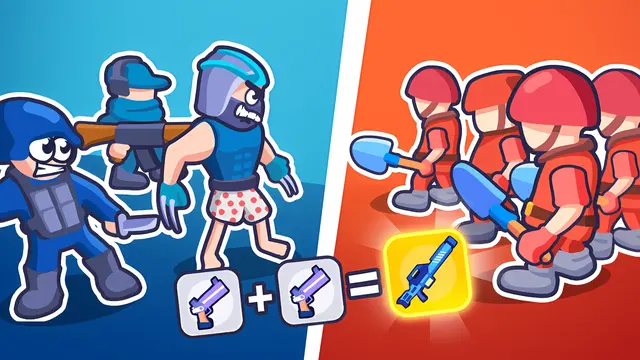 Squad Assembler: Merge
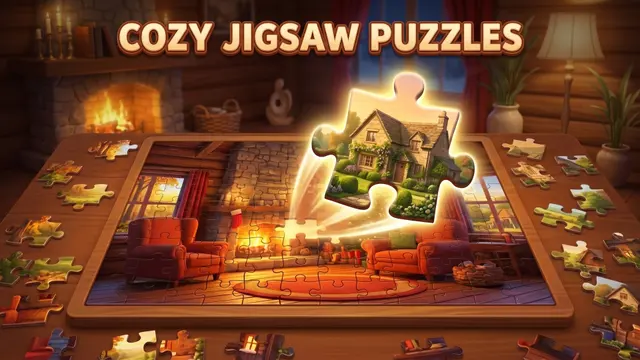 Cozy Jigsaw Puzzles
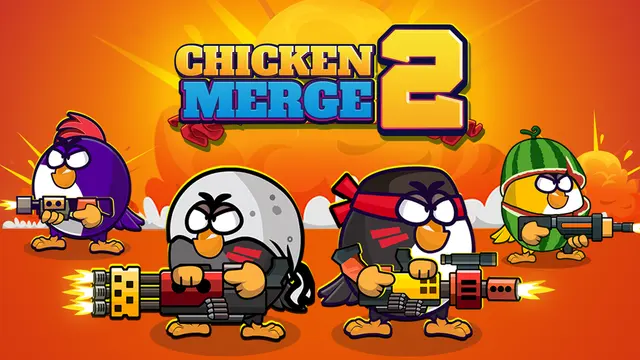 Chicken Merge 2
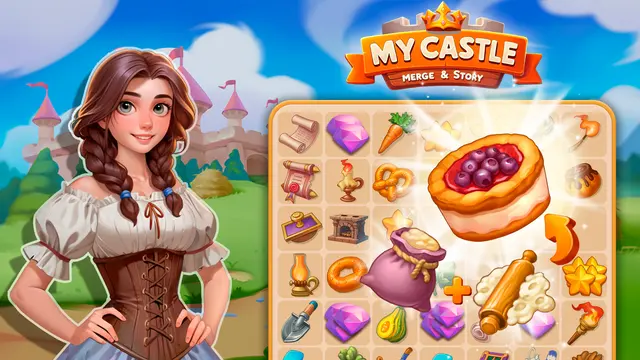 My Castle. Merge & Story
 Connect: Monsters
 Merge 13
 Mix Monsters: Fun Merge
 Monster Merge: Legends Alive
 Merge Combo
 Monster Slayer: Merge & Survive
 Draw or Delete LoveStory
 Funny Cubes 2048
 Merge Balls Shooter 2048 Connect Fruits
 Homo Evolution
 Animal Merge
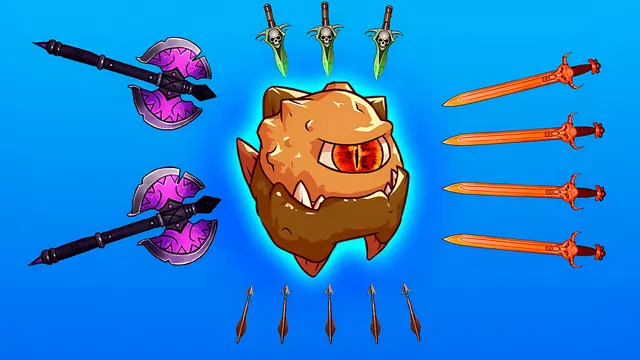 Weaponsmith Evolution - Weapon Merge
 Merge Mushroom
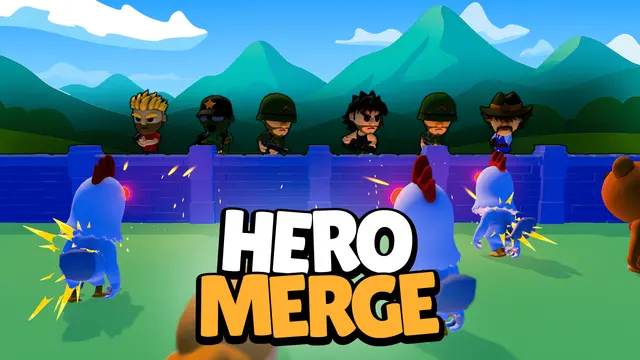 Hero Merge
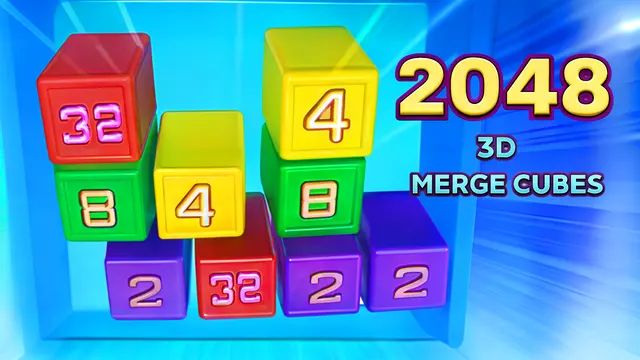 2048 3D: Merge Cubes
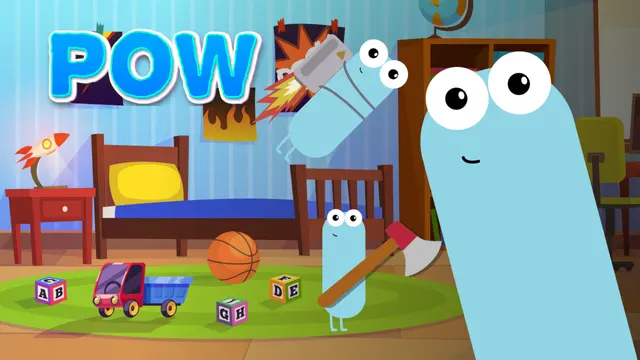 Pow
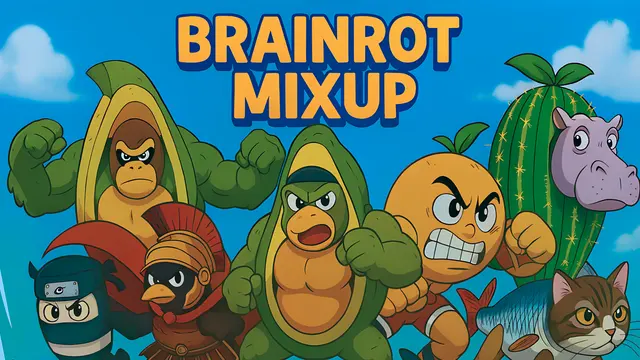 Brainrot Mixup
 Idle Pop Merge
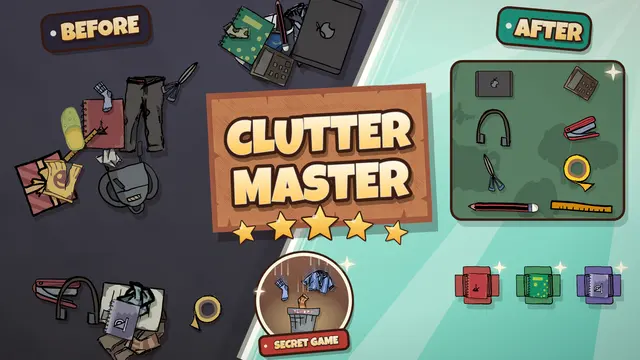 CLUTTER MASTER
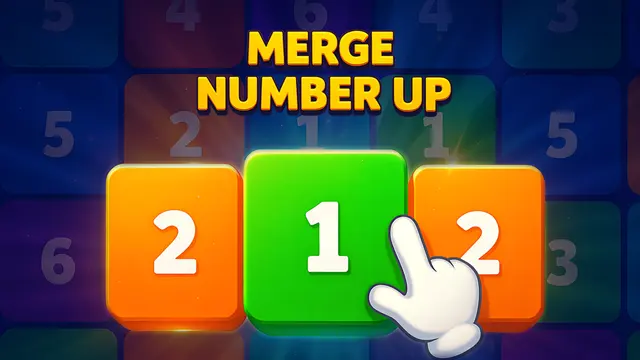 Merge number up
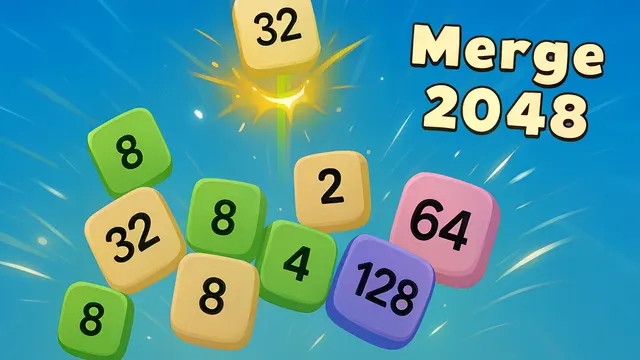 Merge 2048
 Flag Merging Game - Puzzle Game
 Fun Toy Pals
 Stack Up
 Toytopia
 Money Maker
Play Maple Lake online
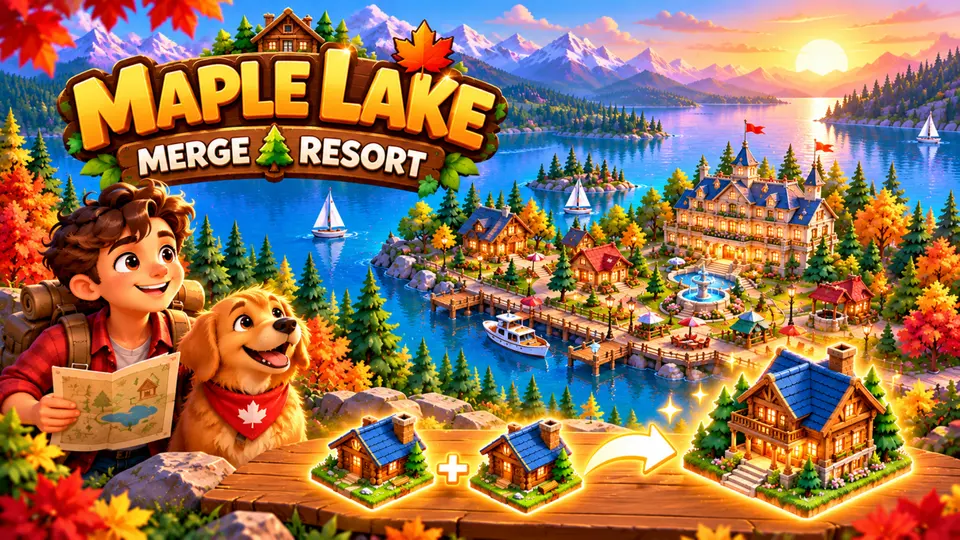
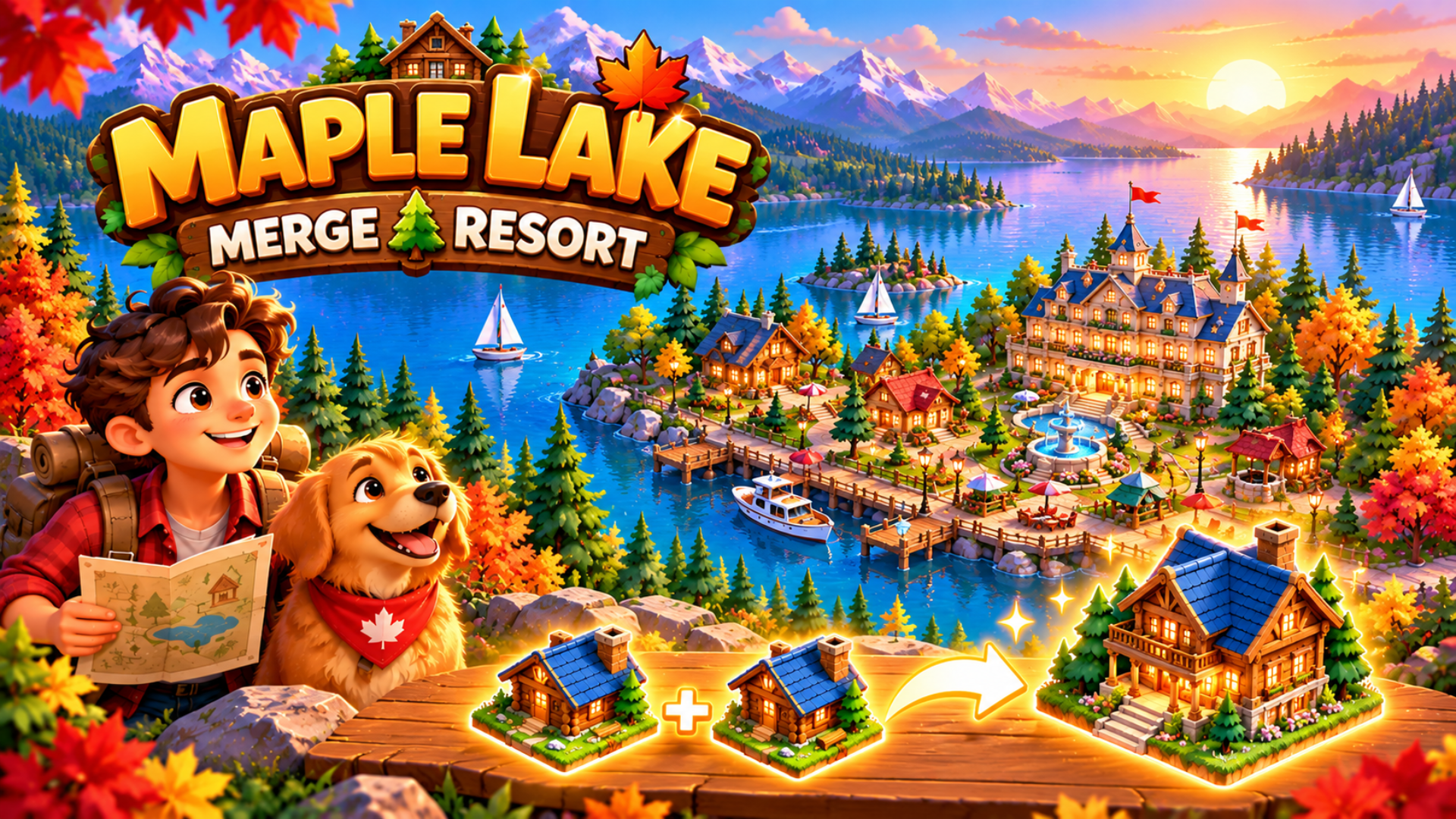
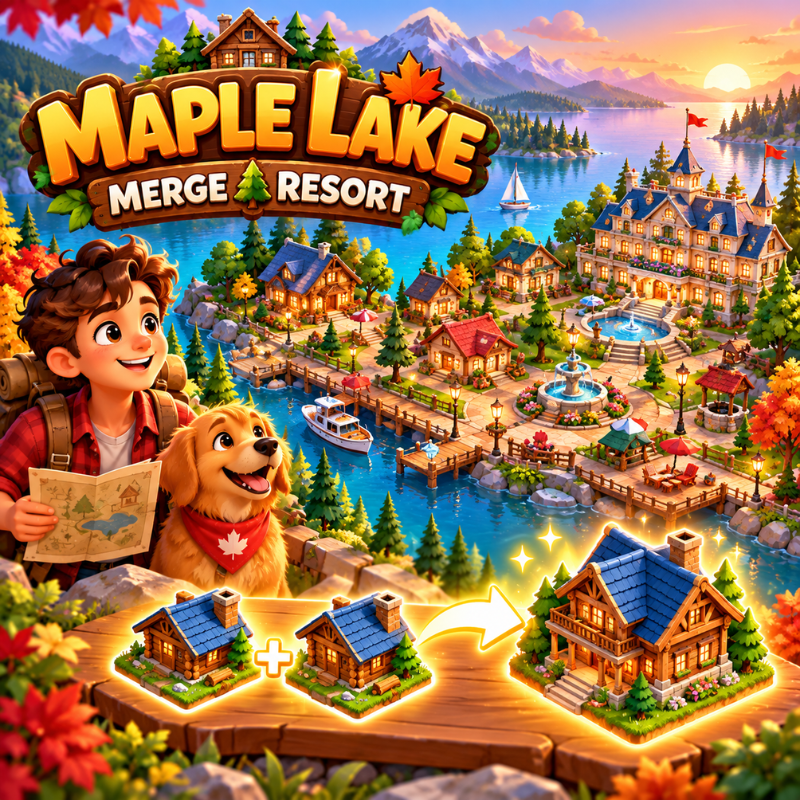
Help Theo rebuild the old camp he inherited from Grandma Hazel. Create new buildings, merge two identical ones, and upgrade them step by step — from simple wood planks and cabins to chalets, hotels, and impressive palaces. As your resort grows, buildings begin generating passive income, allowing you to expand faster, unlock more land, and decorate the area with trees, fountains, lanterns, flower beds, and more.
Bring matching pieces together and consider how each combination changes your available space or resources. The instructions explain which items can be combined. Upgrades are part of the progression described by the provider.
How to play Maple Lake
Controls and instructions
Tap BUILD to create a new building.
Drag two identical buildings together to merge them into a higher-level building.
Drop a building onto a different one to swap their positions.
Drag unwanted buildings to the bin to remove them.
Increase the level of buildings created by BUILD using UPGRADE.
Unlock more land for your resort using EXPAND.
Buildings from level 5 onward generate passive income automatically.
Place decorations like trees, fountains, lanterns, and wells to increase your income.
Complete contracts to earn cash and unlock free land.
Spin the Lucky Wheel for extra rewards.
Keep merging and expanding until you build the ultimate Maple Lake resort.
Merge, build, expand, and turn Maple Lake into the resort of your dreams!
Getting started with Maple Lake
- Check the matching requirements before combining pieces.
- Compare the upgrade description with your next objective before choosing it.
About this game
- Platform
- Web browser
- Supported devices
- Android, iOS, Desktop
- Screen orientation
- Landscape and Portrait
- Languages
- American English
- Genres
- Merge, Cozy
- In-game purchases
- None listed by the provider
- Provider
- Playgama
- Provider audience
- Male, Female
Game features and tags
- Casual
- Relaxing
- Cute
- Collecting
- 1 Player
- Building
Maple Lake images
Questions about Maple Lake
How do I start playing?
Choose Play now in the game window above to load Maple Lake through Playgama. Read the controls and instructions above before you start.
Which devices can I play on?
The provider lists support for Android, iOS, Desktop. Play in your web browser using the controls described above.
Which languages does the game support?
American English.
Does the game have in-game purchases?
The provider lists no in-game purchases for this game. Games may display advertisements.
Related game categories
Game facts and artwork supplied by Playgama. Descriptions adapted and getting-started guidance added by LookBear. Game content, ads and purchases are provided by Playgama and the game provider.