 Backrooms Craft
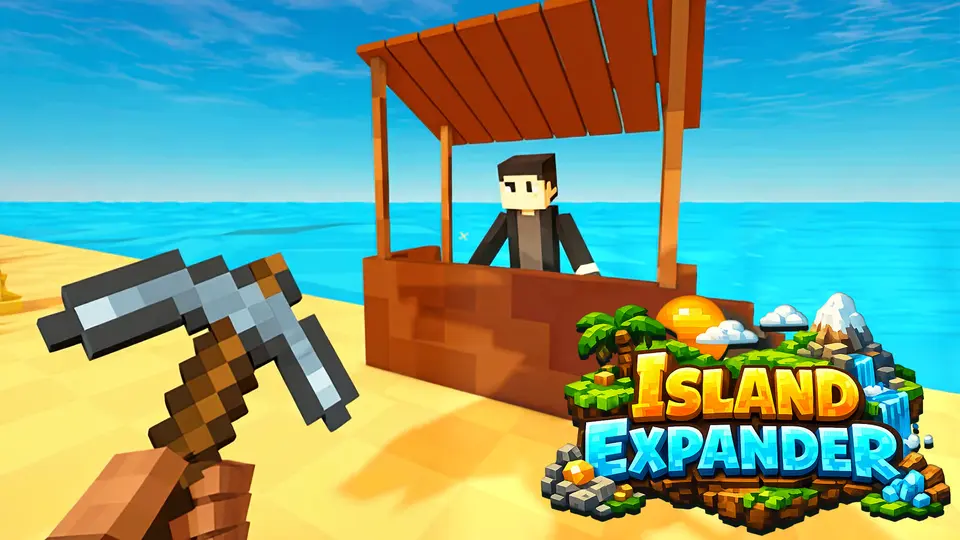
Island Expander
Provided by Playgama
Island Expandervia Playgama





 Clean The Garden
 Toybox: Pixel World Sandbox
 Glossy Garage - Car ASMR
 Steal An Egg - Grow Animals
 Wild Wolf Simulator Animal Games
 Relic Rush 3D
 Night Lake: Monster Fishing
 Find the Needle
 Steal a Pet!
 Cuddle Crane
 Tiny Cinema
 Obby: Dig to the center of the Earth
 Farm Care Tycoon
 Pocket Mart
 Crumb Bandit
 Leaf Blower: Autumn Yard
 Steals Eggs From Animals
 Wash Master
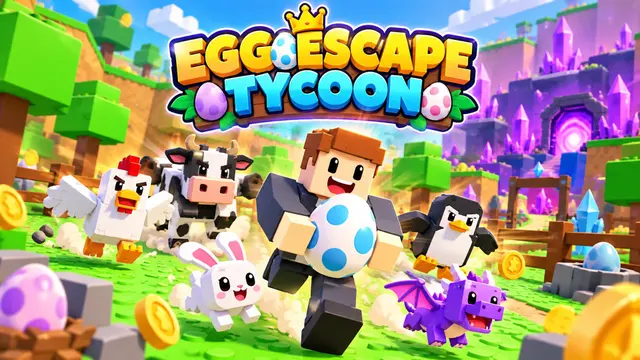 Egg Escape Tycoon
 Witch's Shop: Potion Brewing
 Sunny Bay Heroes
 Obby: Steal an Egg - The Great Escape
 Blue Tractor
 Master of Riding a Pet
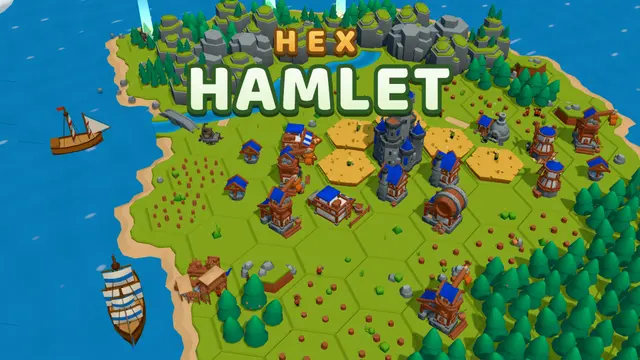 Hex Hamlet
 Smash and Steal an Egg!
 Leftover Screw: Furniture
 Ultimate Horse Simulator
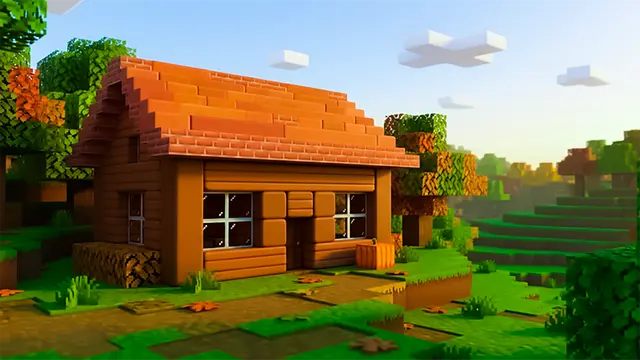 Noob in Mine - Sandbox & Craft
 Reaper’s Graveyard Shift
 Pearl Paws
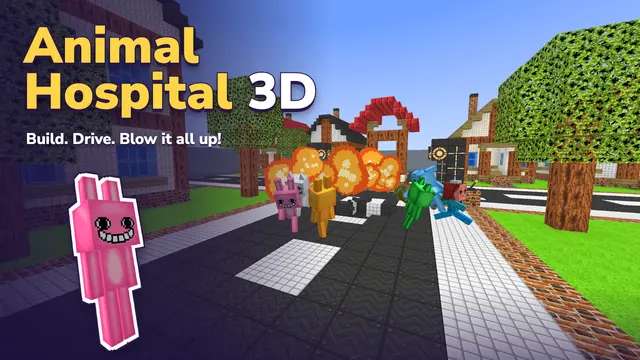 Animal Hospital 3D
 Wild Camp
 Grow the Baby
 Obby Sail for Egg
 Steal an Egg 3D
 Chicken Farm 3D
 Relax Box: ASMR Mini Games
 Obby Break an Egg
 Cat on a Vacuum: Home Cleaning Simulator
 Single Dad Simulator Family Life
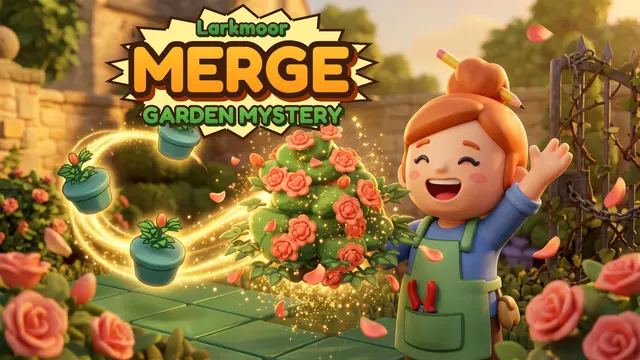 Larkmoor: Merge Garden Mystery
 Kaboom Miner
 Grow an Egg: Brainrot Pets Online
 Cozy Craft Co.
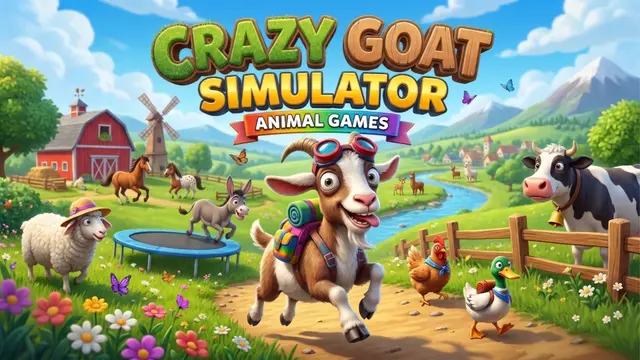 Crazy Goat Simulator Animal Games
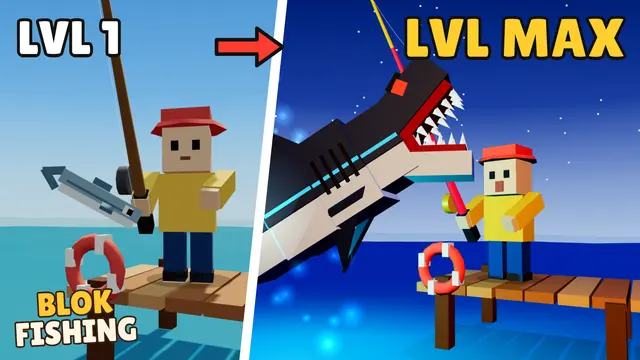 Blok Fishing
 Alchemy Store
 Evolution Simulator
 Vet Tycoon: Pet Hospital
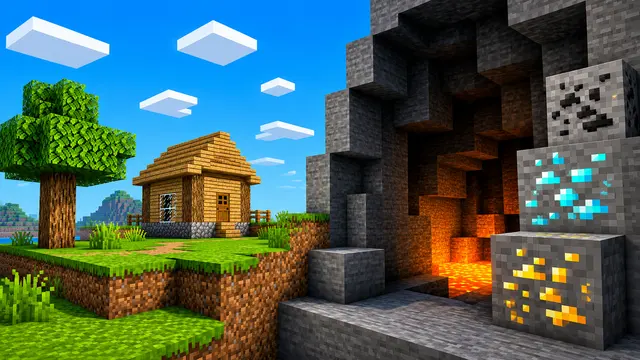 Mine - Survival & Creative
 Catch a Fish
 Real Survival: Not Fake
 Break the Egg and Run away!
 Fridge: Perfect Sorting
 City Rush 2000
 Fill and Swim
 Fix It Garage
 Pump It Up
 Dino Rodeo 3D
 Hair Salon Master
 Wobble Wobble Workshop
 Gingerbread Town
 Moose Cafe
Play Island Expander online
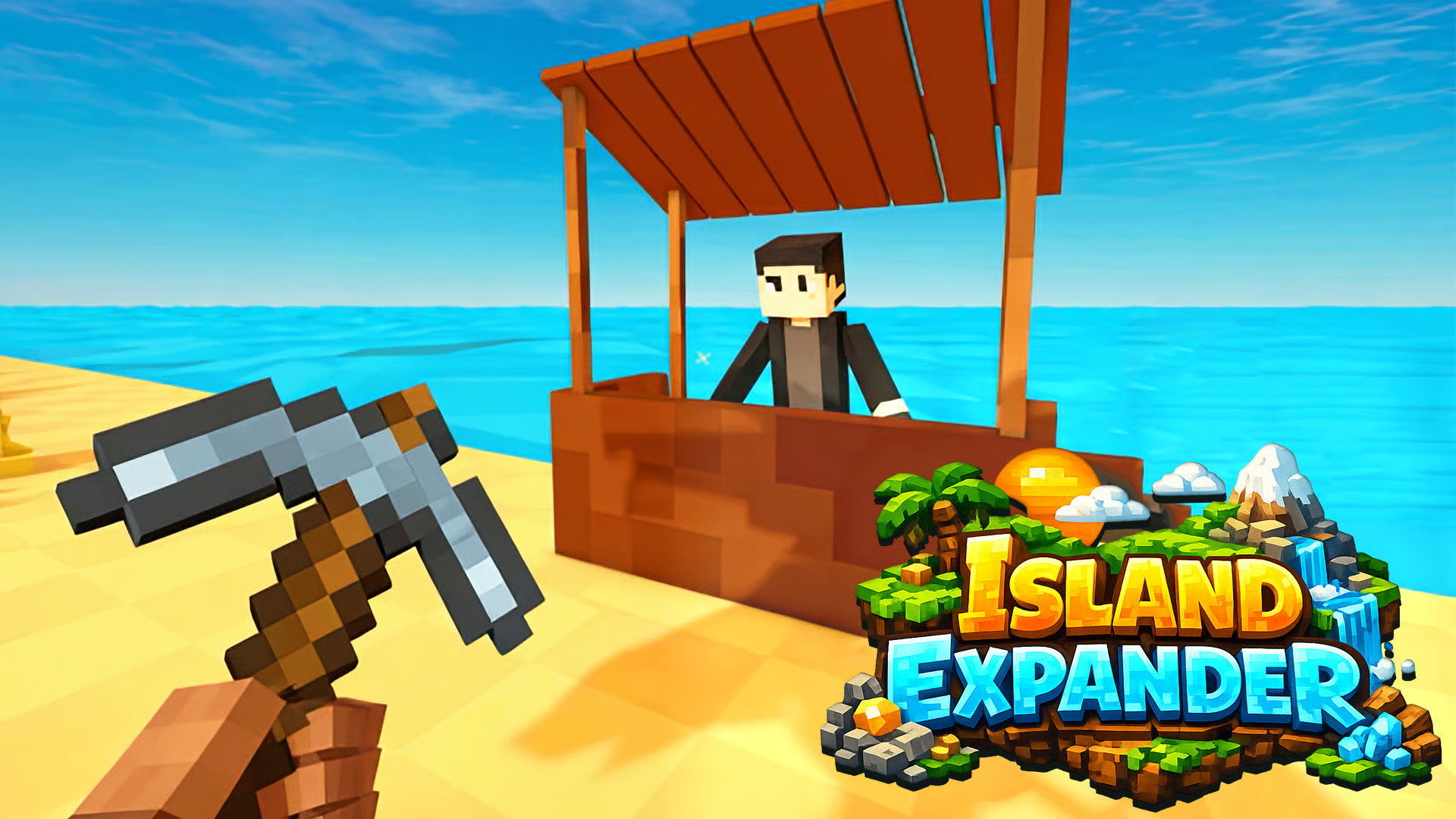
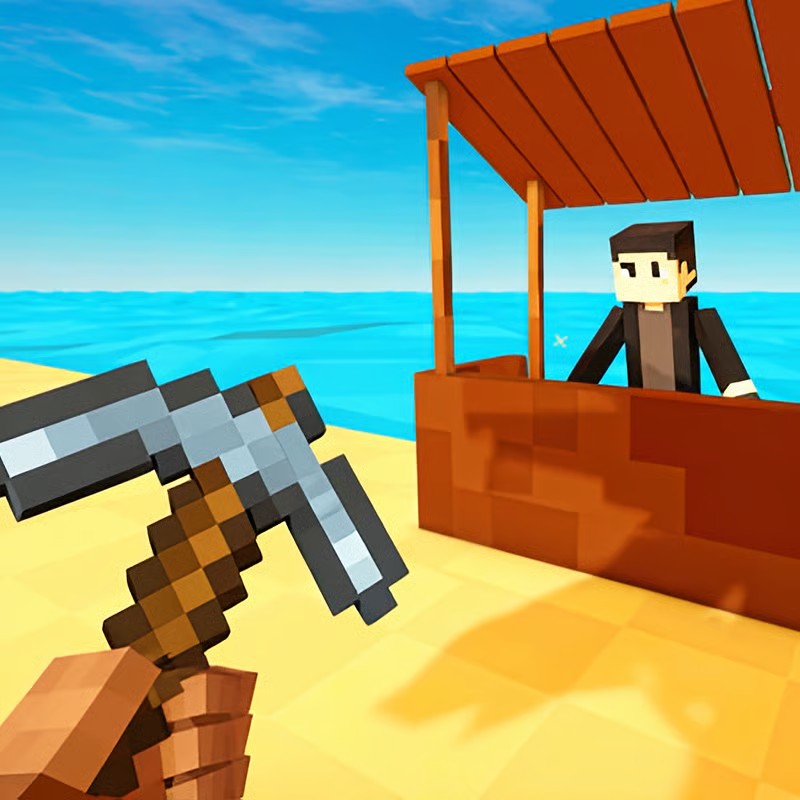
In Island Expander, transform a tiny island into a paradise. gather resources, unlock recipes, craft items from simple tools to complex machines. Watch your island grow with every step.
Gather and use the materials described in the game to work toward your next task. Check the recipe or requirement before spending a resource. Character tasks or quests provide goals to work toward as you explore. Upgrades are part of the progression described by the provider.
How to play Island Expander
Controls and instructions
Desktop controls:
Move mouse = look around
WASD / Arrow keys = move
Keys 1-4 = equip tools
Left-click = hit / use tool
Tab = open inventory;
E = interact with an object
P = pause menu
B = unlock Mouse
Mobile Controls
Left joytick = move
Swipe on the screen = look around
Right side buttons = jump, use tools, interact with an object
Getting started with Island Expander
- Read the next item’s requirements before deciding what to collect.
- Check the current task before deciding where to go next.
- Compare the upgrade description with your next objective before choosing it.
About this game
- Platform
- Web browser
- Supported devices
- Android, iOS, Desktop
- Screen orientation
- Landscape
- Languages
- American English, Russian (Russia)
- Genres
- Adventure, Simulation, 3d, Minecraft, Cozy, Crafting
- In-game purchases
- None listed by the provider
- Provider
- Playgama
- Provider audience
- Male, Female
Game features and tags
- Relaxing
- 1 Player
- Resource Management
Island Expander images
Questions about Island Expander
How do I start playing?
Choose Play now in the game window above to load Island Expander through Playgama. Read the controls and instructions above before you start.
Which devices can I play on?
The provider lists support for Android, iOS, Desktop. Play in your web browser using the controls described above.
Which languages does the game support?
American English, Russian (Russia).
Does the game have in-game purchases?
The provider lists no in-game purchases for this game. Games may display advertisements.
Related game categories
Game facts and artwork supplied by Playgama. Descriptions adapted and getting-started guidance added by LookBear. Game content, ads and purchases are provided by Playgama and the game provider.