 Coffe Merge House
Little City Merge
Provided by Playgama

Little City Mergevia Playgama





 Almost Infinite
 Restore Lab
 Hatch That Egg: Tap & Crack
 Fishing Island
 Merge to AGI
 Grave: Necromancer Mortician
 Merge a Rocket!
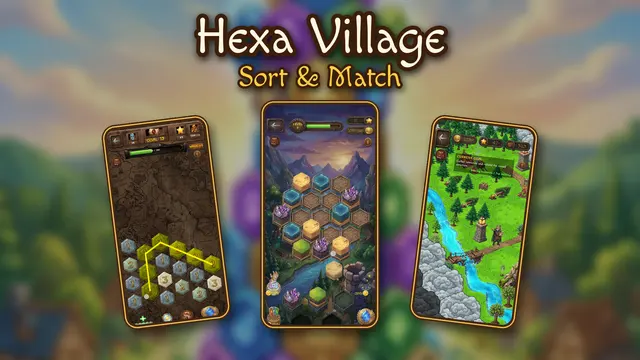 Hexa Village: Sort & Match
 Smash and Steal an Egg!
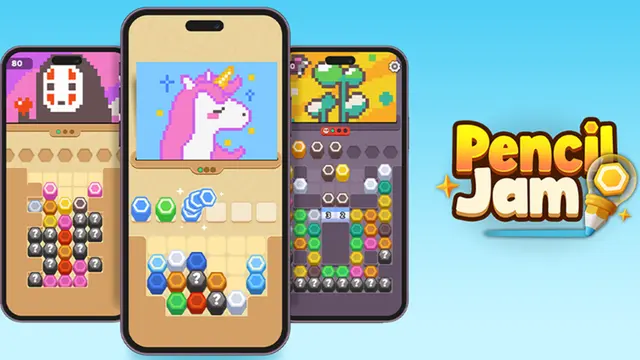 Pencil Jam
 Maple Lake
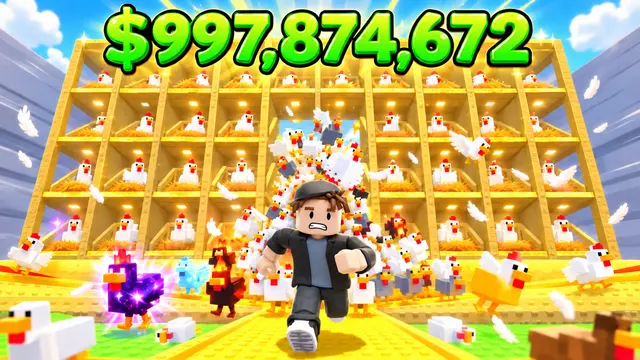 Chicken Farm
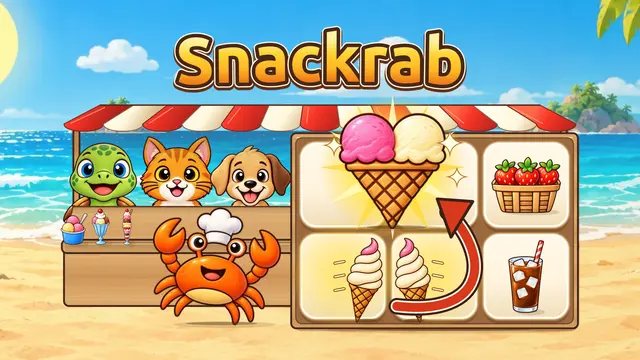 Snackrab
 Reaper’s Graveyard Shift
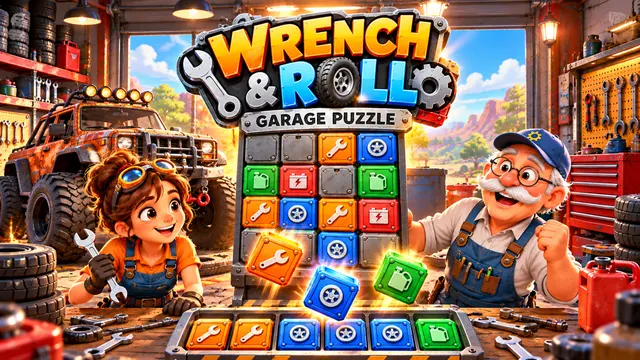 Wrench and Roll
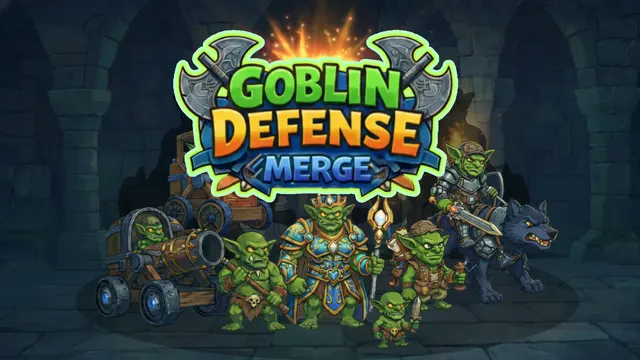 Goblin Defense Merge
 Grow the Baby
 Pier & Lighthouse: Merge Story
 Pop & Splat: Squishy Merge
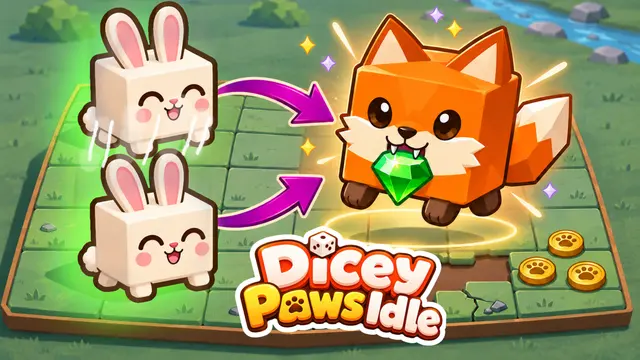 Dicey Paws Idle
 Squishy Clicker
 Dumpling Clicker
 Octo Stickers : Merge & Stick
 Grow a Bonfire
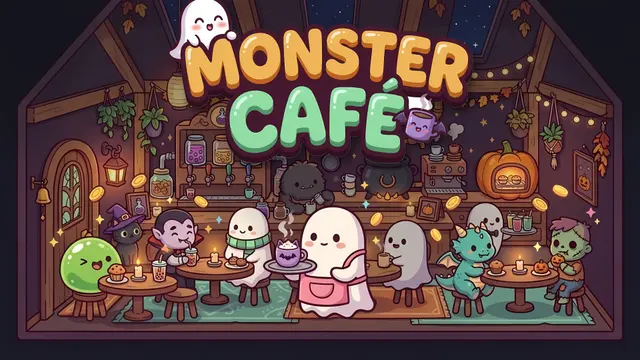 Monster Cafe: Idle Tycoon
 Maze Maker
 Larkmoor: Merge Garden Mystery
 Obby: Build a Car Farm
 Sweet Merge Cafe
 Rocket Islands
 Slimes: Evolution
 Slime Merge: Unlock All Forms!
 RestoRake: Restore the Ruins
 Yoshi Mood
 Chibi Chuu: Cute Merge Puzzle
 Would You Like to See My Ants?
 Lap Money: Merge Cars
 Pump It Up
 Squish Jar
 Cosmic Cleaners
 Idle Train Empire Tycoon
 Fruit Merge: Juicy Drop Game
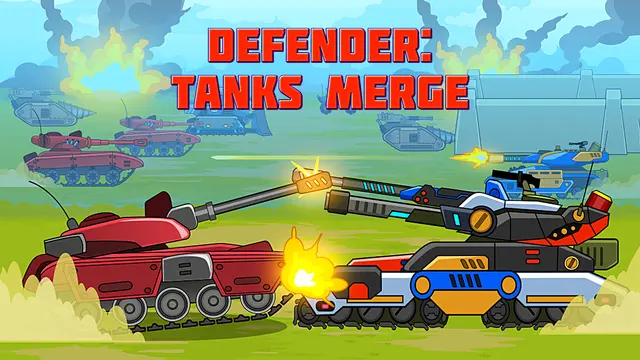 Defender: Tanks Merge
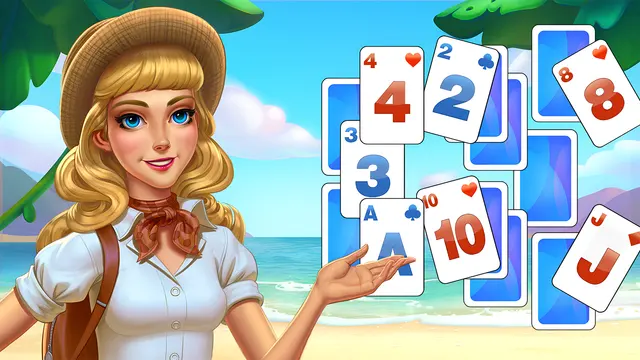 Emily's Hotel Solitaire
 TB World
 Watermelon Game
 Italian Brainrot: Animals Merge Puzzle
 Hedgies
 Wednesday Addams Merge Drop Puzzle
 Dungeon Master - Cult & Craft
 Idle Game Dev Simulator
 Pirates Merge: War Path
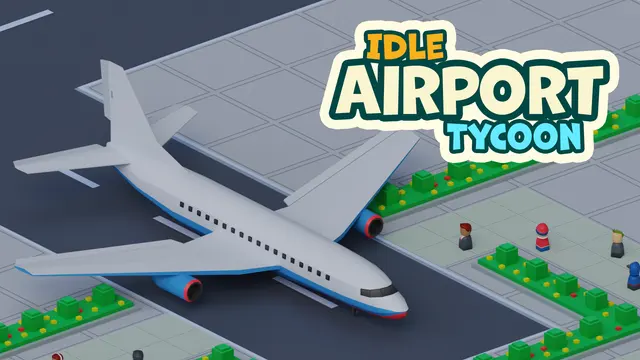 Idle Airport Tycoon
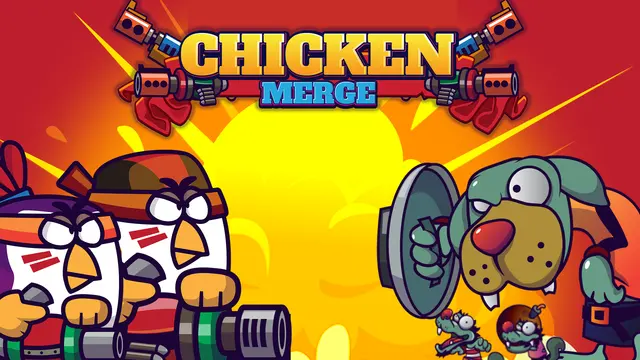 Chicken Merge
 Grow a Garden 3D
 Yarn Fever! Unravel Puzzle
 Kiki World: Kawaii Doll Decor
 Survive Lava for Brainrots!
 Chef Tycoon
 Dragon Hunter
 Scary Rooms: Idle Horror
 My Arcade Center
 Gym Boss
 Tidy Up - Satisfeel ASMR
Play Little City Merge online
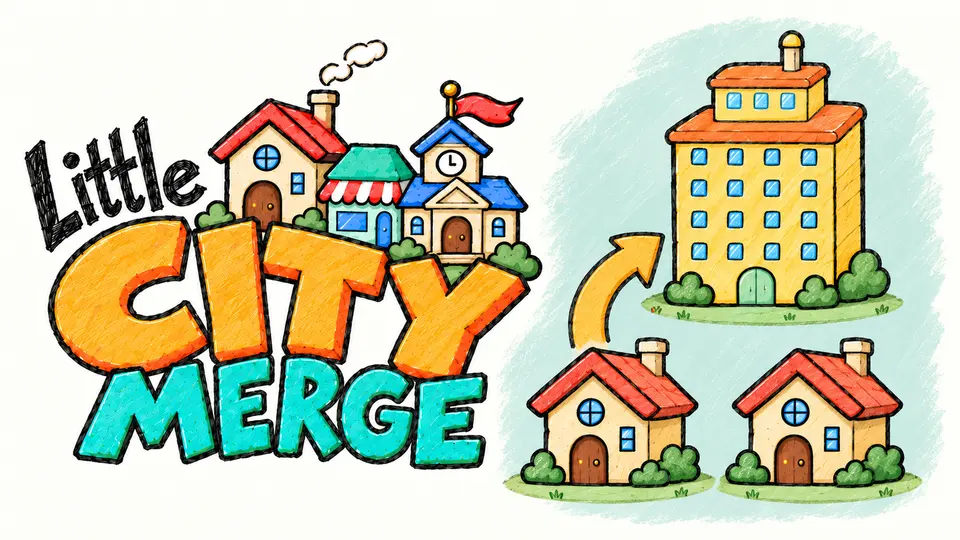
Little City Merge is a cozy merge-and-build idle game drawn in a hand-sketched pencil style. Tap empty lots to build homes, shops and public buildings, then drag two identical buildings together to merge them into a bigger one: a hut grows into a skyscraper, a market stall into a megamall. Shops earn coins, homes bring residents, and public buildings unlock new land and let your whole city grow higher.
Bring matching pieces together and consider how each combination changes your available space or resources. The instructions explain which items can be combined. Drag-and-drop interactions are part of the controls. Coins appear in the game’s progression or objectives.
How to play Little City Merge
Controls and instructions
Goal: grow your city and build a Public building of the level the city asks for, then travel to the next city.
Tap or click an empty lot to build. Building costs energy, which refills over time.
Drag a building onto another one of the same type and level to merge them into the next level.
Drag a building onto an empty lot to move it, or onto another building to swap them. Drop it on the trash bin to remove it.
Shops earn coins. Homes bring residents.
Public buildings open new land and raise the max level of homes and shops. Merging them needs enough residents.
Spend coins in Upgrades to earn more, build faster and get more energy.
When the city goal is done, open World and move to a new city.
Controls: mouse or touch. Tap / click to build, drag and drop to merge, move or remove.
Getting started with Little City Merge
- Check the matching requirements before combining pieces.
- Check the destination before releasing an item you are dragging.
- Check what the game lets you do with coins before spending them.
About this game
- Platform
- Web browser
- Supported devices
- Android, iOS, Desktop
- Screen orientation
- Portrait
- Languages
- American English
- Genres
- Merge, Cozy, Idle
- In-game purchases
- None listed by the provider
- Provider
- Playgama
- Provider audience
- Male, Female
Game features and tags
- City Building
- Casual
- 1 Player
- Incremental
- Resource Management
Little City Merge images

Questions about Little City Merge
How do I start playing?
Choose Play now in the game window above to load Little City Merge through Playgama. Read the controls and instructions above before you start.
Which devices can I play on?
The provider lists support for Android, iOS, Desktop. Play in your web browser using the controls described above.
Which languages does the game support?
American English.
Does the game have in-game purchases?
The provider lists no in-game purchases for this game. Games may display advertisements.
Related game categories
Game facts and artwork supplied by Playgama. Descriptions adapted and getting-started guidance added by LookBear. Game content, ads and purchases are provided by Playgama and the game provider.