 Halloween monsters merge
Mutant Mash: Merge Garden
Provided by Playgama
Mutant Mash: Merge Gardenvia Playgama



 Crust Crusher
 Happy Unicorn: Magic Leaps
 VoxelBomb
 Ball Run 2048 Space
 Pencil Jam
 Rocket Bloom
 Sneaky Draw
 Purr Magic: Merge Balls
 Hatchfire: Dragon Brick Breaker
 Angry Pets: 3D Boom!
 Gooey lab
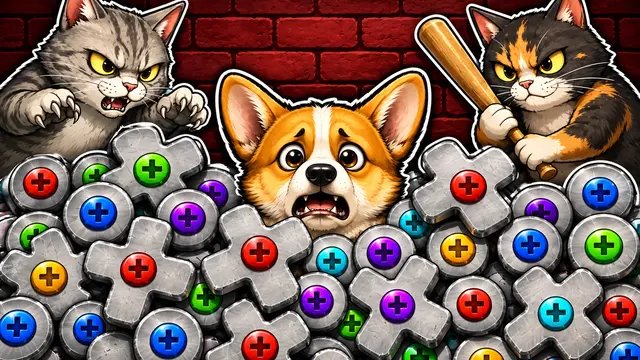 Save the Puppy: Remove the Screws
 Zone Breaker
 Cannon Blast 3D
 Maze Maker
 Dino Merge Island
 Punch Through!
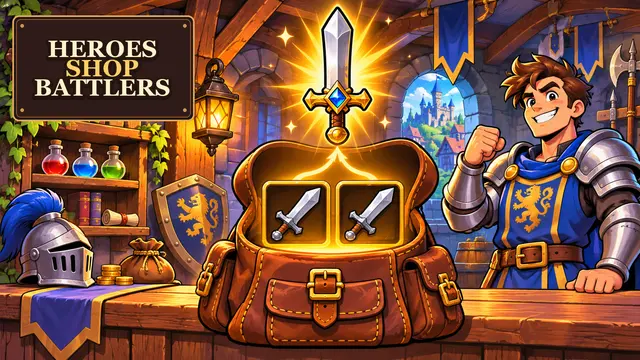 Heroes Shop Battlers
 Yoshi Mood
 Would It Smash?
 Tiny Racers
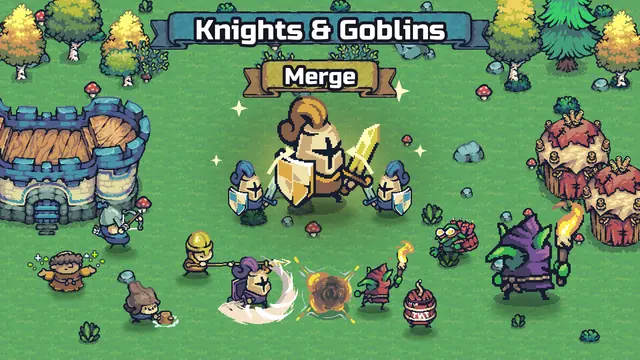 Knights & Goblins: Merge
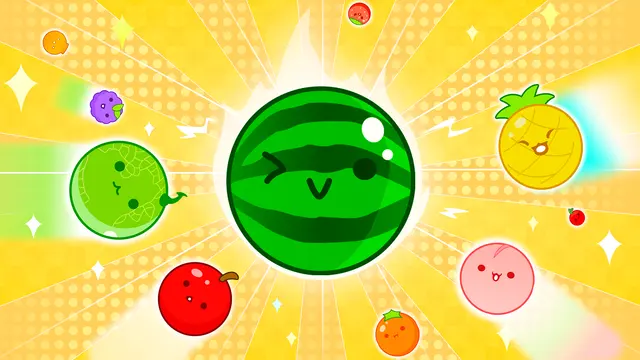 Watermelon Game
 Piece of Cake: Merge & Bake
 Italian Brainrot: Animals Merge Puzzle
 Wednesday Addams Merge Drop Puzzle
 Bridge Builder
 Speed per Click: Obby
 Heart Box
 Draw Bridge - Brain Game
 Soccer Random
 Basket Random
 Wood Nuts Master: Screw Puzzle
 Melon Maker : Fruit Game
 TetraDice–Merge & Blast Blocks
 Make the glass happy
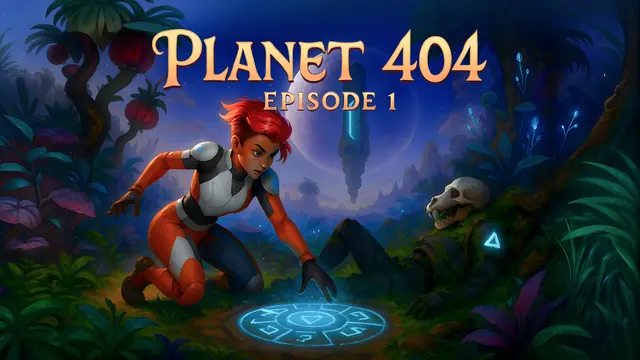 Planet 404. Episode 1
 Geometry Maze Maps V2
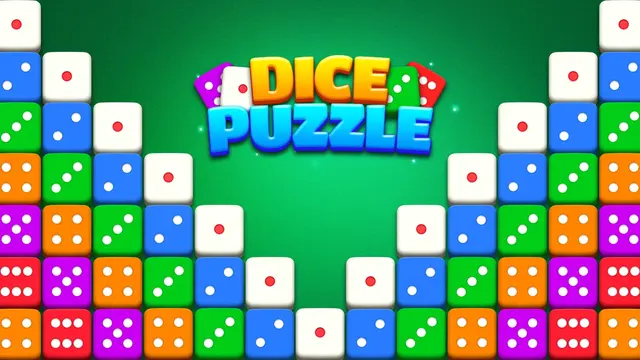 Dice Puzzle
 Nullify - Merge Math
 Happy Glass - Draw to Fill
 Blasting Marbles
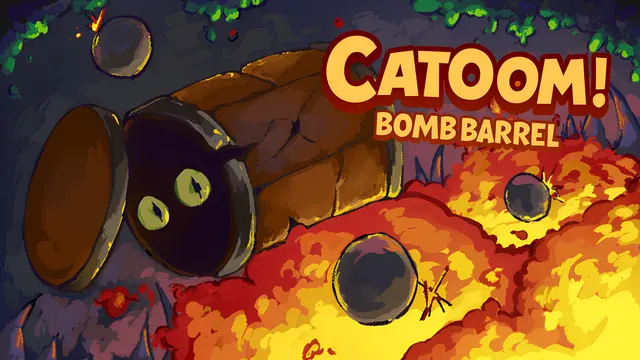 Catoom! - Bomb Barrel
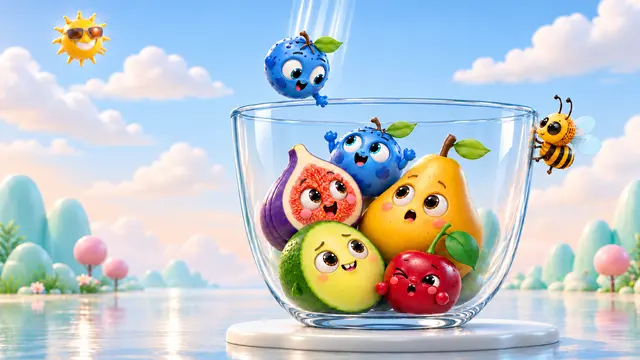 Merge Fruit Characters
 Santa Stunt Racer Christmas Delivery
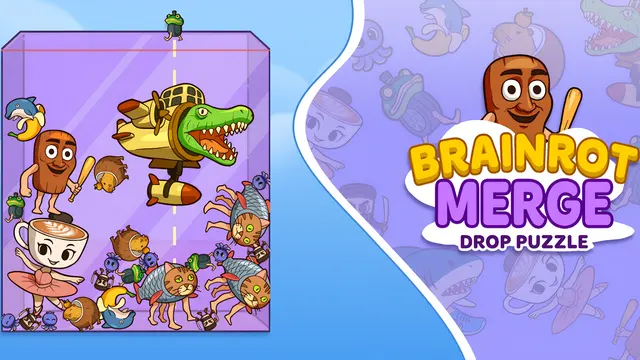 Brainrot Merge: Drop Puzzle
 On Fire Basketball Shots
 2048 Merge Blocks
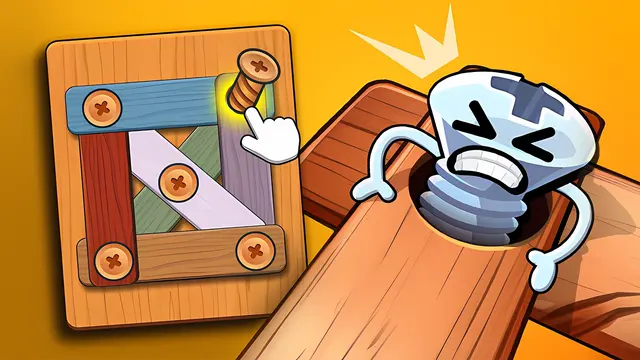 Screw & Pin: Puzzle Levels
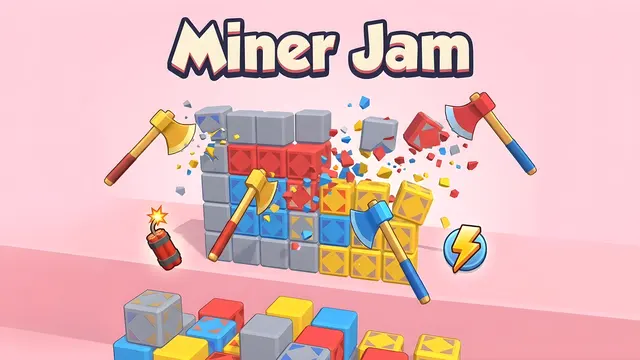 Miner Jam
 Connect: Monsters
 Merge 13
 Colors&Forms
 Mix Monsters: Fun Merge
 Merge Combo
 Funny Cubes 2048
 Steve Evolution Mega Clicker
 Draw & Drop
 Puppetman: Ragdoll Puzzle
 Merge Mushroom
 PathFinder
 Merge number up
 Cut It All 3D
 Idle Pong
Play Mutant Mash: Merge Garden online
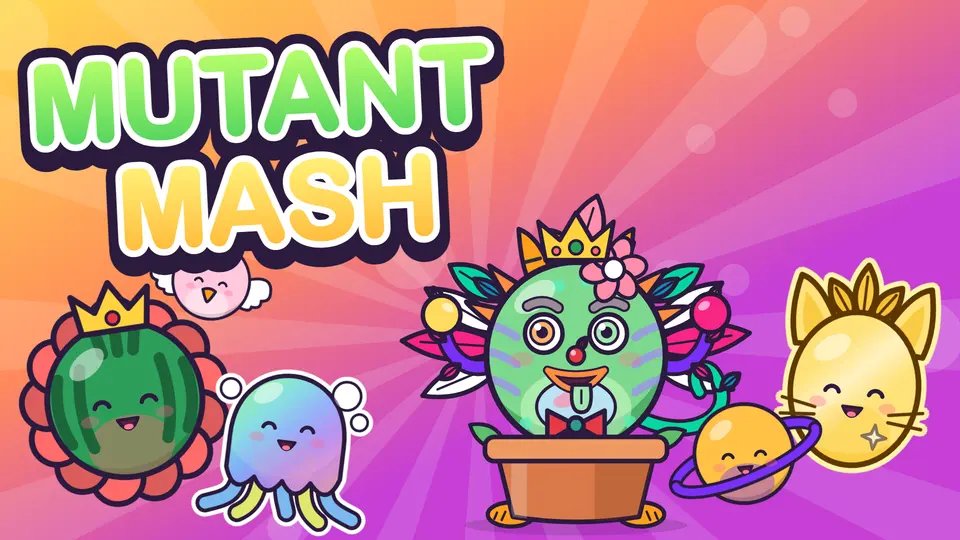
Drop, bump and merge goofy fruit-animal hybrids to create bigger and weirder ones! Every merge can mutate into a shiny Golden, Rainbow or Glitch version. Collect them all in your Album, grab rare seeds at the Seed Stand, and grow your very own Mega Mutant plant a little more every day.
Bring matching pieces together and consider how each combination changes your available space or resources. The instructions explain which items can be combined.
How to play Mutant Mash: Merge Garden
Controls and instructions
Move your finger or mouse to aim, release to drop. Touch two matching fruits to merge them. Don't let the pile reach the top line! Tap Swap to switch to the next fruit once per round. Keyboard (optional): arrow keys to move, Space to drop, S to swap, P to pause.
Getting started with Mutant Mash: Merge Garden
- Check the matching requirements before combining pieces.
About this game
- Platform
- Web browser
- Supported devices
- Android, iOS, Desktop
- Screen orientation
- Landscape and Portrait
- Languages
- American English
- Genres
- Puzzle, Arcade, Watermelon, Clicker, Merge, Physics
- In-game purchases
- None listed by the provider
- Provider
- Playgama
- Provider audience
- Male, Female
Game features and tags
- Casual
- Relaxing
- Cute
- Collecting
- Plant
- 1 Player
- Incremental
- Ai
Mutant Mash: Merge Garden images
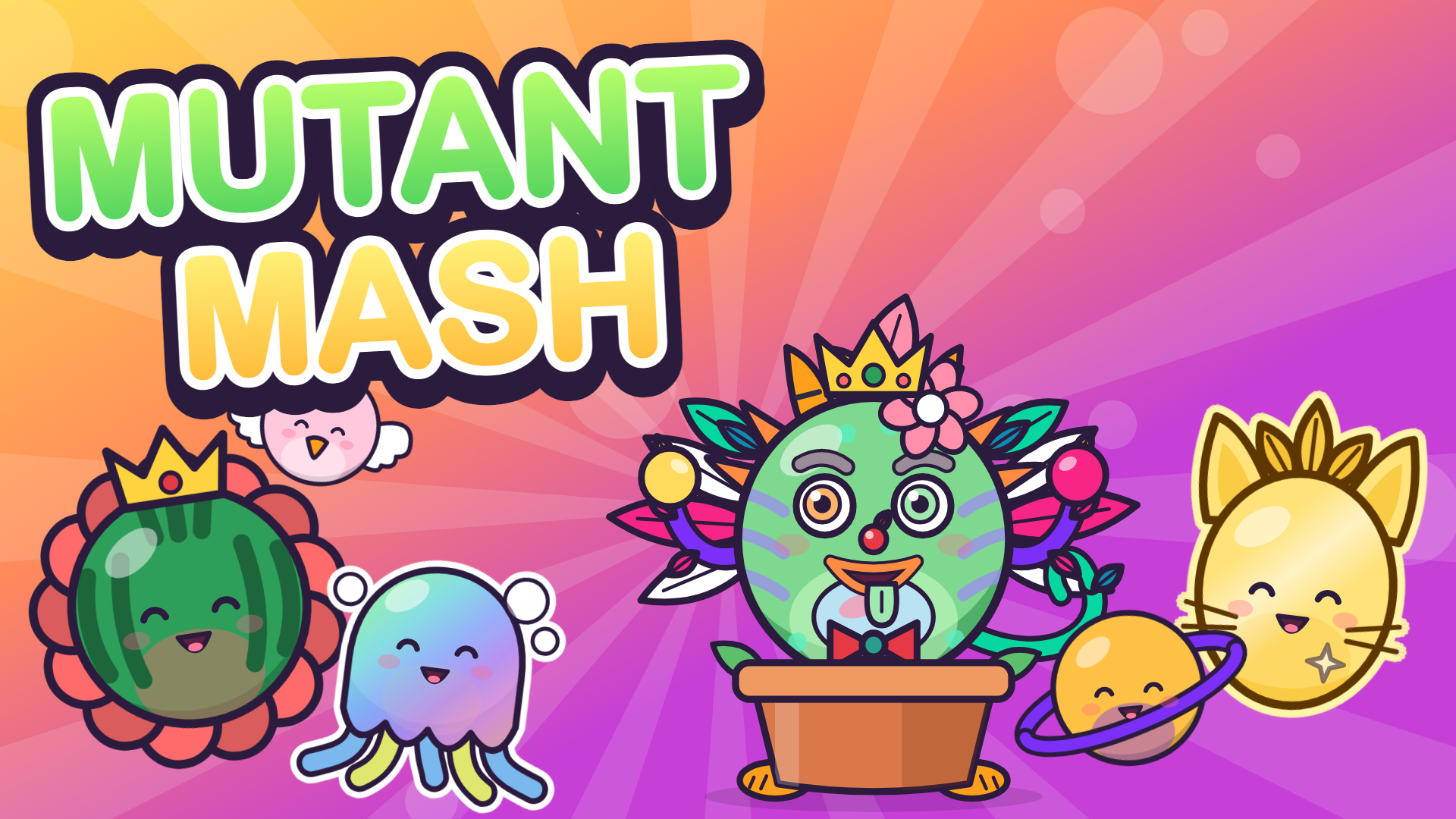
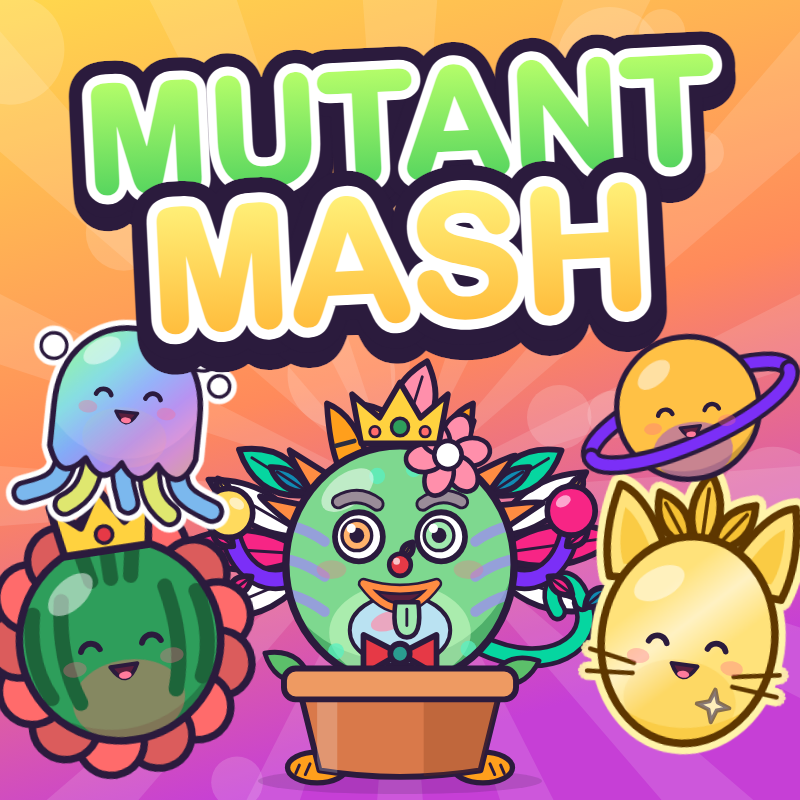
Questions about Mutant Mash: Merge Garden
How do I start playing?
Choose Play now in the game window above to load Mutant Mash: Merge Garden through Playgama. Read the controls and instructions above before you start.
Which devices can I play on?
The provider lists support for Android, iOS, Desktop. Play in your web browser using the controls described above.
Which languages does the game support?
American English.
Does the game have in-game purchases?
The provider lists no in-game purchases for this game. Games may display advertisements.
Related game categories
Game facts and artwork supplied by Playgama. Descriptions adapted and getting-started guidance added by LookBear. Game content, ads and purchases are provided by Playgama and the game provider.