 Spaceball Jump

Rocket Bloom
Provided by Playgama

Rocket Bloomvia Playgama







 Fruit Fusion
 Mom I Can Fly
 Electron dash
 Extreme Balancer
 Only Up Parkour 2
 Space Break
 Bottle Bottle
 Brainrots Merge
 Bottle Flip
 Egging On
 Space Cleaner
 Rough Ball
 Ragdoll Gun Shooter! Cannon Spinner Playground
 Cut In Half
 Rolling Balls Sea Race
 Nexusorbiter
 Buttons
 3D Pool Mania
 Orbit Shift
 Monster Truck Offroad
 Bike Stunt Game
 Merge Rush Attack
 Bubble Merge 2d
 Poofruits: Merge the Fruit
 Wheelchair parkour: No limits
 SKY RUSH
 Pool Blast: Merge Balls
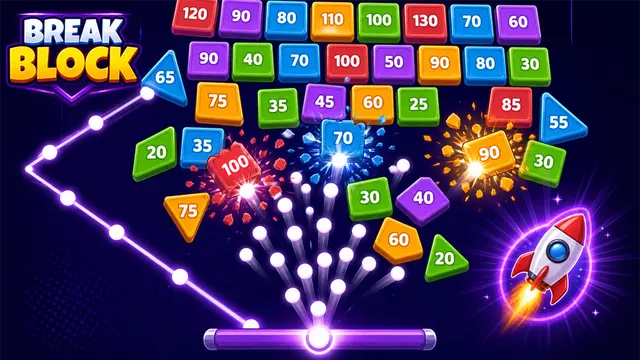 BreakBlock
 Ragdoll Rescue: Physics Puzzle
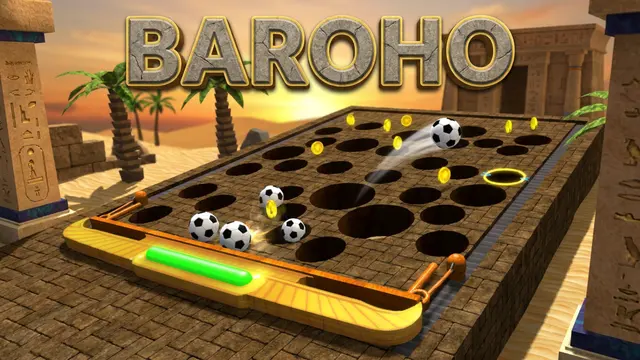 BAROHO
 Hill Ride 3D
 Hill Climber
 Planet Blast: Rockets
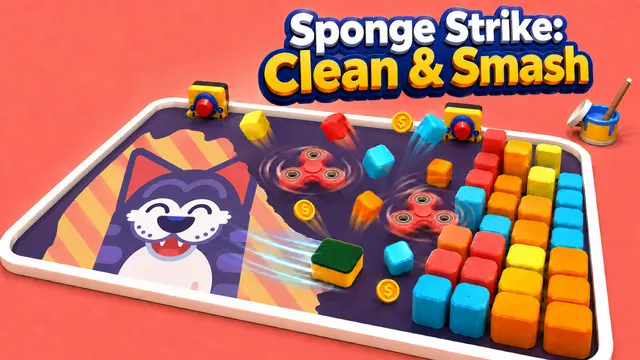 Sponge Strike: Clean & Smash
 Dumplings: Who Will You Get?
 Backflip Master: Parkour Stunts
 Desert Gunship
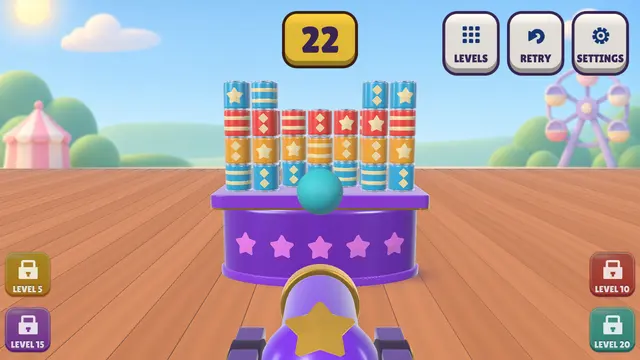 Toy Smash
 Cut it : Voxel Crusher
 Kitten Rescue
 Toybox: Pixel World Sandbox
 Fruit Drop 3D
 Swipe Swoosh
 Blast Jam
 Obby Up: Parkour Run
 Sky Kingdoms: Castle Siege
 Horizon: Flight Into the Light
 Avocado Yard: Ragdoll Sandbox
 Inkway
 Snake Brawl: Merge Arena
 Hot Barrel Cats
 Rocket Rush
 Horizon Racer
 Supernova: The "Charon" Protocol
 2048 Cube Runner: 3D Merge
 Basketball Rush
 Panellka: Build a Tower
 Web Swing Obby: Aqualand
 Mini Car: Room Parkour
 Fleet Merge
 Almost Infinite
 Zasteroid
 Mochi Rescue
 Launch the Dummy!
Play Rocket Bloom online
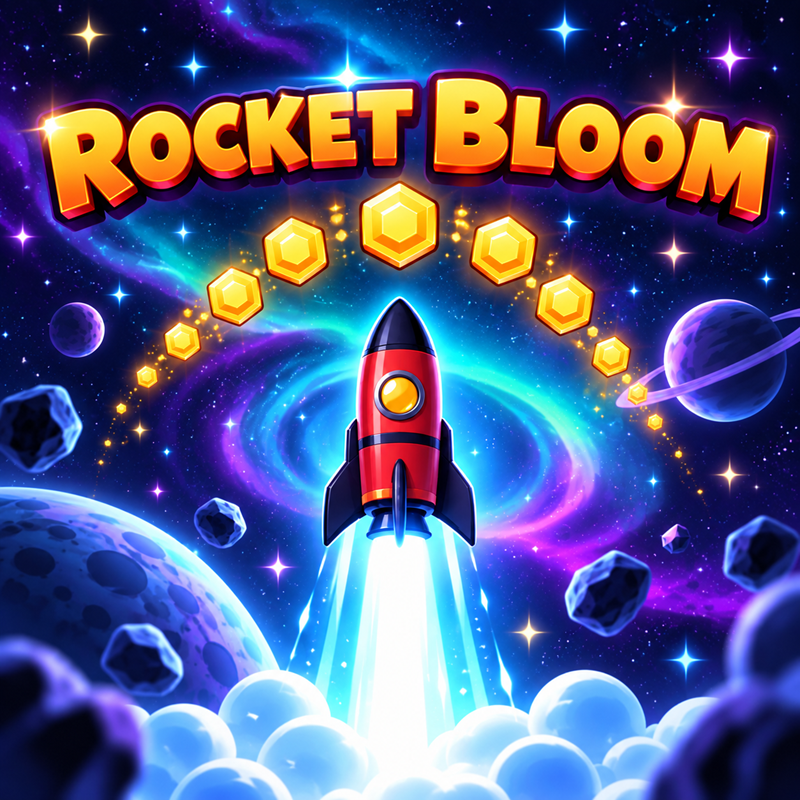
Hold the screen and your little rocket roars off the launch pad! It has real weight: let go and it slows, stops and falls, hold again to catch it and climb. Catch coins on the way up and watch them add up into one big number, fly through rings, pop balloons and grab fuel cans.
Bring matching pieces together and consider how each combination changes your available space or resources. The instructions explain which items can be combined. Coins appear in the game’s progression or objectives. Upgrades are part of the progression described by the provider.
How to play Rocket Bloom
Controls and instructions
Hold anywhere (or press SPACE) to run the engine; let go and the rocket falls, hold again to catch it. Slide your finger (or use the arrow keys) to steer into coins, rings, balloons and fuel cans. When the ring turns green at a stage separation, tap again for a PERFECT boost. Upgrade in the shop, merge rockets in the hangar and fly higher every time.
Getting started with Rocket Bloom
- Check the matching requirements before combining pieces.
- Check what the game lets you do with coins before spending them.
- Compare the upgrade description with your next objective before choosing it.
About this game
- Platform
- Web browser
- Supported devices
- Android, iOS, Desktop
- Screen orientation
- Landscape and Portrait
- Languages
- American English, Turkish (Türkiye), Arabic (Egypt)
- Genres
- Arcade, Merge, Physics, Space, Flying
- In-game purchases
- None listed by the provider
- Provider
- Playgama
- Provider audience
- Male, Female
Game features and tags
- Casual
- Hyper Casual
- Addictive
- Jumping
- Rocket
- Touchscreen
- Collecting
- Desktop
- 1 Player
Rocket Bloom images

Questions about Rocket Bloom
How do I start playing?
Choose Play now in the game window above to load Rocket Bloom through Playgama. Read the controls and instructions above before you start.
Which devices can I play on?
The provider lists support for Android, iOS, Desktop. Play in your web browser using the controls described above.
Which languages does the game support?
American English, Turkish (Türkiye), Arabic (Egypt).
Does the game have in-game purchases?
The provider lists no in-game purchases for this game. Games may display advertisements.
Related game categories
Game facts and artwork supplied by Playgama. Descriptions adapted and getting-started guidance added by LookBear. Game content, ads and purchases are provided by Playgama and the game provider.