 Road Gunner 3D
Purr Magic: Merge Balls
Provided by Playgama

Purr Magic: Merge Ballsvia Playgama






 Almost Infinite
 Zasteroid
 Clown Fiesta
 Merge Beasts
 Knife Battle
 Army Run 3D
 Bandana Blitz
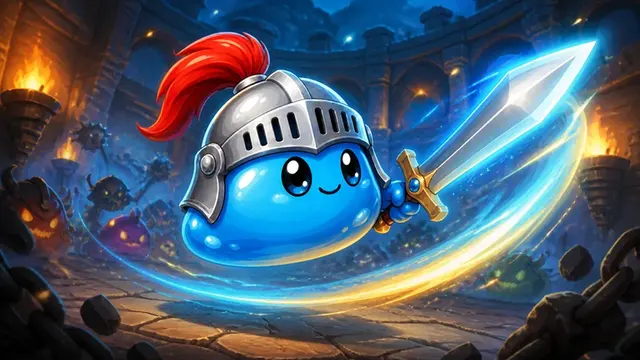 Slime Heroes
 Jade Toss: Arrow Challenge
 Lucky Dice
 Rebound Rascals
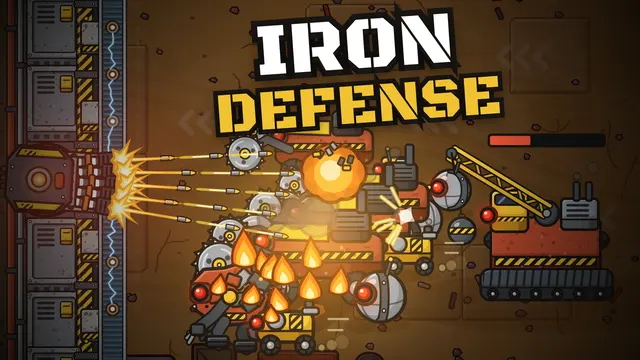 Iron Defense
 Bonk Islands
 Jelly Sandbox Playground
 Crown Guard
 Sol Coalition Force
 Mutant Mash: Merge Garden
 Dispatch Panic
 Feed Them All!
 Plane Crash Ragdoll Simulator
 Robot Scrapyard Arena
 Ball Run 2048 Space
 Pencil Jam
 Build Car for Kill Zombies
 +1 Damage Evolution
 Last Archer
 Ragdoll Arena
 Bomb the Castle
 Slow Mo: Blade Rush
 Pop & Splat: Squishy Merge
 Naval Base
 +1 Guns vs Zombies
 Voxplode: Destruction Sim
 Cannon Blast 3D
 Dino Merge Island
 Meow Squad: Zombie Defense
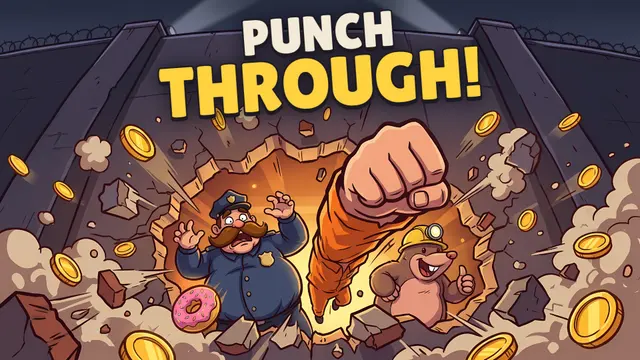 Punch Through!
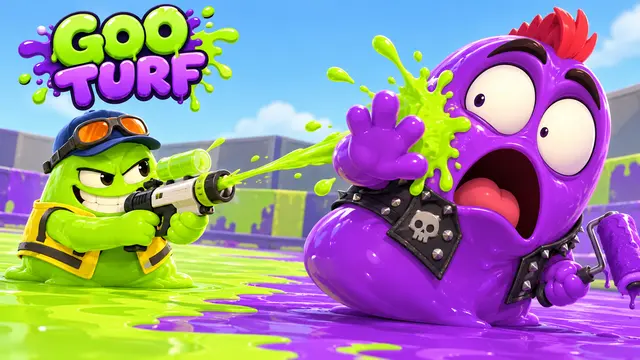 Goo Turf
 Chibi Chuu: Cute Merge Puzzle
 Pulse Wing
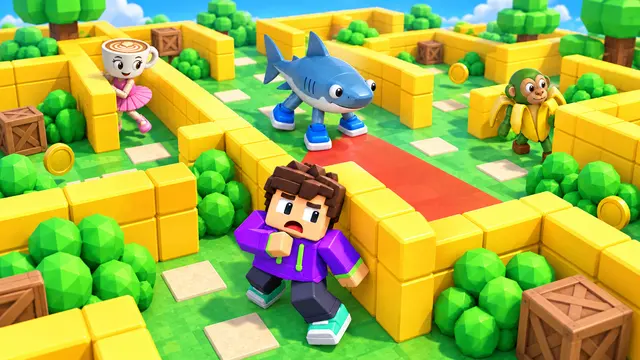 Steal n Hide a Brainrot
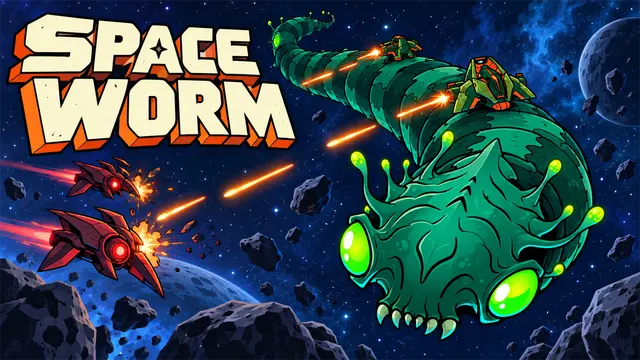 Space Worm
 RIFT OPS: Fractured Frontier
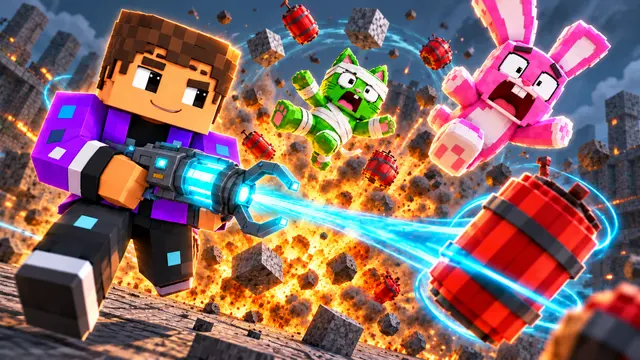 Cube Playground: Ragdoll Sandbox 3D
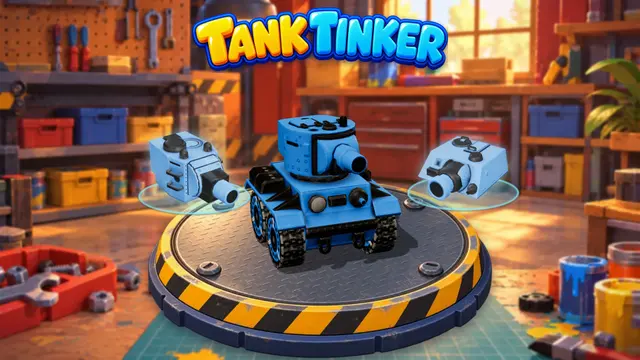 Tank Tinker
 Tank Smash
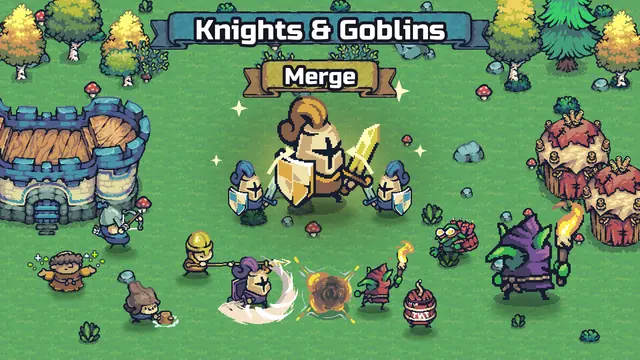 Knights & Goblins: Merge
 Blocky Aces
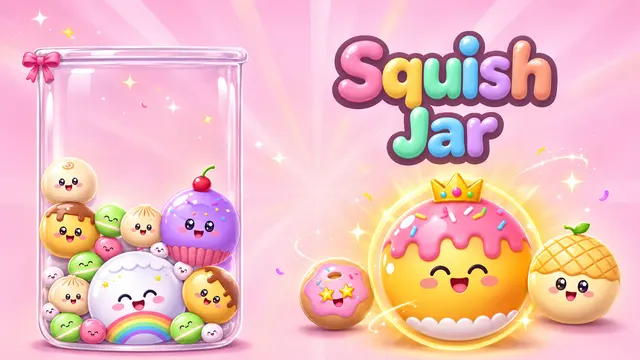 Squish Jar
 GoSplash
 Sanych: Pop Slayer
 Space Strike: Galaxy Shooter
 Fruit Merge: Juicy Drop Game
 Tank Fury: Boss Battle 2D
 Rolling In Gears
 Piece of Cake: Merge & Bake
 Rise of the Dead
 One Man Army: Battle Game
 Italian Brainrot: Animals Merge Puzzle
 Hazmob FPS: Online Shooter
 Wednesday Addams Merge Drop Puzzle
 Only Jump RPG
 Mad Day 2 Special
 Road Chase: Shooter Realistic Guns
Play Purr Magic: Merge Balls online
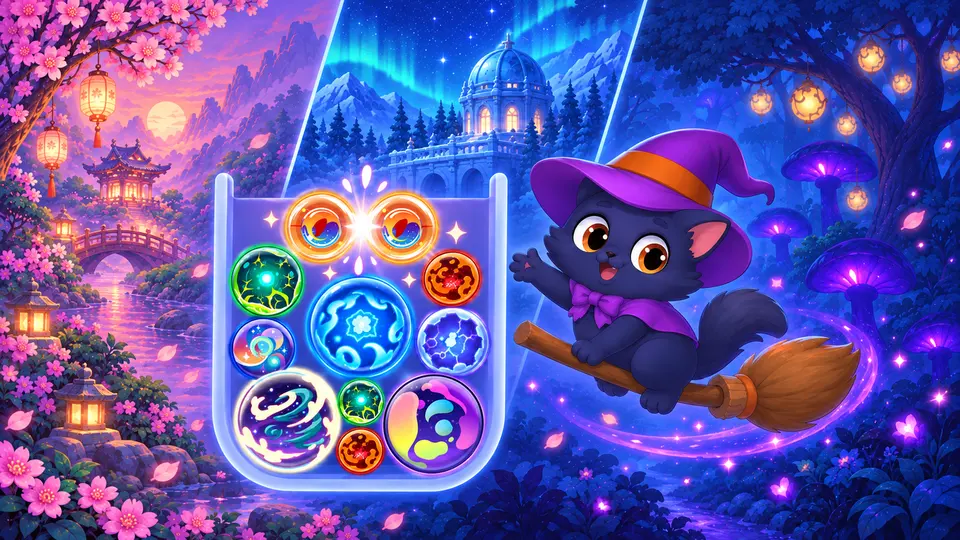
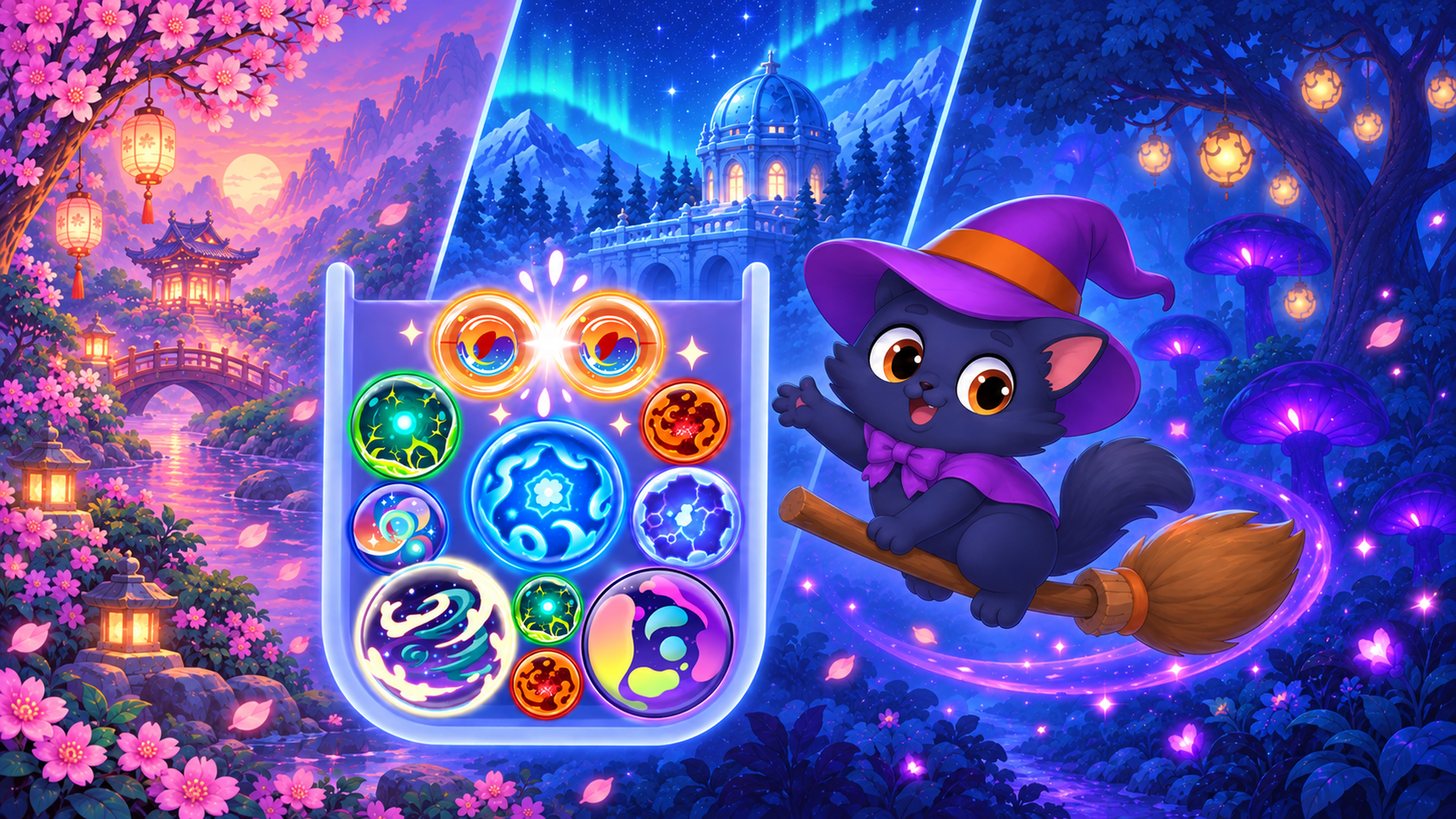
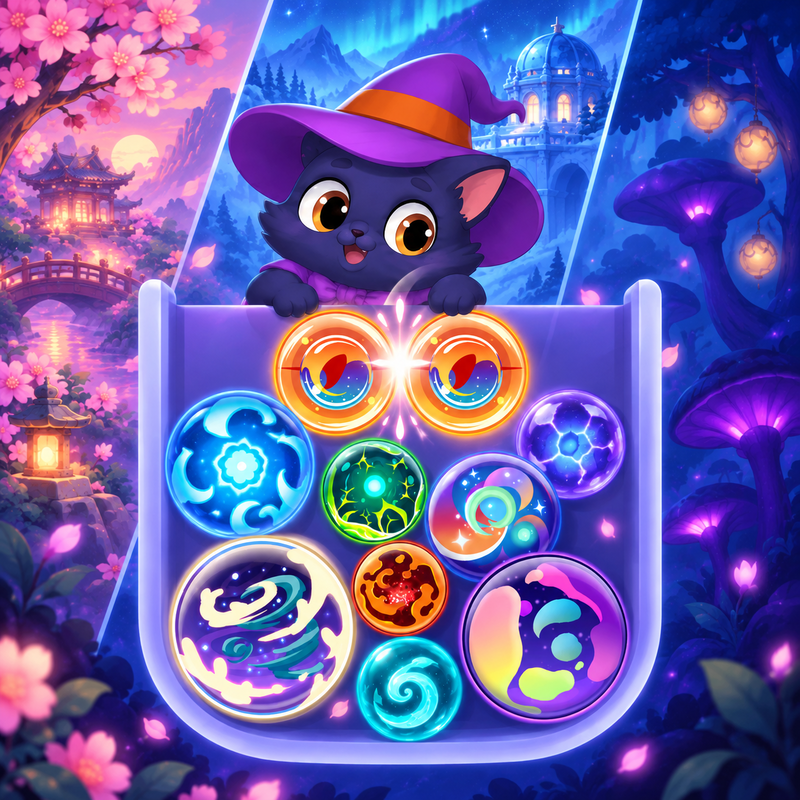
A little cat, a wizard hat and a jar full of possibilities. Drop matching balls into the jar, merge them into bigger ones and set off satisfying chain reactions! Plan each drop, watch the next ball and leave room for more.
Bring matching pieces together and consider how each combination changes your available space or resources. The instructions explain which items can be combined. Coins appear in the game’s progression or objectives.
How to play Purr Magic: Merge Balls
Controls and instructions
On a computer, move the mouse above the jar and click the left mouse button to drop a ball. On a phone, hold your finger on the play area, aim and release.
Two matching balls merge into one of the next level when they touch. Watch the next-ball preview and keep merging to build combos. Leave room in the jar: if balls stay above the dotted line for too long, the run ends.
In a regular run, Shake tosses the balls, Eraser removes a ball you choose, and Power Throws lets new balls push through to the bottom for 10 seconds.
Open the calendar to pick a daily level. Complete its goal within the drop limit. Coins are awarded once per level; beating it again gives no extra coins.
Keyboard: left and right arrows to aim, Space or down arrow to drop, Esc to pause.
Getting started with Purr Magic: Merge Balls
- Check the matching requirements before combining pieces.
- Check what the game lets you do with coins before spending them.
About this game
- Platform
- Web browser
- Supported devices
- Android, iOS, Desktop
- Screen orientation
- Landscape and Portrait
- Languages
- American English, Russian (Russia)
- Genres
- Action, Puzzle, Arcade, Shooting, Merge
- In-game purchases
- Available
- Provider
- Playgama
- Provider audience
- Male, Female
Game features and tags
- 2d
- Casual
- Relaxing
- Hyper Casual
- Addictive
- Cute
- Color Matching
- Collecting
- Kitty
- 1 Player
- Arcade Shooter
Purr Magic: Merge Balls images
Questions about Purr Magic: Merge Balls
How do I start playing?
Choose Play now in the game window above to load Purr Magic: Merge Balls through Playgama. Read the controls and instructions above before you start.
Which devices can I play on?
The provider lists support for Android, iOS, Desktop. Play in your web browser using the controls described above.
Which languages does the game support?
American English, Russian (Russia).
Does the game have in-game purchases?
The provider lists optional in-game purchases. Any available purchases are handled inside the game. Games may display advertisements.
Related game categories
Game facts and artwork supplied by Playgama. Descriptions adapted and getting-started guidance added by LookBear. Game content, ads and purchases are provided by Playgama and the game provider.