 Cut it : Voxel Crusher
Sponge Strike: Clean & Smash
Provided by Playgama
Sponge Strike: Clean & Smashvia Playgama






 BreakBlock
 Ragdoll Rescue: Physics Puzzle
 BAROHO
 Game Mania
 Backflip Master: Parkour Stunts
 Halloween monsters merge
 Tasty Out Arrow Puzzle
 Where Are the Puffies?
 Toy Smash
 Kitten Rescue
 Draw the Perfect Shape!
 Swipe Swoosh
 ArrowGami: Arrow Puzzle
 Sky Kingdoms: Castle Siege
 Mowmentum
 Voxel Atelier
 Avocado Yard: Ragdoll Sandbox
 Inkway
 Cosmo Merge
 Snake Brawl: Merge Arena
 Crowd Rush
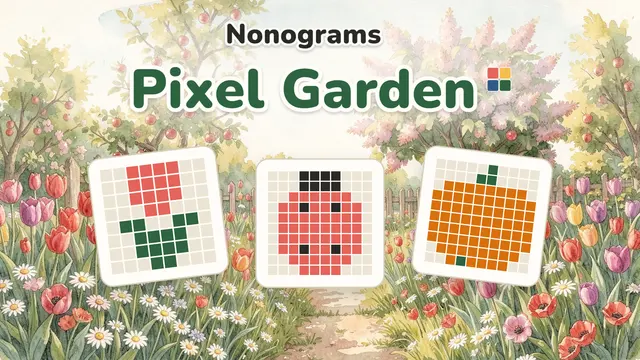 Nonograms: Pixel Garden
 Basketball Rush
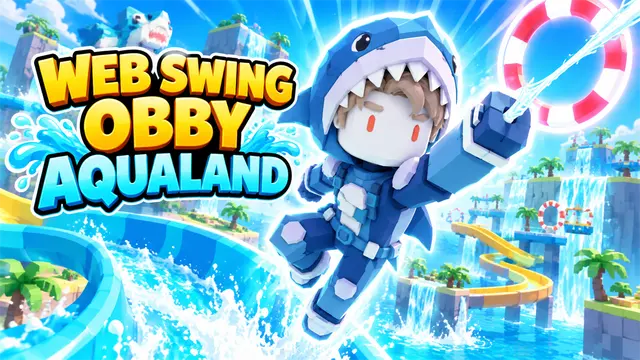 Web Swing Obby: Aqualand
 VOID ROLLER
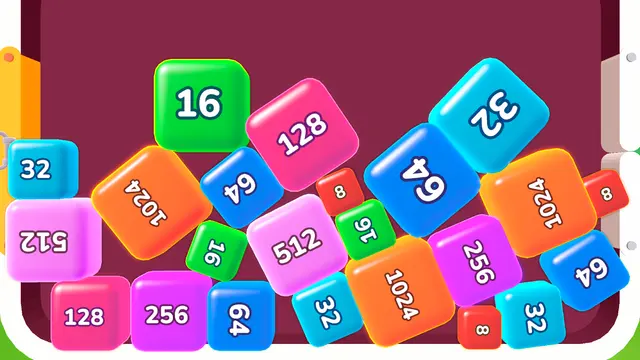 Fever Cubes: Drop Number 2048
 ADHD Tetris
 Mochi Rescue
 Football Free Kick
 Jade Toss: Arrow Challenge
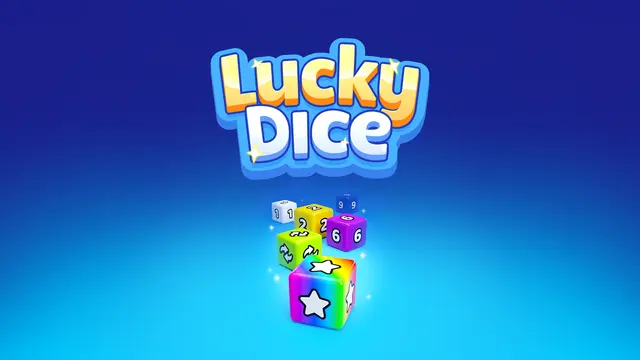 Lucky Dice
 Rebound Rascals
 Bonk Islands
 Happy Unicorn: Magic Leaps
 Tangle Tails
 Mutant Mash: Merge Garden
 VoxelBomb
 Wash Master
 Duck You
 Frogtress
 Aura Clicker
 Shred The Meme
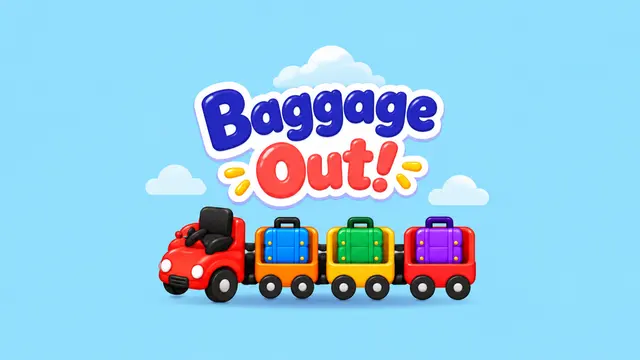 Baggage Out!
 Wing Dunk
 Arrows: Escape - Tap Puzzle
 Six Seven: Count Fast
 Sneaky Draw
 Kitty Knight: Survive Till New Year
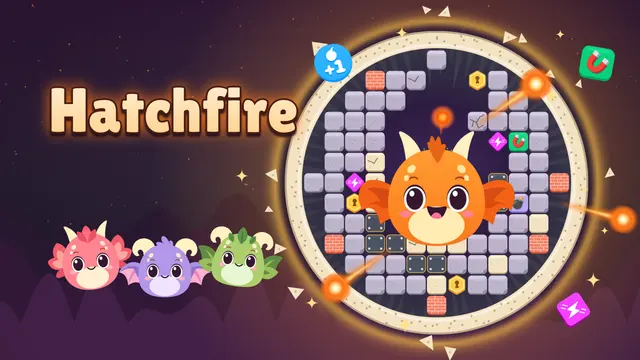 Hatchfire: Dragon Brick Breaker
 Angry Pets: 3D Boom!
 Gooey lab
 Pop & Splat: Squishy Merge
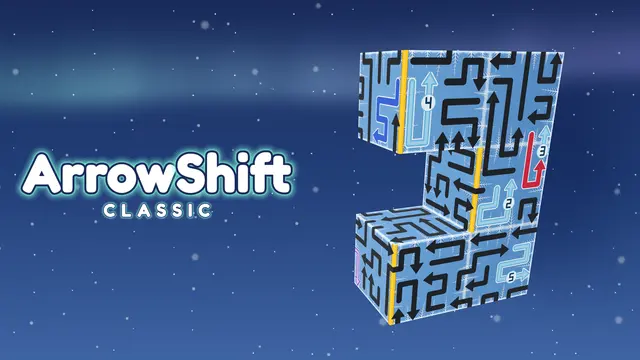 ArrowShift:Classic
 Save the Puppy: Remove the Screws
 Mine: Block Breaker
 Frutiger Friends IO
 Cannon Blast 3D
 Hatch or Steal: Online
 Dino Merge Island
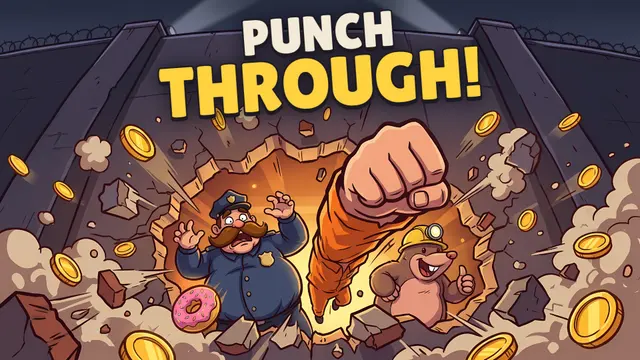 Punch Through!
 Don't Touch the Dots
 Prison Ball
 Modified Hill Climb 2D
 Heroes Shop Battlers
Play Sponge Strike: Clean & Smash online
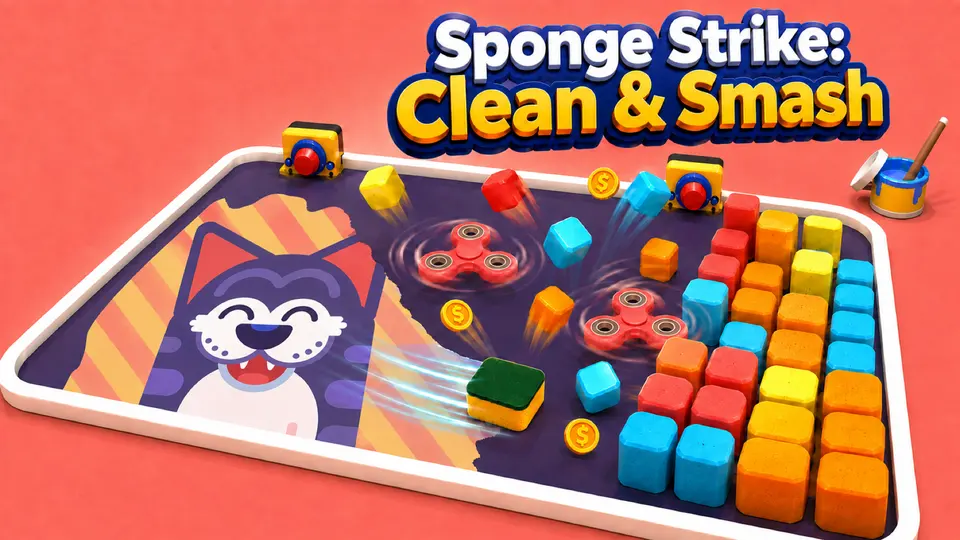
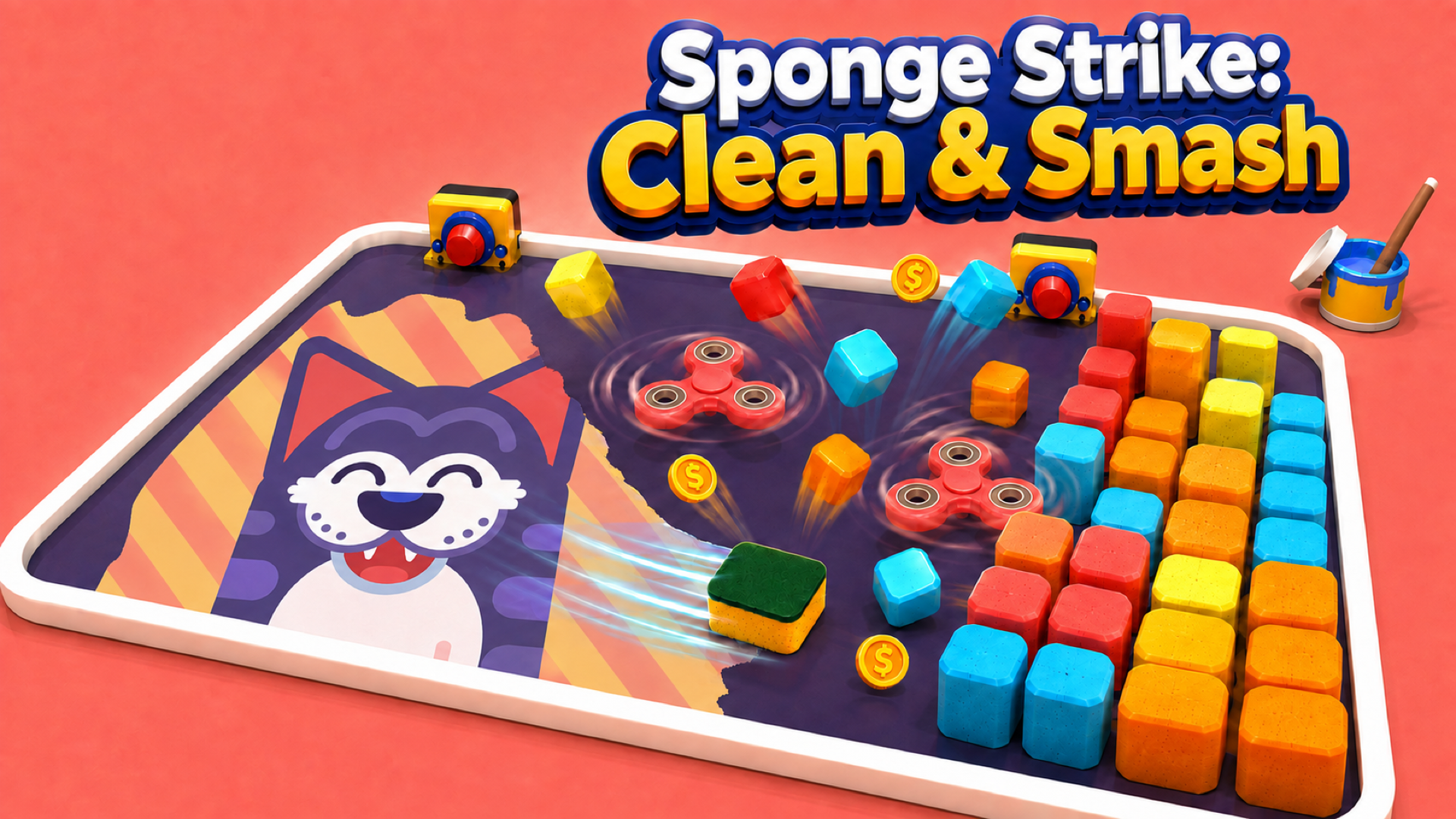
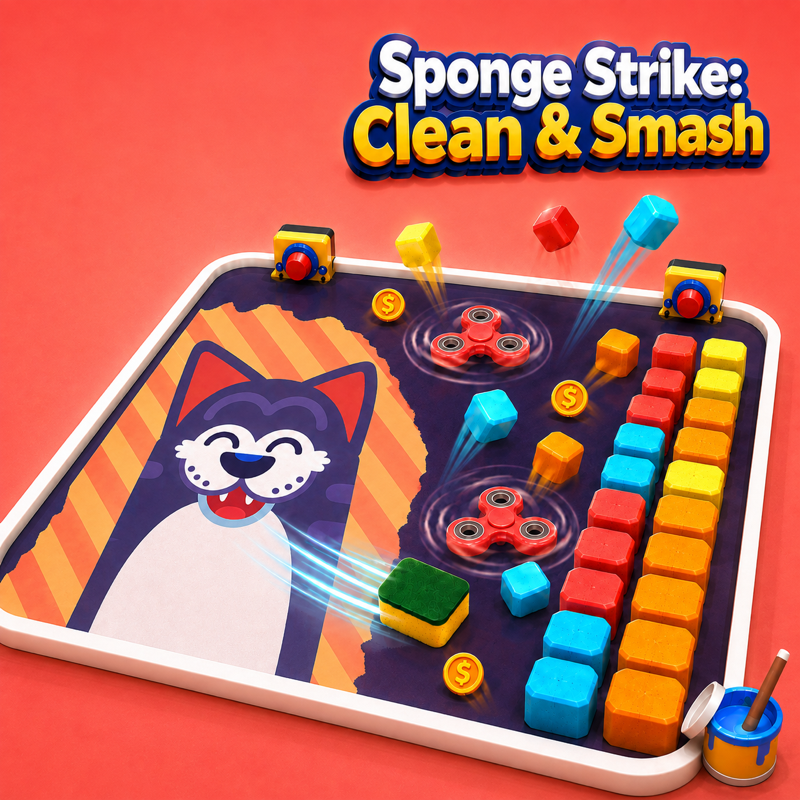
Sponge Strike: Clean & Smash is a satisfying physics puzzle game where every launch brings a hidden picture to life. Pull back, aim, and send your sponge sliding across the board to remove the dark coating underneath it. Bounce off walls, smash colorful block towers, spin up moving obstacles, trigger bombs and buttons, and collect coins along the way.
Explore how objects react to your actions and to one another. Watch the result of a small change before making a more complicated move. Coins appear in the game’s progression or objectives.
How to play Sponge Strike: Clean & Smash
Controls and instructions
Controls
Mouse: Hold the left mouse button and drag backward to aim and set the launch power. Release to send the sponge forward. Click again when the sponge slows down to stop it and prepare the next launch.
Mobile: Touch and drag backward to aim, then release to launch the sponge. Tap it when it slows down to stop and aim again.
Getting started with Sponge Strike: Clean & Smash
- Use the first interaction to learn how objects move and settle.
- Check what the game lets you do with coins before spending them.
About this game
- Platform
- Web browser
- Supported devices
- Android, iOS, Desktop
- Screen orientation
- Landscape and Portrait
- Languages
- American English
- Genres
- Puzzle, Arcade, Skill, Mouse, Physics
- In-game purchases
- None listed by the provider
- Provider
- Playgama
- Provider audience
- Male, Female
Game features and tags
- 2d
- Casual
- Relaxing
- Brain Training
- Addictive
- Smash
- 1 Player
- Crush
Sponge Strike: Clean & Smash images
Questions about Sponge Strike: Clean & Smash
How do I start playing?
Choose Play now in the game window above to load Sponge Strike: Clean & Smash through Playgama. Read the controls and instructions above before you start.
Which devices can I play on?
The provider lists support for Android, iOS, Desktop. Play in your web browser using the controls described above.
Which languages does the game support?
American English.
Does the game have in-game purchases?
The provider lists no in-game purchases for this game. Games may display advertisements.
Related game categories
Game facts and artwork supplied by Playgama. Descriptions adapted and getting-started guidance added by LookBear. Game content, ads and purchases are provided by Playgama and the game provider.