 Noob saves the village
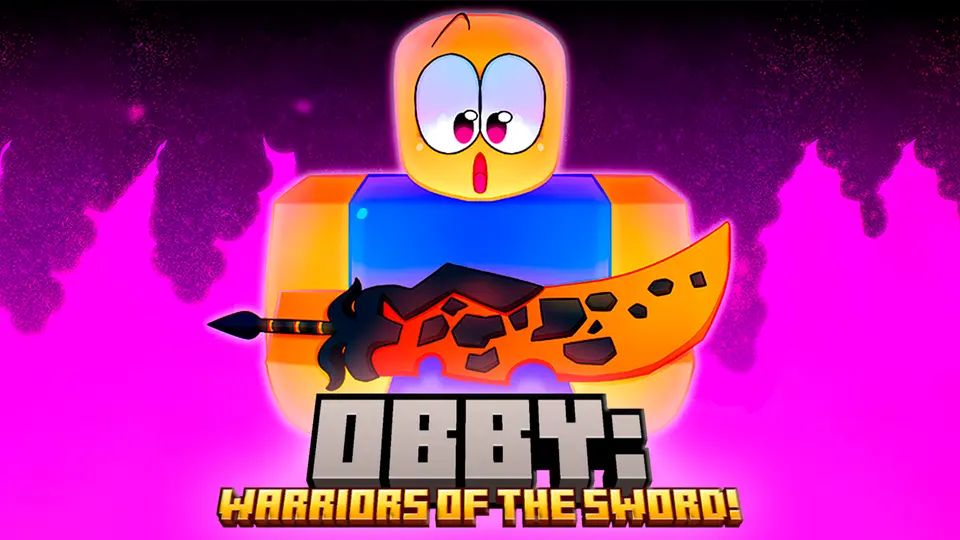
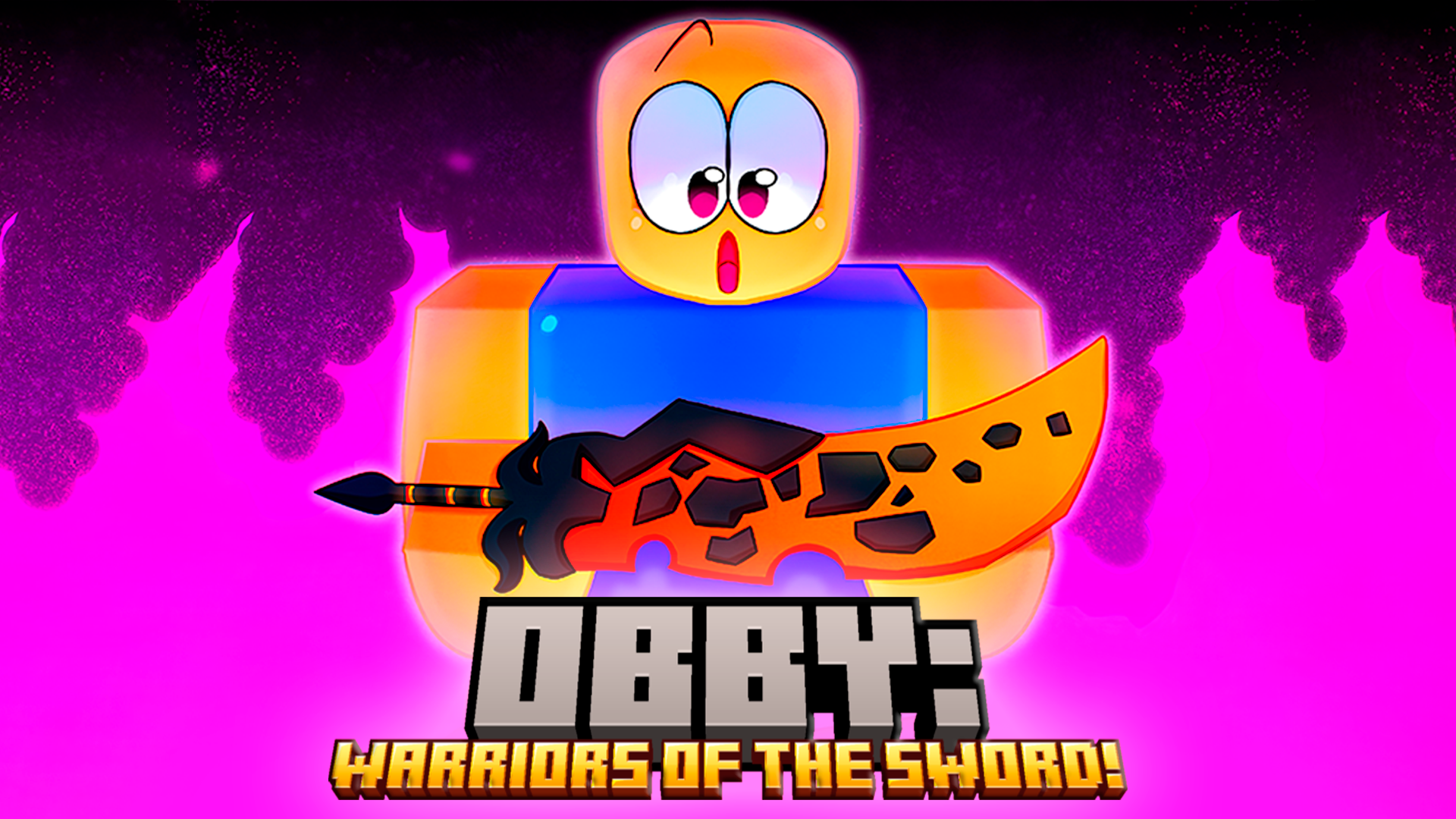
Obby: Warriors of The Sword
Provided by Playgama

Obby: Warriors of The Swordvia Playgama





 Sneaker Factory!
 Mansion Design - Match 3
 Stand on the Right Color, Robby!
 Snake Out
 Get Off My Farm!
 Super Candy Jewels
 Pocket Universe
 Happy Obby Land
 Tile Match
 Foxy Eco Sort
 Your Obby Parkour
 Survive the Disasters: Obby
 Space Blast
 Blocks Shooter 3D! Run, Shoot, Merge Weapons!
 Heroes of the Dungeons: Match-3 RPG
 Age of Heroes
 Rift of Hell - Demons War
 Destruction Simulator
 BouncePop Quest
 Weaponsmith Evolution - Weapon Merge
 Idle Cinema Tycoon
 Merge Mushroom
 Ball: Path Through Obstacles
 Limited Defense
 Mushroom Runners
 ZAP
 Archery Master - Castle Battle
 Your Obby Size
 Pop Sweet Fruits
 RPG Idle Clicker
 Madness: Ward number 6
 Wasteland Hunter: puzzle RPG
 Mega Sweet Fruits - Popper
 Animal Blocks
 Geometry Vibes
 Animal Basketball
 Escape from School 3D
 Pop Tap
 Slap Master
 The Queen's Jewels
 Santa Gift Delivery Christmas Game
 Tornado: Fury of the elements
 Spin and Collect
 PolyBounce Tycoon
 Space Obby
 Poison Candy: Obby 1 Or 2-Player
 Doodle Boba Bubble Tea.
 Loopvival
 Arcuz Treasure Hunters
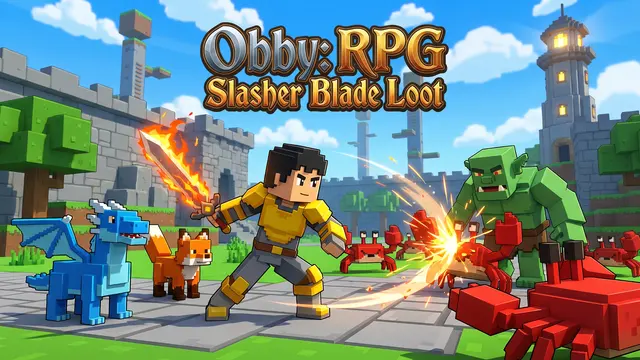 Obby: RPG Slasher Blade Loot
 Rune Reactor
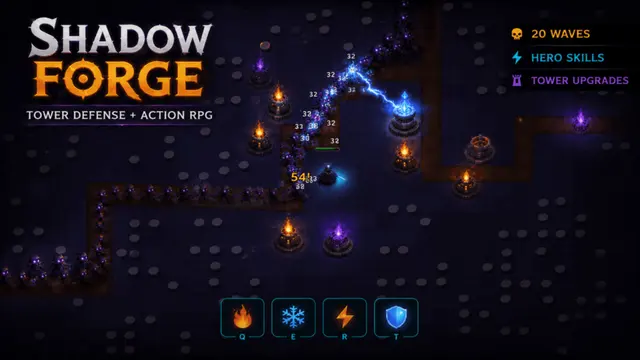 SHADOW FORGE
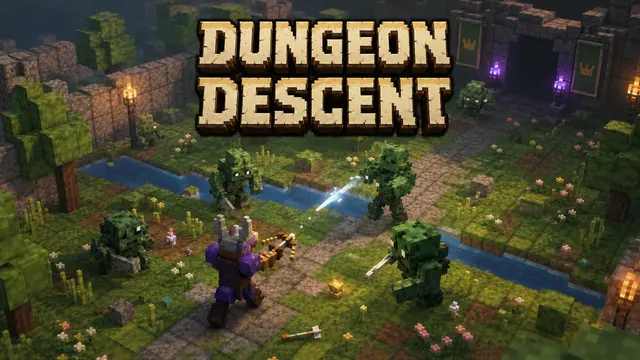 Dungeon Descent
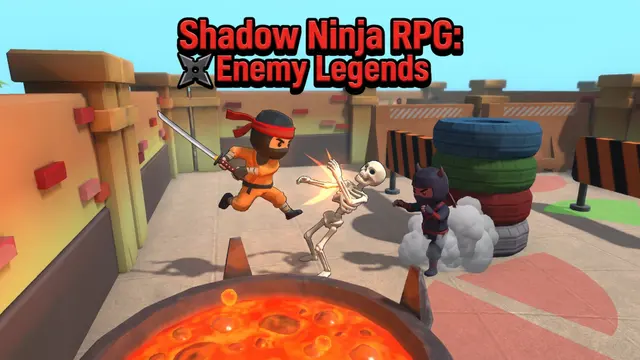 Shadow Ninja RPG: Enemy Legends
 IDLE Warrior Tales
 Wander Wild
 Clown Fiesta
 Slime Heroes
 Aura Farm: RNG
 Throw an Egg!
 Duohex
 My Castle
 The First Emberpyre
 Space Strike: Galaxy Shooter
Play Obby: Warriors of The Sword online
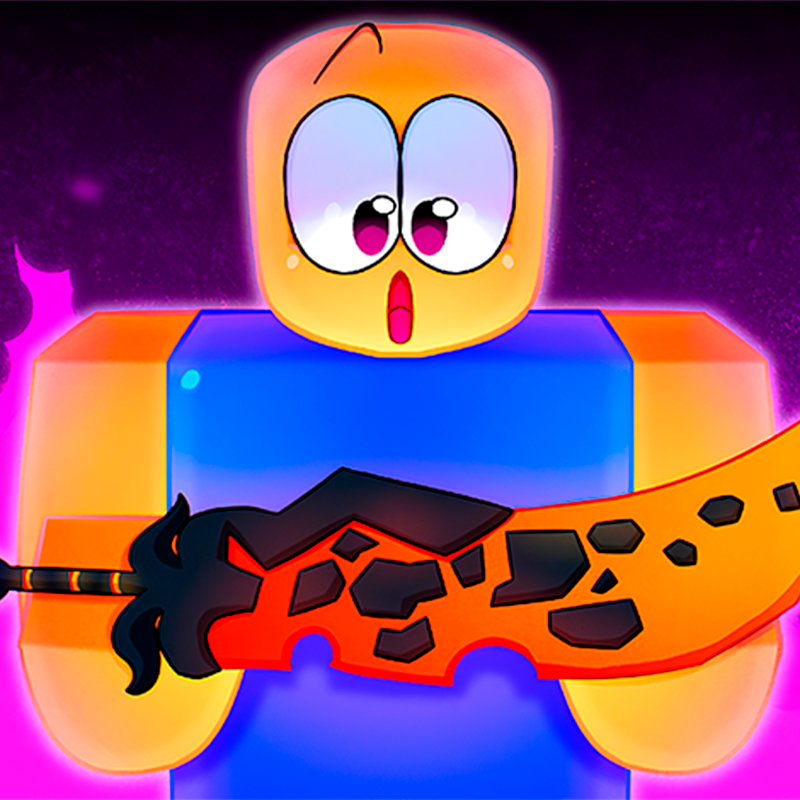
Become a hero in Obby: Warriors of The Sword! Collect powerful swords, defeat enemies and unlock new abilities! Go through rebirth and become a legend.
Work through an obstacle course by reading the route and controlling your movement. Check the available movement actions before taking on the next section. Upgrades are part of the progression described by the provider. The instructions describe joystick input.
How to play Obby: Warriors of The Sword
Controls and instructions
Desktop:
WASD - Movement
LMB - Take a hit
Space - Jump
RMB and mouse movement - Camera rotation
Smartphone:
Movement - Joystick on the left side of the screen
Rotate the camera - Finger movements on the right side of the screen
Click on the screen - Take a shot
Getting started with Obby: Warriors of The Sword
- Look at the next landing area before committing to a jump.
- Compare the upgrade description with your next objective before choosing it.
- Start with a short joystick movement to judge how the character responds.
About this game
- Platform
- Web browser
- Supported devices
- Android, iOS, Desktop
- Screen orientation
- Landscape
- Languages
- American English
- Genres
- Obby, Popular, Pve, Rpg, Mobile
- In-game purchases
- None listed by the provider
- Provider
- Playgama
- Provider audience
- Male, Female
Game features and tags
- Roblox
- Medieval
- Combat
- Sword
- Unity Games Online
- 67 Obby
Obby: Warriors of The Sword images
Questions about Obby: Warriors of The Sword
How do I start playing?
Choose Play now in the game window above to load Obby: Warriors of The Sword through Playgama. Read the controls and instructions above before you start.
Which devices can I play on?
The provider lists support for Android, iOS, Desktop. Play in your web browser using the controls described above.
Which languages does the game support?
American English.
Does the game have in-game purchases?
The provider lists no in-game purchases for this game. Games may display advertisements.
Related game categories
Game facts and artwork supplied by Playgama. Descriptions adapted and getting-started guidance added by LookBear. Game content, ads and purchases are provided by Playgama and the game provider.