 Slime Heroes
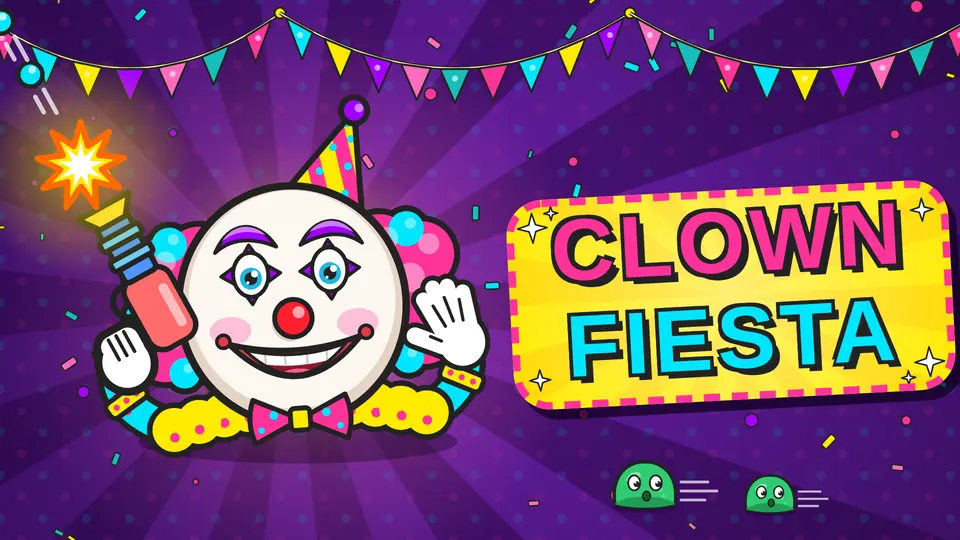
Clown Fiesta
Provided by Playgama

Clown Fiestavia Playgama



 Stalker 2033: The Path of the Survivor
 War V: Path of the Survivor!
 Carvivor Ops
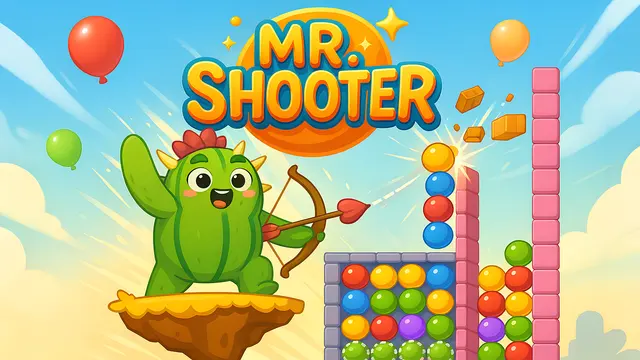 Mr Shooter
 Blocks Shooter 3D! Run, Shoot, Merge Weapons!
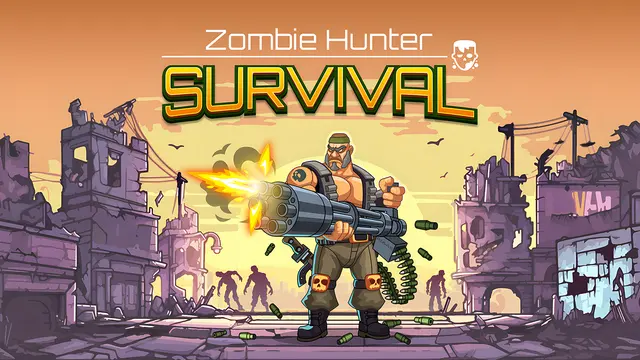 Zombie Hunter: Survival
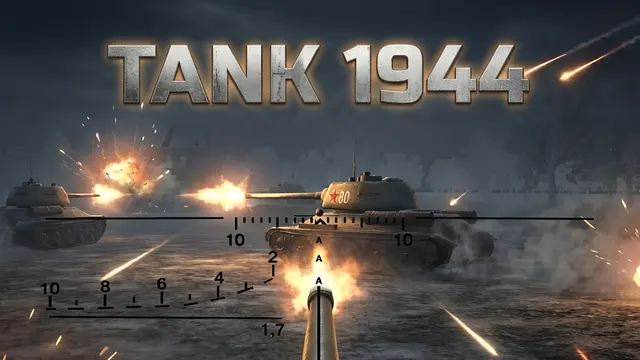 Tank 1944
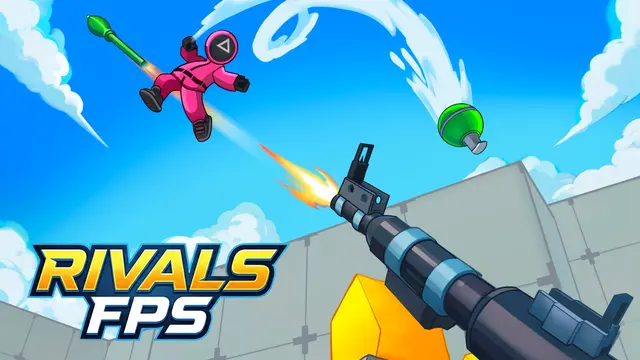 RIVALS FPS: Online Shooter
 Red & Blue: Online. Build! Destroy! Fight!
 Combat Guardian: Under Attack
 SlowMo Sniper
 Noob Legends Dungeon Adventures
 Cowboys Duel
 Golf Invaders
 Blade & Bedlam
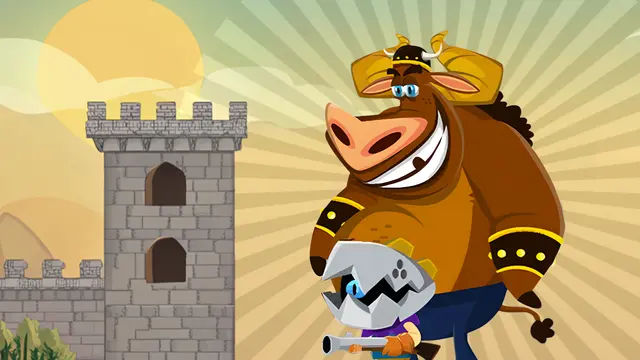 Archery Master - Castle Battle
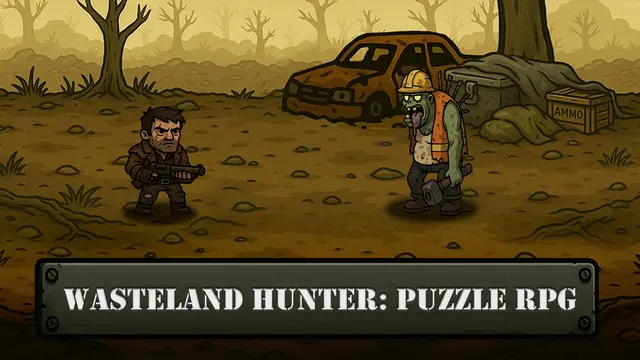 Wasteland Hunter: puzzle RPG
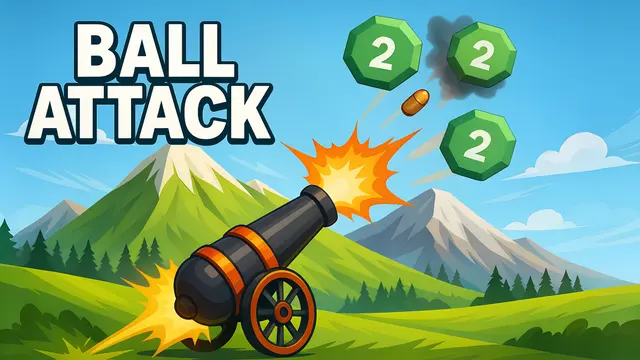 Ball Attack
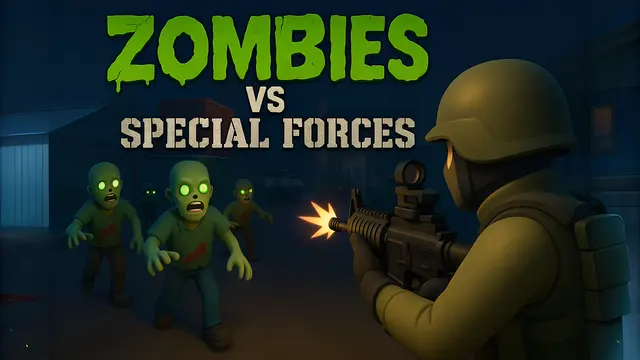 Zombies vs special forces
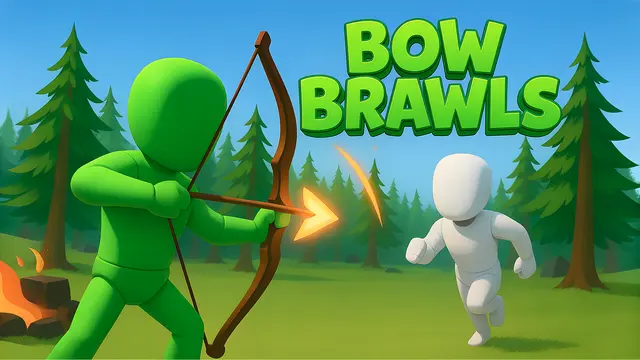 Bow Brawls
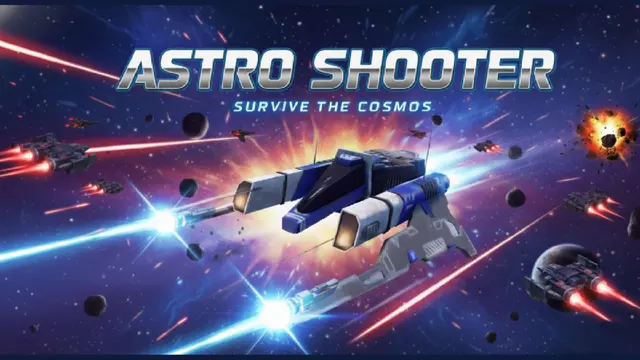 Astro Shooter
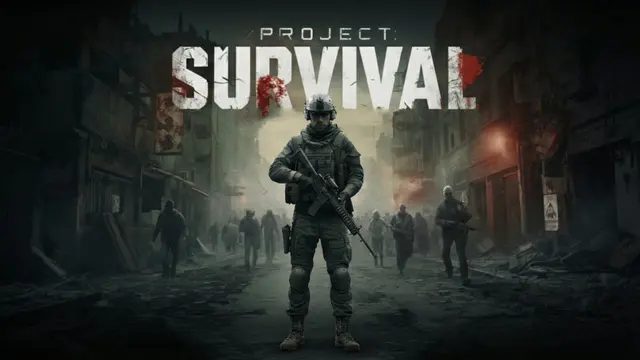 Project: Survival
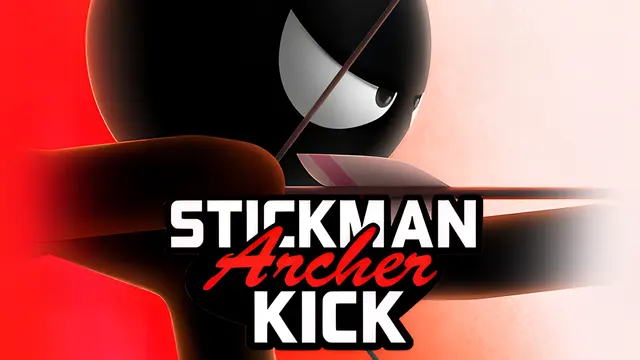 Stickman Archer Kick
 RECOIL
 TANK ARENA MULTIPLAYER
 The Upside Down
 Space Break
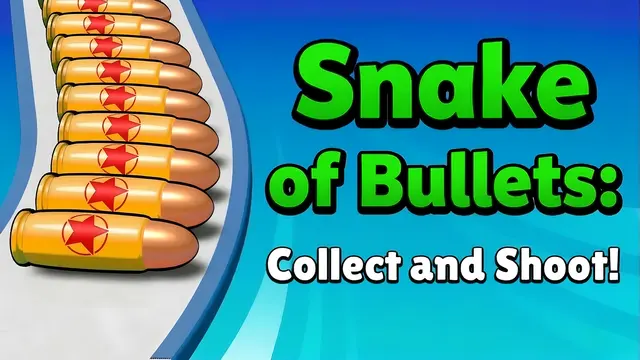 Snake of Bullets: Collect and Shoot!
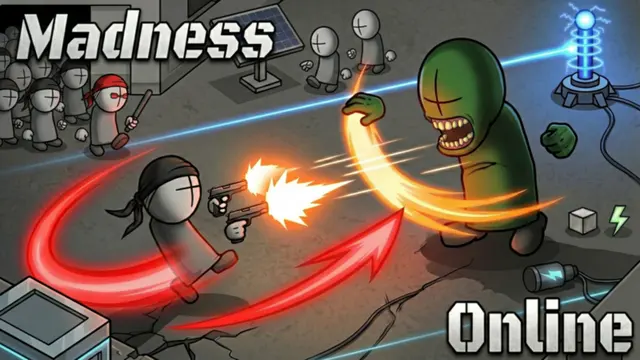 Madness Online
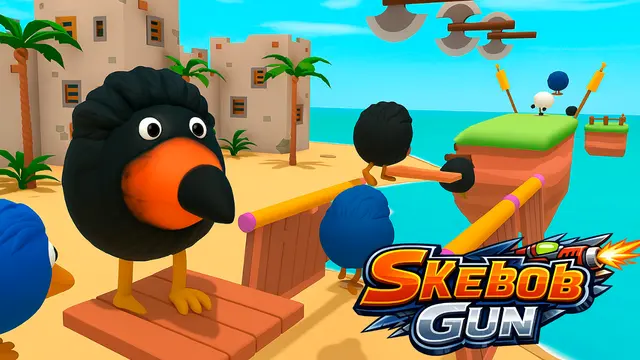 Skebob Gun
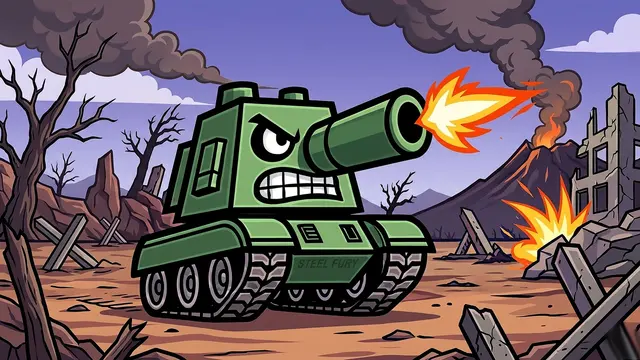 Tank Craft 2
 Mister Bullet: Arcade Shooter
 Toxic Arena: Biological Threat
 Noobik Arena - 99 nights
 Gun Craft and Fight
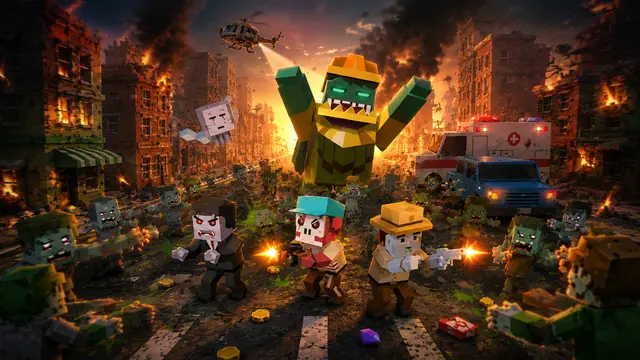 Zombie Terminator
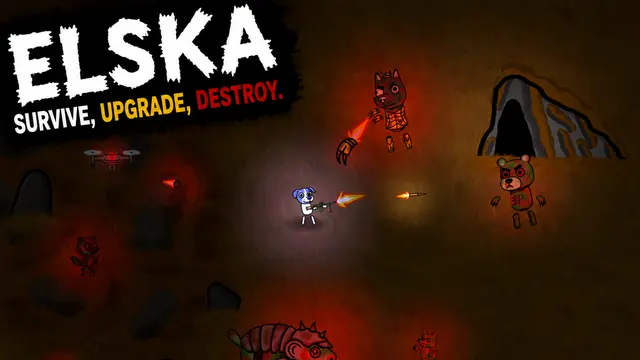 Elska - dog vs zombies! Multiplayer co-op
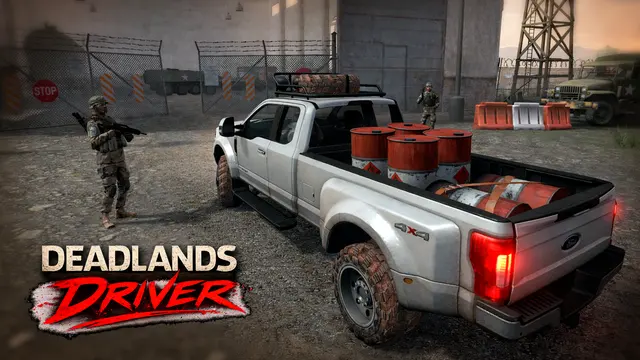 Dead Lands Driver Open World
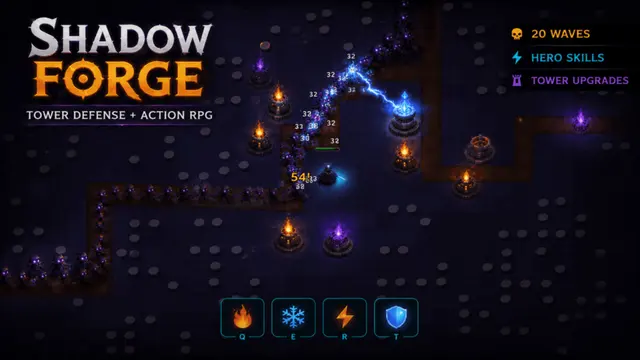 SHADOW FORGE
 Potato Shooter
 Zombie Wave Arena
 Quick Draw Cowboys
 Deorbit - Space Survivors
 Number Shooter: Ball Blast
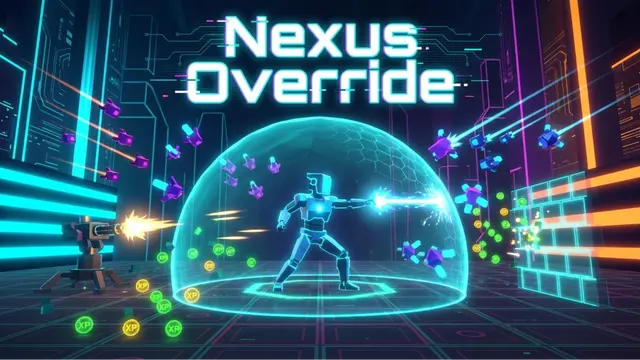 Nexus Override
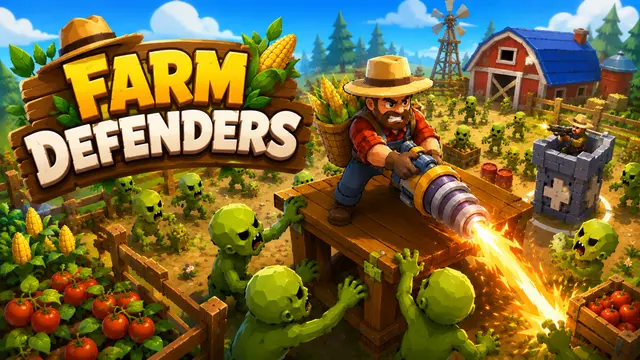 Farm Defenders
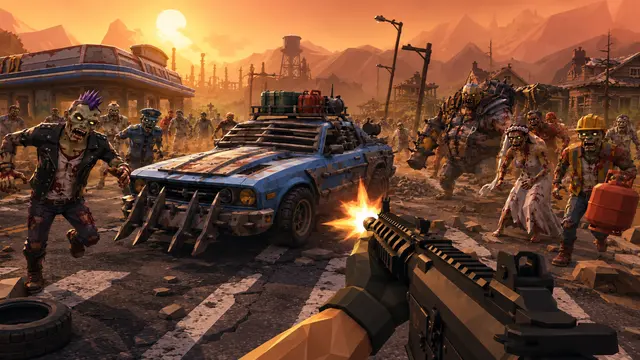 Zombie defence
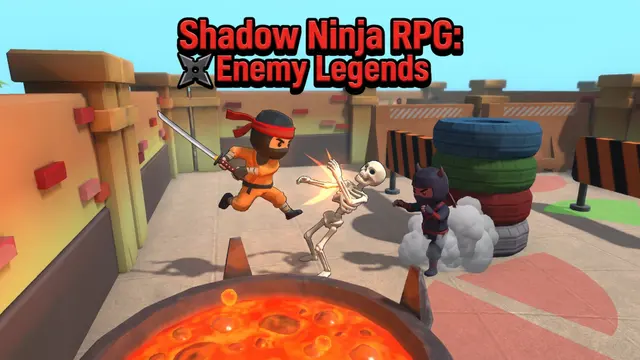 Shadow Ninja RPG: Enemy Legends
 Cruel Fable
 Bound to defend
 Desert Gunship
 Not Your Seafood Salad
 BBlaster
 Wild Wolf Simulator Animal Games
 Cars vs Zombies
 Supernova: The "Charon" Protocol
 The Last Company
 Ash of the Depths
 Zasteroid
 Road Gunner 3D
 Army Run 3D
 Bandana Blitz
 Loopix
 Chess Tactics
Play Clown Fiesta online
Clown Fiesta is a shooter: fight mobs, bosses, and other players, find weapons, and upgrade your character.
Work toward the survival objective while keeping track of the threats described in the game. Learn the movement and interaction controls before taking a risk. Upgrades are part of the progression described by the provider.
How to play Clown Fiesta
Controls and instructions
Desktop (keyboard and mouse)
Movement
W / A / S / D move.
Space dash in the movement direction, or towards the aim when standing still.
Aim and attack
Mouse move aims the weapon at the cursor.
Left mouse button attacks with the current weapon. Hold to keep attacking at its fire rate.
Right mouse button is the alternate attack: throws throwable melee weapons (Baseball Bat, Meteor Maul) and pokes with Sword, Tempest Glaive. Nothing with a gun.
F throws a grenade, or detonates the one already in flight.
Weapons and pickups
1 / 2 select the melee or ranged slot.
Mouse wheel cycles through occupied slots.
Click a floor weapon to pick it up when in range. Orbs are collected by walking over them.
Spells, once the skill is learned
Q Repel, E Shield, R Haste, C Fire Breath.
Menus and information
U stat upgrades, I skill upgrades. Each opens only while points are unspent.
Tab held shows the scoreboard.
P pauses in solo games.
Mobile (touch screen, landscape)
Movement
Touch anywhere on the right half of the screen and drag to move. The stick appears under your thumb.
The jump button in the bottom-left corner dashes in the stick's direction, or towards the aim when standing still.
Aim and attack
Aiming and attacking are automatic. The weapon locks onto the nearest visible enemy: guns fire at it, melee weapons swing once it is in reach. With no enemy around, the weapon faces where you move.
Tap a barrel or a steam pipe to attack it instead. Tap empty ground to cancel.
The Throw / Poke button next to the jump button is the alternate attack. It appears only with a weapon that has one: Throw for the Baseball Bat and Meteor Maul, Poke for the Sword and Tempest Glaive.
The grenade button next to the jump button throws a grenade, or detonates the one already in flight.
Weapons and pickups
Tap a weapon slot at the bottom of the screen to switch to it.
A Pick up button appears next to the jump button when a floor weapon is in range. Orbs are collected by walking over them.
Spells, once the skill is learned
Each learned spell adds a button above the jump button: Repel, Shield, Haste, Fire Breath.
Menus and information
The two + buttons right of the weapon slots open stat upgrades and skill upgrades. They appear only while points are unspent.
MENU and pause are in the top-right corner.
Turning the device upright pauses the game until it is back in landscape.
Getting started with Clown Fiesta
- Check the current threat and available actions before moving into an unfamiliar area.
- Compare the upgrade description with your next objective before choosing it.
About this game
- Platform
- Web browser
- Supported devices
- Android, iOS, Desktop
- Screen orientation
- Landscape
- Languages
- American English
- Genres
- Action, Arcade, Shooting, Pve, Survival, Rpg
- In-game purchases
- None listed by the provider
- Provider
- Playgama
- Provider audience
- Male, Female
Game features and tags
- Games For Pc
- 2d
- Mission
- Kill
- Arena
- Webgl
- Combat
- 1 Player
- Shoot Em Up
- 2d Shooter
- Action Fighting
- 2d Action
Clown Fiesta images
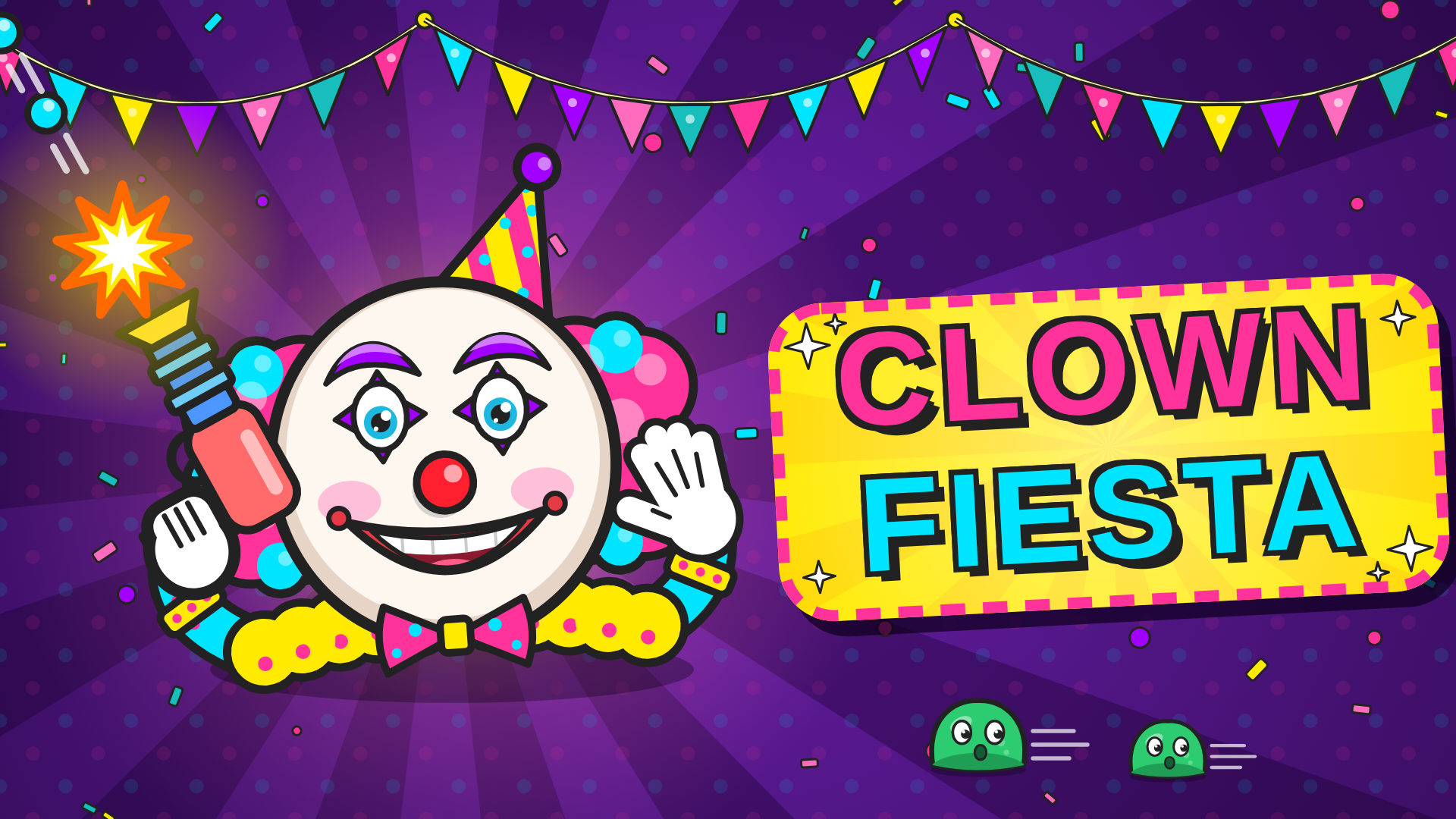
Questions about Clown Fiesta
How do I start playing?
Choose Play now in the game window above to load Clown Fiesta through Playgama. Read the controls and instructions above before you start.
Which devices can I play on?
The provider lists support for Android, iOS, Desktop. Play in your web browser using the controls described above.
Which languages does the game support?
American English.
Does the game have in-game purchases?
The provider lists no in-game purchases for this game. Games may display advertisements.
Related game categories
Game facts and artwork supplied by Playgama. Descriptions adapted and getting-started guidance added by LookBear. Game content, ads and purchases are provided by Playgama and the game provider.