 Cosmic Dash
Orbit Shift
Provided by Playgama

Orbit Shiftvia Playgama

 Space Blast
 On Fire Basketball Shots
 Street Racer 2D
 Spin&Mow
 Epicrolla
 Canyon Drifter
 SlowMo Sniper
 Stunsteval Siderollers
 Robbie: TikTak Slot Machines
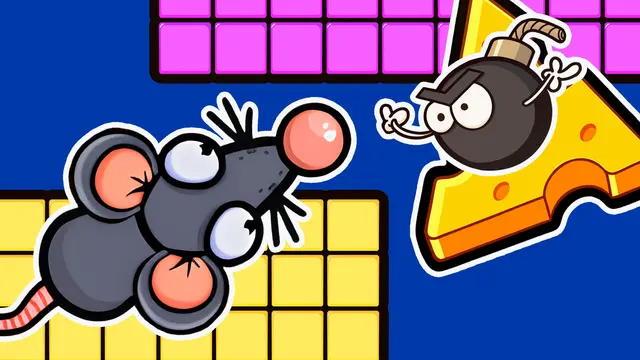 Mouse Survivor
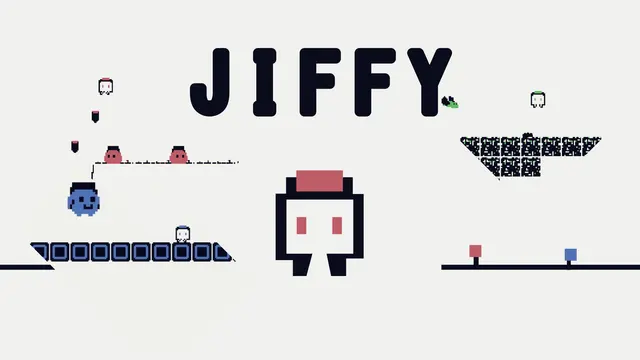 Jiffy
 Turbo Racer Extreme
 Golf Invaders
 Zigzag Snow Adventure
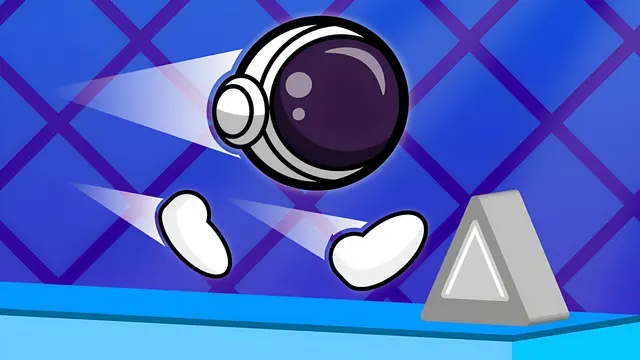 Gravity Speed Run
 Ball: Path Through Obstacles
 Snowball Dash
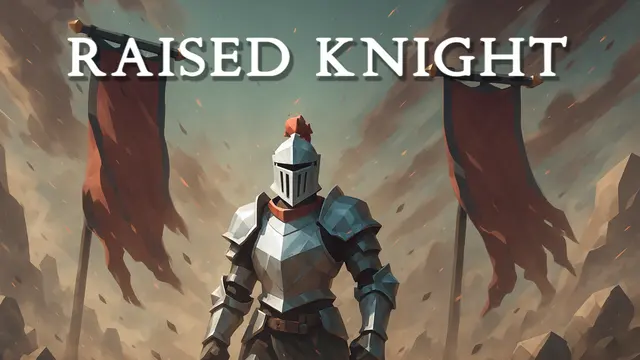 Raised Knight
 Snake of Balls
 Drone Dash - Time Challenges!
 Head Jump
 Winged Wheels 2
 Chroma Trek
 Cut It 3D
 Steve parkour in mine
 Super Fruit Runner - Hyper Casual
 Tilt & Tumble
 Bricks Balls Breaker
 Ball Attack
 Bricks Buster
 Fishing Frenzy
 Geometry Vibes
 Pop Tap
 Balls: Ricochet!
 Fruit Chopper
 Tiny Delivery
 Basketball Tap
 Tap tap Swing
 Fruit Slicer
 Hit & Knock Down
 Slap Master
 Smash & Merge Balls
 Fluffy Jump
 SpeedMatch Competition
 Halloween Fruit Slice
 Twisty Planet
 Moving Balls - Going Sphere
 Froggy Hop
 Space Rolling Balls Race
 Mini Car Racing Master 3D
 Precision Parking Pro
 Stickman Jump
 Space Obby
 Pim Path
 STAIR BALL
 Neon Ball Slope
 Hoppy Bird
 Stickman Archer Kick
 RECOIL
 Eggy Car
 Rolling Balancer Ball
 Robot Unicorn Dash
 Geometry Dash: Infinity
 Snow Rush 3D
Play Orbit Shift online
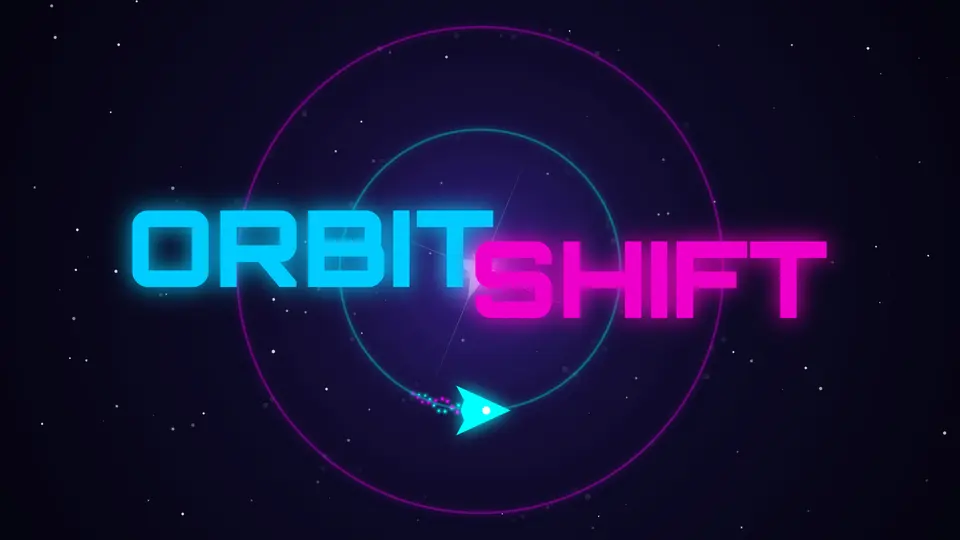
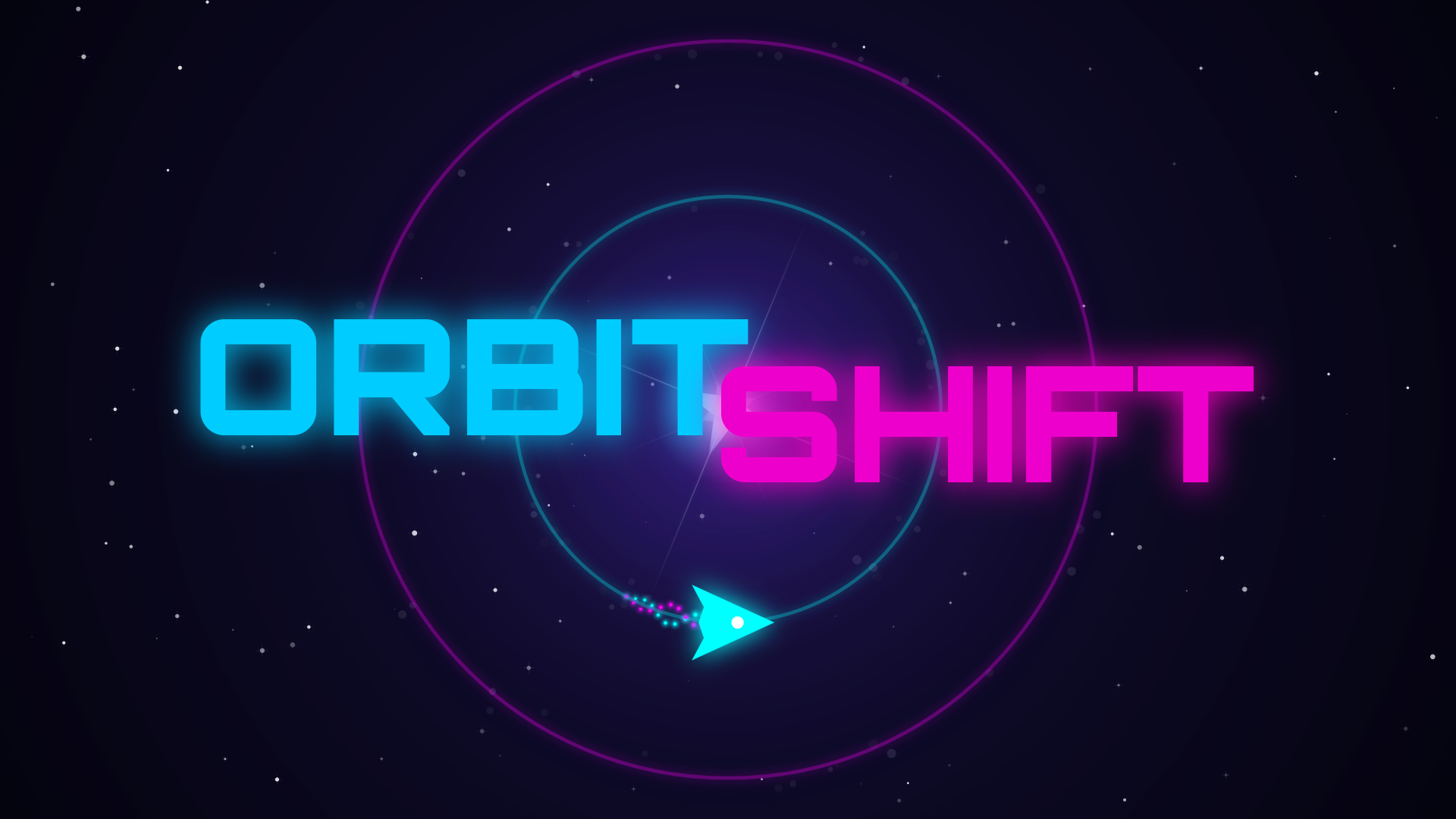
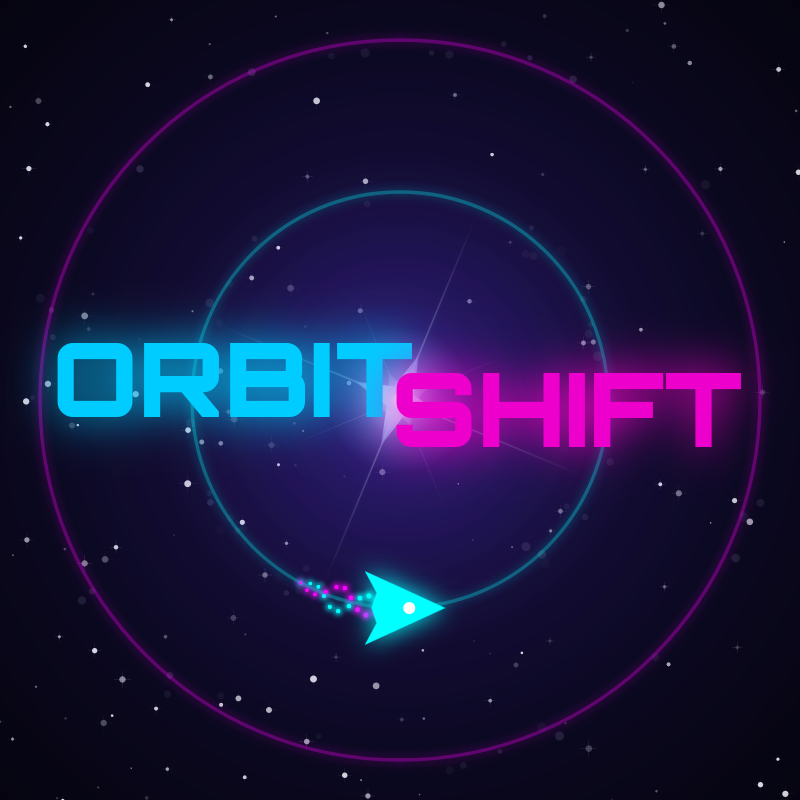
You're locked in orbit around a dying star: two rings, two lanes, one chance. Orbit Shift is a one-tap lane-switching endless space arcade game where reflexes are everything. Comets, shooting stars, and meteors spawn at the top of two concentric rings and spiral clockwise toward your ship.
Focus on the current challenge and learn the timing of its main interaction. The instructions describe what counts as progress and what ends an attempt.
How to play Orbit Shift
Controls and instructions
Dodge obstacles. Collect shield crystals. Survive as long as you can.
Tap, click, or press Space to instantly switch your ship between the inner and outer orbital rings. There is no cooldown or animation delay — the switch is immediate. Obstacles spawn at 12 o'clock and rotate clockwise toward your ship at 6 o'clock on both rings. Your job is to read the pattern and keep switching to whichever ring is clear, timing each move to slip through the gaps as they come.
When a hazard is about to hit your ring, the ring itself flares red — a last-second visual danger warning. The best players are already on the safe ring before it lights up, but the flare is there to back you up when you lose track.
**Shield crystals** appear between the two rings. To collect one, you need to time a switch so your ship passes through it. Collect three crystals and your shield activates and lasts until you get hit, protecting you from the next hit before it shatters. A shield can save a great run, so collect crystals whenever it's safe to do so. However, crystals sometimes appear in tight spots between obstacles — if you're still learning the rhythm, it's better to skip a risky crystal than to mistiming the switch and die. Once your timing is sharp, those tight grabs become some of the most rewarding moments in the game.
**Strategy:** Don't react to the obstacle directly in front of you — read two or three ahead and queue your switches as a sequence. Frantic tapping kills runs; clean, deliberate timing carries you deep. Avoid panic-switching; commit to each move and trust the pattern.
**Stages and surges:** Each stage runs exactly 60 seconds and ends in a surge — a dense, fast onslaught where both rings glow red. Survive the surge and the next stage begins, faster than the last, with new obstacle patterns and a new color theme. The difficulty pulses in crescendos rather than climbing in a straight line, giving you a brief recovery window between surges before the pressure builds again.
**Controls:**
Space bar / Tap / Click: Switch between inner and outer rings
P: Pause (timer resumes on unpause)
Tab / First letter: Navigate menus
Getting started with Orbit Shift
- Use the first attempt to learn the controls and the game’s feedback.
About this game
- Platform
- Web browser
- Supported devices
- Android, iOS, Desktop
- Screen orientation
- Landscape and Portrait
- Languages
- American English
- Genres
- Arcade, Skill, Space
- In-game purchases
- None listed by the provider
- Provider
- Playgama
- Provider audience
- Male, Female
Game features and tags
- Dodge
- Agility
- 1 Player
Orbit Shift images
Questions about Orbit Shift
How do I start playing?
Choose Play now in the game window above to load Orbit Shift through Playgama. Read the controls and instructions above before you start.
Which devices can I play on?
The provider lists support for Android, iOS, Desktop. Play in your web browser using the controls described above.
Which languages does the game support?
American English.
Does the game have in-game purchases?
The provider lists no in-game purchases for this game. Games may display advertisements.
Related game categories
Game facts and artwork supplied by Playgama. Descriptions adapted and getting-started guidance added by LookBear. Game content, ads and purchases are provided by Playgama and the game provider.