 Mowmentum
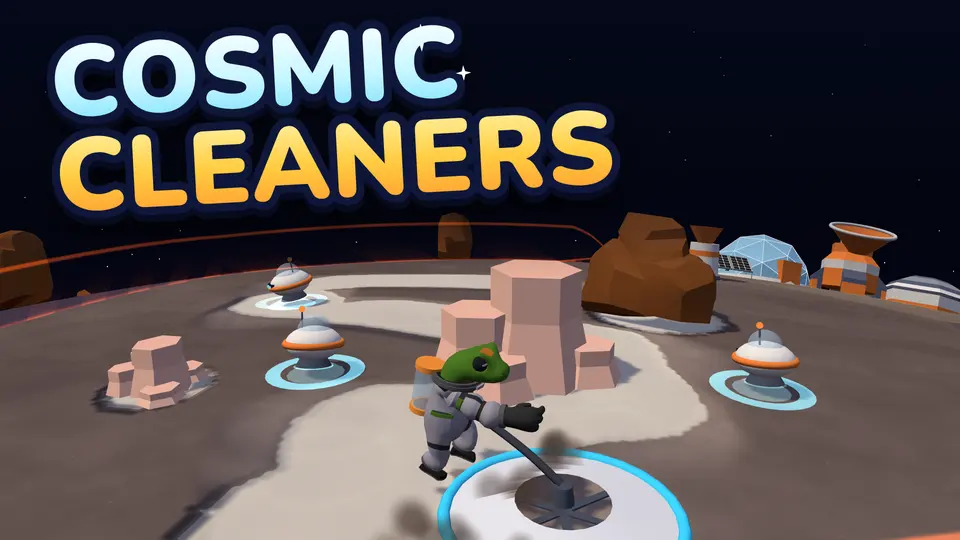
Cosmic Cleaners
Provided by Playgama

Cosmic Cleanersvia Playgama








 Reaper’s Graveyard Shift
 Pearl Paws
 Monster Card Shop
 Build a Skyscraper!
 Pull-up Bar Tricks
 Steal an Egg 3D
 Chicken Farm 3D
 Squishy Clicker
 Relax Box: ASMR Mini Games
 Haystack Works
 +1 Skipping Stone Throw
 Harvest Rush
 Single Dad Simulator Family Life
 Steal an Egg: Sky Pets
 Deepstone: Idle Miner Clicker
 Obby: Build a Car Farm
 Nest Heist
 Rusty Park
 Vet Tycoon: Pet Hospital
 Would You Like to See My Ants?
 Break the Egg and Run away!
 Throw Foods For Pets
 Fridge: Perfect Sorting
 Pump It Up
 Sticky Memo - Ripping Game
 Market Hero
 Throw Food - Catch Animals
 Little Monsters Toy 3D
 Ballpit Clean Master
 Bridge Builder
 Dungeon Master - Cult & Craft
 Grow a Garden 3D
 MR RACER Stunt Mania
 My Arcade Center
 Hyper Cars Ramp Crash
 Build And Run
 Radial 3D
 Stack Ball 3D
 Mars Colony
 Grow Slime
 Island Expander
 SlowMo Sniper
 Ball: Path Through Obstacles
 Winged Wheels 2
 Cut It 3D
 Steve parkour in mine
 Cosmic Dash
 Tiny Delivery
 Moving Balls - Going Sphere
 Gravity Shift Sky Racers GT
 Space Rolling Balls Race
 Mini Car Racing Master 3D
 Precision Parking Pro
 Astro Shooter
 Furious GT Drift
 Rolling Balancer Ball
 Snow Rush 3D
 Extreme Balancer
 Space Cleaner
 My Bakery
 My Little Farm
 3D Pool Mania
 Soda Sandbox
 Orbit Shift
Play Cosmic Cleaners online
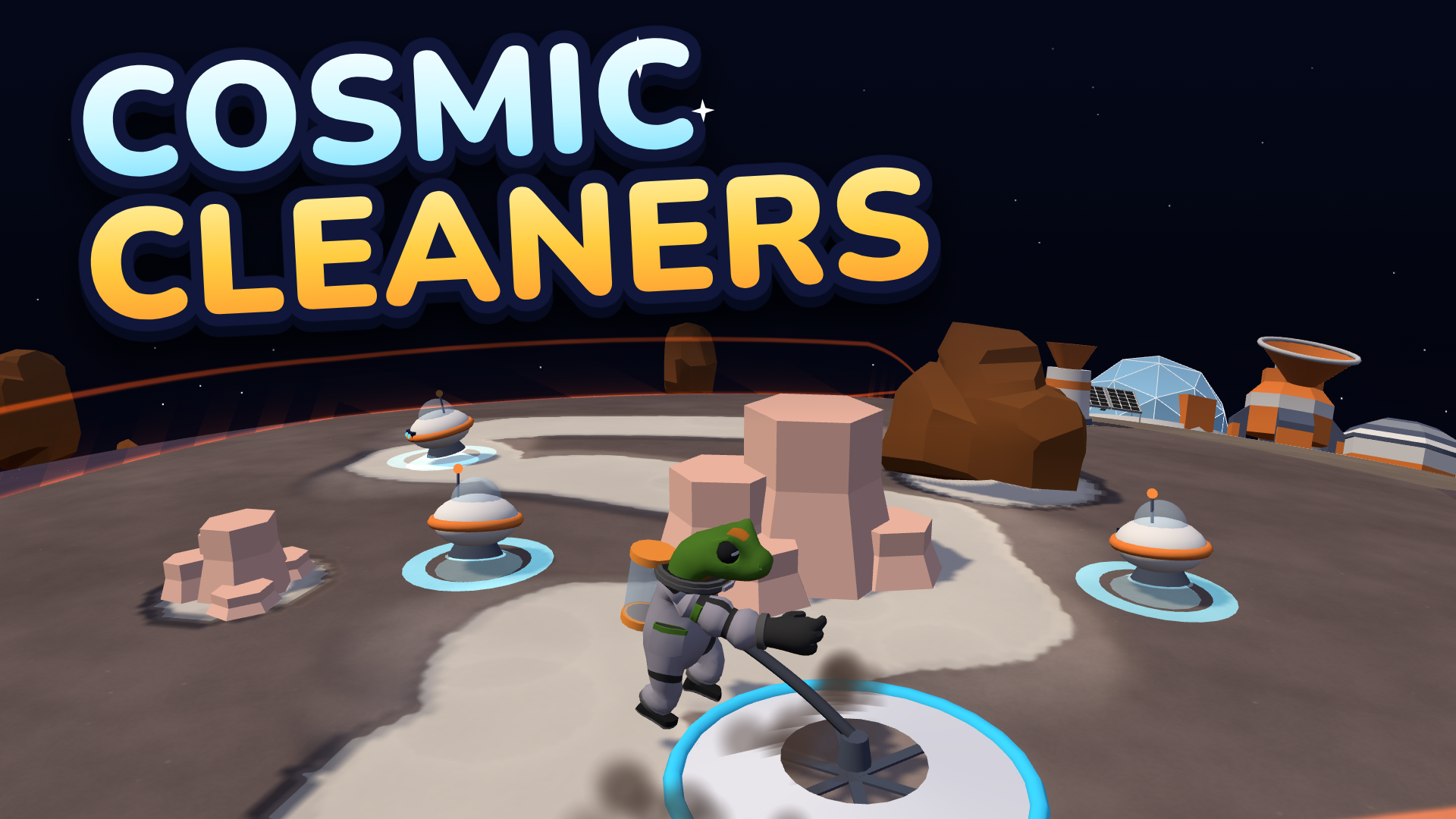
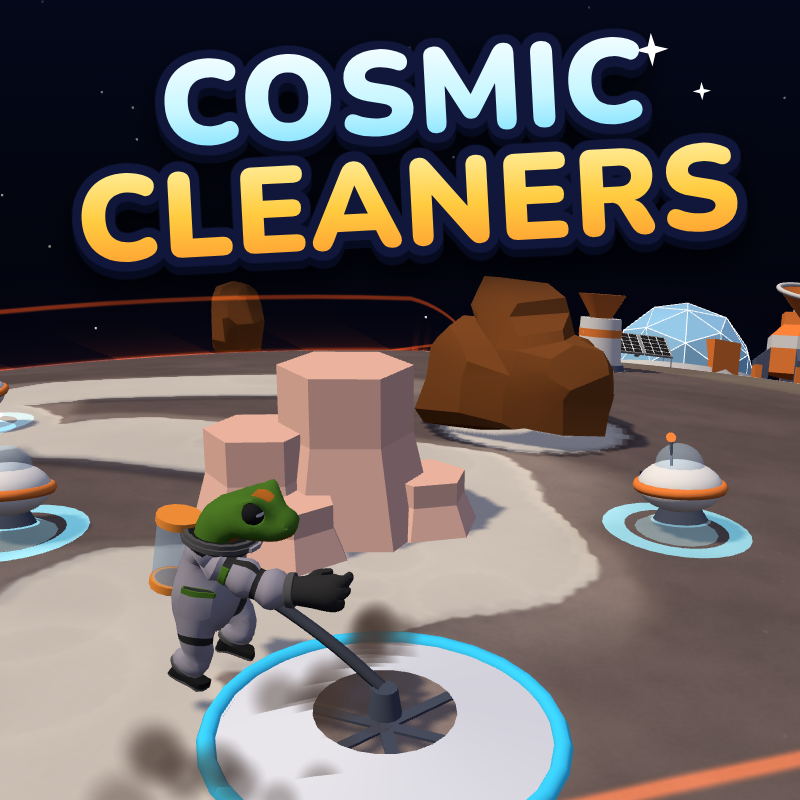
Cosmic Cleaners is a cozy idle arcade about tidying up the Moon. Grab a toothbrush, step out of the station and sweep away thick lunar dust — every clean stripe turns into coins. Fill your tank, empty it at a depot and spend the profit on better gear: from a Scrub Brush and a Vacuum to a Sweeper Kart, a Rover and a huge Dust Truck that clears a sector in a few passes.
Follow the game’s progression systems and review the available upgrades. Check which actions need your input and which processes continue on their own. Coins appear in the game’s progression or objectives. The listed controls include WASD input.
How to play Cosmic Cleaners
Controls and instructions
Walk with WASD or the arrow keys, or hold the mouse button and point where to go. Mobile: hold and drag anywhere on the screen. Your tool cleans automatically as you move and the dust goes into your tank. When the tank is full, bring it to a depot to sell it for coins. In the shop, buy wider and stronger tools and vehicles, a bigger tank, faster moon boots, a dust compressor and cleaning robots. Thick dust in distant sectors needs a stronger tool. When you have enough coins, step on a permit pad to open the next sector. Every sector hides a lost item — collect them all in the Lost & Found.
Getting started with Cosmic Cleaners
- Read the upgrade descriptions instead of assuming every improvement has the same effect.
- Check what the game lets you do with coins before spending them.
- Check the action mappings as well as movement; extra actions may use different keys.
About this game
- Platform
- Web browser
- Supported devices
- Android, iOS, Desktop
- Screen orientation
- Landscape and Portrait
- Languages
- American English, European Spanish, European Portuguese, Russian (Russia), Turkish (Türkiye)
- Genres
- Arcade, Simulation, Skill, 3d, Cozy, Space, Idle
- In-game purchases
- None listed by the provider
- Provider
- Playgama
- Provider audience
- Male, Female
Game features and tags
- Casual
- Relaxing
- Addictive
- Webgl
- Collecting
- 1 Player
- Incremental
Cosmic Cleaners images
Questions about Cosmic Cleaners
How do I start playing?
Choose Play now in the game window above to load Cosmic Cleaners through Playgama. Read the controls and instructions above before you start.
Which devices can I play on?
The provider lists support for Android, iOS, Desktop. Play in your web browser using the controls described above.
Which languages does the game support?
American English, European Spanish, European Portuguese, Russian (Russia), Turkish (Türkiye).
Does the game have in-game purchases?
The provider lists no in-game purchases for this game. Games may display advertisements.
Related game categories
Game facts and artwork supplied by Playgama. Descriptions adapted and getting-started guidance added by LookBear. Game content, ads and purchases are provided by Playgama and the game provider.