 Catoom! - Bomb Barrel
Mine: Block Breaker
Provided by Playgama
Mine: Block Breakervia Playgama

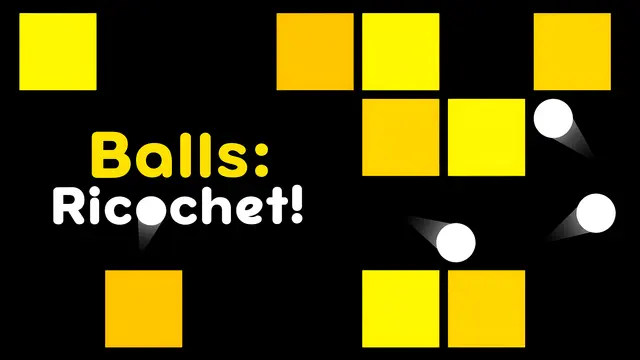 Balls: Ricochet!
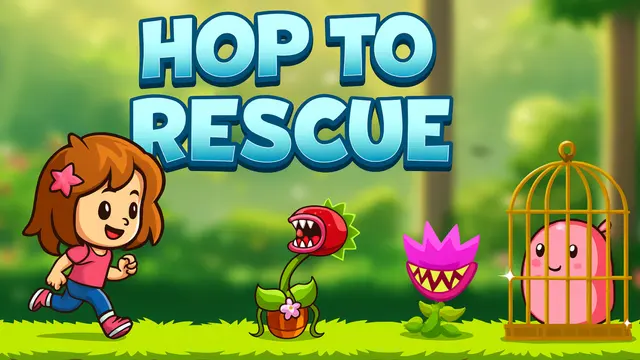 Hop To Rescue
 Hit & Knock Down
 Slap Master
 Astro Shooter
 Stickman Archer Kick
 RECOIL
 Extreme Balancer
 Bottle Bottle
 Bottle Flip
 Egging On
 Cut In Half
 Rolling Balls Sea Race
 Buttons
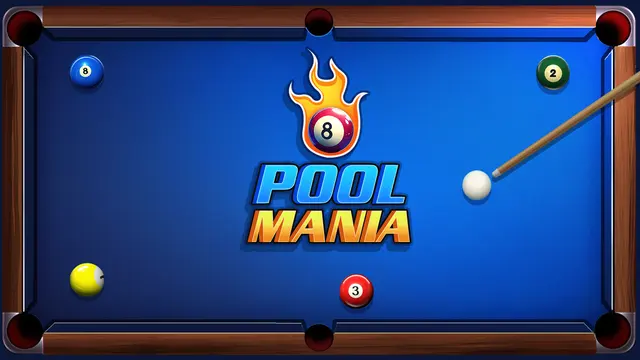 3D Pool Mania
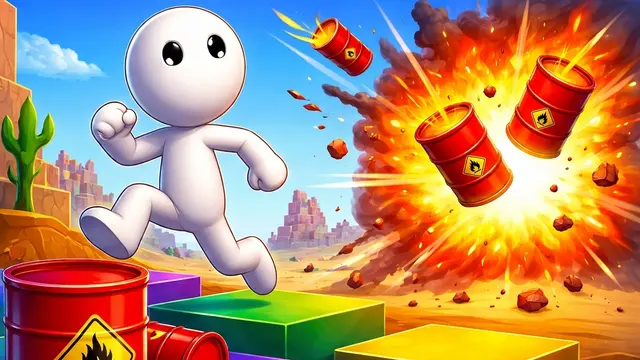 Crazy Bob
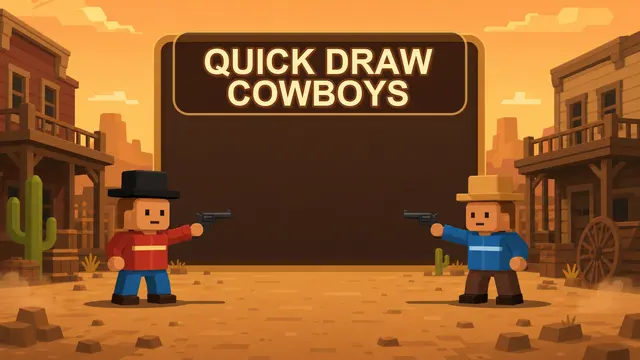 Quick Draw Cowboys
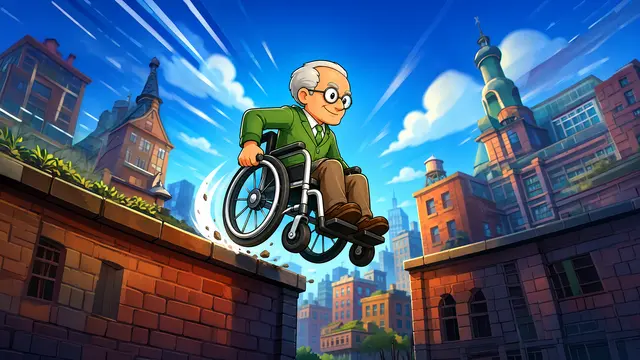 Wheelchair parkour: No limits
 DUNJUN
 Roll Rush
 BreakBlock
 Miki Oath
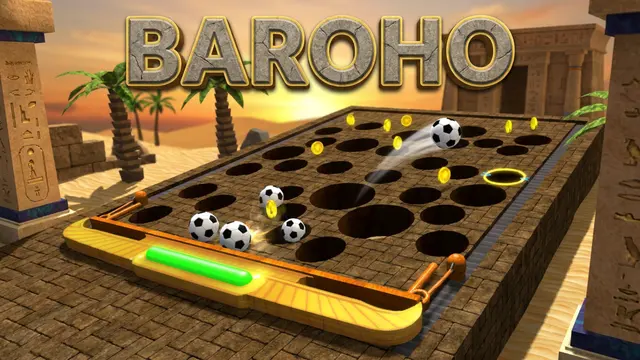 BAROHO
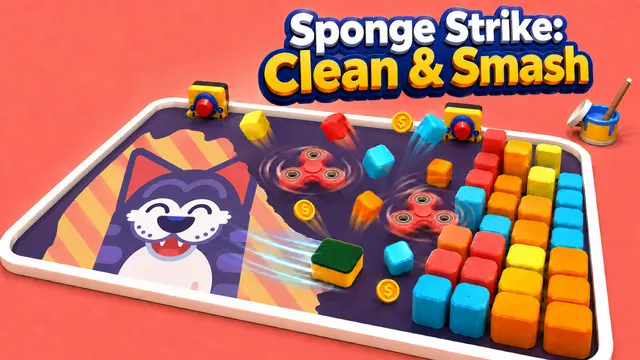 Sponge Strike: Clean & Smash
 Swing Hero
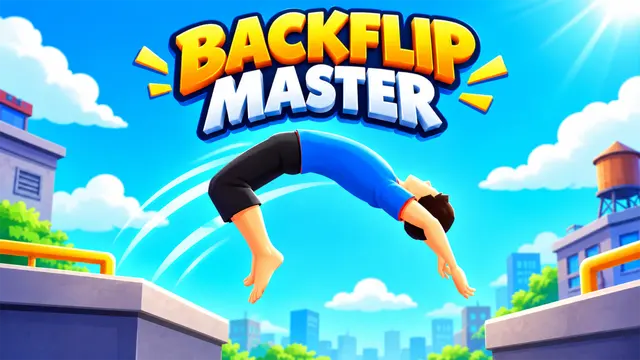 Backflip Master: Parkour Stunts
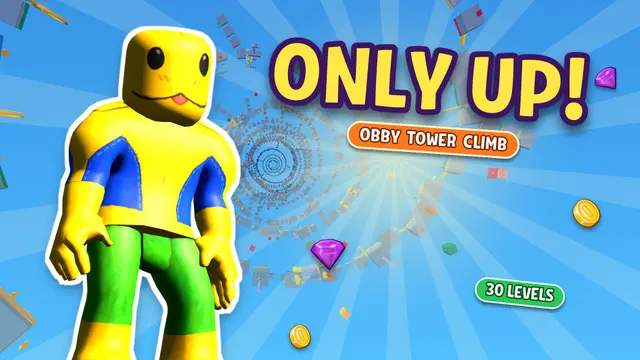 Only Up Obby: Tower Climb
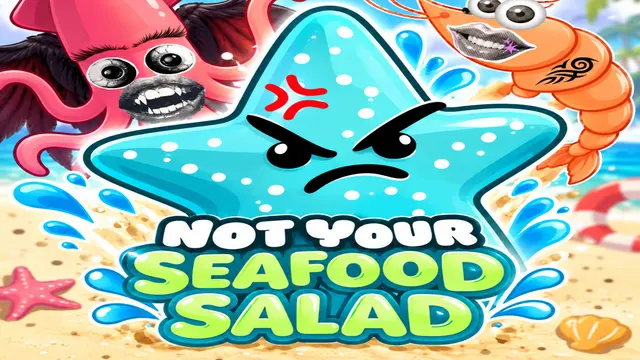 Not Your Seafood Salad
 Cheat and Don't Get Caught!
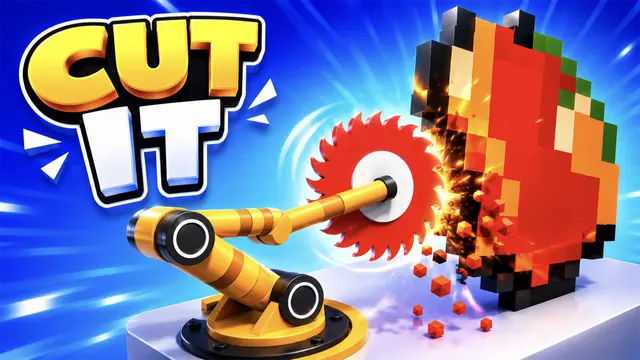 Cut it : Voxel Crusher
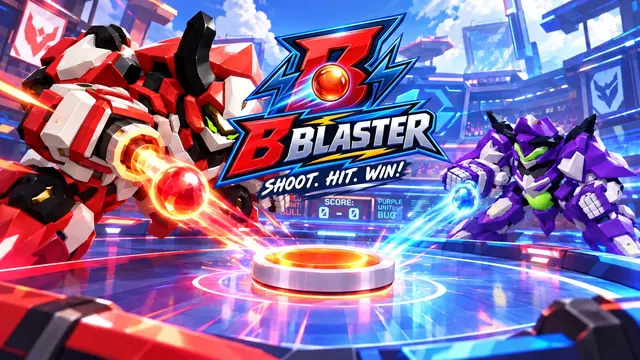 BBlaster
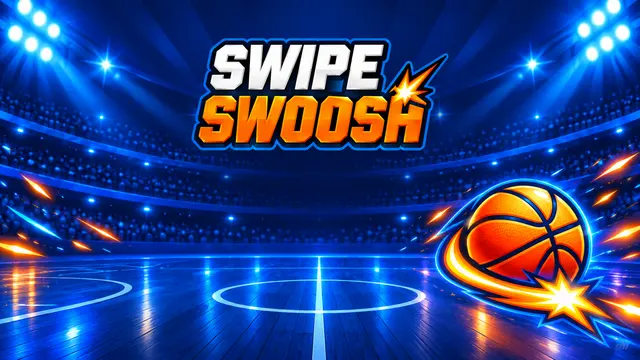 Swipe Swoosh
 Wild Wolf Simulator Animal Games
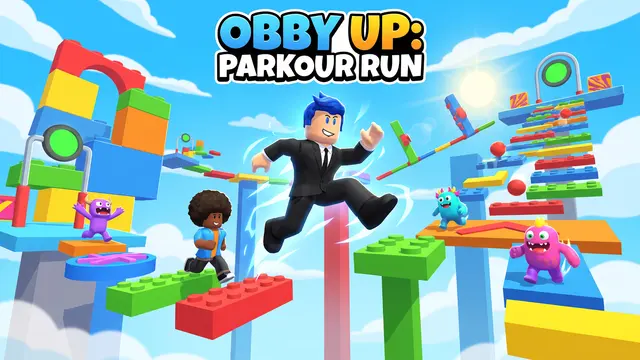 Obby Up: Parkour Run
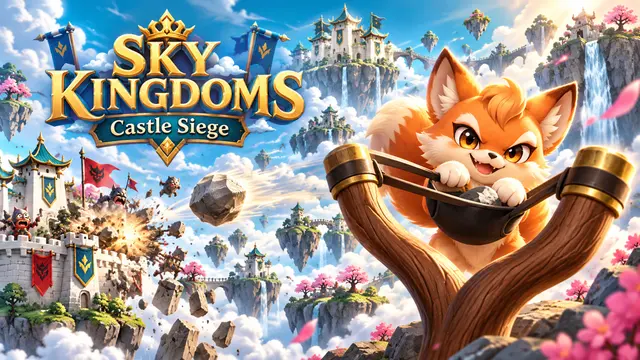 Sky Kingdoms: Castle Siege
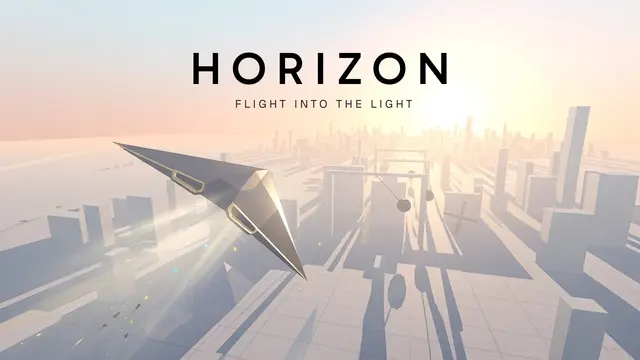 Horizon: Flight Into the Light
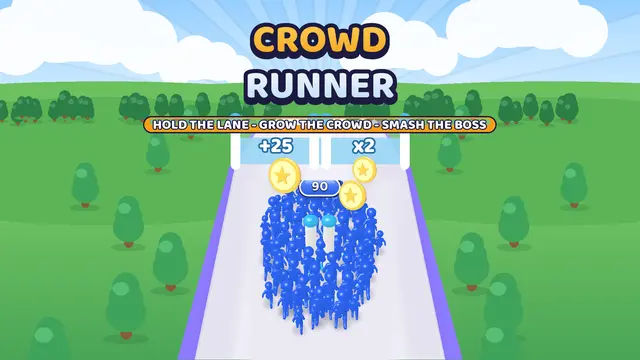 Crowd Runner
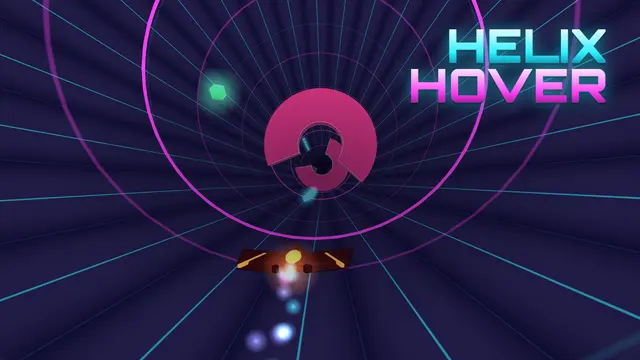 Helix Hover
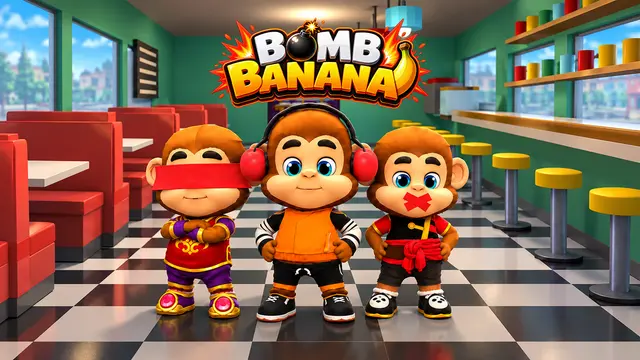 BOMB BANANA
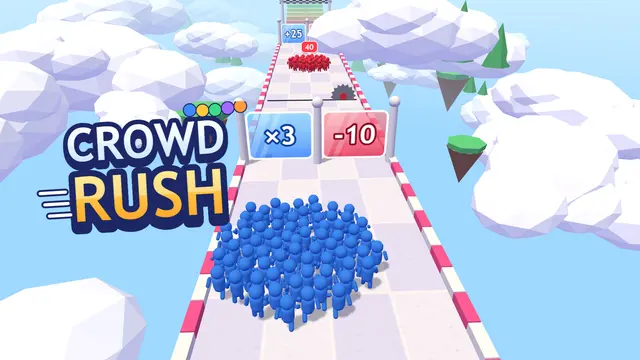 Crowd Rush
 Rocket Rush
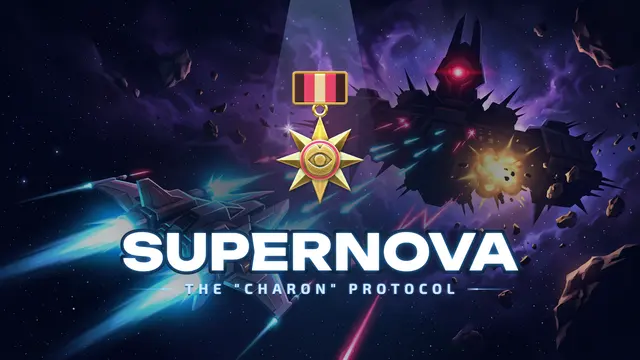 Supernova: The "Charon" Protocol
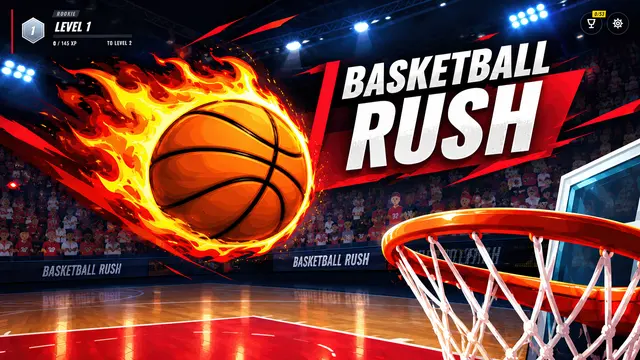 Basketball Rush
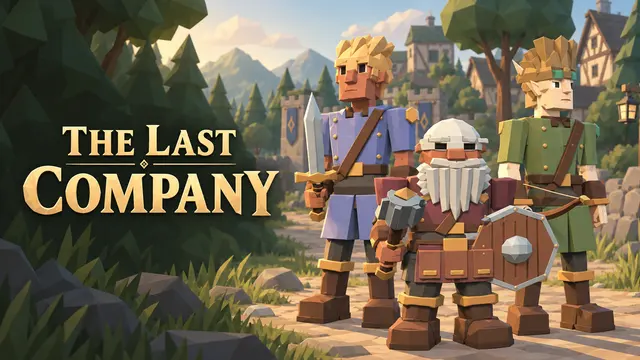 The Last Company
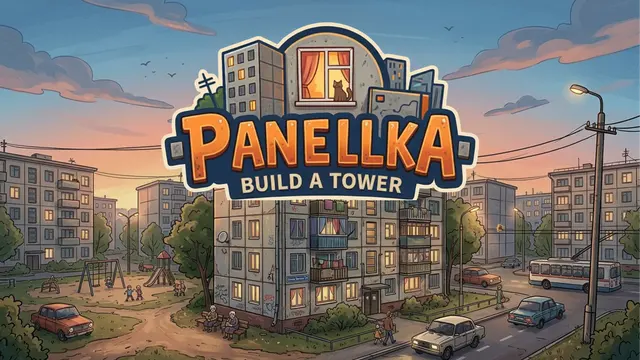 Panellka: Build a Tower
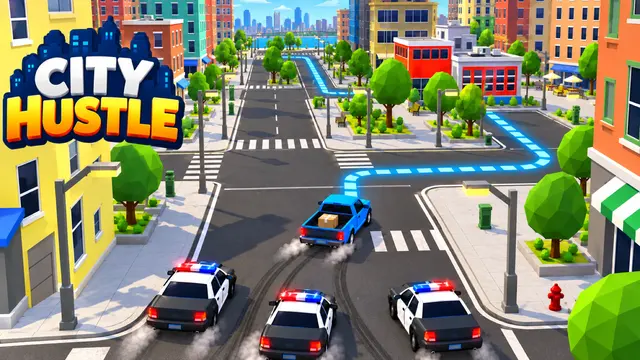 City Husle
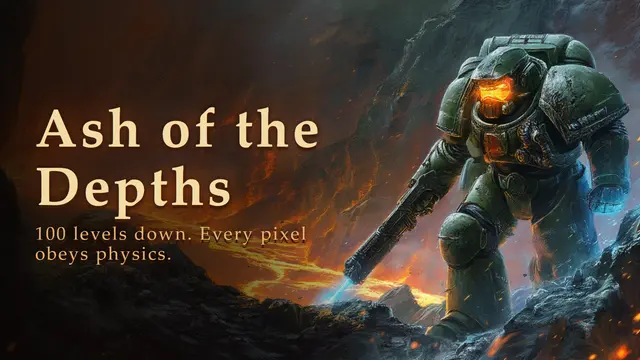 Ash of the Depths
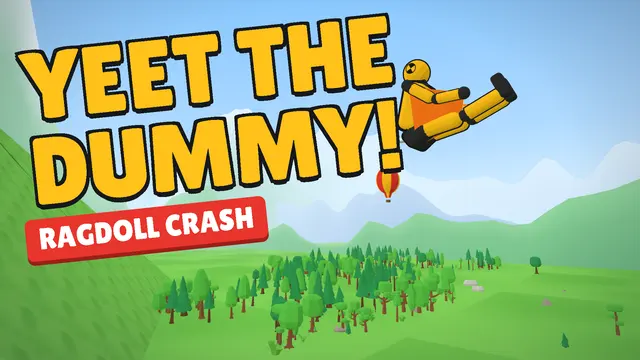 Launch the Dummy!
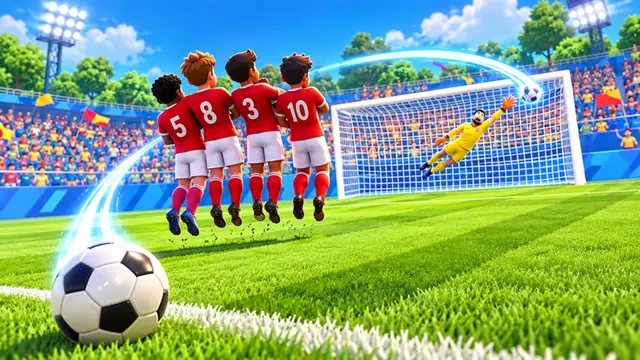 Football Free Kick
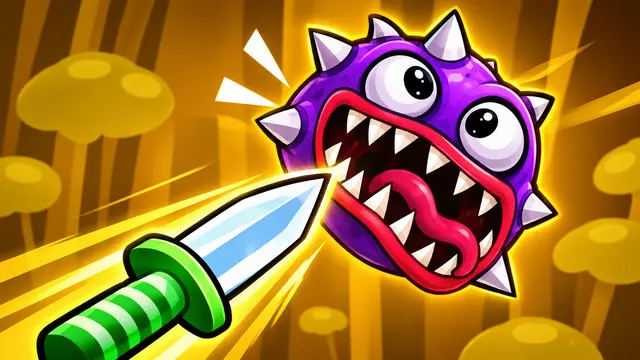 Knife Battle
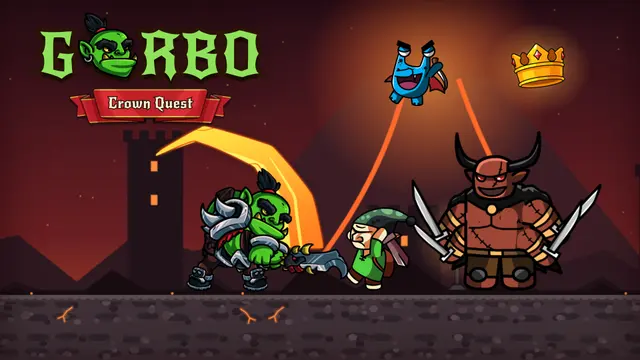 Gorbo the Orc: Crown Quest
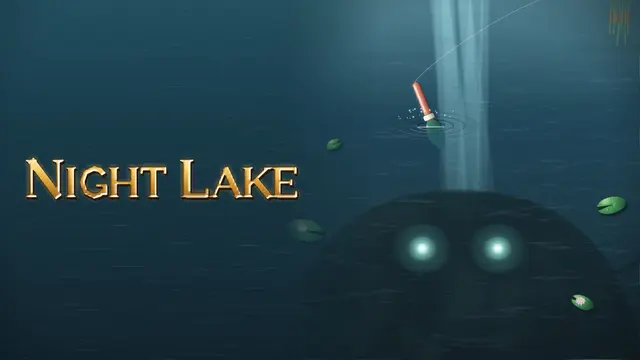 Night Lake: Monster Fishing
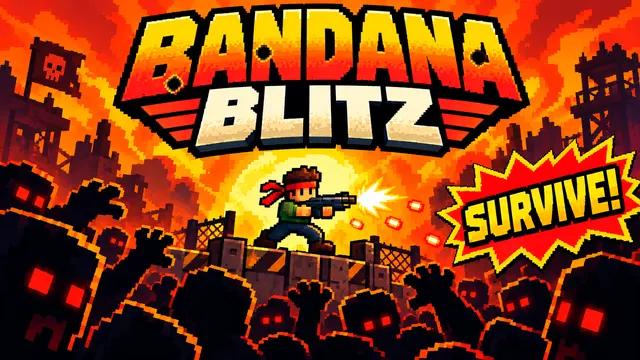 Bandana Blitz
 Loopix
 Katana Flash
 Crust Crusher
 Obby: +1 Click Wall Breaker
 Rebound Rascals
 Soak & Squeeze
 Jelly Sandbox Playground
 Containment Protocol: Roguelike Deckbuilder
 Wingy Wheels
 Log Splash
 Happy Unicorn: Magic Leaps
Play Mine: Block Breaker online
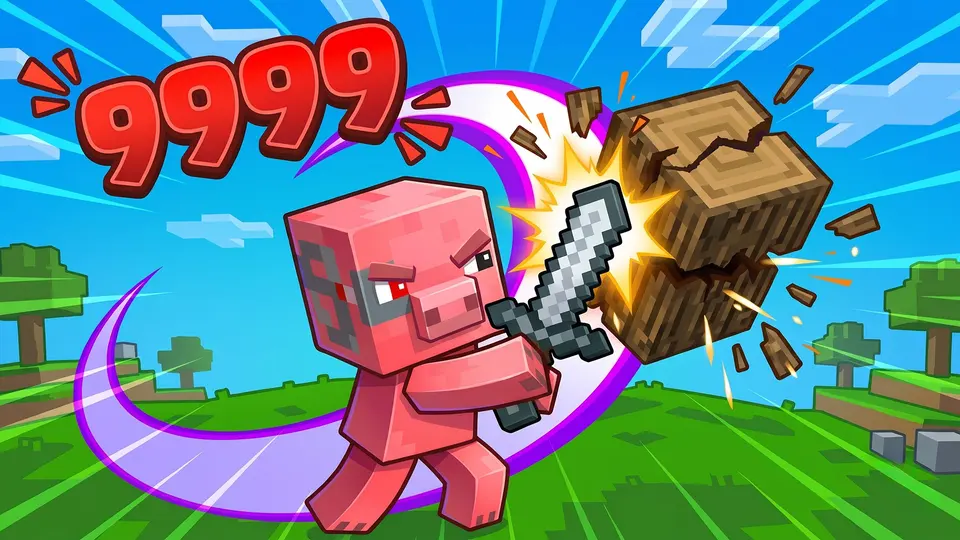
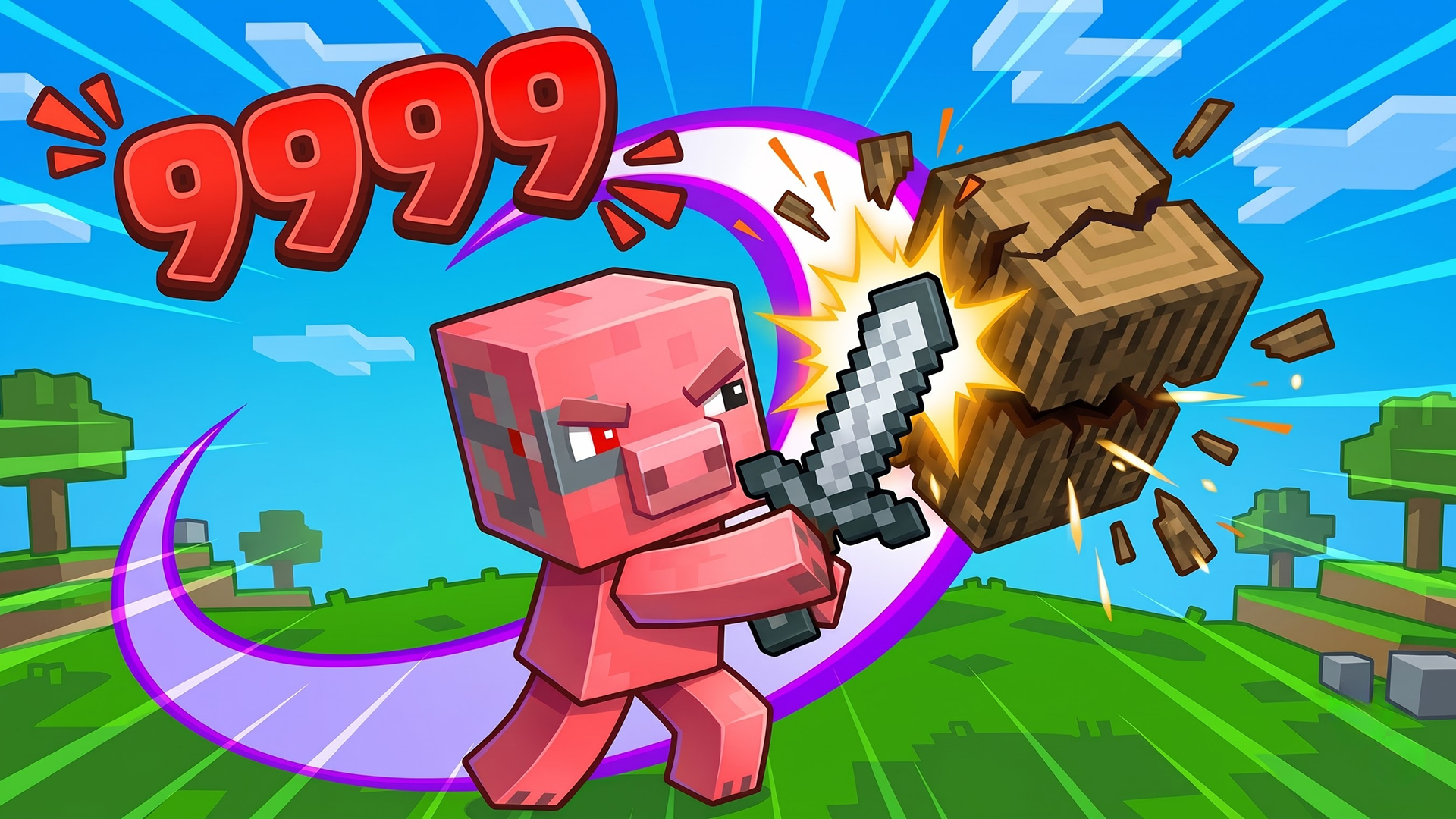
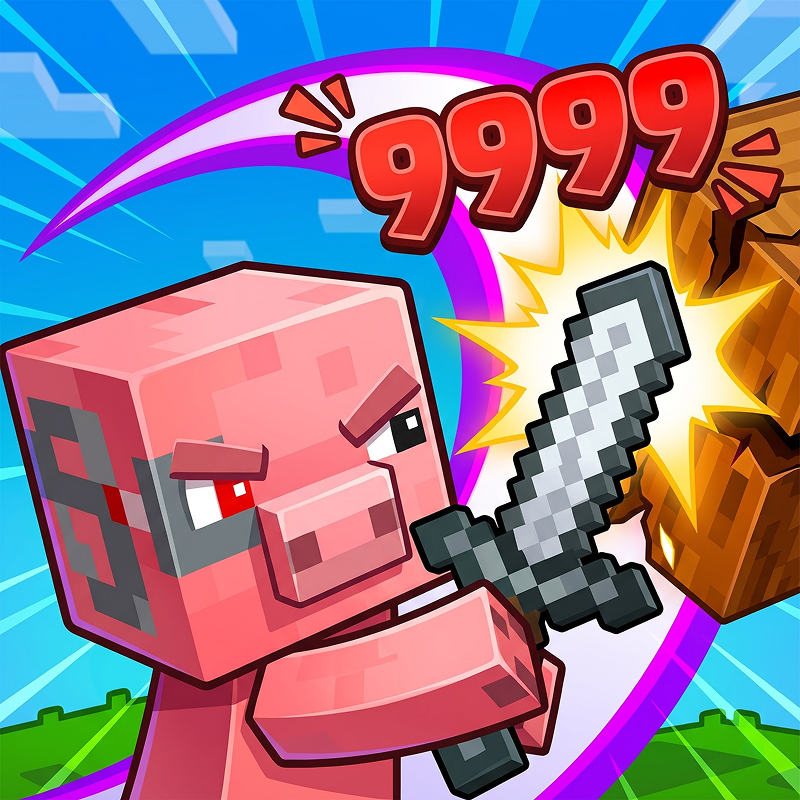
Cracker Hero is a physics-based arcade game where you launch a sword-wielding hero into an arena of breakable blocks and enemies. Aim your shot, bounce across the battlefield, and time your dash while your spinning sword does the fighting. Open chests, collect equipment, choose powerful buffs, and upgrade your hero between runs.
Explore how objects react to your actions and to one another. Watch the result of a small change before making a more complicated move. Upgrades are part of the progression described by the provider.
How to play Mine: Block Breaker
Controls and instructions
Desktop: Hold the left mouse button on your hero, drag to aim, and release to launch. Click the Dash button for a burst of speed.
Mobile: Touch and drag your hero to aim, then release to launch. Tap the Dash button for a burst of speed.
Click or tap the on-screen buttons to choose buffs, equip items, and purchase upgrades.
Getting started with Mine: Block Breaker
- Use the first interaction to learn how objects move and settle.
- Compare the upgrade description with your next objective before choosing it.
About this game
- Platform
- Web browser
- Supported devices
- Android, iOS, Desktop
- Screen orientation
- Portrait
- Languages
- American English
- Genres
- Action, Arcade, Adventure, Skill, Physics
- In-game purchases
- None listed by the provider
- Provider
- Playgama
- Provider audience
- Male, Female
Game features and tags
- Mineblock
- Casual
- Destruction
- Destroy
- Hyper Casual
- Addictive
- Dash
- Smash
- Bricks
- Arena
- Webgl
- Sword
- 1 Player
- Mine
- Crush
- Action Adventure
Mine: Block Breaker images
Questions about Mine: Block Breaker
How do I start playing?
Choose Play now in the game window above to load Mine: Block Breaker through Playgama. Read the controls and instructions above before you start.
Which devices can I play on?
The provider lists support for Android, iOS, Desktop. Play in your web browser using the controls described above.
Which languages does the game support?
American English.
Does the game have in-game purchases?
The provider lists no in-game purchases for this game. Games may display advertisements.
Related game categories
Game facts and artwork supplied by Playgama. Descriptions adapted and getting-started guidance added by LookBear. Game content, ads and purchases are provided by Playgama and the game provider.