 SlowMo Sniper

Jade Toss: Arrow Challenge
Provided by Playgama

Jade Toss: Arrow Challengevia Playgama






 Toy Smash
 BBlaster
 Sky Kingdoms: Castle Siege
 Horizon: Flight Into the Light
 Crowd Runner
 Helix Hover
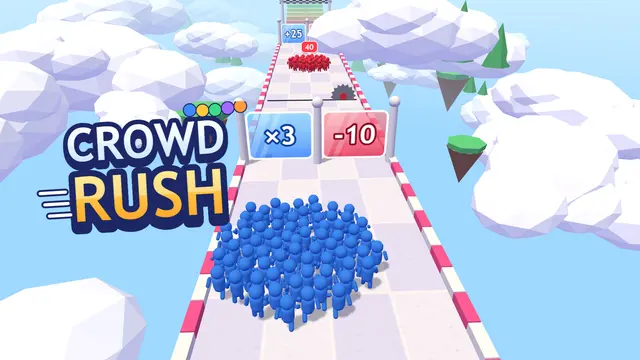 Crowd Rush
 Rocket Rush
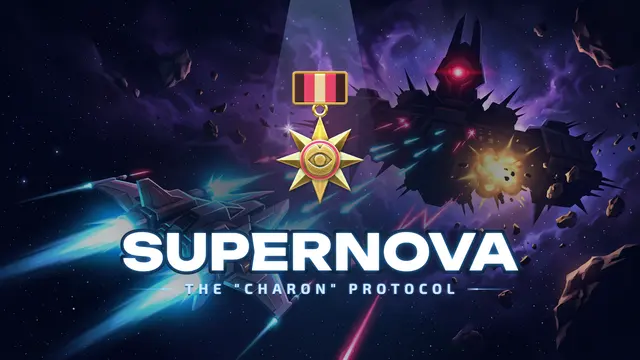 Supernova: The "Charon" Protocol
 Web Swing Obby: Aqualand
 Launch the Dummy!
 Football Free Kick
 Road Gunner 3D
 Army Run 3D
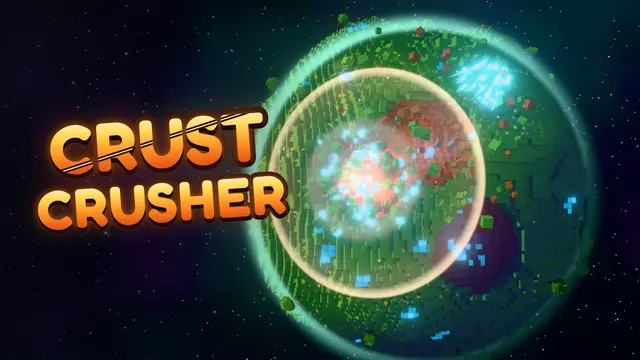 Crust Crusher
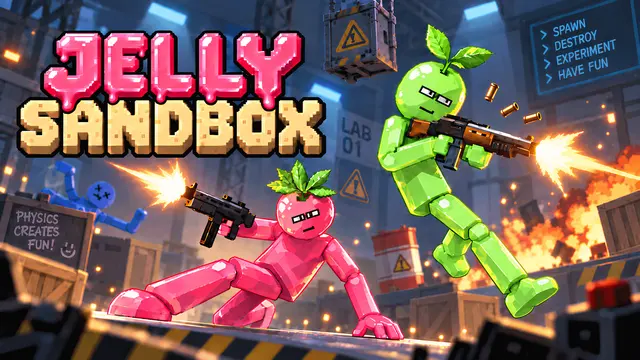 Jelly Sandbox Playground
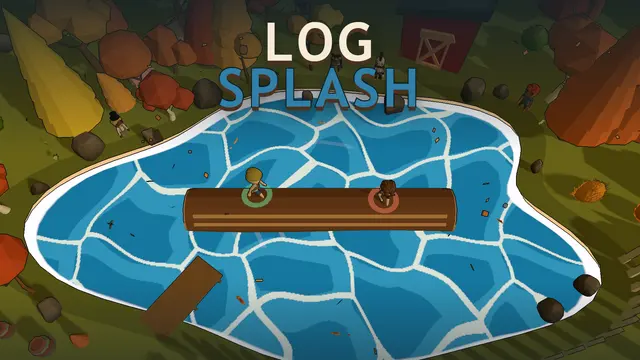 Log Splash
 Deep Drill Run
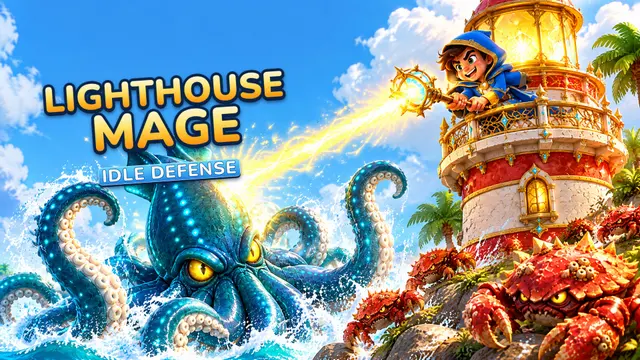 Lighthouse Mage: Idle Defense
 TIME STOP
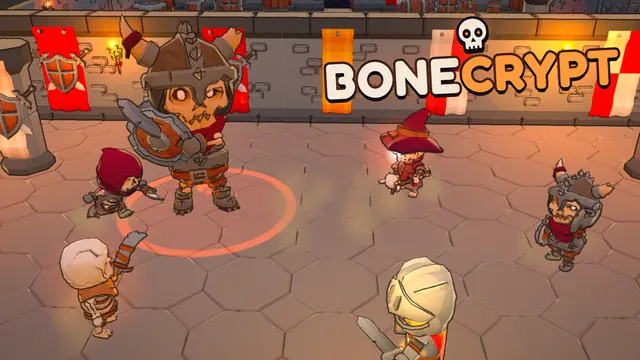 Bonecrypt
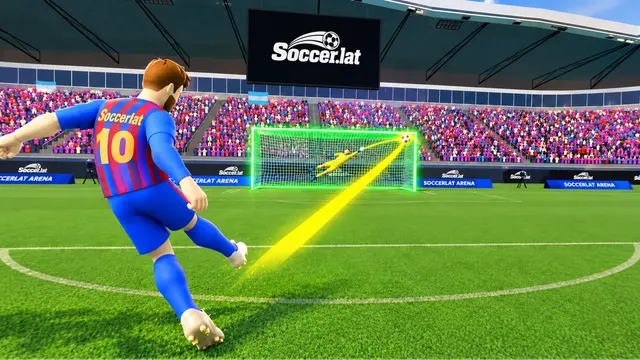 SoccerLat: 3D Football Online
 Dispatch Panic
 +1 Strength for escape
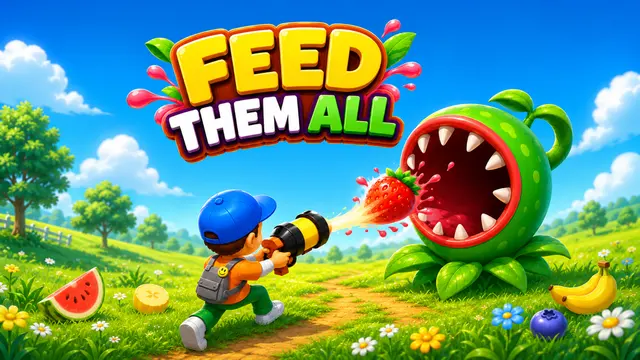 Feed Them All!
 Plane Crash Ragdoll Simulator
 Obby: Steal an Egg - The Great Escape
 City Pop Drive
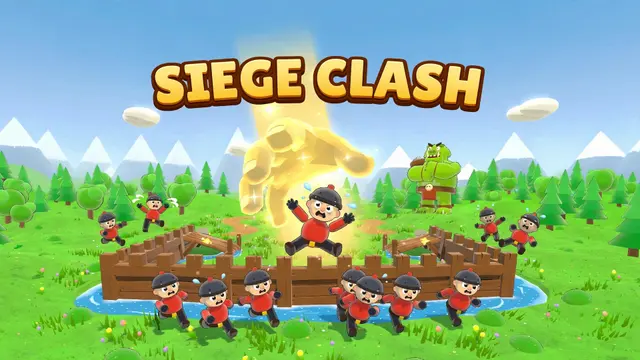 Siege Clash
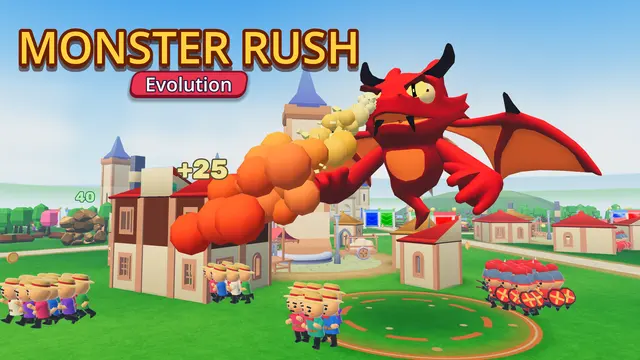 Monster Rush: Evolution
 +1 Damage Evolution
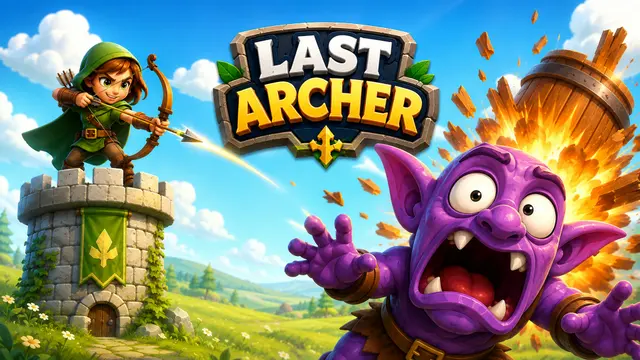 Last Archer
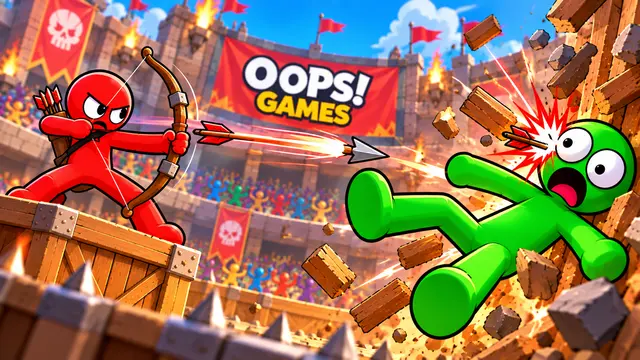 Ragdoll Arena
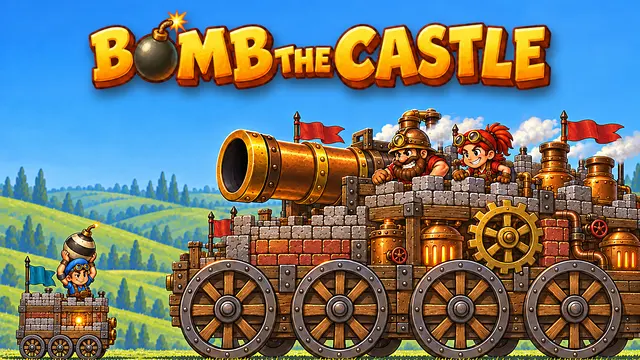 Bomb the Castle
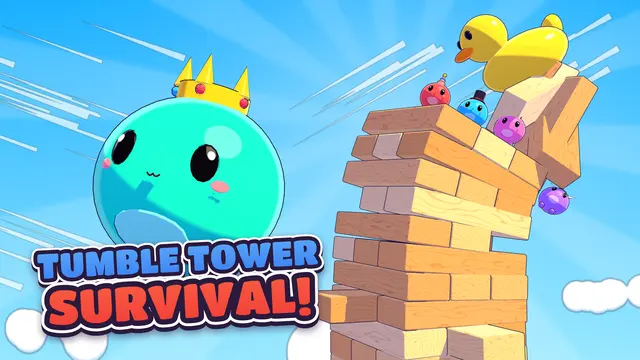 Tumble Tower Survival
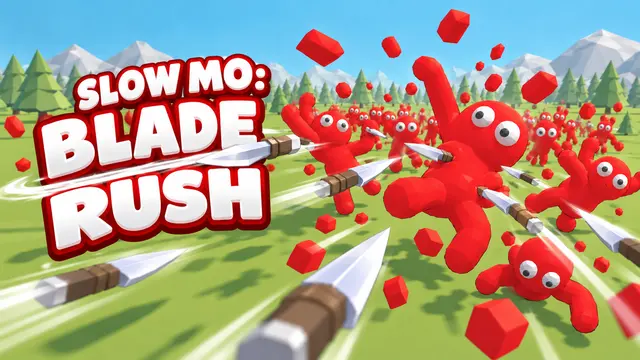 Slow Mo: Blade Rush
 Color Race Obby
 Pull-up Bar Tricks
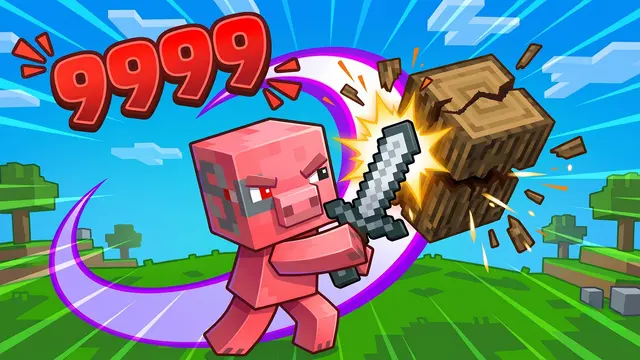 Mine: Block Breaker
 Zone Breaker
 +1 Guns vs Zombies
 Frutiger Friends IO
 Cannon Blast 3D
 Prison Ball
 Master Car Destruction
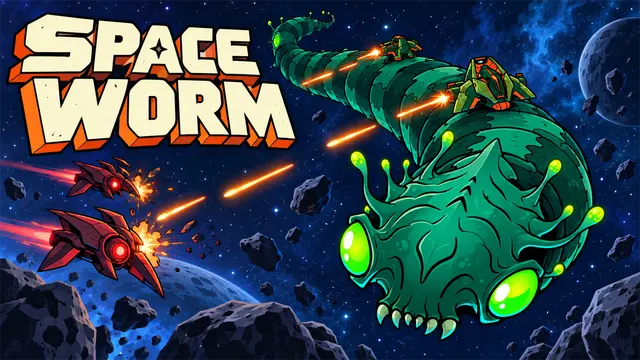 Space Worm
 Mad City Racings Big City Openworld
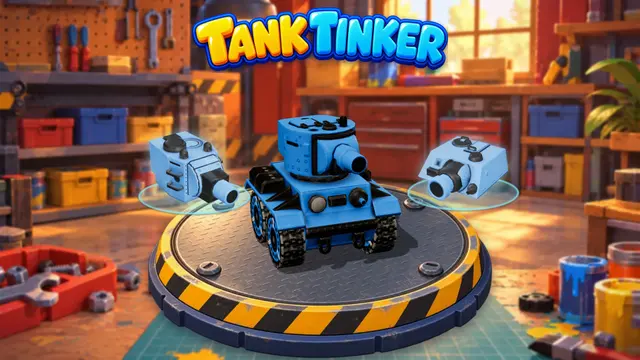 Tank Tinker
 Crush City
 Bonk Flight
 Downhill Frenzy
 Trash Surfer
 Rolling In Gears
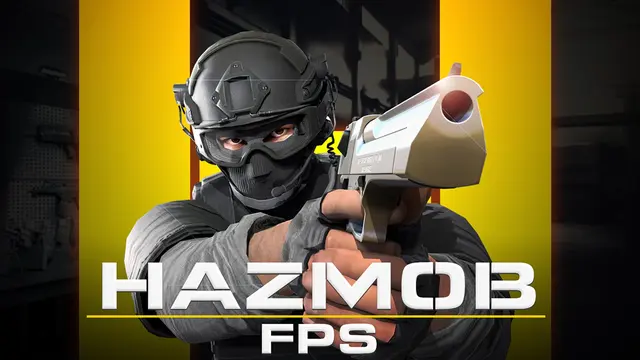 Hazmob FPS: Online Shooter
 Bridge Builder
 Only Jump RPG
 Special Ops: GO
 Revoxel 3D - Voxel RPG Shooter
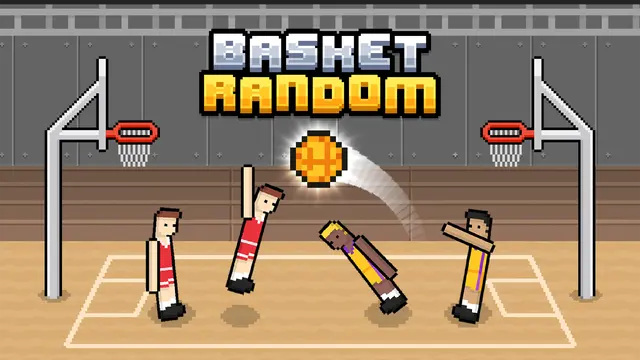 Basket Random
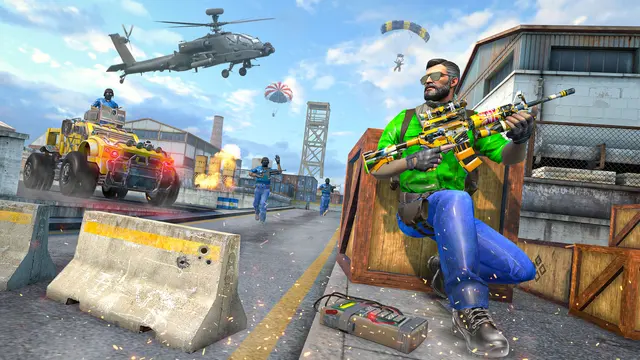 FPS Gun Shooting Game 3D
 Build And Run
 Left 4 Die
 Stack Ball 3D
 Stalker 2033: The Path of the Survivor
Play Jade Toss: Arrow Challenge online
Jade Toss: Arrow Challenge is a relaxing 3D skill game based on pitch-pot, the ancient East Asian game of tossing arrows into a jar. Pull back the arrow, aim and let it fly into the jade pot. As you score, the pot moves farther away, the wind picks up and a small bonus pot appears.
Explore how objects react to your actions and to one another. Watch the result of a small change before making a more complicated move.
How to play Jade Toss: Arrow Challenge
Controls and instructions
Hit the Jade Pot! Step into a quiet temple courtyard and play pitch-pot, the ancient East Asian game of tossing arrows into a jar. Each hit scores points and keeps your lives; each miss costs one of your 5 lives. Chain 3 hits in a row to enter the zone and double your points, land in the centre of the mouth for a Perfect bonus, and keep going as the pot moves farther away and the wind picks up. Beat your best score, clear the challenges and take on the daily challenge!
Desktop Controls:
Left Mouse Button (hold on the arrow): Grab the arrow.
Drag Down: Set the throw power. A longer pull throws farther.
Drag Left / Right: Aim to the side to fight the wind.
Release Left Mouse Button: Throw the arrow.
Click: Start the next throw.
Speaker Icon (top bar): Turn sound on or off.
Menu Icon (top bar): Pause, challenges and settings.
Mobile Controls:
Touch the Arrow: Grab the arrow.
Drag Down: Set the throw power. A longer pull throws farther.
Drag Left / Right: Aim to the side to fight the wind.
Lift Your Finger: Throw the arrow.
Tap: Start the next throw.
Getting started with Jade Toss: Arrow Challenge
- Use the first interaction to learn how objects move and settle.
About this game
- Platform
- Web browser
- Supported devices
- Android, iOS, Desktop
- Screen orientation
- Landscape and Portrait
- Languages
- American English, German (Germany), European Spanish, French (France), Indonesian (Indonesia), Italian (Italy), Russian (Russia), Vietnamese (Vietnam)
- Genres
- Action, Arcade, Skill, 3d, Shooting, Physics
- In-game purchases
- None listed by the provider
- Provider
- Playgama
- Provider audience
- Male, Female
Game features and tags
- Casual
- Relaxing
- One Button
- Collecting
- Arrows
- Desktop
- 1 Player
- Timing
- Target
- Simple
Jade Toss: Arrow Challenge images


Questions about Jade Toss: Arrow Challenge
How do I start playing?
Choose Play now in the game window above to load Jade Toss: Arrow Challenge through Playgama. Read the controls and instructions above before you start.
Which devices can I play on?
The provider lists support for Android, iOS, Desktop. Play in your web browser using the controls described above.
Which languages does the game support?
American English, German (Germany), European Spanish, French (France), Indonesian (Indonesia), Italian (Italy), Russian (Russia), Vietnamese (Vietnam).
Does the game have in-game purchases?
The provider lists no in-game purchases for this game. Games may display advertisements.
Related game categories
Game facts and artwork supplied by Playgama. Descriptions adapted and getting-started guidance added by LookBear. Game content, ads and purchases are provided by Playgama and the game provider.