 Defender: Tanks Merge
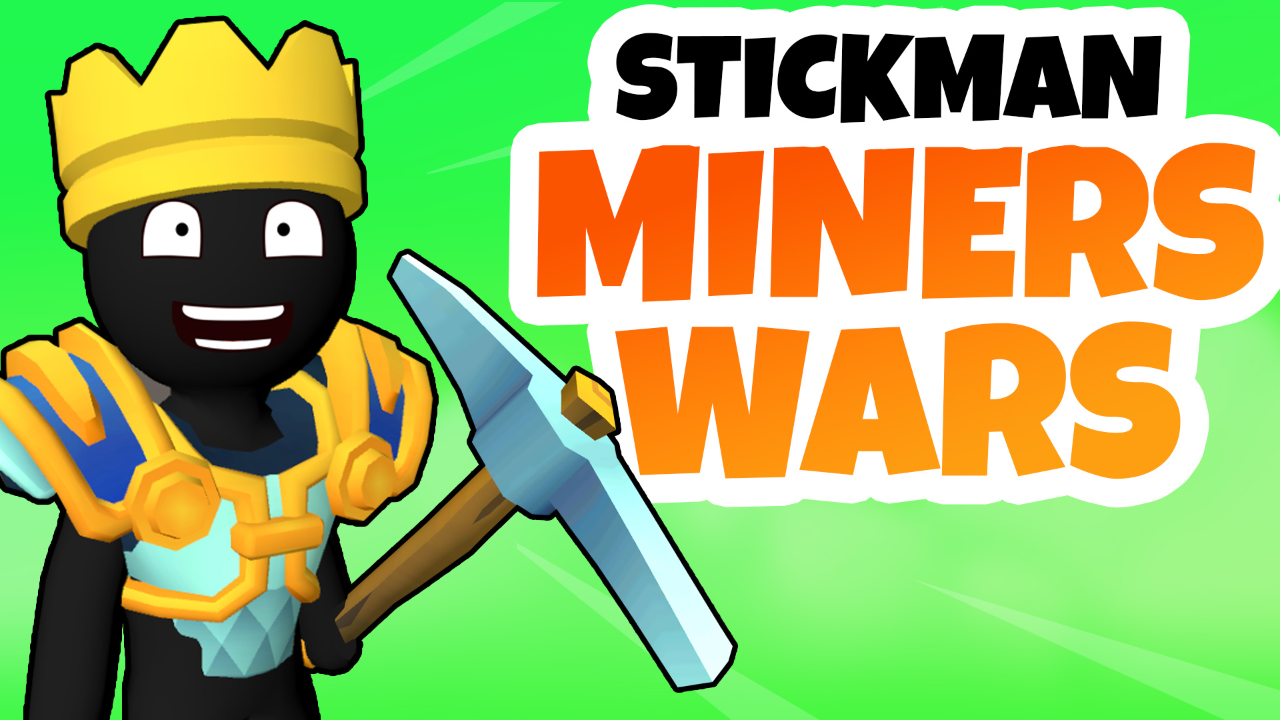
Stickman Miners Wars
Provided by Playgama
Stickman Miners Warsvia Playgama
 Trap Craft
 Dungeon Master - Cult & Craft
 Pocket ZONE
 King Simulator
 Grow Empire
 Mafia Wars
 Chicken Merge
 Stickman Kombat 2D
 Far Orion: New worlds
 Plants vs Zombies Fusion Mode
 Epic Empire: Tower Defense
 Dead Land: Survival
 Game of Warrior
 We not survive
 Ragdoll Soccer
 Village of Colors
 Your Majesty - Build & Conquer
 Break Stick Completely
 Primal Druid - Kingdom of Animals
 Bobr turbo: craft cars
 War V: Path of the Survivor!
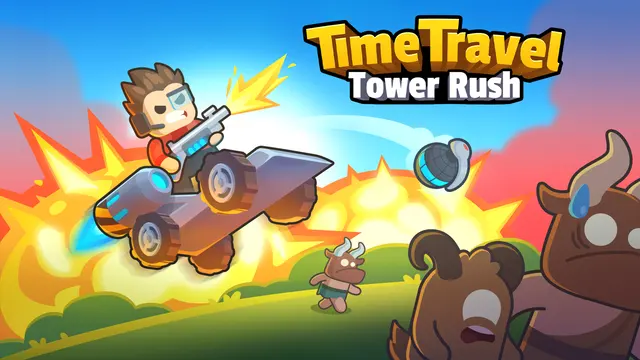 Time Travel: Tower Rush - TD
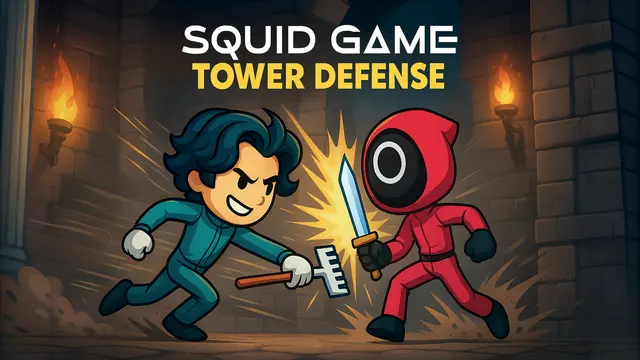 Squid Game Tower Defense
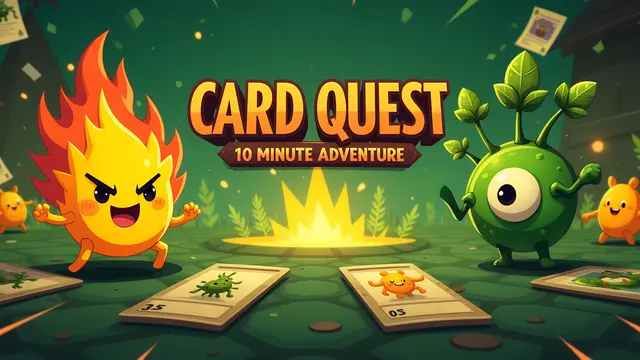 Card Quest: 10 Minute Adventure
 Wednesday’s Battle: Monster Symphony
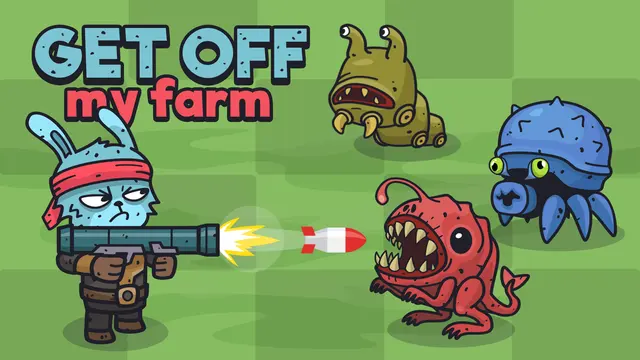 Get Off My Farm!
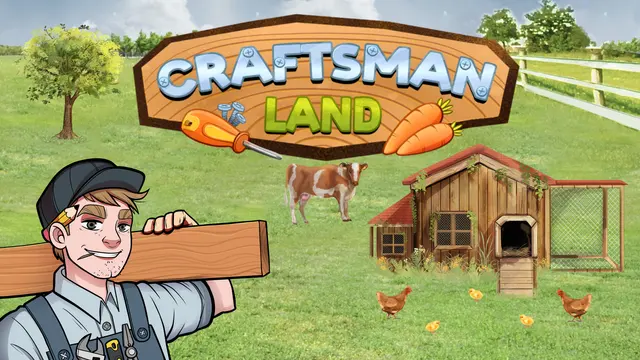 Craftsman Land
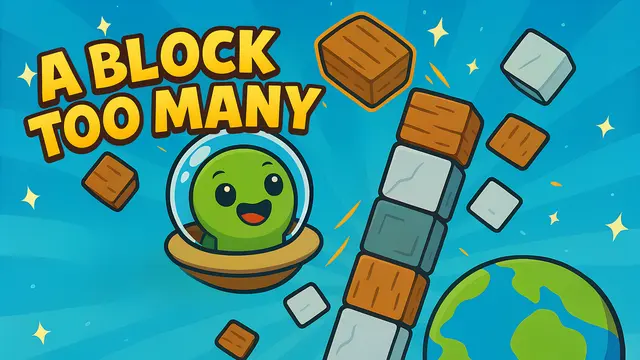 A Block Too Many
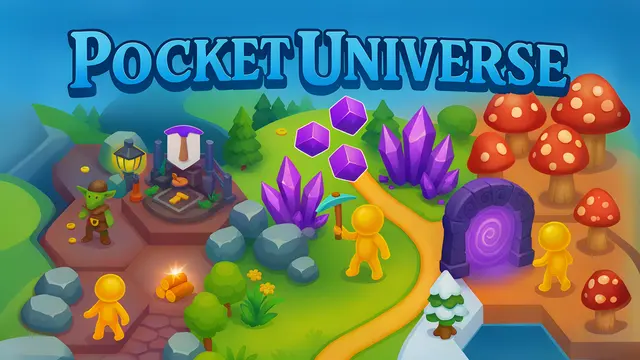 Pocket Universe
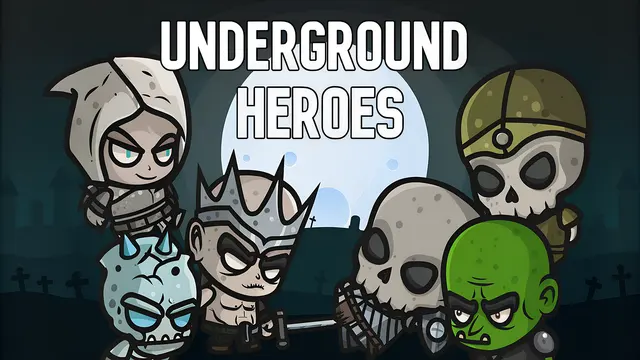 Underground Heroes
 God Of Entropy
 Drakkar Strike
 Mars Colony
 Build Your Zombie Horde
 Chess Royale
 Resize Stickman
 Tall io
 Warrior Bee Apocalypse
 Summon Tribe
 Plants Vs Steal Brainrots
 Tank 1944
 Stick Box - Ragdoll Slowmo
 Heroes of the Dungeons: Match-3 RPG
 Plants vs Brainrots 2D
 Survival Tycoon: City of Zombie
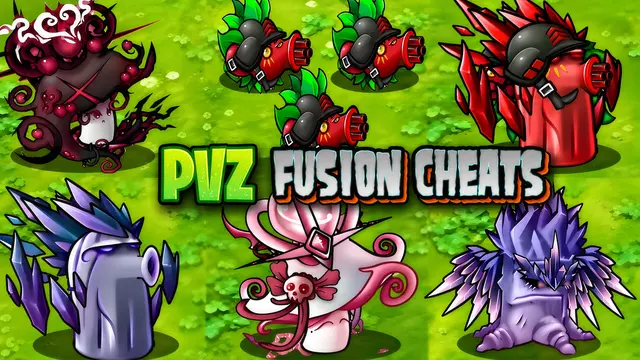 PVZ Fusion Cheats
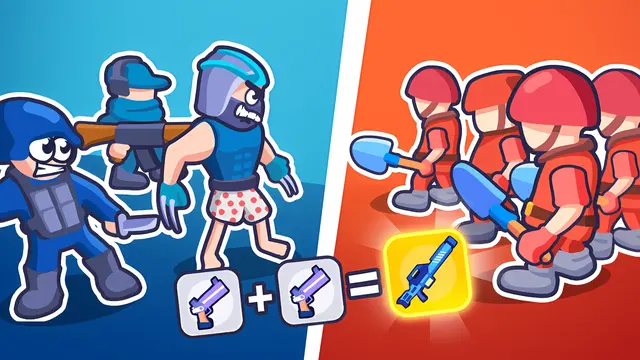 Squad Assembler: Merge
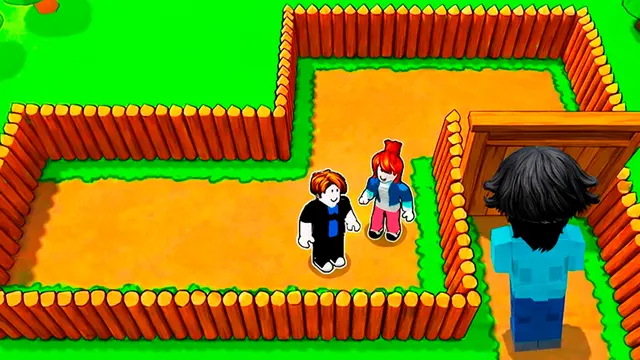 Obby: Defend your base from 67
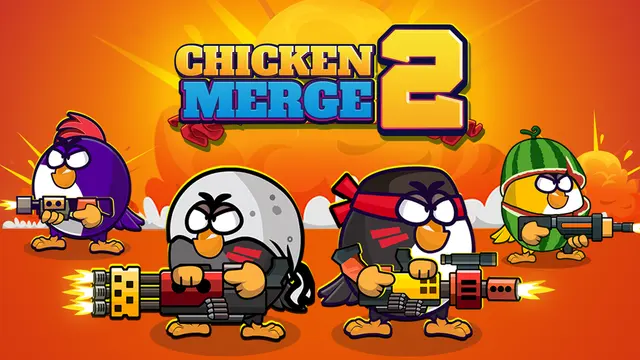 Chicken Merge 2
 King Rugni Tower Defense
 Yenemy
 SlowMo Sniper
 Halloween Stickman 2
 Halloween Stickman
 Rift of Hell - Demons War
 Stickman: Jailbreak Story
 Fortress of the Sinister
 Destruction Simulator
 Stickman in space
 Air Warfare
 Stick Boy: Bazooka Ragdoll
 Stickboy Epic Swordsman
 Tower Necromancer's
 Hero Merge
Play Stickman Miners Wars online
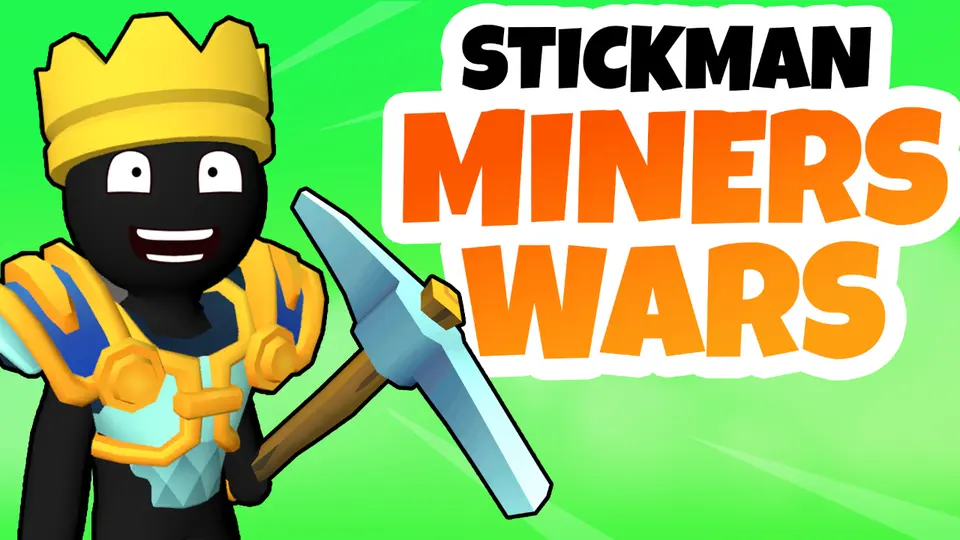
Lead your stickman king to victory in Stickman Miners Wars, where strategic decision-making is key. Command an army of miners and warriors to build your forces and triumph over opponents. Upgrade your units and yourself as you gain experience, and strategically attack enemy castles while defending your own.
Consider your available actions and resources before choosing the next move. Read the current objective and how the game handles units, turns or upgrades. Upgrades are part of the progression described by the provider. The instructions describe joystick input.
How to play Stickman Miners Wars
Controls and instructions
First, you need to choose the first region you want to reclaim on the global map and press the PLAY button.
After this, you will enter the level and can play as the Stickman King. To move, use the keyboard keys (arrow keys or WASD) or a joystick or mouse.
To start, go to the miner purchase zone and buy a few miners. They will begin mining gold for you, and you can mine gold alongside them. Once you have accumulated enough gold, go to the warrior purchase zone to build your army.
To send your army into attack, click the sword icon on the right or press the E key. Your goal is to first destroy the opponent’s towers and then their castle.
But be careful, as the opponent aims to do the same to your castle.
Controls:
WASD / arrow keys / drag left-click = move
Left-click = interact with the in-game buttons
Getting started with Stickman Miners Wars
- Identify what the next objective requires before spending resources or committing units.
- Compare the upgrade description with your next objective before choosing it.
- Start with a short joystick movement to judge how the character responds.
About this game
- Platform
- Web browser
- Supported devices
- Android, iOS, Desktop
- Screen orientation
- Portrait
- Languages
- American English
- Genres
- Strategy, War, Stickman
- In-game purchases
- None listed by the provider
- Provider
- Playgama
- Provider audience
- Male, Female
Game features and tags
- 1 Player
- Mine
- Incremental
- Building
- Tactical
- Mining
- Unity Games Online
- 2 Player War
Stickman Miners Wars images
Questions about Stickman Miners Wars
How do I start playing?
Choose Play now in the game window above to load Stickman Miners Wars through Playgama. Read the controls and instructions above before you start.
Which devices can I play on?
The provider lists support for Android, iOS, Desktop. Play in your web browser using the controls described above.
Which languages does the game support?
American English.
Does the game have in-game purchases?
The provider lists no in-game purchases for this game. Games may display advertisements.
Related game categories
Game facts and artwork supplied by Playgama. Descriptions adapted and getting-started guidance added by LookBear. Game content, ads and purchases are provided by Playgama and the game provider.