 Epic Battle Simulator
Ash of the Front
Provided by Playgama
Ash of the Frontvia Playgama
 Dead Land: Survival
 Game of Warrior
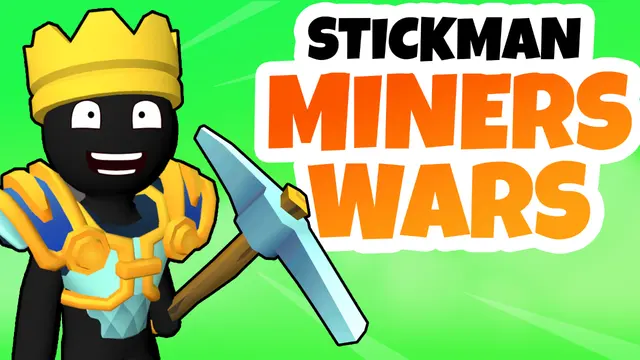 Stickman Miners Wars
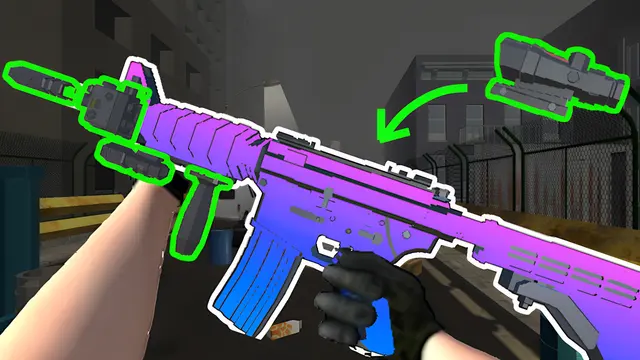 War V: Path of the Survivor!
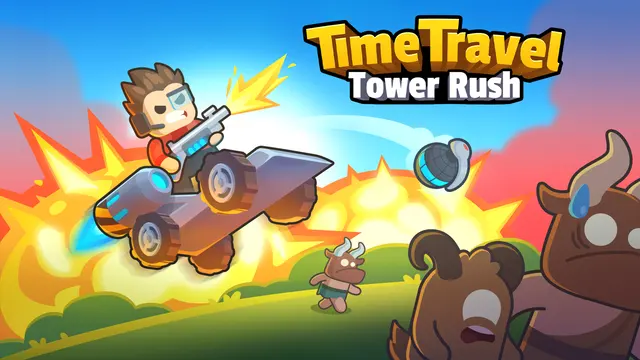 Time Travel: Tower Rush - TD
 Wednesday’s Battle: Monster Symphony
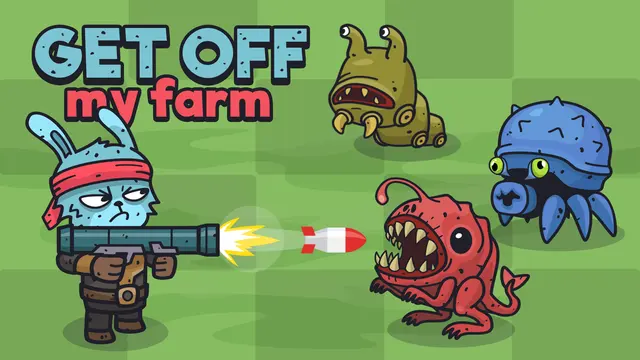 Get Off My Farm!
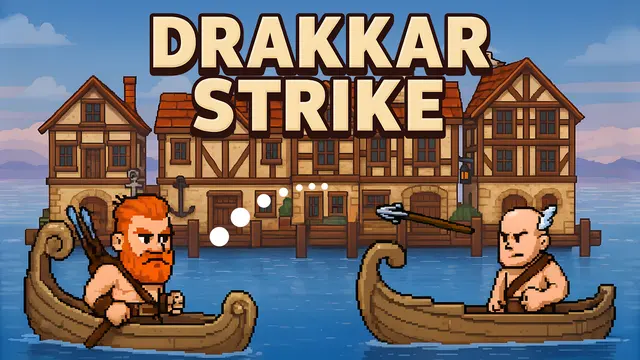 Drakkar Strike
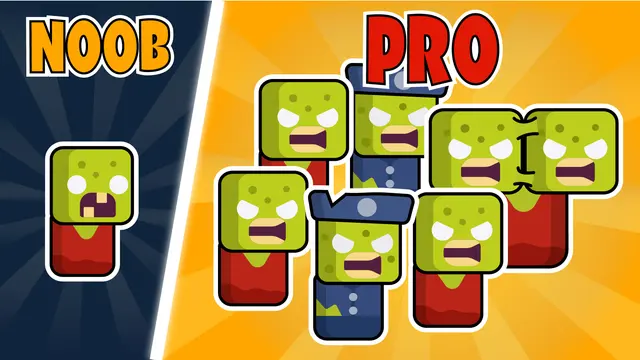 Build Your Zombie Horde
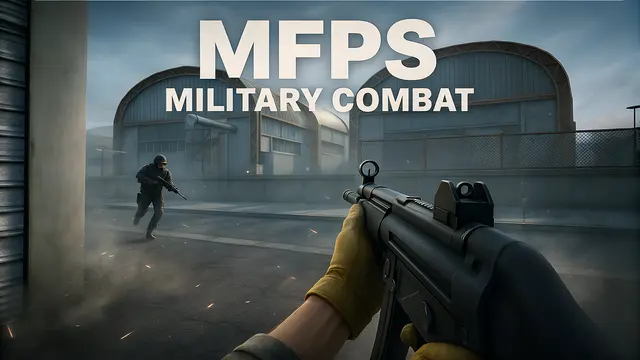 MFPS:Military Combat
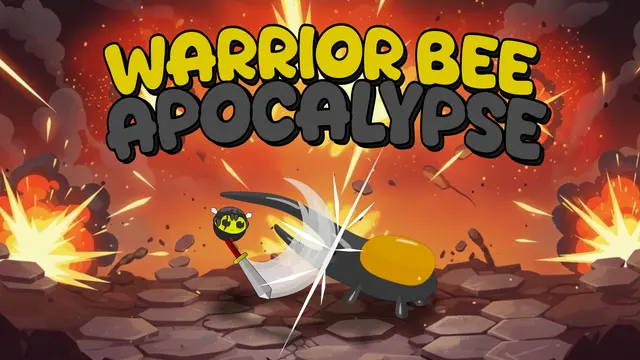 Warrior Bee Apocalypse
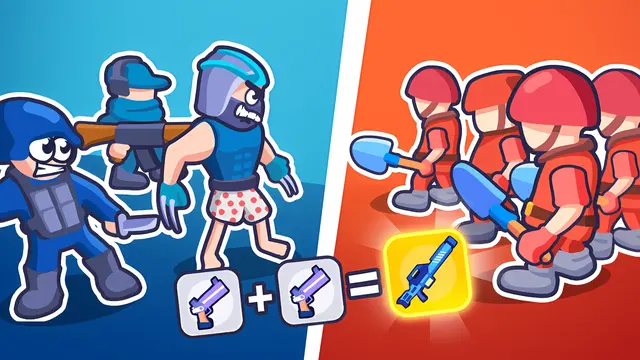 Squad Assembler: Merge
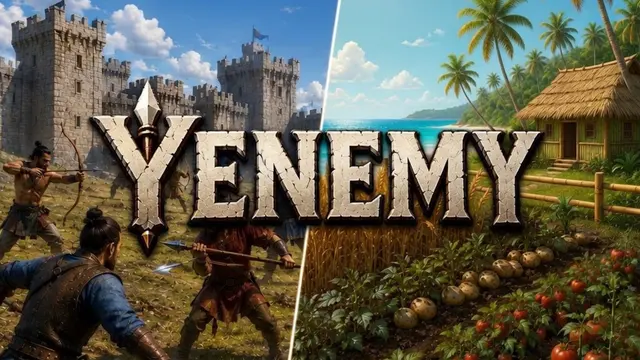 Yenemy
 Rift of Hell - Demons War
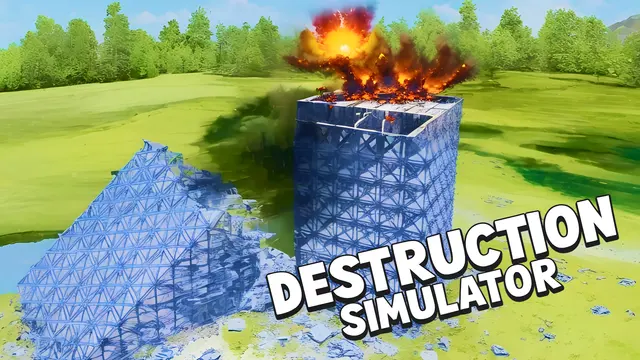 Destruction Simulator
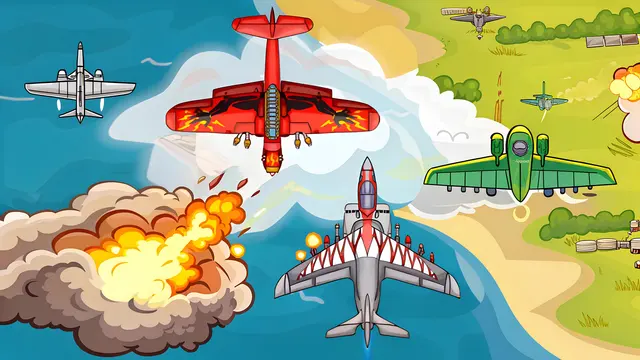 Air Warfare
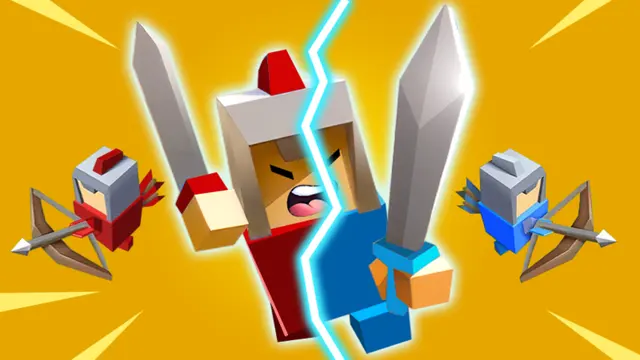 Legions: Way of War
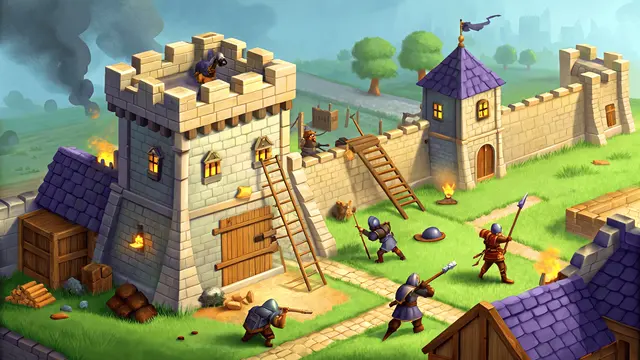 Warlock King - Castle Defense
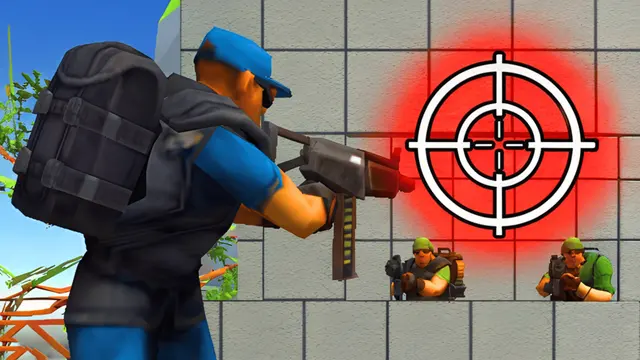 Shoot & Sprint: Warfare
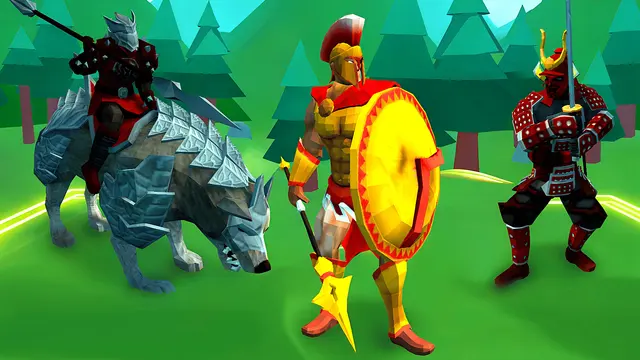 Epic Battle Simulator 2
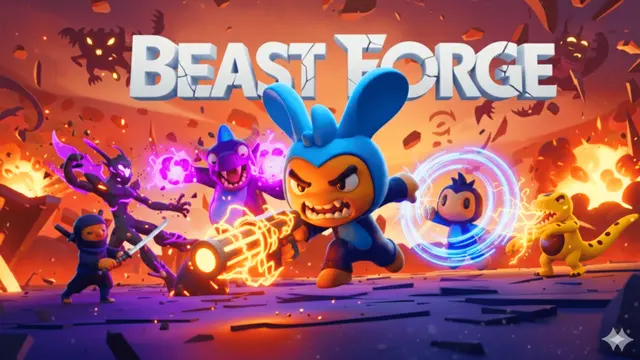 BeastForge Rival
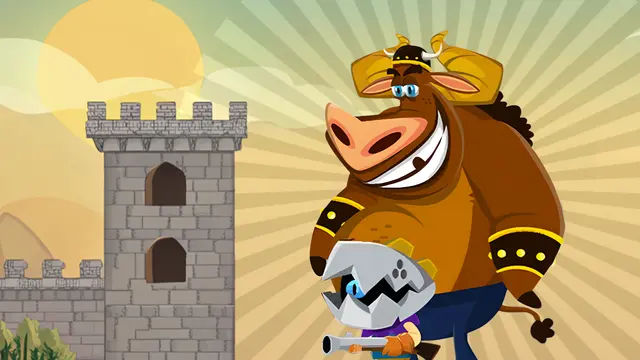 Archery Master - Castle Battle
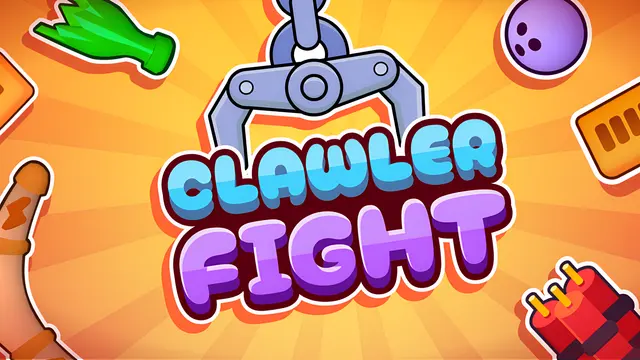 Clawler Fight
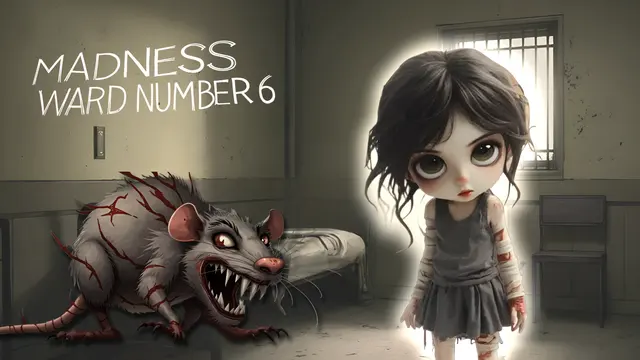 Madness: Ward number 6
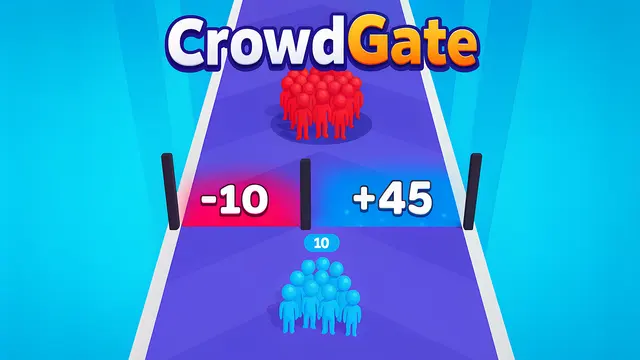 CrowdGate
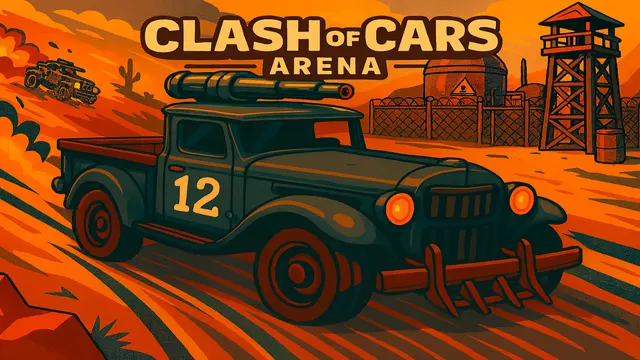 Clash of Cars: Arena
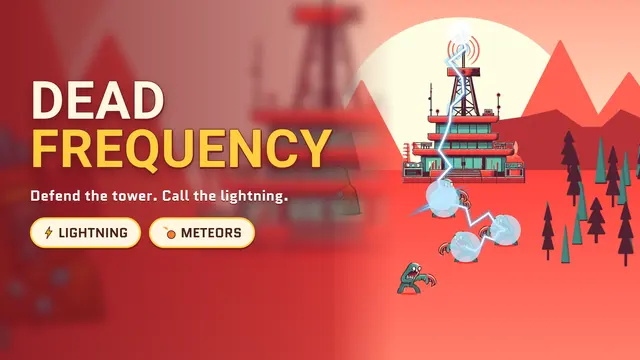 DEAD FREQUENCY
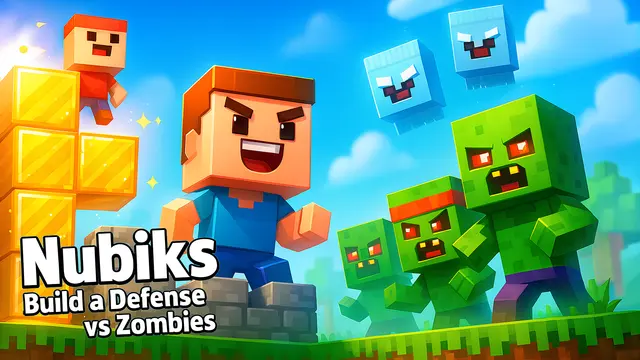 Nubiks build a defense vs zombies
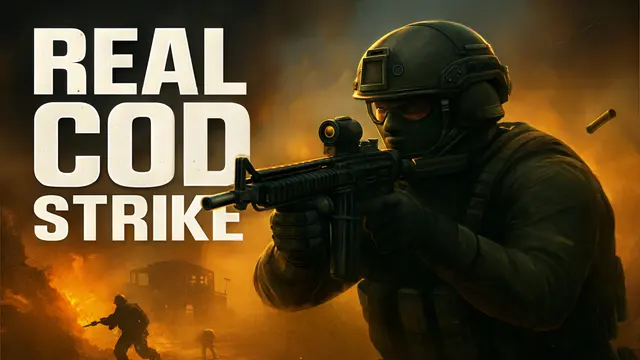 Real COD Strike
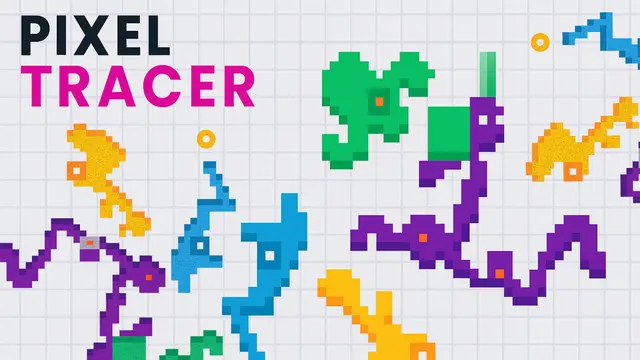 Pixel Conquest
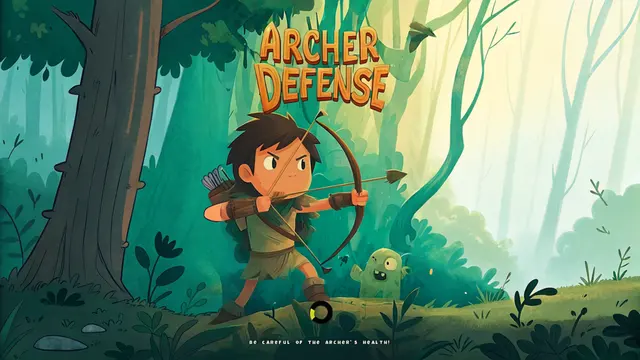 Archer Defense
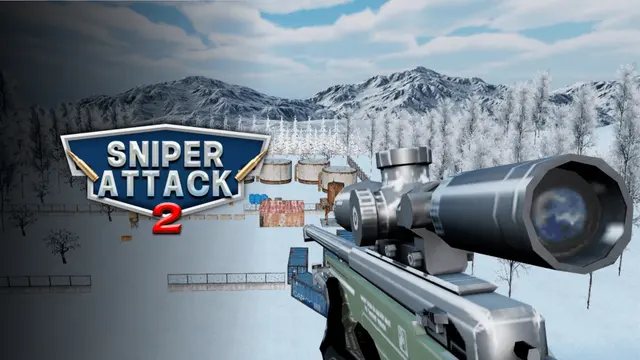 Sniper Attack2
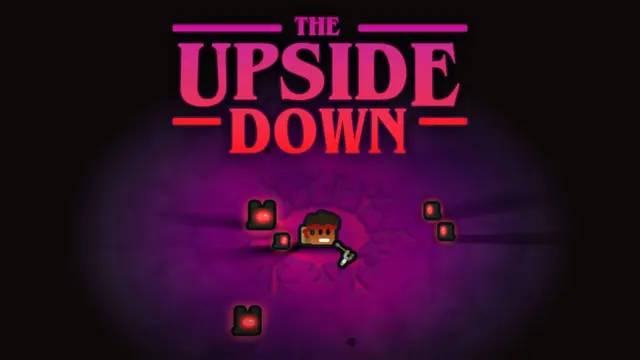 The Upside Down
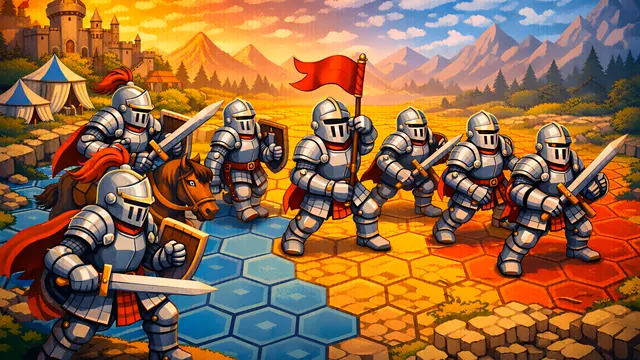 Battle of Banners
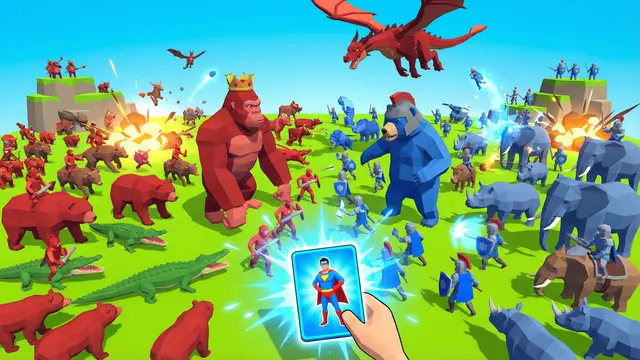 Animals Battle
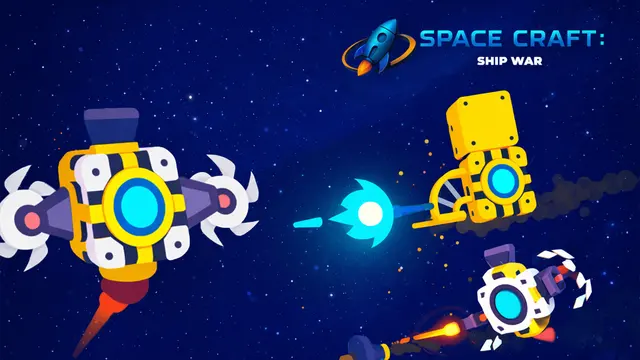 Space Craft: Ship War
 Swat Force VS Terrorists
 skyfall siege
 Frontline Commando Shooting: Gun Games
 Clash of Skulls
 Stick Roll Arena
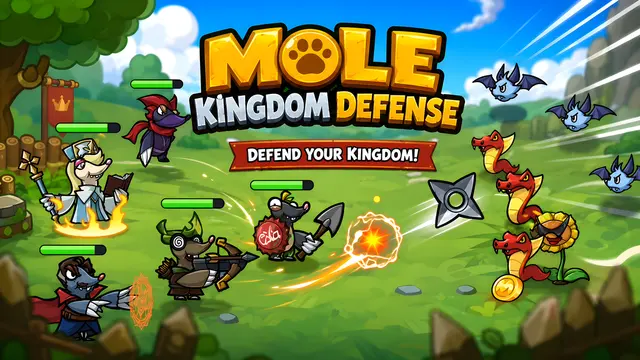 Mole Kingdom Defense
 Onigiri - Demons Wrath
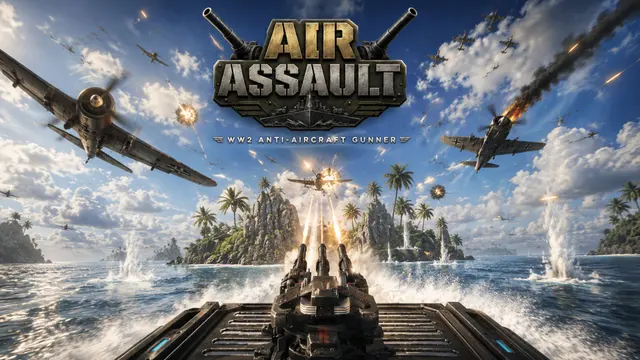 Air Assault: Ship Defense
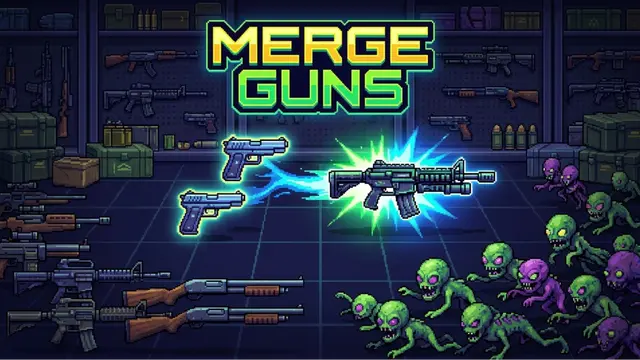 Merge Guns
 Mech Frontline: Last Stand
 Thousand Suns
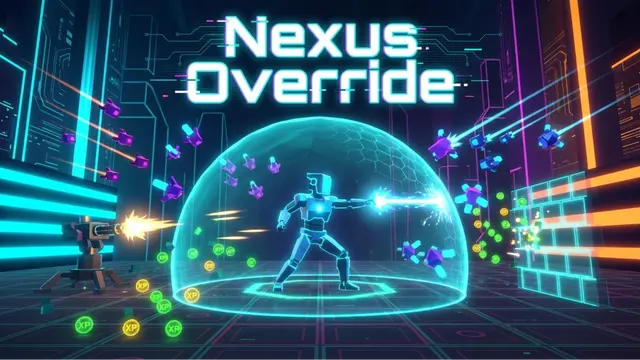 Nexus Override
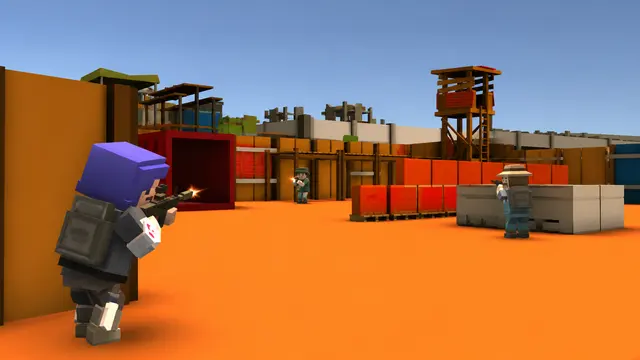 Craft the War
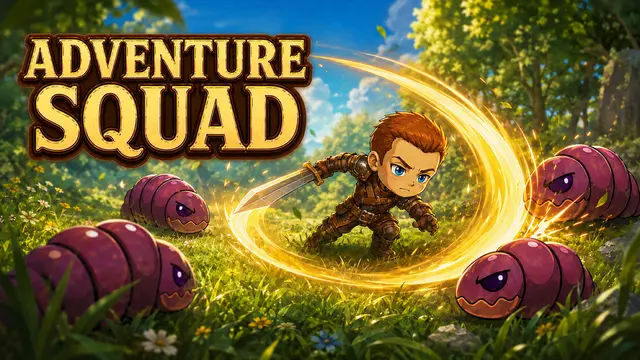 Adventure Squad
 Planet Blast: Rockets
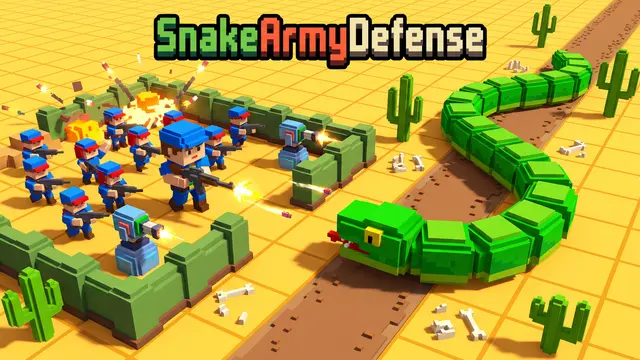 SnakeArmyDefense
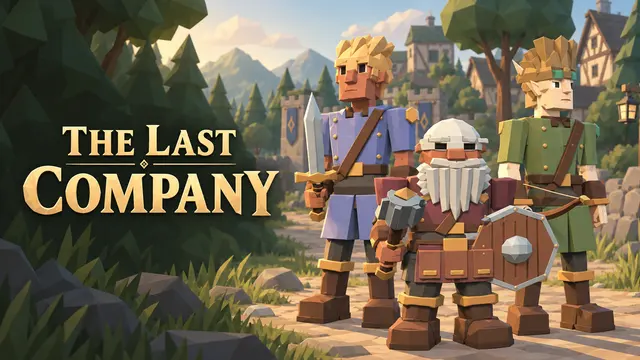 The Last Company
 Army Run 3D
 Orc Breach
 Bandana Blitz
 Build and Defend your Base
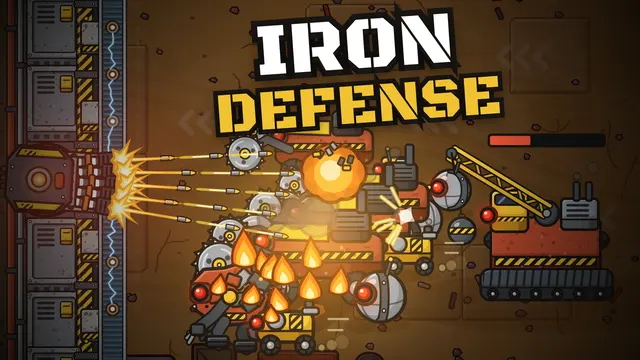 Iron Defense
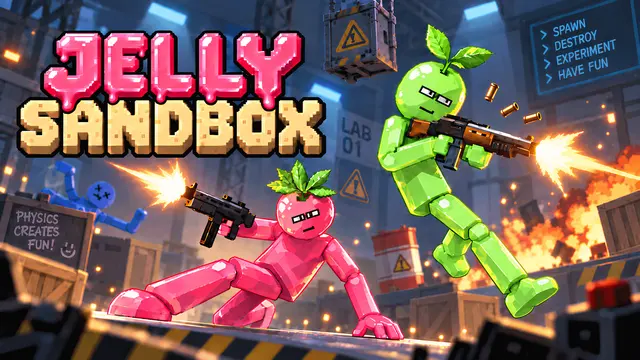 Jelly Sandbox Playground
 Containment Protocol: Roguelike Deckbuilder
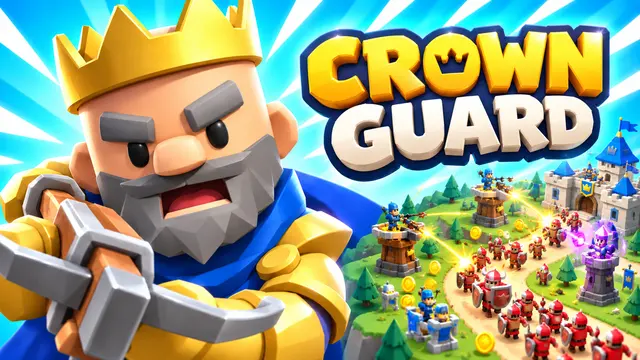 Crown Guard
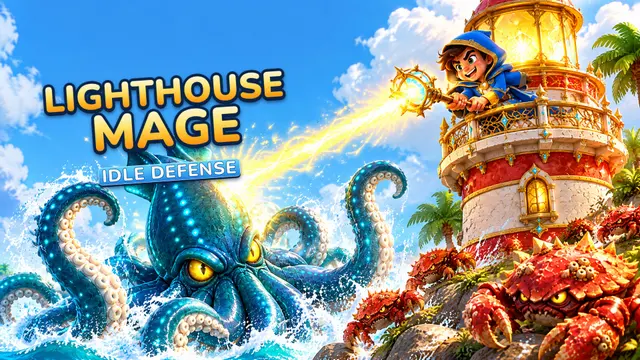 Lighthouse Mage: Idle Defense
 Army Base
 Highway of the Dead
Play Ash of the Front online
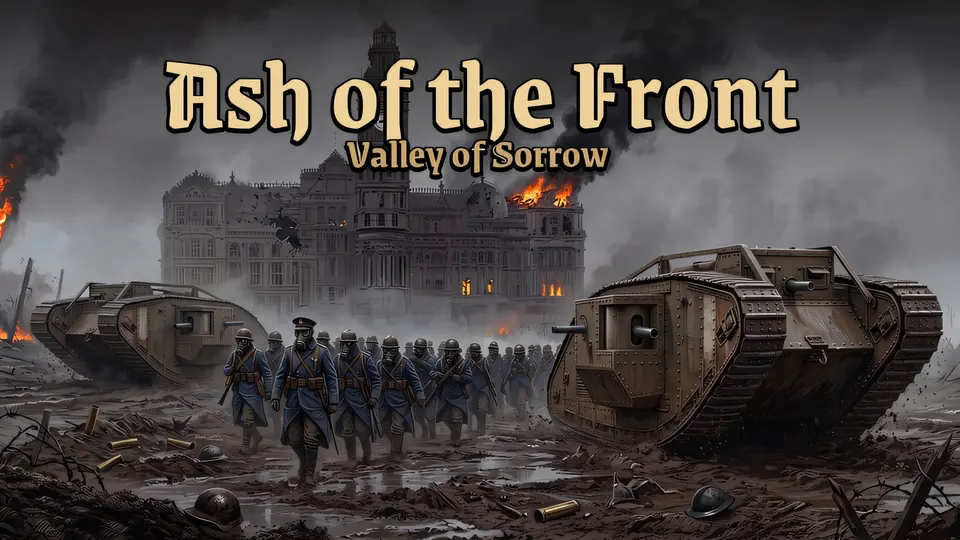
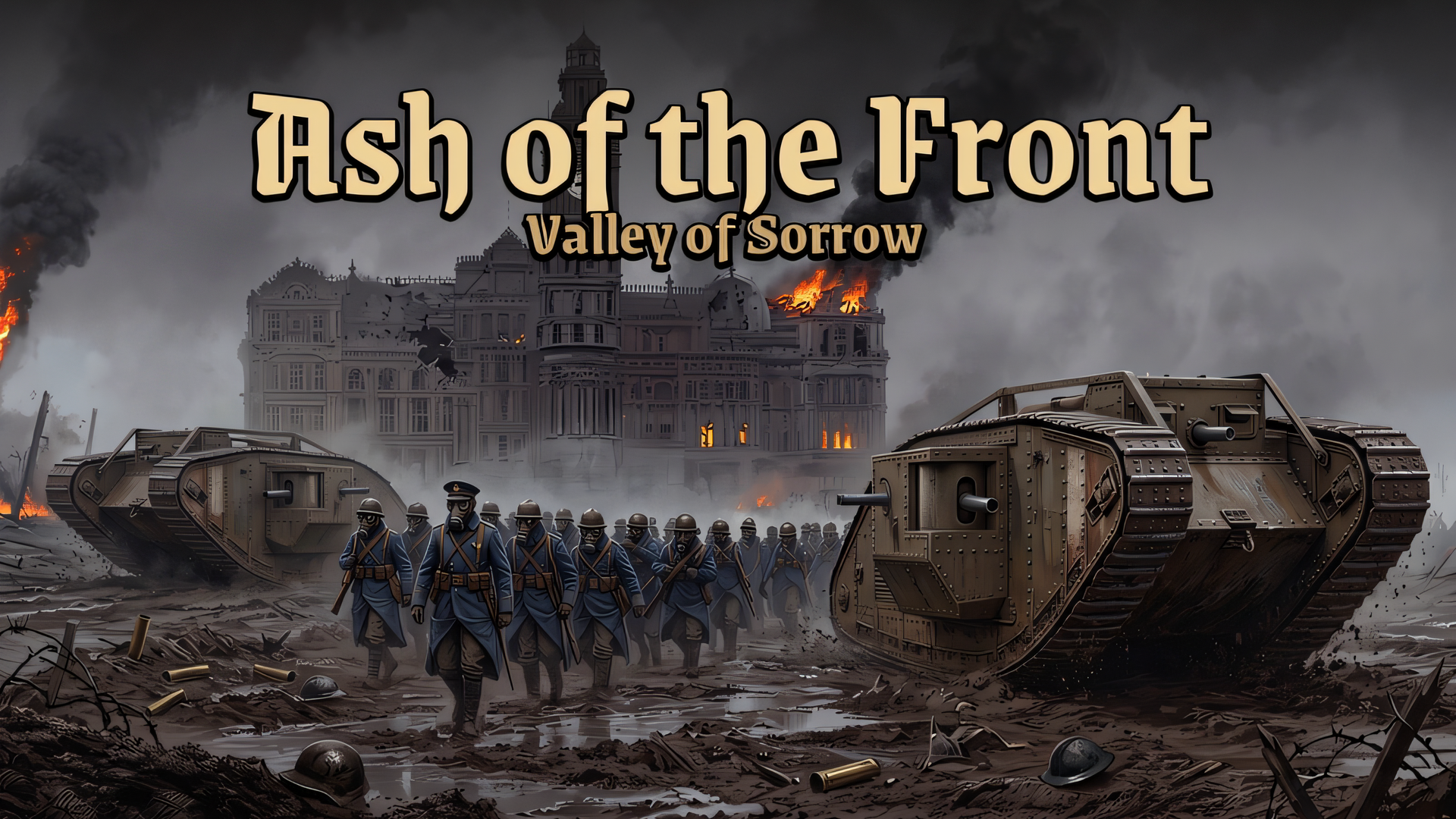
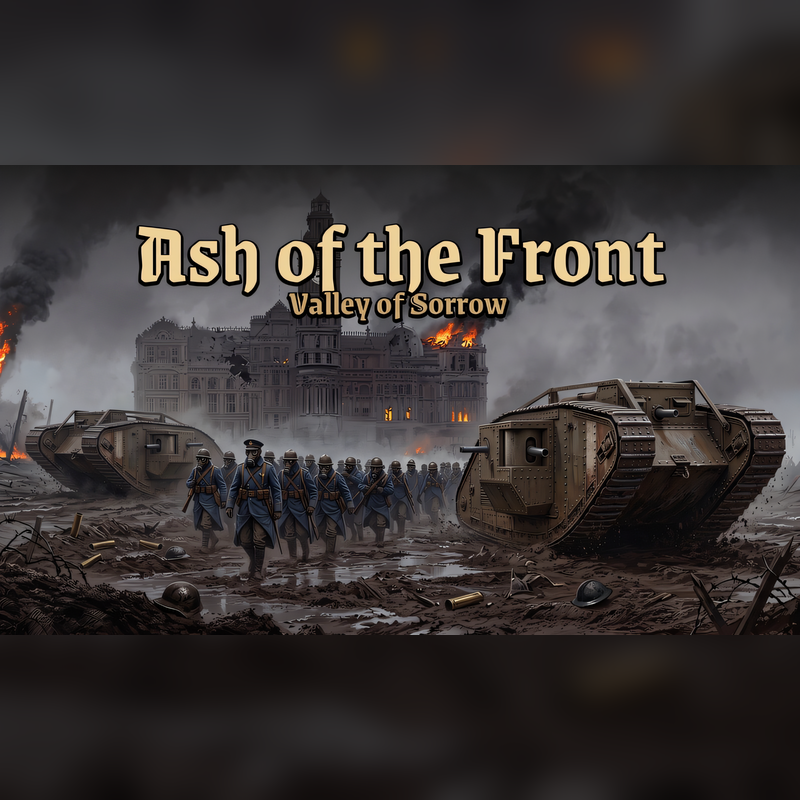
For forty years the war has ground down the Valley of Sorrow, the last pass to Calder, the city where the lights still burn. A grim real-time strategy in a fictional dieselpunk world. Command companies of gas-masked soldiers, tanks and artillery while Marshal Weyland briefs you before every mission.
Consider your available actions and resources before choosing the next move. Read the current objective and how the game handles units, turns or upgrades. Upgrades are part of the progression described by the provider. The listed controls include WASD input.
How to play Ash of the Front
Controls and instructions
On a phone: tap a squad to select it, then tap the ground and it runs there, firing on the move. Tap a building and the company occupies it and fires from the windows. One finger pans the map, two fingers zoom. Buttons on the right: All selects the whole army, Line lets you draw a firing line with your finger, Halt stops, Clear drops the selection. Swipe the reinforcement and strike cards at the bottom: tap a card, and for a strike tap the target on the map. Long press and drag to box-select.
On a PC: LMB selects a squad (drag a box for several), RMB gives an order, RMB drag deploys a firing line, RMB on a building occupies it. 1–0 call reinforcements, Z/X/C/V call strikes, WASD or screen edge move the camera, wheel zooms, Esc pauses.
Goal: follow the marshal's orders (top left) — take and hold points, destroy batteries and tanks, keep the enemy away from your HQ. Win to earn tokens and upgrade your army in the HQ Arsenal.
Getting started with Ash of the Front
- Identify what the next objective requires before spending resources or committing units.
- Compare the upgrade description with your next objective before choosing it.
- Check the action mappings as well as movement; extra actions may use different keys.
About this game
- Platform
- Web browser
- Supported devices
- Android, iOS, Desktop
- Screen orientation
- Landscape
- Languages
- American English, Russian (Russia)
- Genres
- Action, Strategy, Army, Tanks, War
- In-game purchases
- None listed by the provider
- Provider
- Playgama
- Provider audience
- Male, Female
Game features and tags
- Mission
- Brain Training
- Rts
- Military
- Defense
- Combat
- Desktop
- 1 Player
- Tactical
Ash of the Front images
Questions about Ash of the Front
How do I start playing?
Choose Play now in the game window above to load Ash of the Front through Playgama. Read the controls and instructions above before you start.
Which devices can I play on?
The provider lists support for Android, iOS, Desktop. Play in your web browser using the controls described above.
Which languages does the game support?
American English, Russian (Russia).
Does the game have in-game purchases?
The provider lists no in-game purchases for this game. Games may display advertisements.
Related game categories
Game facts and artwork supplied by Playgama. Descriptions adapted and getting-started guidance added by LookBear. Game content, ads and purchases are provided by Playgama and the game provider.