 99 Nights In The Forest - Survival Simulator
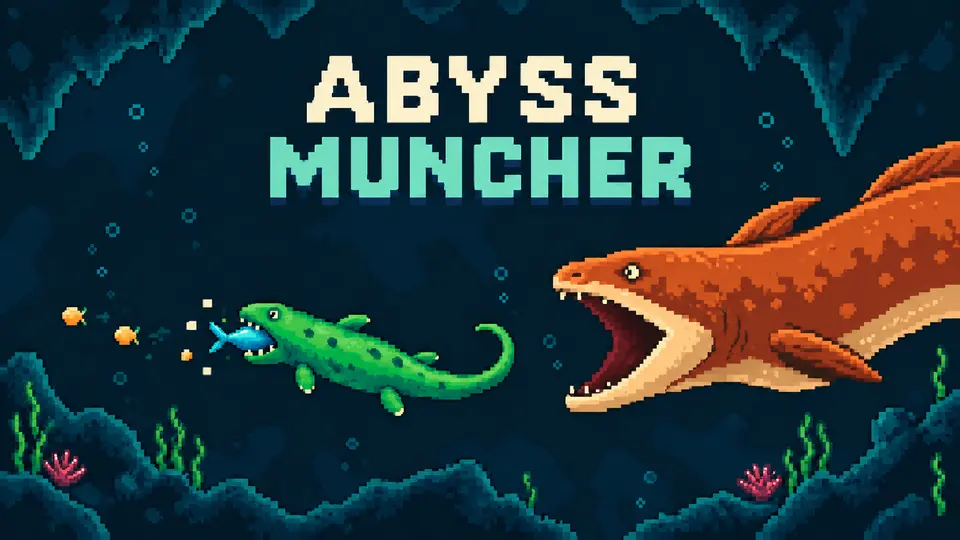
Abyss Muncher
Provided by Playgama
Abyss Munchervia Playgama


 Rise of the Dead
 Desolate Isle: Survival
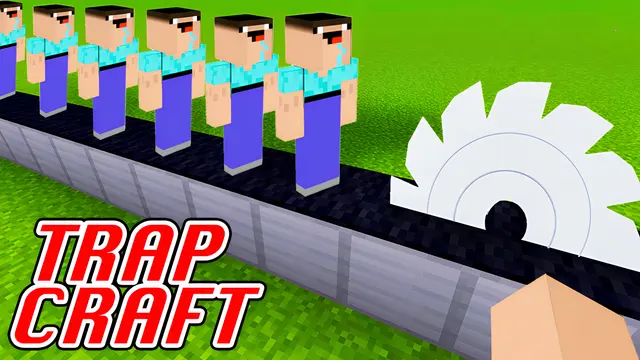 Trap Craft
 Cartoon cat: naughty kitten
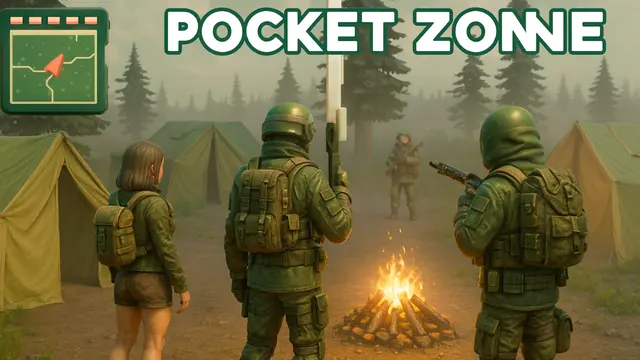 Pocket ZONE
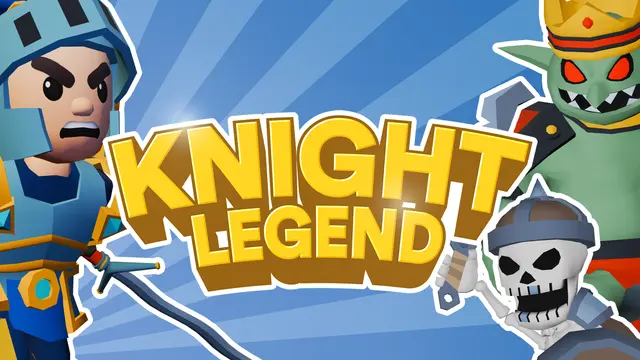 Knight Legend
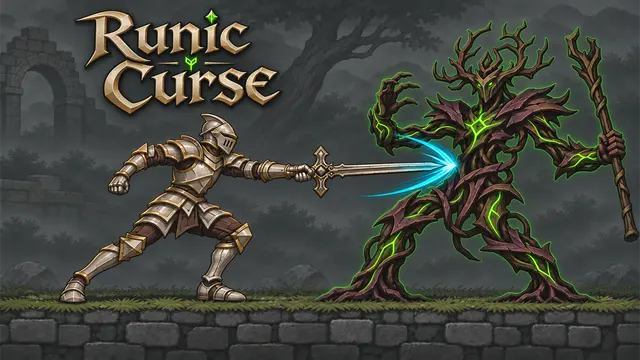 Runic Curse
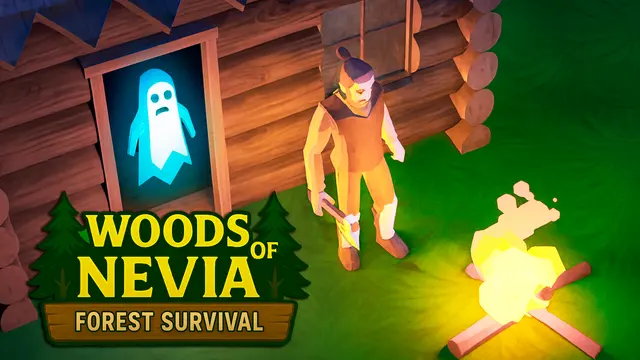 Woods of Nevia: Forest Survival
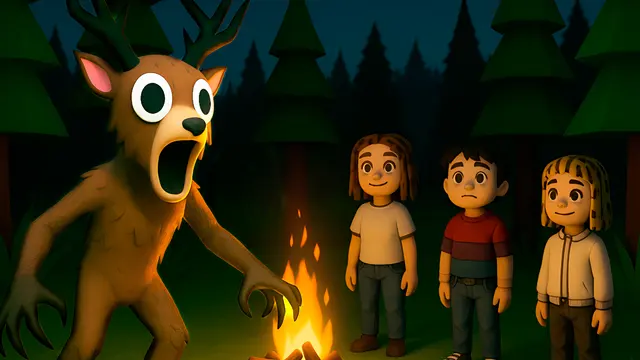 99 Nights in the Forest. Horror Multiplayer
 Far Orion: New worlds
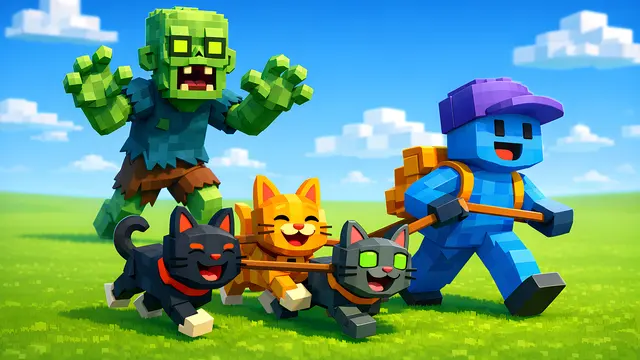 Animals vs Zombies
 Dead Land: Survival
 Drive Quest
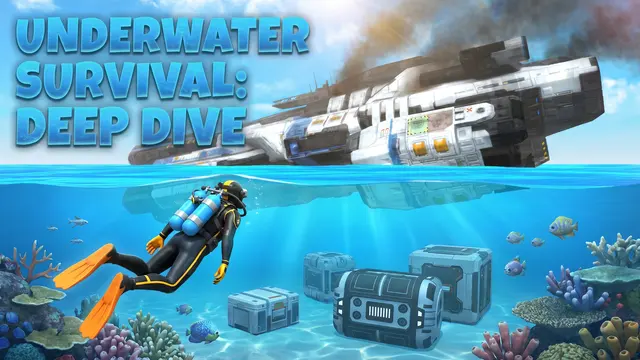 Underwater Survival: Deep Dive
 Left 4 Die
 Abandoned Mansion
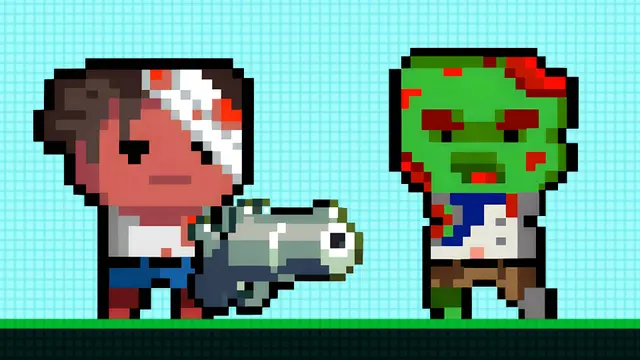 ENDLESS Z SURVIVOR
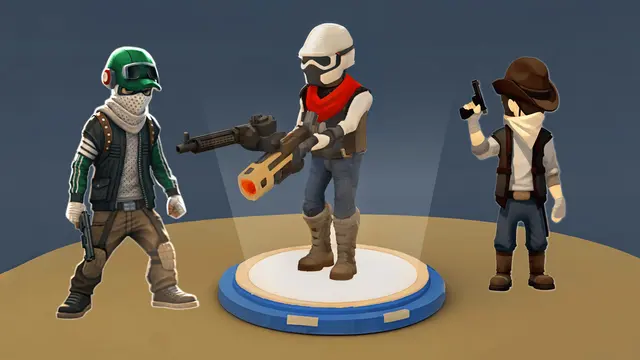 Badlands Hero
 Stalker 2033: The Path of the Survivor
 Kitten Never Dies
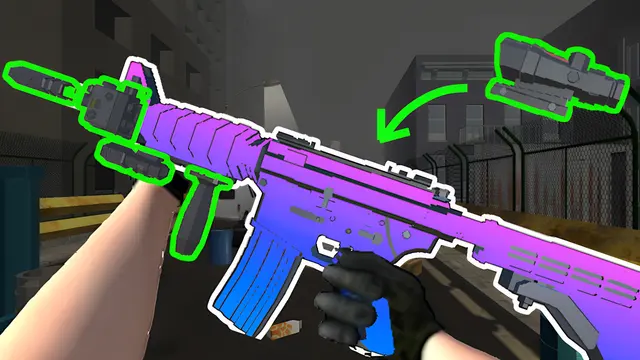 War V: Path of the Survivor!
 Carvivor Ops
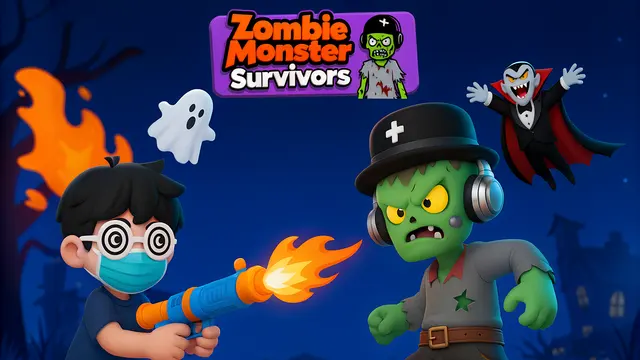 Zombie Monster Survivors
 Laser Survivor
 A Long Way Home
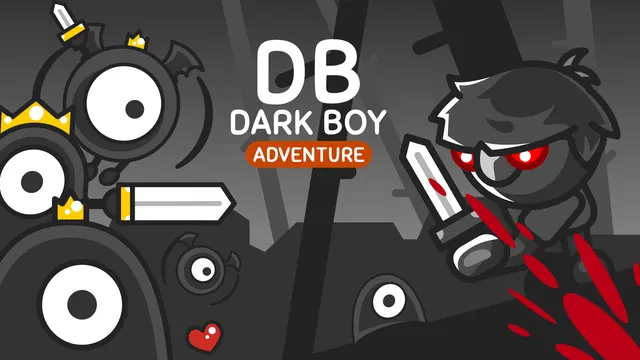 Dark Boy
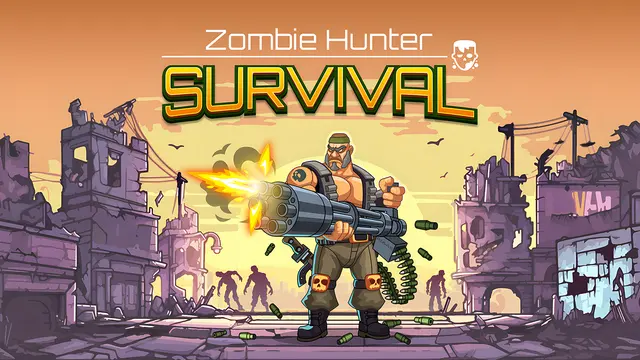 Zombie Hunter: Survival
 Animal Evolution Simulator
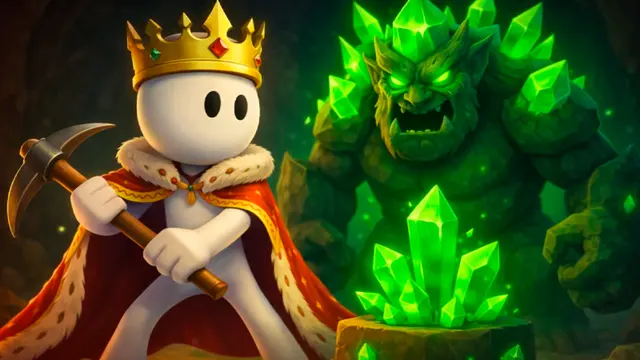 King Dungeon
 Breinrot Bog
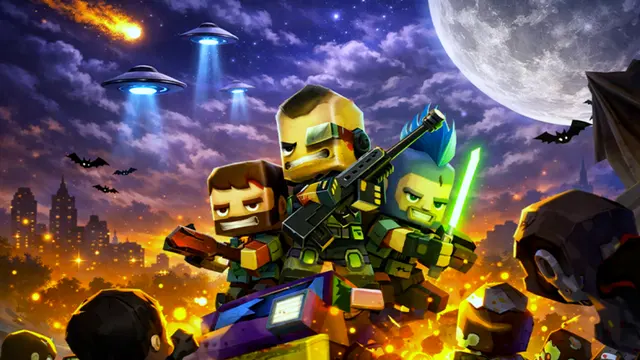 Zombie Raid
 Red & Blue: Online. Build! Destroy! Fight!
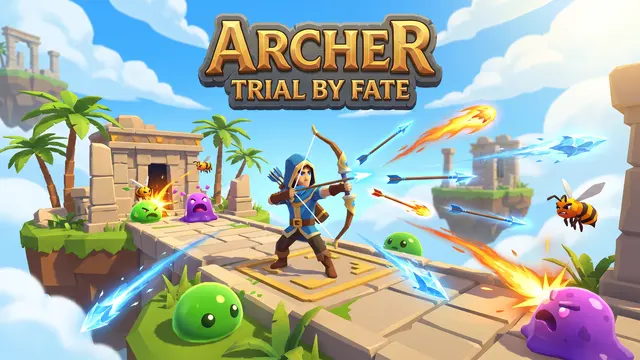 Archer: Trial by Fate
 The Tall Man
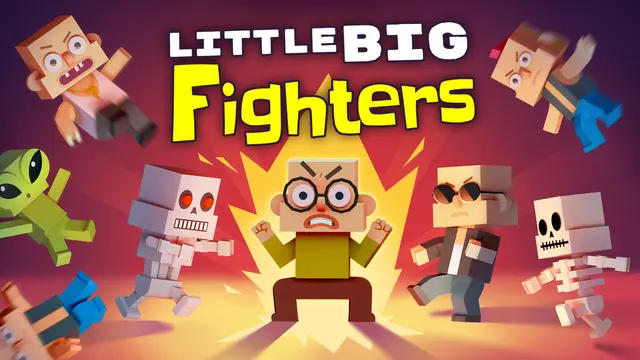 Little Big Fighters
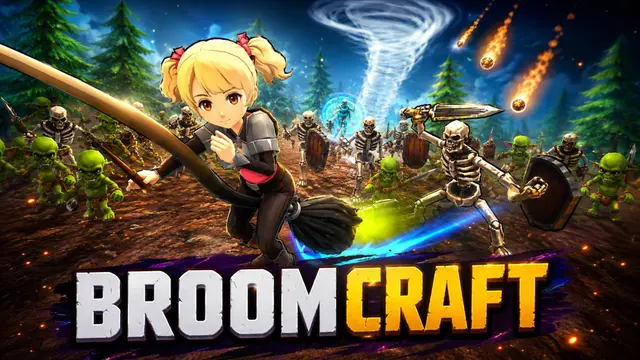 Broomcraft Mystic Evasion
 Bunny Escape
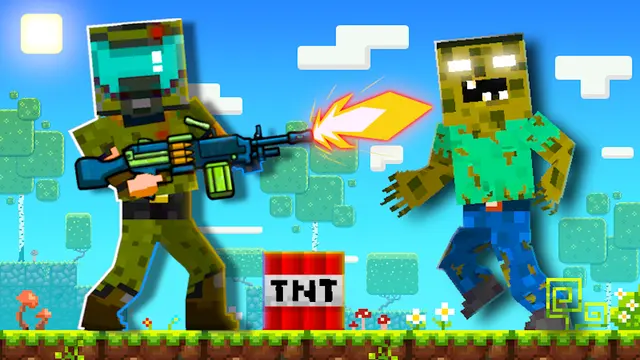 Noob Legends Dungeon Adventures
 Rift of Hell - Demons War
 Geometry Open World
 Furry Kung Fu
 Mouse Survivor
 Patagonians
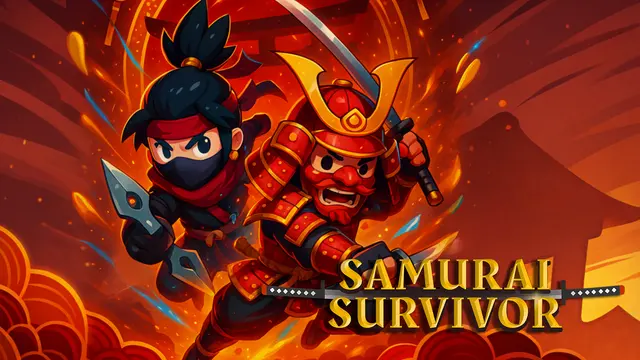 Samurai Survivor
 Madness: Ward number 6
 Assault on Squid Island
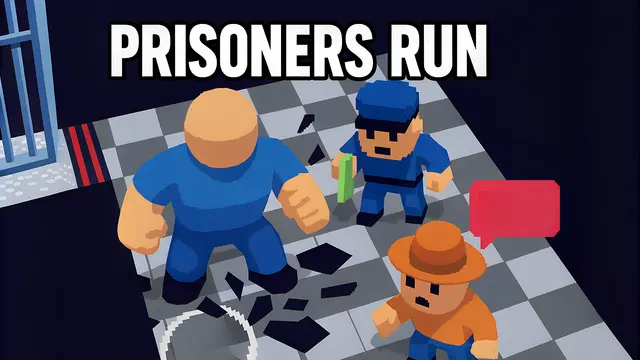 Prisoners Run
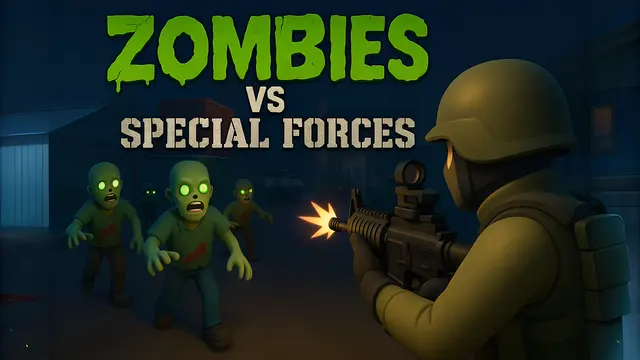 Zombies vs special forces
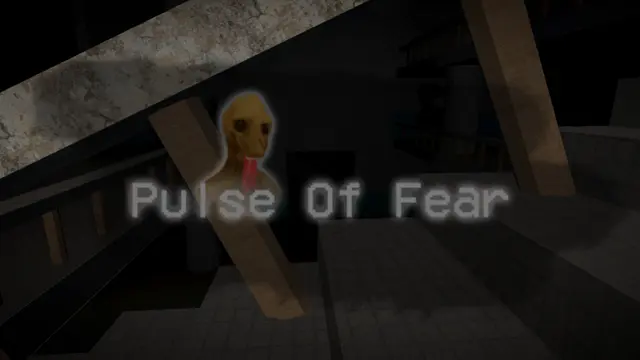 Pulse Of Fear
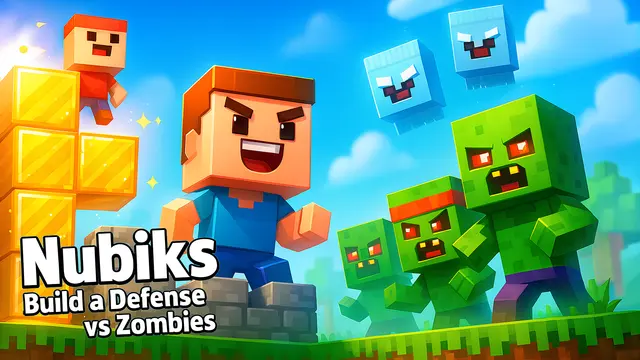 Nubiks build a defense vs zombies
 Pixel hero survivor
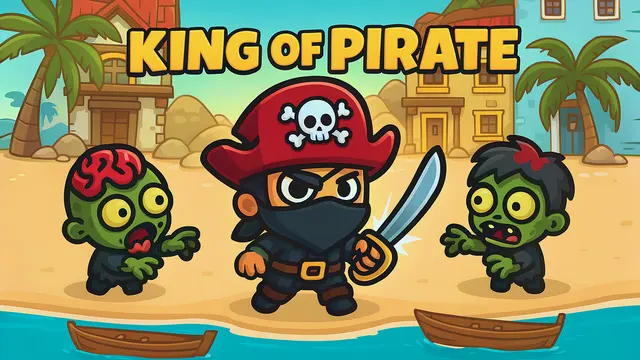 King of pirate
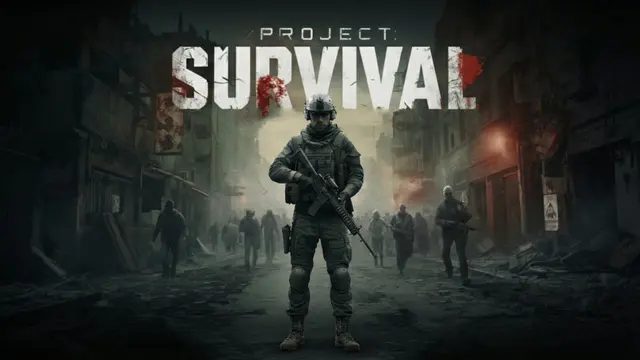 Project: Survival
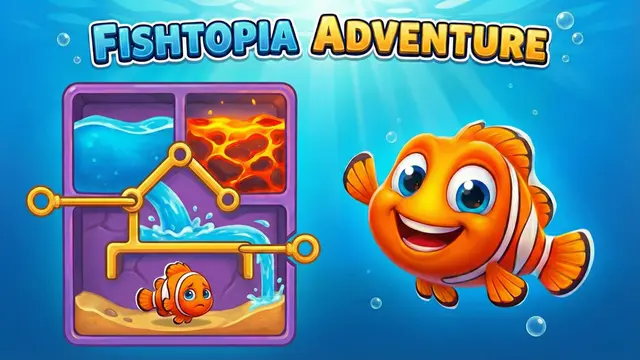 Fishtopia
 The cow of the apocalypse
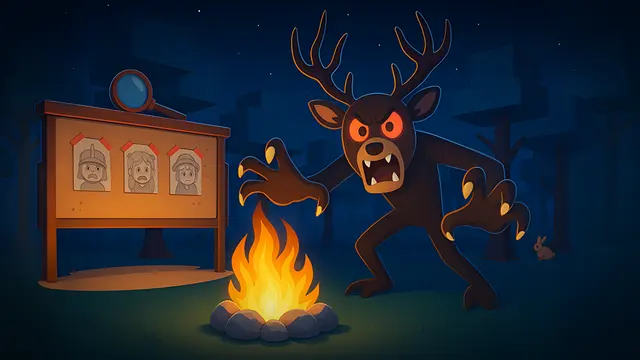 Survival Sandbox for 99 Nights
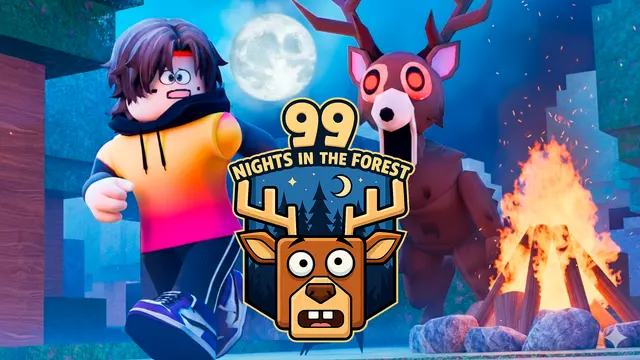 99 Nights In The Forest
 Obby: Survival Island
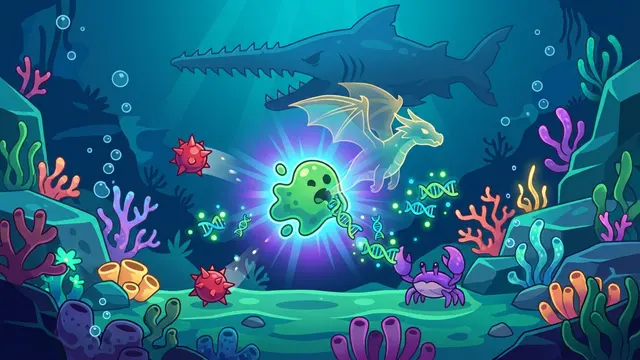 Evolution: Survival
 Max: The secret of Grandpa's letter
 Madness Online
 99 Nights in the Forest with Noob and Pro!
 The Warlock's Prisoner
 skyfall siege
Play Abyss Muncher online
Explore a pixel-art underwater roguelite where every meal helps you evolve. Hunt smaller creatures, avoid giant predators, and build a stronger life-form with mutations, active skills and relics. Explore changing ocean caves, face dangerous enemies, and spend the Essence and Crystals you earn on lasting upgrades and new creatures.
Work toward the survival objective while keeping track of the threats described in the game. Learn the movement and interaction controls before taking a risk. Upgrades are part of the progression described by the provider. The listed controls include WASD input.
How to play Abyss Muncher
Controls and instructions
Eat smaller creatures to gain experience and grow. Choose upgrades as you evolve, combine your skills and relics, and survive the predators of the abyss. Collect Essence and Crystals to strengthen future dives.
Desktop: Use WASD to swim, Space to activate your innate skill, and J / K / L for acquired skills. Click buttons to choose upgrades, open menus and pause.
Mobile: Drag on the gameplay area to swim and tap the on-screen skill buttons. Tap upgrade cards and menu buttons to select them.
The Guided Dive teaches the basics and can be replayed from Settings. Optional reward videos offer bonuses only after a completed viewing.
Getting started with Abyss Muncher
- Check the current threat and available actions before moving into an unfamiliar area.
- Compare the upgrade description with your next objective before choosing it.
- Check the action mappings as well as movement; extra actions may use different keys.
About this game
- Platform
- Web browser
- Supported devices
- Android, iOS, Desktop
- Screen orientation
- Landscape and Portrait
- Languages
- American English
- Genres
- Action, Adventure, Animals, Survival
- In-game purchases
- None listed by the provider
- Provider
- Playgama
- Provider audience
- Male, Female
Game features and tags
- 2d
- Water
- Collecting
- Indie
- Roguelike
- Evolution
- Dungeon
- Pixel
- Action Adventure
- Action Rpg
Abyss Muncher images
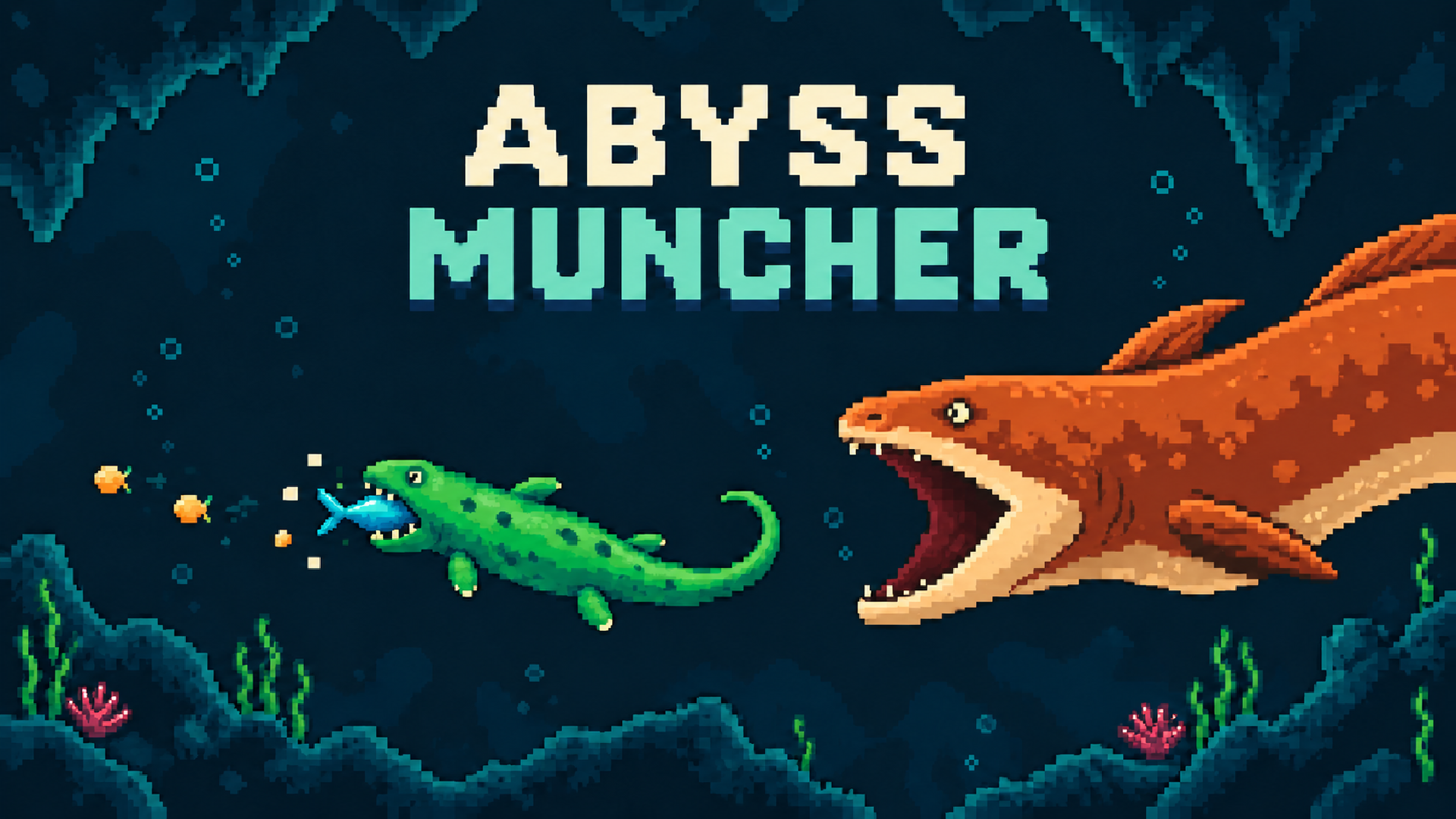
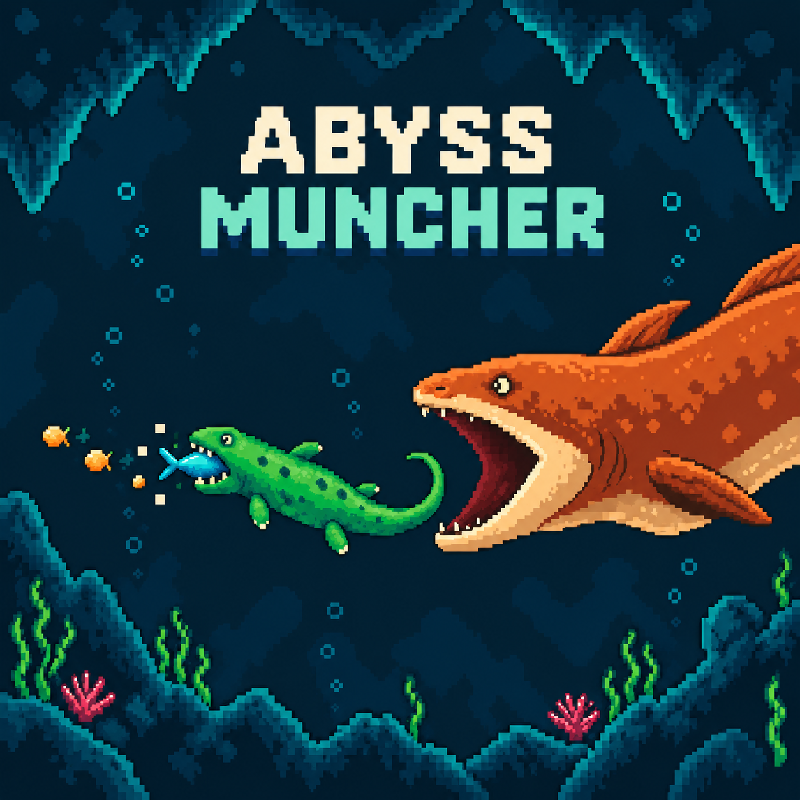
Questions about Abyss Muncher
How do I start playing?
Choose Play now in the game window above to load Abyss Muncher through Playgama. Read the controls and instructions above before you start.
Which devices can I play on?
The provider lists support for Android, iOS, Desktop. Play in your web browser using the controls described above.
Which languages does the game support?
American English.
Does the game have in-game purchases?
The provider lists no in-game purchases for this game. Games may display advertisements.
Related game categories
Game facts and artwork supplied by Playgama. Descriptions adapted and getting-started guidance added by LookBear. Game content, ads and purchases are provided by Playgama and the game provider.