 Backrooms Craft
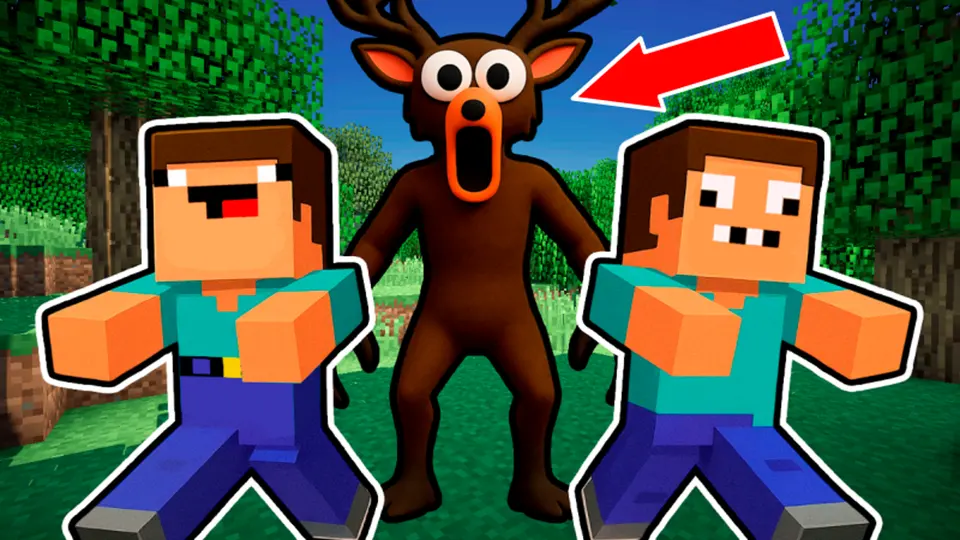
99 Nights in the Forest with Noob and Pro!
Provided by Playgama
99 Nights in the Forest with Noob and Pro!via Playgama


 Not Your Seafood Salad
 Toybox: Pixel World Sandbox
 Wild Wolf Simulator Animal Games
 Wildkin Isles
 Backrooms: Exit Protocol 0
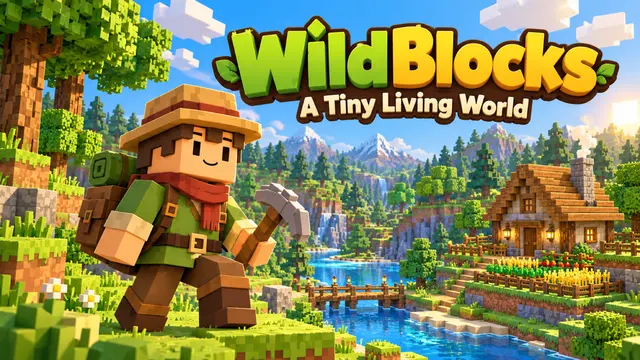 WildBlocks — A Tiny Living World
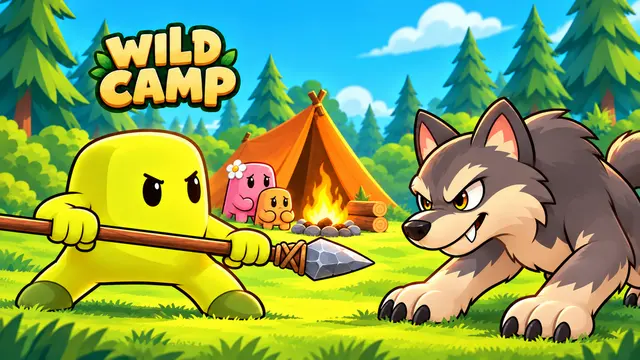 Wild Camp
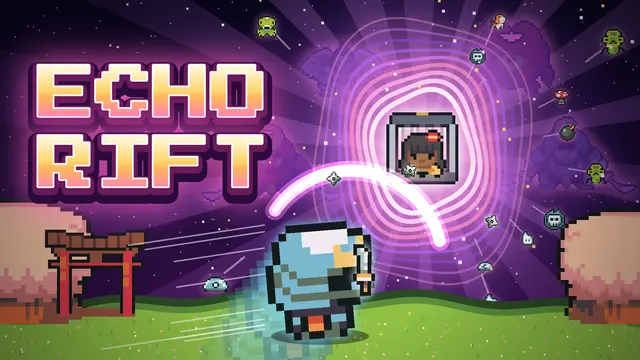 Echo Rift
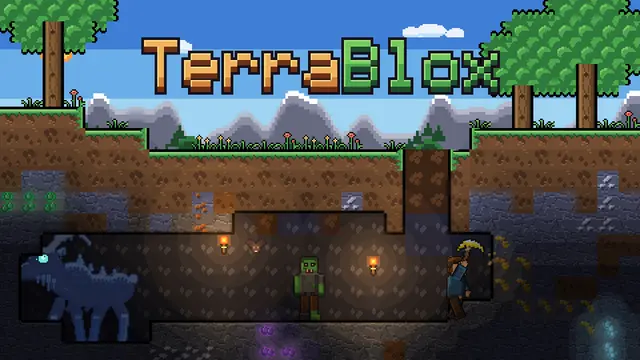 TerraBlox
 Victory over the Monster
 Sanych: Pop Slayer
 Sprunki Craft - Sandbox 3D
 Zombie Space Episode II
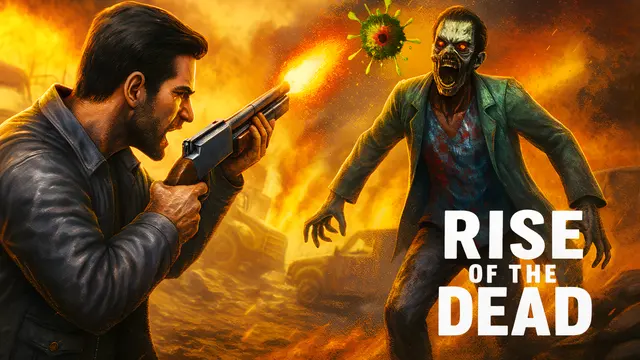 Rise of the Dead
 Dungeon Master - Cult & Craft
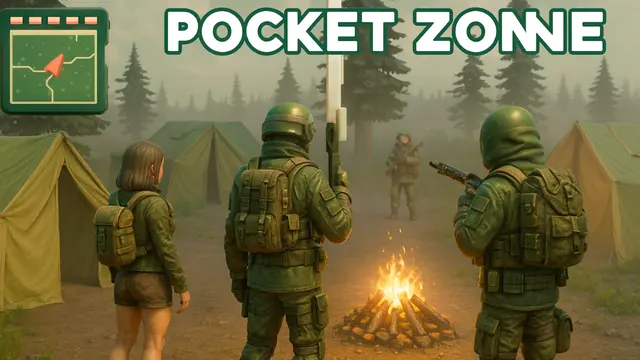 Pocket ZONE
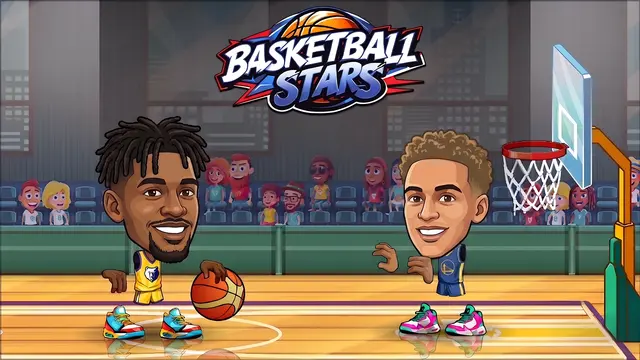 Basketball Stars
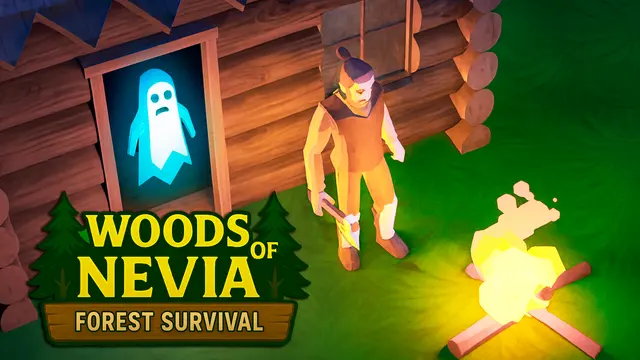 Woods of Nevia: Forest Survival
 Snowy Adventures with Noob and Pro!
 Dead Land: Survival
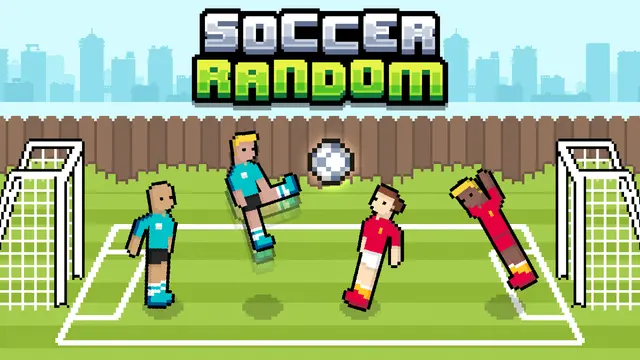 Soccer Random
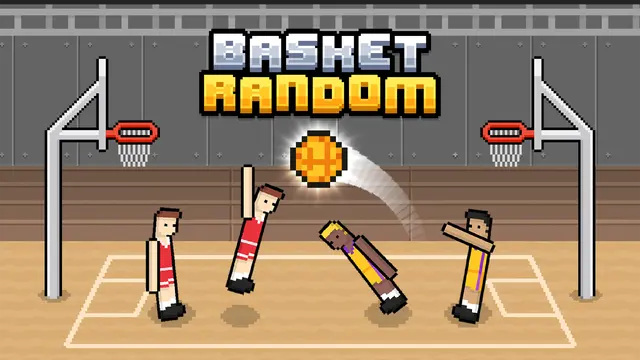 Basket Random
 Climb Up!
 Stalker 2033: The Path of the Survivor
 Stealth robbery of a house together
 Noob saves the village
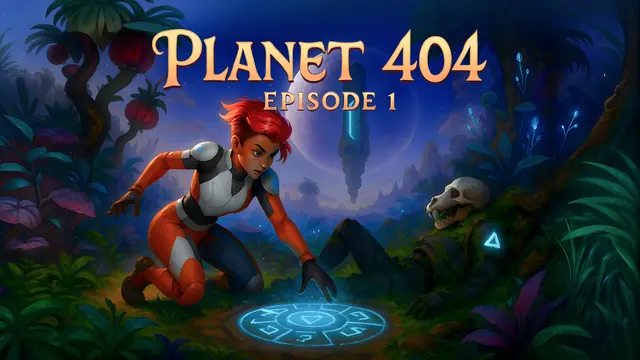 Planet 404. Episode 1
 Carvivor Ops
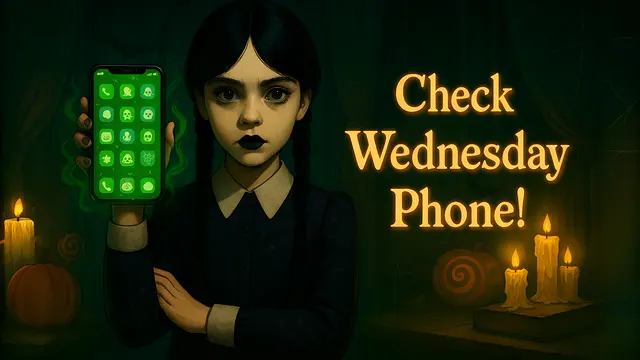 Check Wednesday Phone!
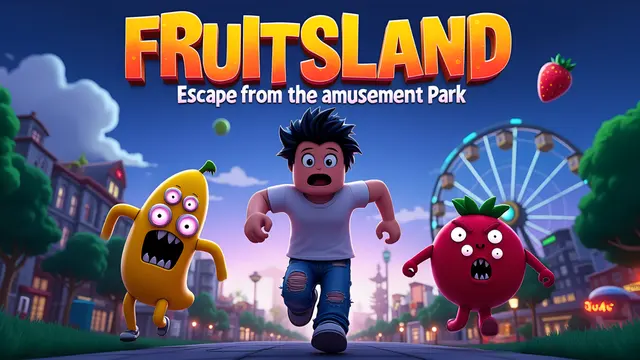 Fruitsland: Escape from the Amusement Park
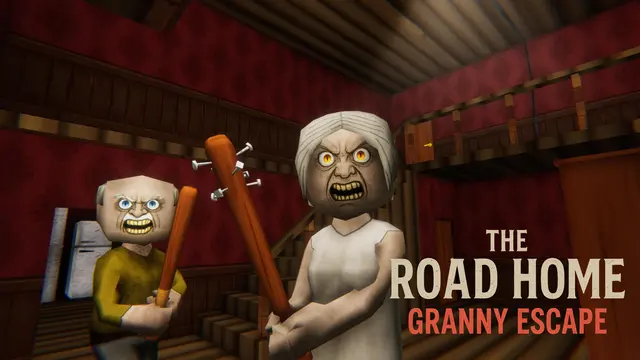 The Road Home: Granny Escape
 Jim's World: Adventure Games
 Escape School Duel
 Sorcerers Refuge
 Breinrot Bog
 Soccer Legends 2026
 Red & Blue: Online. Build! Destroy! Fight!
 Spartan fruits
 Imposter 3D
 Bunny Escape
 Noob Legends Dungeon Adventures
 Rift of Hell - Demons War
 Creepy playtime
 Mouse Survivor
 Same Room Same Day
 Zigzag Snow Adventure
 Neko's Adventure
 Madness: Ward number 6
 Wasteland Hunter: puzzle RPG
 Schoolboy Runaway: room escape
 Schoolboy Escape: Runaway
 Steve parkour in mine
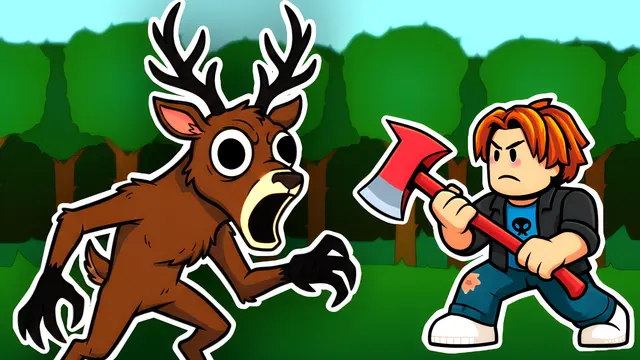 99 Nights In The Forest - Survival Simulator
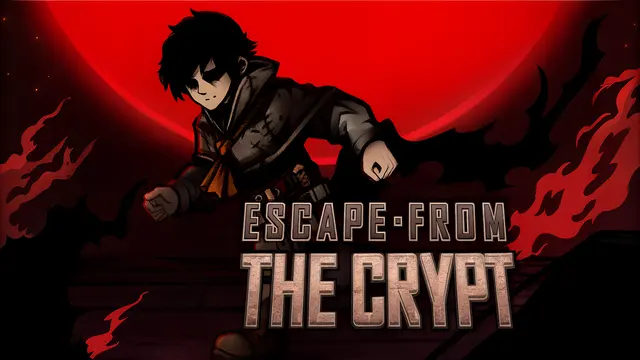 Escape From The Crypt
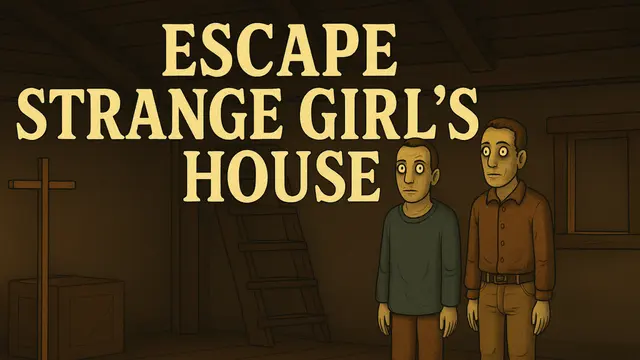 Escape Strange Girl’s House
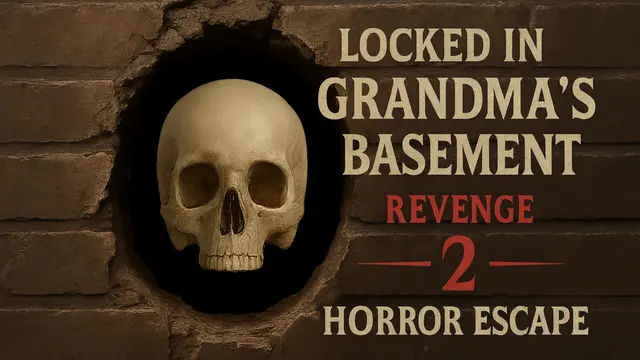 Locked in Grandma’s Basement 2: Revenge - Horror Escape
 Stickman Punishment 2
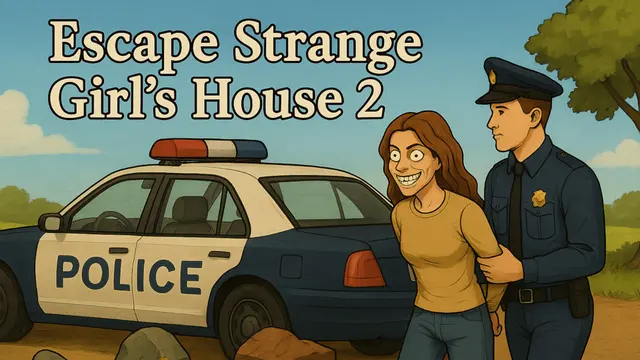 Escape Strange Girl’s House 2
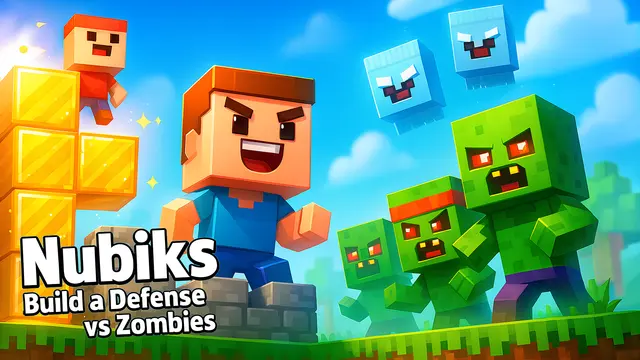 Nubiks build a defense vs zombies
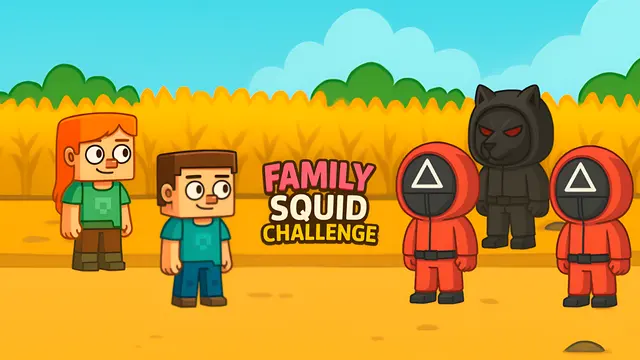 Family Squid Challenge
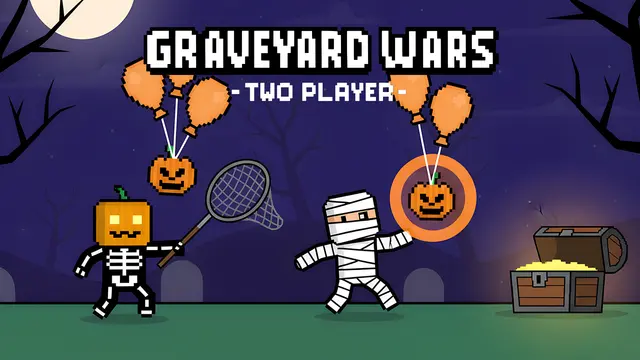 Graveyard Wars - Two player
 Snow Rush 3D
 The Upside Down
 Groomy Island
Play 99 Nights in the Forest with Noob and Pro! online
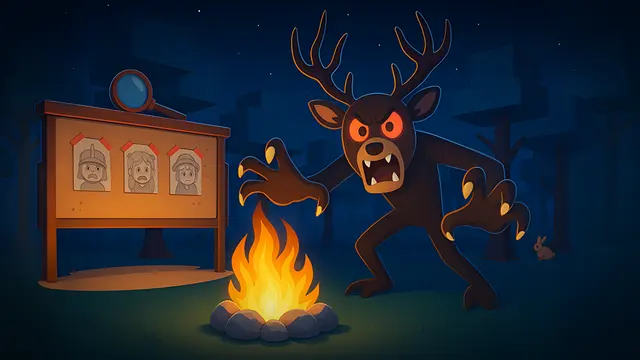
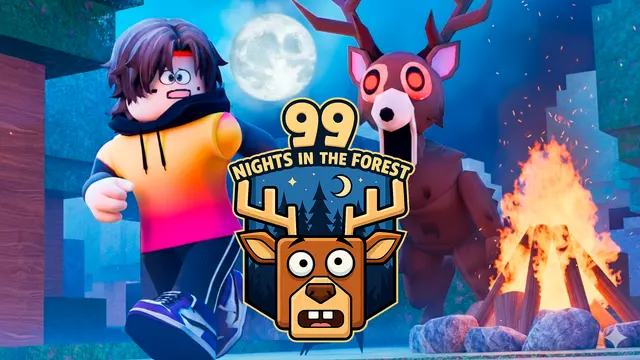
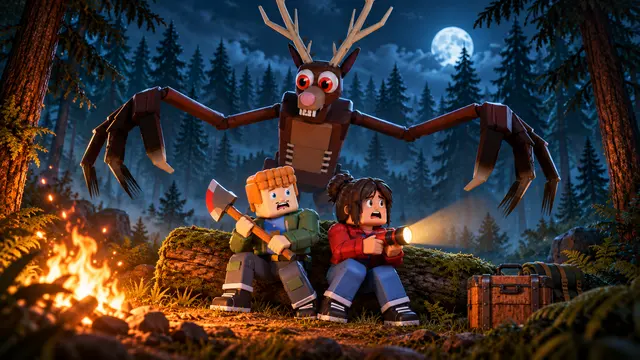
This is an 2D Mine-style adventure where every night is a true survival challenge. *Build and mine* — explore the world, gather resources, and create anything from solid bunkers to cozy houses. *Various blocks and pickaxes* — choose tools and materials to your liking, level up, and unlock new possibilities.
Gather and use the materials described in the game to work toward your next task. Check the recipe or requirement before spending a resource.
How to play 99 Nights in the Forest with Noob and Pro!
Controls and instructions
Whether you play alone or with a friend, here’s everything you need to know about the controls:
On PC
Player 1:
* Move — A / D
* Jump — W
* Look down — S
* Switch build/mine mode — Q
* Use item in hand — E
Player 2:
* Move — ← / →
* Jump — ↑
* Look down — ↓
* Switch build/mine mode — NumPad 1
* Use item in hand — NumPad 0
On Mobile
* Move — ← / → buttons
* Jump — ↑ button
* Look down — ↓ button
* Switch build/mine mode — block / pickaxe icon
* Use item in hand — crosshair icon
Getting started with 99 Nights in the Forest with Noob and Pro!
- Read the next item’s requirements before deciding what to collect.
About this game
- Platform
- Web browser
- Supported devices
- Android, iOS, Desktop
- Screen orientation
- Landscape
- Languages
- American English, Russian (Russia)
- Genres
- Arcade, Adventure, Two Player, Horror, Minecraft, Survival, Crafting
- In-game purchases
- Available
- Provider
- Playgama
- Provider audience
- Male, Female
Game features and tags
- 2d
- 2d Minecraft
- Minecraft Survival
- 2 Player Party
- Survival Horror
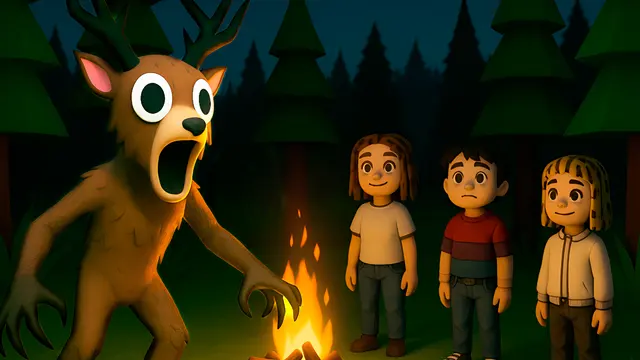
99 Nights in the Forest with Noob and Pro! images
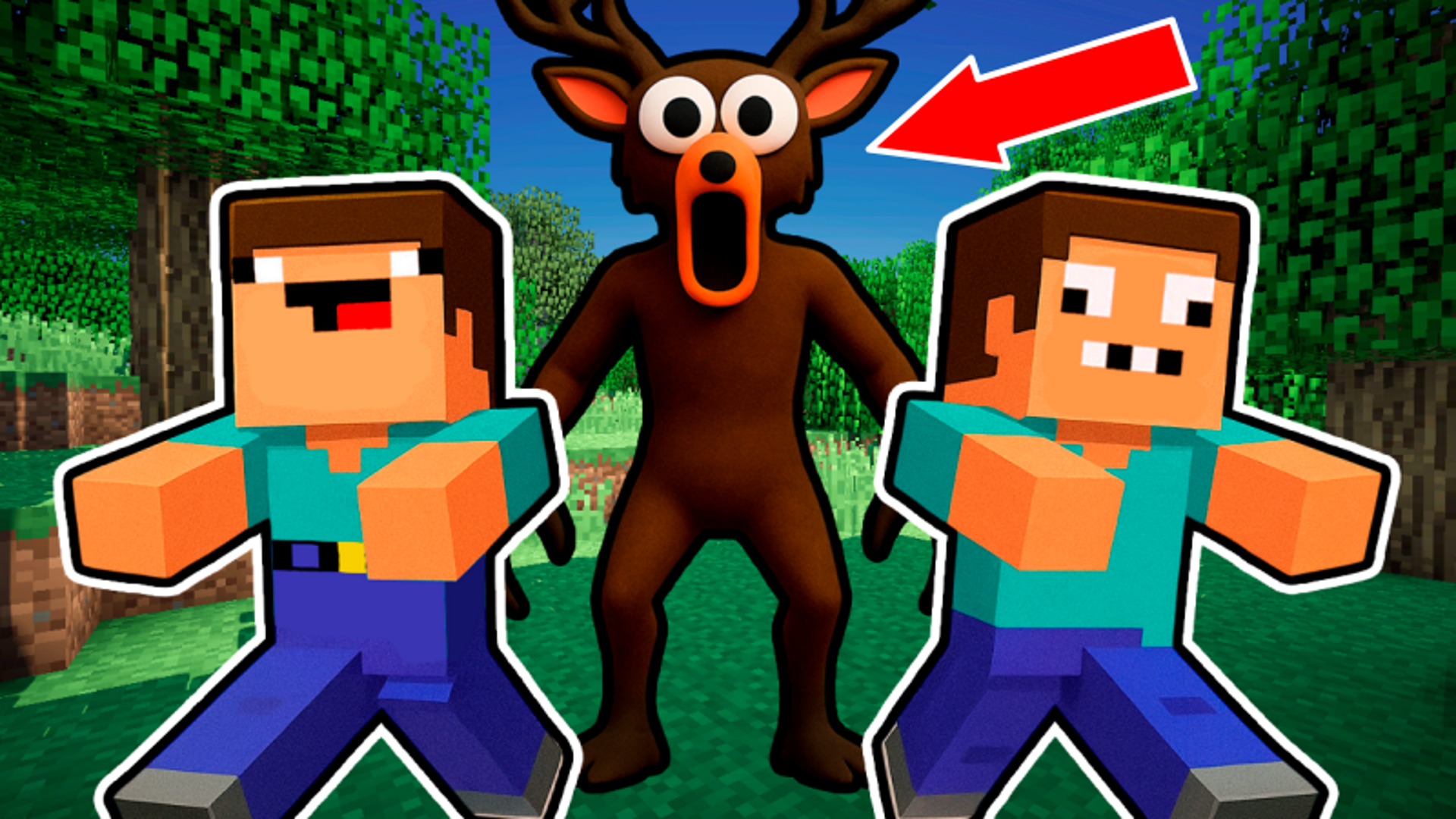
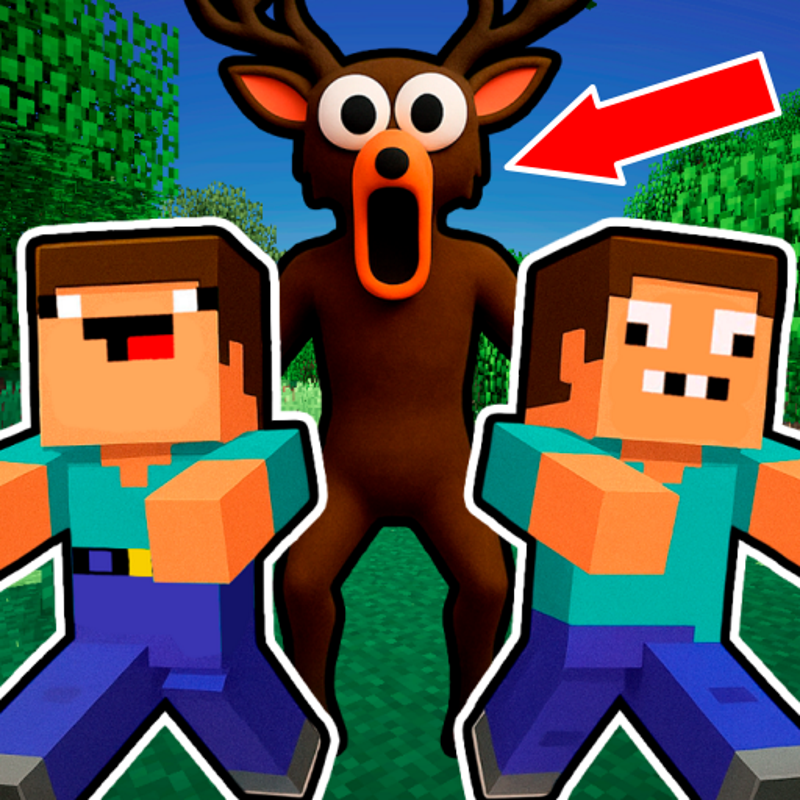
Questions about 99 Nights in the Forest with Noob and Pro!
How do I start playing?
Choose Play now in the game window above to load 99 Nights in the Forest with Noob and Pro! through Playgama. Read the controls and instructions above before you start.
Which devices can I play on?
The provider lists support for Android, iOS, Desktop. Play in your web browser using the controls described above.
Which languages does the game support?
American English, Russian (Russia).
Does the game have in-game purchases?
The provider lists optional in-game purchases. Any available purchases are handled inside the game. Games may display advertisements.
Related game categories
Game facts and artwork supplied by Playgama. Descriptions adapted and getting-started guidance added by LookBear. Game content, ads and purchases are provided by Playgama and the game provider.