 Left 4 Die
Madness Online
Provided by Playgama
Madness Onlinevia Playgama


 Special Ops: GO
 Revoxel 3D - Voxel RPG Shooter
 FPS Gun Shooting Game 3D
 Zombie Monster Survivors
 MFPS:Military Combat
 RIVALS FPS: Online Shooter
 Zombie Raid
 Yenemy
 Rift of Hell - Demons War
 Cowboys Duel
 EdgeFire
 BeastForge Rival
 Cube shooter
 TANKNAROK
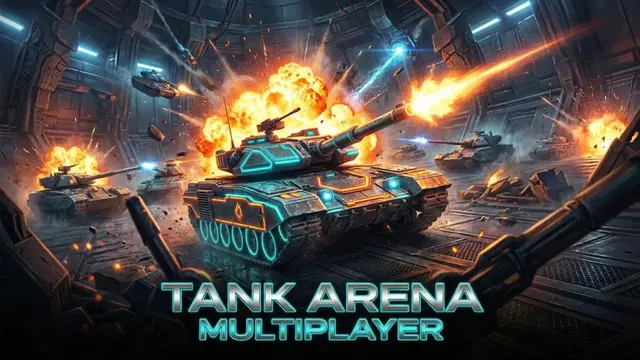 TANK ARENA MULTIPLAYER
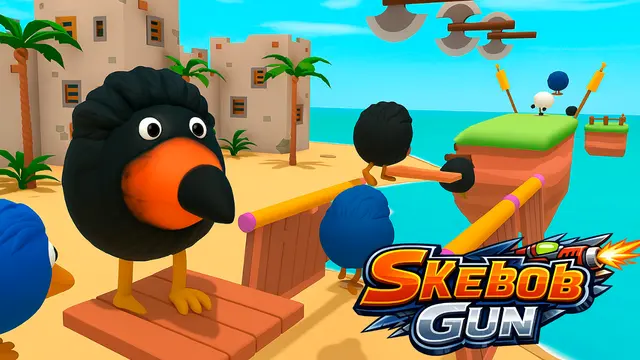 Skebob Gun
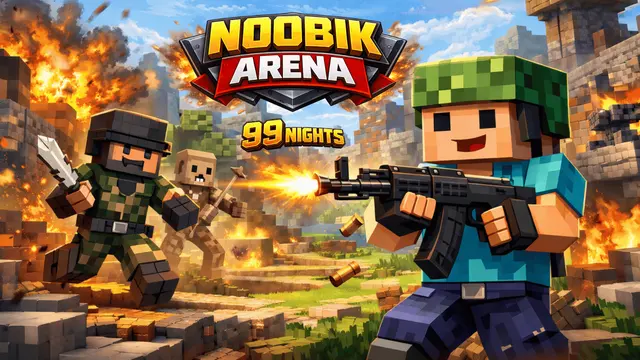 Noobik Arena - 99 nights
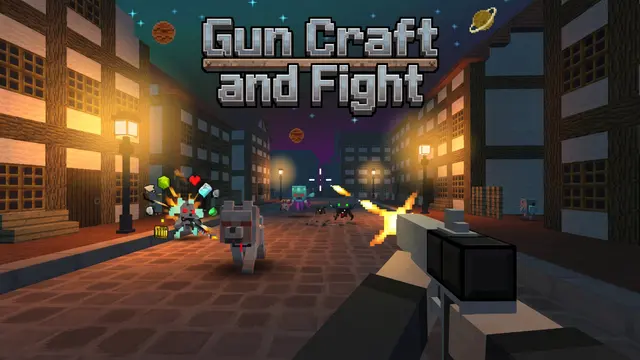 Gun Craft and Fight
 Zombie Wave Arena
 Quick Draw Cowboys
 Space Survivor
 Deorbit - Space Survivors
 Miscast
 Nexus Override
 Sniper for Brainrots
 Slap Battle: Arena Online
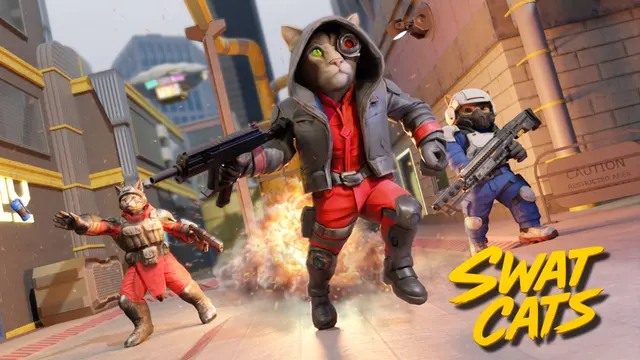 SWAT Cats
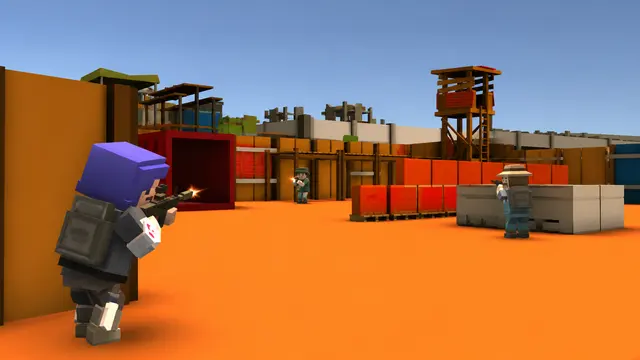 Craft the War
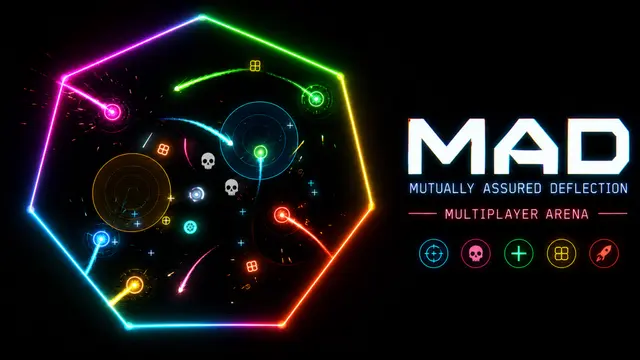 Live Round
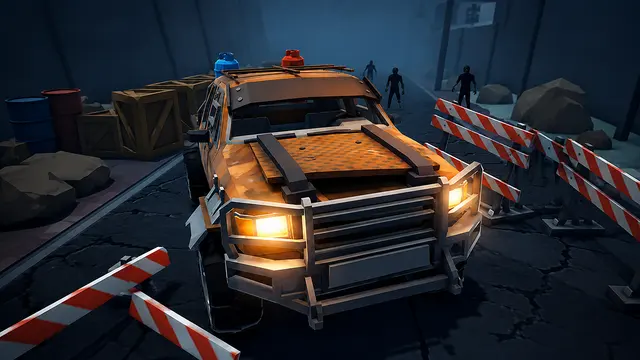 Cars vs Zombies
 Supernova: The "Charon" Protocol
 Ash of the Depths
 Clown Fiesta
 Build and Defend your Base
 Sol Coalition Force
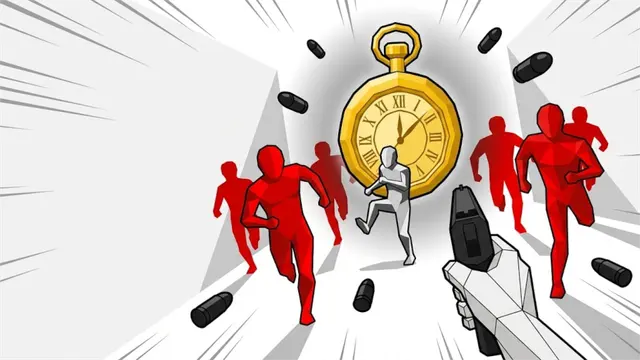 TIME STOP
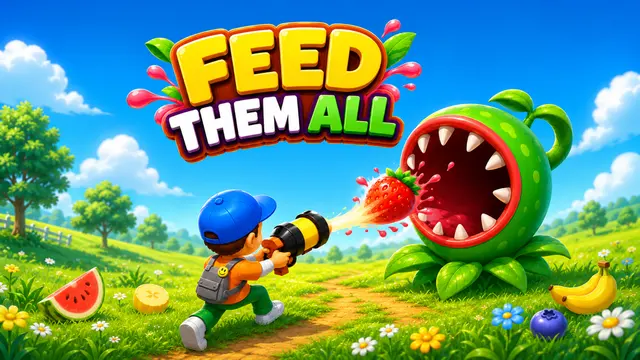 Feed Them All!
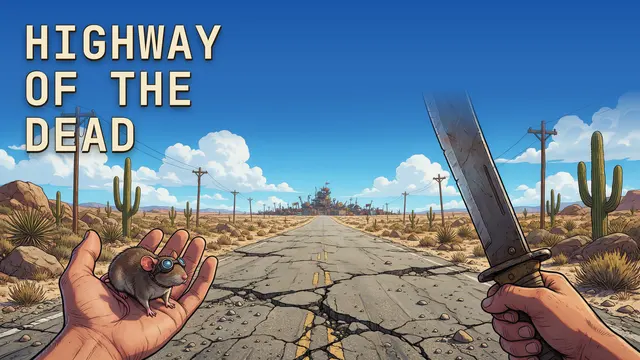 Highway of the Dead
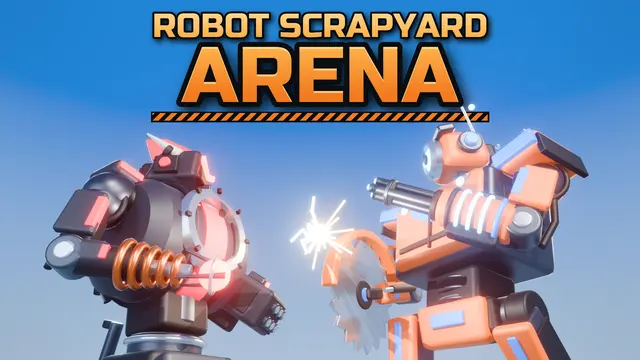 Robot Scrapyard Arena
 Build Car for Kill Zombies
 Mine And Rush Survival
 Lanternborne
 +1 Guns vs Zombies
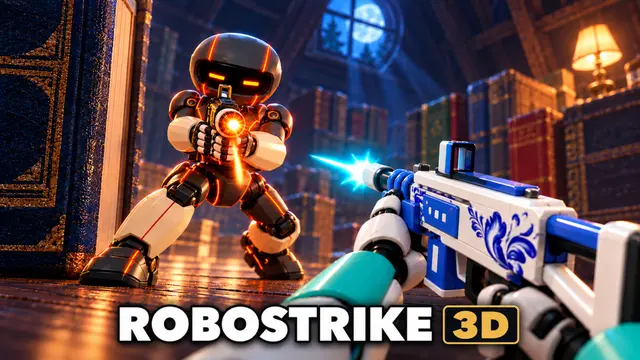 RoboStrike 3D
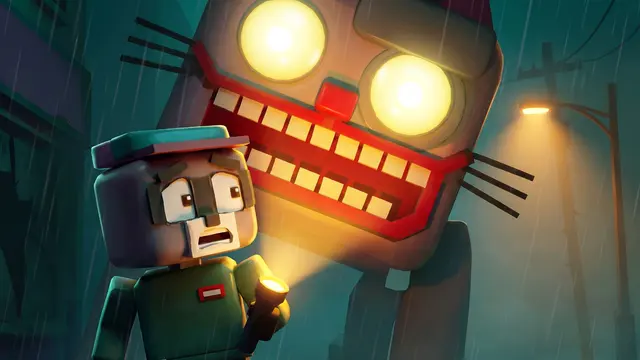 Escape From Whisker Street
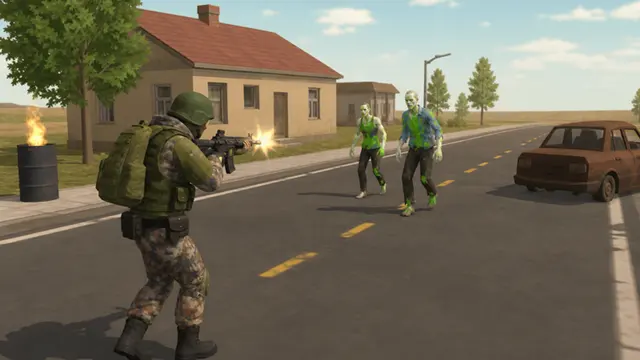 Mutant Zone: Zombie Merge Fighter
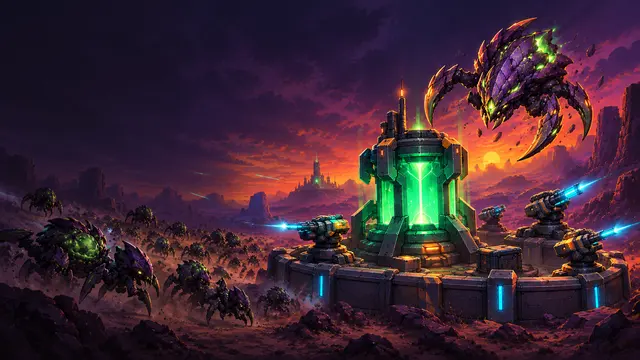 Outpost Siege
 Goo Turf
 Steel Thunder
 Space Worm
 RIFT OPS: Fractured Frontier
 Escaping Blockov
 Order of Masks
 Obby: Murder Mystery 2 Online
 DeadMart: Outbreak Register
 Snipers War: FPS Strike
 Island Arena: Steel and Honor
 Emberwing: Skies of the Undead
 Starship Gem Rush
 Tapshot.io
 Wellies Survivors
 Night Shift: Blackwood Lab
 Sanych: Pop Slayer
 Drill to Earth's Core: Zombie
Play Madness Online online
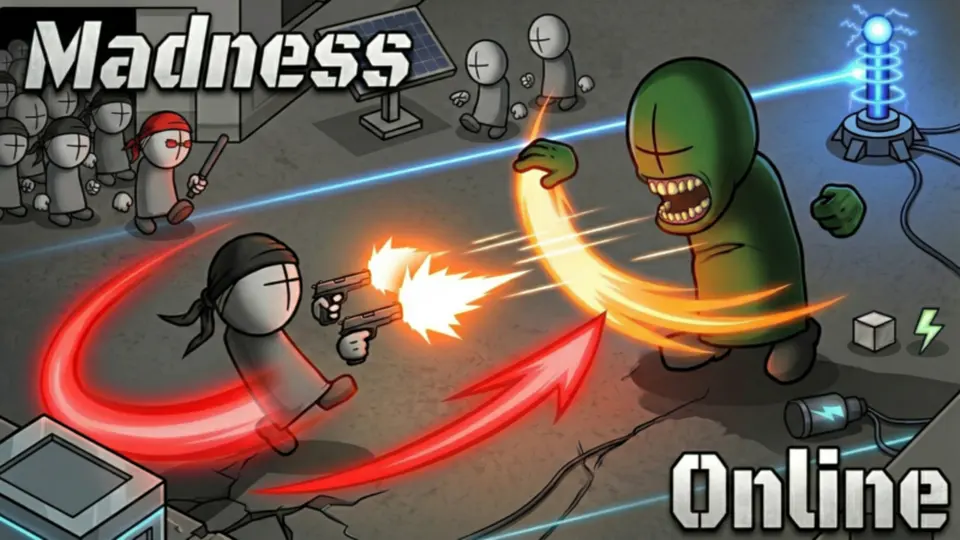
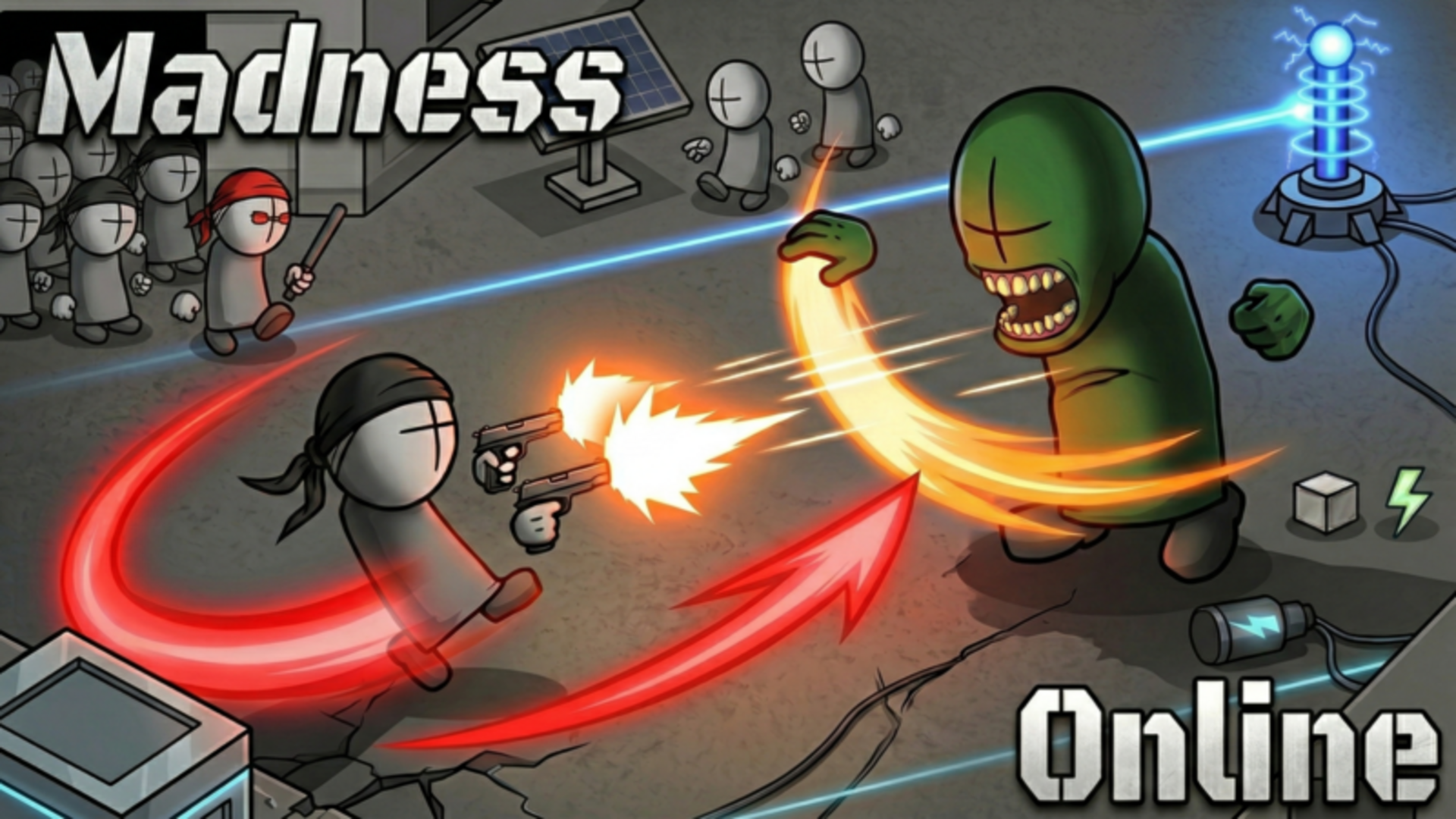
Madness Online is a brutal 2D top-down multiplayer survival shooter set in a procedurally generated infinite world. Your task is to navigate a hostile, apocalyptic environment by fighting off relentless waves of zombies and enemy entities. The game blends intense, fast-paced gunplay with deep survival mechanics, allowing players to gather resources, craft essential gear, and construct fortified bases.
Work toward the survival objective while keeping track of the threats described in the game. Learn the movement and interaction controls before taking a risk. The controls include access to an inventory. The listed controls include WASD input.
How to play Madness Online
Controls and instructions
WASD — Move
Mouse — Aim and Shoot
Spacebar — Dodge
E — Interact
B — Open Inventory
R — Reload
Q — Switch Weapon
Enter — Chat
Getting started with Madness Online
- Check the current threat and available actions before moving into an unfamiliar area.
- Check the listed inventory input when you need to review what you are carrying.
- Check the action mappings as well as movement; extra actions may use different keys.
About this game
- Platform
- Web browser
- Supported devices
- Android, iOS, Desktop
- Screen orientation
- Landscape and Portrait
- Languages
- American English, Arabic (Egypt), Chinese (China), German (Germany), Dutch (Netherlands), European Spanish, Hindi (India), Indonesian (Indonesia), Italian (Italy), Japanese (Japan), Korean (South Korea), Polish (Poland), European Portuguese, Russian (Russia), Thai (Thailand), Turkish (Türkiye), Ukrainian (Ukraine), Vietnamese (Vietnam)
- Genres
- Action, Two Player, Multiplayer, Shooting, Zombie, Survival
- In-game purchases
- None listed by the provider
- Provider
- Playgama
- Provider audience
- Male, Female
Game features and tags
- 2d Action
- 2 Player Survival
- 2 Player Zombie
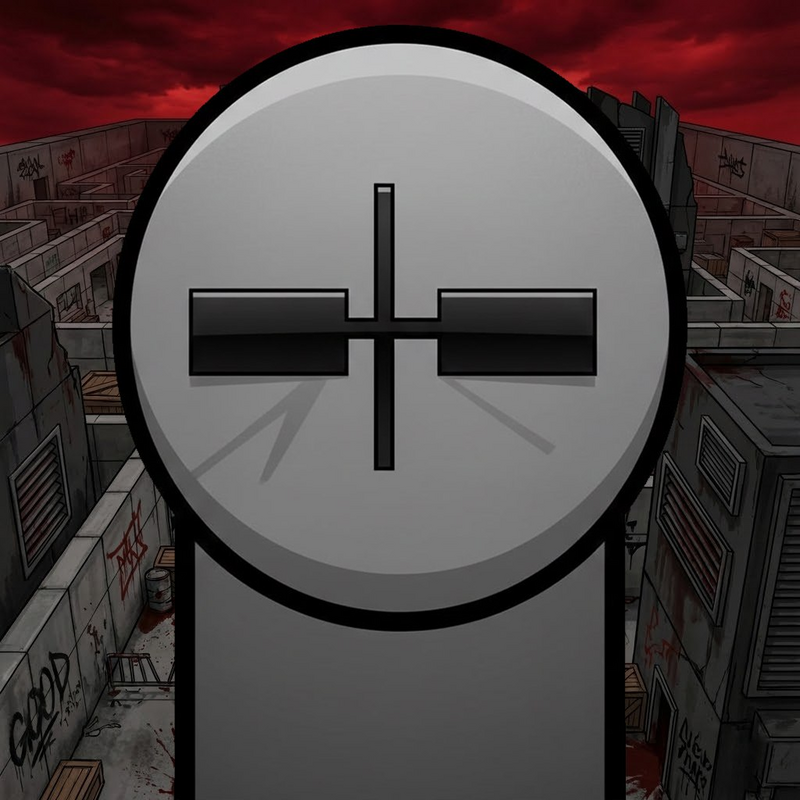
Madness Online images
Questions about Madness Online
How do I start playing?
Choose Play now in the game window above to load Madness Online through Playgama. Read the controls and instructions above before you start.
Which devices can I play on?
The provider lists support for Android, iOS, Desktop. Play in your web browser using the controls described above.
Which languages does the game support?
American English, Arabic (Egypt), Chinese (China), German (Germany), Dutch (Netherlands), European Spanish, Hindi (India), Indonesian (Indonesia), Italian (Italy), Japanese (Japan), Korean (South Korea), Polish (Poland), European Portuguese, Russian (Russia), Thai (Thailand), Turkish (Türkiye), Ukrainian (Ukraine), Vietnamese (Vietnam).
Does the game have in-game purchases?
The provider lists no in-game purchases for this game. Games may display advertisements.
Related game categories
Game facts and artwork supplied by Playgama. Descriptions adapted and getting-started guidance added by LookBear. Game content, ads and purchases are provided by Playgama and the game provider.