 Revoxel 3D - Voxel RPG Shooter
Emberwing: Skies of the Undead
Provided by Playgama
Emberwing: Skies of the Undeadvia Playgama




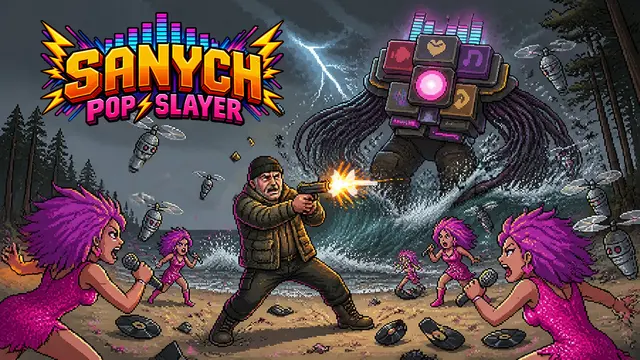 Sanych: Pop Slayer
 Drill to Earth's Core: Zombie
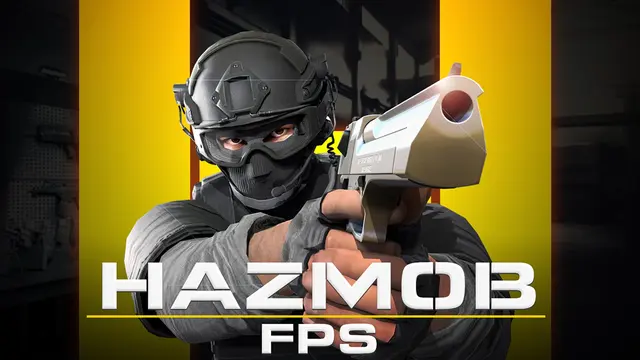 Hazmob FPS: Online Shooter
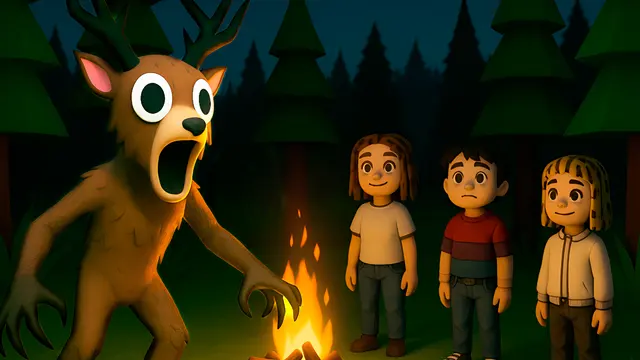 99 Nights in the Forest. Horror Multiplayer
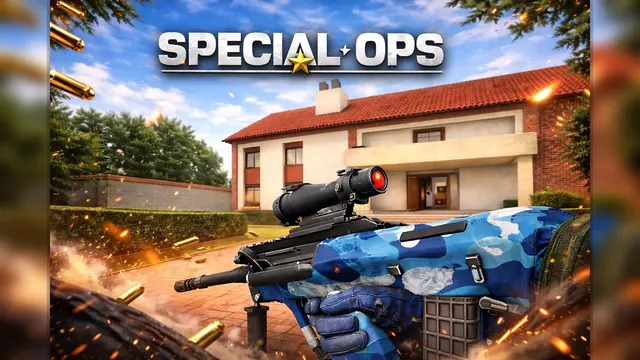 Special Ops: GO
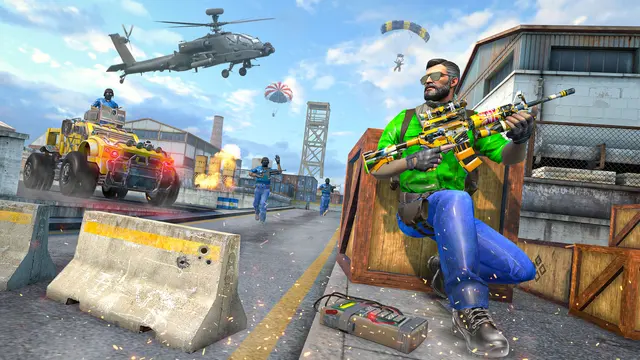 FPS Gun Shooting Game 3D
 Abandoned Mansion
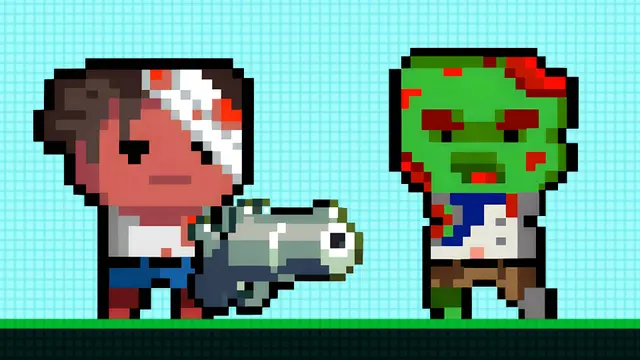 ENDLESS Z SURVIVOR
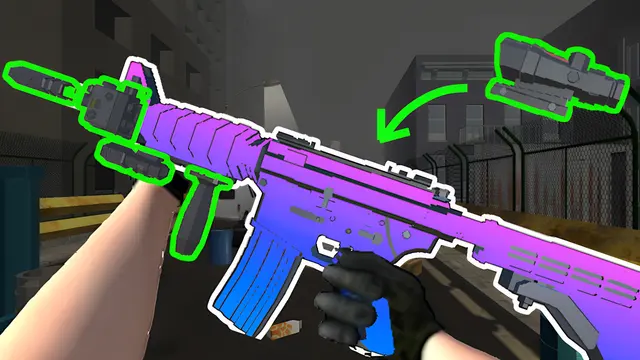 War V: Path of the Survivor!
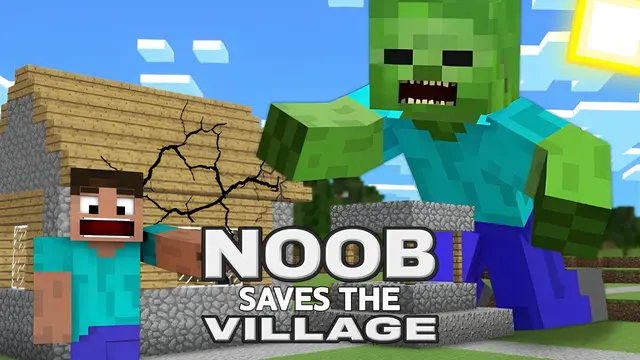 Noob saves the village
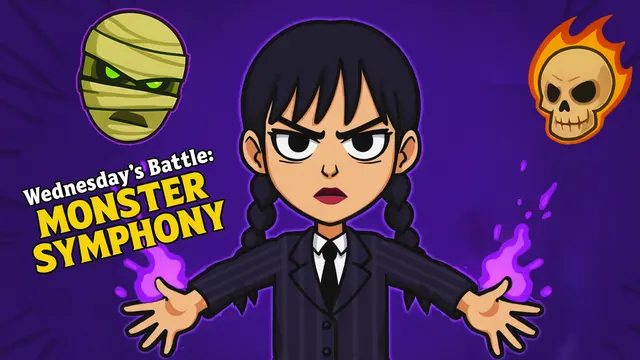 Wednesday’s Battle: Monster Symphony
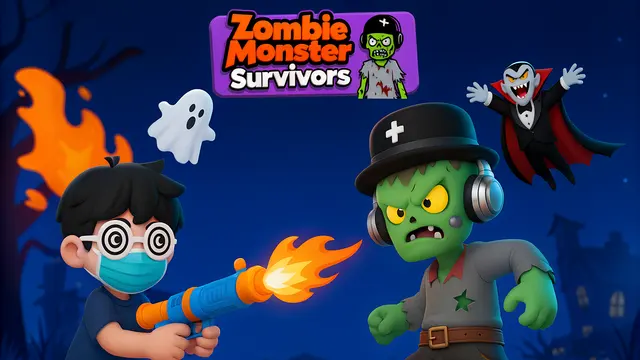 Zombie Monster Survivors
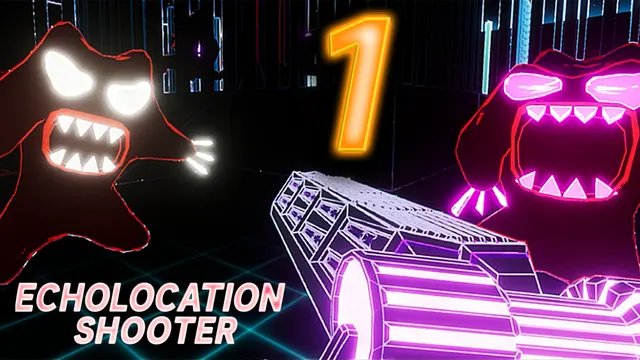 Echolocation Shooter
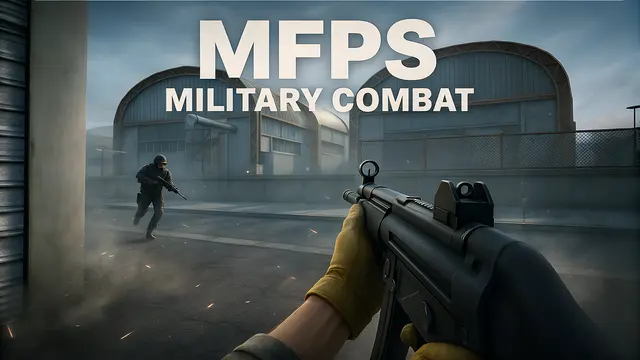 MFPS:Military Combat
 Blocks Shooter 3D! Run, Shoot, Merge Weapons!
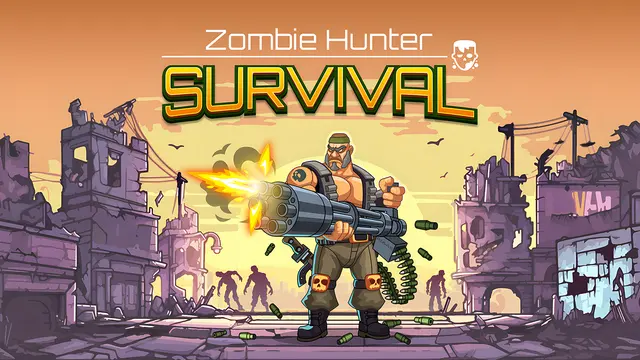 Zombie Hunter: Survival
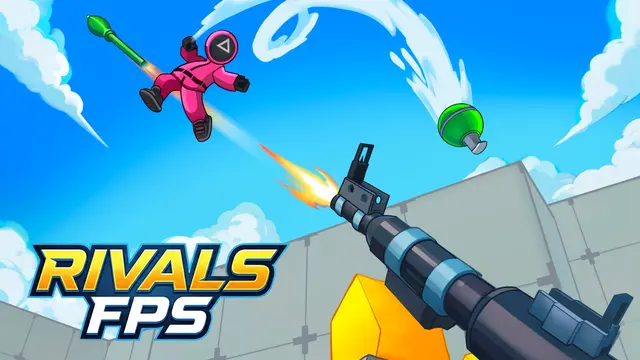 RIVALS FPS: Online Shooter
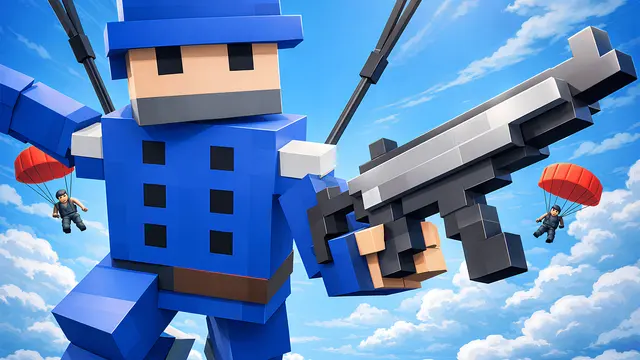 Red & Blue: Online. Build! Destroy! Fight!
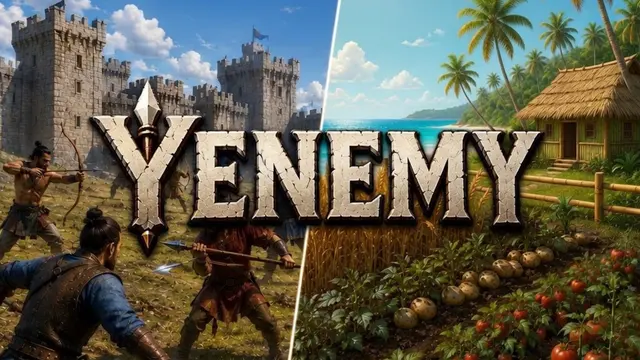 Yenemy
 The Tall Man
 Egg Thief
 SlowMo Sniper
 BOMBAMAN 3D
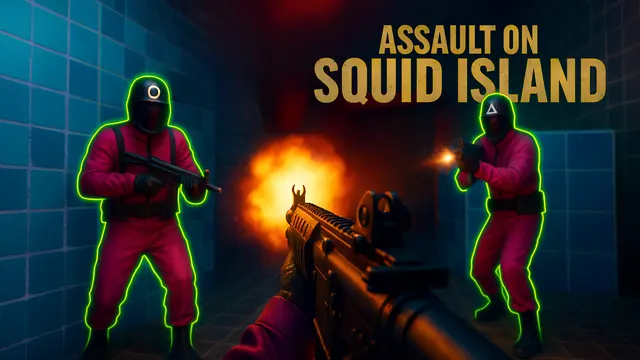 Assault on Squid Island
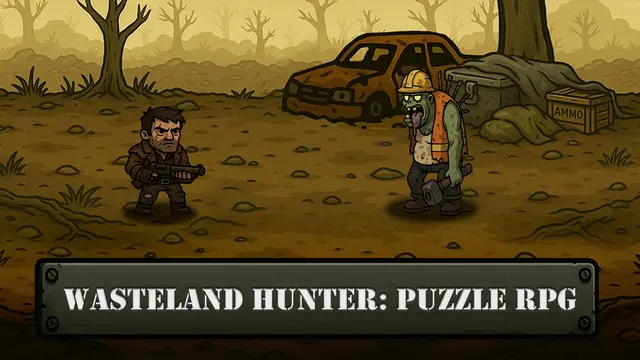 Wasteland Hunter: puzzle RPG
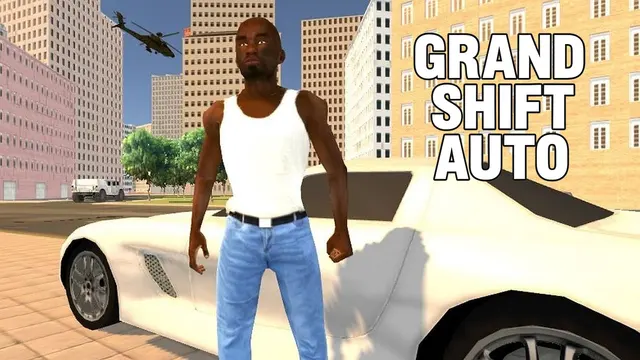 Grand Shift Auto
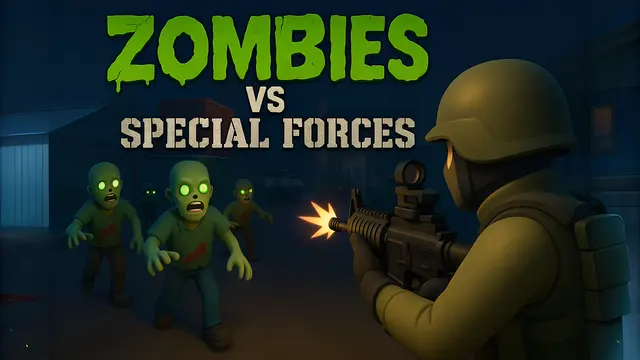 Zombies vs special forces
 99 Nights In The Forest - Survival Simulator
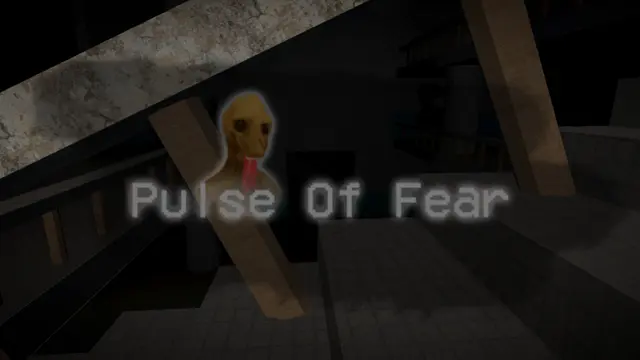 Pulse Of Fear
 Highway Car Shooting 3D Action Game 2025
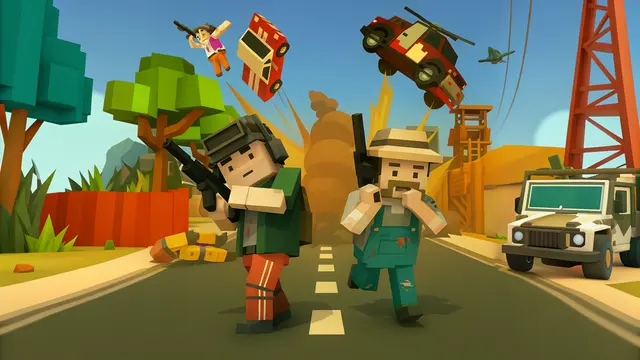 Cube shooter
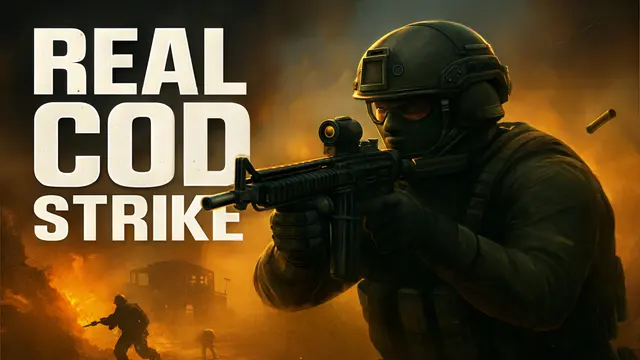 Real COD Strike
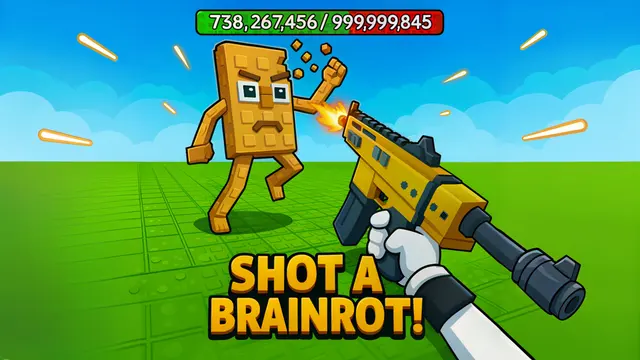 Shot a Brainrot!
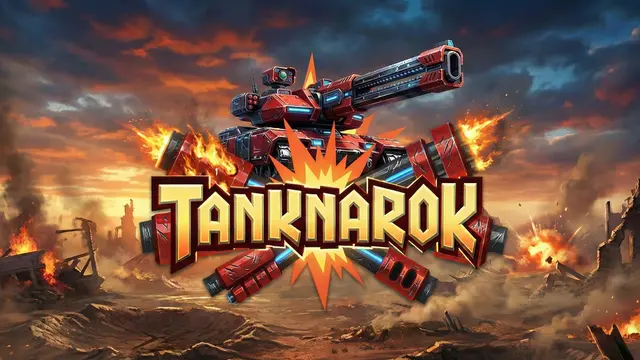 TANKNAROK
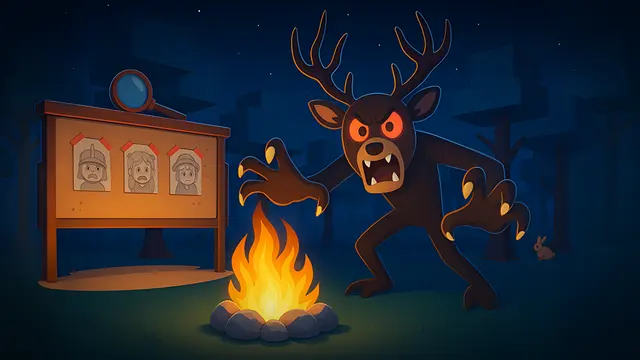 Survival Sandbox for 99 Nights
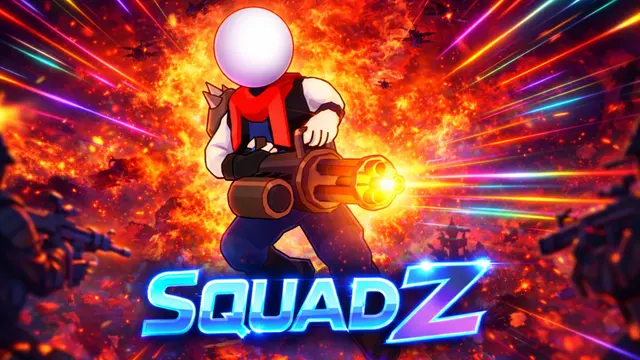 SquadZ
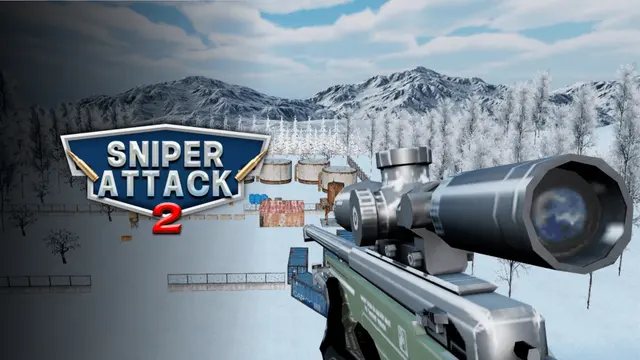 Sniper Attack2
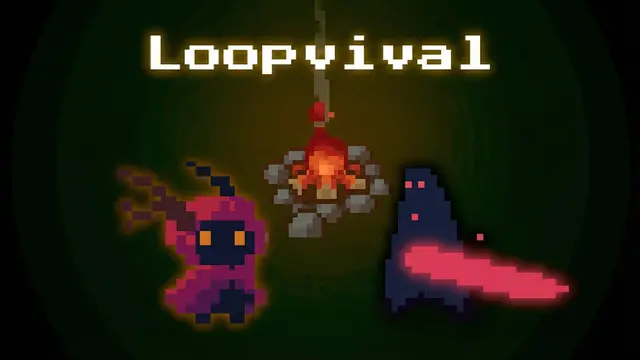 Loopvival
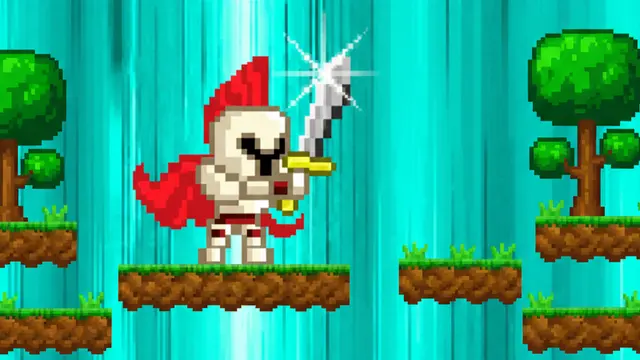 Clicker Knights Vs Dragons
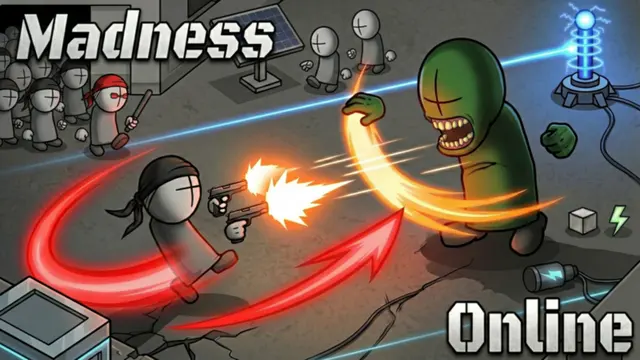 Madness Online
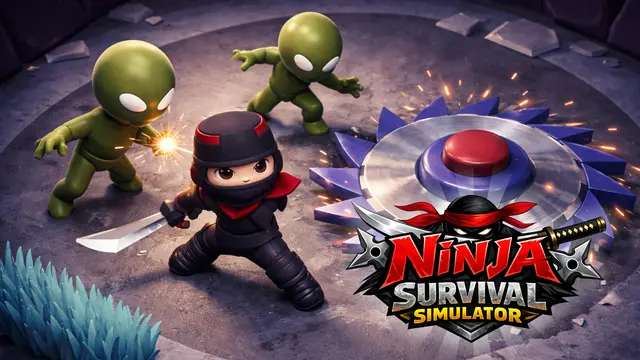 Ninja Survival Simulator
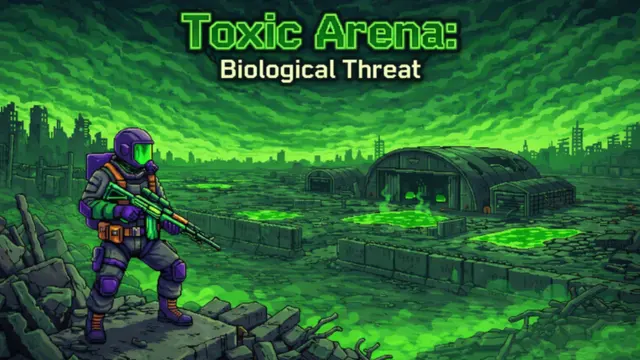 Toxic Arena: Biological Threat
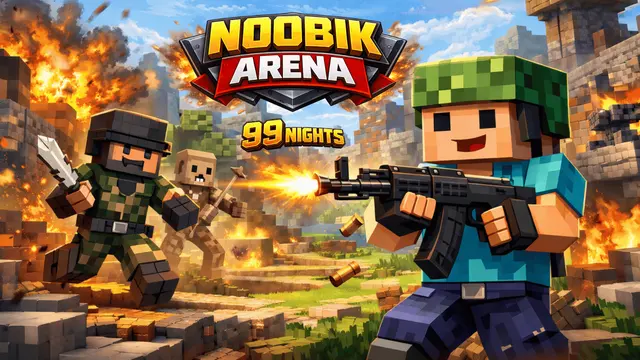 Noobik Arena - 99 nights
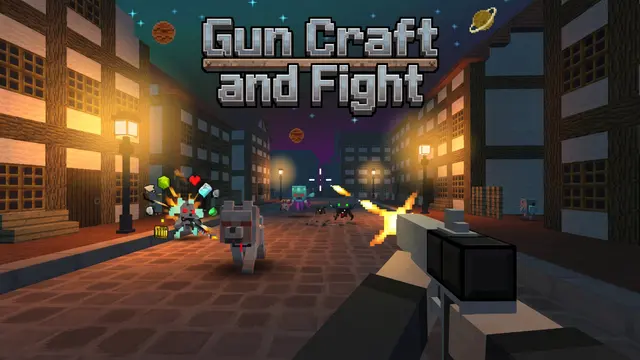 Gun Craft and Fight
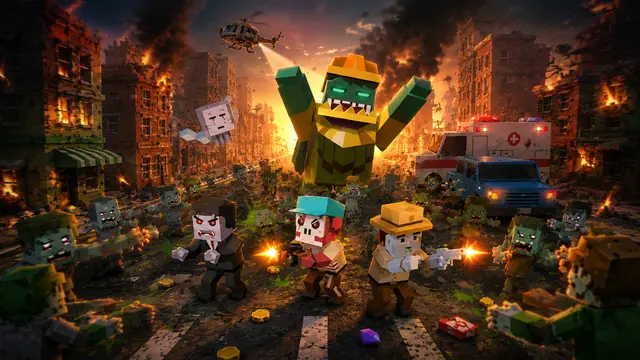 Zombie Terminator
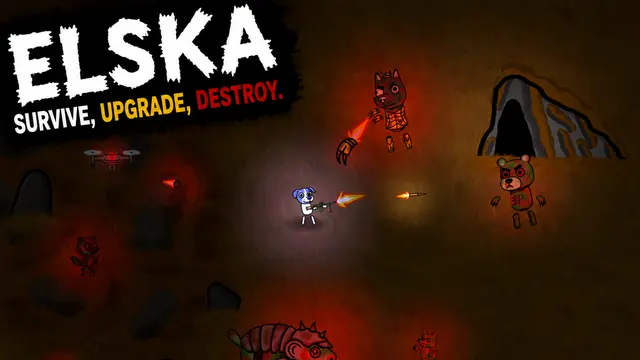 Elska - dog vs zombies! Multiplayer co-op
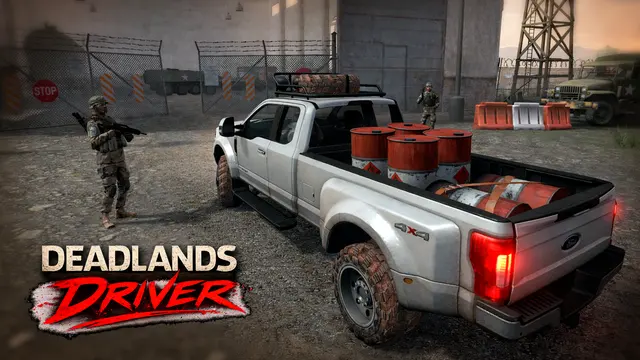 Dead Lands Driver Open World
 Stickman Gun Rush
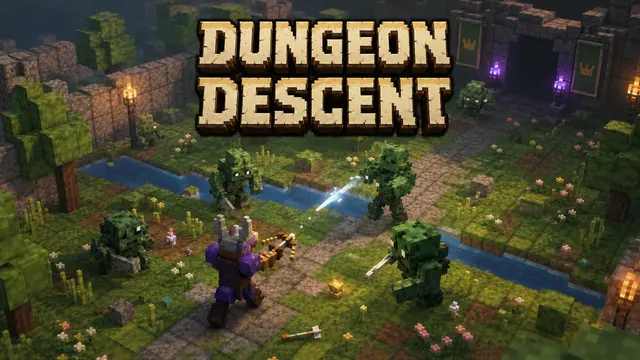 Dungeon Descent
 Air Assault: Ship Defense
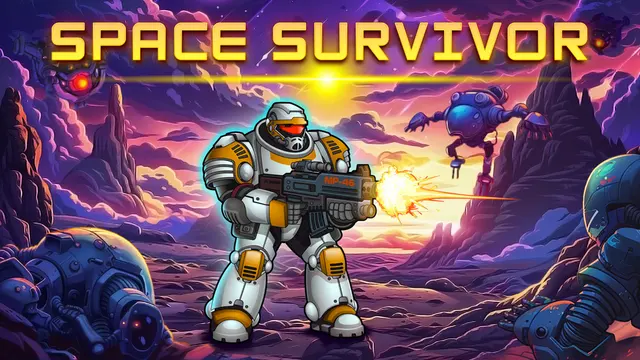 Space Survivor
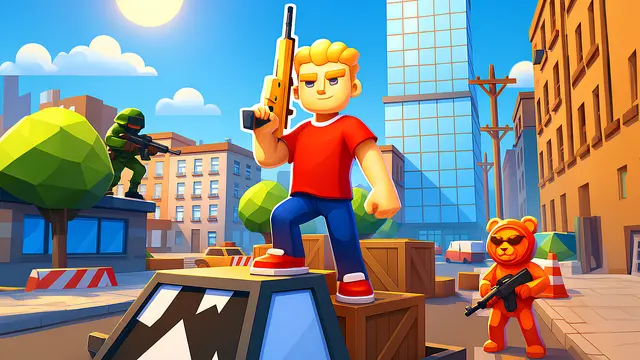 Obby: Battle Arena
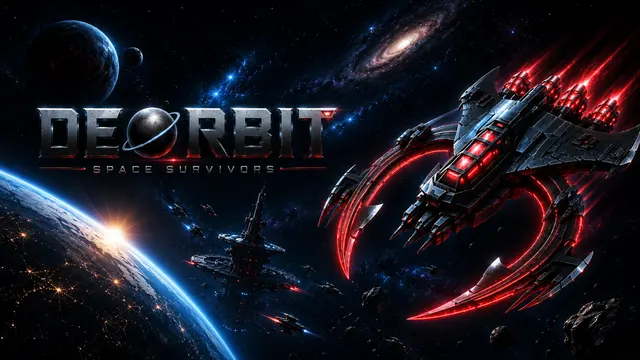 Deorbit - Space Survivors
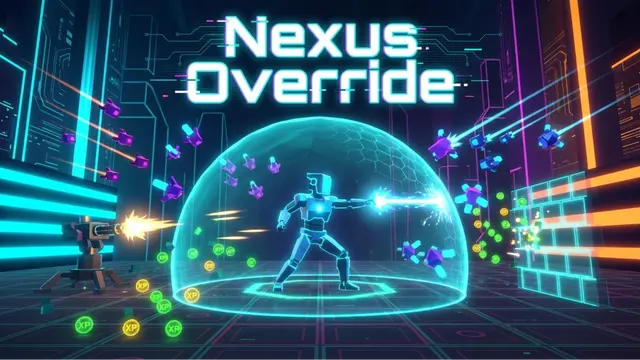 Nexus Override
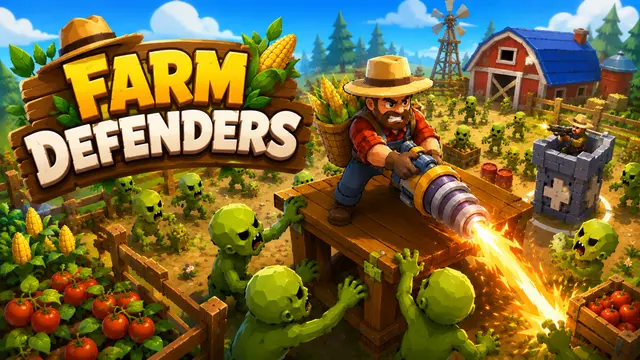 Farm Defenders
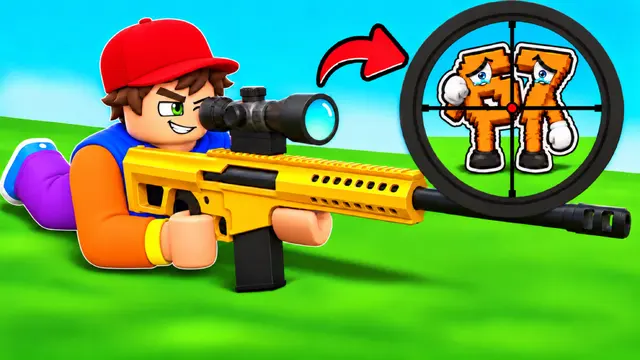 Sniper for Brainrots
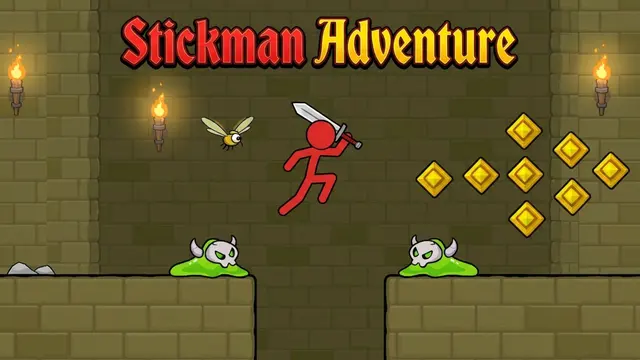 Stickman Adventure
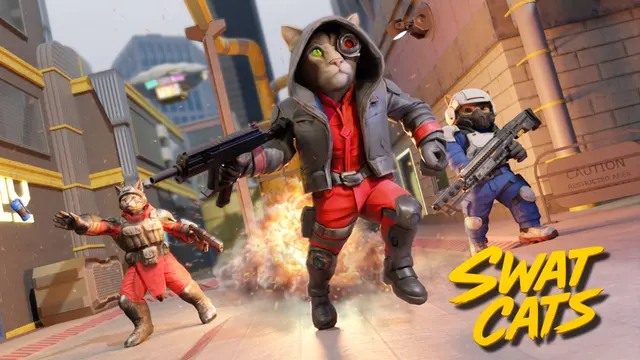 SWAT Cats
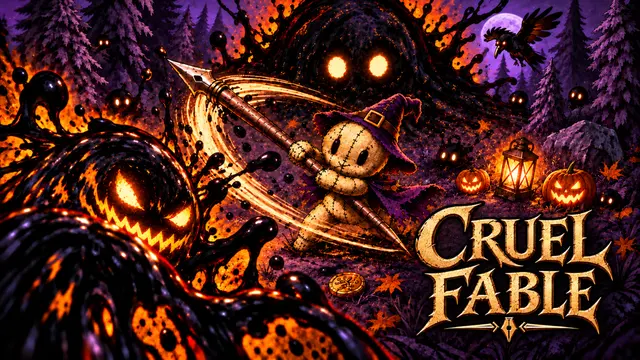 Cruel Fable
 Planet Blast: Rockets
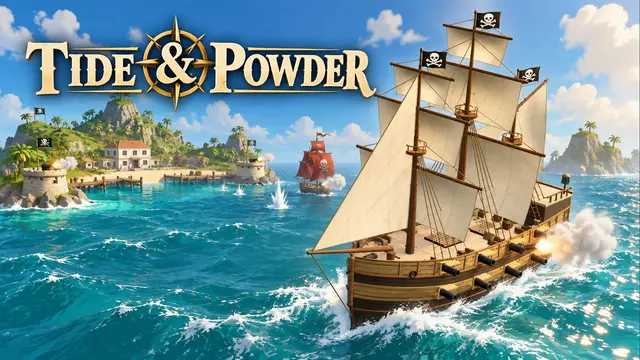 Tide & Powder
 Desert Gunship
 Not Your Seafood Salad
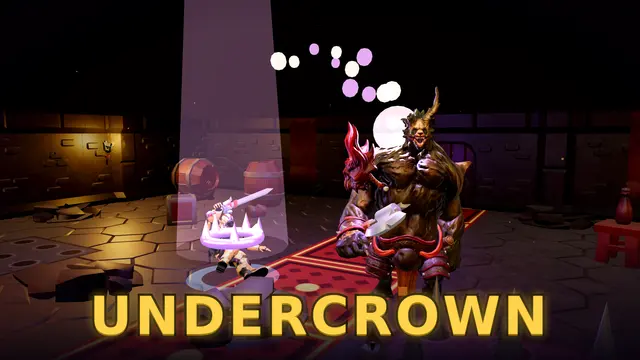 Undercrown
Play Emberwing: Skies of the Undead online
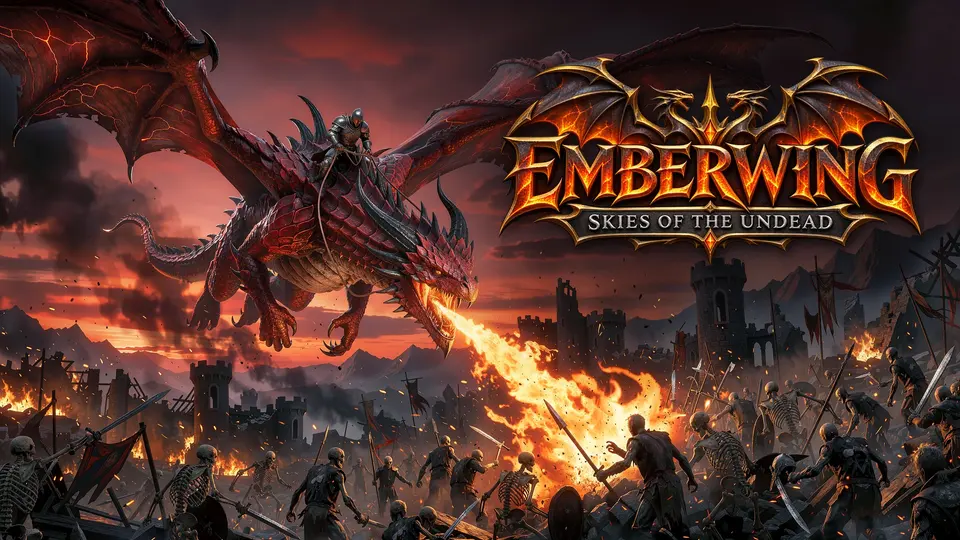
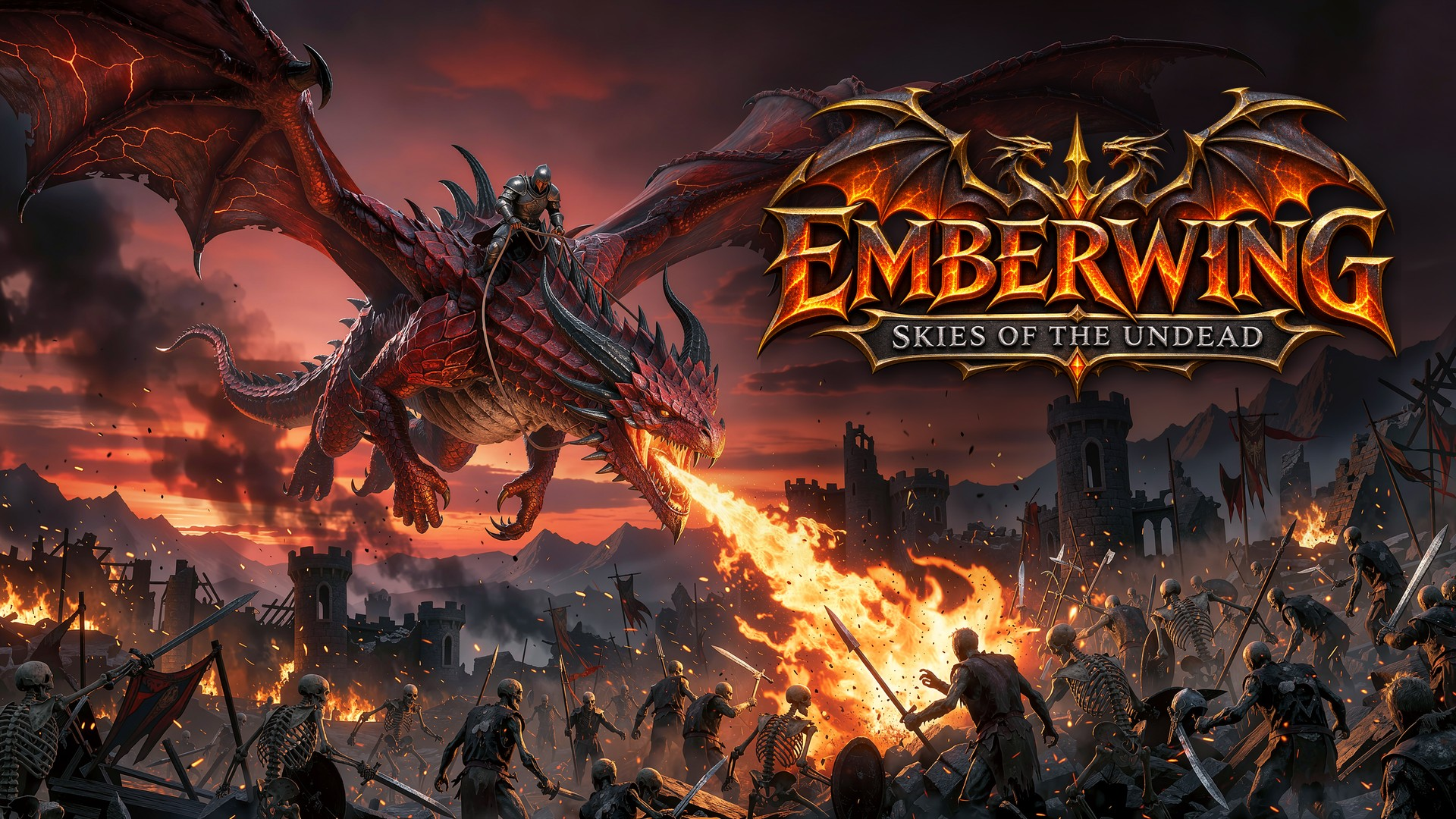
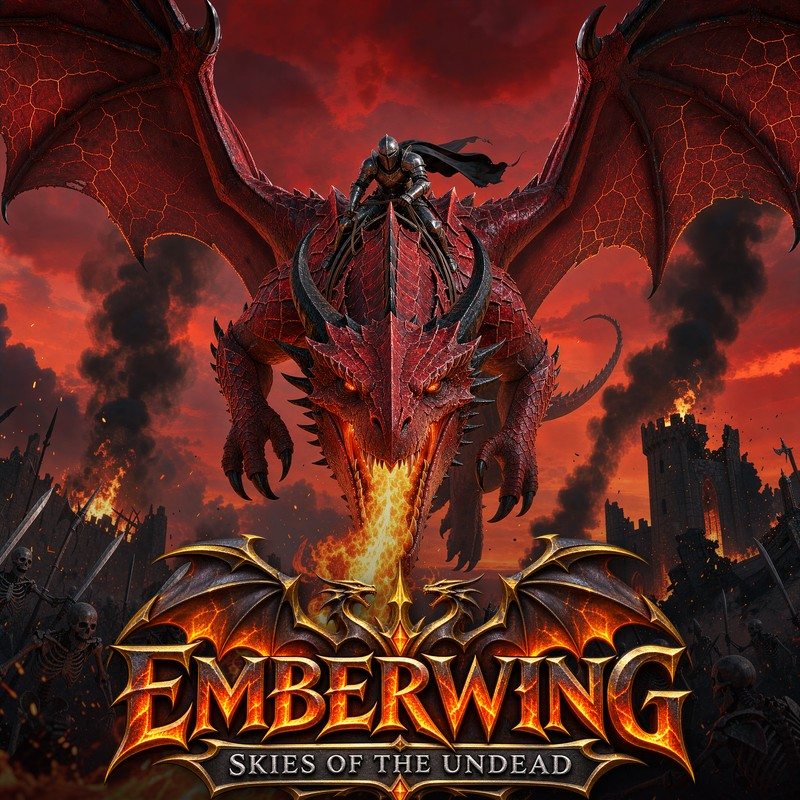
Ride an elemental dragon and take back five skies from the undead. Pick one of four dragons, burn down necro spires and huge zombie hordes, and face five bosses across a full 3D campaign. Master breath, Strike, Burst and a charged super, earn new moves, relics and cosmetics, then test yourself in Skyfall survival, Contracts, Boss Rush and the Daily Flight.
Work toward the survival objective while keeping track of the threats described in the game. Learn the movement and interaction controls before taking a risk.
How to play Emberwing: Skies of the Undead
Controls and instructions
In each chapter, destroy the necro spires and slay the horde, then defeat the chapter's boss. Desktop: move the mouse to steer and aim, hold the left mouse button to breathe, right mouse button to Strike, R to Burst, F to unleash your charged super, W or Shift to boost, S to brake, Q and E to roll out of attacks, P to pause, M to mute. Phones and tablets: drag on the left side to steer; your breath fires by itself at locked targets, and on-screen buttons handle Strike, Burst, Super, Roll and Boost. Start with First Flight for a short guided tutorial.
Getting started with Emberwing: Skies of the Undead
- Check the current threat and available actions before moving into an unfamiliar area.
About this game
- Platform
- Web browser
- Supported devices
- Android, iOS, Desktop
- Screen orientation
- Landscape and Portrait
- Languages
- American English
- Genres
- Action, Adventure, 3d, Shooting, Survival, Monster, Dragon
- In-game purchases
- None listed by the provider
- Provider
- Playgama
- Provider audience
- Male, Female
Game features and tags
- Fantasy
- Destroy
- Addictive
- Webgl
- Apocalypse
- 1 Player
- Horde Survival
- Fire
- Arcade Shooter
- Action Adventure
Emberwing: Skies of the Undead images
Questions about Emberwing: Skies of the Undead
How do I start playing?
Choose Play now in the game window above to load Emberwing: Skies of the Undead through Playgama. Read the controls and instructions above before you start.
Which devices can I play on?
The provider lists support for Android, iOS, Desktop. Play in your web browser using the controls described above.
Which languages does the game support?
American English.
Does the game have in-game purchases?
The provider lists no in-game purchases for this game. Games may display advertisements.
Related game categories
Game facts and artwork supplied by Playgama. Descriptions adapted and getting-started guidance added by LookBear. Game content, ads and purchases are provided by Playgama and the game provider.