 Military Strike
Far Island: Tactical Warfare
Provided by Playgama
Far Island: Tactical Warfarevia Playgama
 +1 Guns vs Zombies
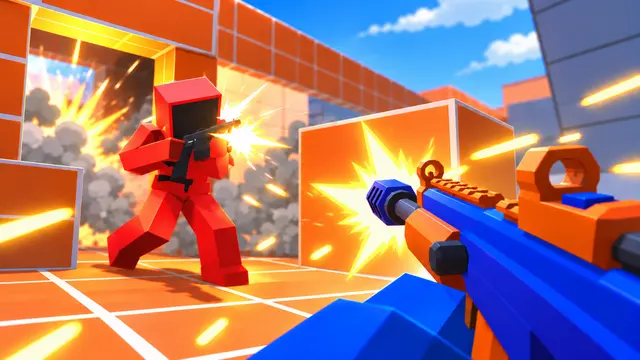 Opps
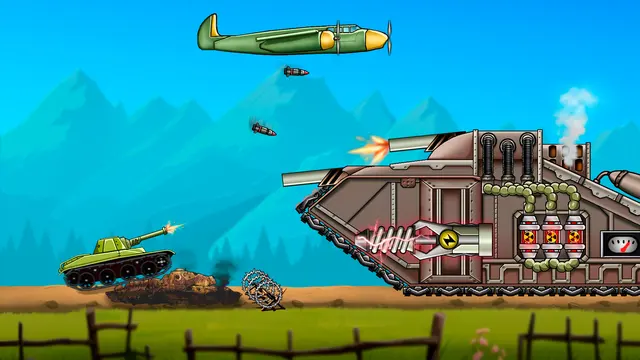 Tank Fury: Boss Battle 2D
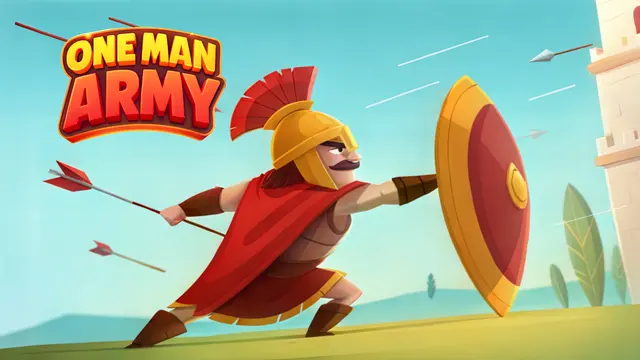 One Man Army: Battle Game
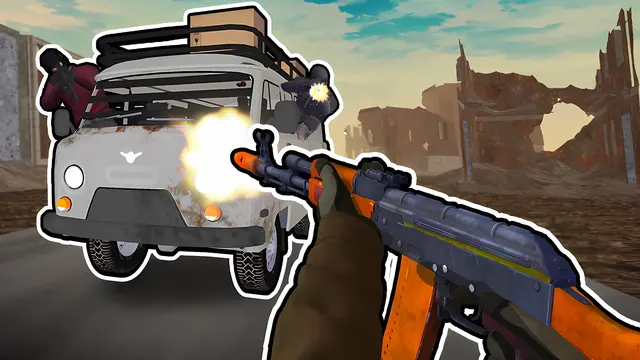 Road Chase: Shooter Realistic Guns
 Left 4 Die
 Stalker 2033: The Path of the Survivor
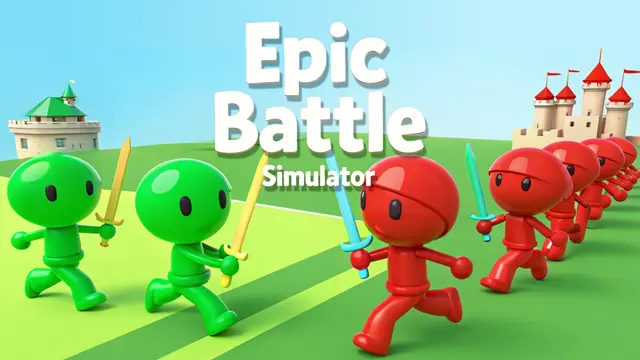 Epic Battle Simulator
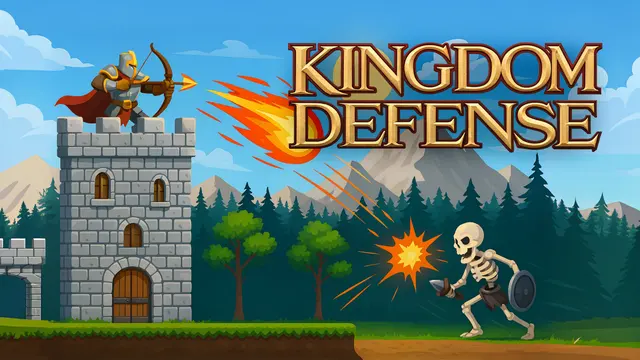 Kingdom Defense
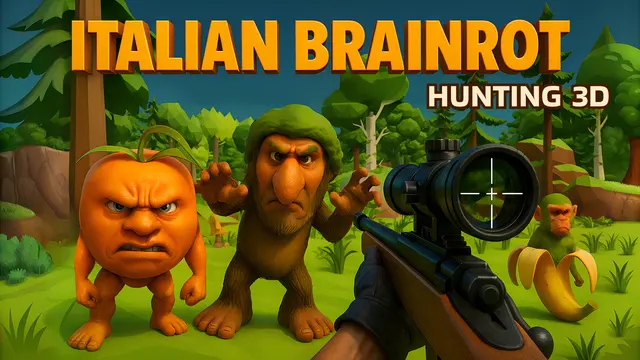 Italian Brainrot Hunting 3D
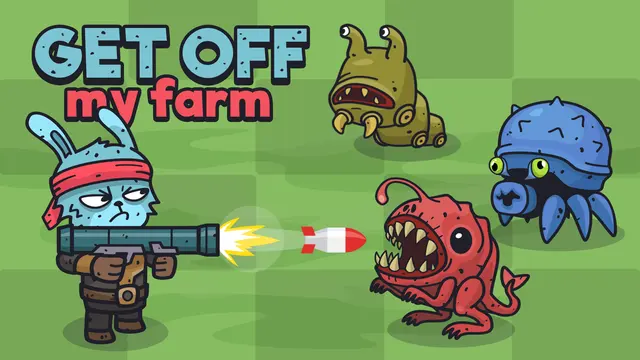 Get Off My Farm!
 Echolocation Shooter
 Red and Blue Snipers
 Zombie Hunter: Survival
 Hero Defense King
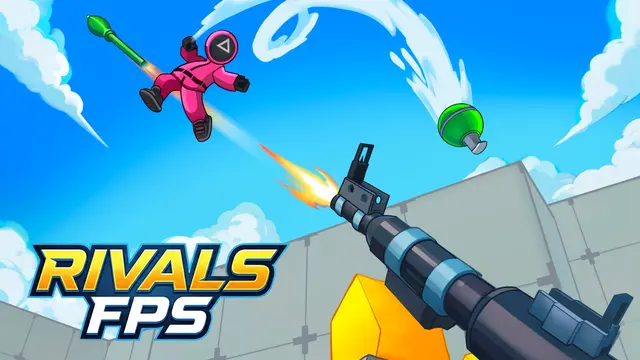 RIVALS FPS: Online Shooter
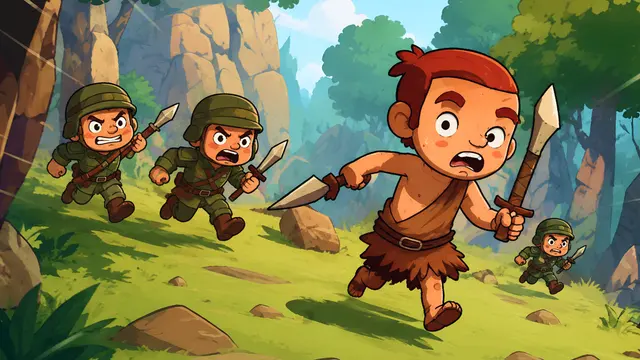 Age of Heroes
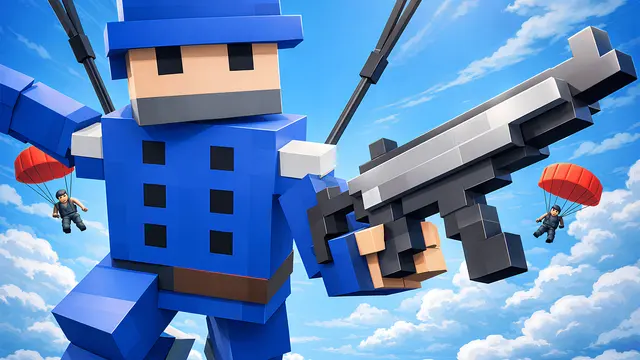 Red & Blue: Online. Build! Destroy! Fight!
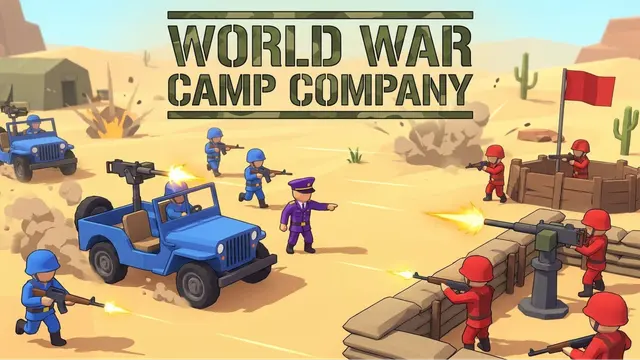 World War Camp Company
 Combat Guardian: Under Attack
 Nubik in the Monster World
 Air Warfare
 Weapon Upgrade
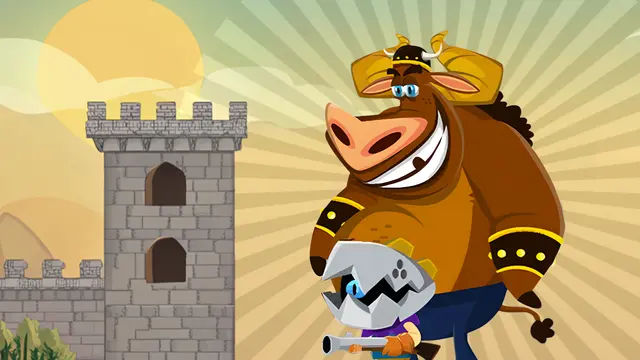 Archery Master - Castle Battle
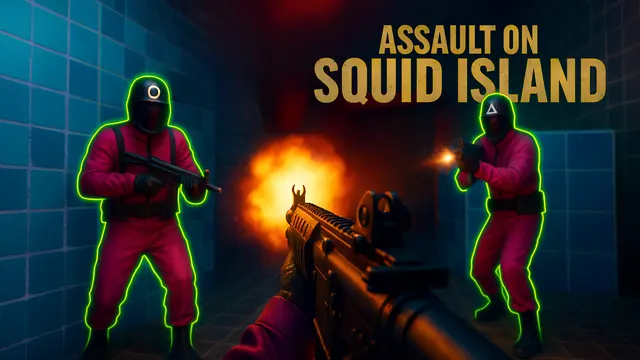 Assault on Squid Island
 Road Madness
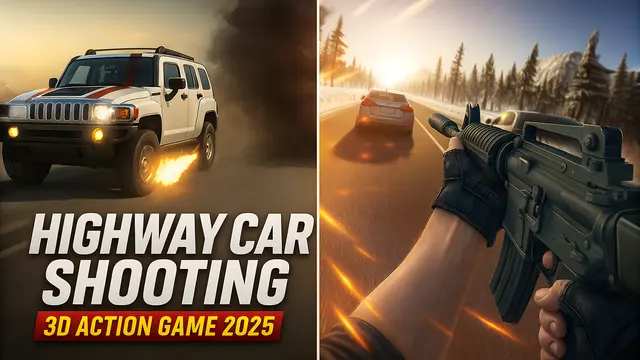 Highway Car Shooting 3D Action Game 2025
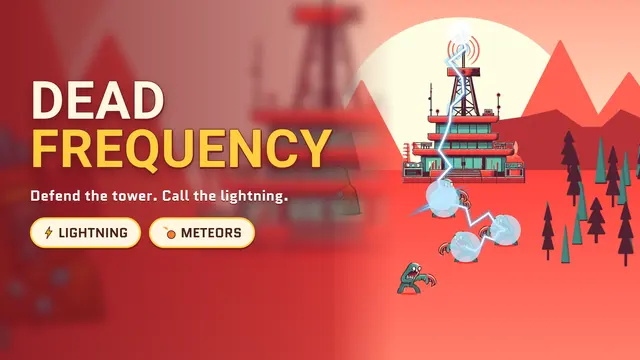 DEAD FREQUENCY
 EdgeFire 2
 Project: Survival
 TANKNAROK
 RECOIL
 Retro Sniper
 SquadZ
 Swat Force VS Terrorists
 Kings Defense: Roguelike
 Modern Sniper Gun Game Sniper 3D
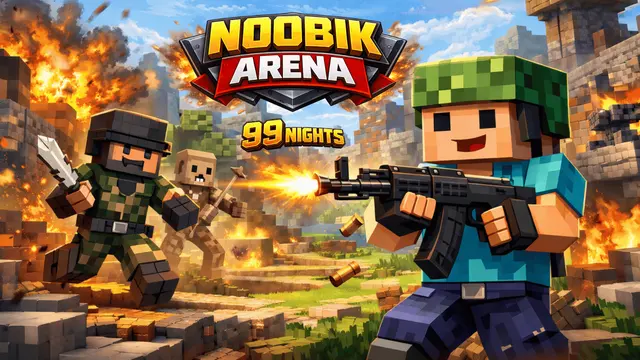 Noobik Arena - 99 nights
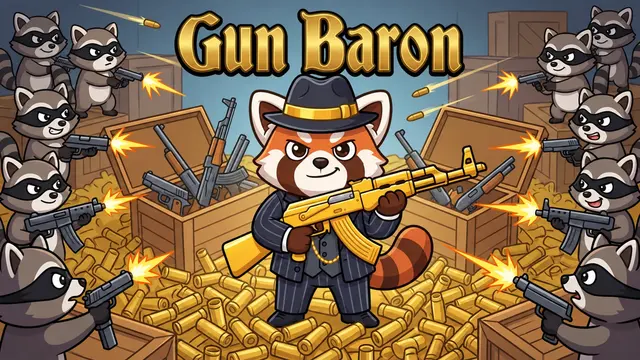 Gun Baron
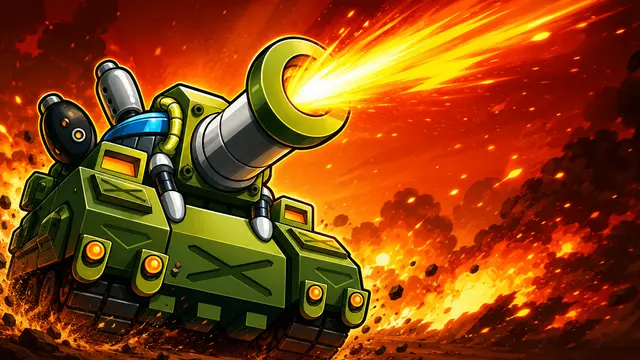 Clash of Tanks
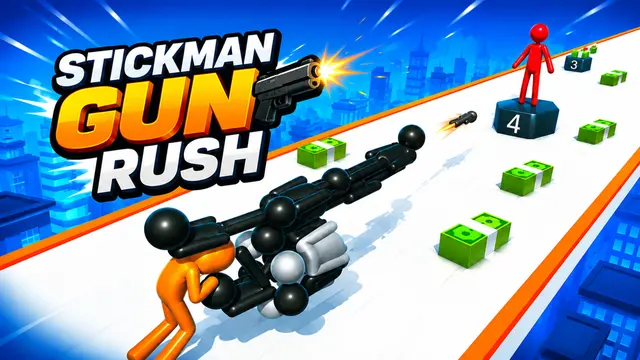 Stickman Gun Rush
 Air Assault: Ship Defense
 Big Wild Bucks: Voxel Buck Hunter
 Quick Draw Cowboys
 Shoot The Blocks
 My Army Base
 Obby: Battle Arena
 Zombie defence
 Strike Bullet
 Hellgate 1993
 Supernova: The "Charon" Protocol
 Ash of the Depths
 Ash of the Front
 Bandana Blitz
 Iron Defense
 Jelly Sandbox Playground
 Crown Guard
 SWAT OPS: Body Camera
 Obby Arena: +1 Frag
 Outpost 9
 +1 Damage Evolution
 Last Archer
 Splash Rivals
 Stickman Night Defense
Play Far Island: Tactical Warfare online
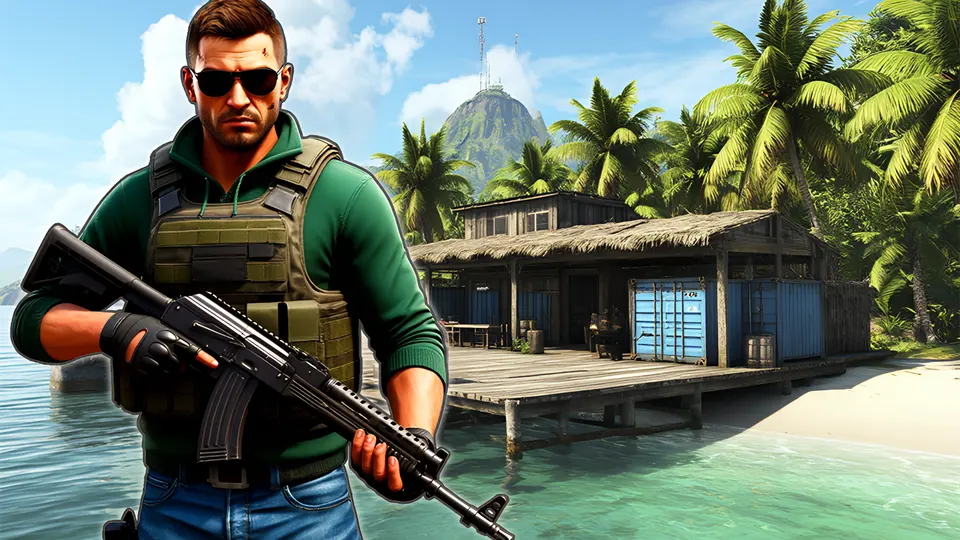
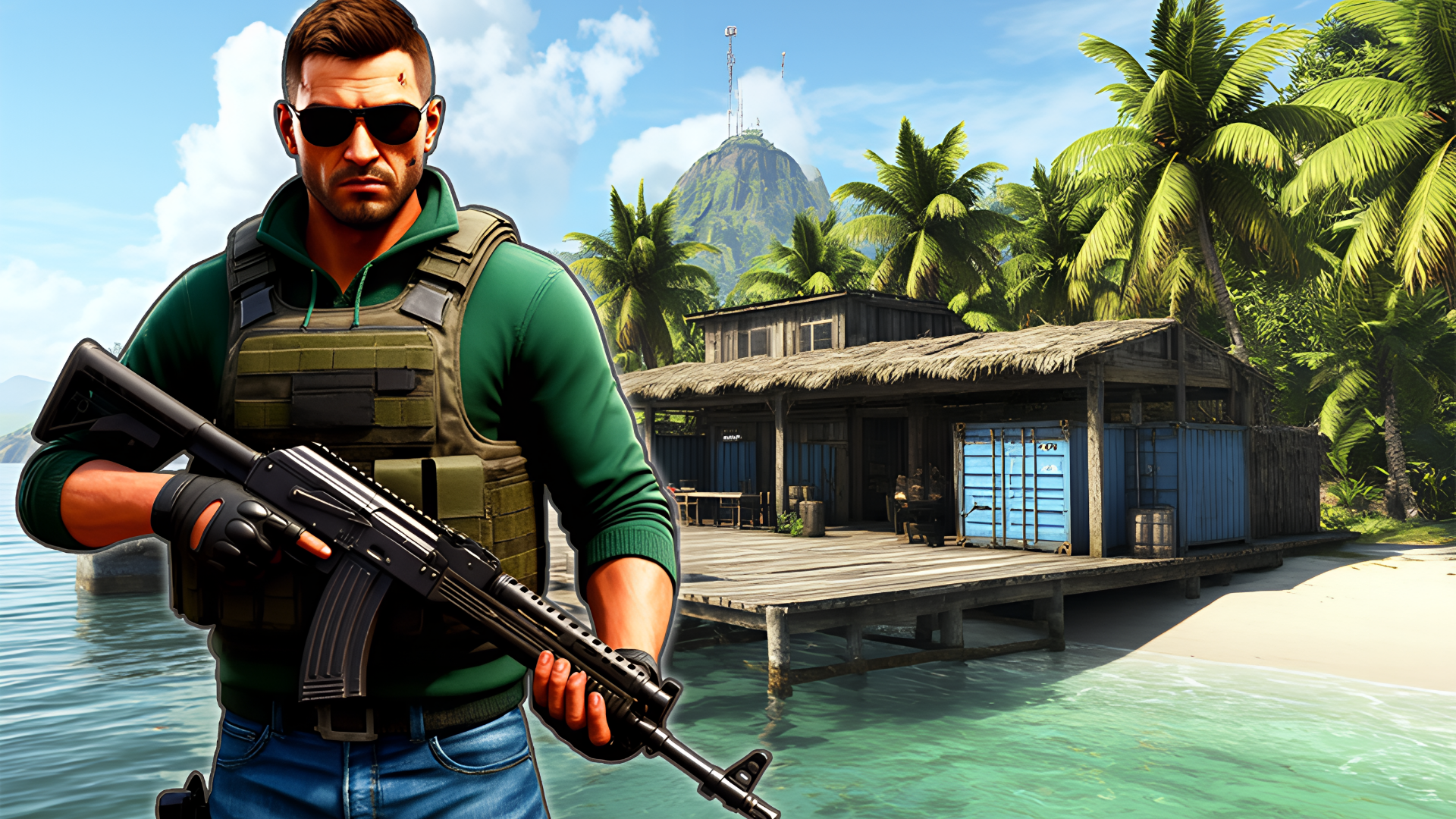
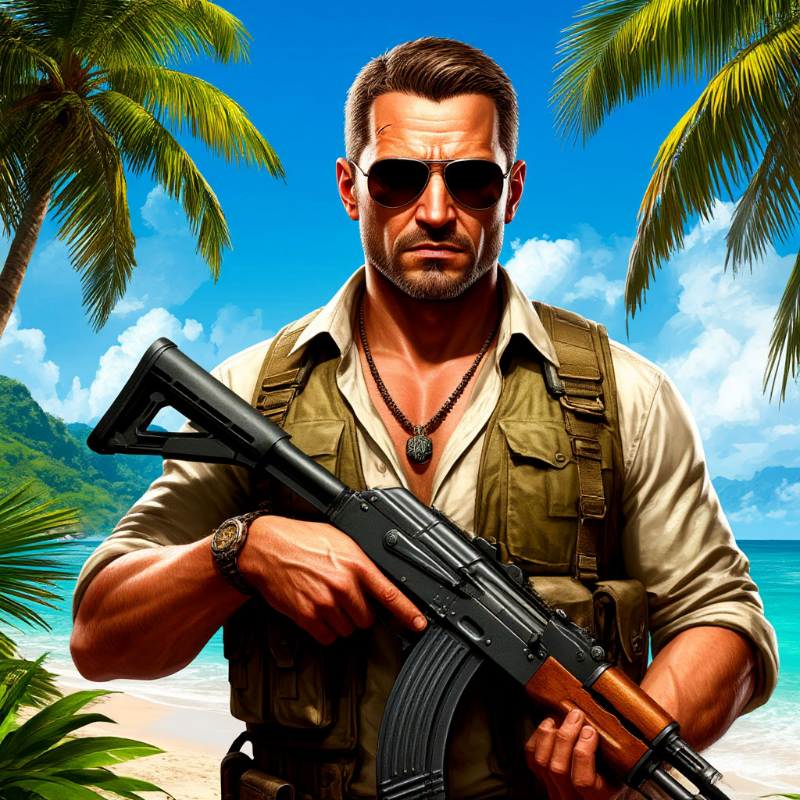
A tropical island awaits where every piece of land is a battlefield. This is a third-person tactical action game with an open world. Your goal is to capture enemy bases and hold them under enemy pressure.
Protect a route by deciding where your defenses belong. Placement and upgrades are the main decisions to understand before a wave begins. Upgrades are part of the progression described by the provider. The controls include access to an inventory.
How to play Far Island: Tactical Warfare
Controls and instructions
Start by selecting equipment in the store. Choose weapons to suit your style. After landing on the island, study the map – it shows enemy bases to capture.
To capture a base, eliminate all enemies within its perimeter. After capture, establish defense: the enemy will try to retake positions. Use turrets, fortifications, and tactical terrain advantages.
Controls:
WASD – movement
Shift – run/swim down
Space – jump/swim up
1,2,3,4 – weapon switch
Left mouse button – fire
Right mouse button – aim
R – reload
T – deploy turret
G – throw grenade
V – switch grenade type
E – interact
Q – roll
Tab – camera switch
H – holster/draw weapon
I – inventory/settings
P – pause
M – map
Earn resources for successful captures and base defense. Spend them in the store on new weapons, upgrades, and equipment. The more difficult the mission – the more valuable the reward.
Tips: study the map, change tactics, use elevation, upgrade equipment, and combine weapon types.
Getting started with Far Island: Tactical Warfare
- Start by reading how defenders are placed and upgraded.
- Compare the upgrade description with your next objective before choosing it.
- Check the listed inventory input when you need to review what you are carrying.
About this game
- Platform
- Web browser
- Supported devices
- Android, Desktop
- Screen orientation
- Landscape
- Languages
- American English, German (Germany), Dutch (Netherlands), European Spanish, French (France), Italian (Italy), Polish (Poland), European Portuguese, Russian (Russia), Turkish (Türkiye), Ukrainian (Ukraine), Vietnamese (Vietnam)
- Genres
- Action, Shooting, Gun, Army, Tower Defense, First Person Shooter, War
- In-game purchases
- Available
- Provider
- Playgama
- Provider audience
- Male, Female
Game features and tags
- Mission
- Military
- Defense
- Combat
- Tactical
- Military Shooter
Far Island: Tactical Warfare images
Questions about Far Island: Tactical Warfare
How do I start playing?
Choose Play now in the game window above to load Far Island: Tactical Warfare through Playgama. Read the controls and instructions above before you start.
Which devices can I play on?
The provider lists support for Android, Desktop. Play in your web browser using the controls described above.
Which languages does the game support?
American English, German (Germany), Dutch (Netherlands), European Spanish, French (France), Italian (Italy), Polish (Poland), European Portuguese, Russian (Russia), Turkish (Türkiye), Ukrainian (Ukraine), Vietnamese (Vietnam).
Does the game have in-game purchases?
The provider lists optional in-game purchases. Any available purchases are handled inside the game. Games may display advertisements.
Related game categories
Game facts and artwork supplied by Playgama. Descriptions adapted and getting-started guidance added by LookBear. Game content, ads and purchases are provided by Playgama and the game provider.