 BeastForge Rival
Alderun
Provided by Playgama
Alderunvia Playgama
 Clash of Skulls
 Stick Roll Arena
 Mole Kingdom Defense
 SHADOW FORGE
 Quick Draw Cowboys
 Guardians of Tower
 Mech Frontline: Last Stand
 Nexus Override
 Slap Battle: Arena Online
 SWAT Cats
 Craft the War
 SnakeArmyDefense
 The Last Company
 Orc Breach
 Build and Defend your Base
 Slime Heroes
 Iron Defense
 Containment Protocol: Roguelike Deckbuilder
 Super Chop: Forest Hero
 Crown Guard
 Lighthouse Mage: Idle Defense
 SoccerLat: 3D Football Online
 Steal a Bird
 Highway of the Dead
 Deck Of Deception
 Steal Meme And Go
 Last Archer
 Lacoria Castle Defense
 Naval Base
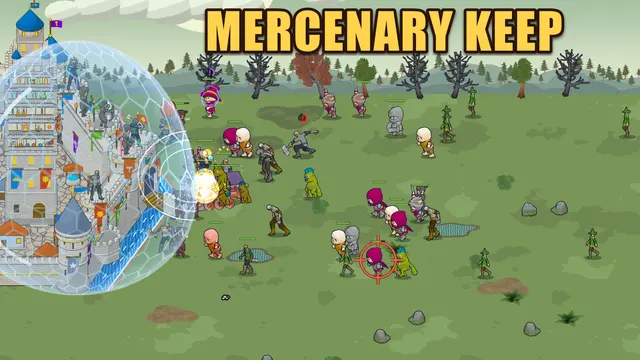 Mercenary Keep: Siege Defense
 Sword Smash
 RoboStrike 3D
 Bug War
 Eggmental
 Goo Turf
 Battlecross
 RIFT OPS: Fractured Frontier
 Obby: Murder Mystery 2 Online
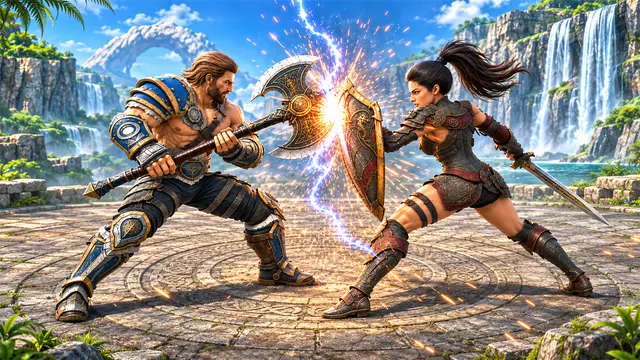 Island Arena: Steel and Honor
 Ink Blade
 Tapshot.io
 Zomboblox 2: Real Online
 SWAT and GREENS vs Zombies
 Zombie Horde: Build & Survive
 One Man Army: Battle Game
 AOD - Art Of Defense
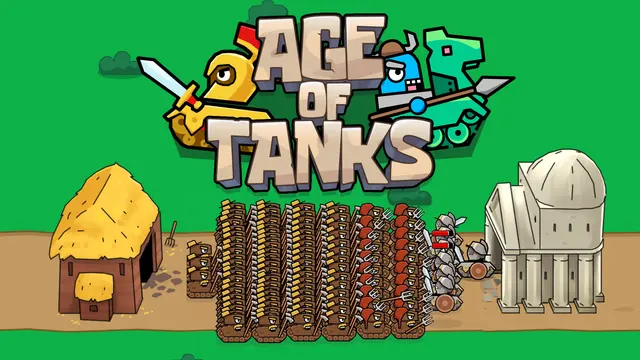 Age of Tanks Warriors: TD War
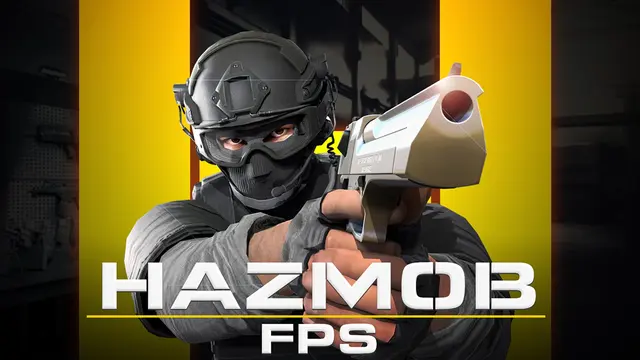 Hazmob FPS: Online Shooter
 Domino Online Multiplayer
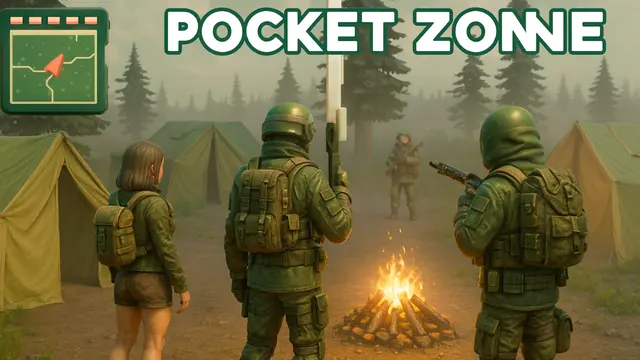 Pocket ZONE
 Knight Legend
 Runic Curse
 Only Jump RPG
 Grow Empire
 Chicken Merge
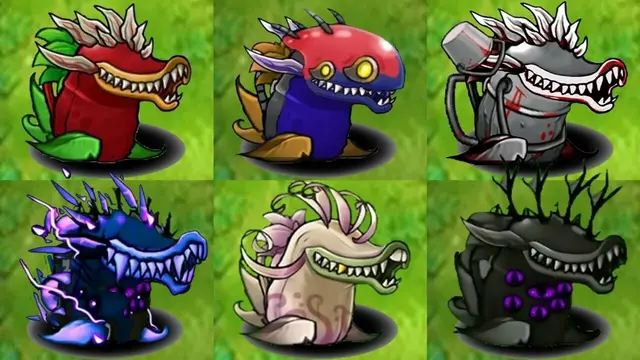 Plants vs Zombies Fusion Mode
 Revoxel 3D - Voxel RPG Shooter
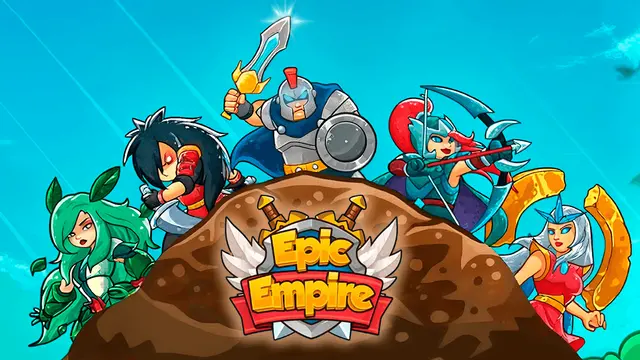 Epic Empire: Tower Defense
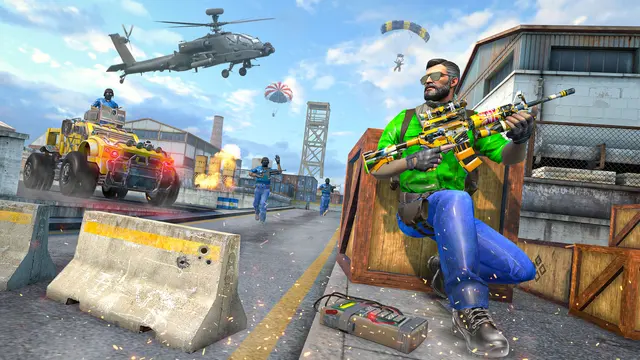 FPS Gun Shooting Game 3D
 Left 4 Die
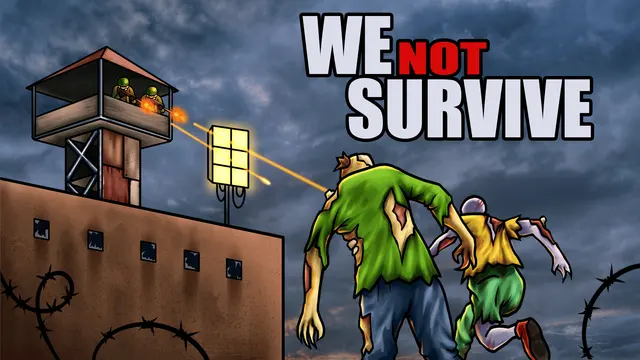 We not survive
 Primal Druid - Kingdom of Animals
 Badlands Hero
 Epic Battle Simulator
Play Alderun online
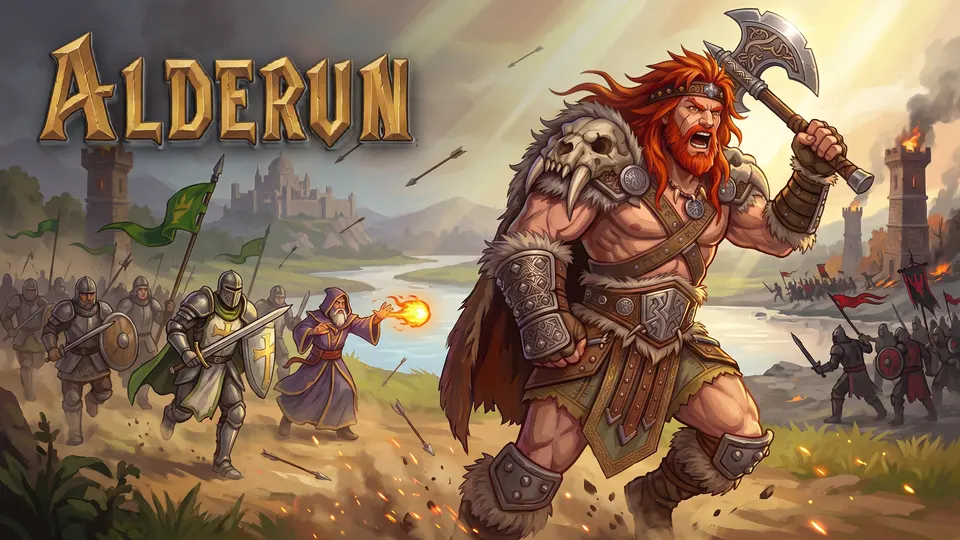
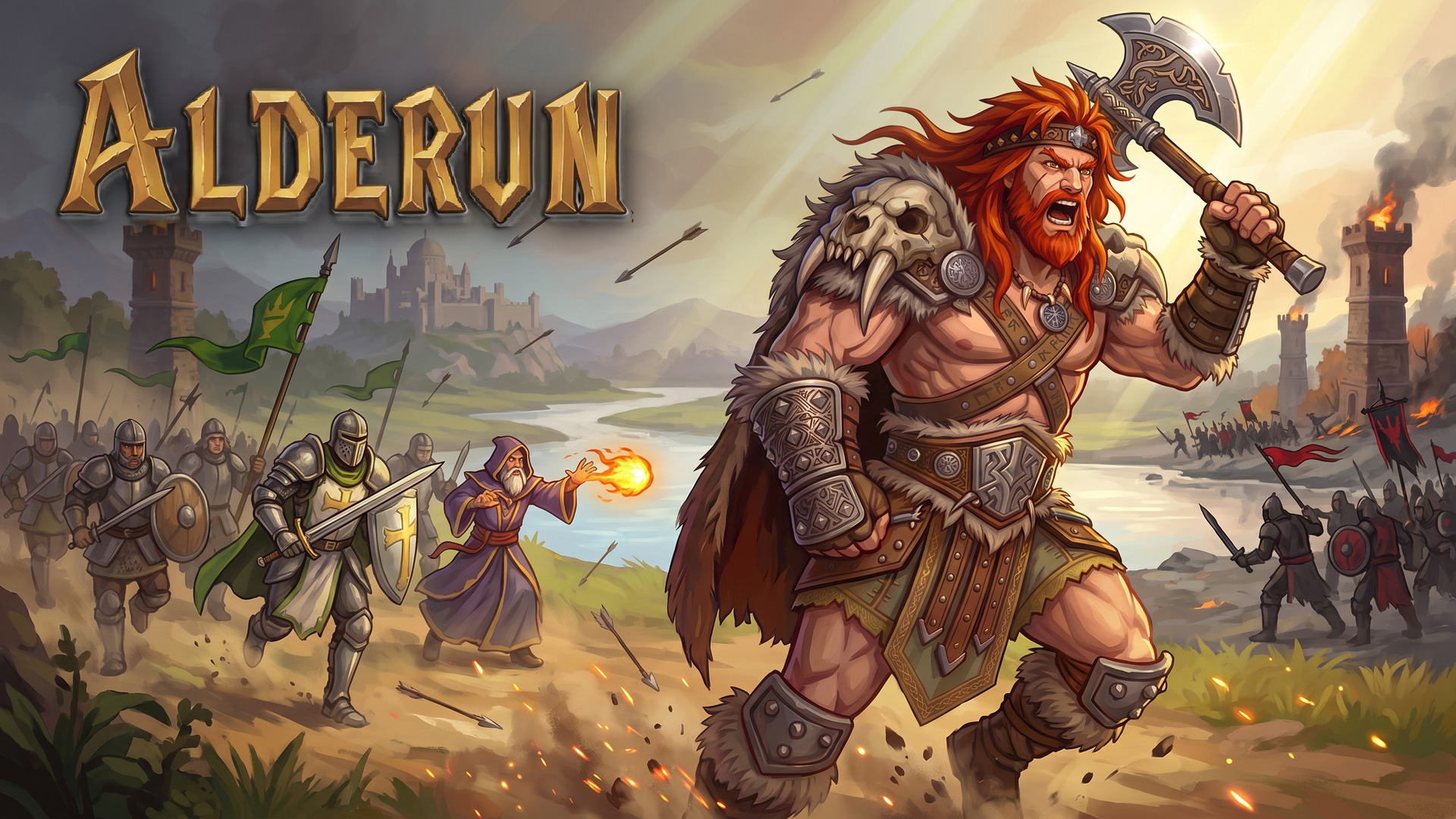
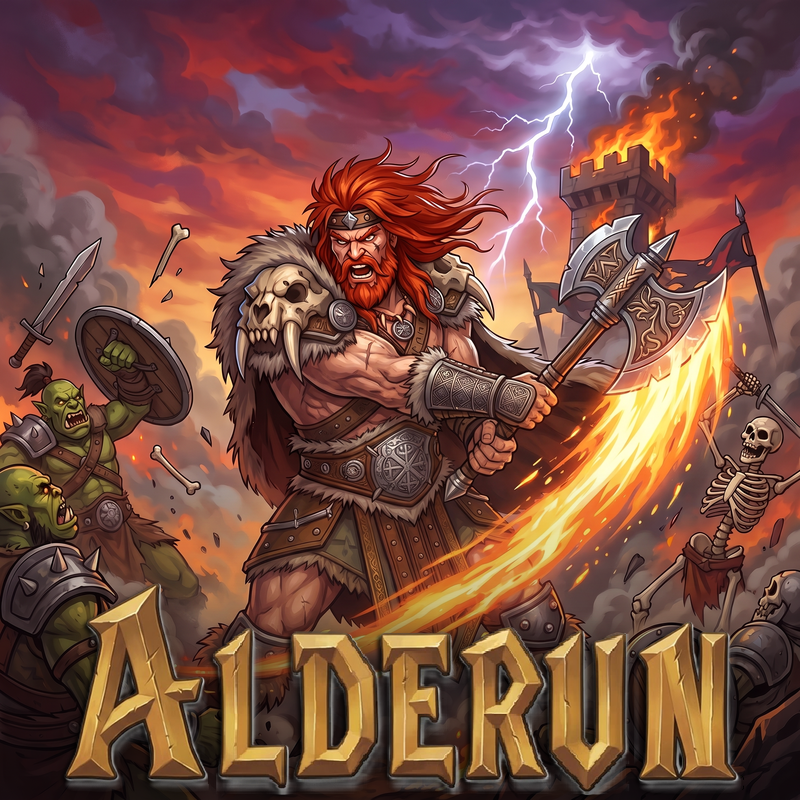
Alderun blends real-time strategy with hero RPG combat. Choose a hero, learn powerful skills, gather equipment and lead your allies through fantasy battles. Defend castles against waves of enemies, fight arena duels, capture strategic objectives and clash with rival armies.
Protect a route by deciding where your defenses belong. Placement and upgrades are the main decisions to understand before a wave begins.
How to play Alderun
Controls and instructions
Start with the guided practice, or choose New Game, select a map and mode, and pick your hero. Read the map briefing: your goal may be to defend a castle, capture objectives or defeat the enemy team. Defeat enemies to earn experience and gold, learn skills, buy equipment and support your allies.
Desktop: left-click to select a hero or unit; drag to select a group. Right-click the battlefield to move, attack or interact. Use the on-screen ability buttons or their displayed keyboard shortcuts. Scroll the mouse wheel to zoom. Hold Space to follow your hero. Press Esc to cancel an action, close a window or open the game menu.
Touch: tap to select units and issue orders. Tap an ability, then its target when needed. Drag the battlefield to move the camera and pinch to zoom. Use the on-screen menus for skills, equipment and options.
For online play, choose Multiplayer and join or create a battle.
Getting started with Alderun
- Start by reading how defenders are placed and upgraded.
About this game
- Platform
- Web browser
- Supported devices
- Android, iOS, Desktop
- Screen orientation
- Landscape
- Languages
- American English, European Spanish, Russian (Russia)
- Genres
- Action, Strategy, Multiplayer, Pvp, Tower Defense, Rpg
- In-game purchases
- Available
- Provider
- Playgama
- Provider audience
- Male, Female
Game features and tags
- Fantasy
- Rts
- Heroes
- Arena
- Webgl
- Defense
- Combat
- 1 Player
- Tactical
- Teams
- Castle
- Action Rpg
Alderun images
Questions about Alderun
How do I start playing?
Choose Play now in the game window above to load Alderun through Playgama. Read the controls and instructions above before you start.
Which devices can I play on?
The provider lists support for Android, iOS, Desktop. Play in your web browser using the controls described above.
Which languages does the game support?
American English, European Spanish, Russian (Russia).
Does the game have in-game purchases?
The provider lists optional in-game purchases. Any available purchases are handled inside the game. Games may display advertisements.
Related game categories
Game facts and artwork supplied by Playgama. Descriptions adapted and getting-started guidance added by LookBear. Game content, ads and purchases are provided by Playgama and the game provider.