 Revoxel 3D - Voxel RPG Shooter
Outpost Siege
Provided by Playgama

Outpost Siegevia Playgama
 ENDLESS Z SURVIVOR
 Primal Druid - Kingdom of Animals
 Badlands Hero
 Stalker 2033: The Path of the Survivor
 War V: Path of the Survivor!
 Kingdom Defense
 Time Travel: Tower Rush - TD
 Noob saves the village
 Wednesday’s Battle: Monster Symphony
 Drakkar Strike
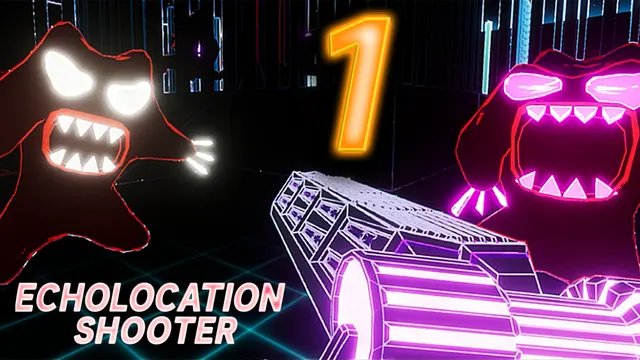 Echolocation Shooter
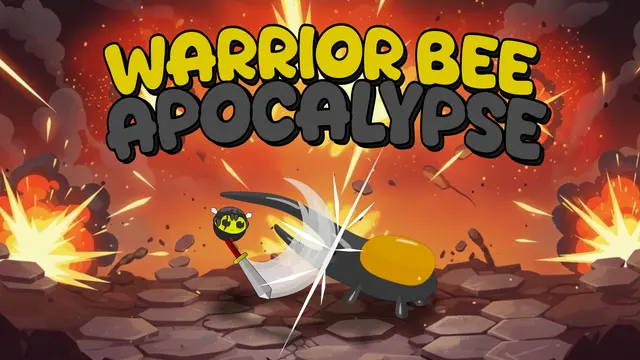 Warrior Bee Apocalypse
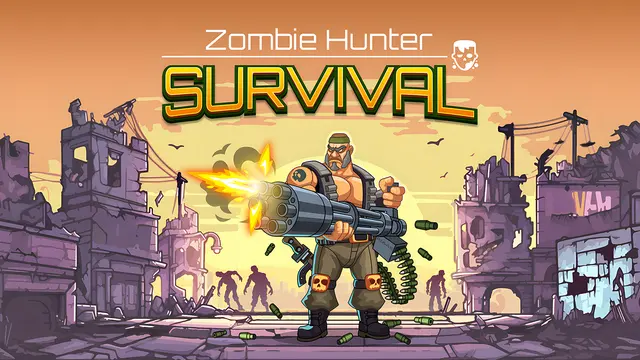 Zombie Hunter: Survival
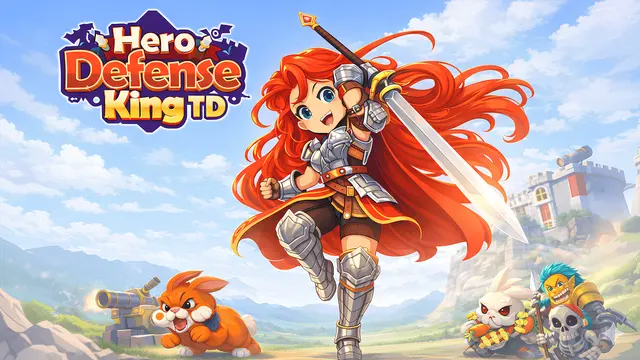 Hero Defense King
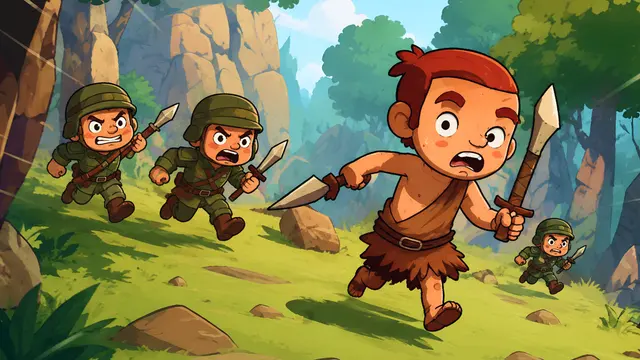 Age of Heroes
 Red & Blue: Online. Build! Destroy! Fight!
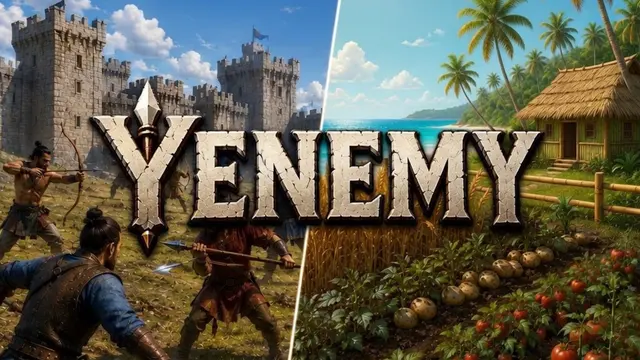 Yenemy
 Rift of Hell - Demons War
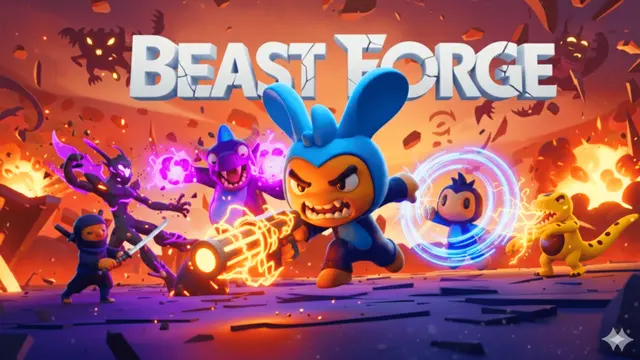 BeastForge Rival
 Madness: Ward number 6
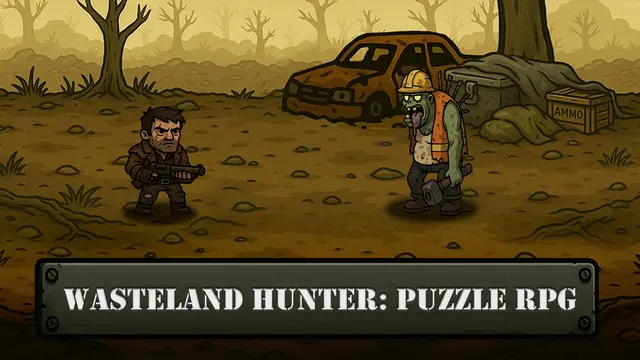 Wasteland Hunter: puzzle RPG
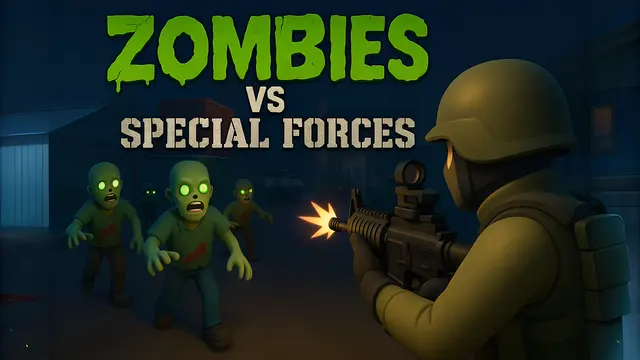 Zombies vs special forces
 Clash of Cars: Arena
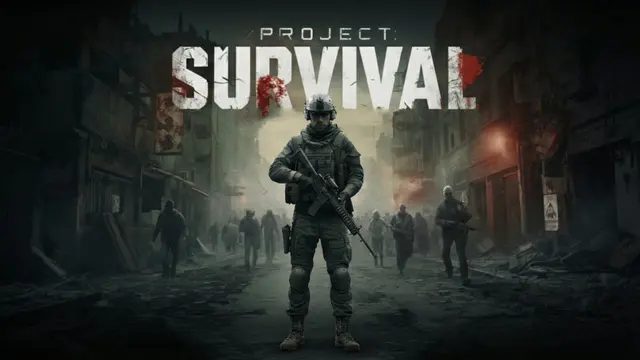 Project: Survival
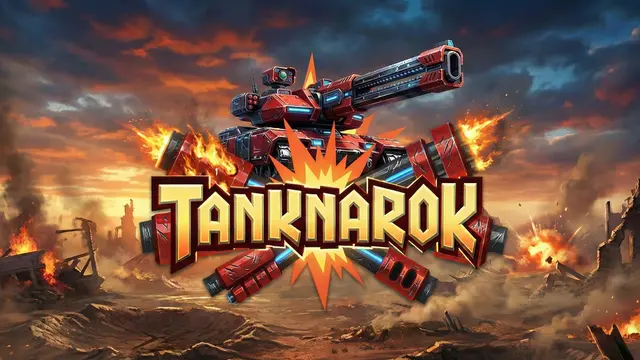 TANKNAROK
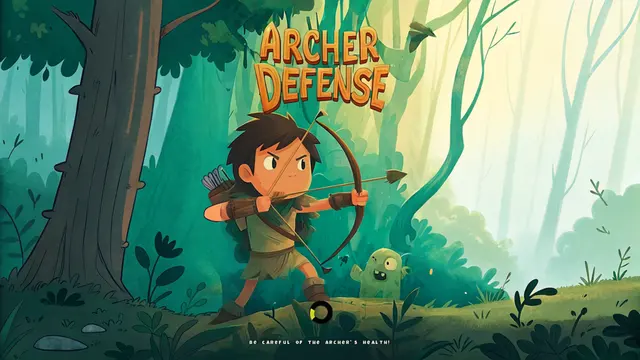 Archer Defense
 TANK ARENA MULTIPLAYER
 Loopvival
 Far Island: Tactical Warfare
 Madness Online
 Swat Force VS Terrorists
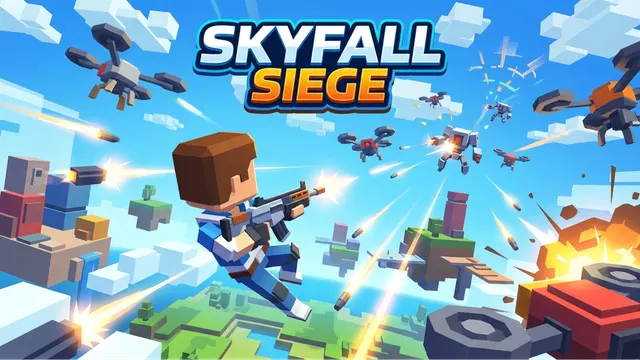 skyfall siege
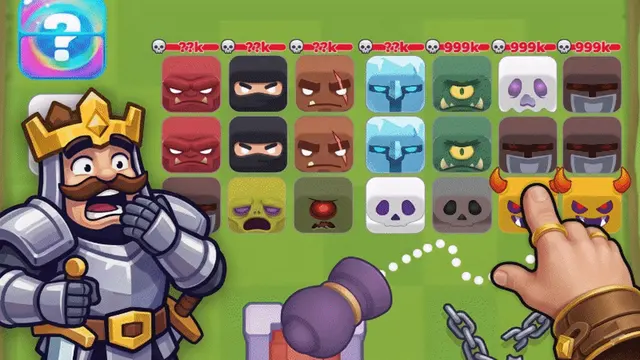 Kings Defense: Roguelike
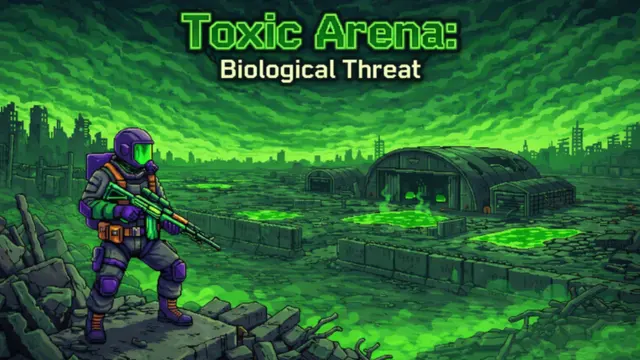 Toxic Arena: Biological Threat
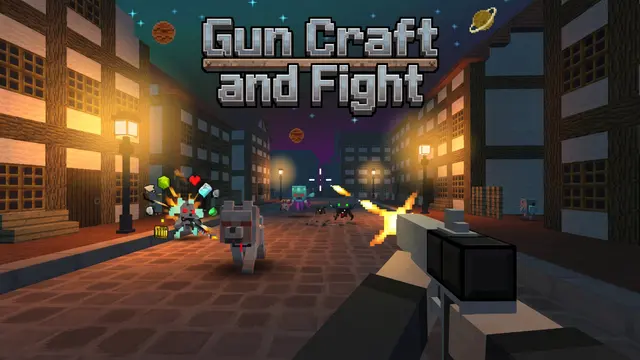 Gun Craft and Fight
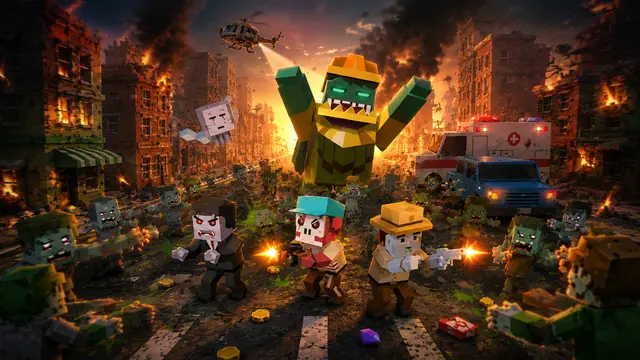 Zombie Terminator
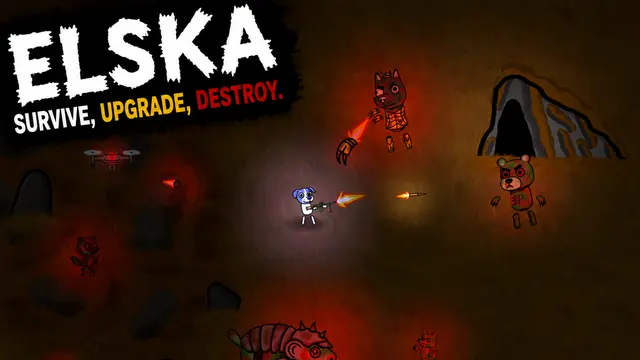 Elska - dog vs zombies! Multiplayer co-op
 Clash of Skulls
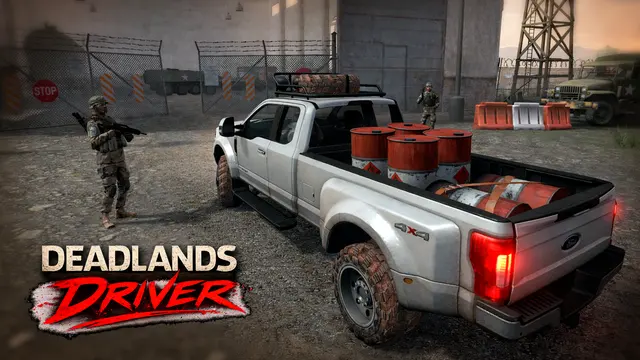 Dead Lands Driver Open World
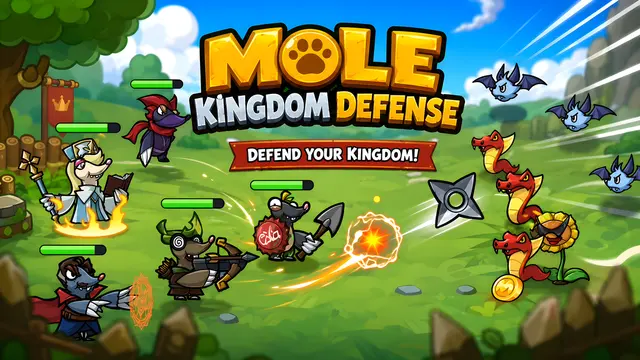 Mole Kingdom Defense
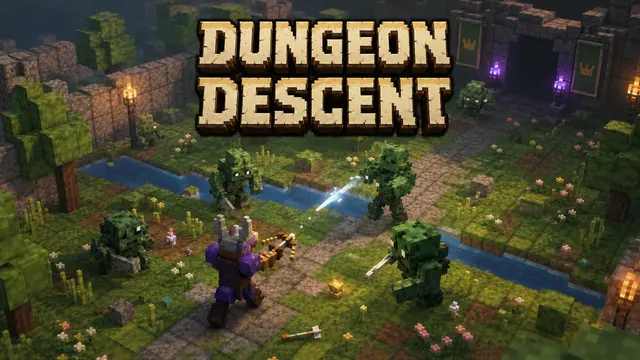 Dungeon Descent
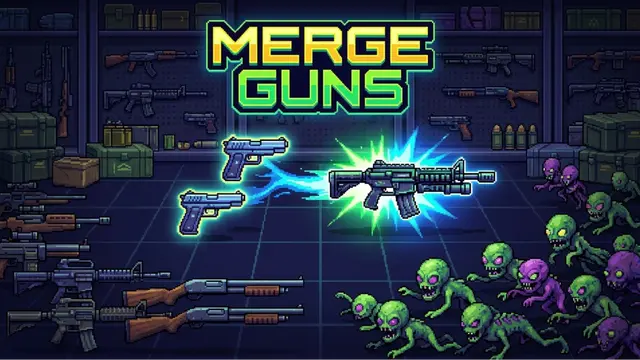 Merge Guns
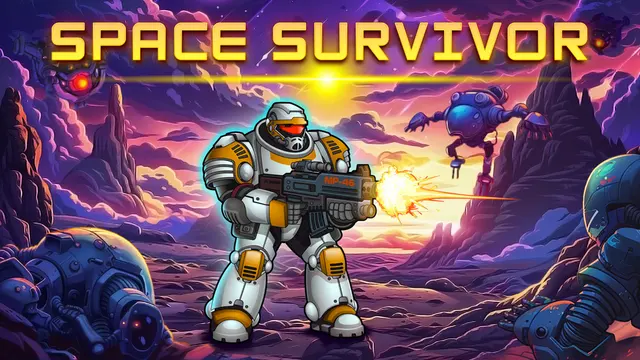 Space Survivor
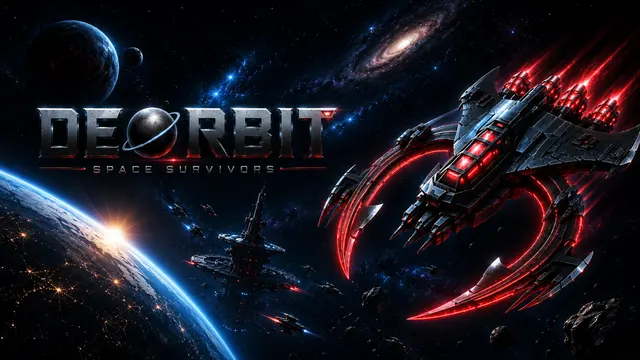 Deorbit - Space Survivors
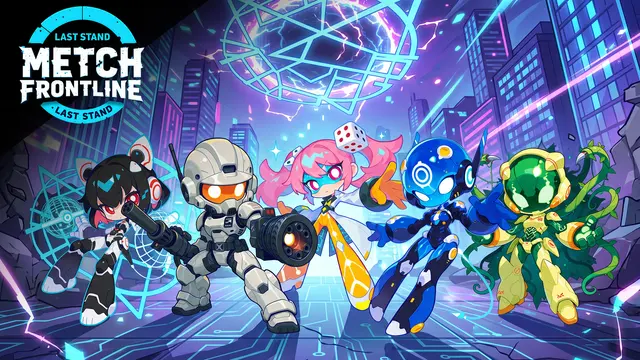 Mech Frontline: Last Stand
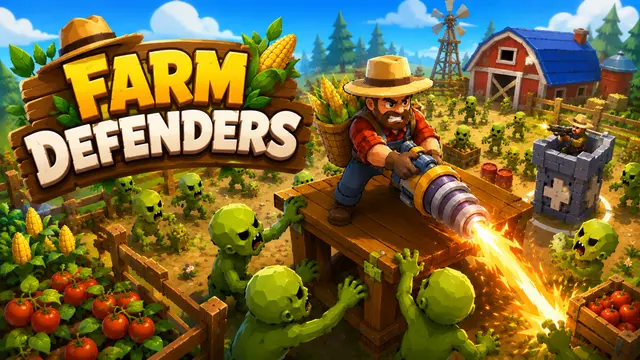 Farm Defenders
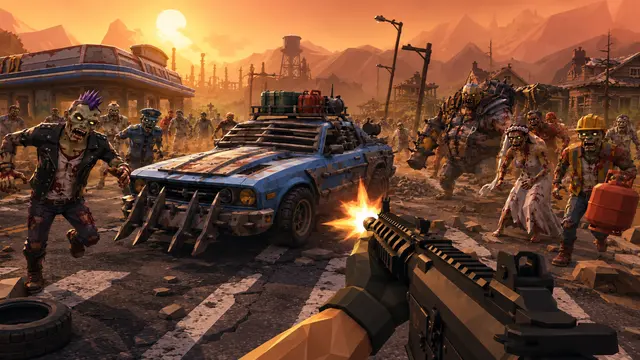 Zombie defence
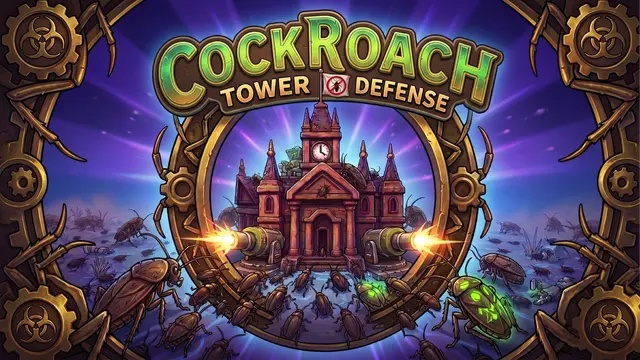 Cockroach Tower Defense
 Cruel Fable
 Planet Blast: Rockets
 Bound to defend
 SnakeArmyDefense
 The Last Company
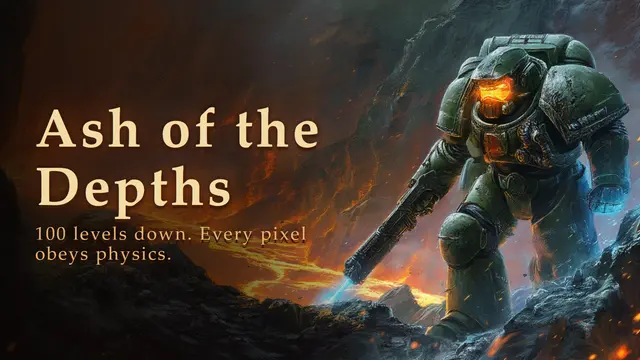 Ash of the Depths
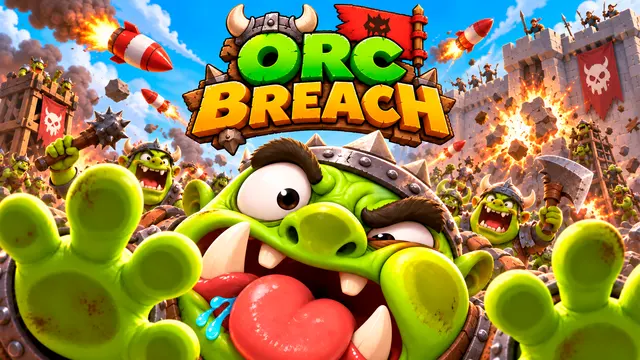 Orc Breach
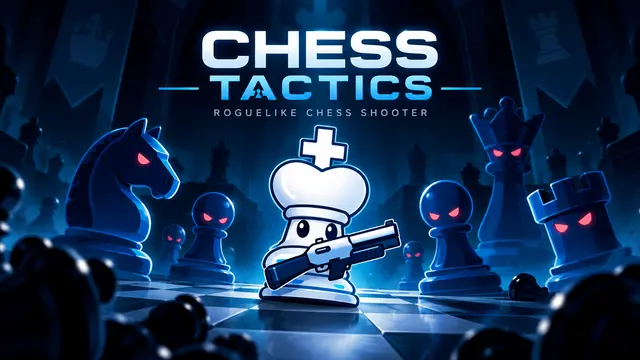 Chess Tactics
 Bone Throne
 Containment Protocol: Roguelike Deckbuilder
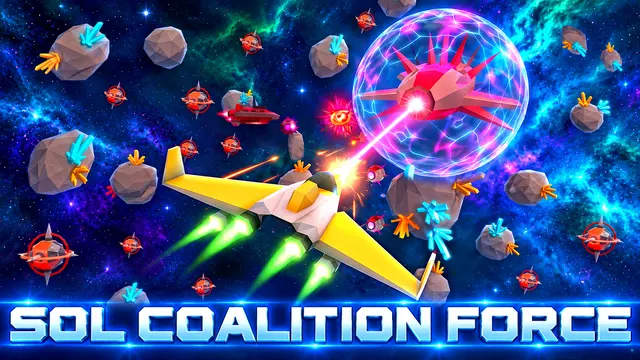 Sol Coalition Force
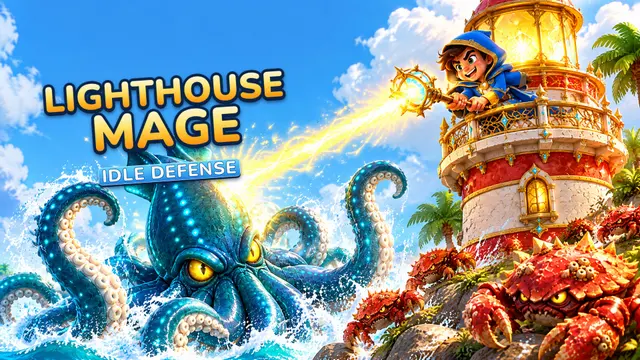 Lighthouse Mage: Idle Defense
 TIME STOP
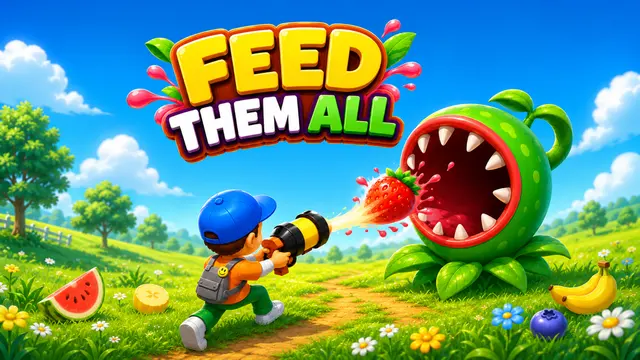 Feed Them All!
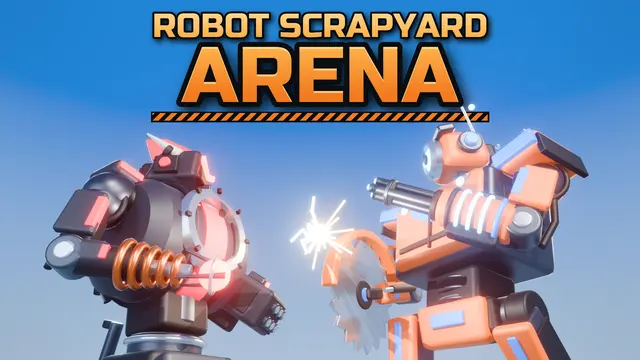 Robot Scrapyard Arena
 Outpost 9
Play Outpost Siege online
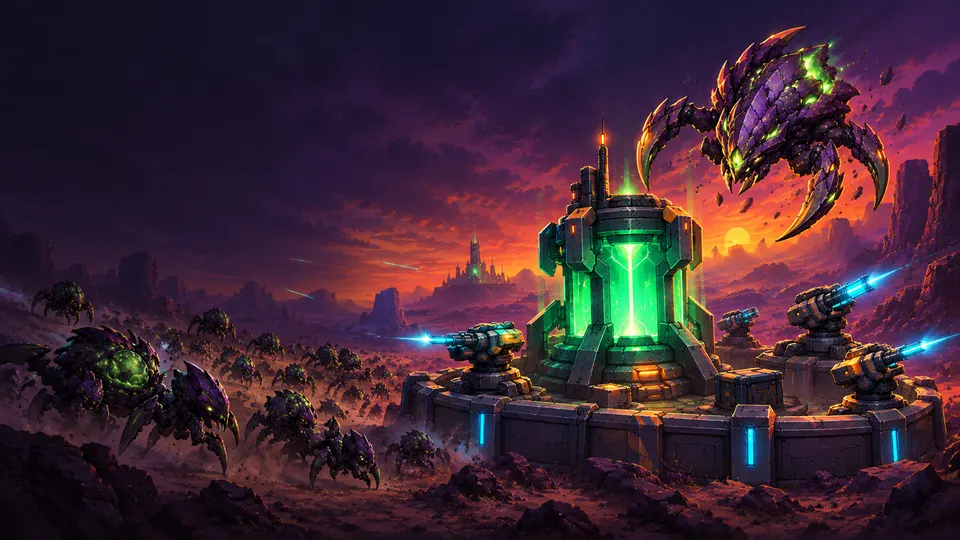
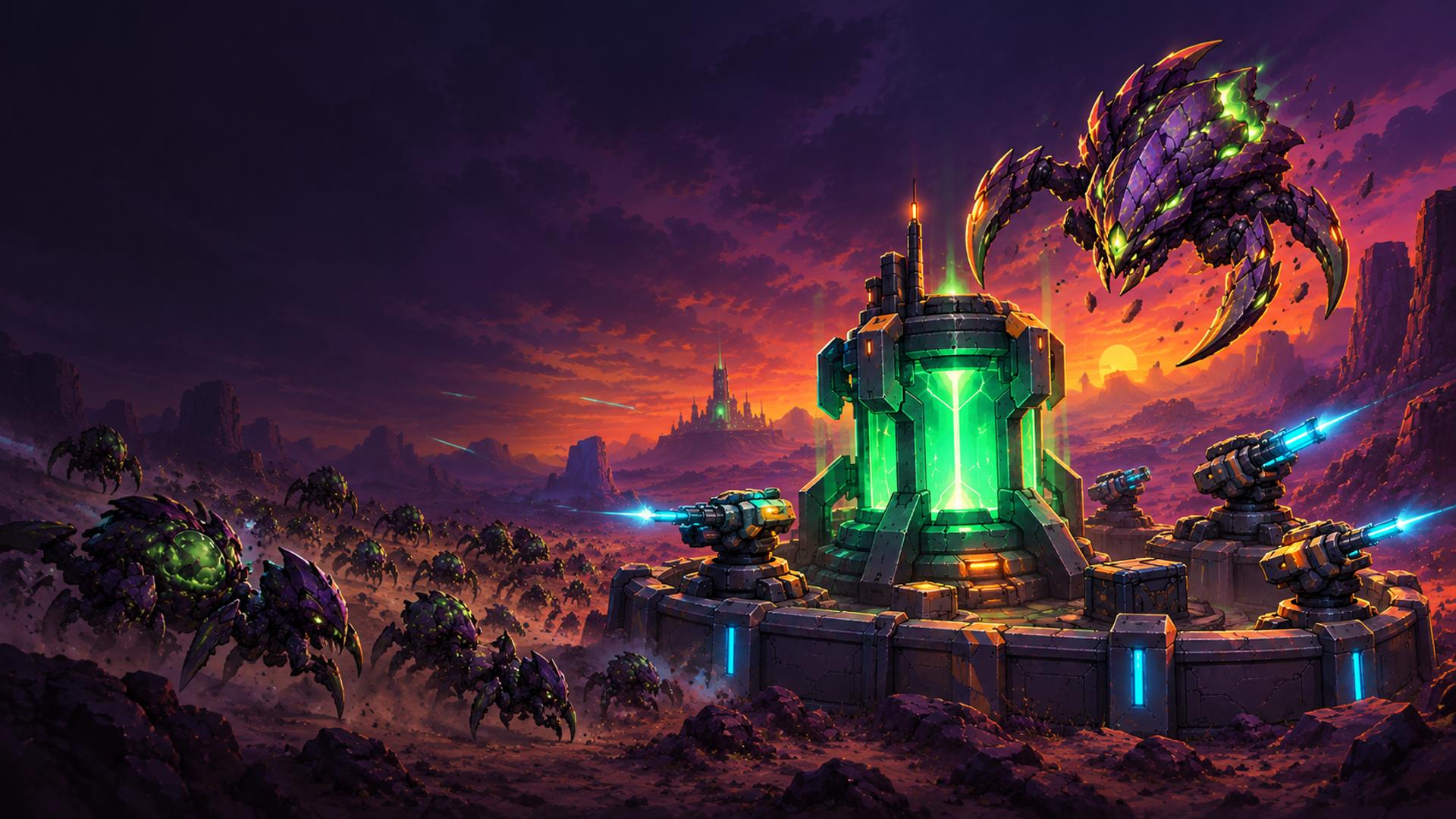
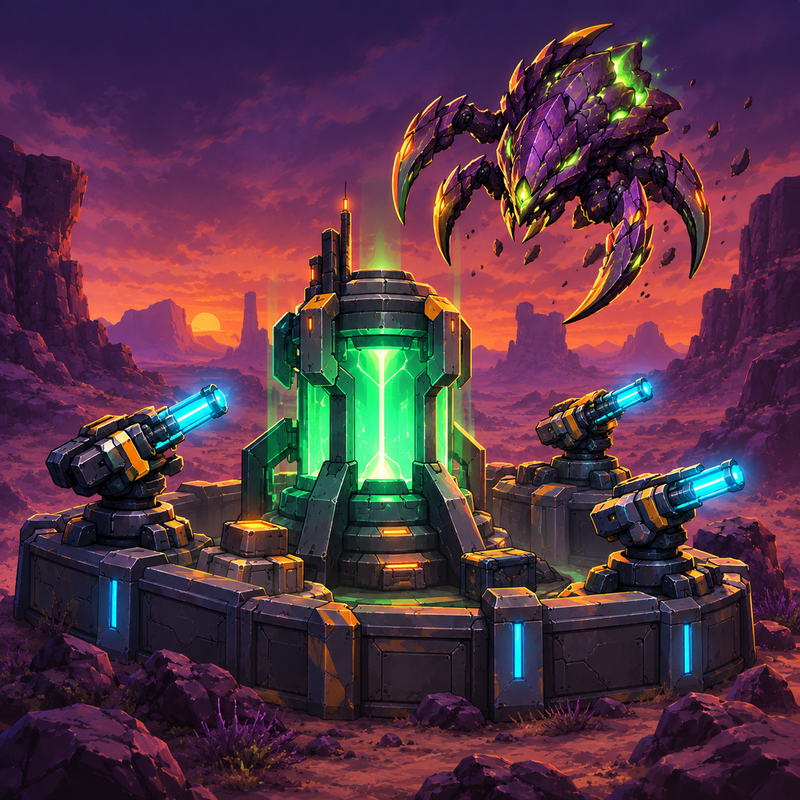
Top-down survival shooter with base defense. Every night an alien swarm marches on your Outpost's Core: move your Operator around the arena, mow down hundreds of enemies, collect Scrap and use your skill at the right moment. Scrap is also XP: every level-up lets you pick a new weapon (blades, lightning, rockets, fire aura, scattergun, frost) or an upgrade and push it to its evolution.
Protect a route by deciding where your defenses belong. Placement and upgrades are the main decisions to understand before a wave begins. Upgrades are part of the progression described by the provider. The instructions describe joystick input.
How to play Outpost Siege
Controls and instructions
Goal: keep the Core in the center alive through every night and defeat the boss of the final night to clear the Sector. PC: move with WASD or arrow keys, skill on Space, dash on Shift, stratagems and level-up choices on keys 1-3, pause on P or Esc. Phone: drag the on-screen joystick, tap the skill, dash and stratagem buttons. Your weapon fires automatically at the nearest enemy; click or tap an enemy to focus fire on it. Pick up Scrap to level up and choose upgrades. In the morning spend Scrap to build or upgrade turrets, repair the Core and buy stratagems, then start the next night. A boss arrives every fifth night.
Getting started with Outpost Siege
- Start by reading how defenders are placed and upgraded.
- Compare the upgrade description with your next objective before choosing it.
- Start with a short joystick movement to judge how the character responds.
About this game
- Platform
- Web browser
- Supported devices
- Android, iOS, Desktop
- Screen orientation
- Landscape and Portrait
- Languages
- American English, Russian (Russia)
- Genres
- Action, Strategy, Shooting, Survival, Tower Defense, Rpg
- In-game purchases
- Available
- Provider
- Playgama
- Provider audience
- Male, Female
Game features and tags
- Defense
- Shoot Em Up
- Roguelike
- Horde Survival
- 2d Action
- Survivors Likes
Outpost Siege images
Questions about Outpost Siege
How do I start playing?
Choose Play now in the game window above to load Outpost Siege through Playgama. Read the controls and instructions above before you start.
Which devices can I play on?
The provider lists support for Android, iOS, Desktop. Play in your web browser using the controls described above.
Which languages does the game support?
American English, Russian (Russia).
Does the game have in-game purchases?
The provider lists optional in-game purchases. Any available purchases are handled inside the game. Games may display advertisements.
Related game categories
Game facts and artwork supplied by Playgama. Descriptions adapted and getting-started guidance added by LookBear. Game content, ads and purchases are provided by Playgama and the game provider.