 Happy Zoo: Mahjong Triple Match
Candy Cats
Provided by Playgama
Candy Catsvia Playgama

 Cats Go!
 Relaxing Games: 30 in 1
 Magic Water Sort
 Cat Box Merge
 Petdoku: Cozy Puzzle Games
 Color Sorting: Rooms
 Flufflings: Pocket Pets
 Capybara-HexaSort
 Collection Shuffle
 Mellow Escape
 Jewel Gem Puzzle
 Spellbound Orbs
 Catch the Cat
 Candy Pop Mania
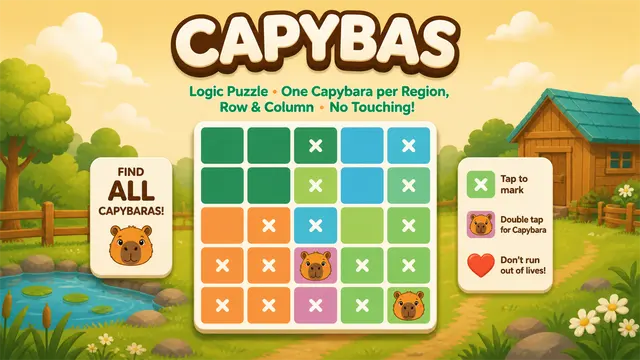 Capybas
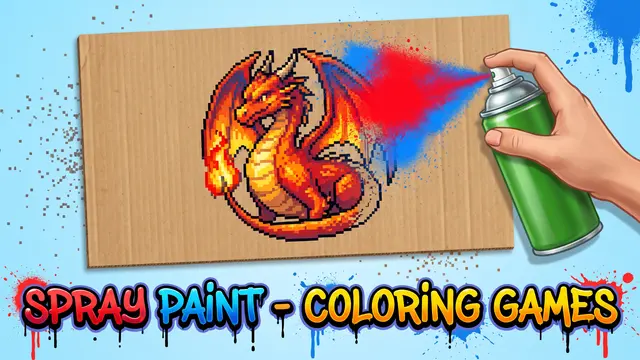 Spray Paint - Coloring Games
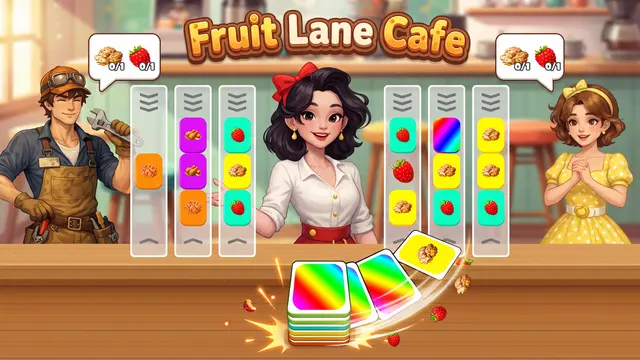 Fruit Lane Cafe
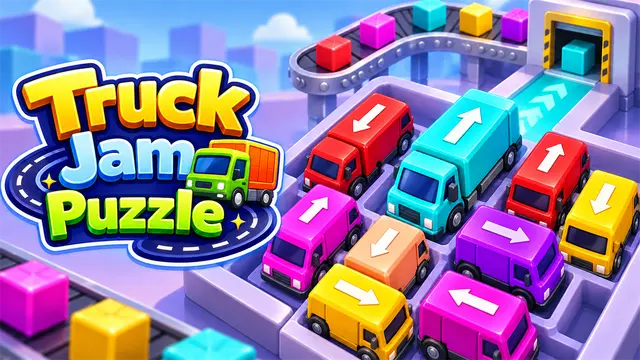 Truck Jam Puzzle
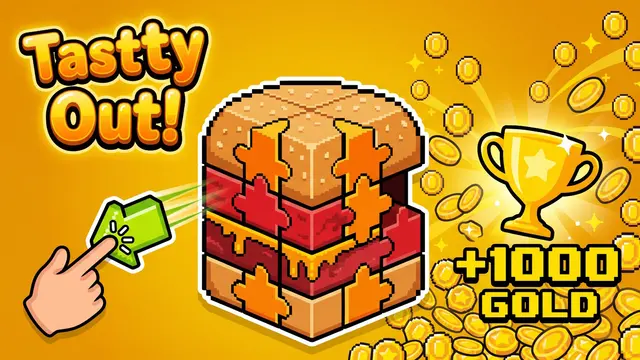 Tasty Out Arrow Puzzle
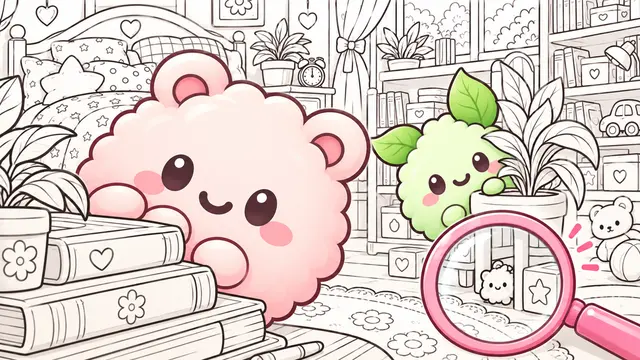 Where Are the Puffies?
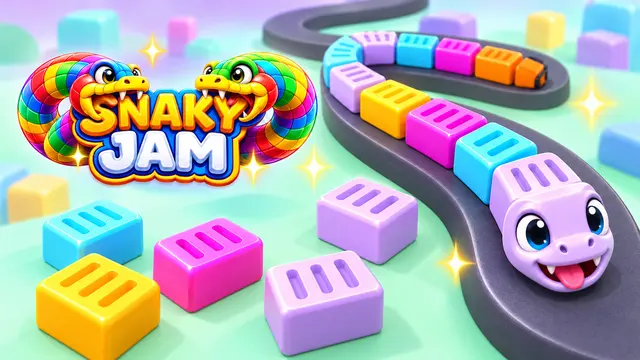 Snaky Jam
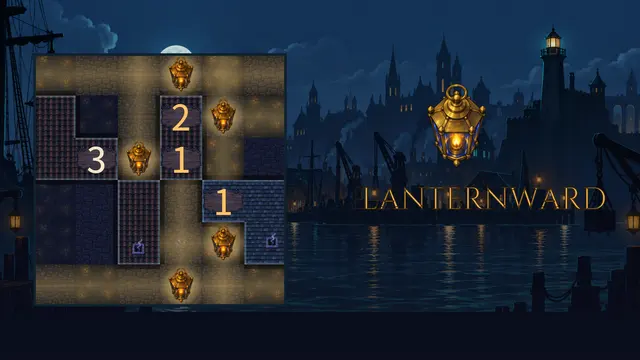 Lanternward
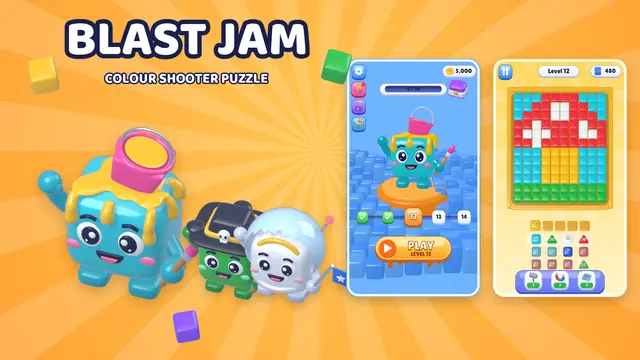 Blast Jam
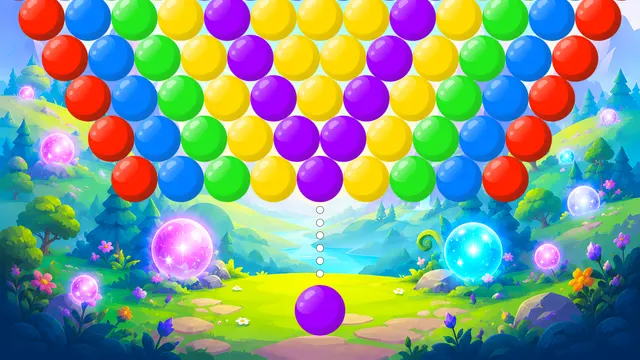 Shoot the Bubble
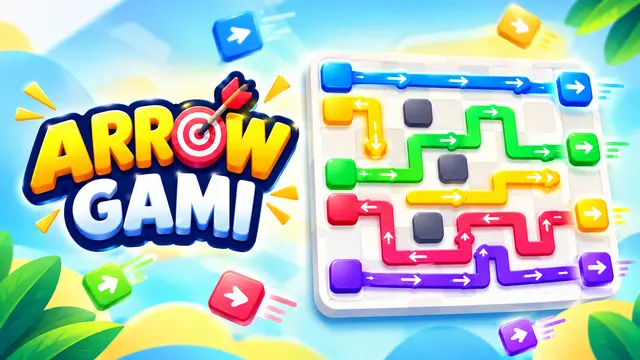 ArrowGami: Arrow Puzzle
 Lantern Alley: Match 3
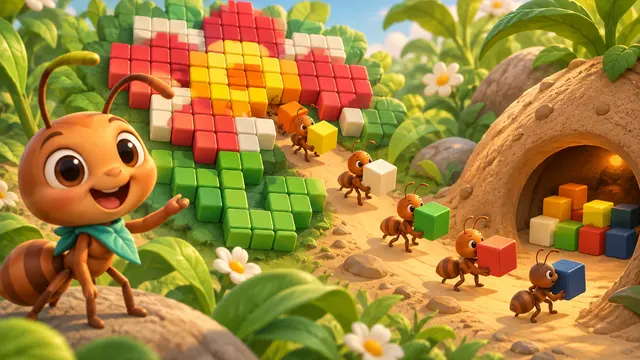 Swarm Picnic
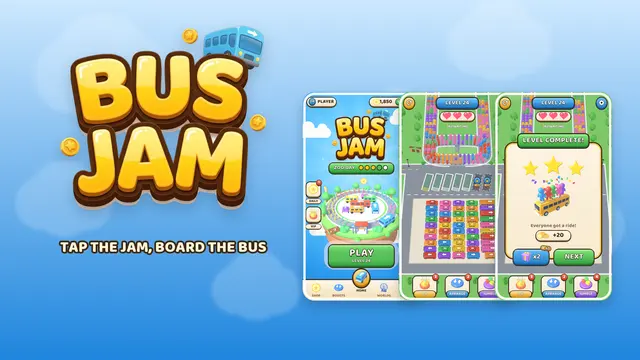 Bus Jam
 Voxel Atelier
 Not Before Bed 01
 Trimino
 Candy Cascade
 My Cute Virtual Pet
 Story of Alcana
 Garden Snakes
 Huskeydoku
 Almost Infinite
 Lantern Canals
 Grazing Giraffe
 BeadHouse
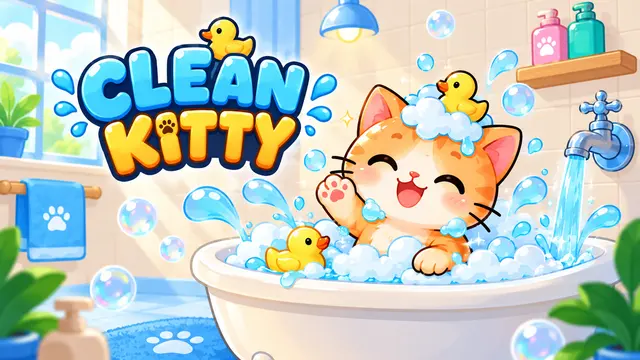 Clean Kitty
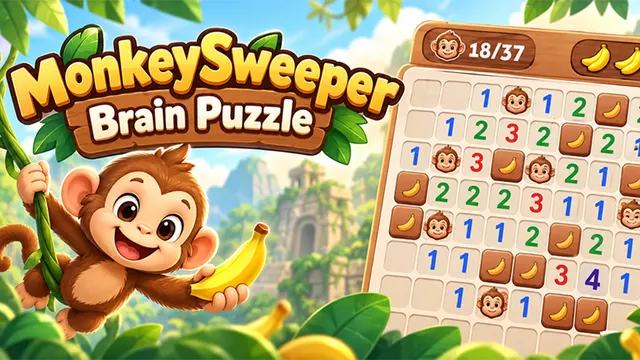 MonkeySweeper: Mines puzzles
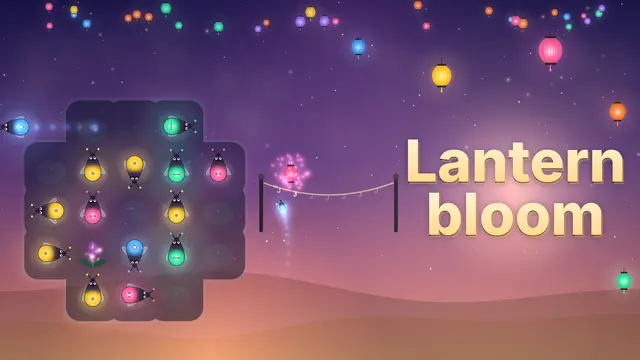 Lanternbloom
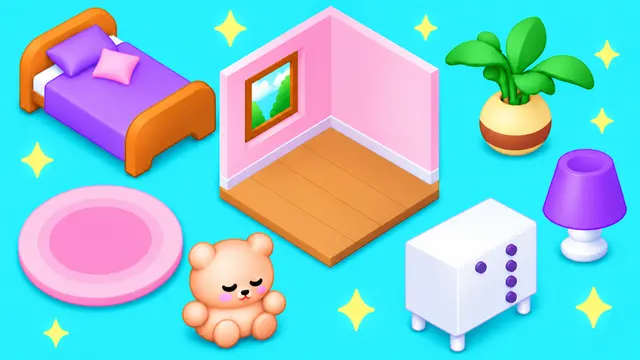 Dreamy Home
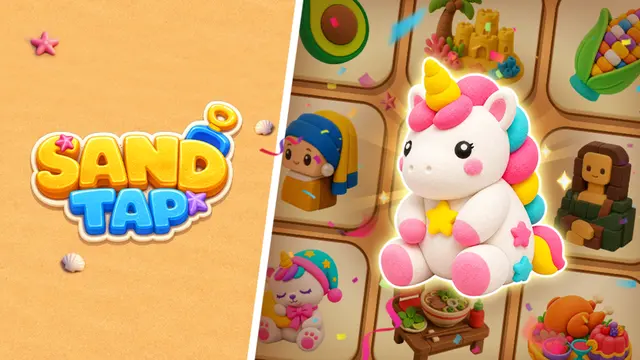 Sand Tap! Sorting Puzzle
 Wash Master
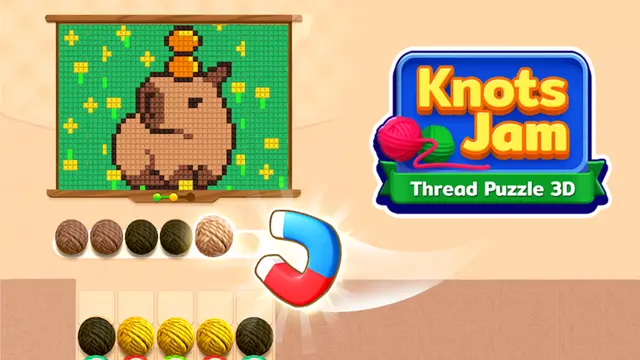 Knots Jam: Thread Puzzle 3D
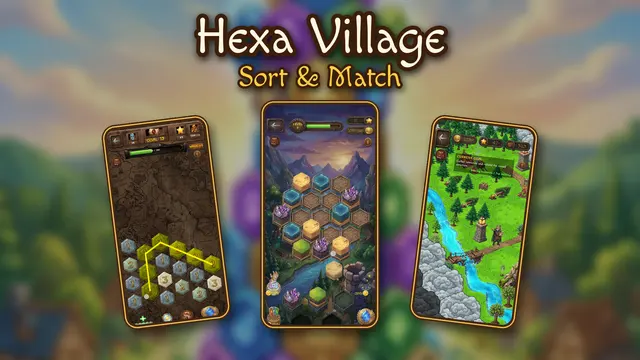 Hexa Village: Sort & Match
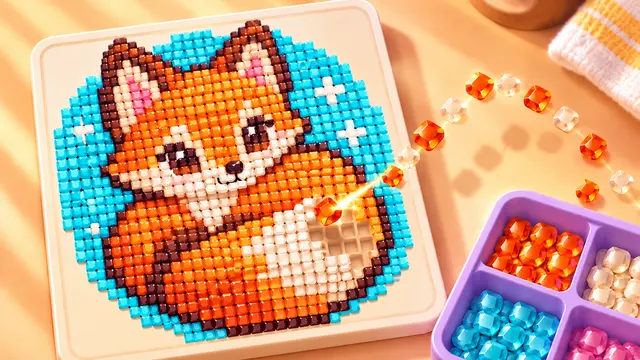 Jewel Coloring
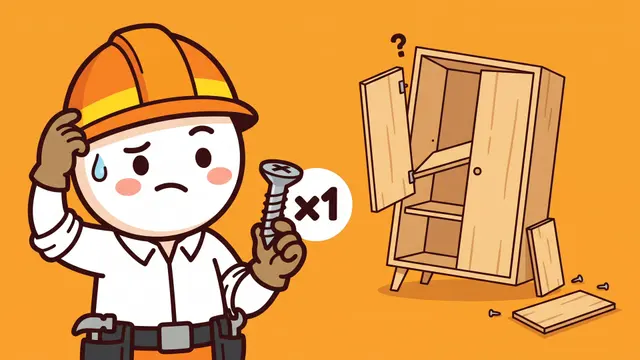 Leftover Screw: Furniture
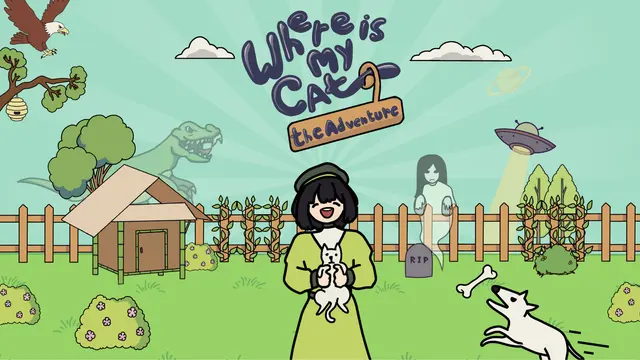 Where is My Cat : The Adventure
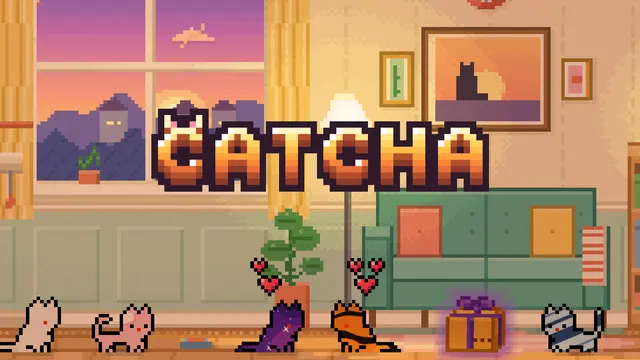 Catcha
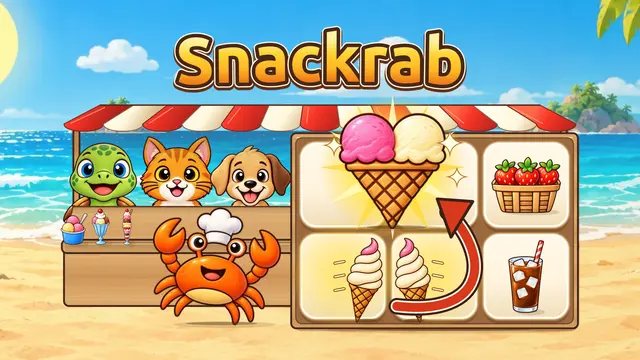 Snackrab
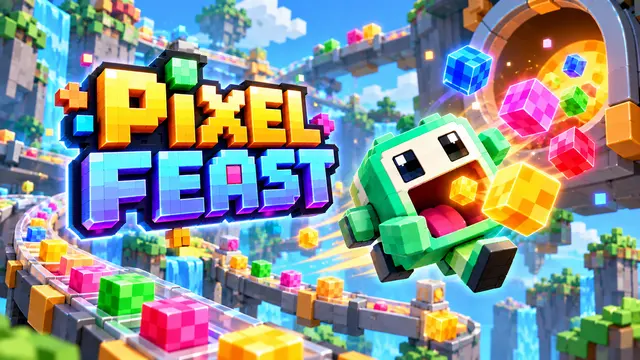 Pixel Feast
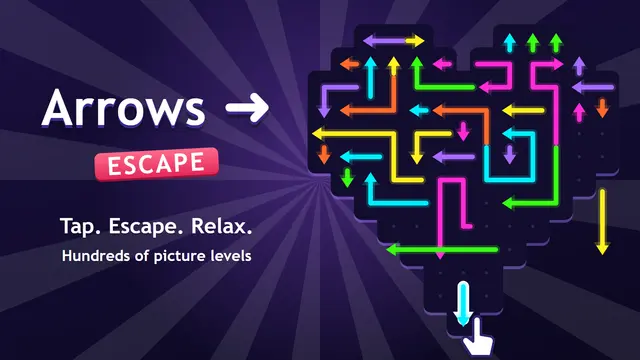 Arrows: Escape - Tap Puzzle
 Capy Market
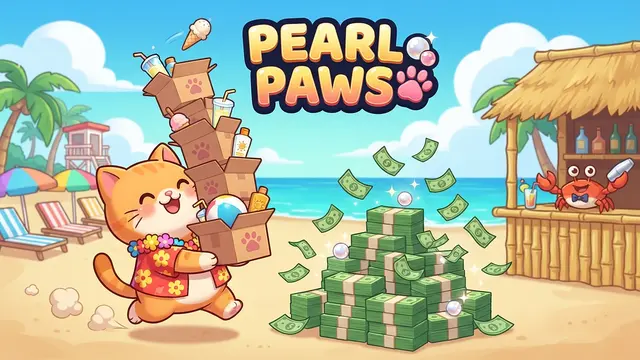 Pearl Paws
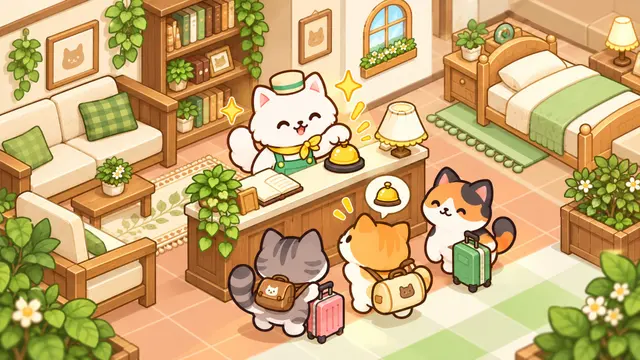 Cat Hotel 24/7
 Wrench and Roll
 Flock Fence
 One Line Drawing Mini Games
 Pop & Splat: Squishy Merge
 Sortilege: Magic Shop Sort
 ArrowShift:Classic
Play Candy Cats online
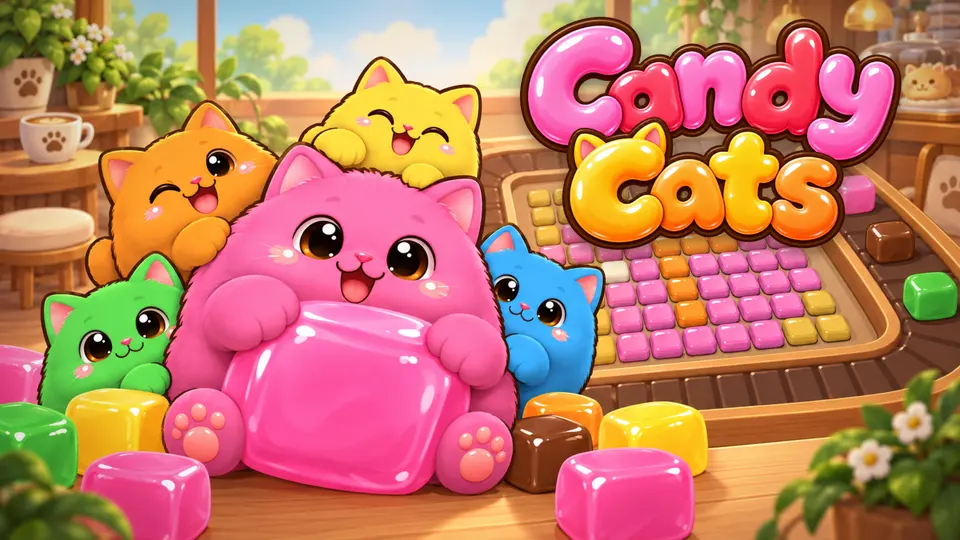
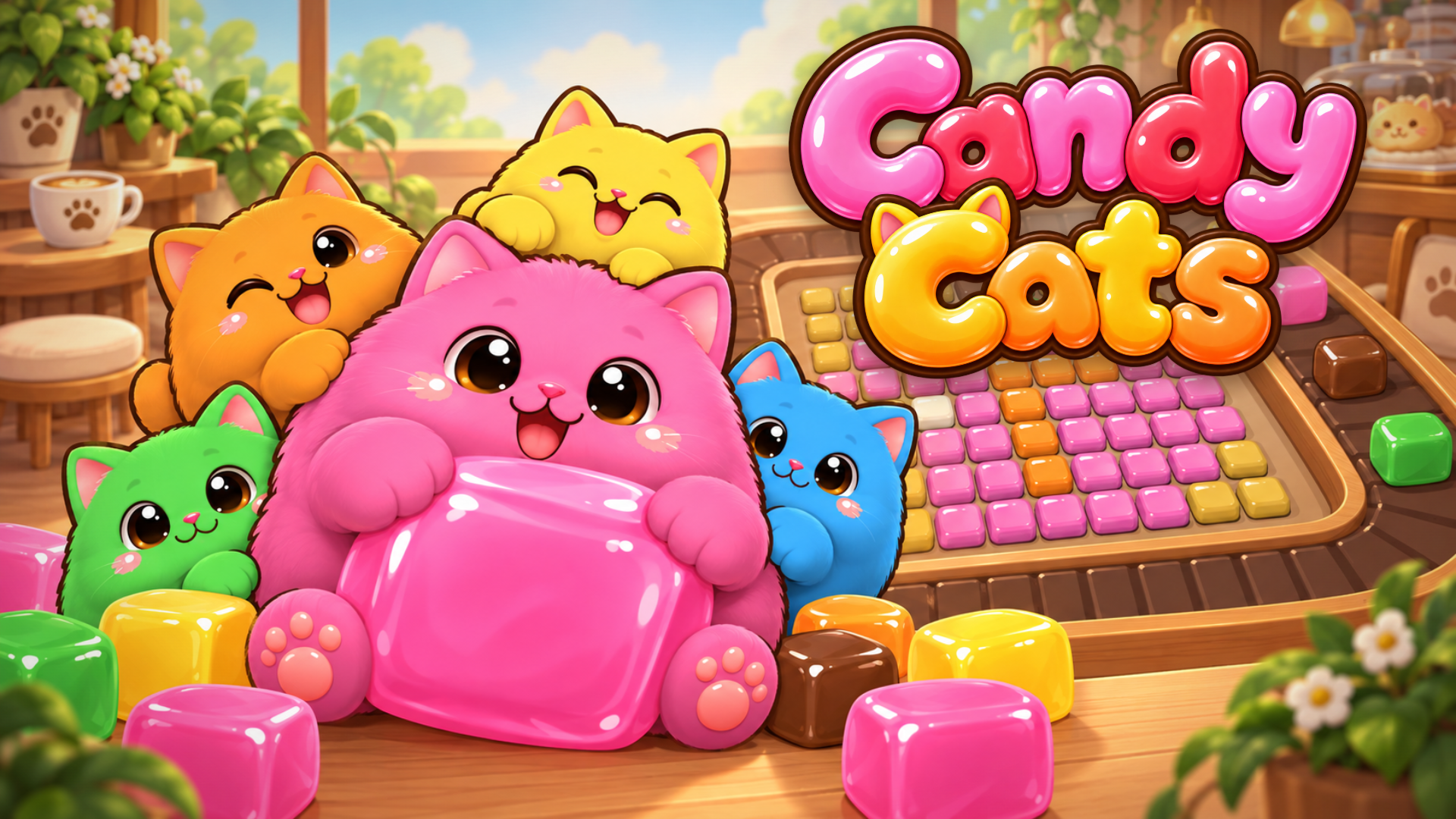
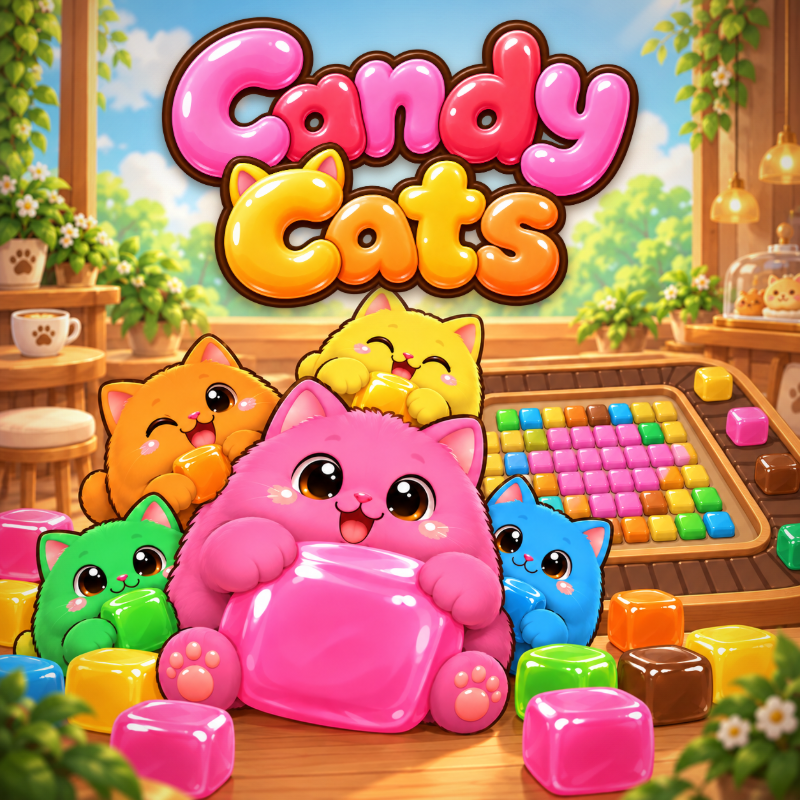
A tray of glossy jelly candies forms a cute pixel picture — a strawberry, a puppy, a rainbow. And here come the chubby, hungry kitties! They hop onto a conveyor belt that rolls around the tray, and every kitty munches only the candies of its own color.
Look for matching pieces and work toward the board’s stated objective. The most useful match is the one that helps the current task. Character tasks or quests provide goals to work toward as you explore. The provider describes a ranking or leaderboard feature.
How to play Candy Cats
Controls and instructions
Tap a kitty at the bottom to send it onto the conveyor. As it rides around the tray it eats the first candy of its color in each row and column. A kitty that isn't full after a lap waits on a cushion — tap it to send it again. Eat every candy to clear the tray. Don't let all cushions fill up!
Getting started with Candy Cats
- Read the current objective before choosing a match.
- Check the current task before deciding where to go next.
- Read what contributes to the ranking rather than assuming it is based on time.
About this game
- Platform
- Web browser
- Supported devices
- Android, iOS, Desktop
- Screen orientation
- Landscape and Portrait
- Languages
- Russian (Russia), American English
- Genres
- Puzzle, Arcade, Animals, Cozy, Matching, Cats
- In-game purchases
- Available
- Provider
- Playgama
- Provider audience
- Male, Female
Game features and tags
- Casual
- Relaxing
- Addictive
- Cute
- Mind
- Color Matching
- Collecting
- 1 Player
- Pixel
- Ai
Candy Cats images
Questions about Candy Cats
How do I start playing?
Choose Play now in the game window above to load Candy Cats through Playgama. Read the controls and instructions above before you start.
Which devices can I play on?
The provider lists support for Android, iOS, Desktop. Play in your web browser using the controls described above.
Which languages does the game support?
Russian (Russia), American English.
Does the game have in-game purchases?
The provider lists optional in-game purchases. Any available purchases are handled inside the game. Games may display advertisements.
Related game categories
Game facts and artwork supplied by Playgama. Descriptions adapted and getting-started guidance added by LookBear. Game content, ads and purchases are provided by Playgama and the game provider.