 JUICE TYCOON
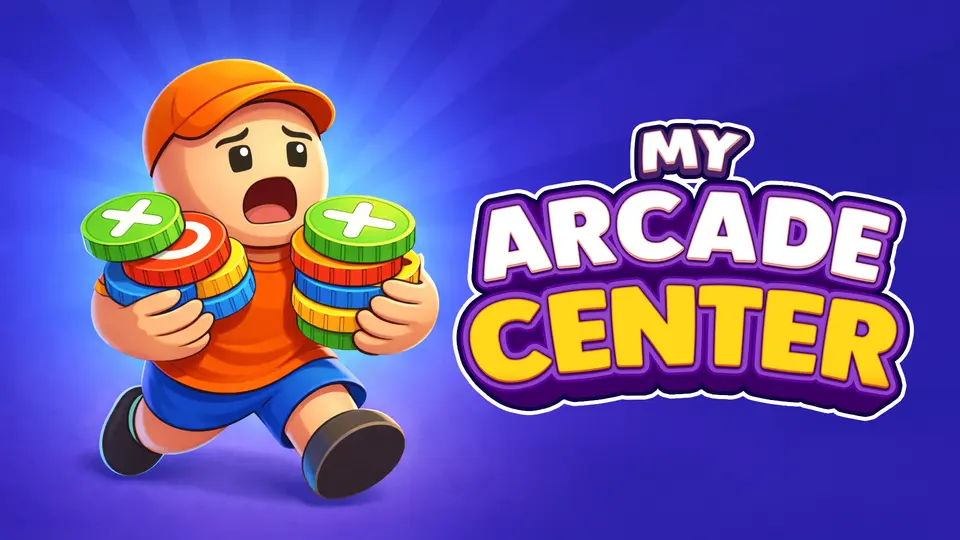
My Arcade Center
Provided by Playgama

My Arcade Centervia Playgama








 Gas Station 24: Simulator
 Capitalist Hunter
 Braveward
 Mowmentum
 Drift Tycoon
 Open to Offers!
 Restore Lab
 Pocket Mart
 Scoop Empire
 Fishing Island
 Dungeon Shop Rush
 Capy Market
 Reaper’s Graveyard Shift
 Park Tycoon
 Snack Stack
 Sea Restore
 Harvest Rush
 Monster Cafe: Idle Tycoon
 Obby: Build a Car Farm
 Big Bob's Burger Truck
 Restaurant Tycoon
 Vet Tycoon: Pet Hospital
 Would You Like to See My Ants?
 Throw Foods For Pets
 Fish Eggs for Animals
 Pump It Up
 Sticky Memo - Ripping Game
 Throw Food - Catch Animals
 Thriller Cafe
 Swim Fitness Club
 Grow a Garden 3D
 Chef Tycoon
 Scary Rooms: Idle Horror
 Money Factory - Earn a Billion
 Kinder Garden
 Hotel Manager Simulator
 Sweet Supermarket Simulator
 Mars Colony
 Burger Restaurant Simulator 3D
 Animal Care Tycoon
 Gas Station - Stick Simulator
 Grow Slime
 Survival Tycoon: City of Zombie
 Idle Magic Academy Tycoon
 Supermarket Manager
 Idle Hotel Empire Tycoon
 Supermarket Empire
 Idle Vlogger Simulator
 Airplane Factory - Tycoon
 Money Empire
 Farm Business Saga
 Money Maker
 PolyBounce Tycoon
 Merge Plane Tycoon
 Capi bar
 My Bakery
 Money Factory: Tycoon Idle Game
 Money cutter idle
 Cooking Shawarma Idle Game
 Trash Baron
 Tiny Sports Empire Idle
 ObbyTycoon: Money Tycoon
 My resale. Cases and sales
 OIL RIG Driller
Play My Arcade Center online
In My Arcade Center, build, expand, and run your very own arcade business. Start with a small game room and turn it into a thriving arcade empire by placing machines, upgrading equipment, and attracting more customers. Manage your arcade efficiently by collecting earnings, unlocking new areas, and optimizing your layout to maximize profit.
Manage the activity at the center of the game and decide where to put your resources next. Read how income, purchases and improvements are connected. Coins appear in the game’s progression or objectives. Upgrades are part of the progression described by the provider.
How to play My Arcade Center
Controls and instructions
PC (Keyboard)
WASD / Arrow Keys = Move
Drag the left mouse button = Move
Mobile/Tablet (Touch)
Tap & hold to move; drag your finger to move
Getting started with My Arcade Center
- Identify the next purchase requirement before committing your resources.
- Check what the game lets you do with coins before spending them.
- Compare the upgrade description with your next objective before choosing it.
About this game
- Platform
- Web browser
- Supported devices
- Android, iOS, Desktop
- Screen orientation
- Landscape and Portrait
- Languages
- American English
- Genres
- Arcade, Simulation, Tycoon, Management, Idle
- In-game purchases
- None listed by the provider
- Provider
- Playgama
- Provider audience
- Male, Female
Game features and tags
- Business
- 1 Player
My Arcade Center images
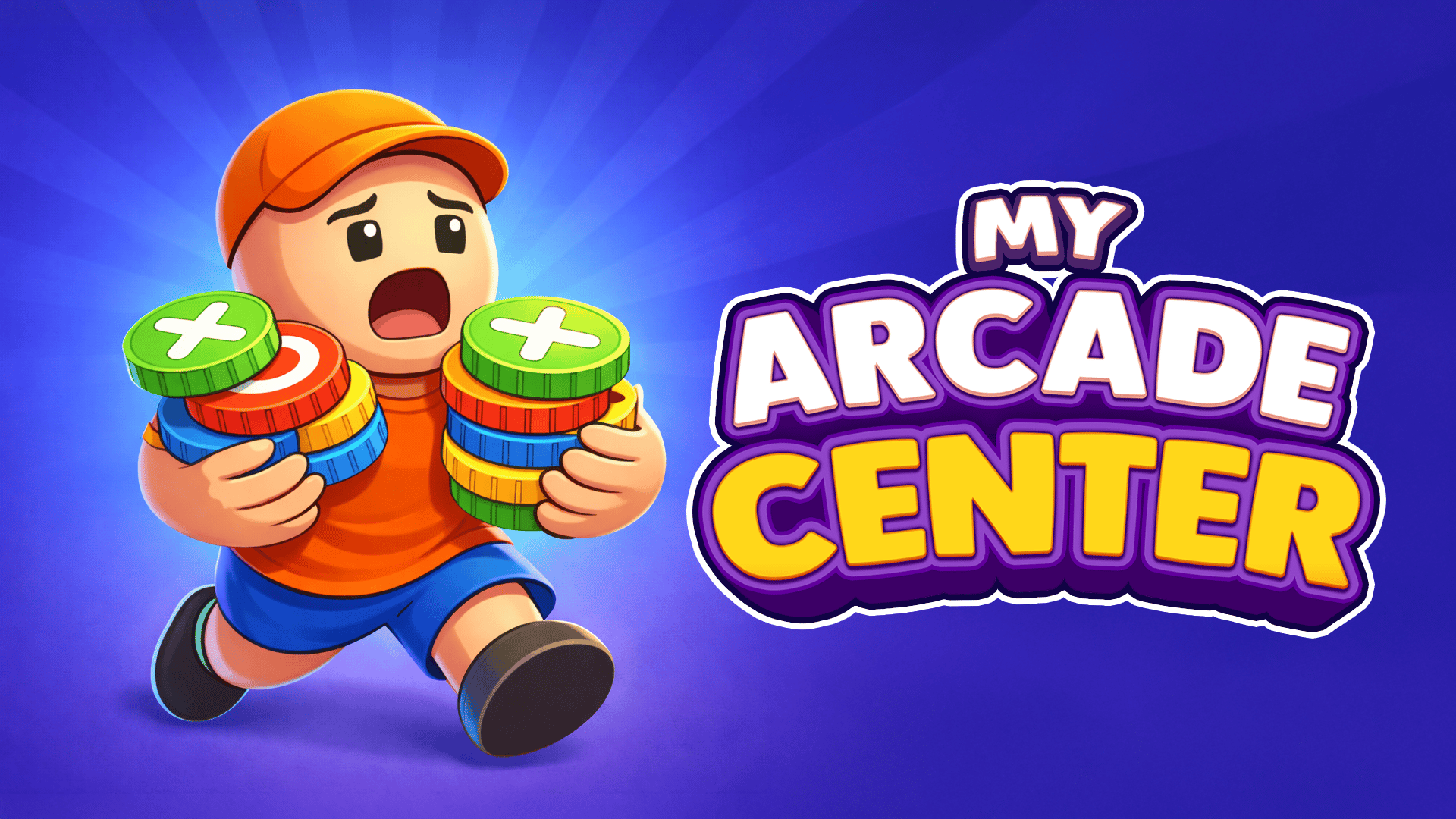
Questions about My Arcade Center
How do I start playing?
Choose Play now in the game window above to load My Arcade Center through Playgama. Read the controls and instructions above before you start.
Which devices can I play on?
The provider lists support for Android, iOS, Desktop. Play in your web browser using the controls described above.
Which languages does the game support?
American English.
Does the game have in-game purchases?
The provider lists no in-game purchases for this game. Games may display advertisements.
Related game categories
Game facts and artwork supplied by Playgama. Descriptions adapted and getting-started guidance added by LookBear. Game content, ads and purchases are provided by Playgama and the game provider.