 Snack Sort
Fruit Lane Cafe
Provided by Playgama

Fruit Lane Cafevia Playgama




 Hexa Bloom
 Arrows: Escape - Tap Puzzle
 Cork & Cauldron
 ArrowShift:Classic
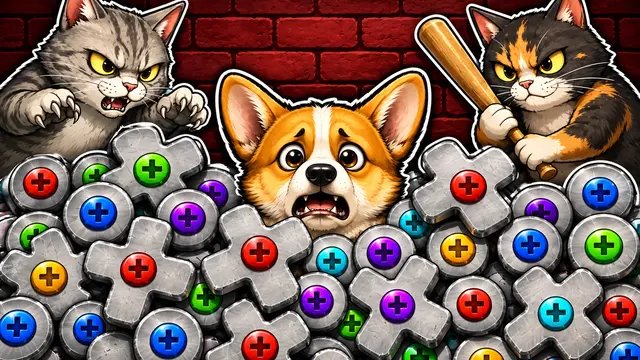 Save the Puppy: Remove the Screws
 VIZAVI
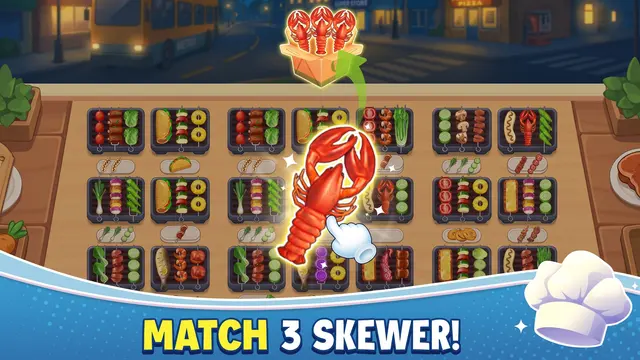 Foodie Mania
 Fridge: Perfect Sorting
 All Aboard: Bus Puzzle
 Popping Candies
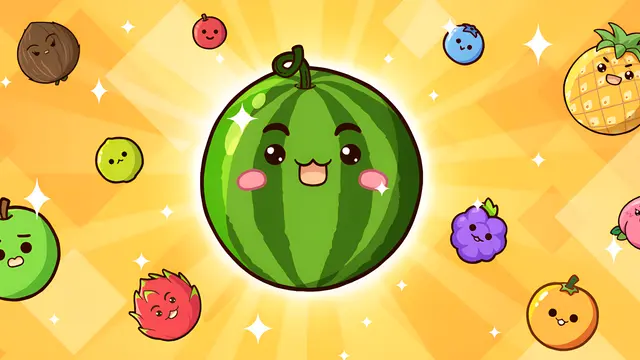 Fruit Merge: Juicy Drop Game
 Rolling In Gears
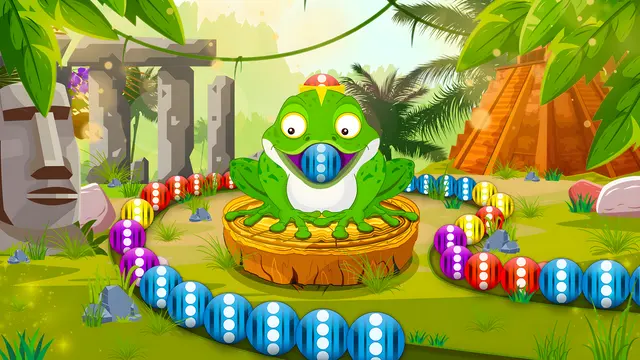 Frogtastic Marble Adventure
 Tap 3D Wood Block Away
 Piece of Cake: Merge & Bake
 Find Match 3D
 Slide Block Jam
 Wood Blocks Jam
 Wednesday Addams Merge Drop Puzzle
 Ball Sort Puzzle
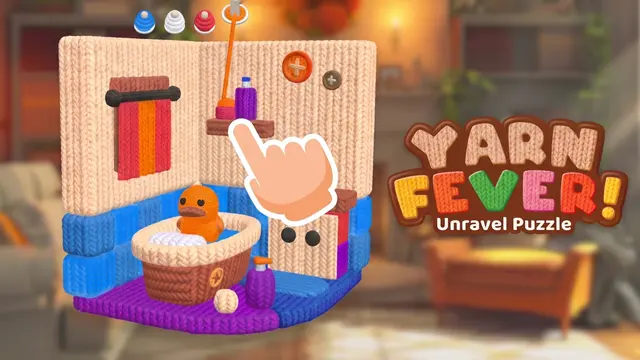 Yarn Fever! Unravel Puzzle
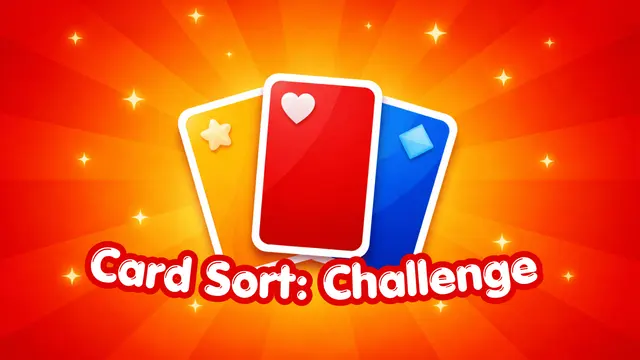 Card Sort: Challenge
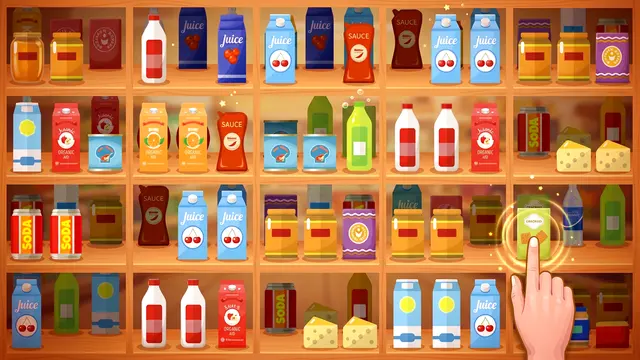 Good Sort Master: Triple Match
 Crazy Bus Station!
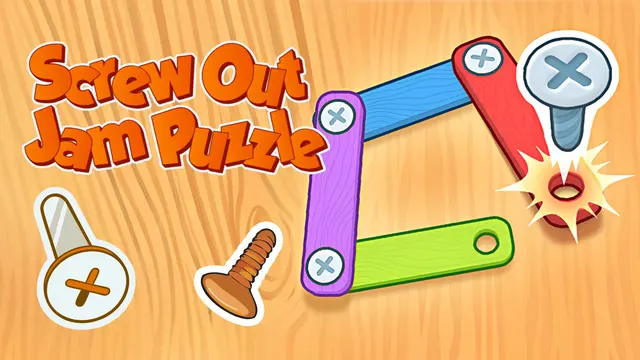 Screw Out Jam Puzzle
 JuicyJong
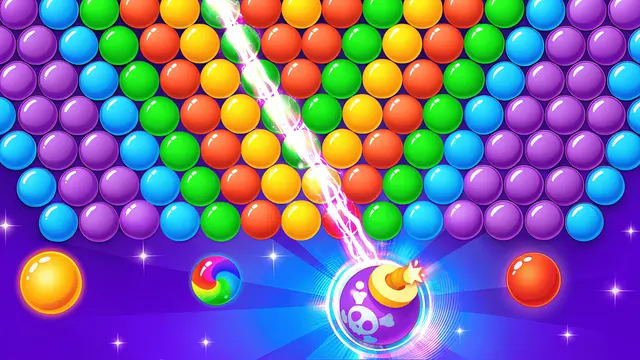 Bubble Shooter: Tap & Pop
 Planet 404. Episode 1
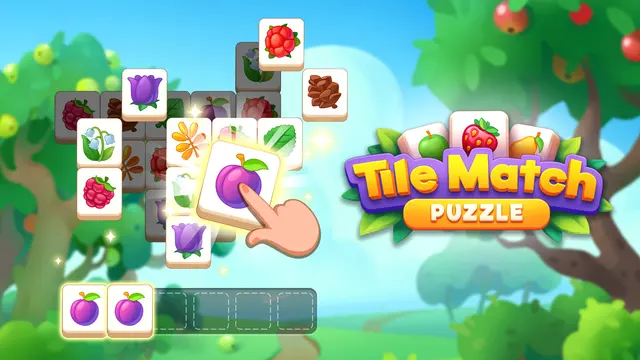 Tile Match Puzzle
 Geometry Maze Maps V2
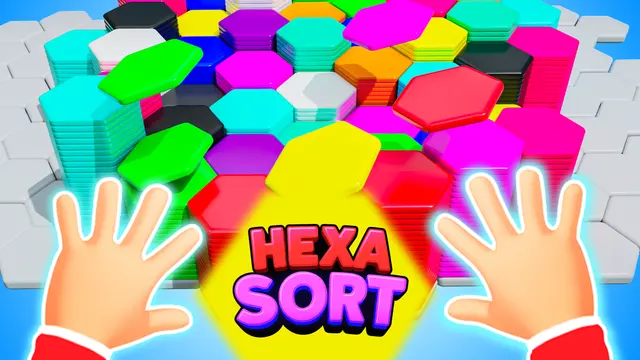 HexaSort
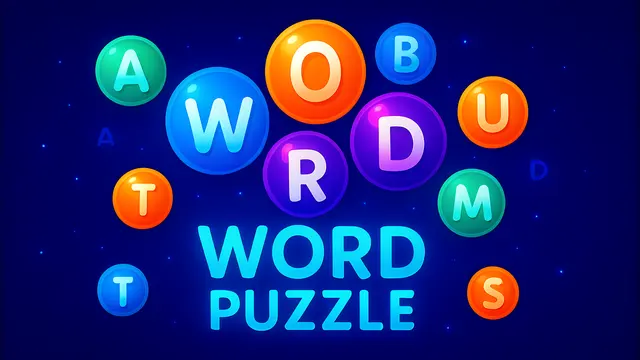 Word Puzzle Connect Words and Letters
 Wood Color Block
 Tower Tap
 Sheep Sort
 Tile Stack
 Screw Jam Puzzle
 Slinky Color Sort
 Square Sort
 Super Candy Jewels
 Tap Gallery
 Tile Match
 Onet Puzzle - Tile Match Game
 Shape Jam
 Tile Valley
 Pretty Tidy - ASMR Organizing
 Sorting Nuts and Bolts by Color: Home Repair
 Nuts Puzzle: Sort By Color
 Pop Them!
 Mahjong 3D Match
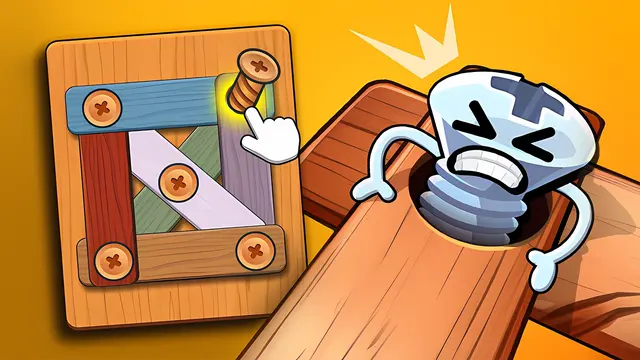 Screw & Pin: Puzzle Levels
 Hexa Master 3D: Sort Puzzle
 Mahjong Puzzle: Tile Match
 Cook Soups: 3 in a Bowl
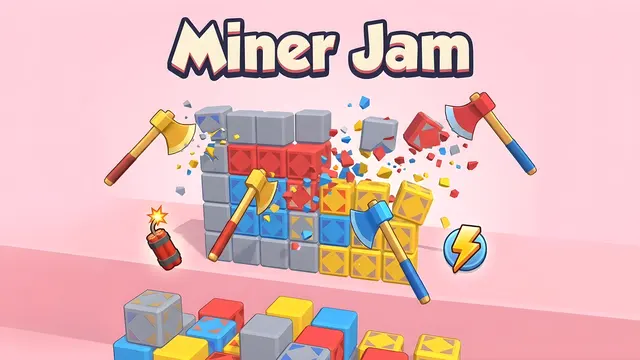 Miner Jam
 Connect: Monsters
 Colors&Forms
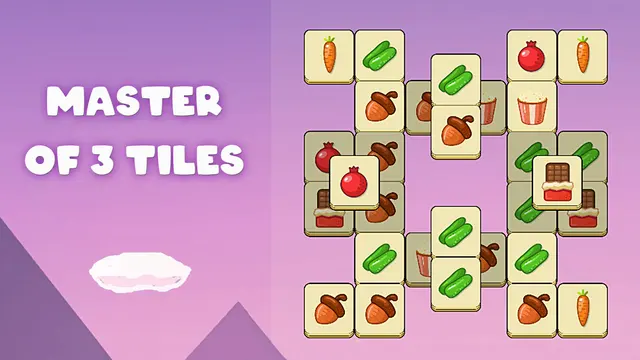 Master of 3 Tiles
 Onet Animals
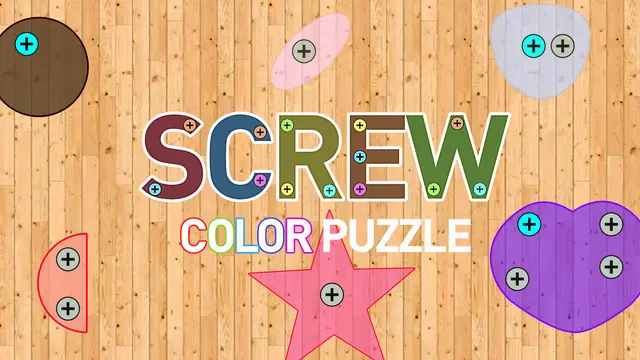 Screw Color Puzzle
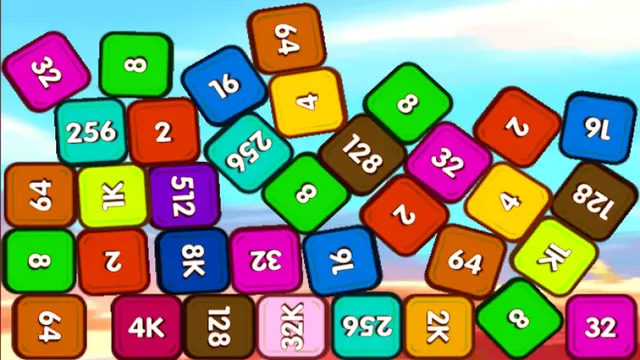 Funny Cubes 2048
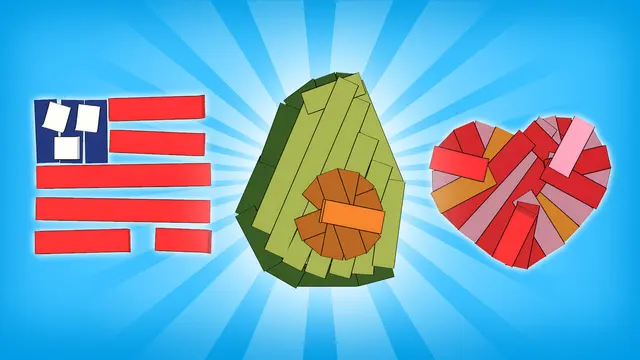 Sticker Jam: Peel Off & Match
 Happy jelly
 Merge Mushroom
Play Fruit Lane Cafe online
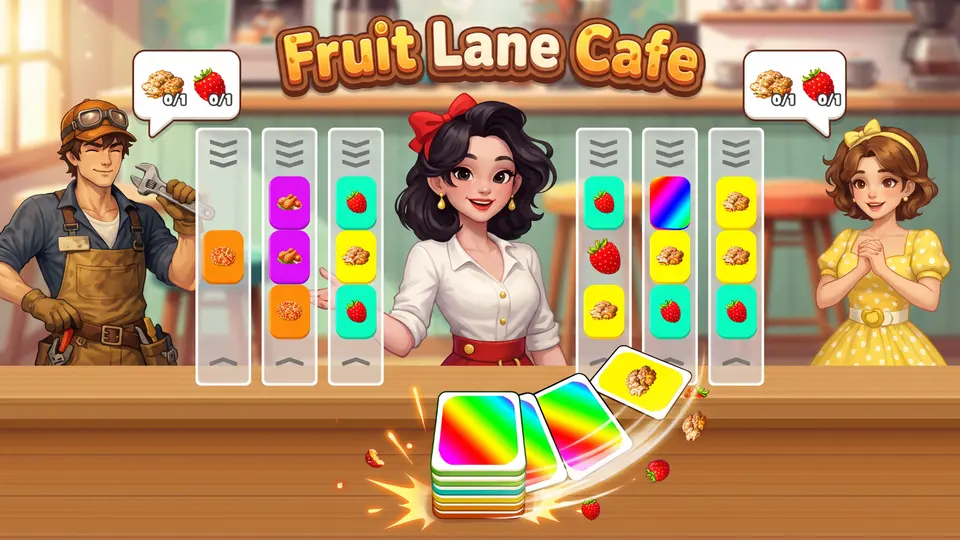
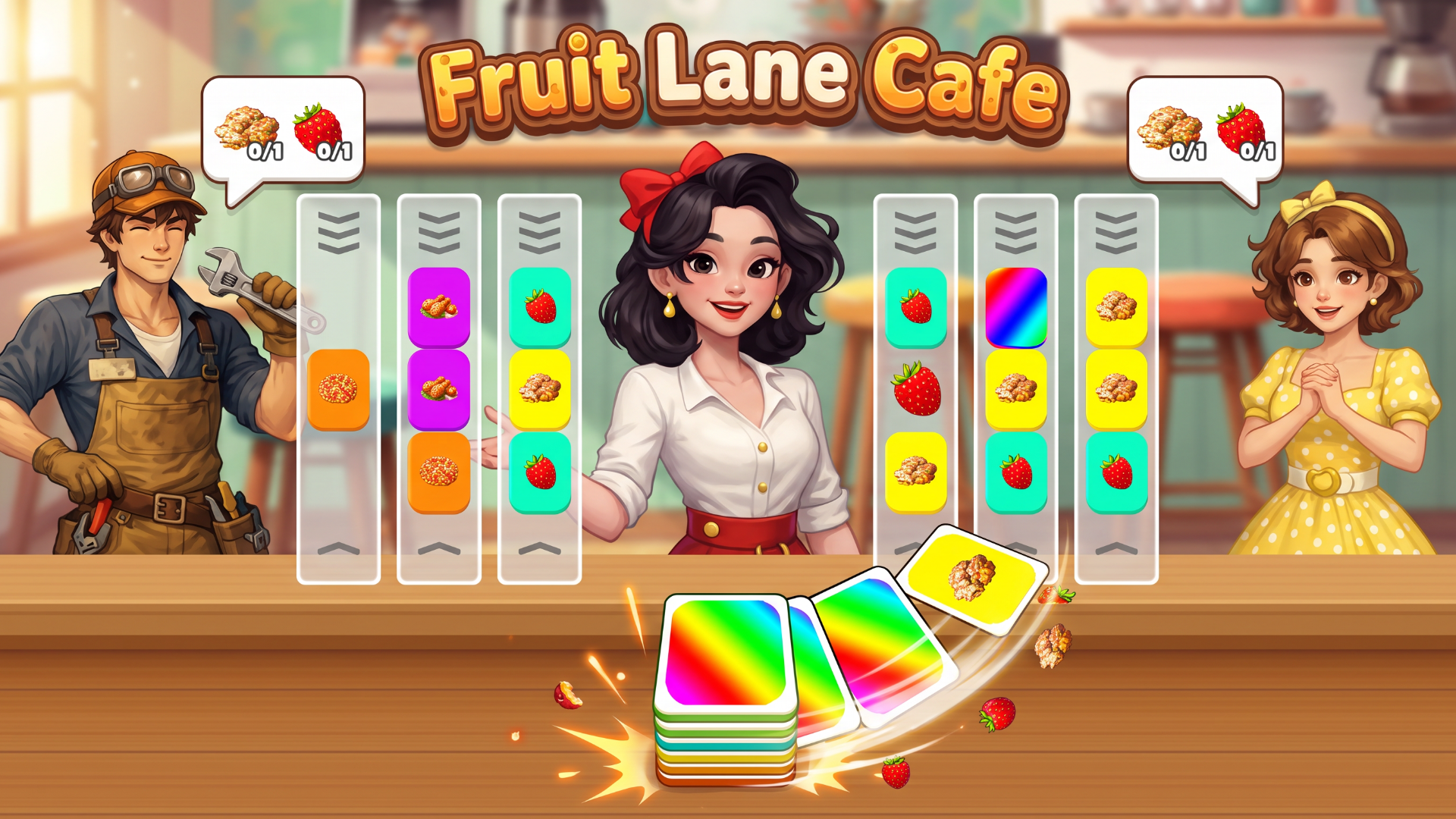
Fruit Lane Cafe is a colorful card-sorting puzzle game with a busy shop twist. Slide cards through lanes, line up matching sets, and complete your customers' orders before time runs out. Plan around the next card, manage the spare card, and unlock helpful boosters as the challenges grow.
Look for matching pieces and work toward the board’s stated objective. The most useful match is the one that helps the current task. Coins appear in the game’s progression or objectives.
How to play Fruit Lane Cafe
Controls and instructions
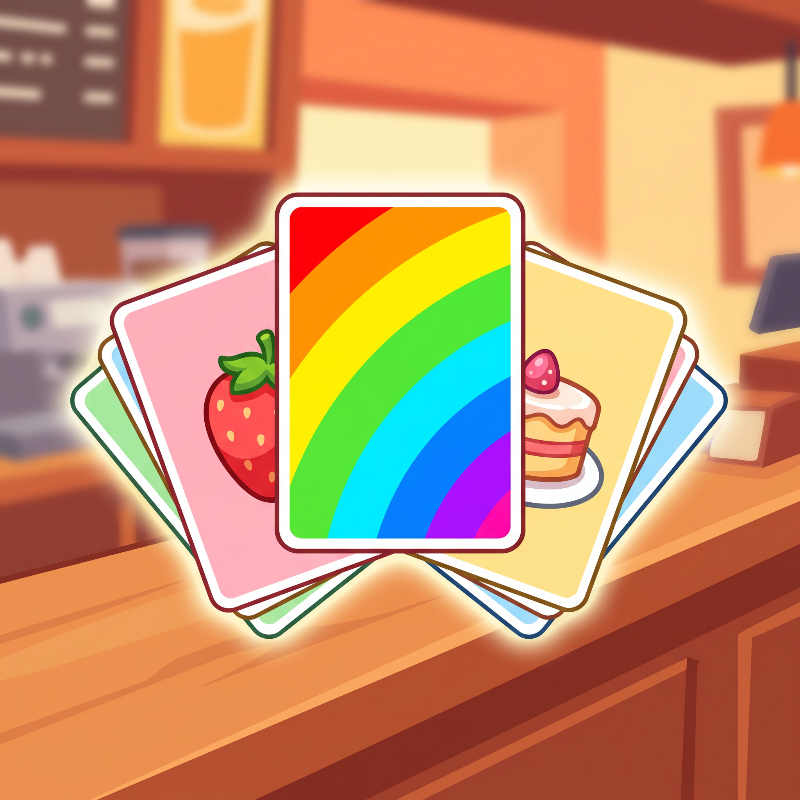
Click Play and select an unlocked level. On desktop, use the left mouse button; on mobile, tap the screen. Click or tap a lane to slide the card from the bottom slot into it and move the outgoing card into the slot. Match the cards across an entire lane to clear the set and fill a customer's order. The multicolored spare card must be moved out of a lane before that lane can clear.
Complete all customer orders before the timer runs out to win. Earn coins and stars, progress to new levels, and use unlocked boosters when you need help. Optional rewarded videos can provide extra coins or boosters. Use the on-screen settings to adjust music and sound. No keyboard shortcuts are required.
Getting started with Fruit Lane Cafe
- Read the current objective before choosing a match.
- Check what the game lets you do with coins before spending them.
About this game
- Platform
- Web browser
- Supported devices
- Android, iOS, Desktop
- Screen orientation
- Landscape and Portrait
- Languages
- American English
- Genres
- Puzzle, Arcade, Food, Matching
- In-game purchases
- Available
- Provider
- Playgama
- Provider audience
- Male, Female
Game features and tags
- 2d
- Casual
- Brain Training
- Hyper Casual
- Addictive
- Sorting
- 1 Player
Fruit Lane Cafe images
Questions about Fruit Lane Cafe
How do I start playing?
Choose Play now in the game window above to load Fruit Lane Cafe through Playgama. Read the controls and instructions above before you start.
Which devices can I play on?
The provider lists support for Android, iOS, Desktop. Play in your web browser using the controls described above.
Which languages does the game support?
American English.
Does the game have in-game purchases?
The provider lists optional in-game purchases. Any available purchases are handled inside the game. Games may display advertisements.
Related game categories
Game facts and artwork supplied by Playgama. Descriptions adapted and getting-started guidance added by LookBear. Game content, ads and purchases are provided by Playgama and the game provider.