 Fruit Fusion
Poofruits: Merge the Fruit
Provided by Playgama

Poofruits: Merge the Fruitvia Playgama

 Bubble Pop Legend
 Brainrots Merge
 BBQ Sort
 Bubble Shooter Mega
 Deconstruct Cube: Create Hotel
 Fruits into Baskets
 Grill Match: Sort Food
 Hexa Master
 Boba Blast
 Fix Pizza: Food Sorting
 Merge Home Ball 2048
 Tile Harvest 3D
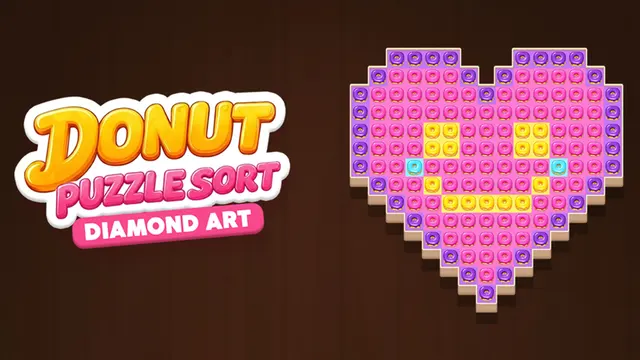 Donut Art: Puzzle Diamond Game
 JUICE TYCOON
 Merge Rush Attack
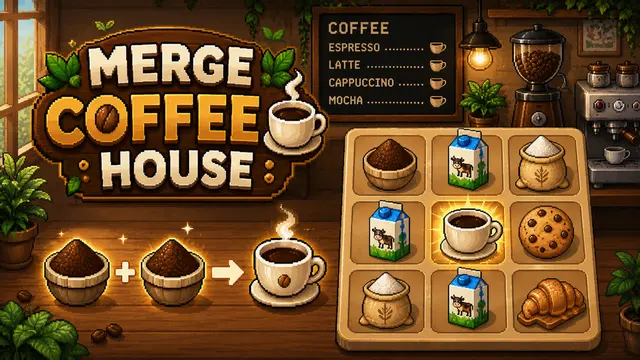 Coffe Merge House
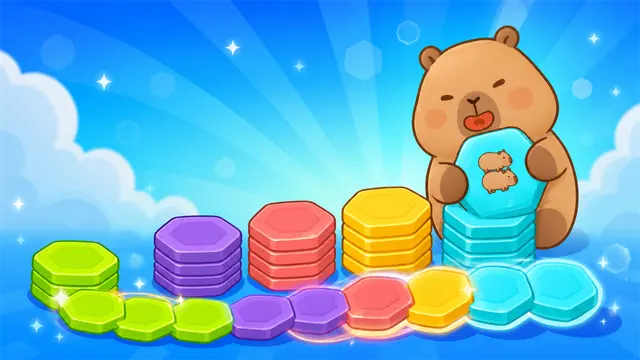 Capybara-HexaSort
 Talking Veggies: Meme Merge
 Words and Bubbles
 Yummy Shelf
 Spellbound Orbs
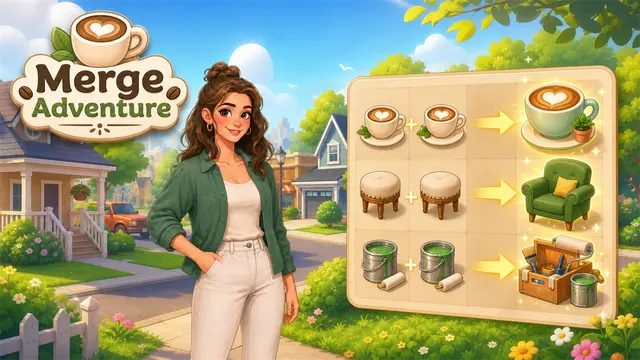 Merge Adventure
 Candy Pop Mania
 Cake Ready
 NumMerge Clash
 Dumplings: Who Will You Get?
 Arrows: Make It Cozy!
 Halloween monsters merge
 Truck Jam Puzzle
 Snaky Jam
 Shoot the Bubble
 Happy Zoo: Mahjong Triple Match
 ArrowGami: Arrow Puzzle
 Lantern Alley: Match 3
 Tile Match Guard Baby
 Bus Jam
 Sheeps: Herd Them All!
 Trimino
 Cosmo Merge
 Snake Brawl: Merge Arena
 Hot Barrel Cats
 Sunny Farm: Match 3
 2048 Cube Runner: 3D Merge
 Candy Cascade
 Story of Alcana
 Ant Moving Simulator
 Paws & Paths
 Fever Cubes: Drop Number 2048
 Almost Infinite
 Candy Cats
 Merge Beasts
 Road Gunner 3D
 Knife Battle
 Tidewell
 Lucky Dice
 Crumb Bandit
 Mutant Mash: Merge Garden
 Hot Diggity Dogs
 Ball Run 2048 Space
 Hexa Village: Sort & Match
 Smash and Steal an Egg!
 Build Car for Kill Zombies
 Hexa Bloom
 Rocket Bloom
Play Poofruits: Merge the Fruit online
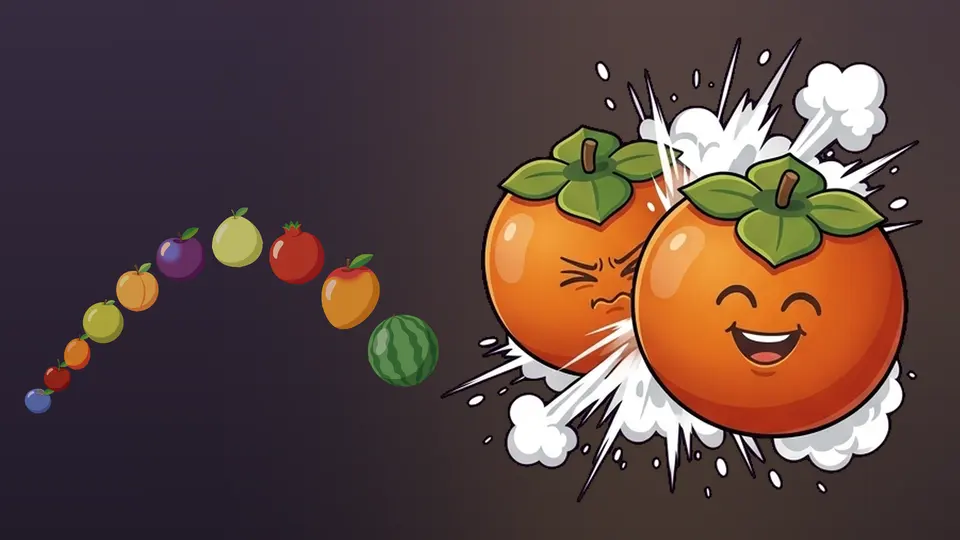
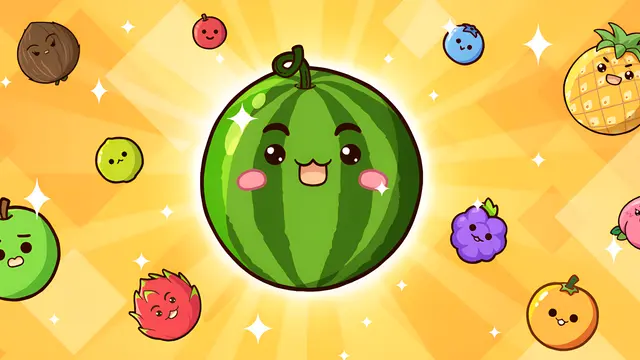
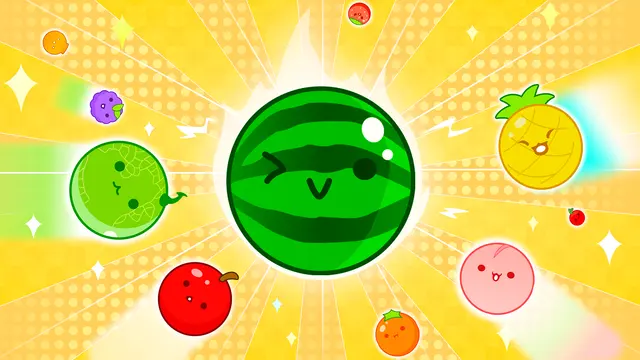
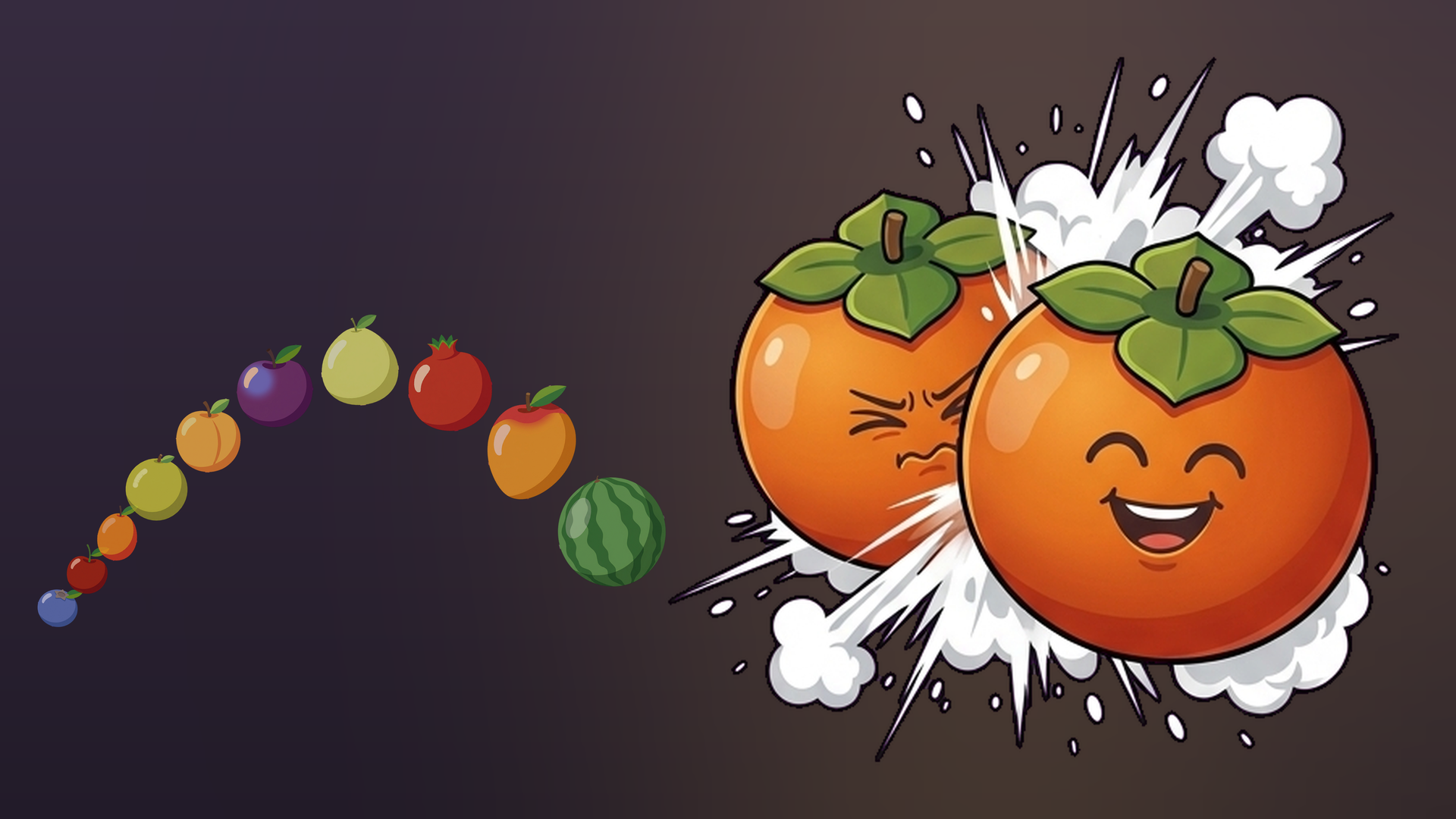
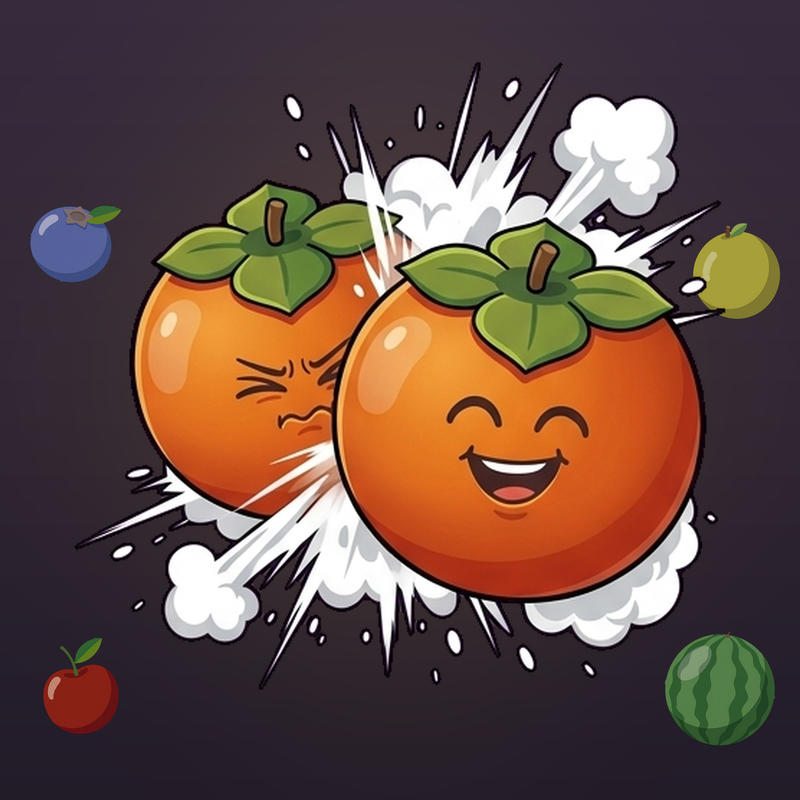
Eleven fruits, from blueberry to watermelon, and every one of them has a face. They blink, squint when something lands on them, beam when they merge, and start to doze off if you leave them alone. The physics is honest: a dropped fruit rolls, shoves its neighbours and can set off a chain of merges worth far more than you planned.
Bring matching pieces together and consider how each combination changes your available space or resources. The instructions explain which items can be combined. The provider describes a ranking or leaderboard feature.
How to play Poofruits: Merge the Fruit
Controls and instructions
Drag your finger or the mouse along the top of the screen and the fruit follows. Let go to drop it into the cup.
Two identical fruits that touch become the next one up: blueberry makes a cherry, cherry makes a kumquat, and so on to the watermelon. Merges chain, so one good drop can clear half the cup.
Swipe down to fling the fruit instead. It drives into a tight pile and opens a way through.
Watch the line near the top. If the fruit stays above it, the run is over. Put the big ones at the bottom and leave the small ones room up top, so they have time to find their pair.
The bomb can be dropped like any fruit, or tapped where it lies to set it off.
Getting started with Poofruits: Merge the Fruit
- Check the matching requirements before combining pieces.
- Read what contributes to the ranking rather than assuming it is based on time.
About this game
- Platform
- Web browser
- Supported devices
- Android, iOS, Desktop
- Screen orientation
- Landscape and Portrait
- Languages
- American English, Russian (Russia), Turkish (Türkiye)
- Genres
- Arcade, Food, Merge, Matching
- In-game purchases
- Available
- Provider
- Playgama
- Provider audience
- Male, Female
Game features and tags
- Fruits
- Casual
- Hyper Casual
- Addictive
- Color Matching
- 1 Player
Poofruits: Merge the Fruit images
Questions about Poofruits: Merge the Fruit
How do I start playing?
Choose Play now in the game window above to load Poofruits: Merge the Fruit through Playgama. Read the controls and instructions above before you start.
Which devices can I play on?
The provider lists support for Android, iOS, Desktop. Play in your web browser using the controls described above.
Which languages does the game support?
American English, Russian (Russia), Turkish (Türkiye).
Does the game have in-game purchases?
The provider lists optional in-game purchases. Any available purchases are handled inside the game. Games may display advertisements.
Related game categories
Game facts and artwork supplied by Playgama. Descriptions adapted and getting-started guidance added by LookBear. Game content, ads and purchases are provided by Playgama and the game provider.