 Steve parkour in mine
Obby: Keyboard Run +1 Speed
Provided by Playgama
Obby: Keyboard Run +1 Speedvia Playgama

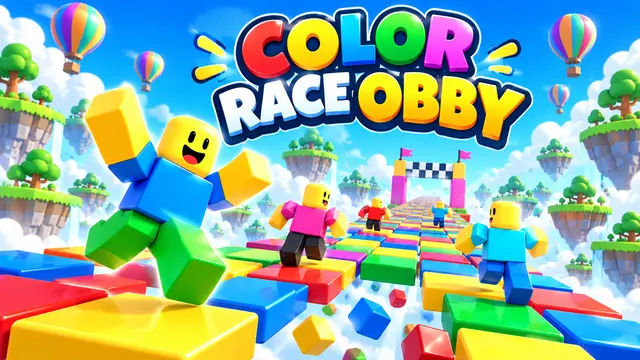
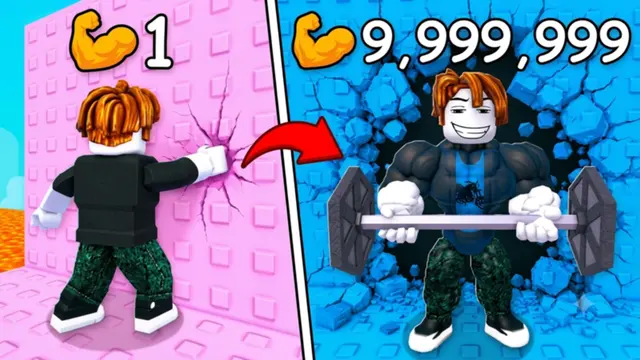 +1 Strength for escape
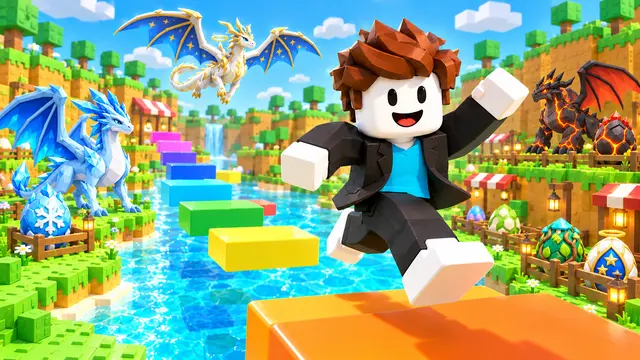 Obby Ultimate Parkour
 Obby: Steal an Egg - The Great Escape
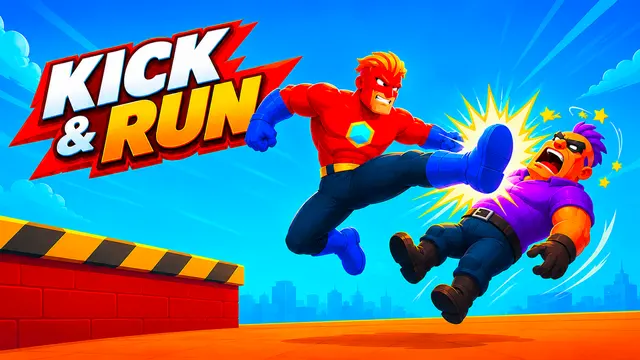 Kick & Run
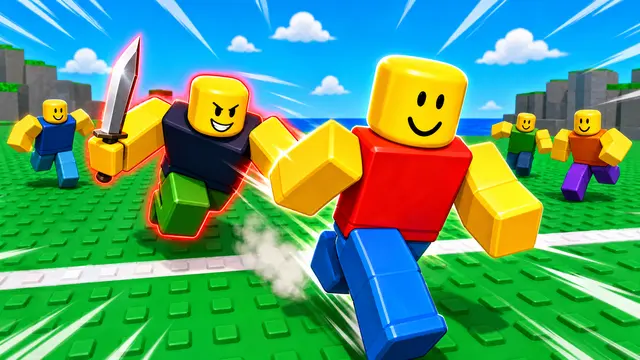 Tag Valley
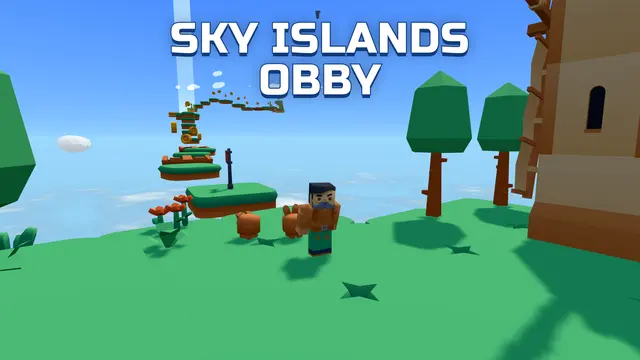 Sky Islands Obby
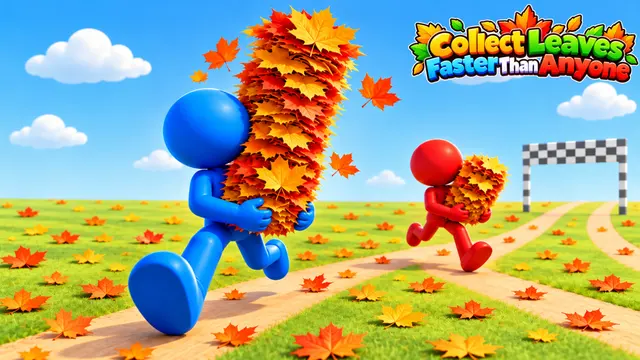 Collect Leaves Faster Than Anyone
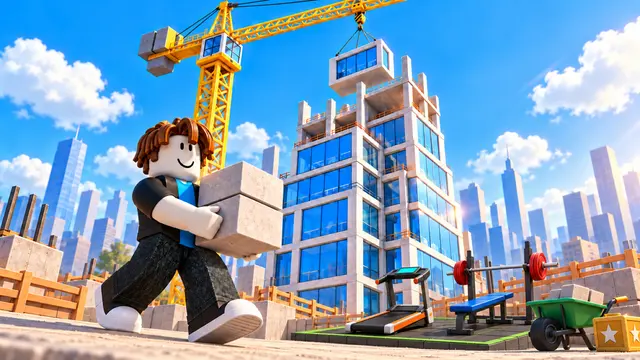 Build a Skyscraper!
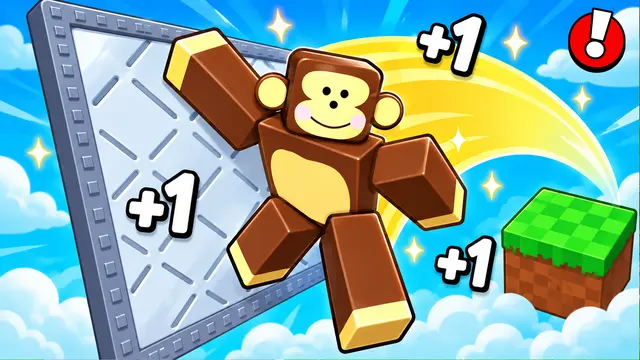 +1 Monkey Escape Speed: Obby Mode
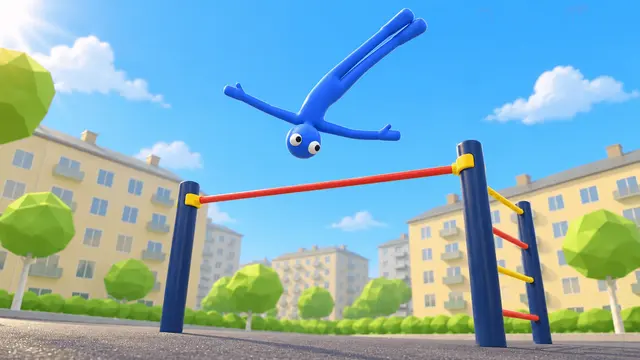 Pull-up Bar Tricks
 Steal an Egg 3D
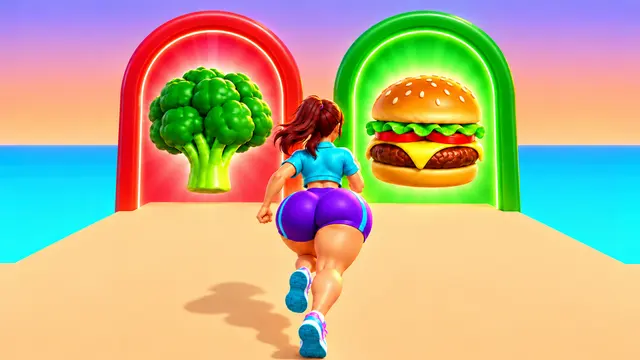 Twerk: Eat & Run
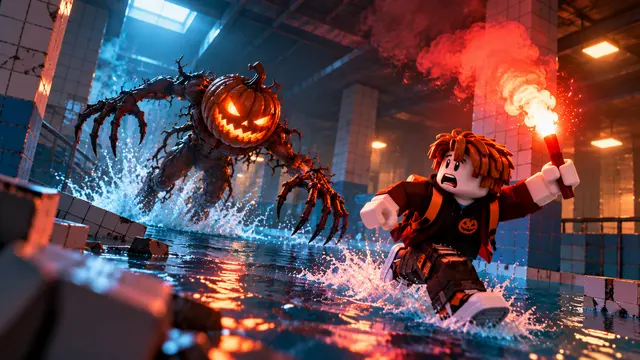 Obby Dont Splash He Knows
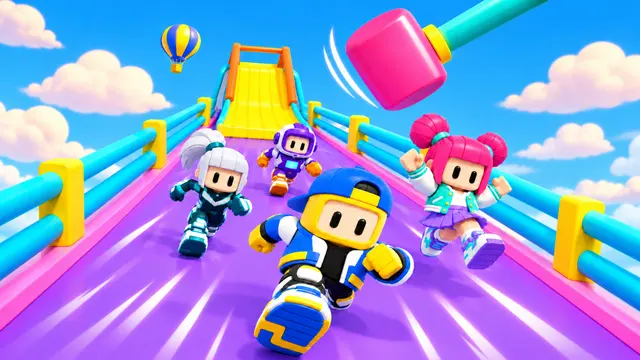 Bonk Royale
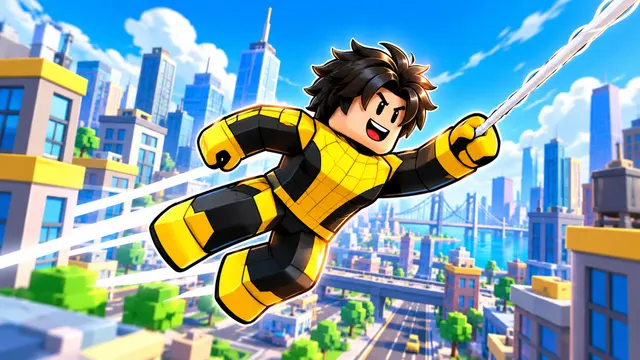 Web Shoot +1
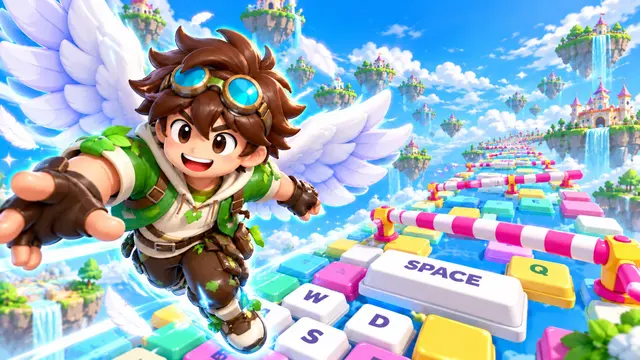 +1 Wings Keyboard Speed
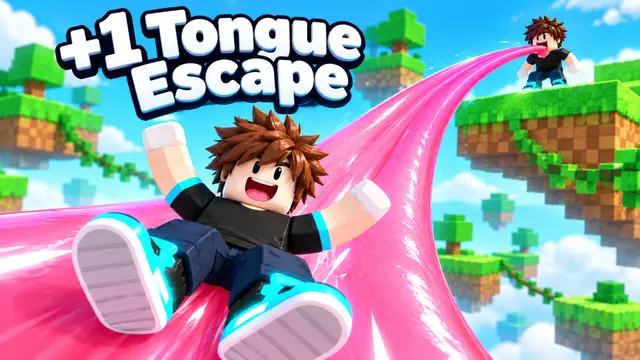 +1 Tongue Escape
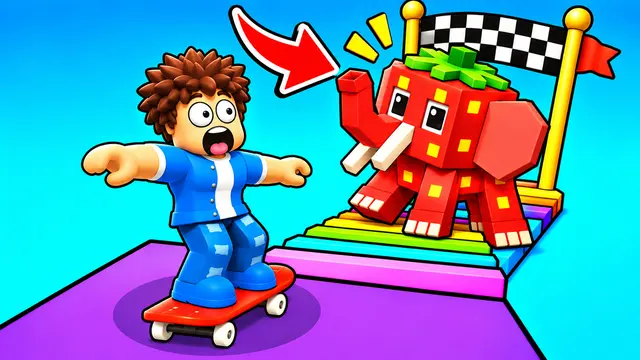 Obby: Skateboard Race
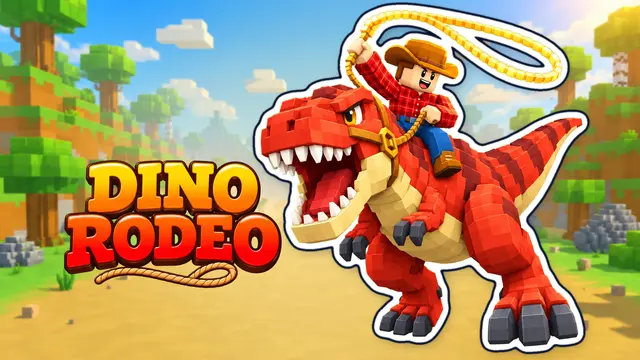 Dino Rodeo 3D
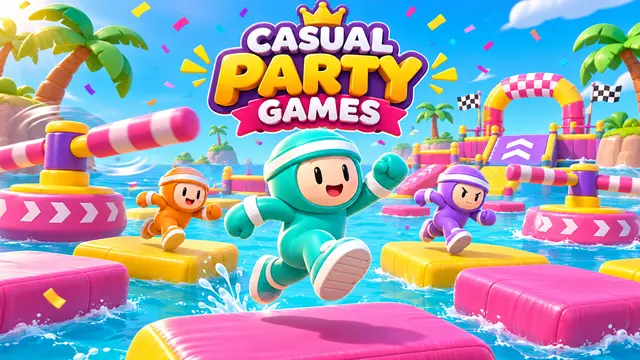 Casual Party Games
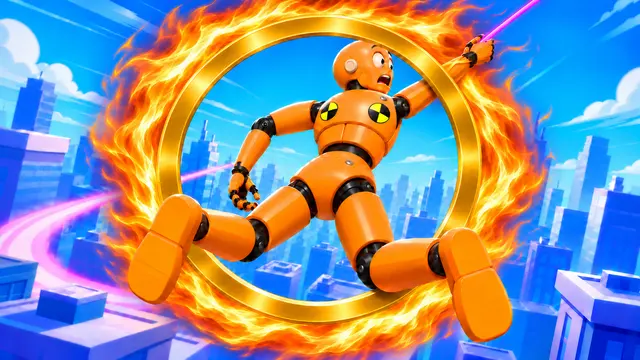 Swing Wild! Web Parkour
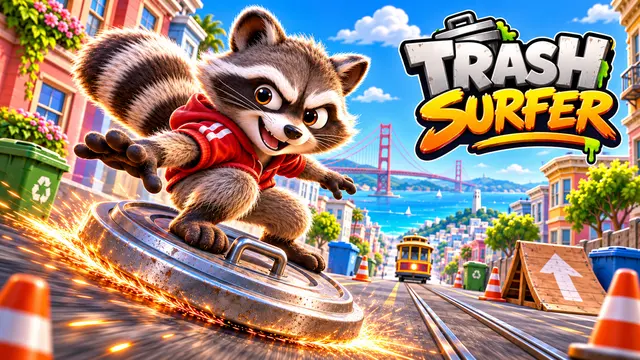 Trash Surfer
 Only Jump RPG
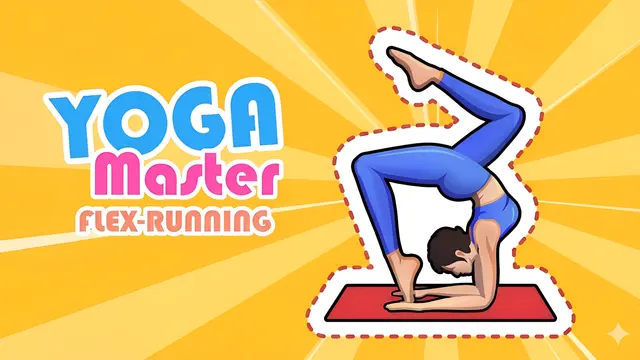 Yoga Master - Flex Running
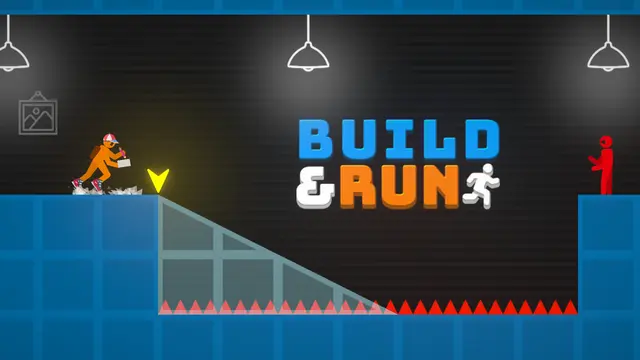 Build And Run
 Geometry Arrow
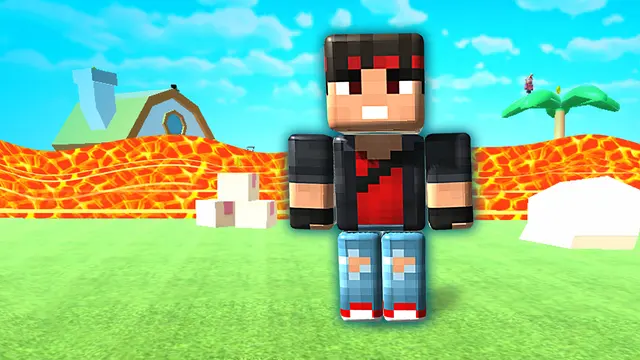 Robby The Lava Tsunami
 Stack Ball 3D
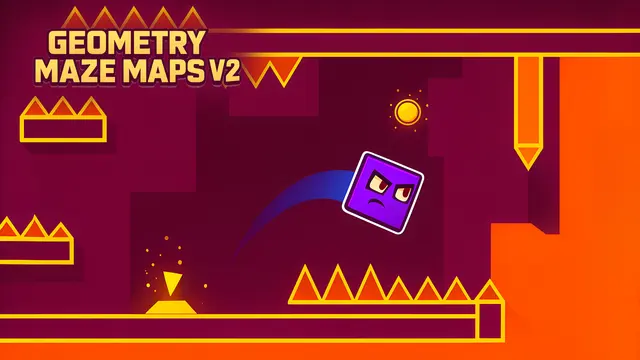 Geometry Maze Maps V2
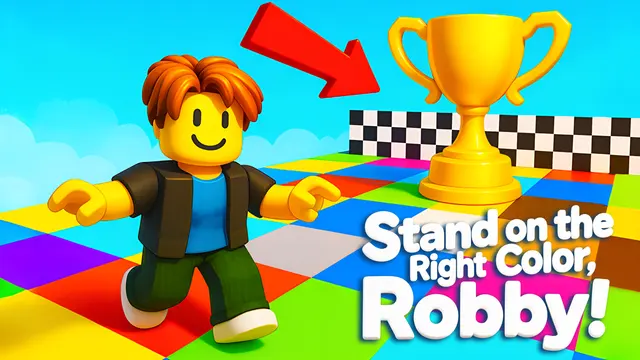 Stand on the Right Color, Robby!
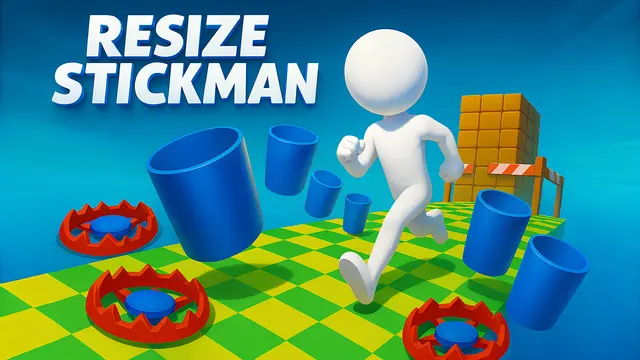 Resize Stickman
 Fristailo Granny!
 Blocks Shooter 3D! Run, Shoot, Merge Weapons!
 +1 Speed per Step | Obby Mode
 Obby Parkour: Sleeping Brainrots
 SKATE: +1 Speed
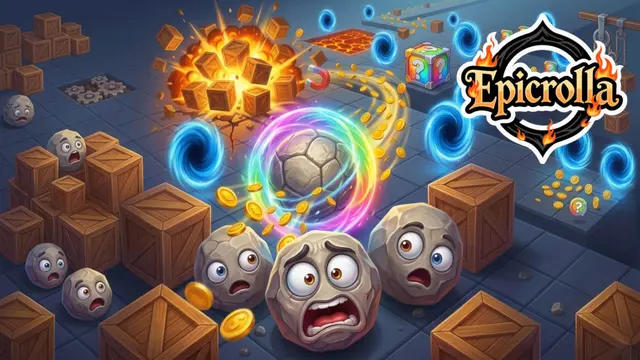 Epicrolla
 SlowMo Sniper
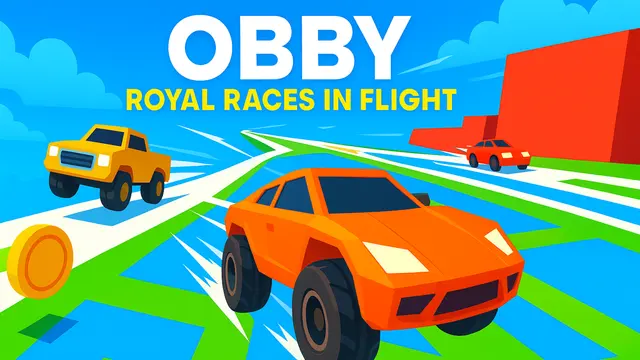 Obby Royal races in flight
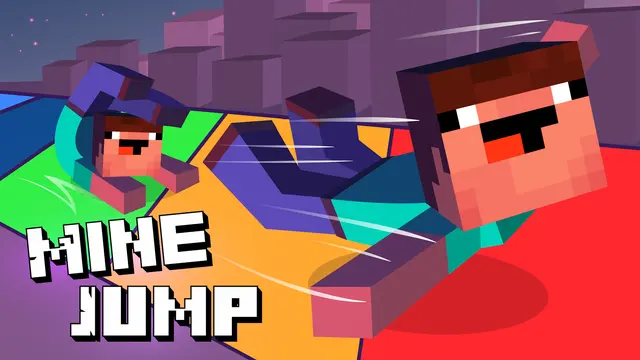 Mine Jump
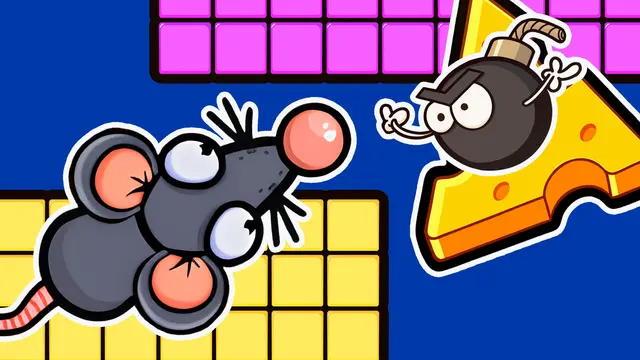 Mouse Survivor
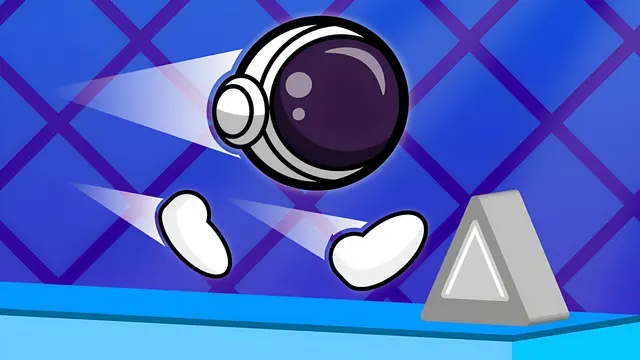 Gravity Speed Run
 Snowball Dash
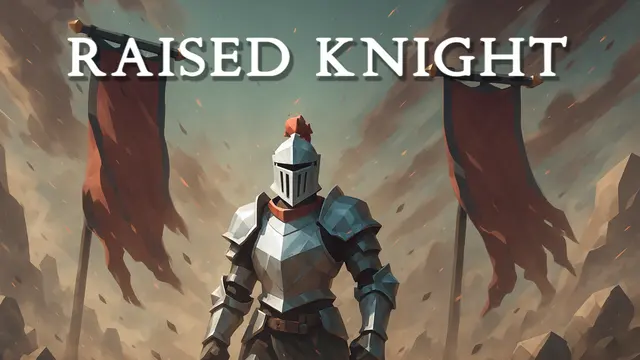 Raised Knight
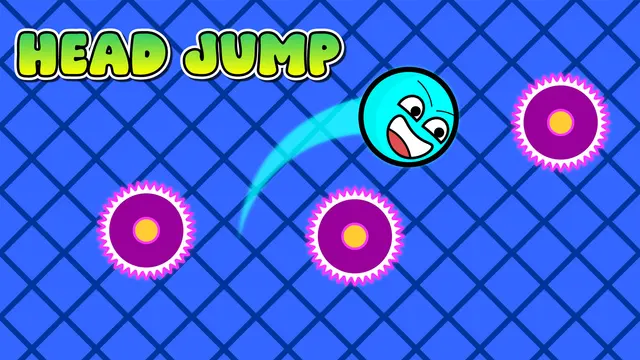 Head Jump
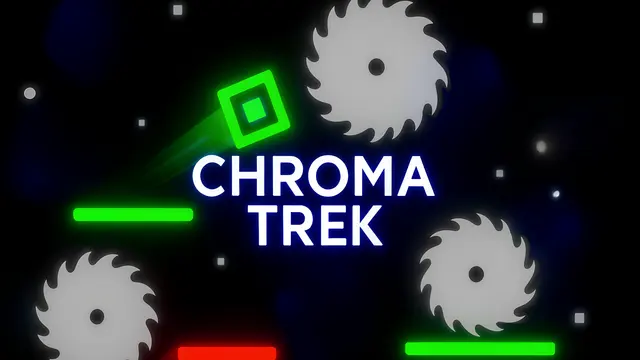 Chroma Trek
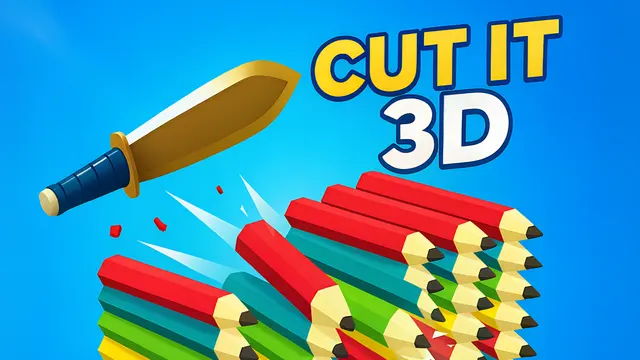 Cut It 3D
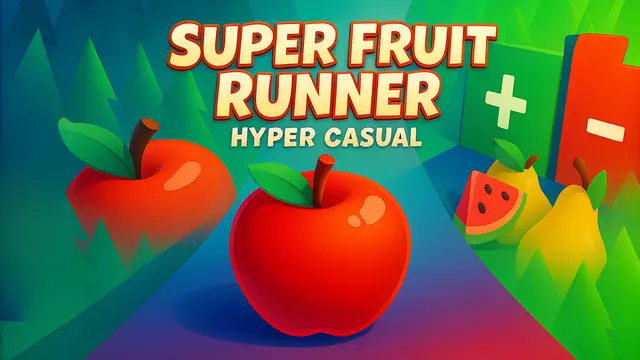 Super Fruit Runner - Hyper Casual
 Cosmic Dash
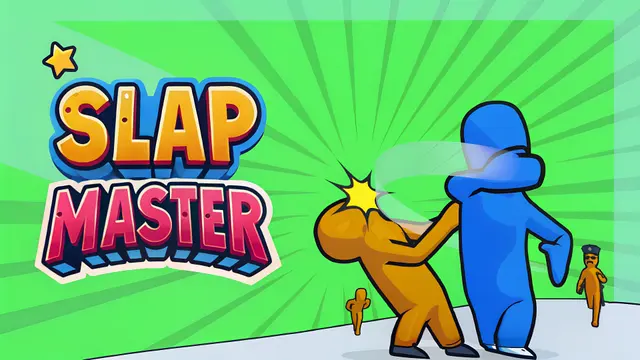 Slap Master
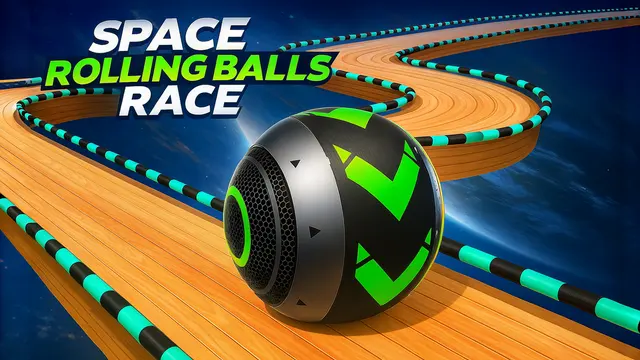 Space Rolling Balls Race
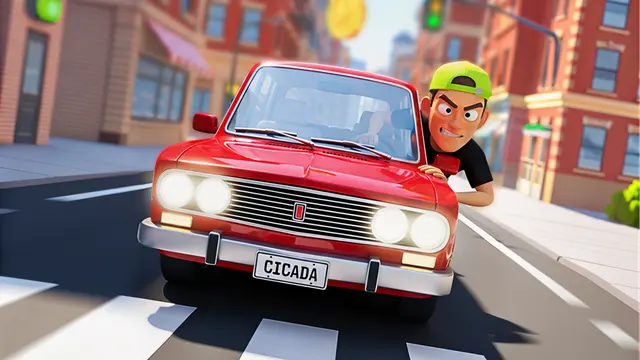 Mini Car Racing Master 3D
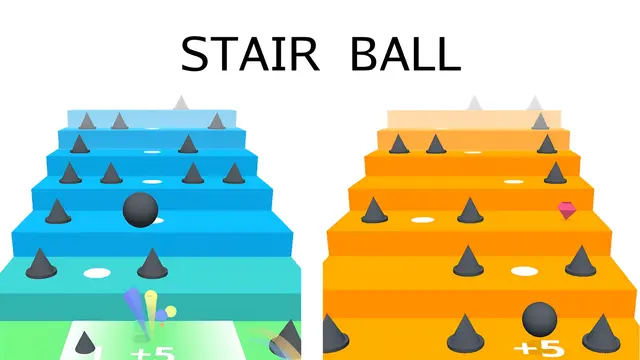 STAIR BALL
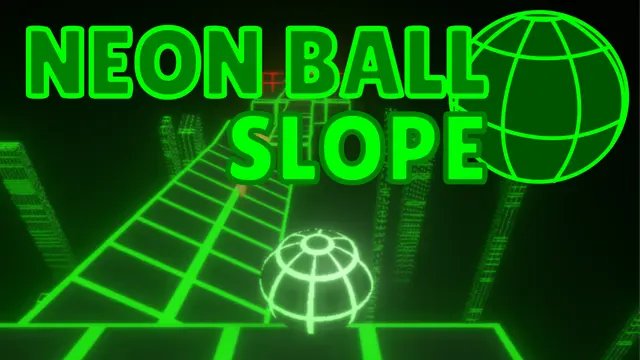 Neon Ball Slope
 Sky Ball - Adventure 3D
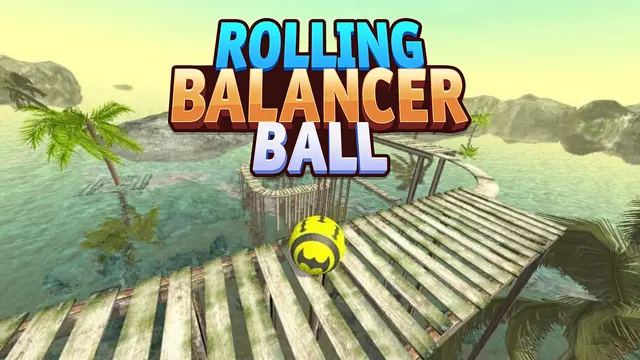 Rolling Balancer Ball
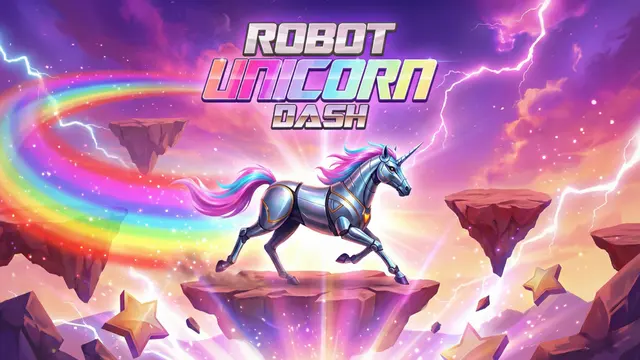 Robot Unicorn Dash
 Escape Tsunami for Brainrots
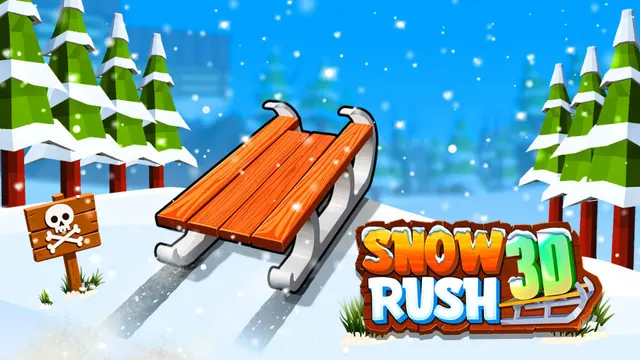 Snow Rush 3D
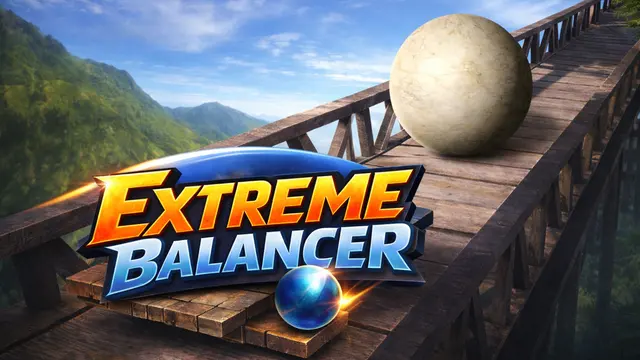 Extreme Balancer
 Parkour World
 Parkour World 2
 Only Up Parkour 2
 Dont Get Crashed by 67
Play Obby: Keyboard Run +1 Speed online
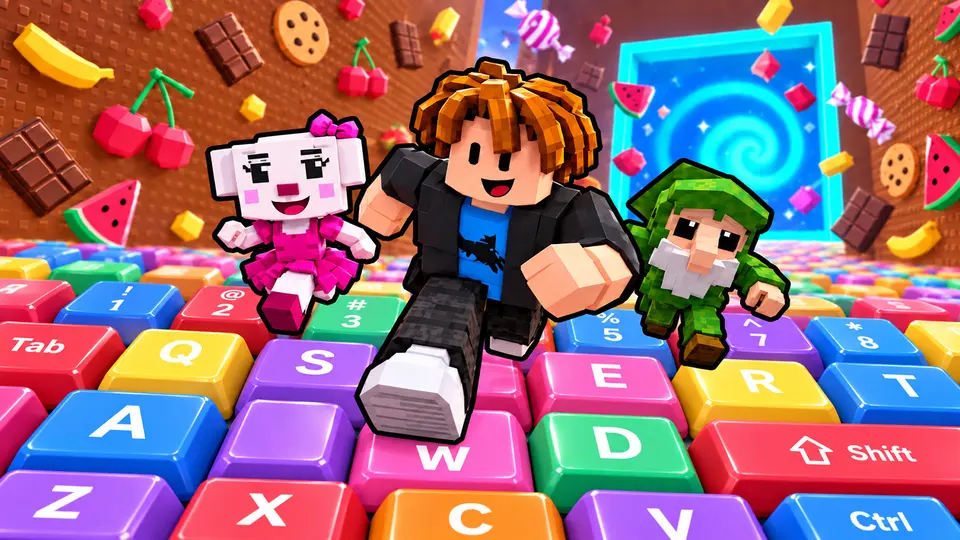
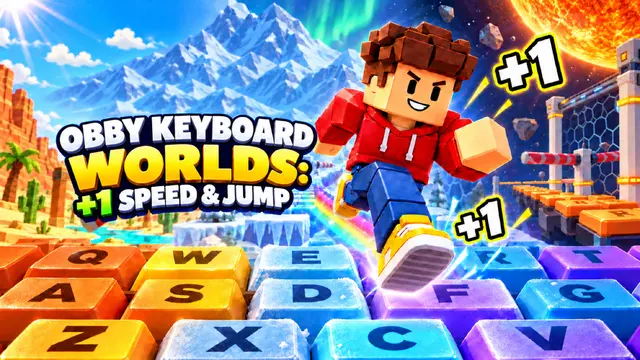
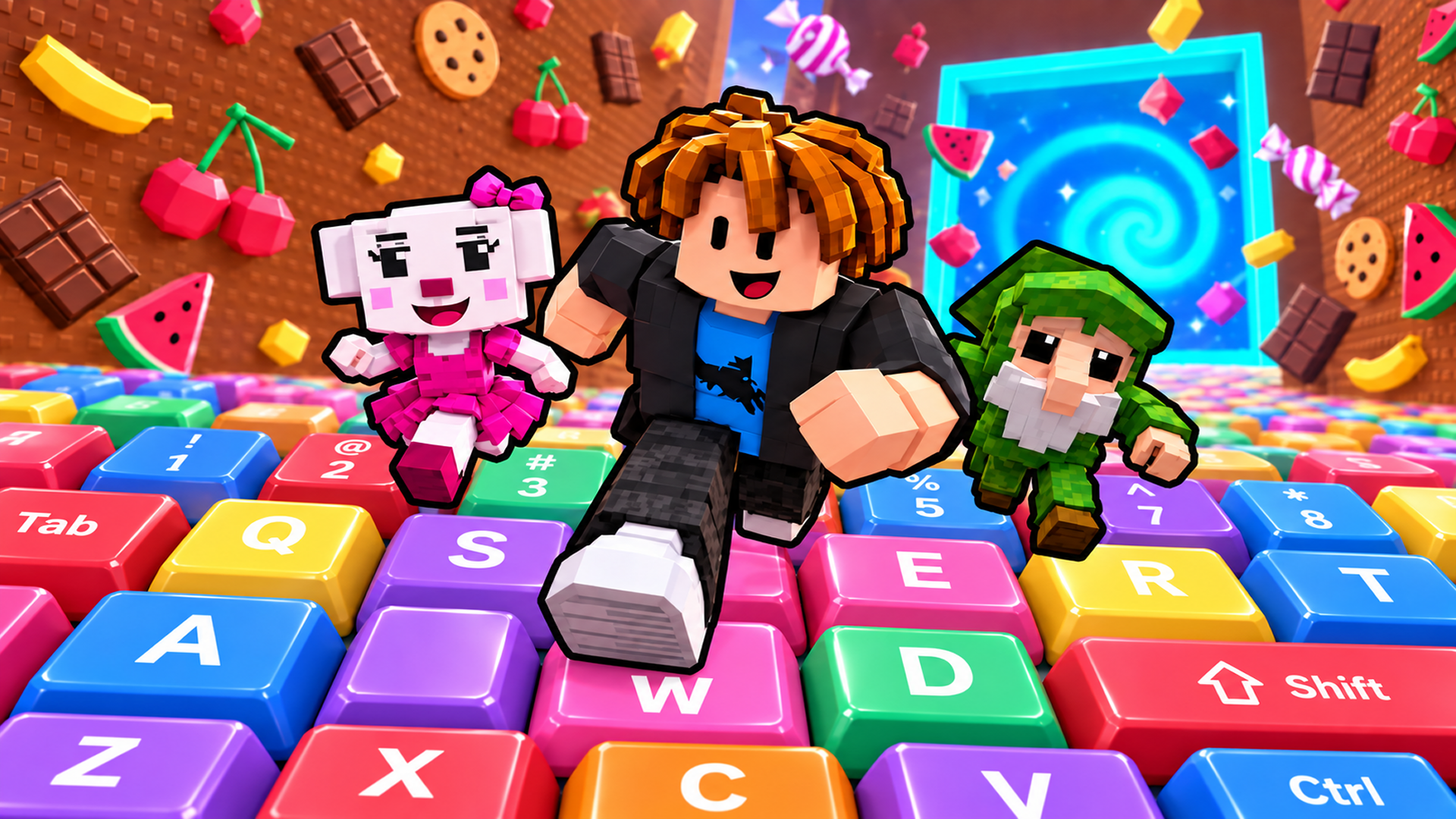
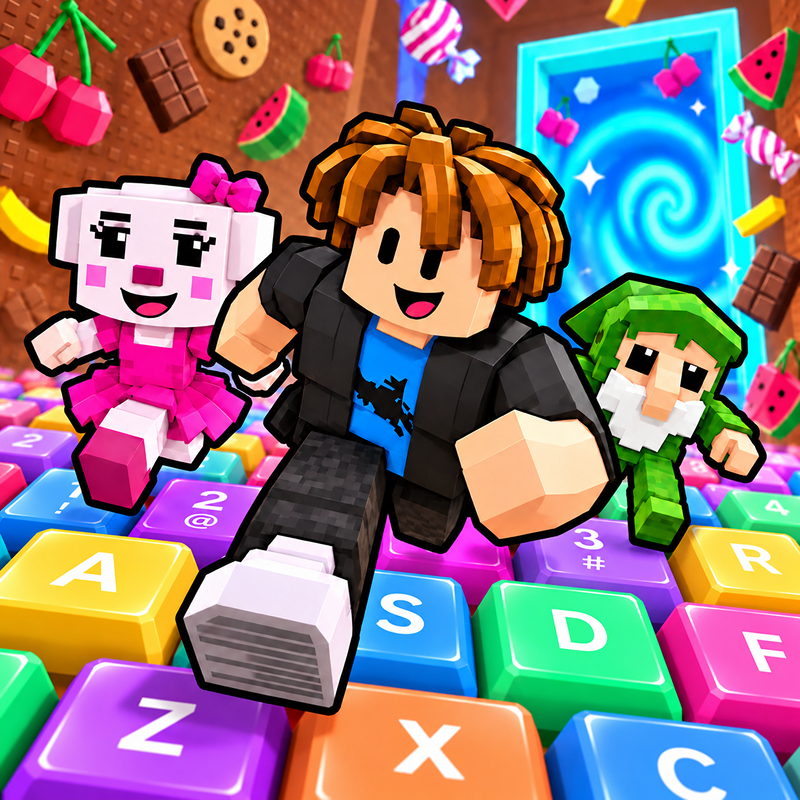
Run and jump across oversized keyboard keys in a 3D obby. Build up speed with every step, tackle obstacle courses, collect wins and unlock character upgrades. Explore both worlds at your own pace, with optional ad rewards and saved progress.
Work through an obstacle course by reading the route and controlling your movement. Check the available movement actions before taking on the next section. The instructions describe joystick input. The listed controls include WASD input.
How to play Obby: Keyboard Run +1 Speed
Controls and instructions
Move with WASD, jump with Space, and hold the right mouse button to look around. On mobile, use the joystick, drag to look, and tap Jump. Reach the trophy at the end of a course, collect wins, and use upgrades to progress further.
Getting started with Obby: Keyboard Run +1 Speed
- Look at the next landing area before committing to a jump.
- Start with a short joystick movement to judge how the character responds.
- Check the action mappings as well as movement; extra actions may use different keys.
About this game
- Platform
- Web browser
- Supported devices
- Android, iOS, Desktop
- Screen orientation
- Landscape and Portrait
- Languages
- American English, Russian (Russia)
- Genres
- Arcade, Skill, 3d, Running, Obby, Parkour
- In-game purchases
- None listed by the provider
- Provider
- Playgama
- Provider audience
- Male, Female
Game features and tags
- Customization
- Casual
- Obstacles
- Jumping
- Speed
- Webgl
- Collecting
- 1 Player
- Parkour Minecraft
- Action Adventure
- 67 Obby
Obby: Keyboard Run +1 Speed images
Questions about Obby: Keyboard Run +1 Speed
How do I start playing?
Choose Play now in the game window above to load Obby: Keyboard Run +1 Speed through Playgama. Read the controls and instructions above before you start.
Which devices can I play on?
The provider lists support for Android, iOS, Desktop. Play in your web browser using the controls described above.
Which languages does the game support?
American English, Russian (Russia).
Does the game have in-game purchases?
The provider lists no in-game purchases for this game. Games may display advertisements.
Related game categories
Game facts and artwork supplied by Playgama. Descriptions adapted and getting-started guidance added by LookBear. Game content, ads and purchases are provided by Playgama and the game provider.