 Web Swing Obby: Aqualand
Obby Up: Parkour Run
Provided by Playgama
Obby Up: Parkour Runvia Playgama

 Obby: +1 Jump with Brainrot
 Mini Car: Room Parkour
 VOID ROLLER
 Collect Brainrots on a Skateboard Online
 Steal a Pet!
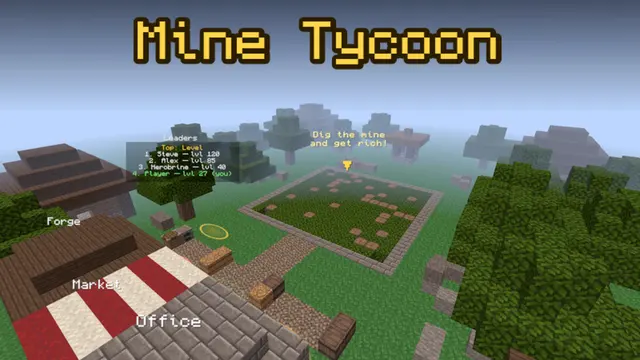 Mine Tycoon
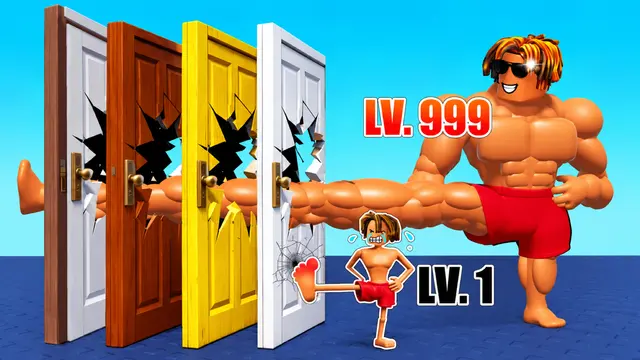 Obby: +1 Click Wall Breaker
 Happy Unicorn: Magic Leaps
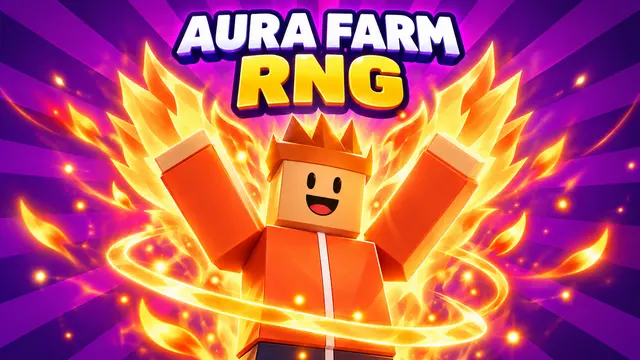 Aura Farm: RNG
 Obby: Steal an Egg - The Great Escape
 Smash and Steal an Egg!
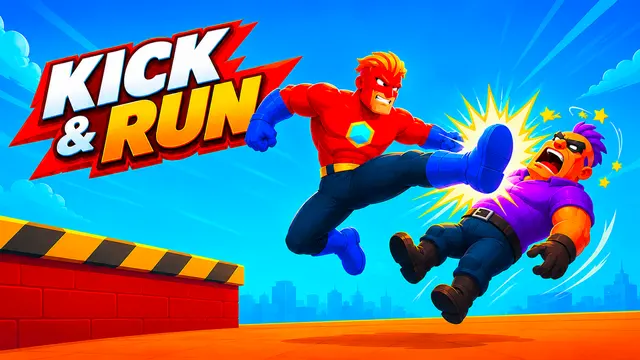 Kick & Run
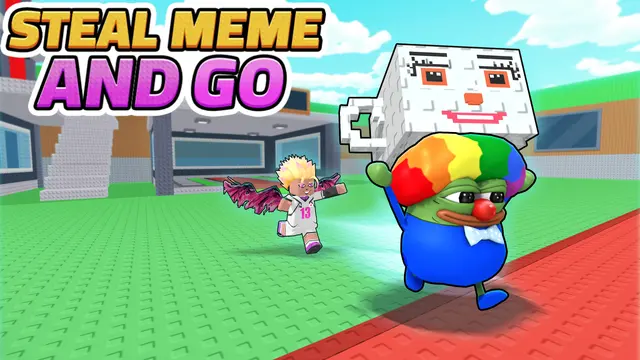 Steal Meme And Go
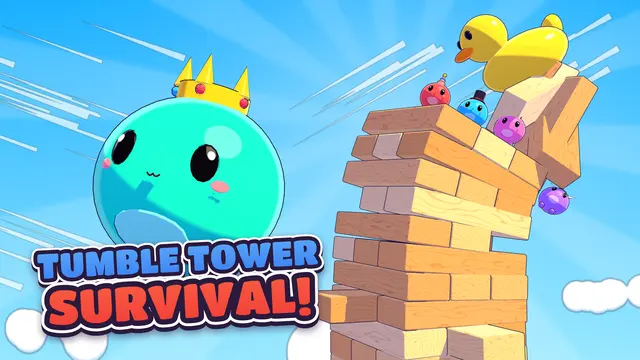 Tumble Tower Survival
 Steal an Egg 3D
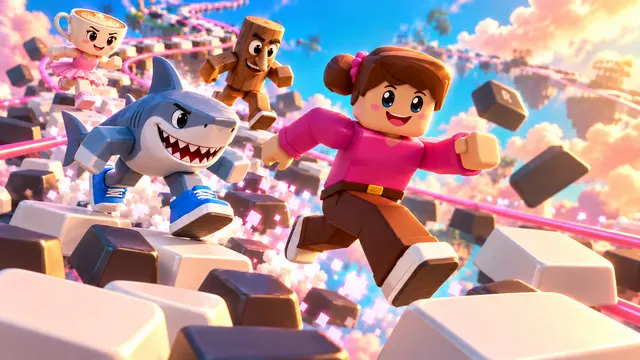 Keyboard Escape Classic
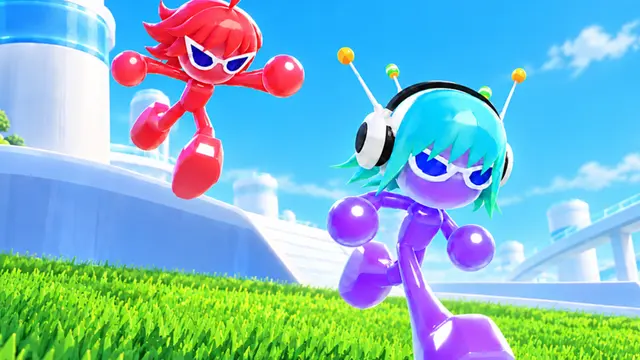 Frutiger Friends IO
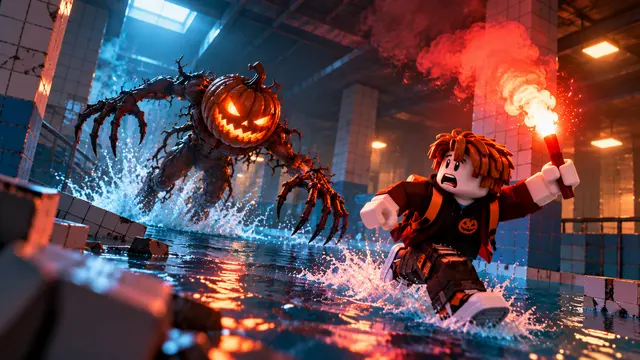 Obby Dont Splash He Knows
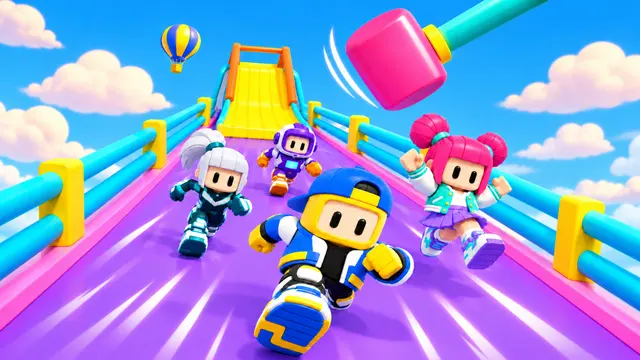 Bonk Royale
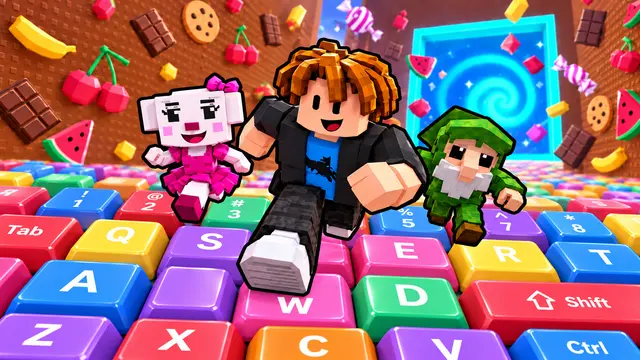 Obby: Keyboard Run +1 Speed
 Nest Heist
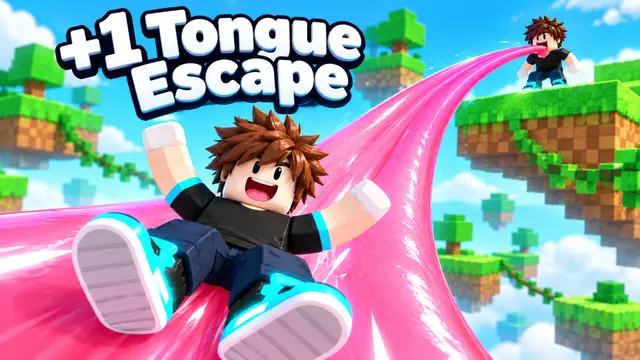 +1 Tongue Escape
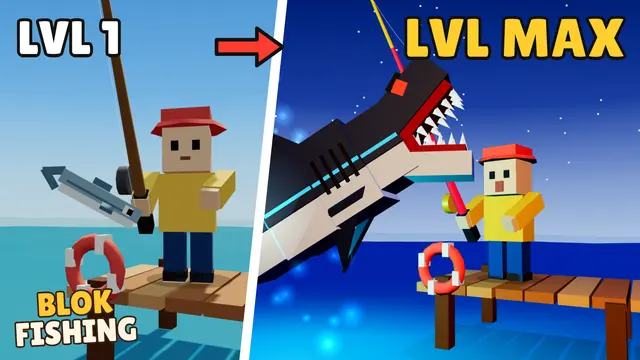 Blok Fishing
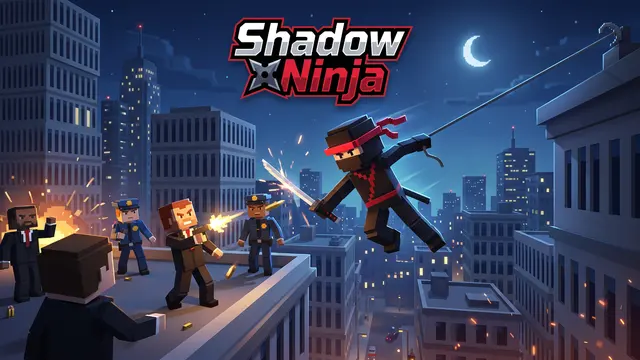 Shadow Ninja
 Break the Egg and Run away!
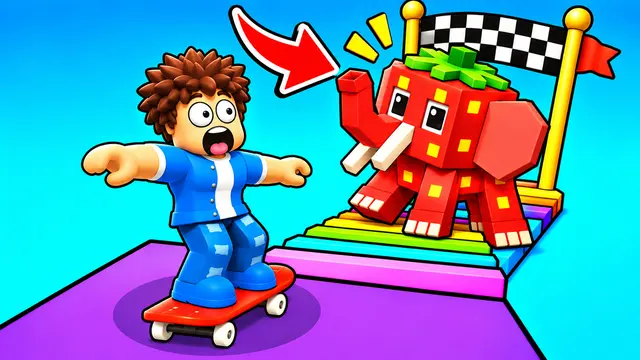 Obby: Skateboard Race
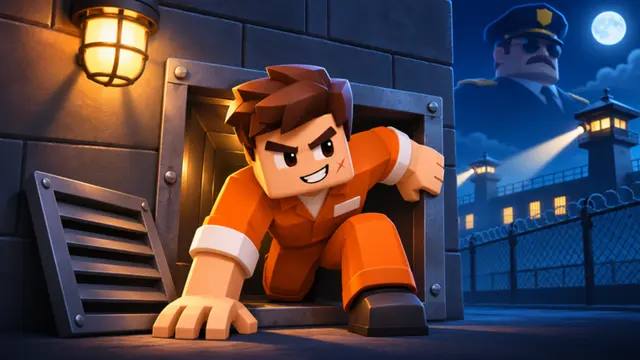 Prision Espace Parkour Master
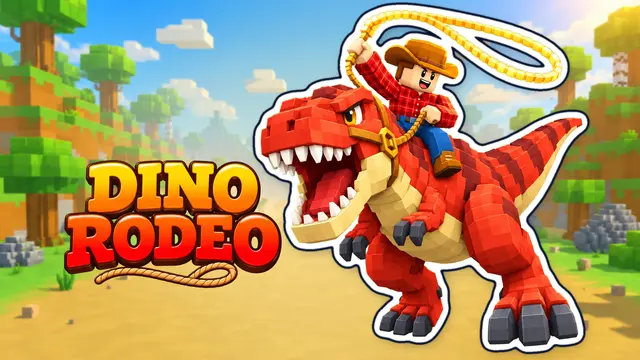 Dino Rodeo 3D
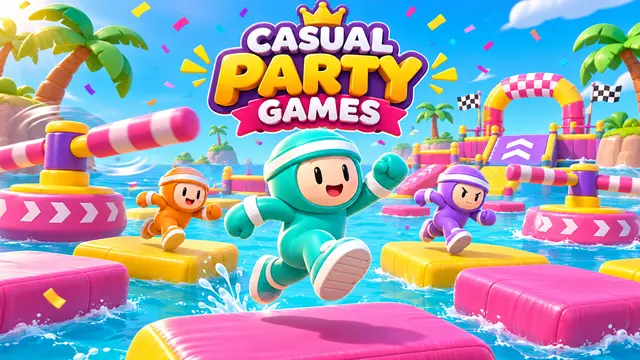 Casual Party Games
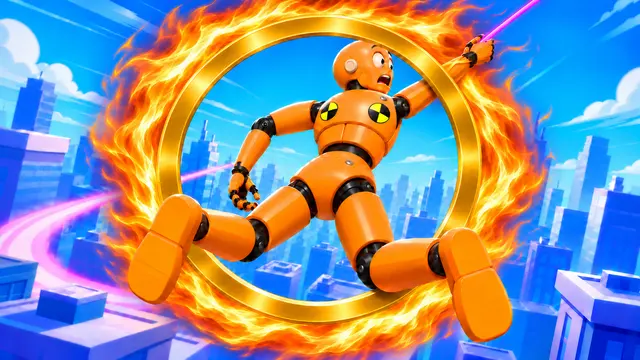 Swing Wild! Web Parkour
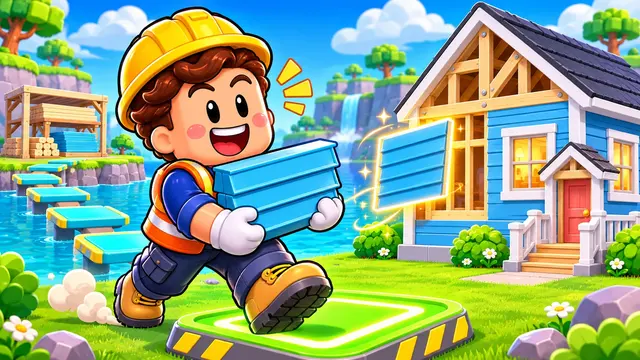 Obby Build Empire
 Rolling In Gears
 Rooftop Run
 Obby: +1 Jump per Click
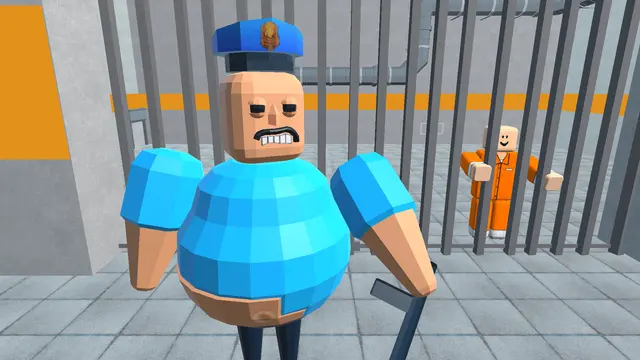 Barry Prison: Parkour Escape!
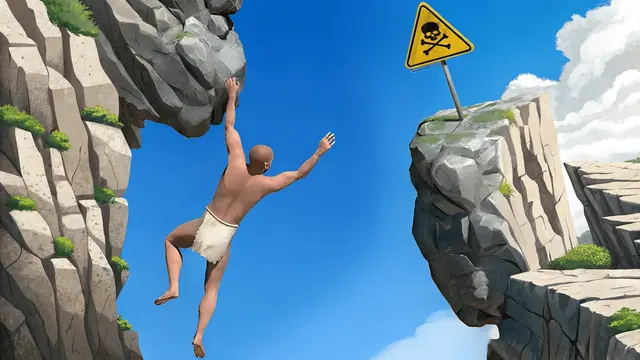 Climb Up!
 Your Obby Labyrinth
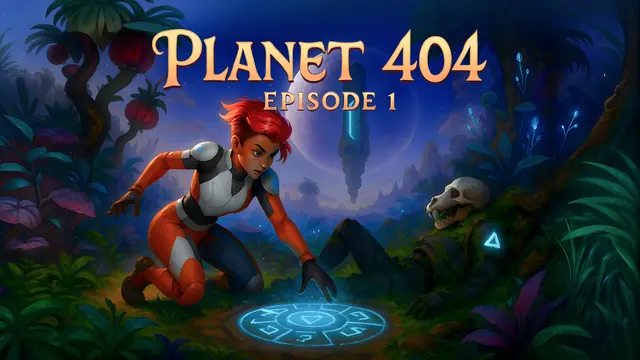 Planet 404. Episode 1
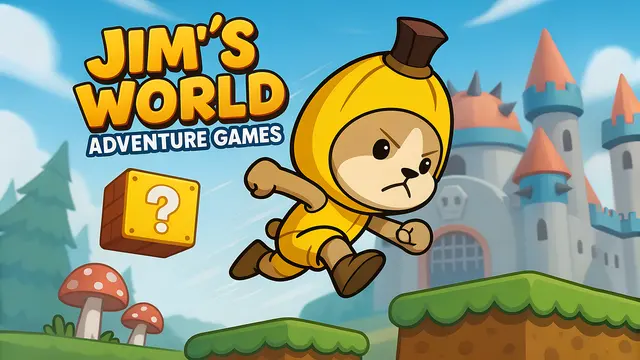 Jim's World: Adventure Games
 Catoom! - Bomb Barrel
 Blocks Shooter 3D! Run, Shoot, Merge Weapons!
 Get Tall And Fall (Online)
 Escape School Duel
 Find The Pets
 Obby Parkour: Sleeping Brainrots
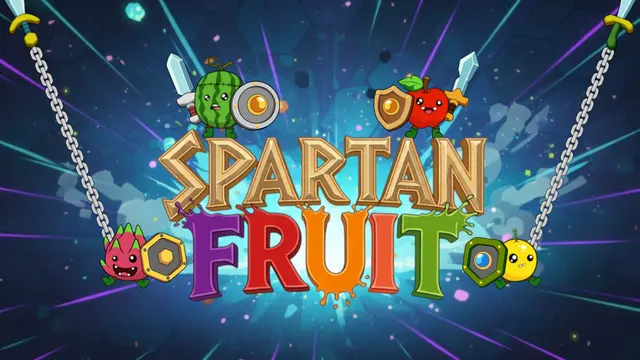 Spartan fruits
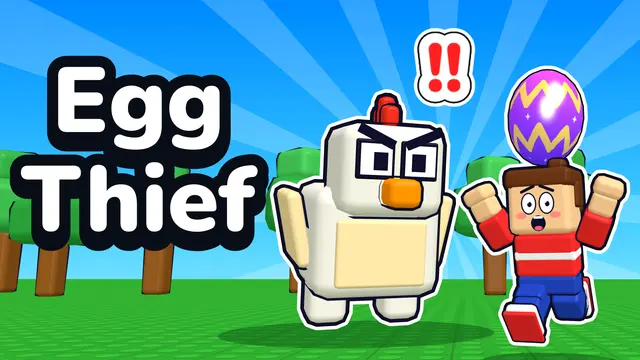 Egg Thief
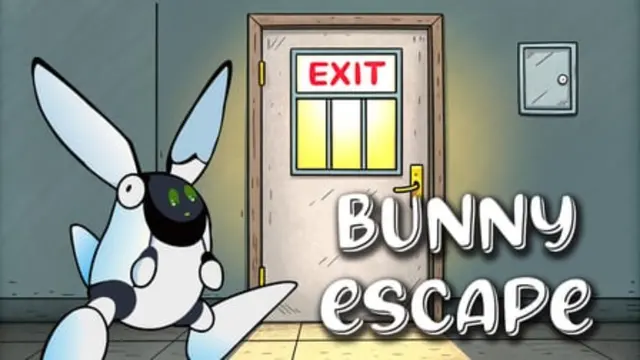 Bunny Escape
 Obby Royal races in flight
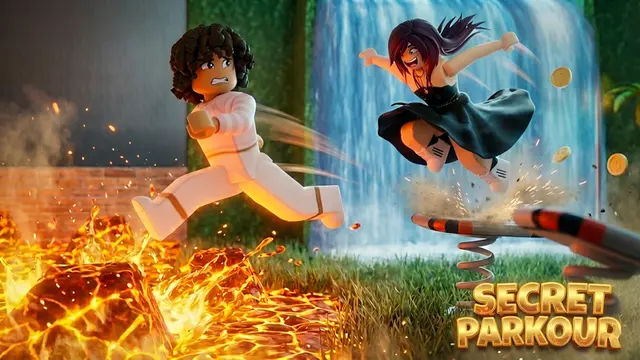 Secret Parkour
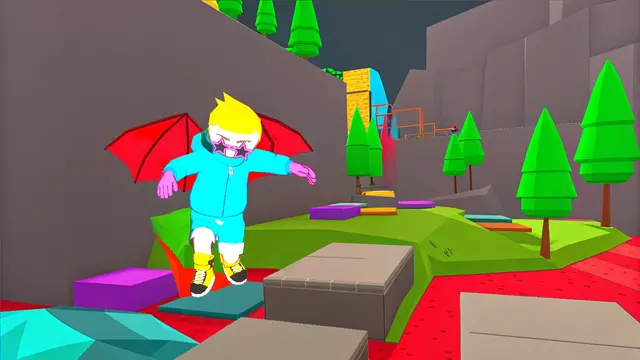 Ultimate Obby Parkour Adventure Online
 Neko's Adventure
 Hop To Rescue
 Stickman Jump
 Extreme Balancer
 Bottle Bottle
 Bottle Flip
 Obby: Survival Island
 Egging On
 Rough Ball
 Cut In Half
 Rolling Balls Sea Race
 Spaceball Jump
 Robby Superhero Obby
Play Obby Up: Parkour Run online
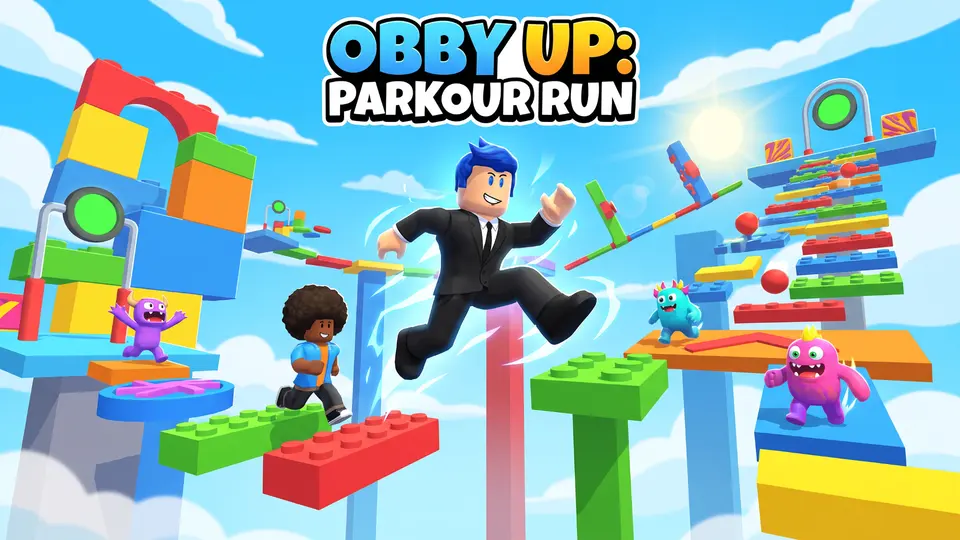
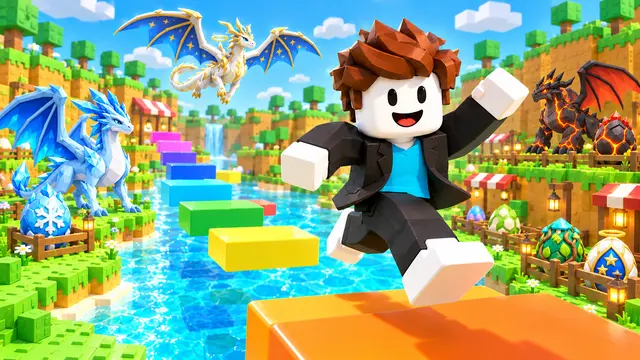
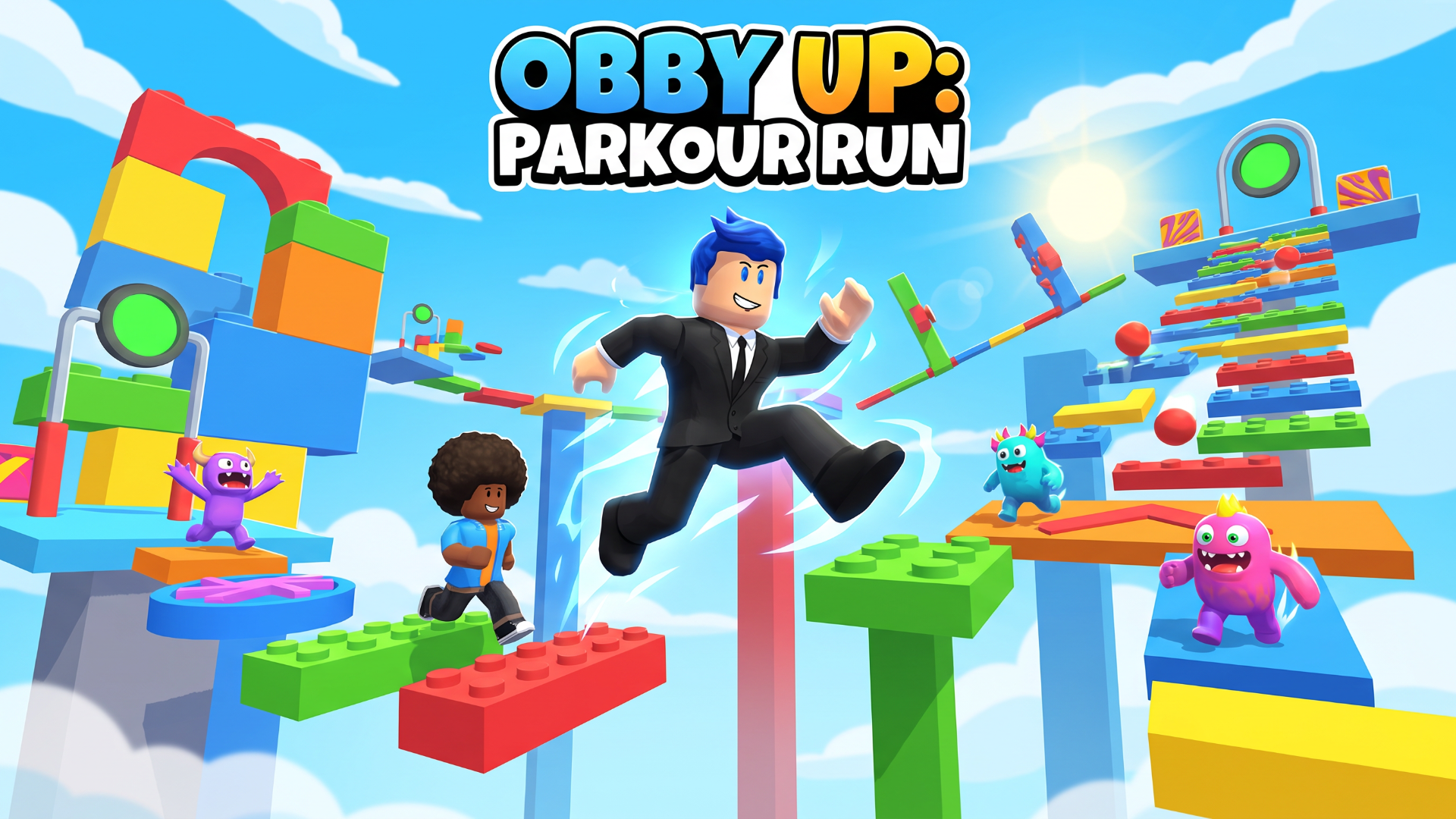
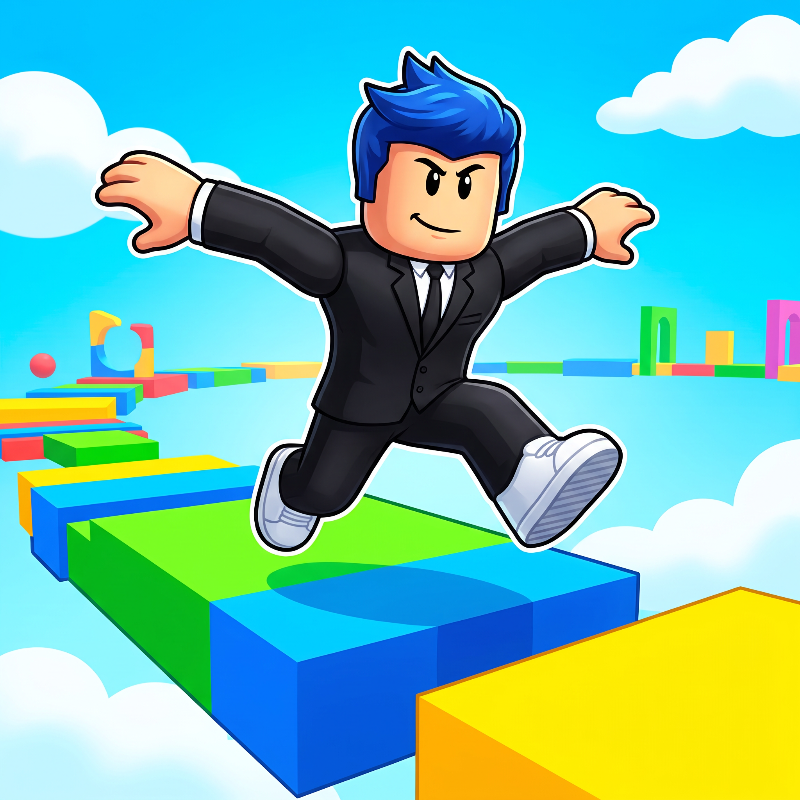
Obby Up: Parkour Run is a colorful 3D platform adventure with a size-changing twist. Run and jump through a towering obstacle course, shrink to squeeze through tight spaces, and grow to tackle bigger obstacles. Reach checkpoints, collect coins, discover side challenges, and customize your runner with outfits and pets.
Navigate the platforms and obstacles using the movement controls provided. Learn how movement and jumping work together before attempting a difficult gap. Traps are among the hazards described in the game. Coins appear in the game’s progression or objectives.
How to play Obby Up: Parkour Run
Controls and instructions
Reach the top of the obstacle course by crossing platforms and avoiding traps. Activate checkpoints to save your progress, and use the size slider to shrink or grow when the route demands it. Collect coins along the way and explore side challenges. If you fall, return to a checkpoint and try again. Optional rewarded videos can unlock extra boosters, pets, and outfits.
Desktop controls
WASD or arrow keys: move.
Space: jump; press again in the air when double jump is available.
Click and drag the camera area: look around.
Drag the size slider: shrink or grow.
E or the on-screen hammer button: strike when the hammer is equipped.
Escape: pause or resume.
Activate boosters and open settings using on-screen buttons.
Mobile controls
Drag the left joystick to move.
Swipe the camera area to look around.
Tap the jump or hammer button for the current action.
Drag the size slider to shrink or grow.
Control music and sound effects using settings button.
Play in landscape orientation. Purchases are optional and are offered only when the platform supports them.
Getting started with Obby Up: Parkour Run
- Test a short movement or jump first, then judge the next obstacle.
- Look at a trap’s position before approaching it.
- Check what the game lets you do with coins before spending them.
About this game
- Platform
- Web browser
- Supported devices
- Android, iOS, Desktop
- Screen orientation
- Landscape and Portrait
- Languages
- American English
- Genres
- Arcade, Adventure, 3d, Platform, Obby, Physics, Parkour
- In-game purchases
- Available
- Provider
- Playgama
- Provider audience
- Male, Female
Game features and tags
- Reaction
- Customization
- Dash
- Pet
- Obstacles
- Jumping
- Collecting
- Desktop
- 1 Player
- Parkour Minecraft
- Action Adventure
Obby Up: Parkour Run images
Questions about Obby Up: Parkour Run
How do I start playing?
Choose Play now in the game window above to load Obby Up: Parkour Run through Playgama. Read the controls and instructions above before you start.
Which devices can I play on?
The provider lists support for Android, iOS, Desktop. Play in your web browser using the controls described above.
Which languages does the game support?
American English.
Does the game have in-game purchases?
The provider lists optional in-game purchases. Any available purchases are handled inside the game. Games may display advertisements.
Related game categories
Game facts and artwork supplied by Playgama. Descriptions adapted and getting-started guidance added by LookBear. Game content, ads and purchases are provided by Playgama and the game provider.