 TANKNAROK
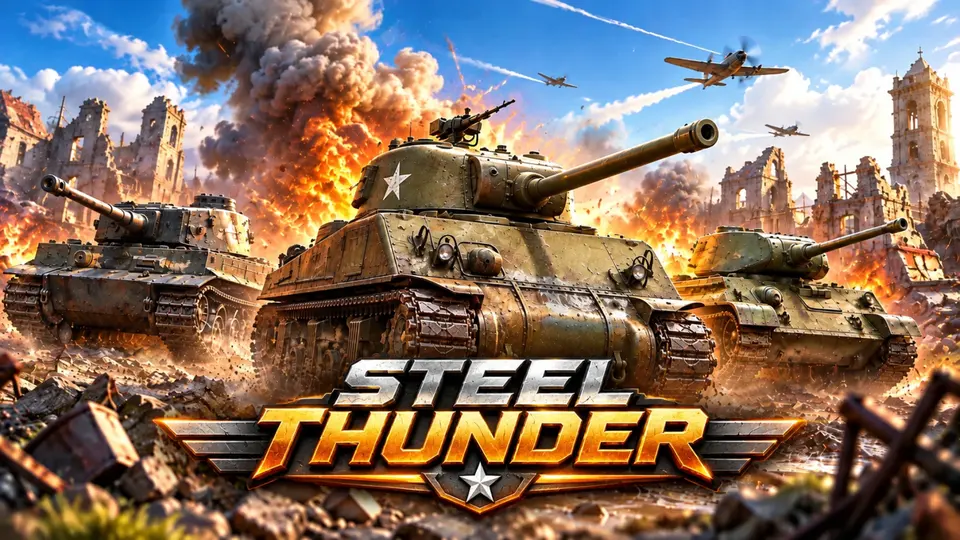
Steel Thunder
Provided by Playgama

Steel Thundervia Playgama


 Dark City. Multiplayer
 Revoxel 3D - Voxel RPG Shooter
 Dead Land: Survival
 Online Car Destruction Simulator 3D
 Agent Sniper City
 Stalker 2033: The Path of the Survivor
 War V: Path of the Survivor!
 Car Destruction King
 Echolocation Shooter
 Blocks Shooter 3D! Run, Shoot, Merge Weapons!
 Red & Blue: Online. Build! Destroy! Fight!
 Party Games Mini Shooter Battle
 SlowMo Sniper
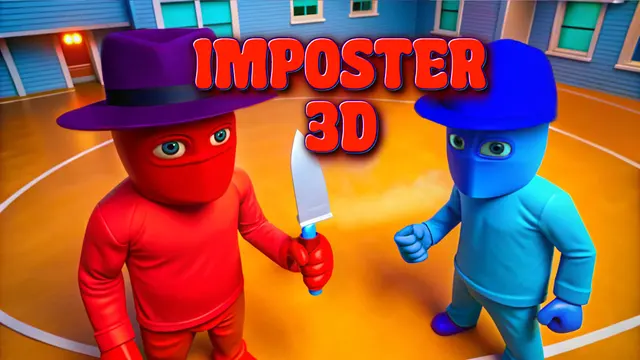 Imposter 3D
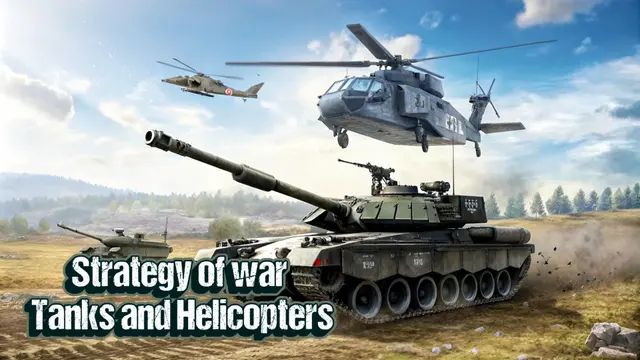 Strategy of war: Tanks and helicopters
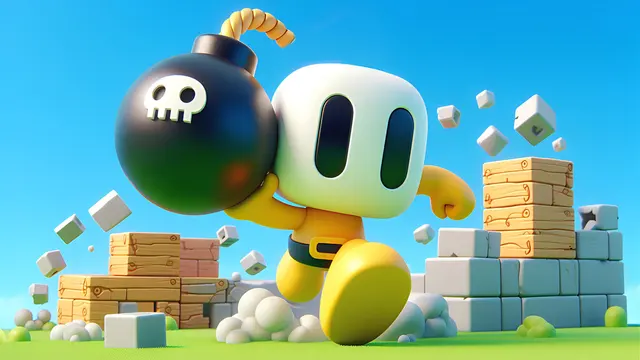 BOMBAMAN 3D
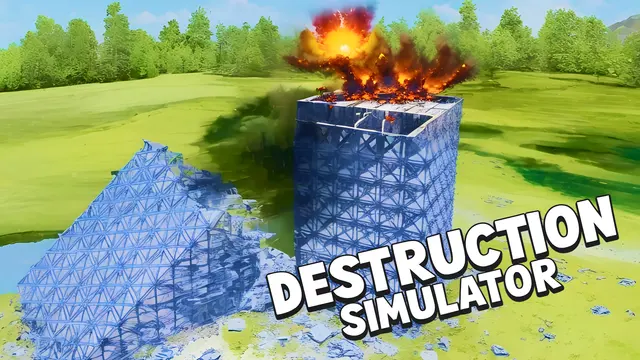 Destruction Simulator
 Air Warfare
 EdgeFire
 Strike Force: Action Platformer
 Shoot & Sprint: Warfare
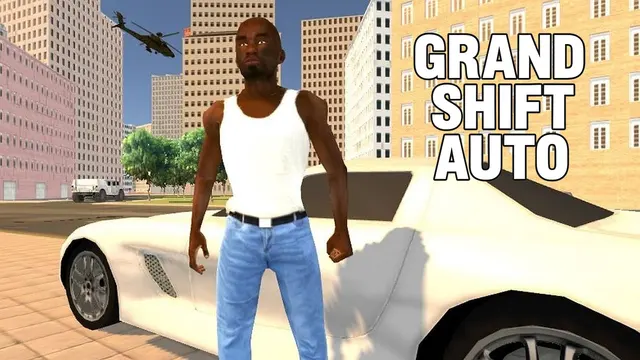 Grand Shift Auto
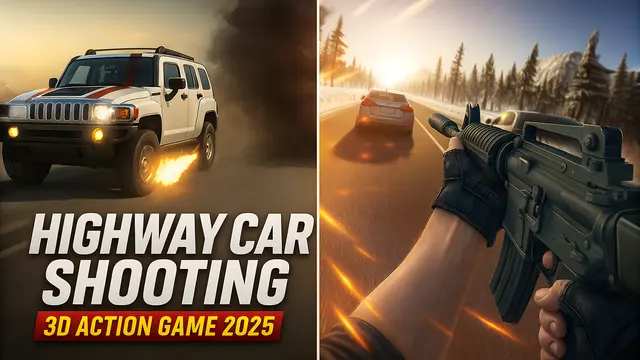 Highway Car Shooting 3D Action Game 2025
 Gravity Shift Sky Racers GT
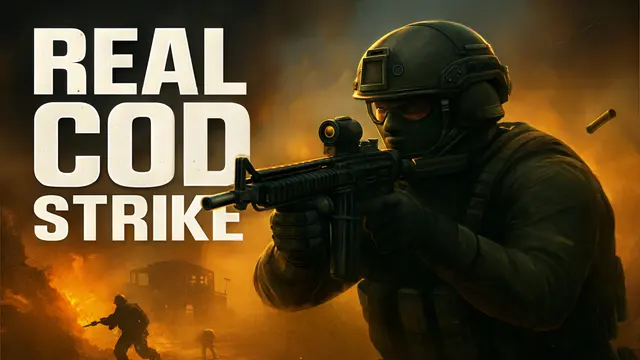 Real COD Strike
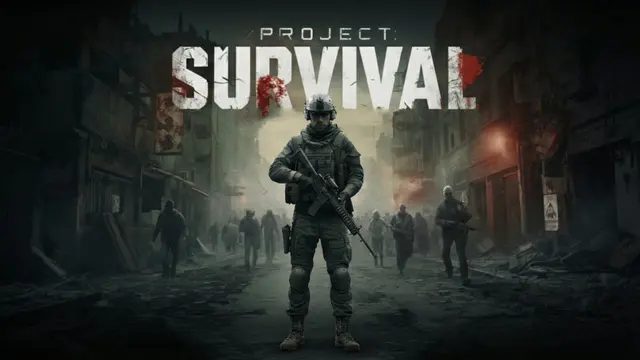 Project: Survival
 Shot a Brainrot!
 SquadZ
 Sniper Attack2
 Crime and Vice City Police
 Far Island: Tactical Warfare
 Madness Online
 Big Boom! Building Smash!
 Skebob Gun
 Space Craft: Ship War
 Soda Sandbox
 Elska - dog vs zombies! Multiplayer co-op
 Drive & Crash Sandbox
 Stickman Gun Rush
 Quick Draw Cowboys
 Obby: Battle Arena
 Smash and Break
 Guardians of Tower
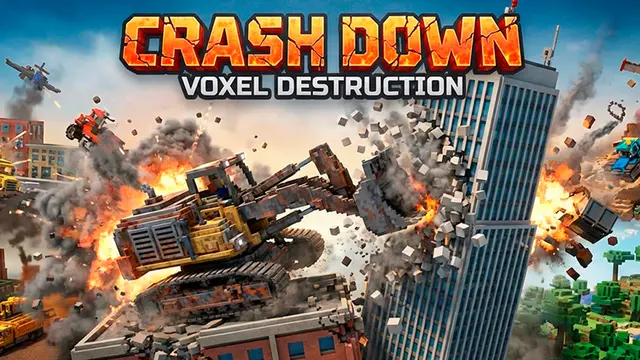 CrashDown Voxel Destruction
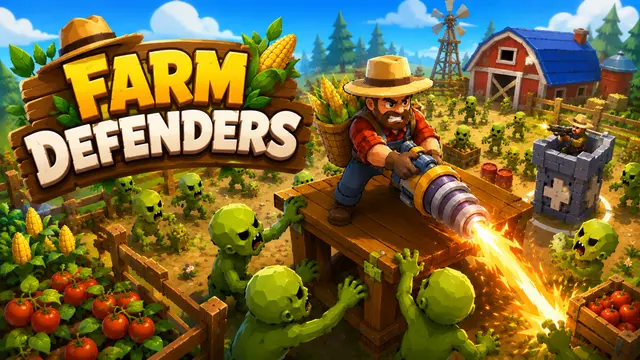 Farm Defenders
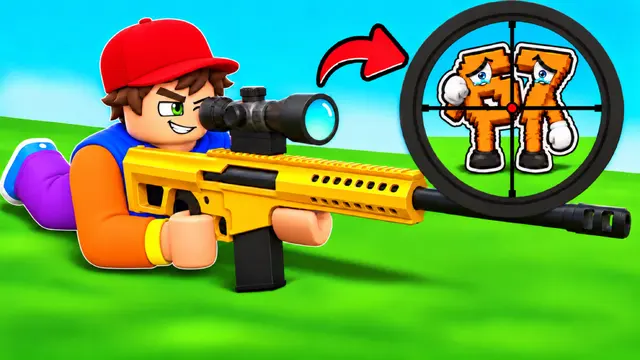 Sniper for Brainrots
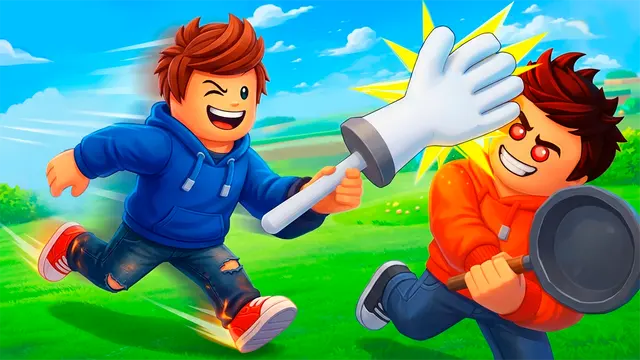 Slap Battle: Arena Online
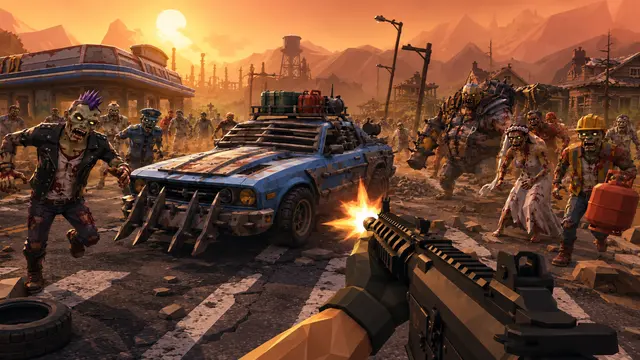 Zombie defence
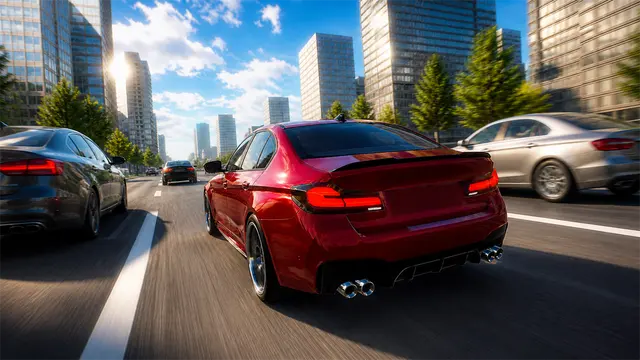 TRAFFIC Rush Online
 Planet Blast: Rockets
 Tide & Powder
 Live Round
 Wild Wolf Simulator Animal Games
 Police Mom Simulator
 Rocket Rush
 Launch the Dummy!
 Road Gunner 3D
 Army Run 3D
 Ash of the Front
 Bandana Blitz
 Slime Heroes
 Jade Toss: Arrow Challenge
 Super Chop: Forest Hero
 Crown Guard
Play Steel Thunder online
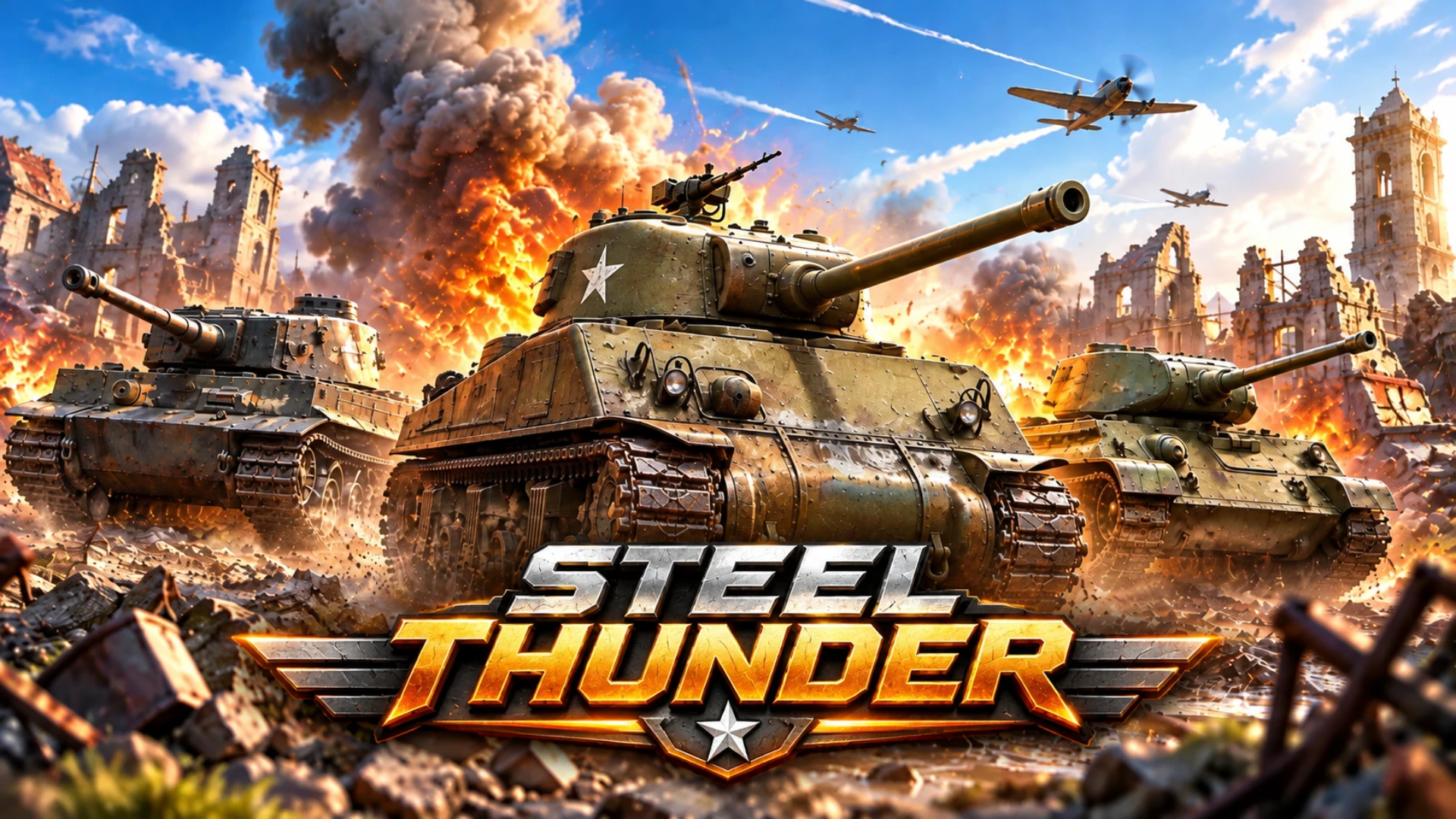
Jump into fast-paced tank battles inspired by World War II warfare. Choose your tank and enter quick matches. Fight alongside your team or face every opponent on your own in Free-for-All.
Learn the aiming and firing controls, then follow the objective shown in the game. Movement and interaction inputs may be separate from the weapon controls. The provider describes a ranking or leaderboard feature. Upgrades are part of the progression described by the provider.
How to play Steel Thunder
Controls and instructions
On PC, use the keyboard to control your tank and the mouse to aim and move the camera.
Fire with the left mouse button or Space. Use the right mouse button or Shift to enter sniper mode.
On mobile devices, use the virtual joystick to move and swipe across the screen to control the camera. Fire, aiming, ammunition, and boosters have separate on-screen buttons.
In Team Battle, fight alongside your allies and destroy the enemy team.
In Free-for-All, every tank is your enemy. Destroy as many opponents as possible and finish at the top of the leaderboard.
Use cover, flank heavily armored enemies, aim for weak spots, and keep an eye on the condition of your tank.
Getting started with Steel Thunder
- Check aiming, firing and movement inputs individually before combining them.
- Read what contributes to the ranking rather than assuming it is based on time.
- Compare the upgrade description with your next objective before choosing it.
About this game
- Platform
- Web browser
- Supported devices
- Android, iOS, Desktop
- Screen orientation
- Landscape
- Languages
- American English, Russian (Russia)
- Genres
- Action, Simulation, 3d, Multiplayer, Shooting, Tanks, War
- In-game purchases
- Available
- Provider
- Playgama
- Provider audience
- Male, Female
Game features and tags
- Games For Pc
- Mission
- Military
- Arena
- Webgl
- Combat
- Teams
- Tank Io
- Action Fighting
Steel Thunder images

Questions about Steel Thunder
How do I start playing?
Choose Play now in the game window above to load Steel Thunder through Playgama. Read the controls and instructions above before you start.
Which devices can I play on?
The provider lists support for Android, iOS, Desktop. Play in your web browser using the controls described above.
Which languages does the game support?
American English, Russian (Russia).
Does the game have in-game purchases?
The provider lists optional in-game purchases. Any available purchases are handled inside the game. Games may display advertisements.
Related game categories
Game facts and artwork supplied by Playgama. Descriptions adapted and getting-started guidance added by LookBear. Game content, ads and purchases are provided by Playgama and the game provider.