 Blocky Guns
Shoot The Blocks
Provided by Playgama
Shoot The Blocksvia Playgama
 Quick Draw Cowboys
 Obby: Battle Arena
 Strike Bullet
 SWAT Cats
 Craft the War
 Supernova: The "Charon" Protocol
 Army Run 3D
 Jelly Sandbox Playground
 TIME STOP
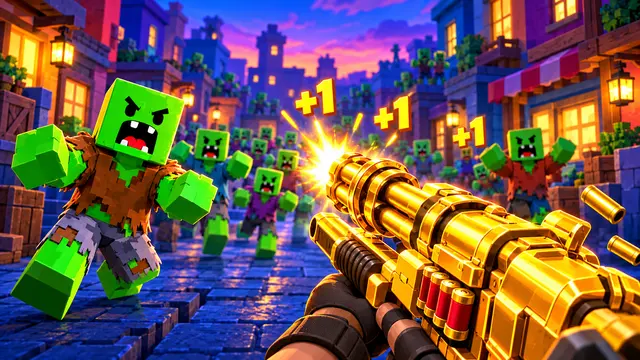 +1 Guns vs Zombies
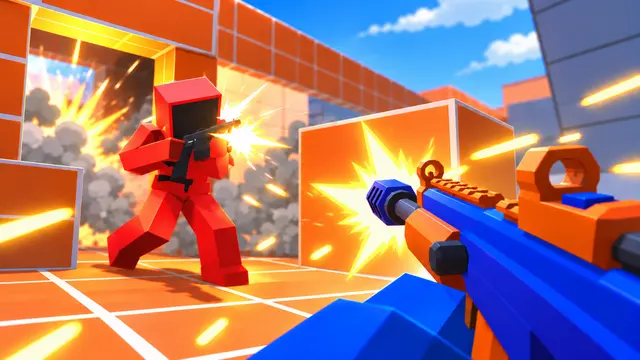 Opps
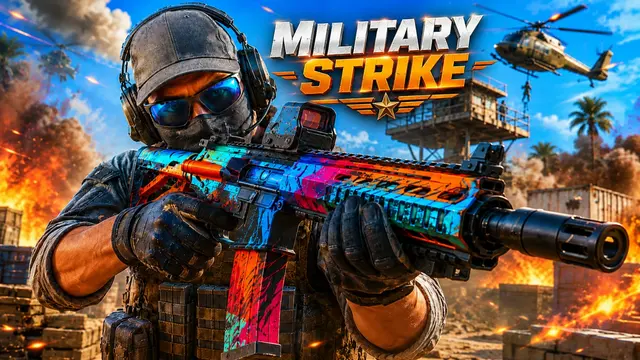 Military Strike
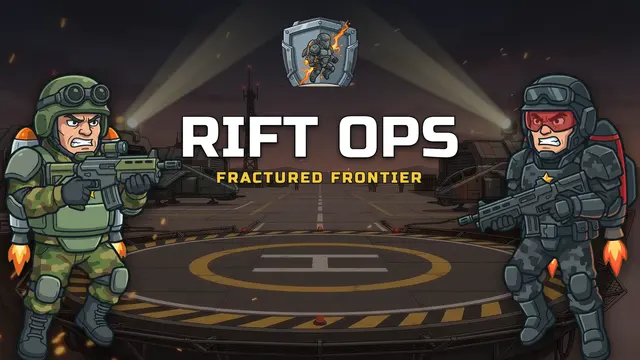 RIFT OPS: Fractured Frontier
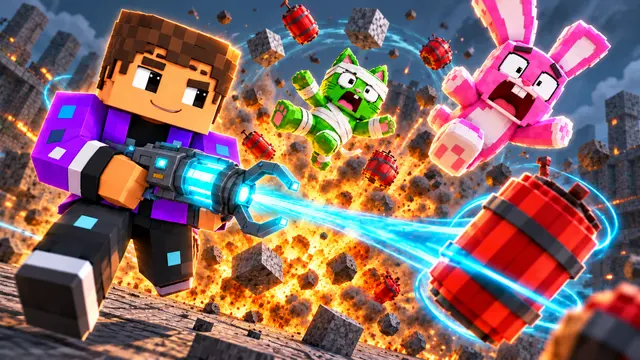 Cube Playground: Ragdoll Sandbox 3D
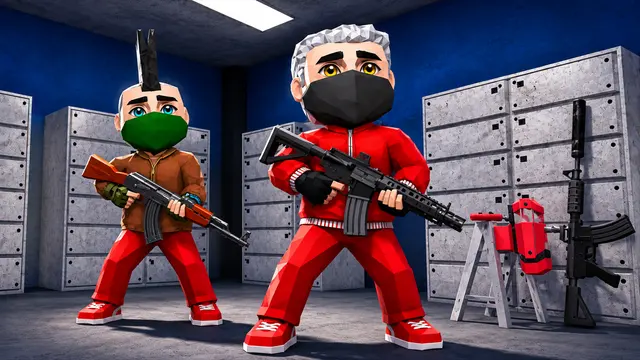 Heist Crew: Crime, Robbery and Escape
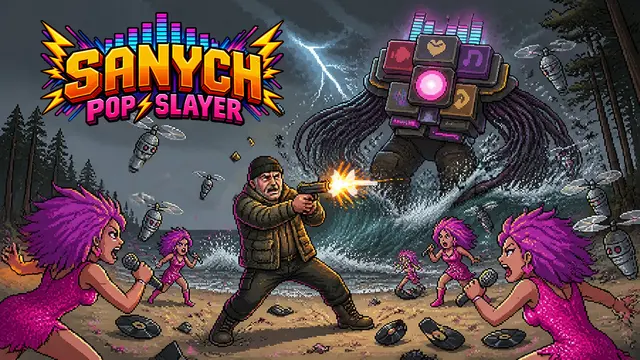 Sanych: Pop Slayer
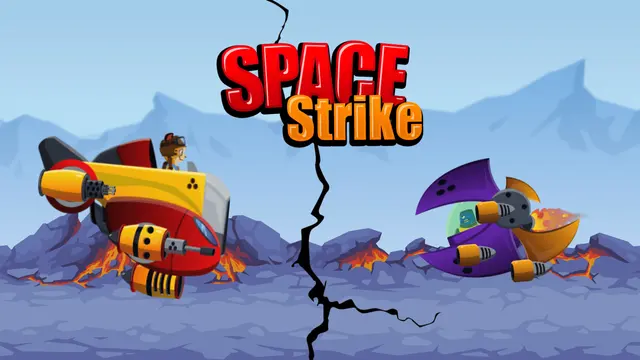 Space Strike: Galaxy Shooter
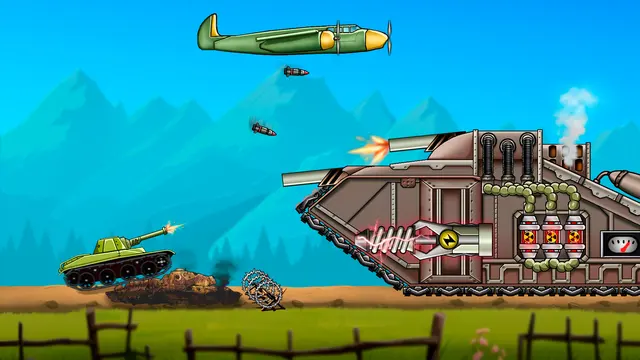 Tank Fury: Boss Battle 2D
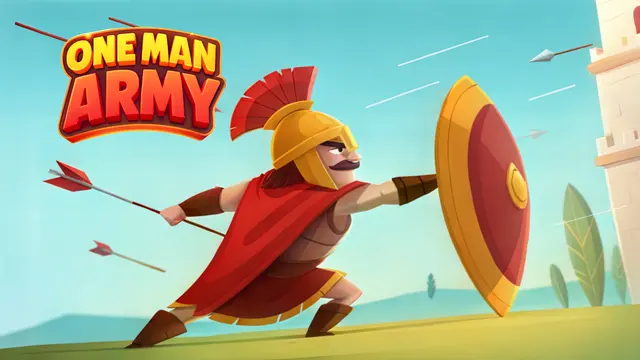 One Man Army: Battle Game
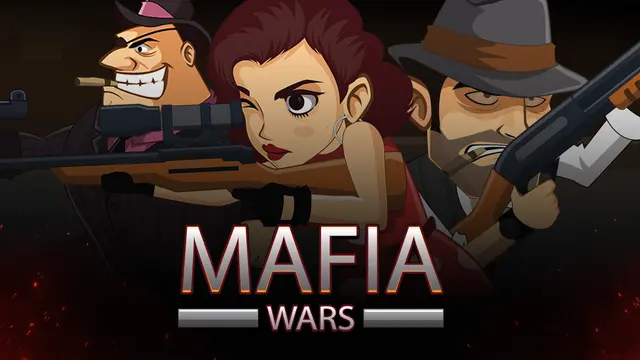 Mafia Wars
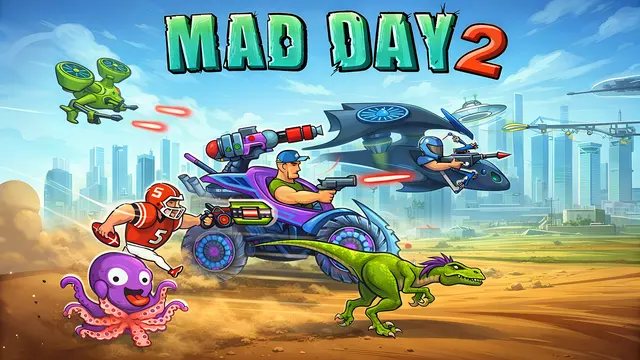 Mad Day 2 Special
 Revoxel 3D - Voxel RPG Shooter
 Left 4 Die
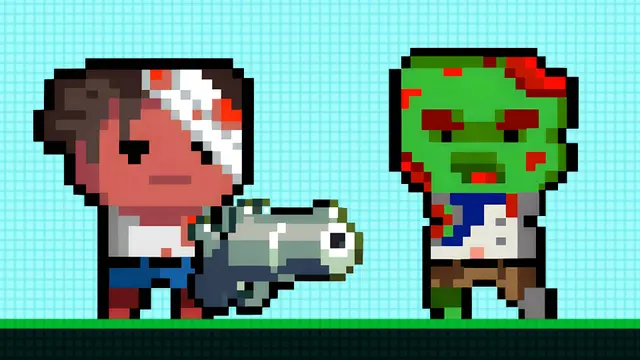 ENDLESS Z SURVIVOR
 Stalker 2033: The Path of the Survivor
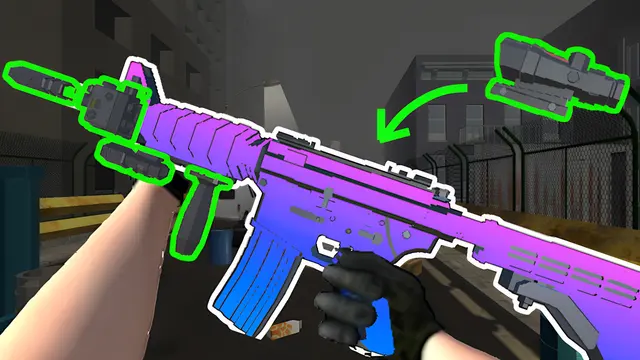 War V: Path of the Survivor!
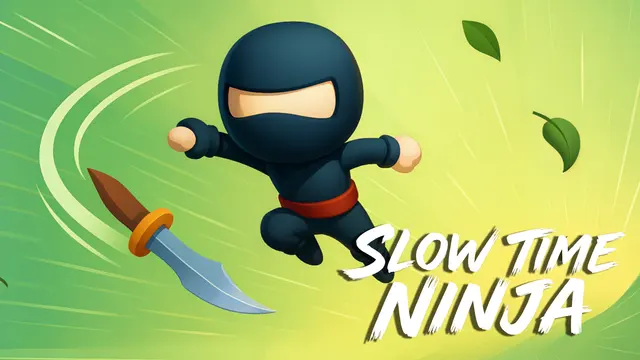 Slow Time Ninja
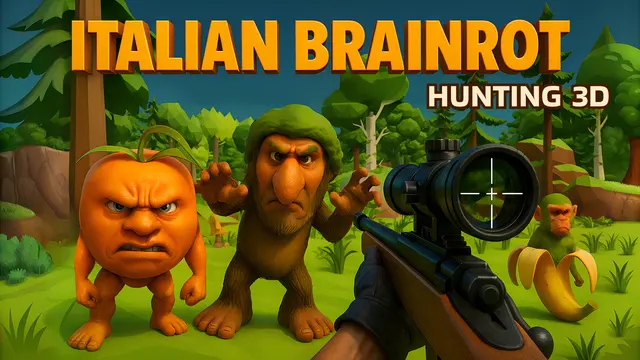 Italian Brainrot Hunting 3D
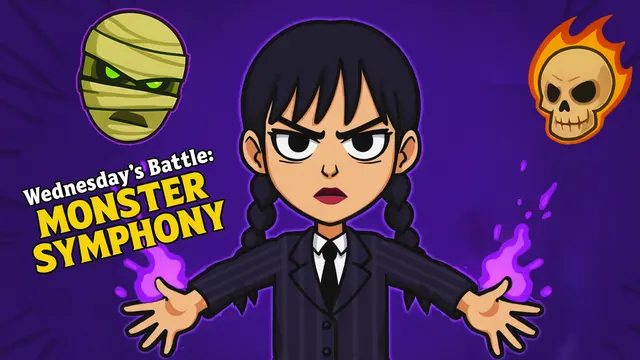 Wednesday’s Battle: Monster Symphony
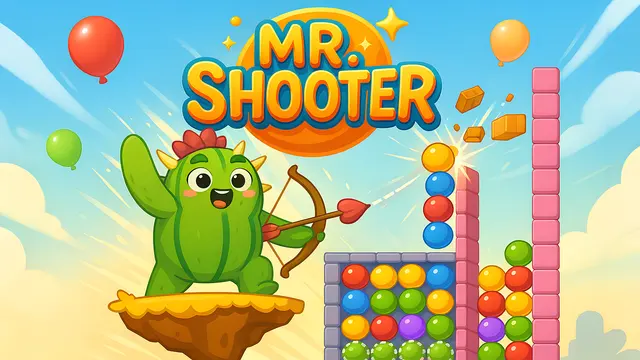 Mr Shooter
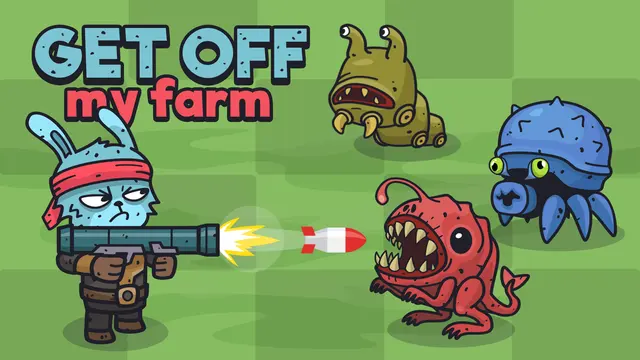 Get Off My Farm!
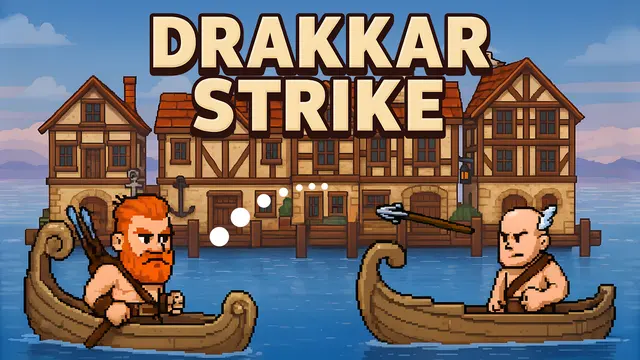 Drakkar Strike
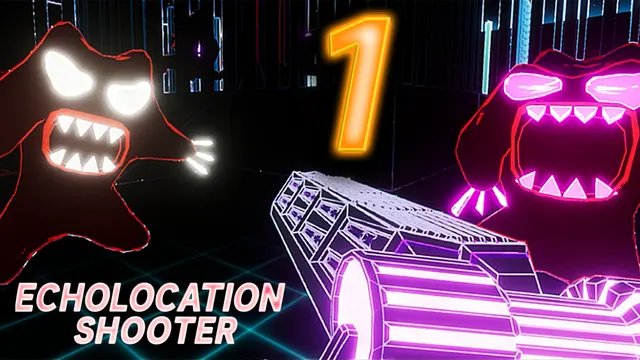 Echolocation Shooter
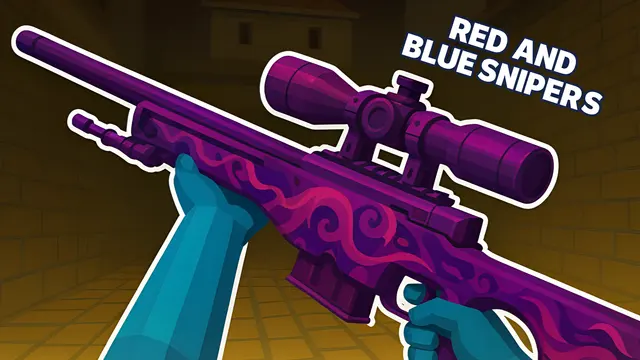 Red and Blue Snipers
 Blocks Shooter 3D! Run, Shoot, Merge Weapons!
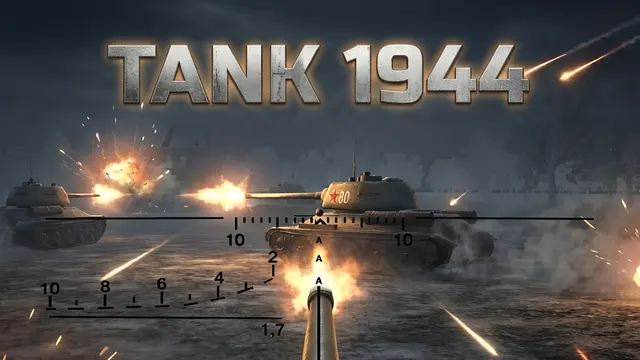 Tank 1944
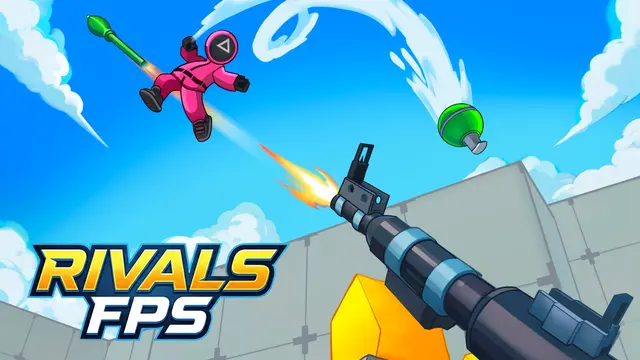 RIVALS FPS: Online Shooter
 Block Battle - Noob vs Pro
 Red & Blue: Online. Build! Destroy! Fight!
 Party Games Mini Shooter Battle
 SlowMo Sniper
 Arrow Fever
 Gun and Roll
 Nubik in the Monster World
 Block Mine Fuse TNT
 Rift of Hell - Demons War
 Cowboys Duel
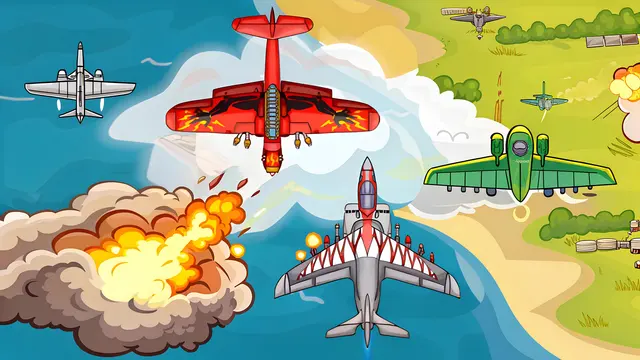 Air Warfare
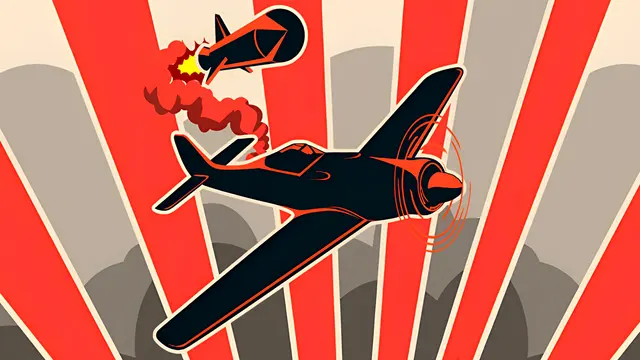 Planes Dodge & Go
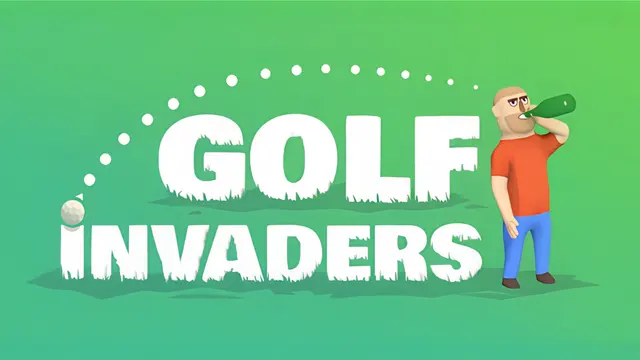 Golf Invaders
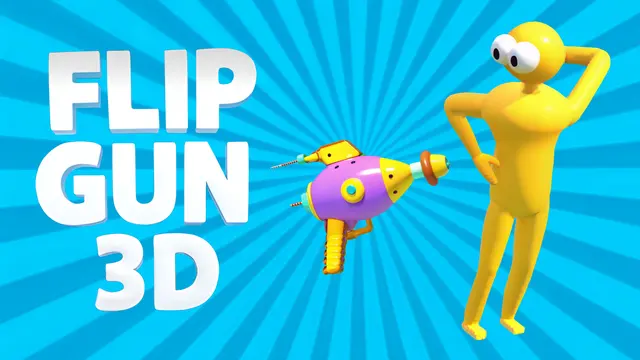 Flip Gun 3D Ragdoll Shooter
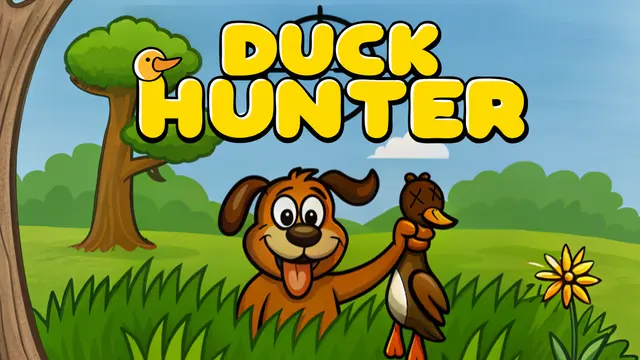 Duck Hunter
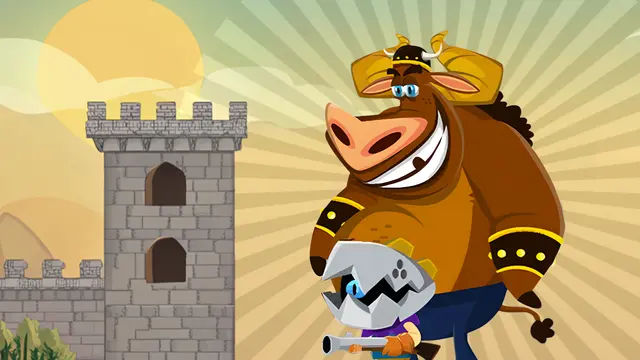 Archery Master - Castle Battle
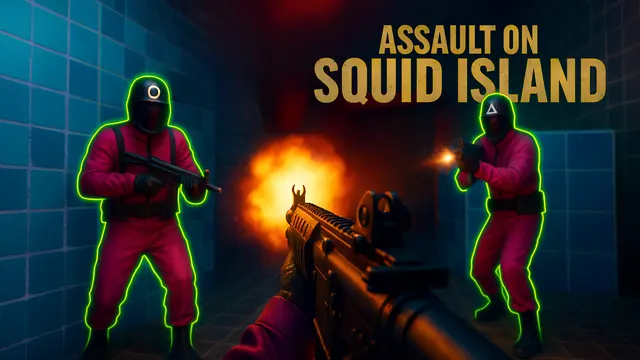 Assault on Squid Island
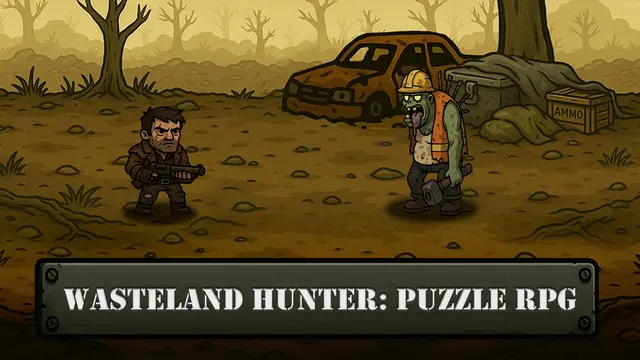 Wasteland Hunter: puzzle RPG
 Hot Rods Arena Stars
 Ball Attack
 Grand Shift Auto
 Zombies vs special forces
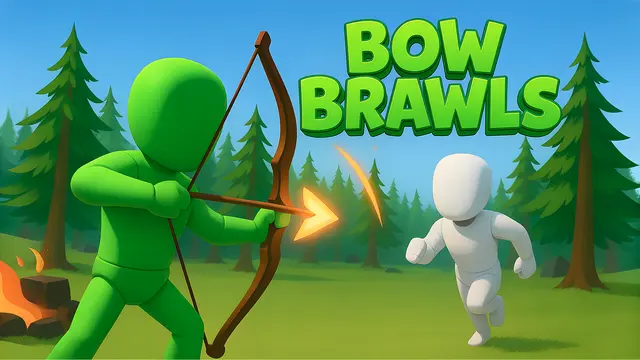 Bow Brawls
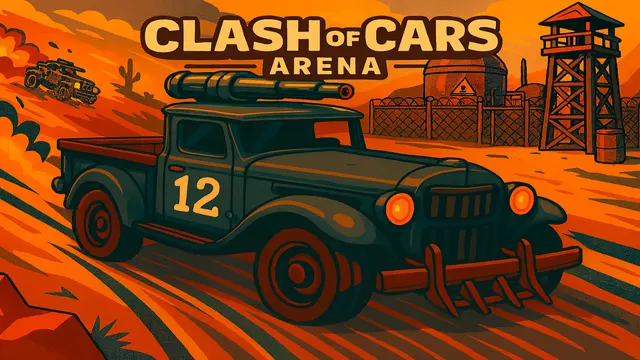 Clash of Cars: Arena
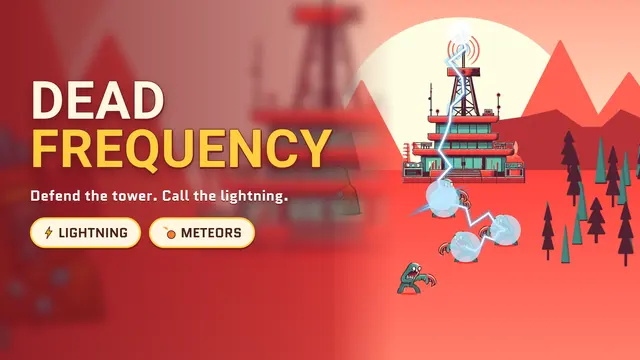 DEAD FREQUENCY
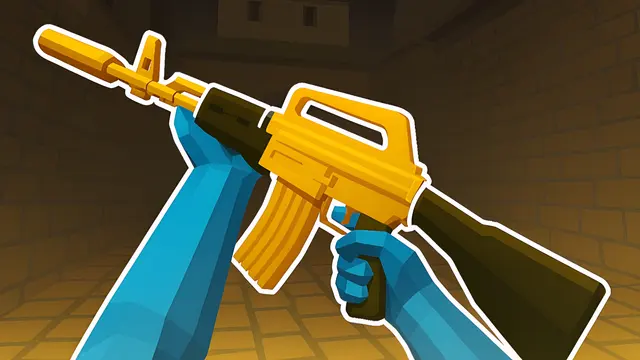 EdgeFire 2
 Aliens Hunter
Play Shoot The Blocks online
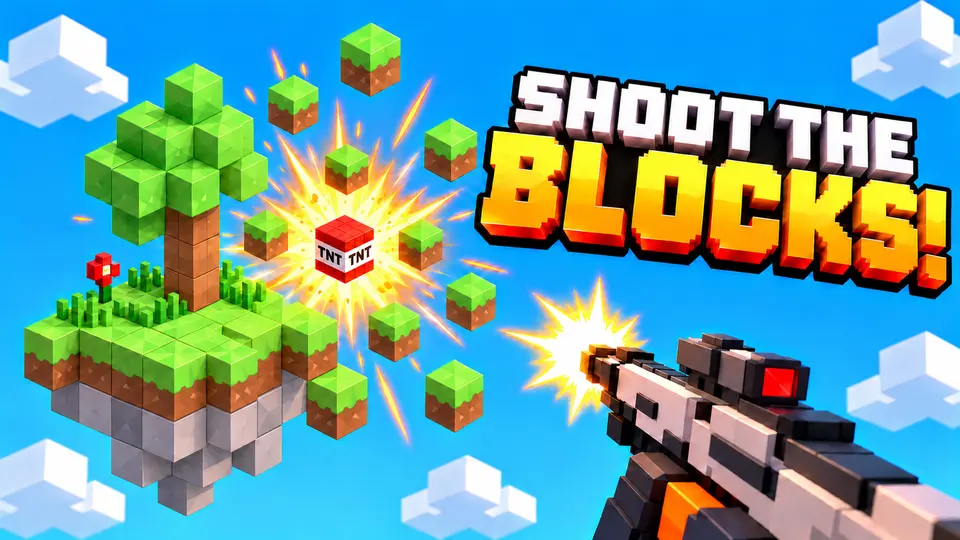
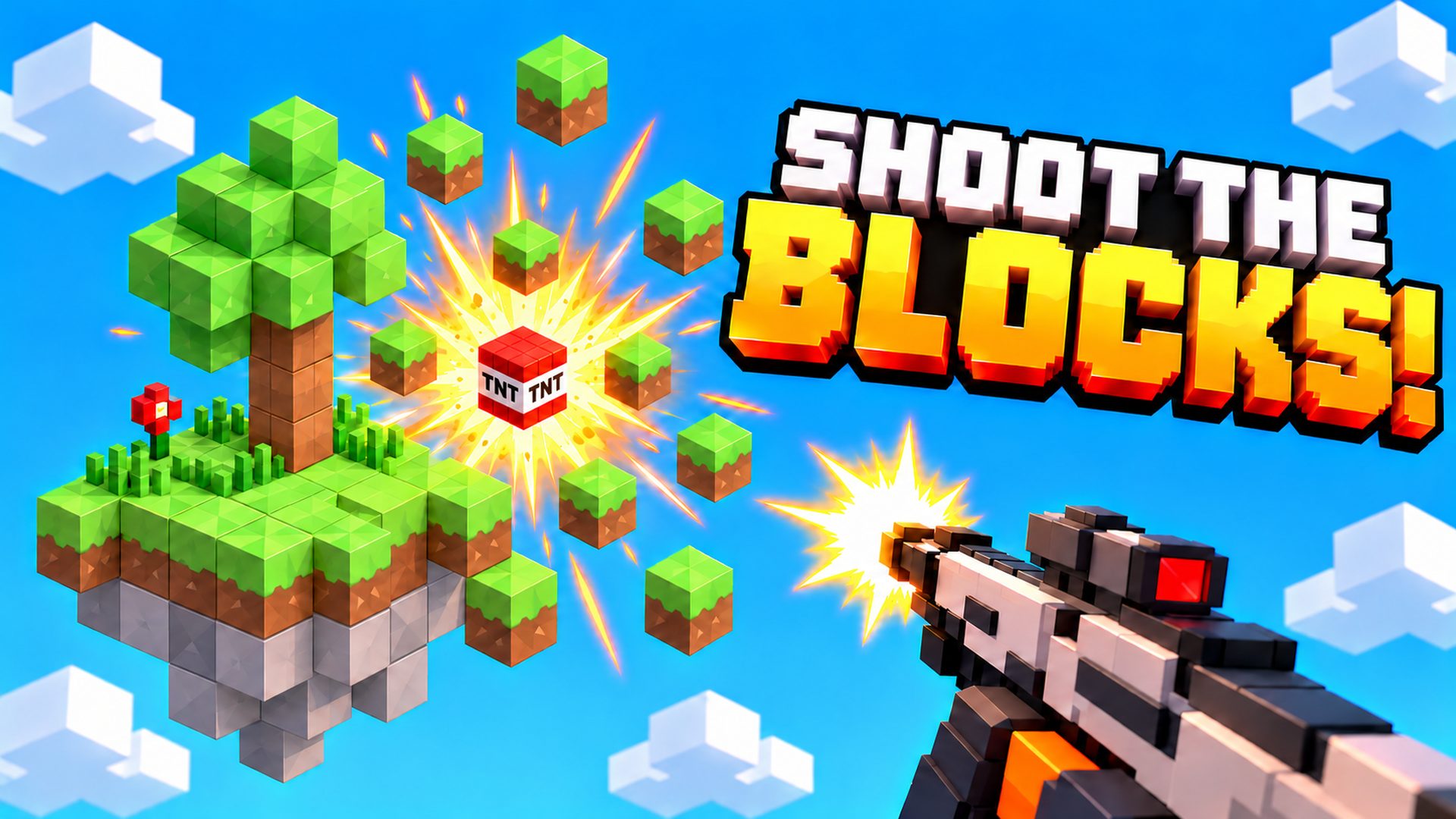
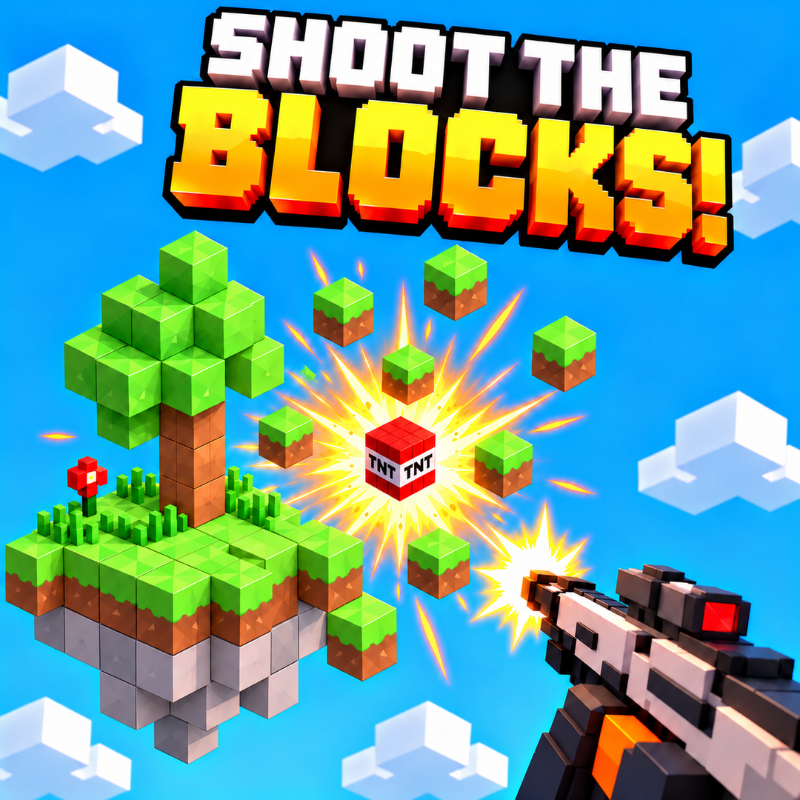
Shoot The Blocks is a casual 3D destruction shooter. Blast through houses, forests, and towers, one block at a time. Start a chain reaction Hit dynamite and lightning blocks to spread destruction across the island.
Learn the aiming and firing controls, then follow the objective shown in the game. Movement and interaction inputs may be separate from the weapon controls. Coins appear in the game’s progression or objectives. Upgrades are part of the progression described by the provider.
How to play Shoot The Blocks
Controls and instructions
Clear the island
Destroy every block to complete a location and move on. Your ammo is limited, so make each shot count!
Upgrade and try again
Out of ammo? Destroyed blocks stay gone. Visit the shop, upgrade your weapons, and finish the job.
Mouse & keyboard
Hold left mouse button: shoot.
A / D: rotate the camera.
W / S: tilt the camera.
+ / −: zoom.
F: reset the camera.
1–9, Q / E, or mouse wheel: switch weapons.
Esc: pause.
Touch controls
Hold a finger on blocks to shoot. Use two fingers to rotate and zoom, or use the camera buttons at the bottom right.
Getting started with Shoot The Blocks
- Check aiming, firing and movement inputs individually before combining them.
- Check what the game lets you do with coins before spending them.
- Compare the upgrade description with your next objective before choosing it.
About this game
- Platform
- Web browser
- Supported devices
- Android, iOS, Desktop
- Screen orientation
- Landscape and Portrait
- Languages
- American English, Arabic (Egypt), Chinese (China), German (Germany), European Spanish, French (France), Indonesian (Indonesia), Japanese (Japan), Korean (South Korea), Brazilian Portuguese, Russian (Russia), Turkish (Türkiye)
- Genres
- Action, Shooting, Gun, Blocks
- In-game purchases
- None listed by the provider
- Provider
- Playgama
- Provider audience
- Male, Female
Game features and tags
- Bullet
- Destruction
- Destroy
- Addictive
- Smash
- 1 Player
- Arcade Shooter
Shoot The Blocks images
Questions about Shoot The Blocks
How do I start playing?
Choose Play now in the game window above to load Shoot The Blocks through Playgama. Read the controls and instructions above before you start.
Which devices can I play on?
The provider lists support for Android, iOS, Desktop. Play in your web browser using the controls described above.
Which languages does the game support?
American English, Arabic (Egypt), Chinese (China), German (Germany), European Spanish, French (France), Indonesian (Indonesia), Japanese (Japan), Korean (South Korea), Brazilian Portuguese, Russian (Russia), Turkish (Türkiye).
Does the game have in-game purchases?
The provider lists no in-game purchases for this game. Games may display advertisements.
Related game categories
Game facts and artwork supplied by Playgama. Descriptions adapted and getting-started guidance added by LookBear. Game content, ads and purchases are provided by Playgama and the game provider.