 Hazmob FPS: Online Shooter
FPS Gun Shooting Game 3D
Provided by Playgama
FPS Gun Shooting Game 3D via Playgama

 TANK ARENA MULTIPLAYER
 Far Island: Tactical Warfare
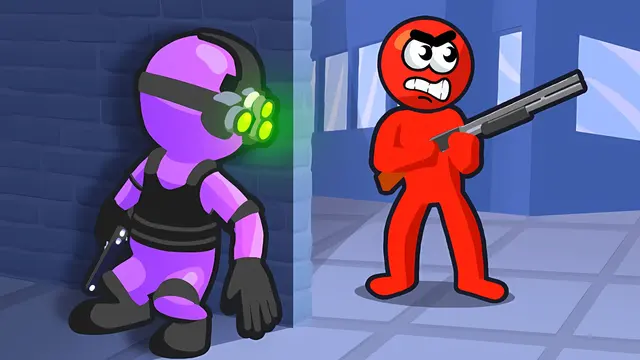 Mister Bullet: Arcade Shooter
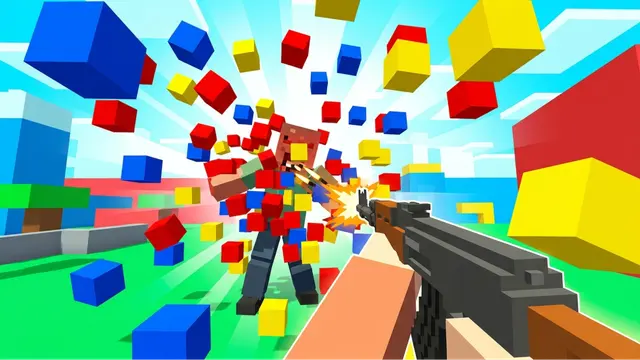 Blocky Guns
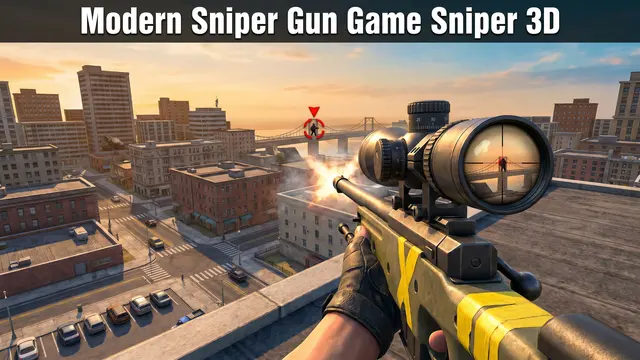 Modern Sniper Gun Game Sniper 3D
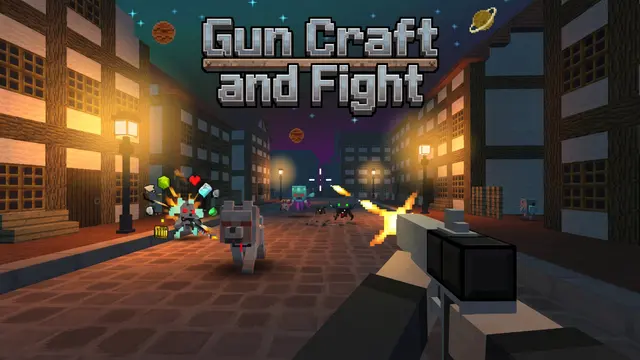 Gun Craft and Fight
 Frontline Commando Shooting: Gun Games
 Stickman Gun Rush
 Quick Draw Cowboys
 Obby: Battle Arena
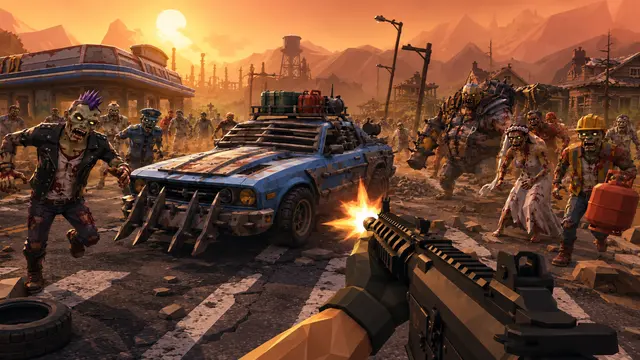 Zombie defence
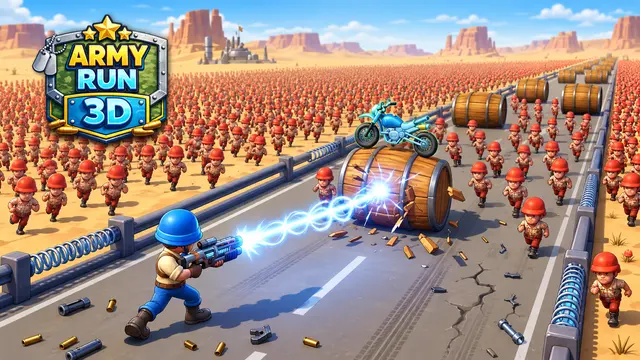 Army Run 3D
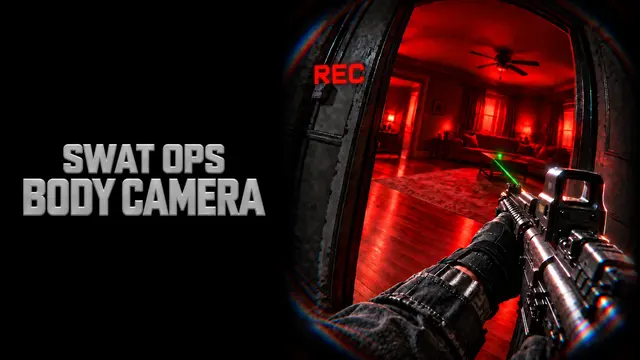 SWAT OPS: Body Camera
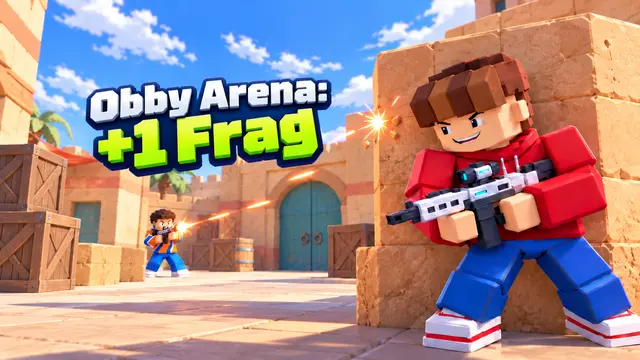 Obby Arena: +1 Frag
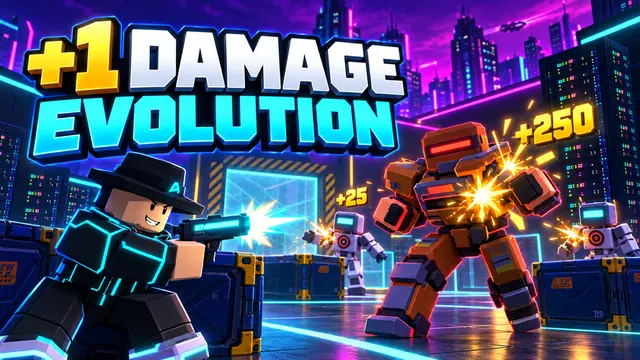 +1 Damage Evolution
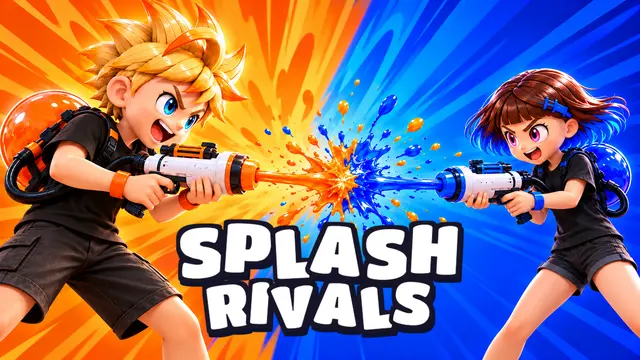 Splash Rivals
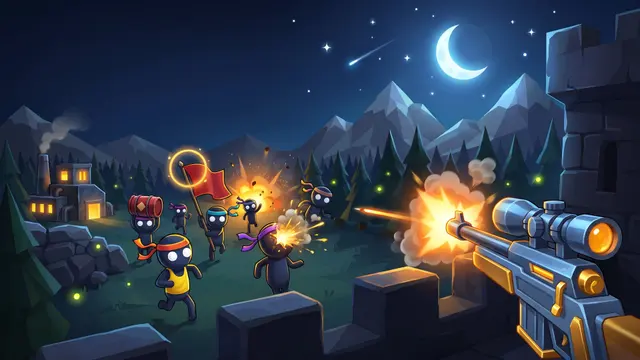 Stickman Night Defense
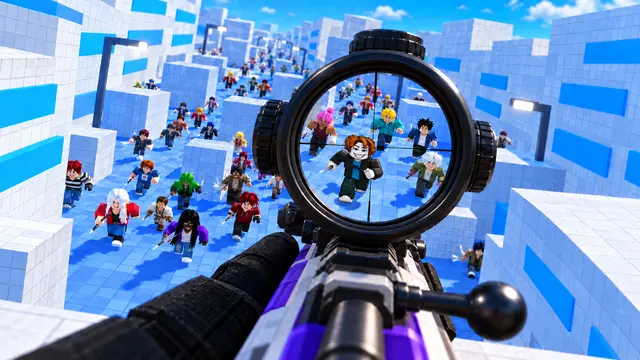 Sniper VS 99 Players
 +1 Zombie Survival
 Opps
 Military Strike
 Steal a Destruction Egg
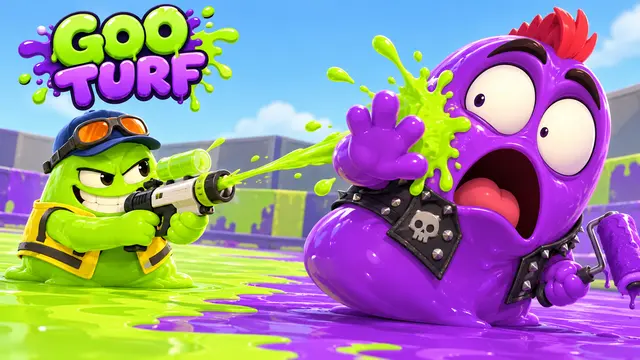 Goo Turf
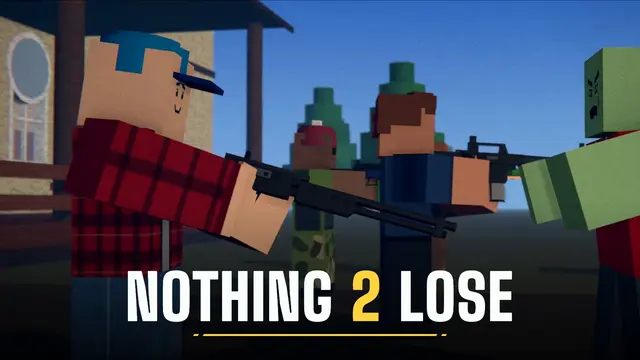 Nothing 2 Lose
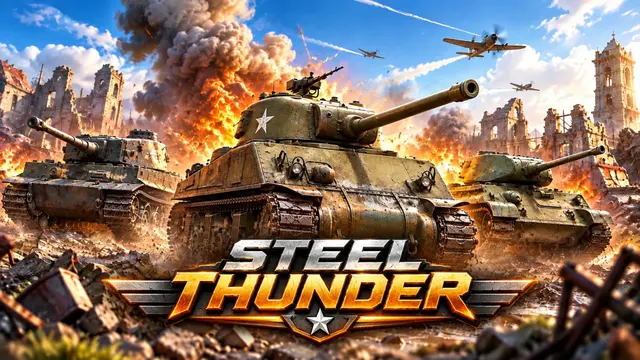 Steel Thunder
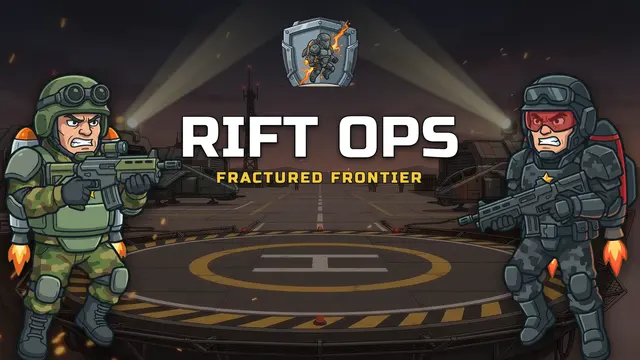 RIFT OPS: Fractured Frontier
 Cube Playground: Ragdoll Sandbox 3D
 Heist Crew: Crime, Robbery and Escape
 Obby: Murder Mystery 2 Online
 Snipers War: FPS Strike
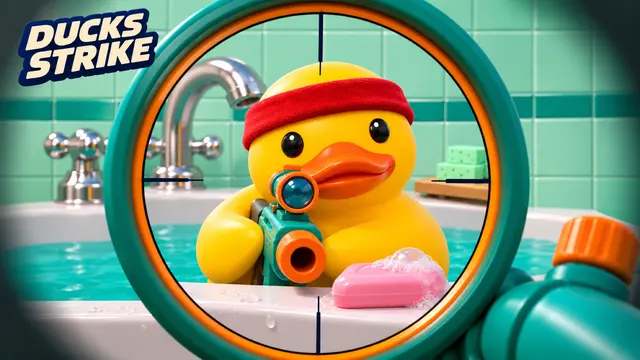 Ducks Strike
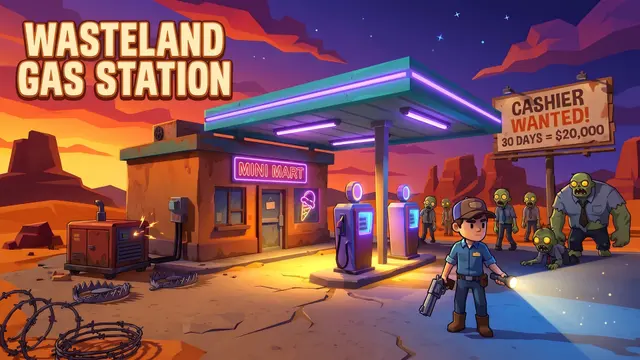 Wasteland Gas Station
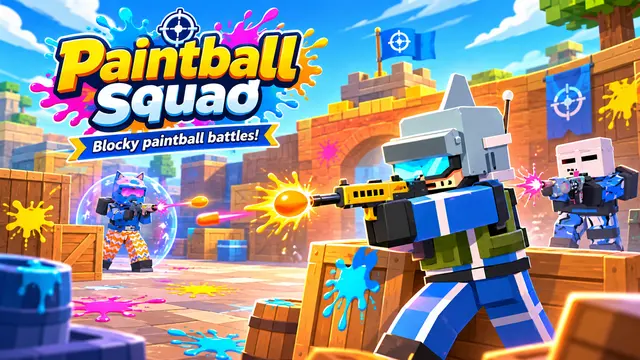 Paintball Squad
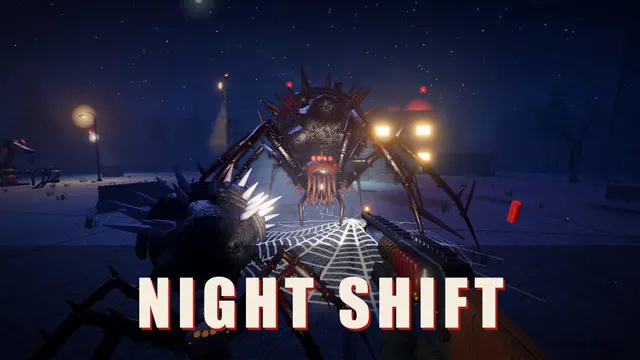 Night Shift: Blackwood Lab
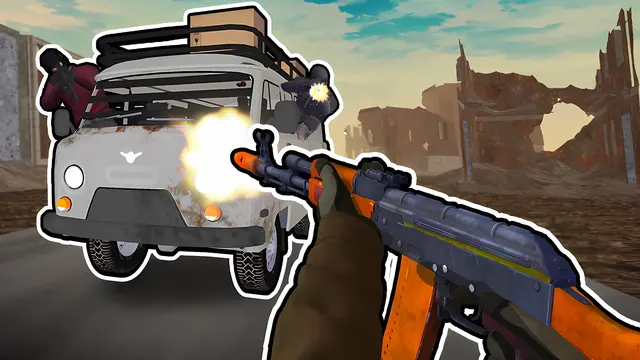 Road Chase: Shooter Realistic Guns
 Revoxel 3D - Voxel RPG Shooter
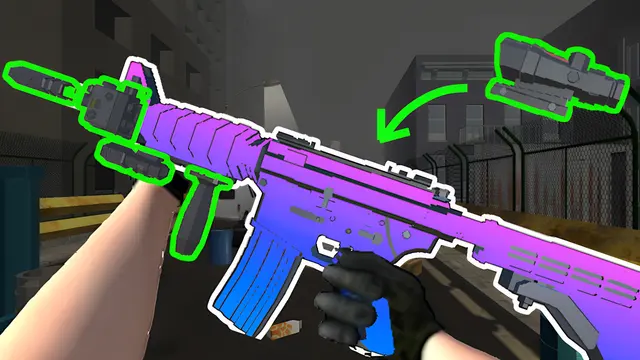 War V: Path of the Survivor!
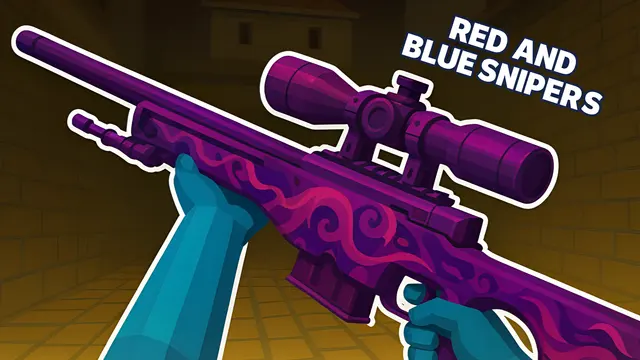 Red and Blue Snipers
 Blocks Shooter 3D! Run, Shoot, Merge Weapons!
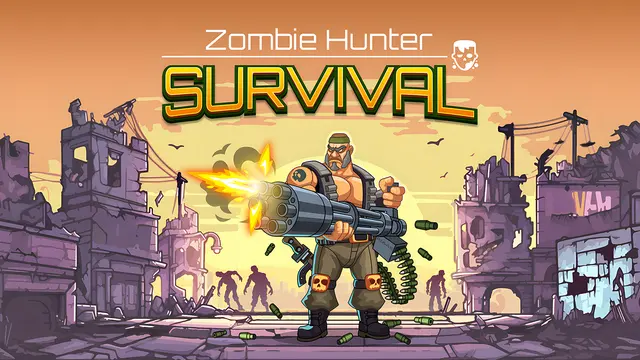 Zombie Hunter: Survival
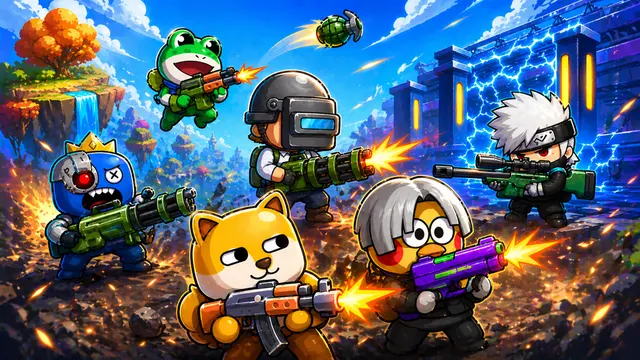 Party Games Mini Shooter Battle
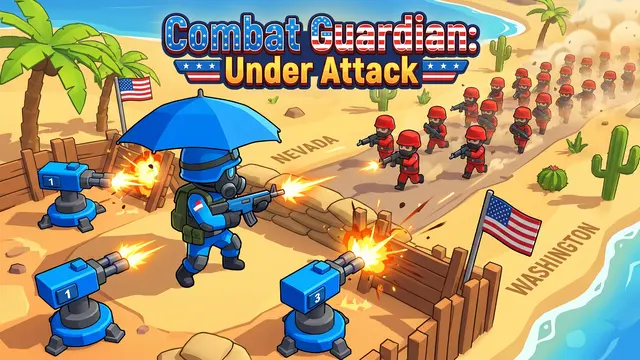 Combat Guardian: Under Attack
 SlowMo Sniper
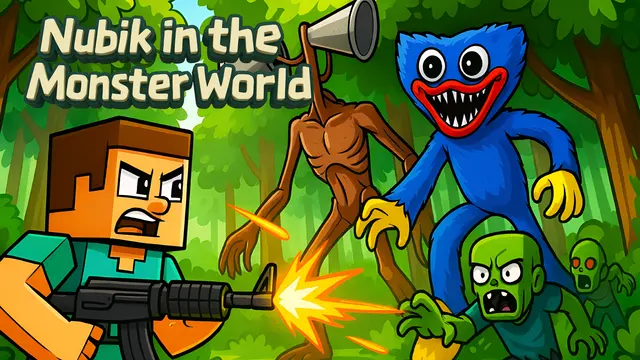 Nubik in the Monster World
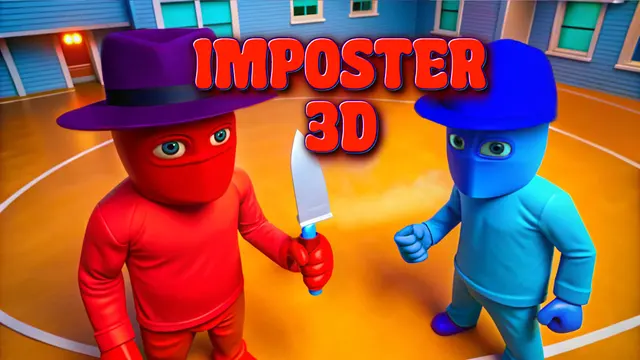 Imposter 3D
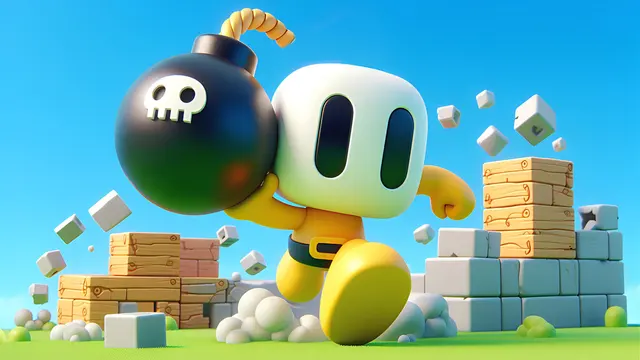 BOMBAMAN 3D
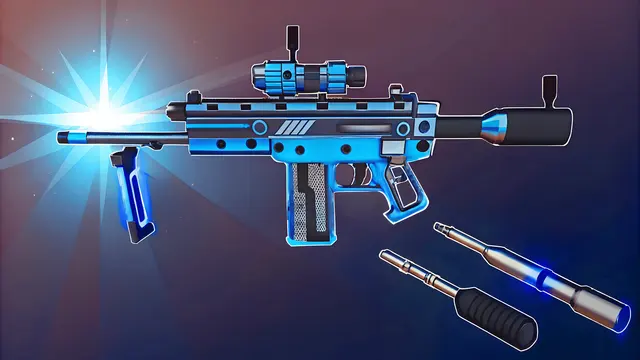 Weapon Upgrade
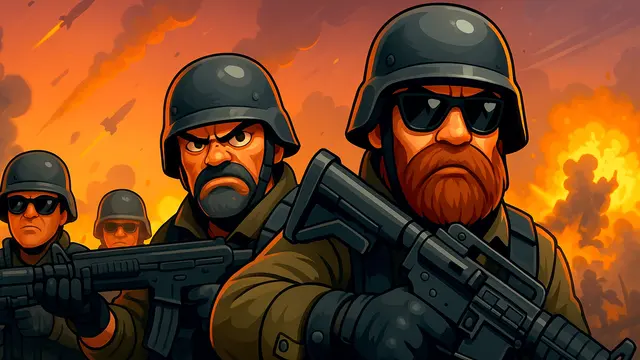 Strike Force: Action Platformer
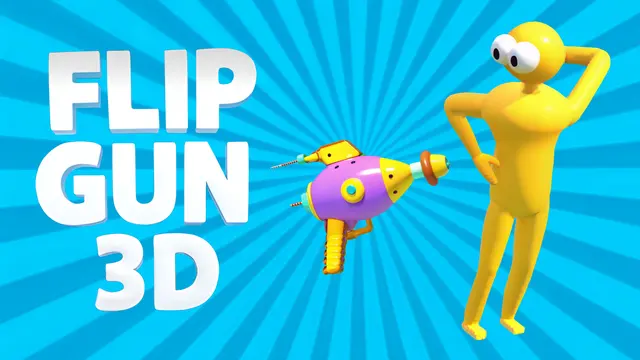 Flip Gun 3D Ragdoll Shooter
 Assault on Squid Island
 Grand Shift Auto
 Road Madness
 EdgeFire 2
 RECOIL
 The cow of the apocalypse
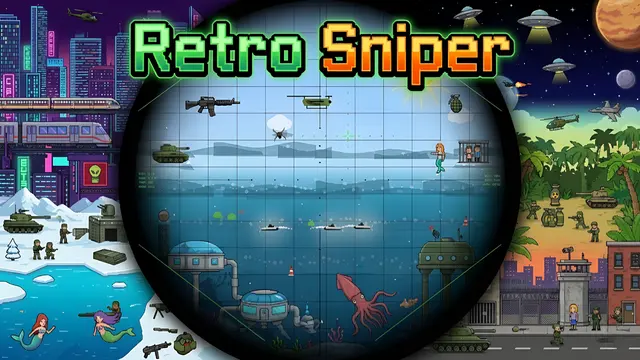 Retro Sniper
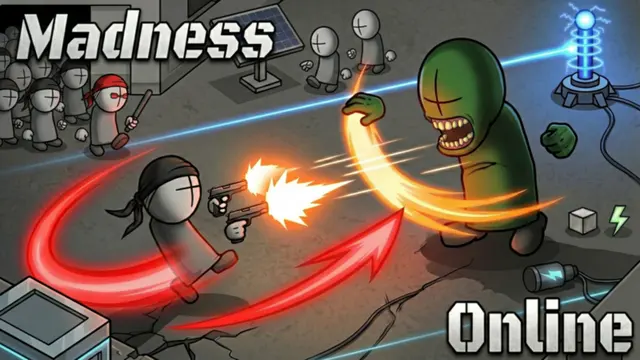 Madness Online
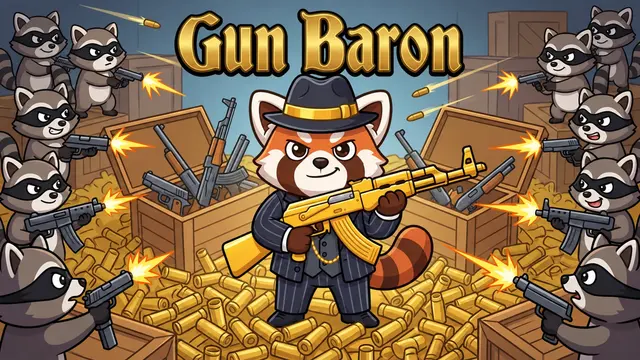 Gun Baron
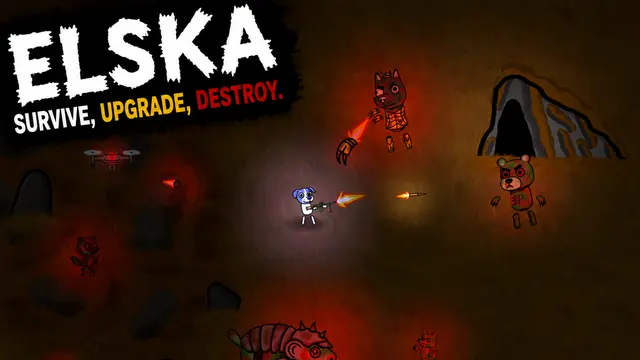 Elska - dog vs zombies! Multiplayer co-op
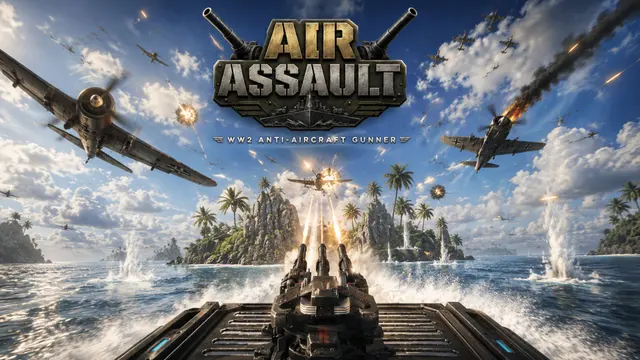 Air Assault: Ship Defense
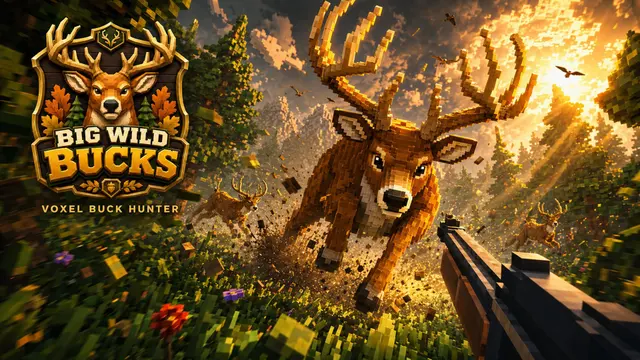 Big Wild Bucks: Voxel Buck Hunter
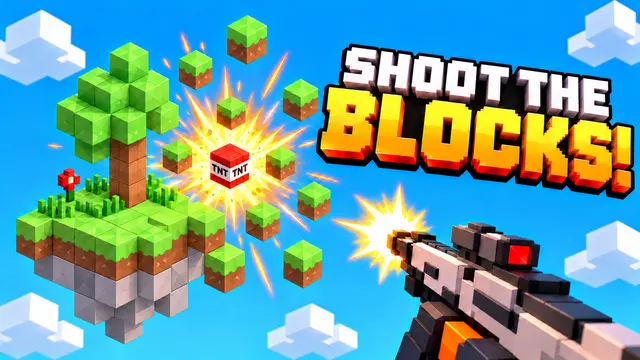 Shoot The Blocks
 Sniper for Brainrots
 Slap Battle: Arena Online
Play FPS Gun Shooting Game 3D online
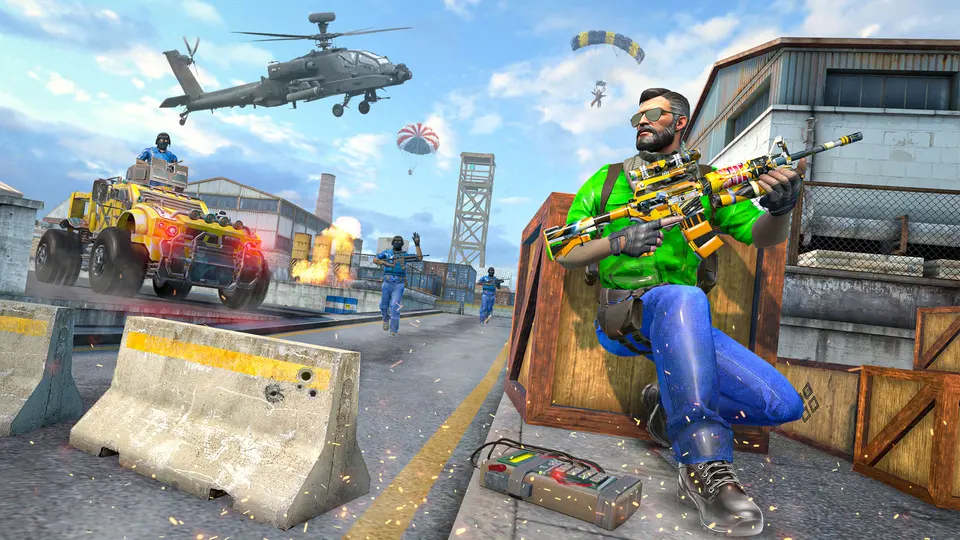
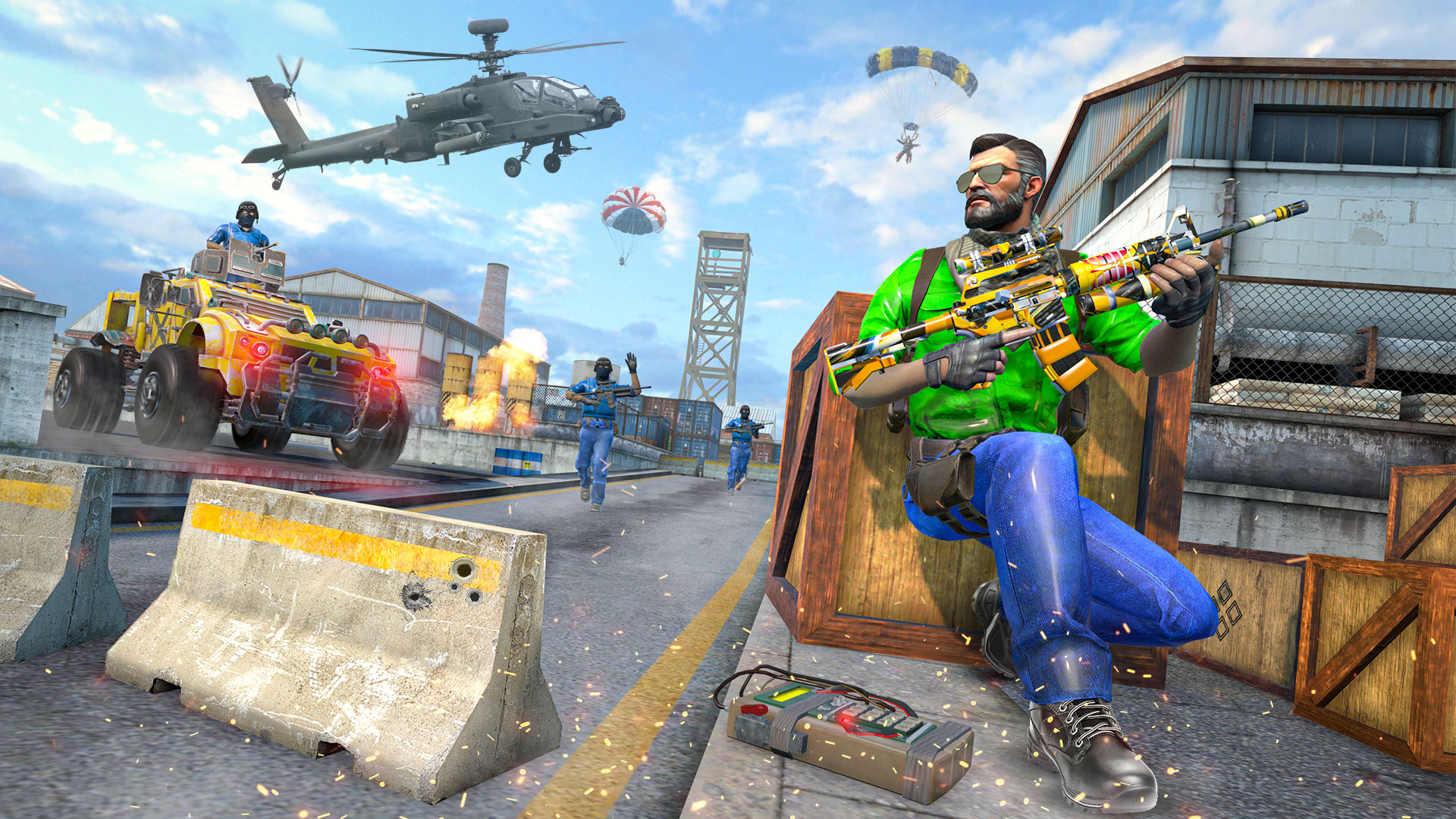
FPS Shooting Strike - Gun Games 3D Offline Shooting Games 2026 is an intense gun game where you need to do everything you can to eliminate your enemies and keep your team safe. This Shooting Games 2026 free-to-play experience pushes gameplay to the next level for commando shooting game fans. The intense secret mission gameplay features action and striking graphics that encourage you to test your skills every time.
Learn the aiming and firing controls, then follow the objective shown in the game. Movement and interaction inputs may be separate from the weapon controls.
How to play FPS Gun Shooting Game 3D
Controls and instructions
Controls
Arrow Keys — Move your character
Right Mouse Button — Shoot
Left Mouse Button — Zoom / Aim
G Key — Throw bomb
Spacebar — Jump
Shift + Arrow Keys — Move faster / Sprint
Getting started with FPS Gun Shooting Game 3D
- Check aiming, firing and movement inputs individually before combining them.
About this game
- Platform
- Web browser
- Supported devices
- Android, iOS, Desktop
- Screen orientation
- Landscape
- Languages
- American English
- Genres
- Action, 3d, Multiplayer, Shooting, Gun, First Person Shooter
- In-game purchases
- Available
- Provider
- Playgama
- Provider audience
- Male, Female
Game features and tags
- Combat
- Arcade Shooter
- Military Shooter
- Action Fighting
- Fast Paced Action
FPS Gun Shooting Game 3D images

Questions about FPS Gun Shooting Game 3D
How do I start playing?
Choose Play now in the game window above to load FPS Gun Shooting Game 3D through Playgama. Read the controls and instructions above before you start.
Which devices can I play on?
The provider lists support for Android, iOS, Desktop. Play in your web browser using the controls described above.
Which languages does the game support?
American English.
Does the game have in-game purchases?
The provider lists optional in-game purchases. Any available purchases are handled inside the game. Games may display advertisements.
Related game categories
Game facts and artwork supplied by Playgama. Descriptions adapted and getting-started guidance added by LookBear. Game content, ads and purchases are provided by Playgama and the game provider.