 Special Ops: GO
Hazmob FPS: Online Shooter
Provided by Playgama
Hazmob FPS: Online Shootervia Playgama
 Red & Blue: Online. Build! Destroy! Fight!
 SlowMo Sniper
 Gunner Pursuit
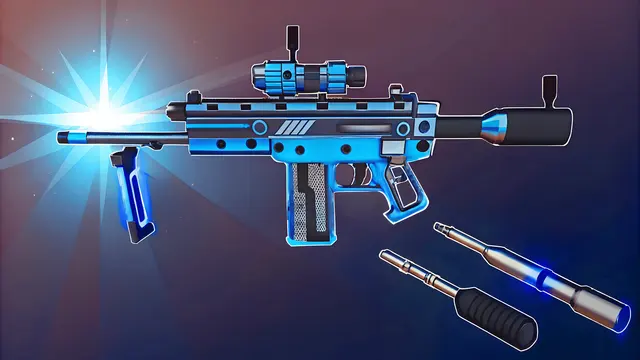 Weapon Upgrade
 Grand Shift Auto
 Highway Car Shooting 3D Action Game 2025
 Project: Survival
 TANKNAROK
 Retro Sniper
 SquadZ
 TANK ARENA MULTIPLAYER
 Far Island: Tactical Warfare
 Blocky Guns
 Gun Baron
 Gun Craft and Fight
 Frontline Commando Shooting: Gun Games
 Stickman Gun Rush
 Big Wild Bucks: Voxel Buck Hunter
 Quick Draw Cowboys
 Obby: Battle Arena
 Zombie defence
 Army Run 3D
 SWAT OPS: Body Camera
 Obby Arena: +1 Frag
 +1 Damage Evolution
 Splash Rivals
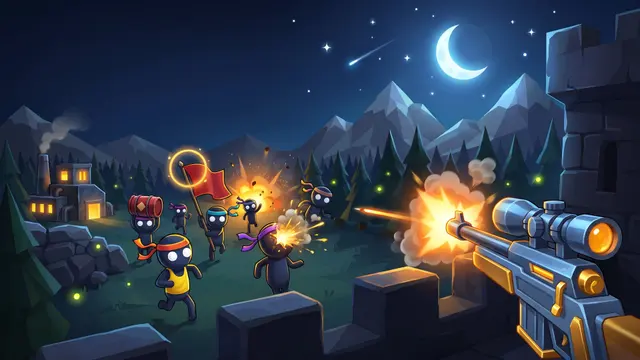 Stickman Night Defense
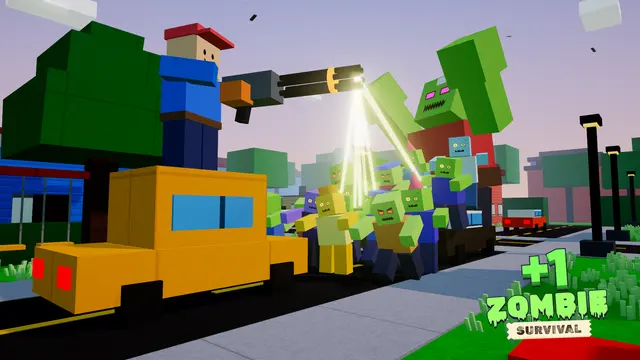 +1 Zombie Survival
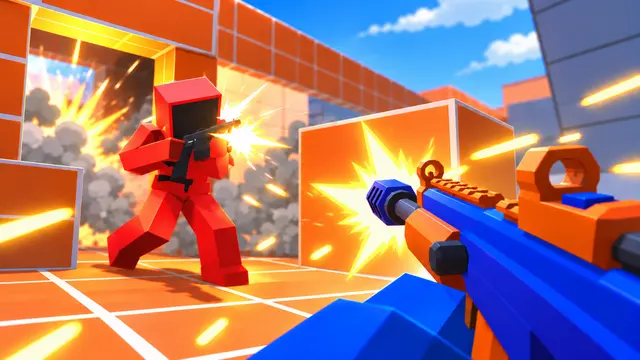 Opps
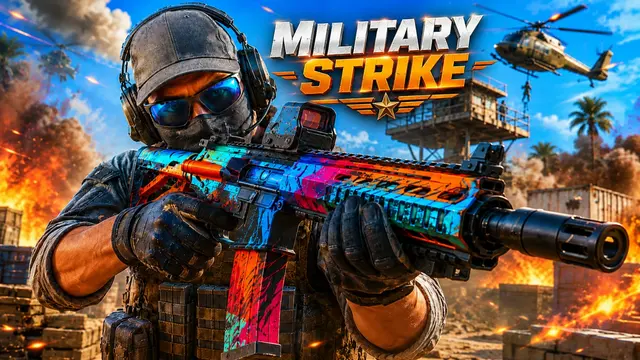 Military Strike
 Steal a Destruction Egg
 Goo Turf
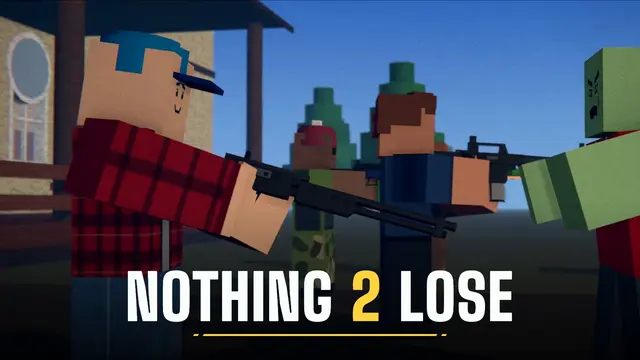 Nothing 2 Lose
 Steel Thunder
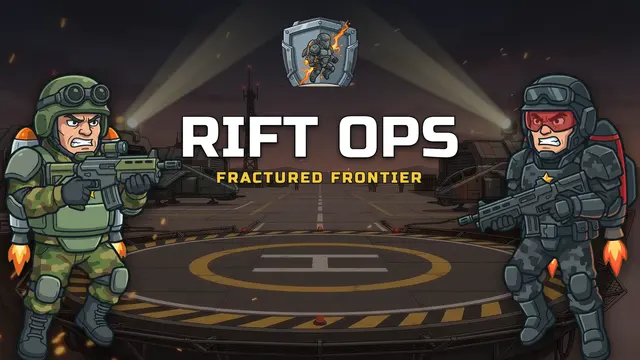 RIFT OPS: Fractured Frontier
 Cube Playground: Ragdoll Sandbox 3D
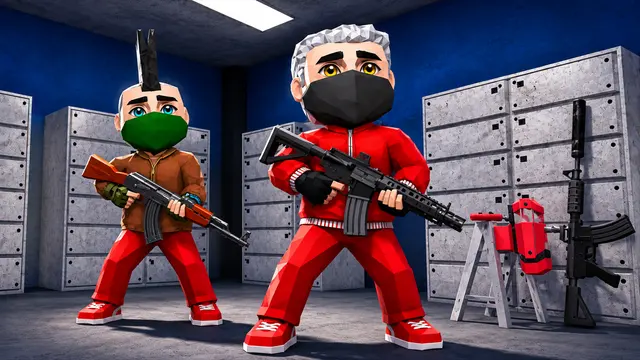 Heist Crew: Crime, Robbery and Escape
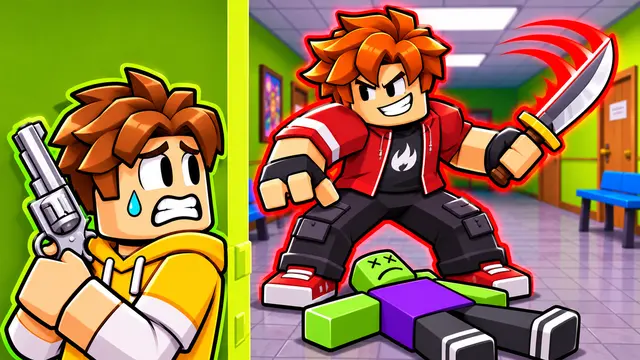 Obby: Murder Mystery 2 Online
 Snipers War: FPS Strike
 Ducks Strike
 Wasteland Gas Station
 Hide and Snipe
 Paintball Squad
 Night Shift: Blackwood Lab
 BEAR PICKSprunki World Online RP - Play with Friends!
 Zombie Space Episode II
 AOD - Art Of Defense
 Moto X3M
 Dead Land: Survival
 Sword Play! Ninja Slice Runner
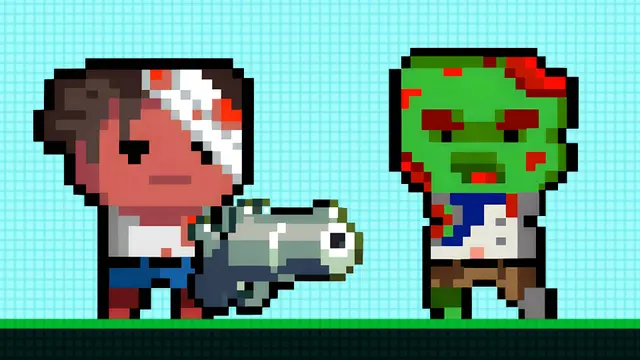 ENDLESS Z SURVIVOR
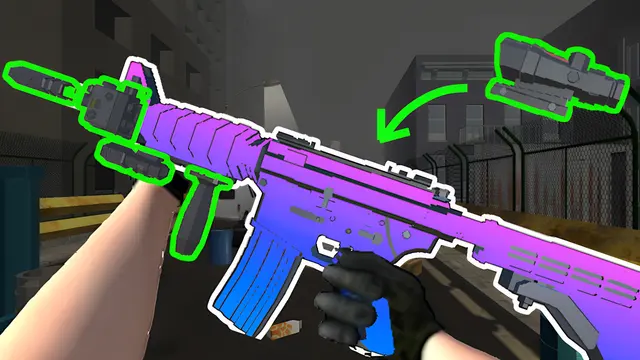 War V: Path of the Survivor!
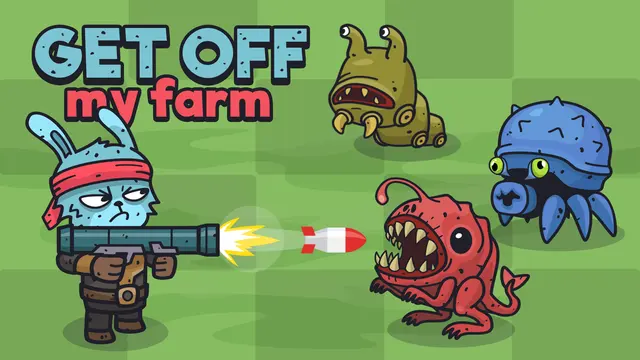 Get Off My Farm!
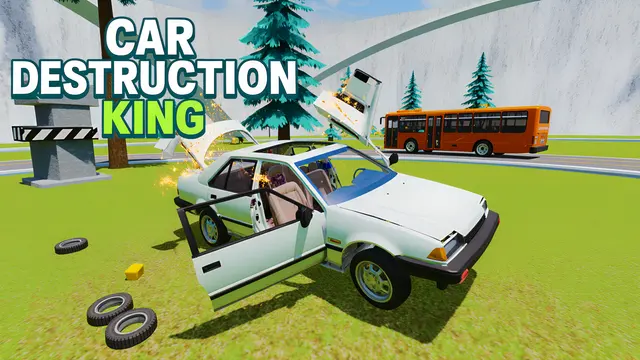 Car Destruction King
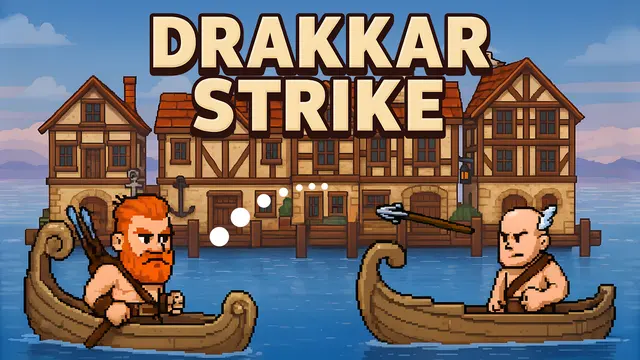 Drakkar Strike
 Drift King Racing Multiplayer
 Blocks Shooter 3D! Run, Shoot, Merge Weapons!
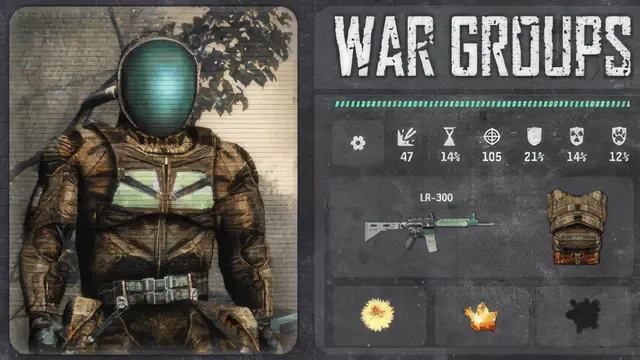 War Groups
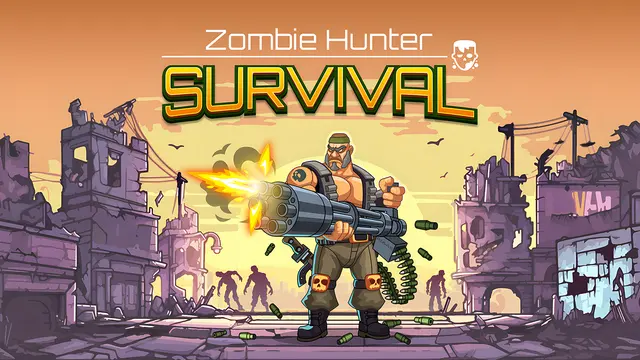 Zombie Hunter: Survival
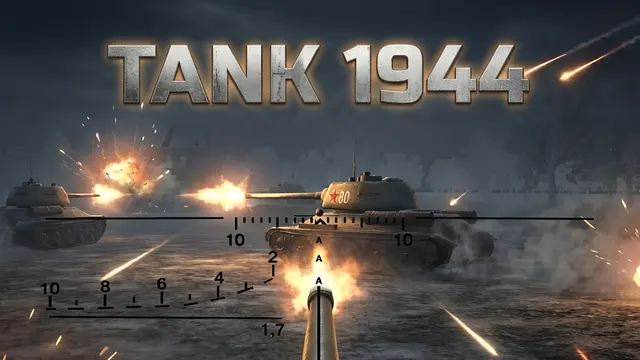 Tank 1944
 Hero Defense King
 Squad Assembler: Merge
 Party Games Mini Shooter Battle
 Combat Guardian: Under Attack
Play Hazmob FPS: Online Shooter online
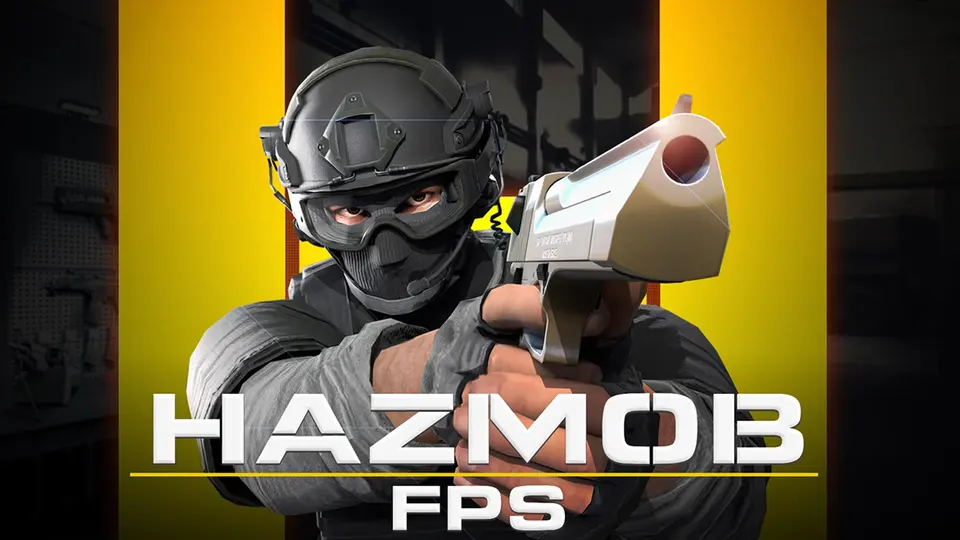
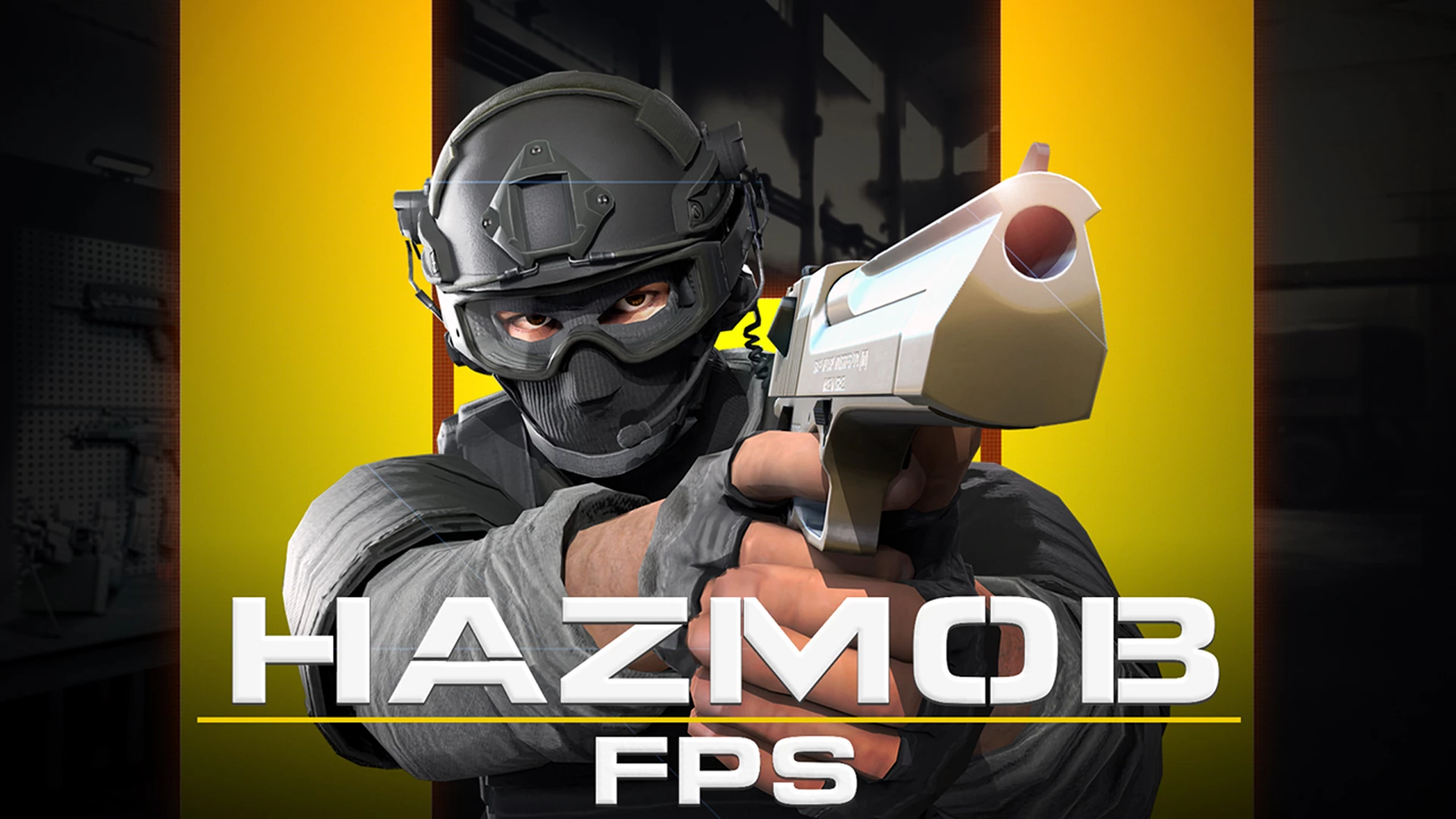
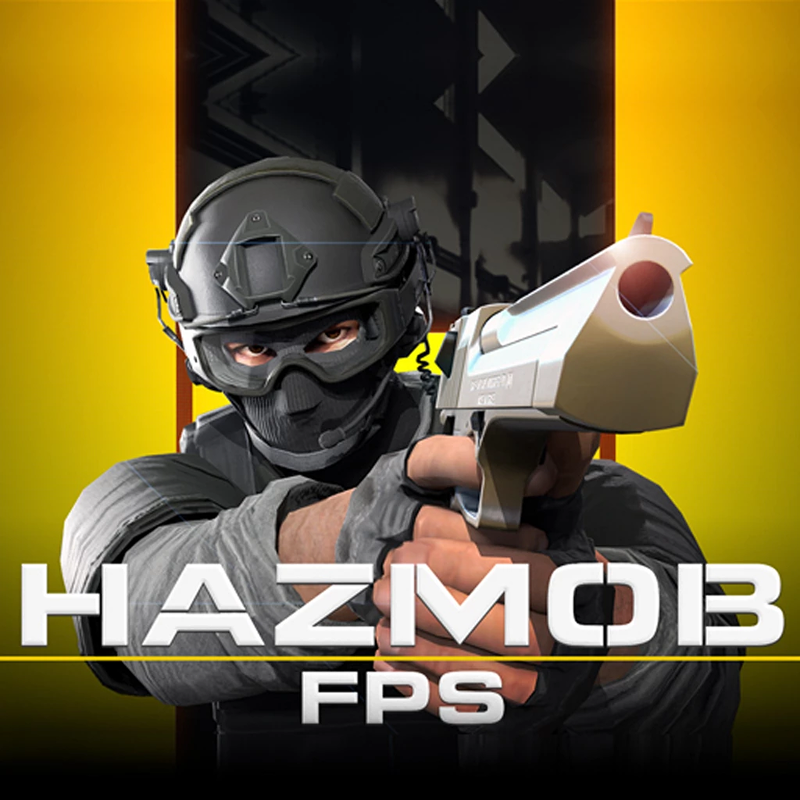
Hazmob FPS is a multiplayer shooting FPS game where every second counts! Play against other players across multiple game modes in non-stop combat. This first-person shooter game is ideal for those seeking a bit of thrill.
Learn the aiming and firing controls, then follow the objective shown in the game. Movement and interaction inputs may be separate from the weapon controls. The provider describes a ranking or leaderboard feature. The listed controls include WASD input.
How to play Hazmob FPS: Online Shooter
Controls and instructions
Controls
WASD = move
Space = jump
Left mouse = shoot
Right mouse / V = aim
P = leaderboard, pause, and settings
G = pick up the gun
C = crouch
Shift = run
1, 2, 3 = switch weapons
4, 5, 6 = skills
E = alternative skills
Q = alternative skills
Getting started with Hazmob FPS: Online Shooter
- Check aiming, firing and movement inputs individually before combining them.
- Read what contributes to the ranking rather than assuming it is based on time.
- Check the action mappings as well as movement; extra actions may use different keys.
About this game
- Platform
- Web browser
- Supported devices
- Android, iOS, Desktop
- Screen orientation
- Landscape
- Languages
- American English
- Genres
- Action, Boys, 3d, Multiplayer, Shooting, Gun, Cool, Popular, First Person Shooter, Sniper
- In-game purchases
- Available
- Provider
- Playgama
- Provider audience
- Male
Game features and tags
- Reaction
- Iphone
- Exciting
- Competitive
- Military
- Combat
- Teams
- Android
- Sniper Shooter
- Action Fighting
Hazmob FPS: Online Shooter images
Questions about Hazmob FPS: Online Shooter
How do I start playing?
Choose Play now in the game window above to load Hazmob FPS: Online Shooter through Playgama. Read the controls and instructions above before you start.
Which devices can I play on?
The provider lists support for Android, iOS, Desktop. Play in your web browser using the controls described above.
Which languages does the game support?
American English.
Does the game have in-game purchases?
The provider lists optional in-game purchases. Any available purchases are handled inside the game. Games may display advertisements.
Related game categories
Game facts and artwork supplied by Playgama. Descriptions adapted and getting-started guidance added by LookBear. Game content, ads and purchases are provided by Playgama and the game provider.