 Toybox: Pixel World Sandbox
CRASH LAB: Launch the Dummy!
Provided by Playgama
CRASH LAB: Launch the Dummy!via Playgama
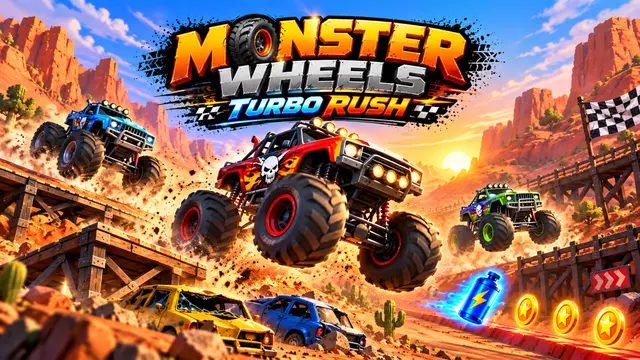

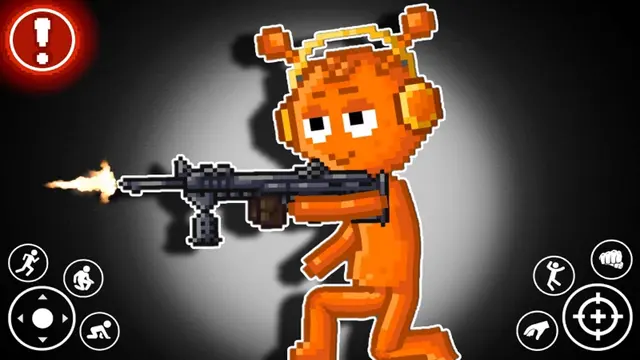
 Rocket Rush
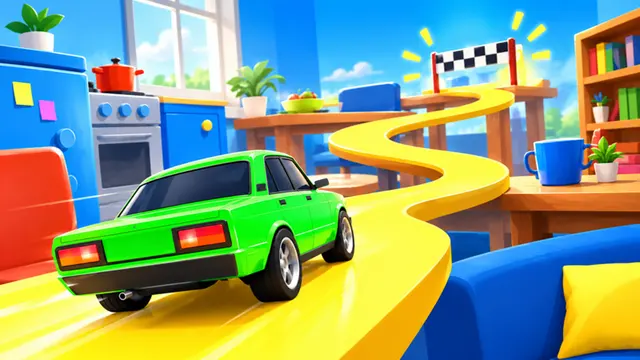 Mini Car: Room Parkour
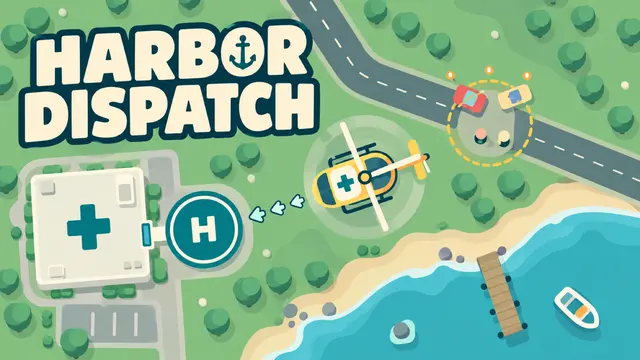 Harbor Dispatch
 Relic Rush 3D
 Pocket Mart
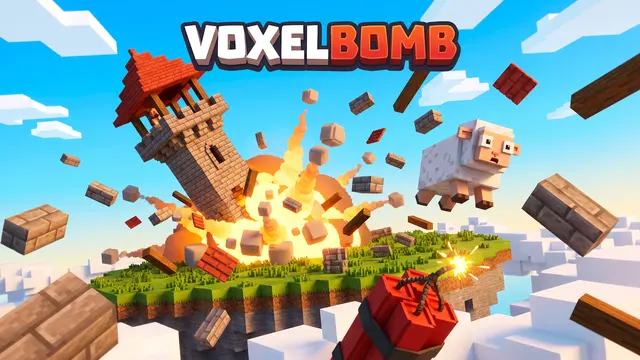 VoxelBomb
 Sunny Bay Heroes
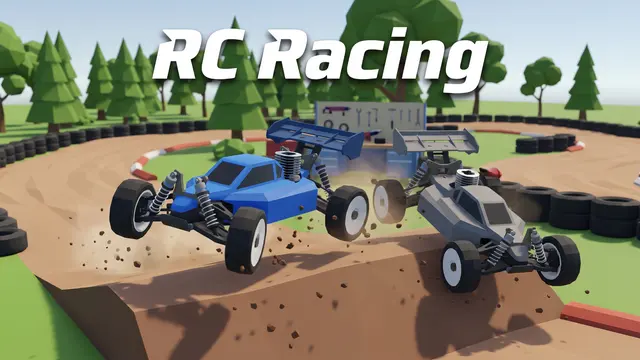 RC Racing
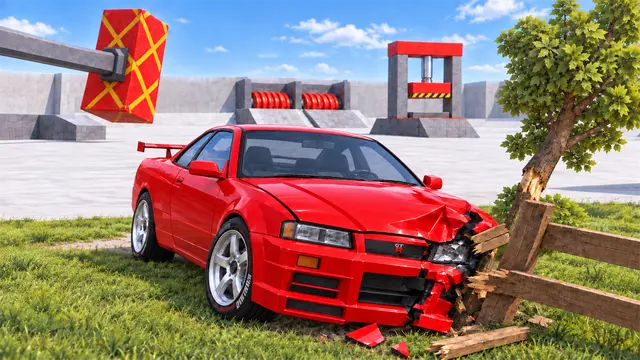 Realistic Car Destruction Sandbox
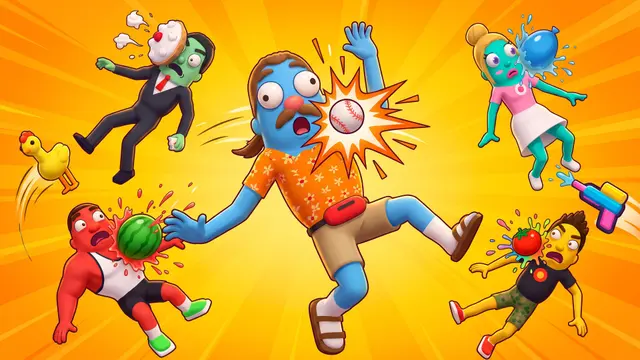 Ragdoll Revenge! Throw at Annoying People
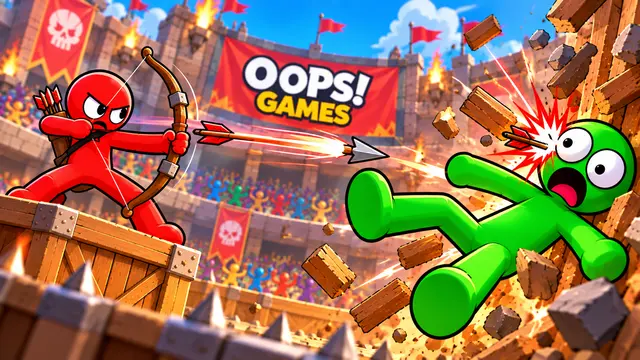 Ragdoll Arena
 Demolition Foreman
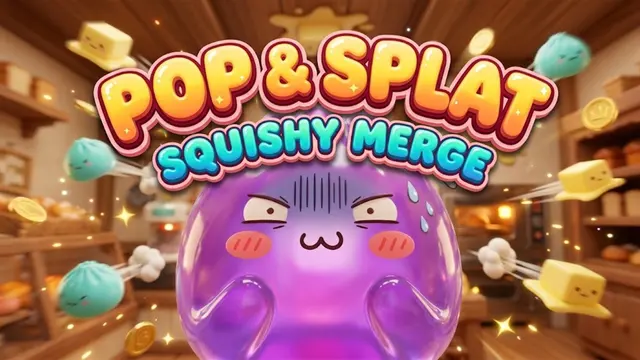 Pop & Splat: Squishy Merge
 Pull-up Bar Tricks
 Zone Breaker
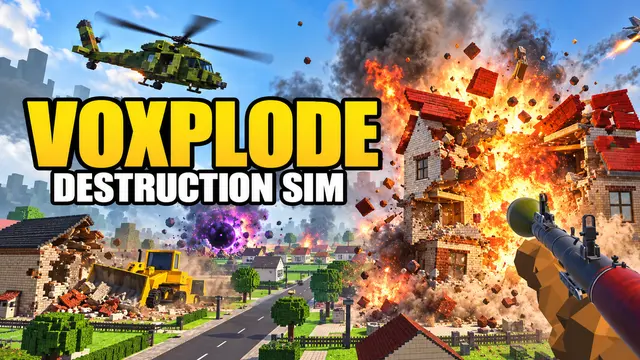 Voxplode: Destruction Sim
 Modified Hill Climb 2D
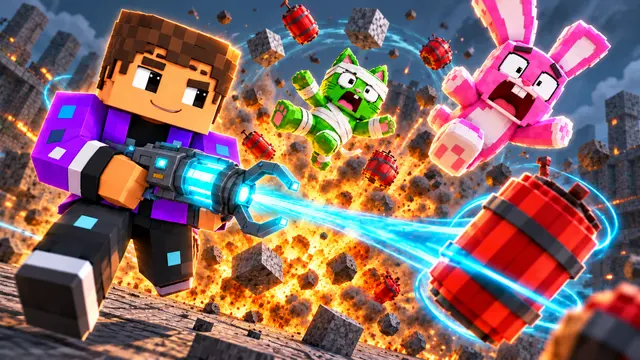 Cube Playground: Ragdoll Sandbox 3D
 Crush City
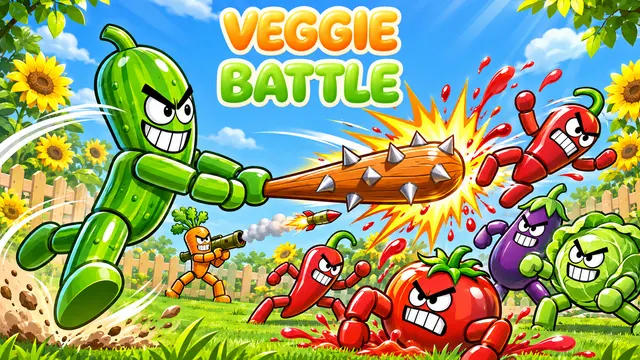 Veggie Battle
 Bonk Flight
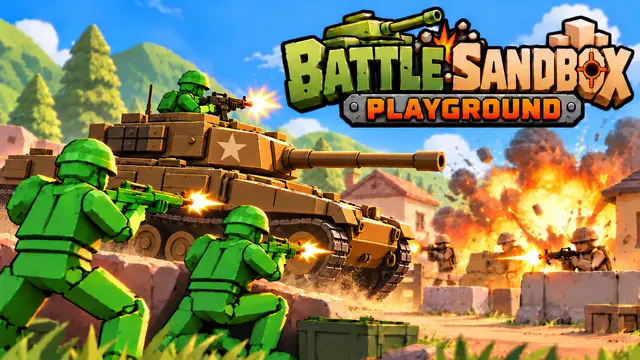 Battle Sandbox Playground
 Super Realistic Ragdoll
 Rolling In Gears
 Bouncy Motors
 Bridge Builder
 Race On Cars in Moscow
 Motorcycle Racer: Road Mayhem
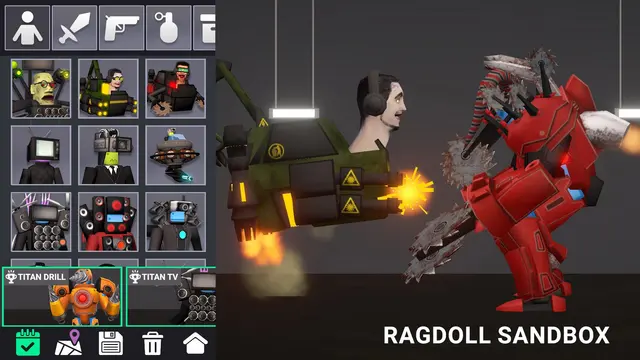 Last Play: Ragdoll Sandbox
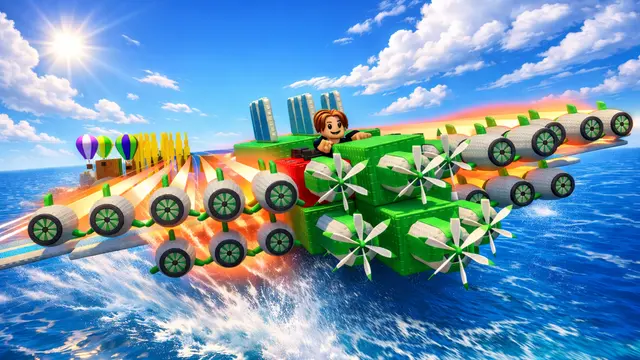 Build and Fly Obby
 My Arcade Center
 Hyper Cars Ramp Crash
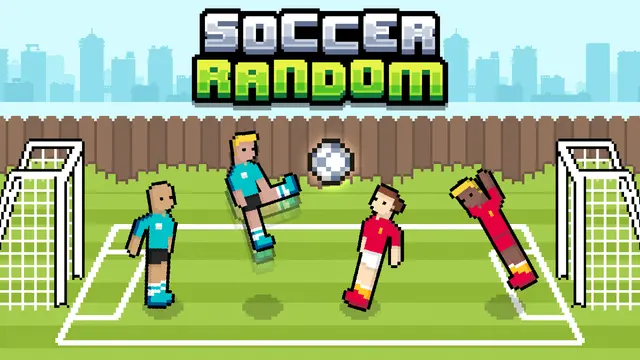 Soccer Random
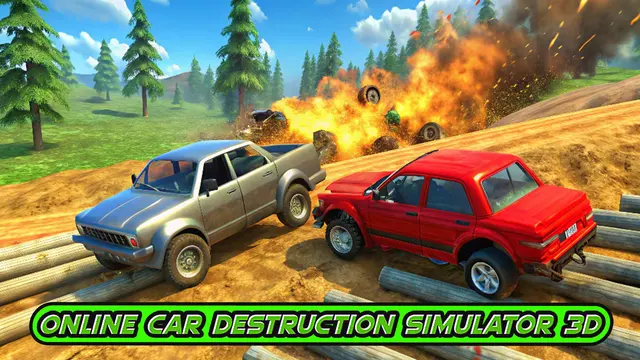 Online Car Destruction Simulator 3D
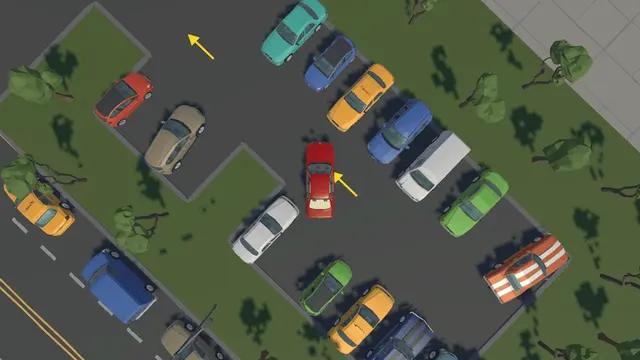 Parking Master: Urban Challenges
 Fun Town Parking
 Break Stick Completely
 Turbo Stunt Racing
 Space Rovers
 Carvivor Ops
 We Are In A Simulation Simulator
 Destructive Car Crash Simulator
 Micro GT Racing
 Catoom! - Bomb Barrel
 On Fire Basketball Shots
 Street Racer 2D
 BMG: Ragdoll Car Race
 Driver Club: Highway Racing
 Street Race Master
 Beam Drive Car Crash Test Simulator
 Stunsteval Siderollers
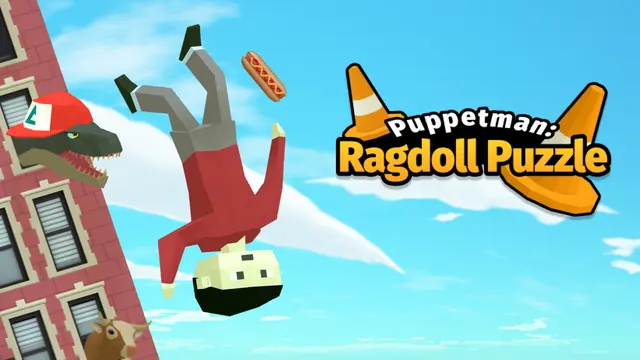 Puppetman: Ragdoll Puzzle
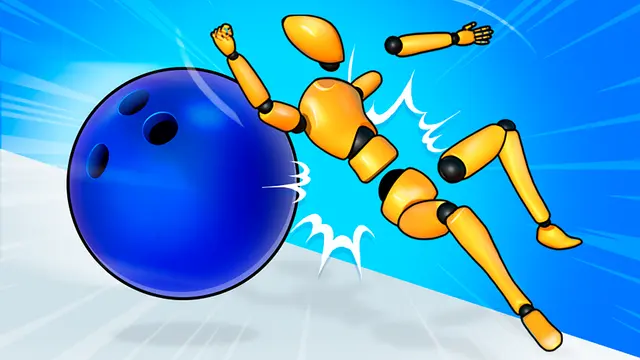 Playground Man! Ragdoll Show!
 Turbo Racer Extreme
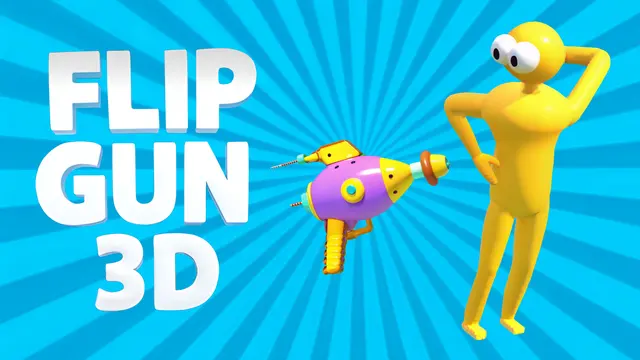 Flip Gun 3D Ragdoll Shooter
 Winged Wheels 2
 Parking Boom
 Drifting Car Master
 Mr.Reckless Car Chase Simulator
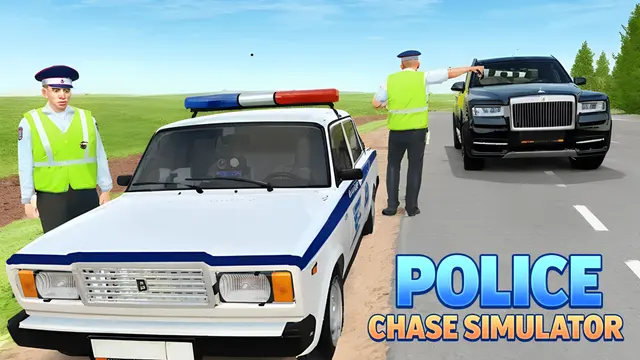 Police Chase Simulator
 Balls: Ricochet!
 Hop To Rescue
 Car Crash Test: Abandoned City
 Road Crosser
Play CRASH LAB: Launch the Dummy! online
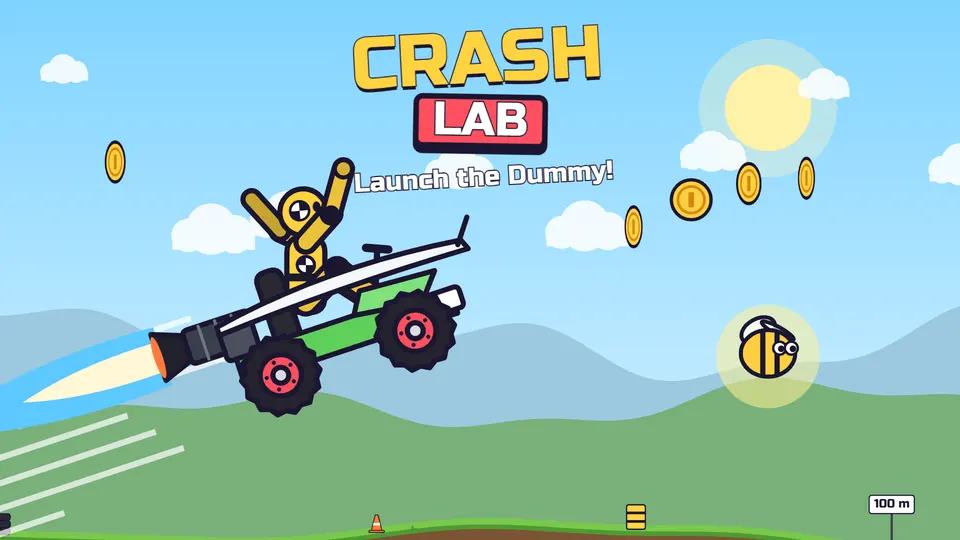
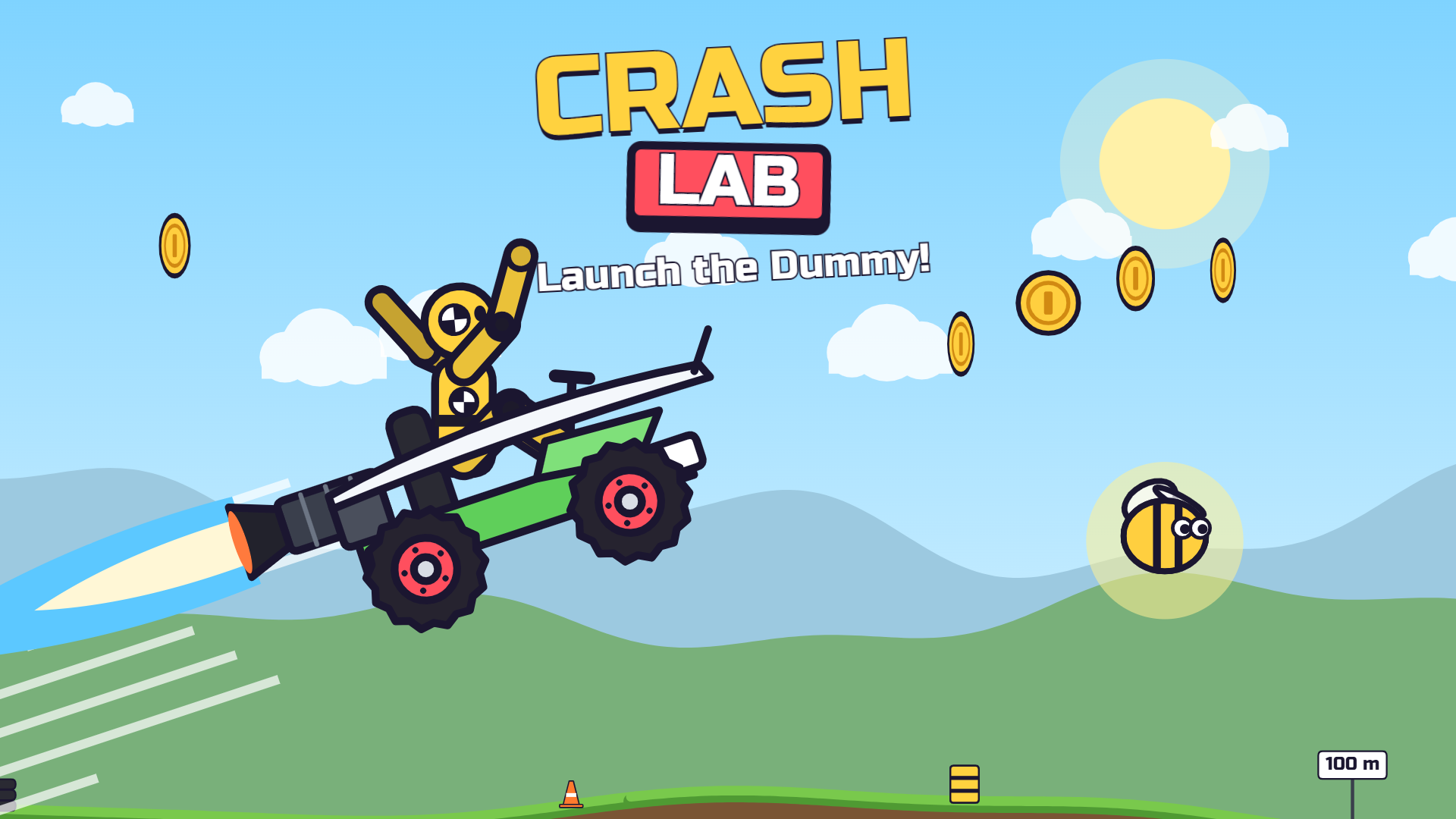
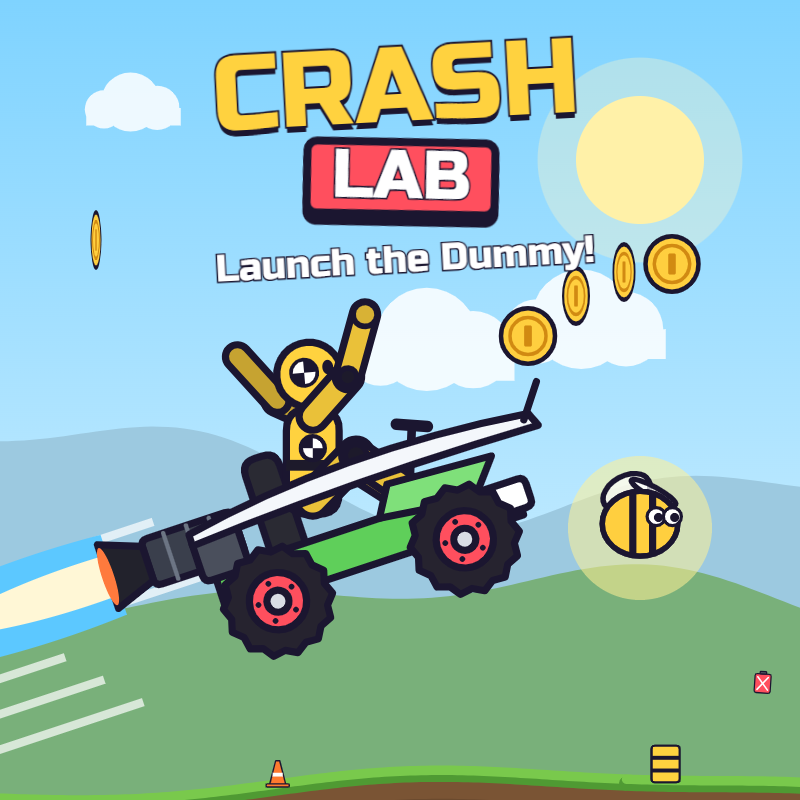
Strap Buckle the crash-test dummy into a home-made rocket cart and launch him off the lab ramp. Boost, tilt and glide as far as you can, smash crates and glass, bounce on trampolines and break a few bones on the landing. Spend your coins in the Garage: buy parts and merge identical ones into stronger boosters, wings, bodies and wheels, from a shopping cart up to a titan capsule.
Get familiar with the vehicle and the route ahead. Read the movement controls and the game’s objective before setting off. Coins appear in the game’s progression or objectives. Upgrades are part of the progression described by the provider.
How to play CRASH LAB: Launch the Dummy!
Controls and instructions
Tap LAUNCH to send the cart down the ramp. Hold BOOST (or hold anywhere on the screen) to fire the rocket, and use the two arrow buttons to tilt the nose: keep it slightly up to glide further. Keyboard: Space, W or Up arrow to boost, A/D or Left/Right arrows to tilt, P to pause. Grab coins, fly through boost rings and catch critters. After each launch, buy and merge parts in the Garage and upgrade the ramp, fuel tank and coin grant in the Lab. Goal: hit the Big Target at 6 km.
Getting started with CRASH LAB: Launch the Dummy!
- Check whether steering, acceleration and braking use separate controls.
- Check what the game lets you do with coins before spending them.
- Compare the upgrade description with your next objective before choosing it.
About this game
- Platform
- Web browser
- Supported devices
- Android, iOS, Desktop
- Screen orientation
- Landscape and Portrait
- Languages
- American English, Russian (Russia), European Spanish, Brazilian Portuguese, Turkish (Türkiye), German (Germany), French (France)
- Genres
- Arcade, Simulation, Ragdoll, Driving, Physics
- In-game purchases
- None listed by the provider
- Provider
- Playgama
- Provider audience
- Male, Female
Game features and tags
- 2d
- Reaction
- Mission
- Customization
- Casual
- Destruction
- Addictive
- Crash
- Smash
- Endless
- Obstacles
- Jumping
- Rocket
- Webgl
- Collecting
- Agility
- 1 Player
- Timing
CRASH LAB: Launch the Dummy! images
Questions about CRASH LAB: Launch the Dummy!
How do I start playing?
Choose Play now in the game window above to load CRASH LAB: Launch the Dummy! through Playgama. Read the controls and instructions above before you start.
Which devices can I play on?
The provider lists support for Android, iOS, Desktop. Play in your web browser using the controls described above.
Which languages does the game support?
American English, Russian (Russia), European Spanish, Brazilian Portuguese, Turkish (Türkiye), German (Germany), French (France).
Does the game have in-game purchases?
The provider lists no in-game purchases for this game. Games may display advertisements.
Related game categories
Game facts and artwork supplied by Playgama. Descriptions adapted and getting-started guidance added by LookBear. Game content, ads and purchases are provided by Playgama and the game provider.