 Relic Rush 3D

Pocket Mart
Provided by Playgama

Pocket Martvia Playgama








 My Arcade Center
 Hyper Cars Ramp Crash
 Online Car Destruction Simulator 3D
 Parking Master: Urban Challenges
 Turbo Stunt Racing
 Car Destruction King
 Car Smash Simulator: Crash & Tune
 Burger Restaurant Simulator 3D
 Street Race Master
 Police Chase Simulator
 Buggy Simulator Sandbox 3D
 StreetRacer: Realistic Destruction
 Simulator GT Motorsport
 Gravity Shift Sky Racers GT
 Mini Car Racing Master 3D
 Precision Parking Pro
 Furious GT Drift
 USA Luxury 4x4 SUV Offroad Driving Simulator
 Crime and Vice City Police
 Crash Test Simulator 3d
 Car Crash Sandbox
 Drive & Crash Sandbox
 JUICE TYCOON
 Chop Up!
 Car Parking Driving School
 Cartoon Traffic Racing Paper Derby
 Race Through Traffic
 Gas Station 24: Simulator
 TRAFFIC Rush Online
 Open City SUV Car Stunts
 City Bus Simulator Driving Games
 Night Racing - Drag
 Wild Manager
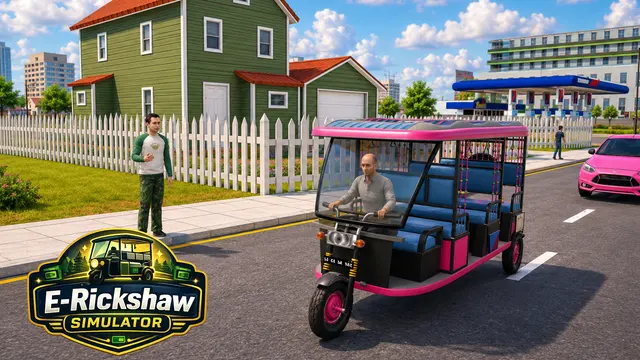 E-Rickshaw Simulator
 +1 Grass Cutting: Become Stronger
 My Little Kingdom
 Speed chaos: Crazy race
 Cheat and Don't Get Caught!
 Clean The Garden
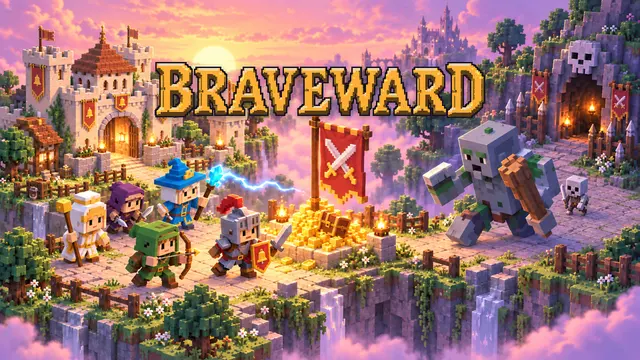 Braveward
 Glossy Garage - Car ASMR
 Wild Wolf Simulator Animal Games
 Drift Tycoon
 Wildkin Isles
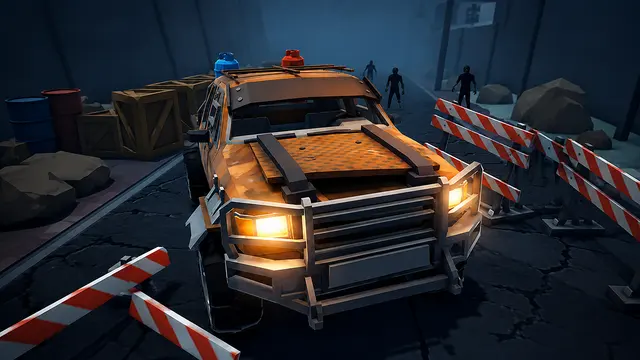 Cars vs Zombies
 Rocket Rush
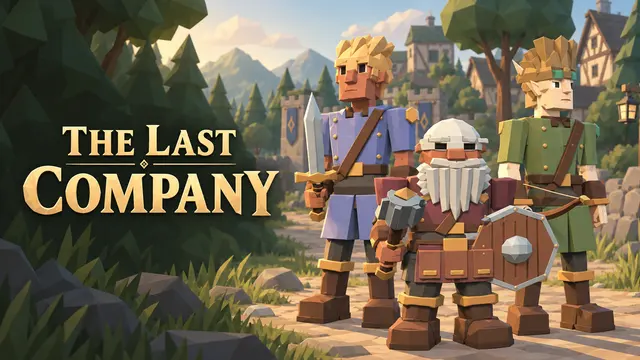 The Last Company
 Mini Car: Room Parkour
 Open to Offers!
 Busy Bites Tycoon
 Heist Escape: City Lockdown
 Road Gunner 3D
 Crazy Driver
 Police Chase Gate Runner
 Car Crash Tricks Simulator Crazy Stunts
 Steal a Pet!
 Mine Tycoon
 FAKE HUNTER
 Tiny Cinema
 Farm Care Tycoon
 Monster Truck Jump
 Extreme Formula Racing
 Fishing Island
 Extreme Police Chase
Play Pocket Mart online
Pocket Mart is a 3D shop-management game set in a small open town. You start with one shelf of tomatoes and a tiny corner shop: carry stock from your warehouse to the shelves, ring customers up at the register, collect your cash, and reinvest it in upgrades, new products and staff. Grow from a single produce corner into a three-room market selling ten products, from fruit and dairy to bread and household goods.
Get familiar with the vehicle and the route ahead. Read the movement controls and the game’s objective before setting off. The listed controls include WASD input.
How to play Pocket Mart
Controls and instructions
Goal: stock your shelves, serve customers, collect the cash and grow your shop until every room and all ten products are unlocked.
Move with WASD or the arrow keys, or drag anywhere on the screen on a phone. Stand in a marked circle to work automatically: collect goods in the warehouse, stock shelves, run the register and pick up cash. Tap the button that appears at pads and desks to buy shelves, rooms, upgrades and staff.
Tap Order to phone in more stock, or walk to your car, press Drive, and visit the Farm market and Mega Mall for cheaper boxes, then park in the delivery bay to unload. While driving, use W/S or drag up and down for gas and brake, A/D or drag sideways to steer, hold Space or the DRIFT button to slide, and press C or View to change camera. Esc or the pause button opens the menu.
Getting started with Pocket Mart
- Check whether steering, acceleration and braking use separate controls.
- Check the action mappings as well as movement; extra actions may use different keys.
About this game
- Platform
- Web browser
- Supported devices
- Android, iOS, Desktop
- Screen orientation
- Landscape and Portrait
- Languages
- American English
- Genres
- Arcade, Adventure, Simulation, 3d, Car, Tycoon, Management, Driving
- In-game purchases
- Available
- Provider
- Playgama
- Provider audience
- Male, Female
Game features and tags
- Customization
- Casual
- Business
- Delivery
- Shop
- Time Management
- Collecting
- 1 Player
- Resource Management
- Open World
- Arcade Car
- Action Adventure
- Ai
Pocket Mart images


Questions about Pocket Mart
How do I start playing?
Choose Play now in the game window above to load Pocket Mart through Playgama. Read the controls and instructions above before you start.
Which devices can I play on?
The provider lists support for Android, iOS, Desktop. Play in your web browser using the controls described above.
Which languages does the game support?
American English.
Does the game have in-game purchases?
The provider lists optional in-game purchases. Any available purchases are handled inside the game. Games may display advertisements.
Related game categories
Game facts and artwork supplied by Playgama. Descriptions adapted and getting-started guidance added by LookBear. Game content, ads and purchases are provided by Playgama and the game provider.