 Master Car Destruction
Monster Wheels Turbo Rush
Provided by Playgama
Monster Wheels Turbo Rushvia Playgama


 Mad City Racings Big City Openworld
 Escape Chase
 Bouncy Motors
 Zombie Derby 2
 Race On Cars in Moscow
 Mad Truck Challenge Special
 Drive Quest
 Turbo Stunt Racing
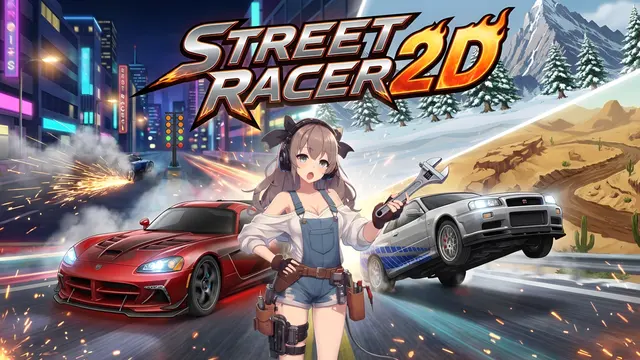 Street Racer 2D
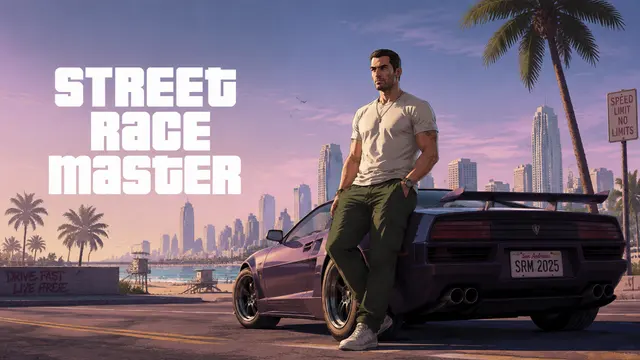 Street Race Master
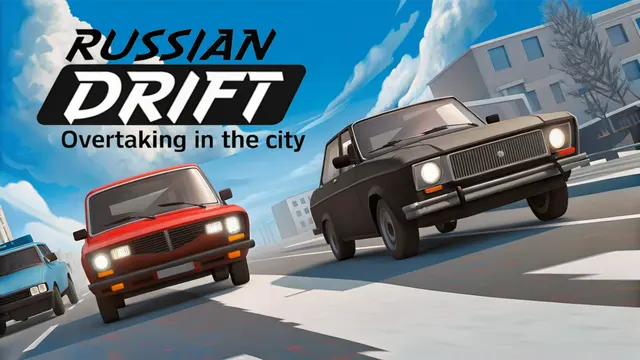 Russian Drift: Overtaking in the City
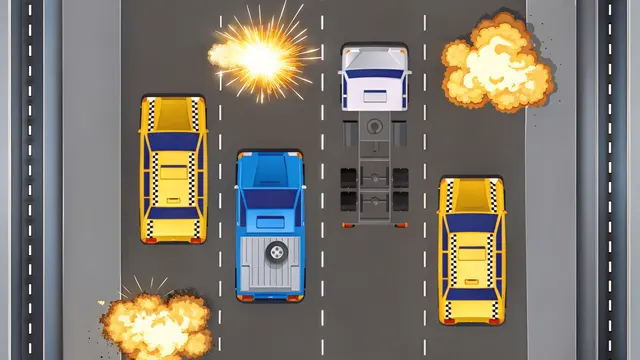 Cars
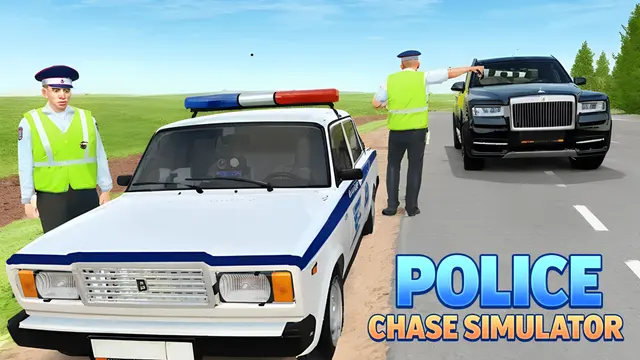 Police Chase Simulator
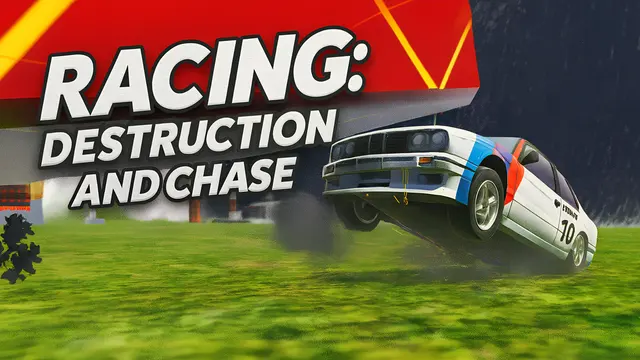 Racing: Destruction and Chase
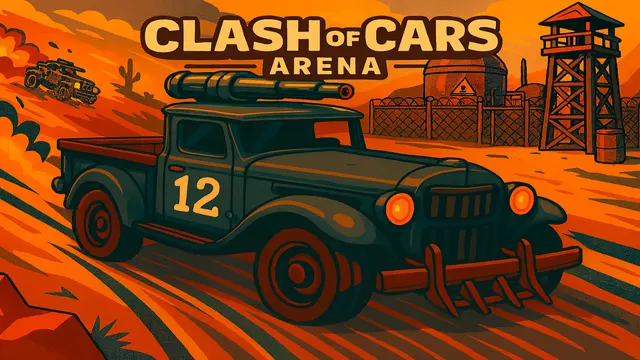 Clash of Cars: Arena
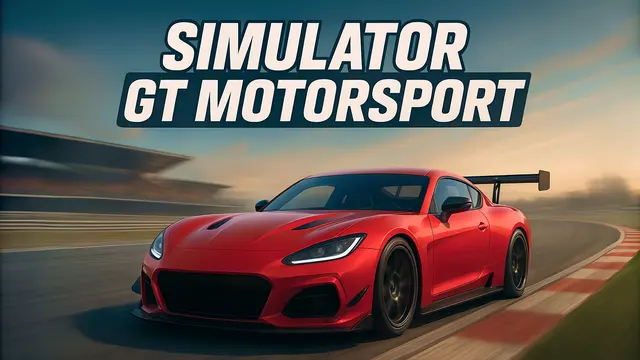 Simulator GT Motorsport
 Drag Racing Club
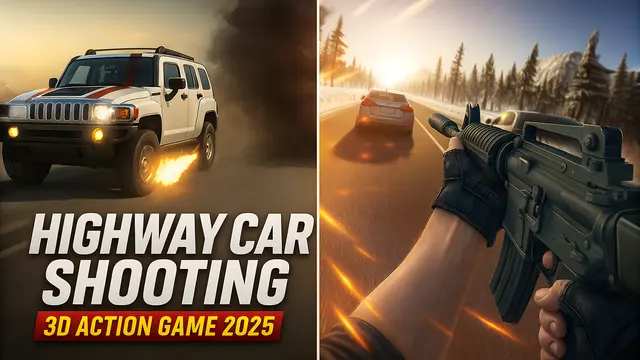 Highway Car Shooting 3D Action Game 2025
 Mini Car Racing Master 3D
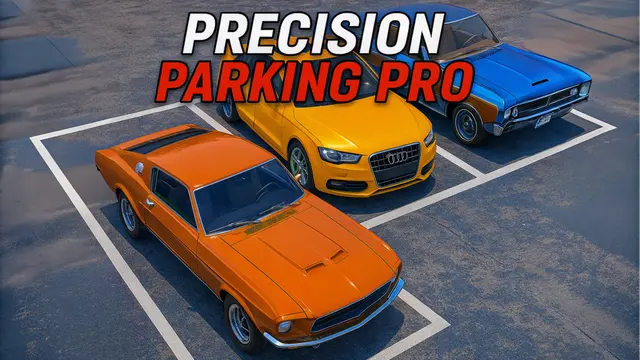 Precision Parking Pro
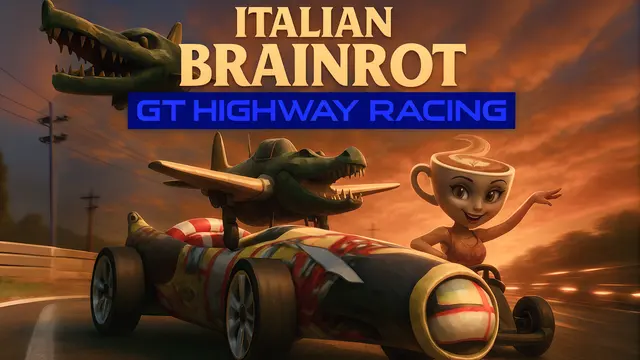 Italian Brainrot GT Highway Racing
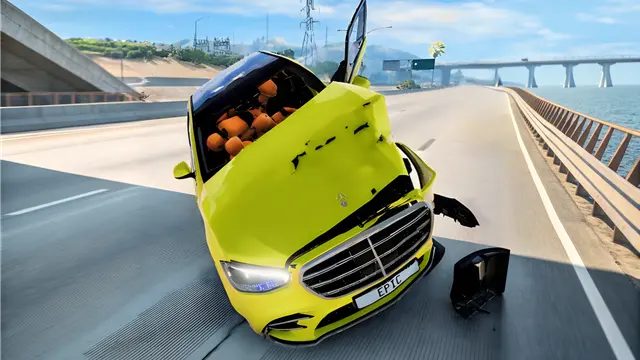 BMG Crash Test
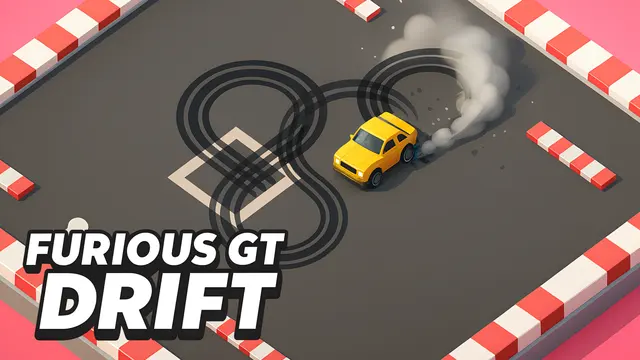 Furious GT Drift
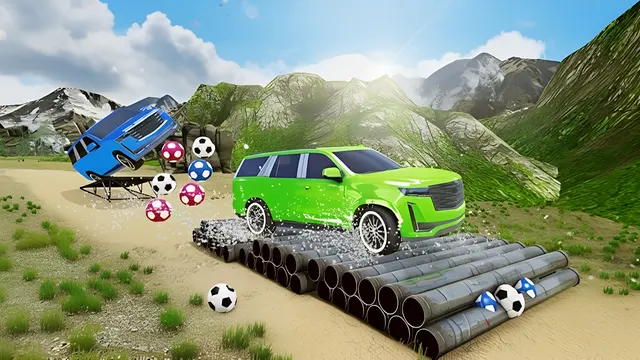 USA Luxury 4x4 SUV Offroad Driving Simulator
 Eggy Car
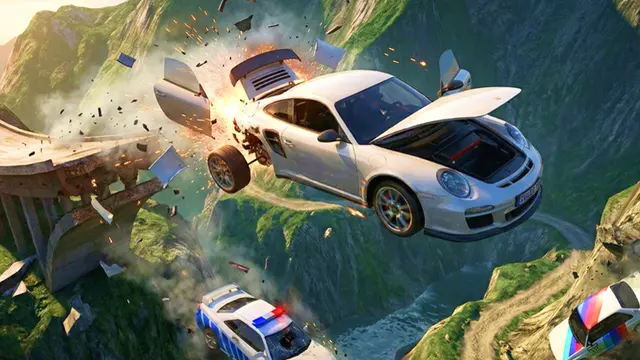 A deadly car crash
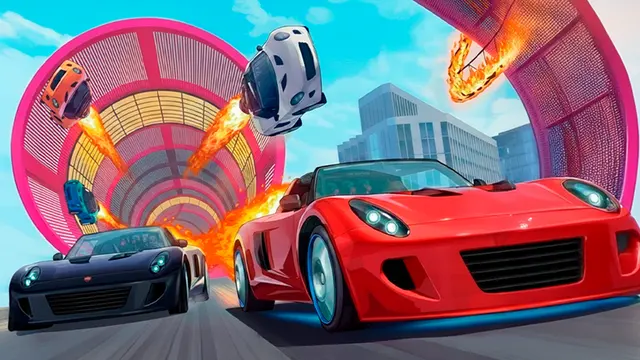 Mega Car Stunts
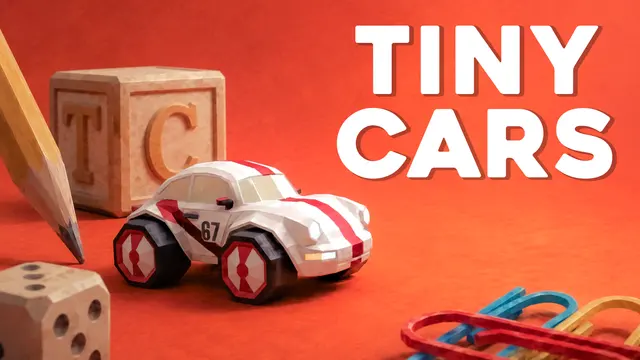 Tiny Cars
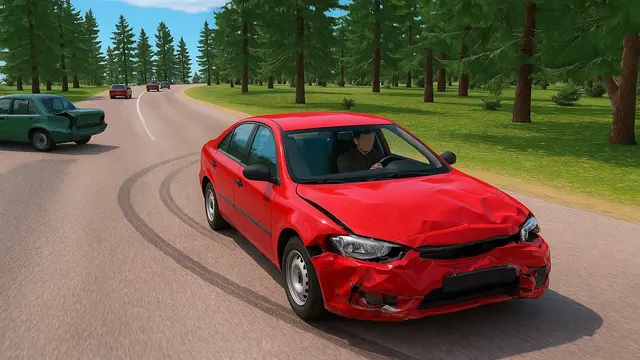 Car Crash Sandbox
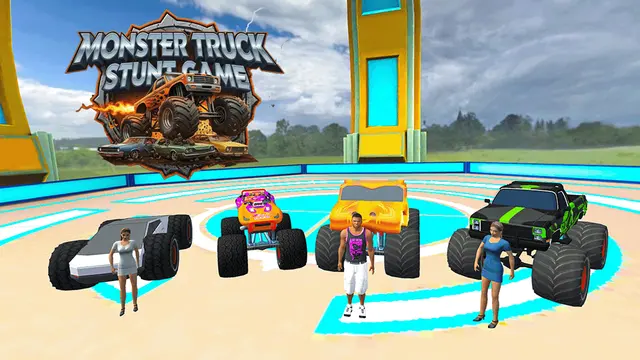 Monster Truck Stunt Game Racing Games
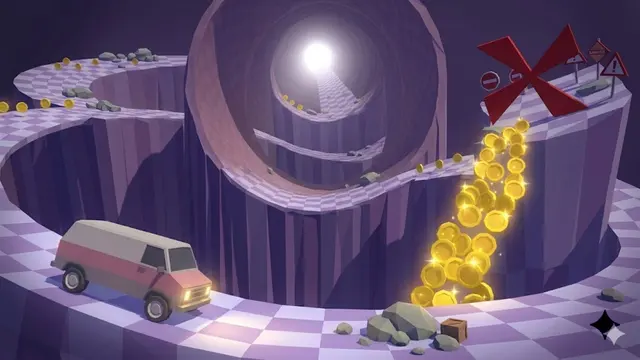 Car Runner
 Driftbound: Race in the Grip of Drift!
 Car Stunts Driving
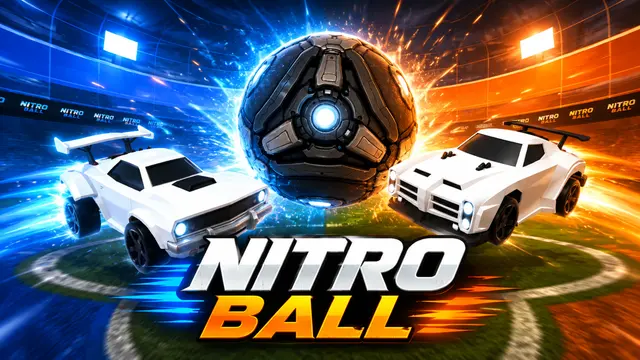 Nitro Ball
 Supercar Battle Arena
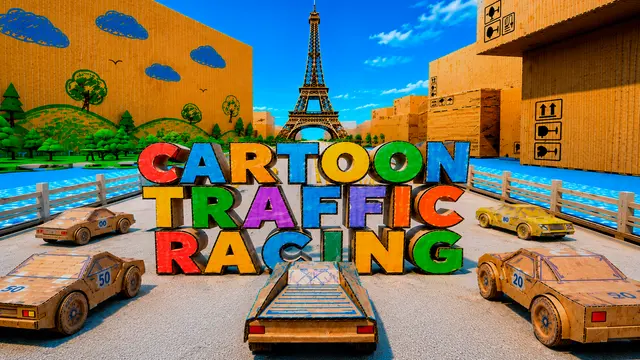 Cartoon Traffic Racing Paper Derby
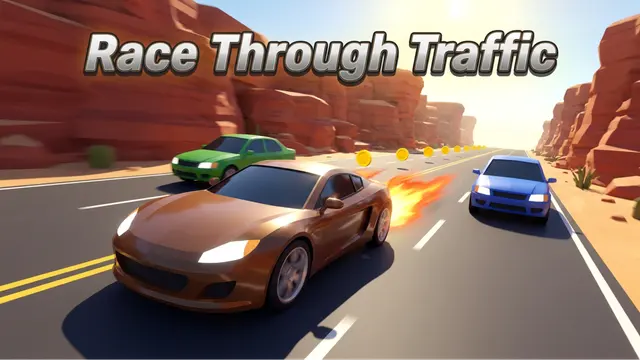 Race Through Traffic
 TRAFFIC Rush Online
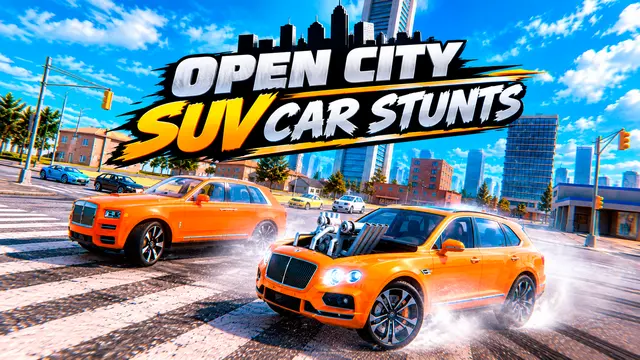 Open City SUV Car Stunts
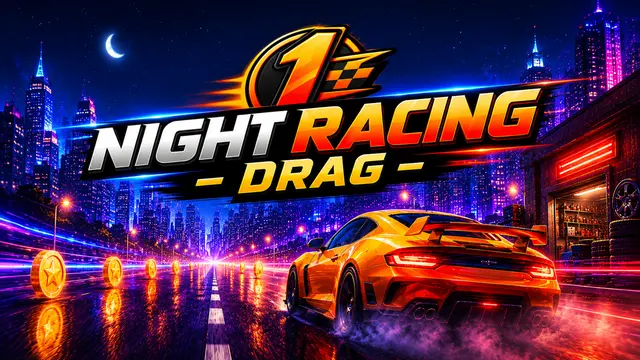 Night Racing - Drag
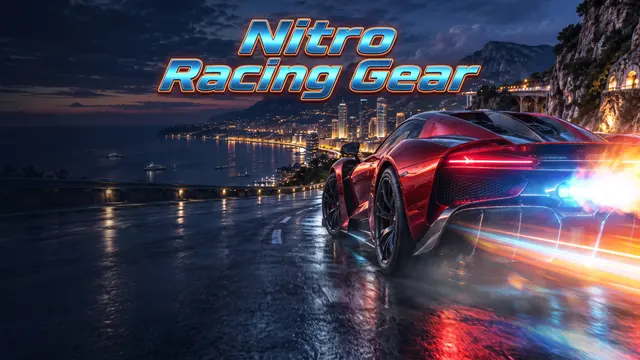 Nitro Racing Gear
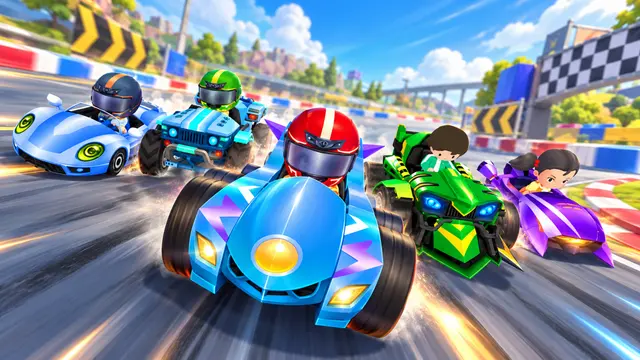 Speed chaos: Crazy race
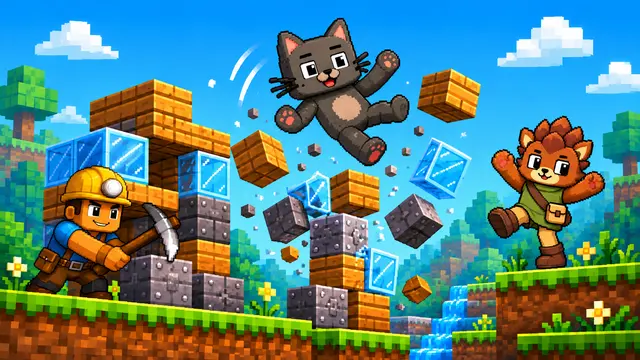 Toybox: Pixel World Sandbox
 Rocket Rush
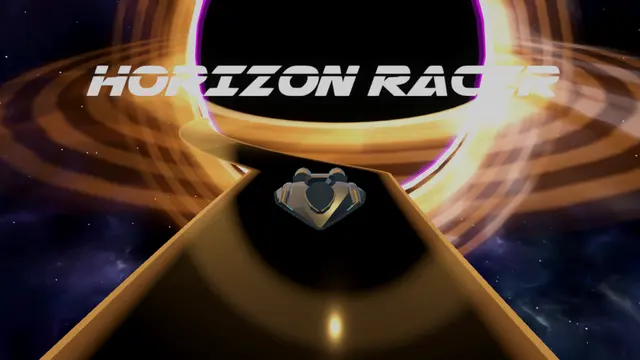 Horizon Racer
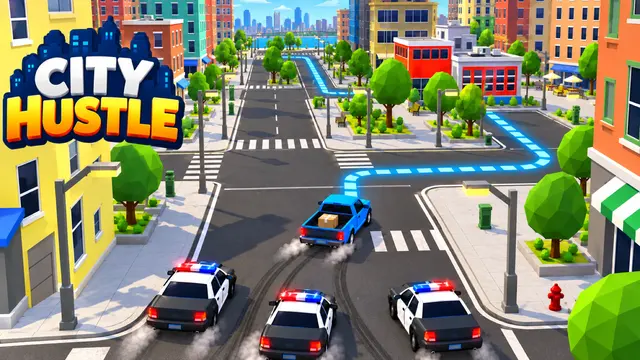 City Husle
 Mini Car: Room Parkour
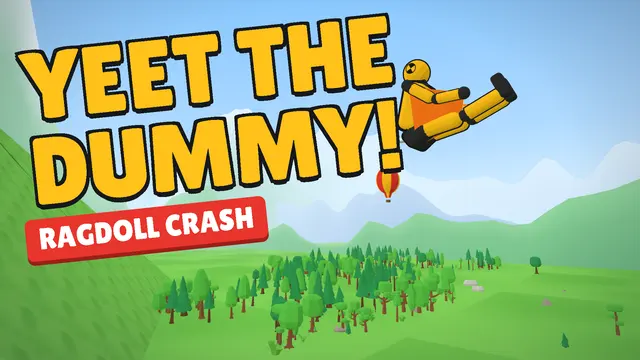 Launch the Dummy!
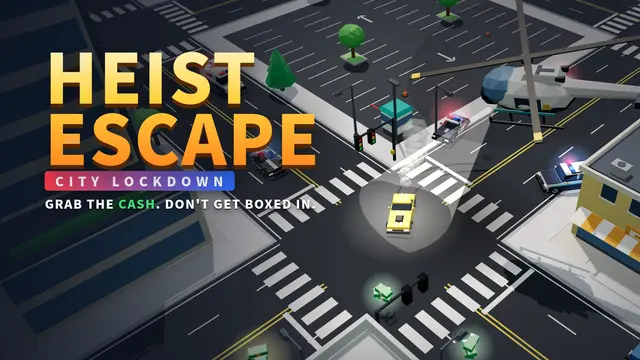 Heist Escape: City Lockdown
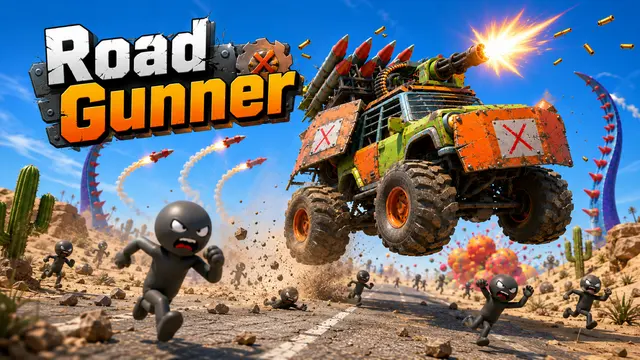 Road Gunner 3D
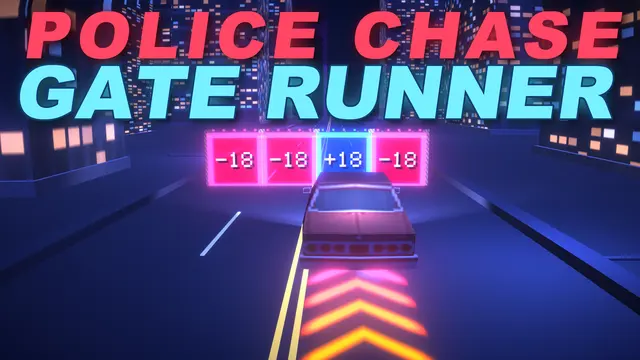 Police Chase Gate Runner
 Relic Rush 3D
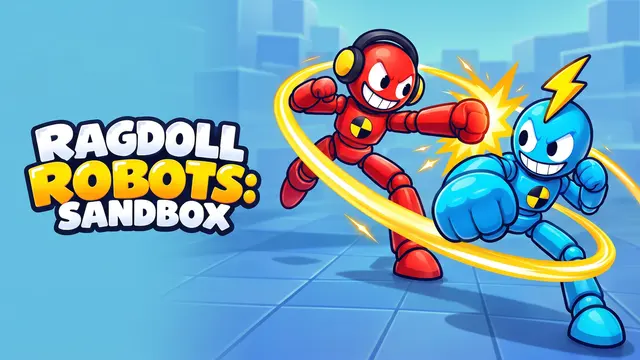 Ragdoll Robots: Sandbox
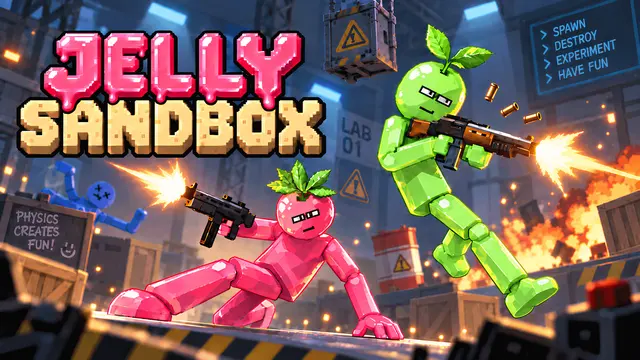 Jelly Sandbox Playground
 Pocket Mart
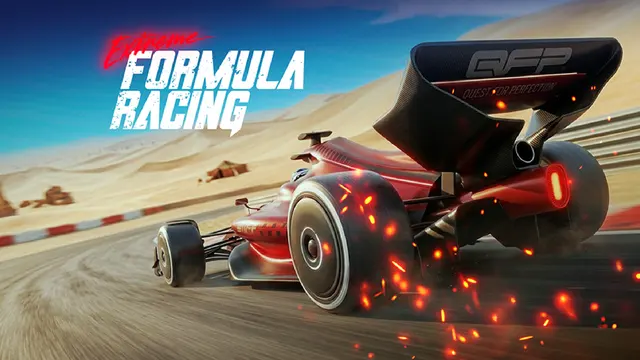 Extreme Formula Racing
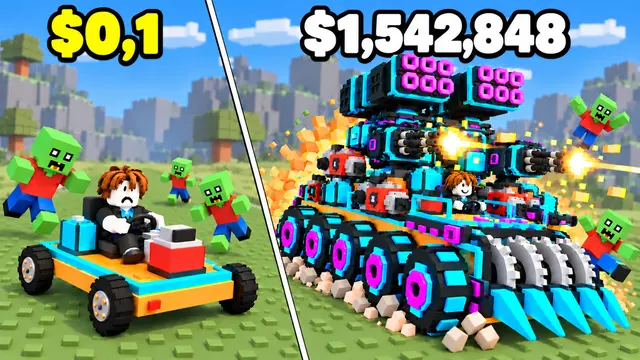 Build Car for Kill Zombies
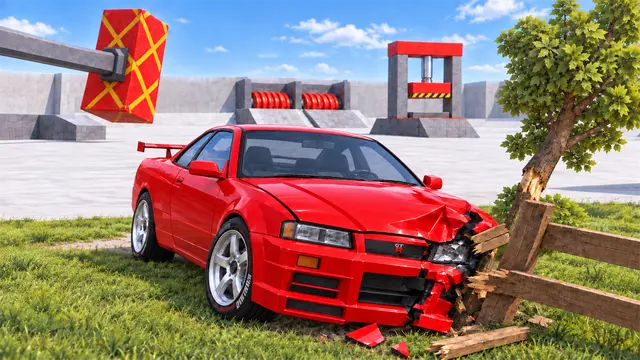 Realistic Car Destruction Sandbox
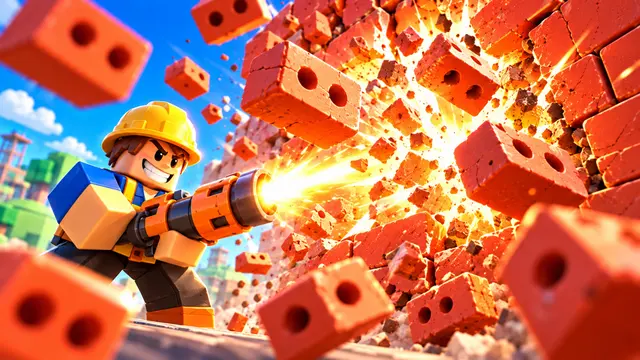 Zone Breaker
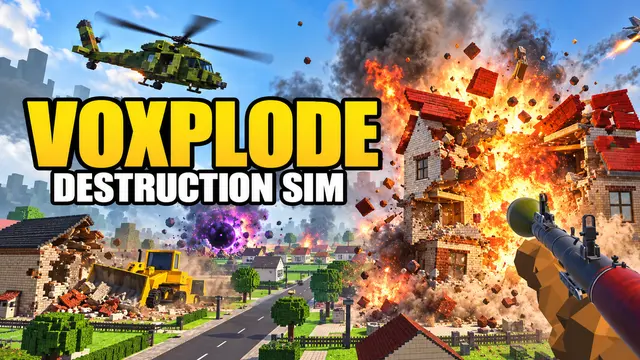 Voxplode: Destruction Sim
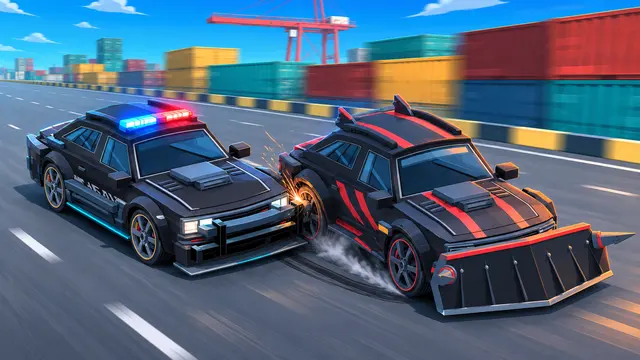 Interceptor: Police Pursuit
 Slide To Ride
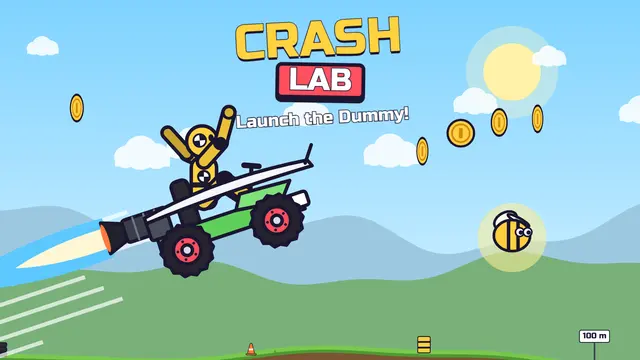 CRASH LAB: Launch the Dummy!
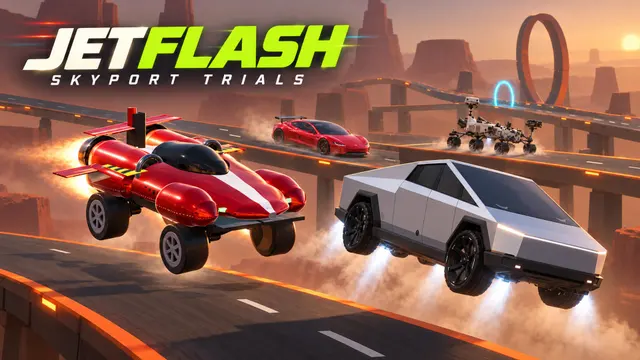 JETFLASH: Skyport Trials
Play Monster Wheels Turbo Rush online
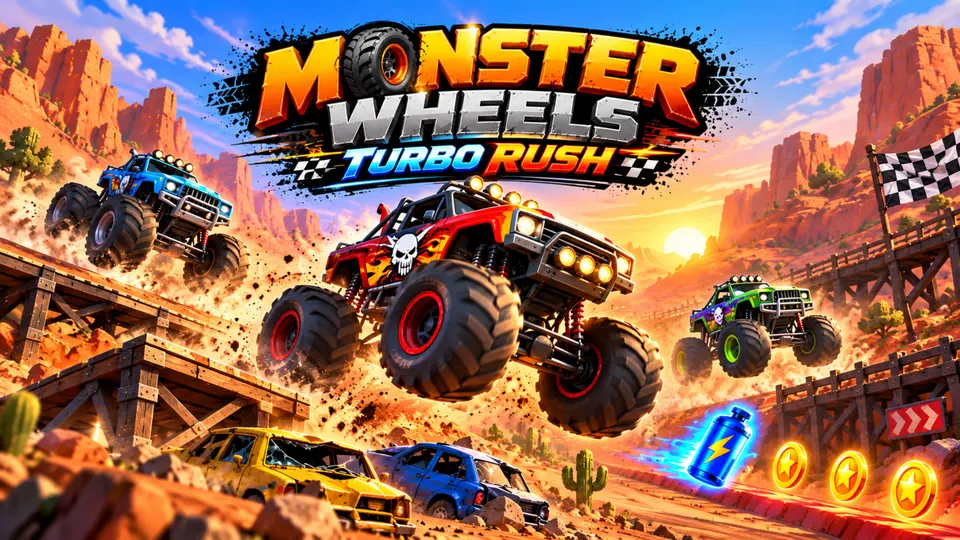
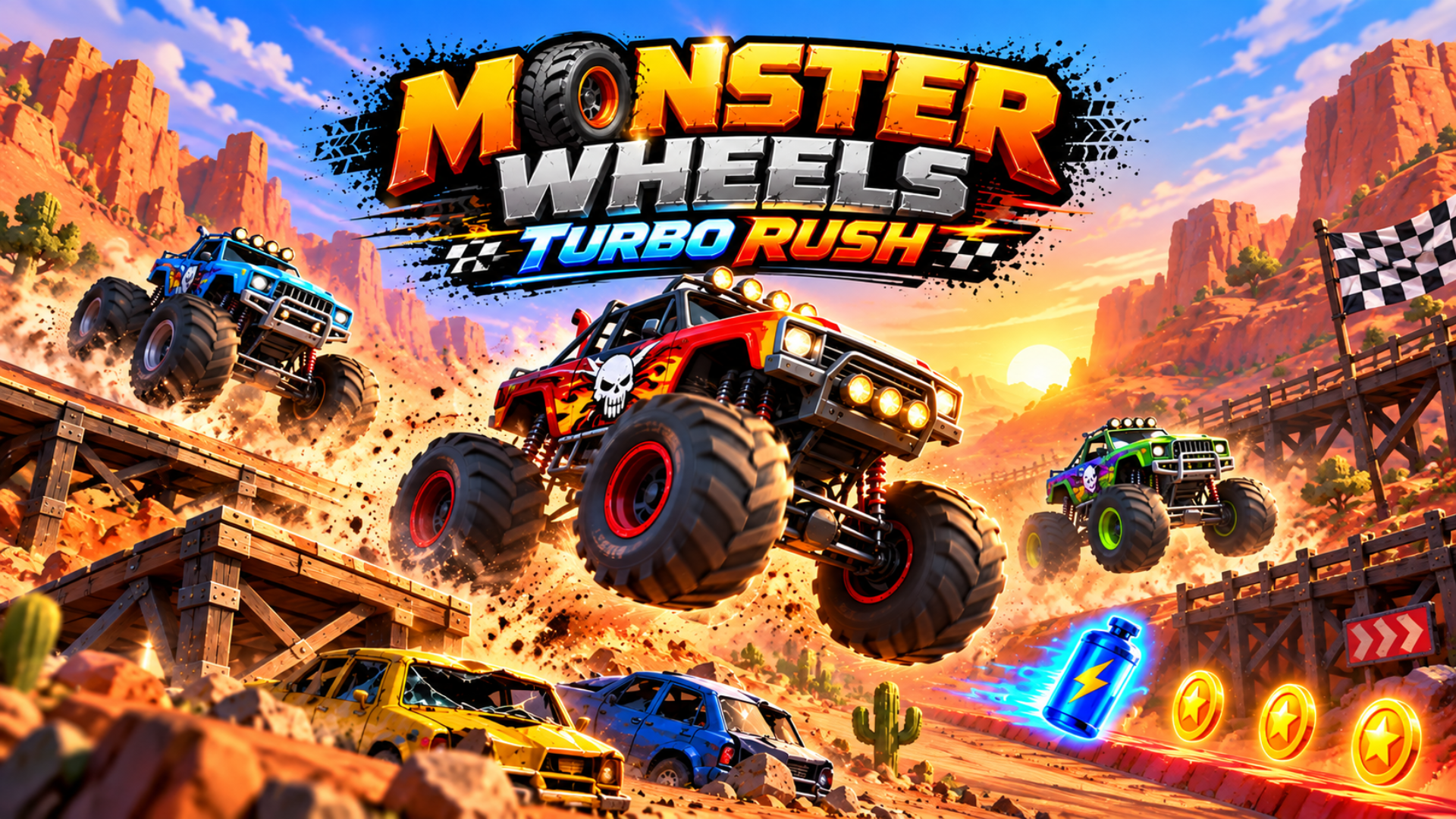
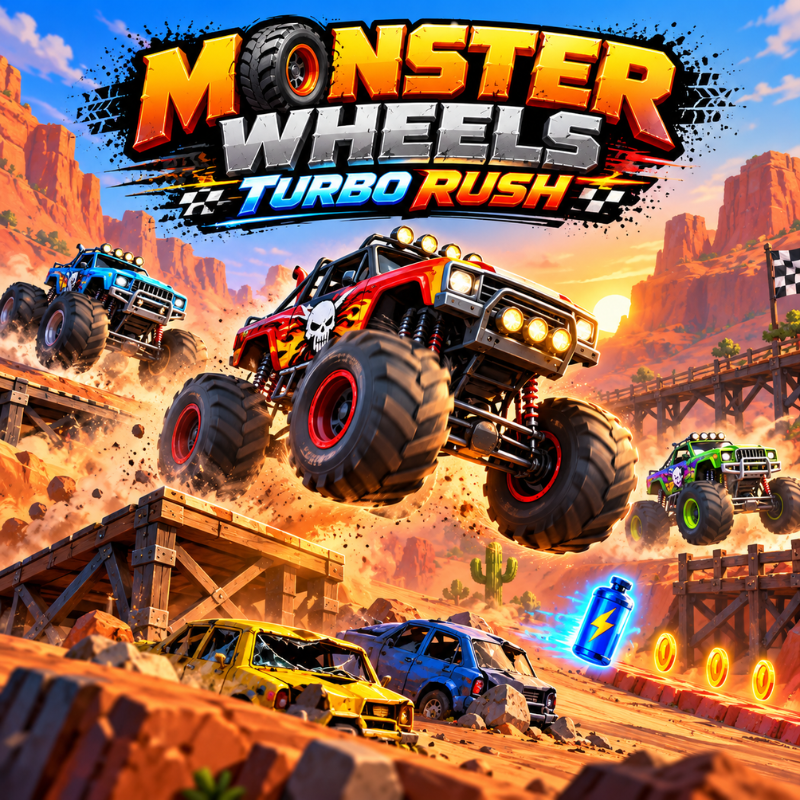
Start your engines and unleash the beast! Take the wheel of 12 formidable monster trucks—from lightweight dune buggies to the unstoppable Mammoth King—and leave your competition in the dust. Tear through 48 challenging levels across 6 extreme biomes: treacherous canyon ridges, slick ice fields, fiery lava pits, and stormy industrial harbours!
Take control of your vehicle and work through the driving challenge. Learn the acceleration, steering and braking inputs before pushing for a faster run. Upgrades are part of the progression described by the provider.
How to play Monster Wheels Turbo Rush
Controls and instructions
Desktop (Keyboard):
W / Up Arrow: Accelerate / Gas
S / Down Arrow: Reverse / Brake
A / Left Arrow: Tilt truck backwards (balance in mid-air / pull wheelies)
D / Right Arrow: Tilt truck forwards (balance in mid-air / stick nose landings)
Spacebar / Shift: Activate Nitro Boost
Mobile / Touchscreen:
Tap the on-screen Pedals to accelerate and brake.
Balance the chassis and land cleanly on all four wheels using Left / Right Tilt Buttons while airborne.
Tap the Nitro Icon for an explosive speed burst.
Getting started with Monster Wheels Turbo Rush
- Spend the opening moments learning how sharply the vehicle turns.
- Compare the upgrade description with your next objective before choosing it.
About this game
- Platform
- Web browser
- Supported devices
- Android, iOS, Desktop
- Screen orientation
- Landscape
- Languages
- American English
- Genres
- Action, Racing, Arcade, Simulation, Car, Monster Truck, Truck, Driving, Physics
- In-game purchases
- None listed by the provider
- Provider
- Playgama
- Provider audience
- Male, Female
Game features and tags
- Race
- Stunt
- Customization
- Casual
- Addictive
- Vehicles
- Car Tuning
- Webgl
- 1 Player
- Monstertruck
- Arcade Car
- Action Adventure
Monster Wheels Turbo Rush images
Questions about Monster Wheels Turbo Rush
How do I start playing?
Choose Play now in the game window above to load Monster Wheels Turbo Rush through Playgama. Read the controls and instructions above before you start.
Which devices can I play on?
The provider lists support for Android, iOS, Desktop. Play in your web browser using the controls described above.
Which languages does the game support?
American English.
Does the game have in-game purchases?
The provider lists no in-game purchases for this game. Games may display advertisements.
Related game categories
Game facts and artwork supplied by Playgama. Descriptions adapted and getting-started guidance added by LookBear. Game content, ads and purchases are provided by Playgama and the game provider.