 Winged Wheels 2
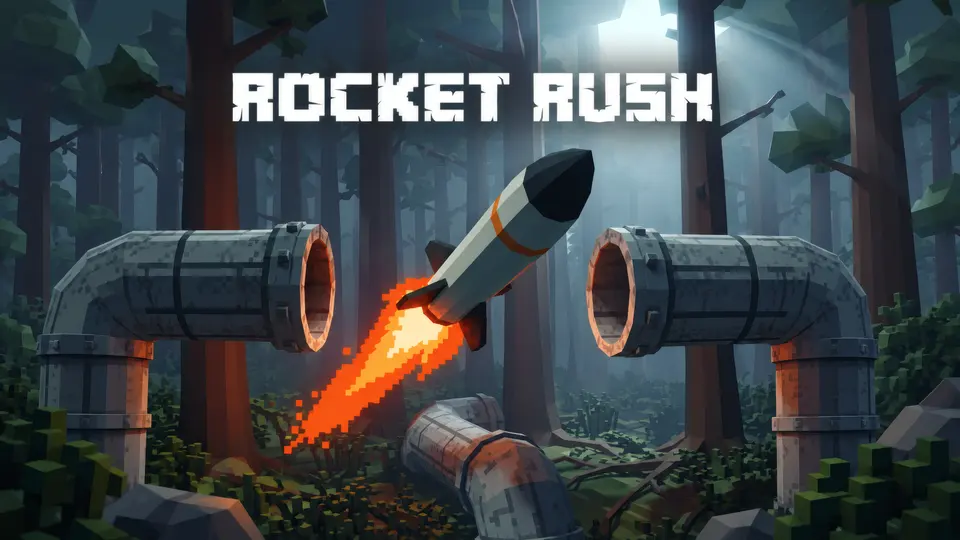
Rocket Rush
Provided by Playgama
Rocket Rushvia Playgama






 Wild Wolf Simulator Animal Games
 Crowd Runner
 Helix Hover
 Cars vs Zombies
 Crowd Rush
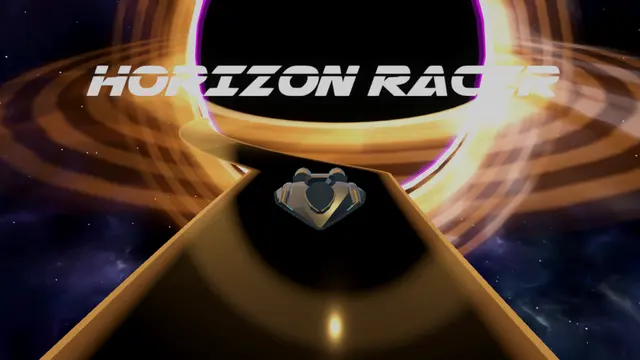 Horizon Racer
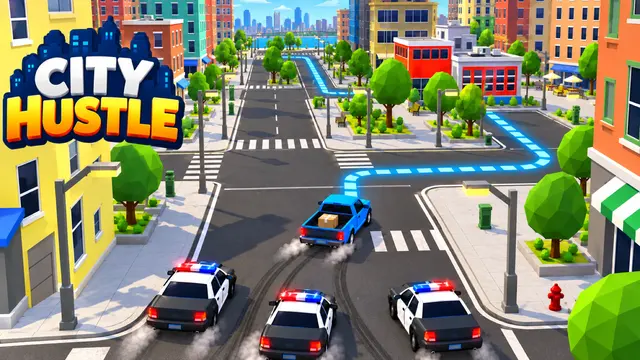 City Husle
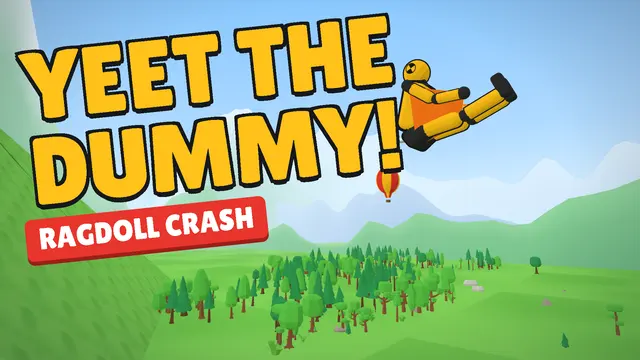 Launch the Dummy!
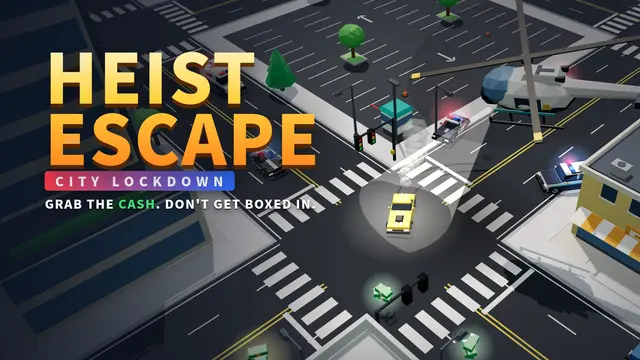 Heist Escape: City Lockdown
 Road Gunner 3D
 Harbor Dispatch
 Relic Rush 3D
 Car Crash Tricks Simulator Crazy Stunts
 Cuddle Crane
 Jade Toss: Arrow Challenge
 Pocket Mart
 Crown Guard
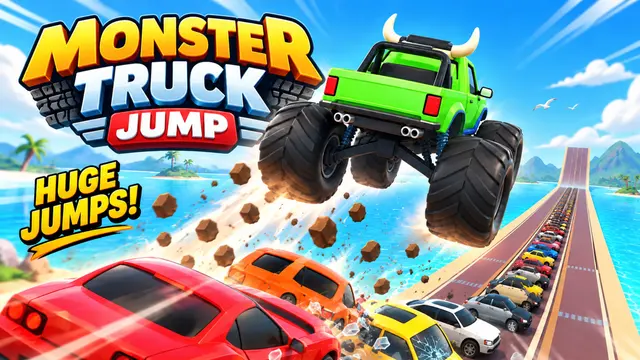 Monster Truck Jump
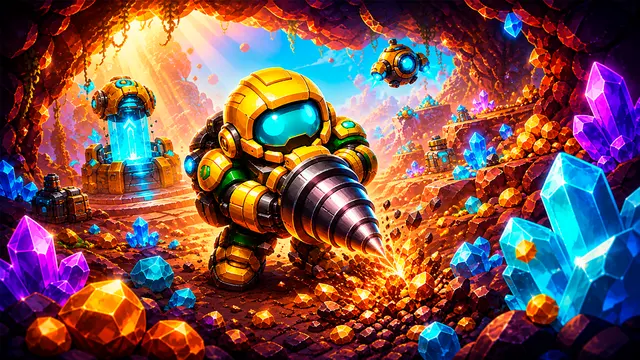 Deep Drill Run
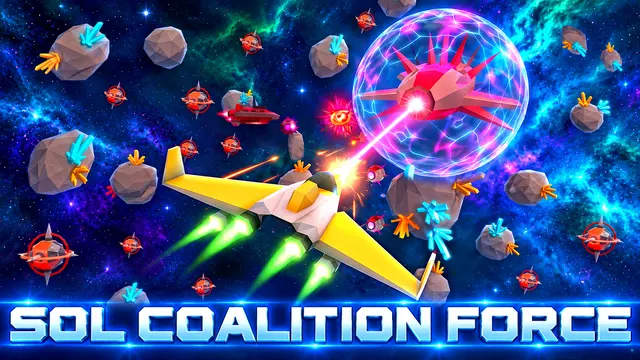 Sol Coalition Force
 Lighthouse Mage: Idle Defense
 Extreme Police Chase
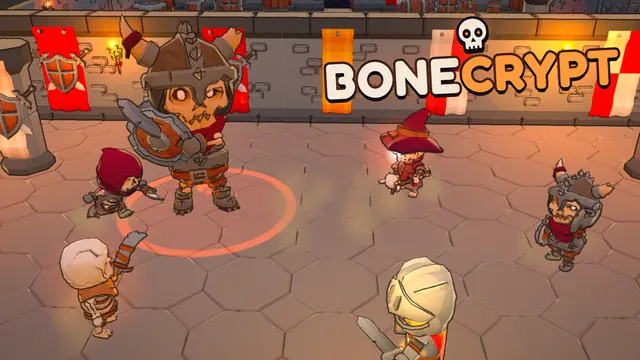 Bonecrypt
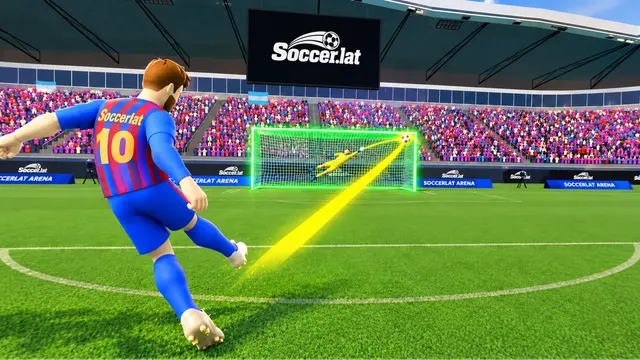 SoccerLat: 3D Football Online
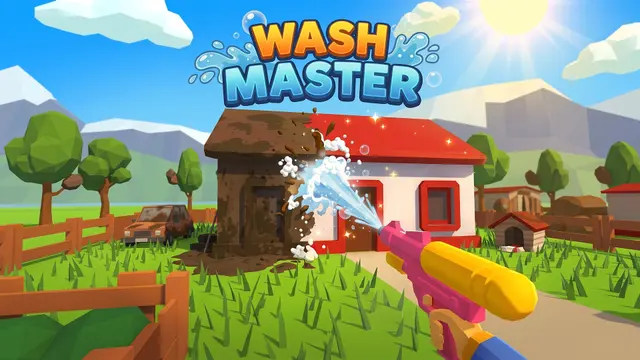 Wash Master
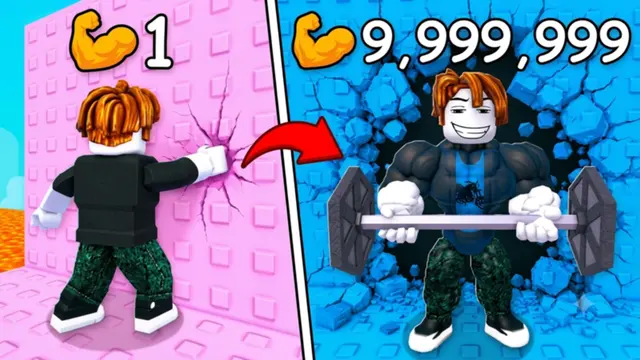 +1 Strength for escape
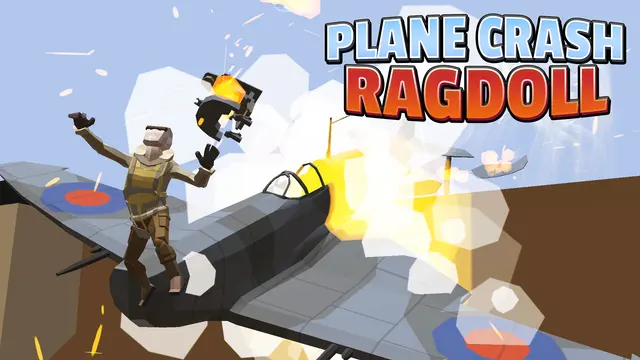 Plane Crash Ragdoll Simulator
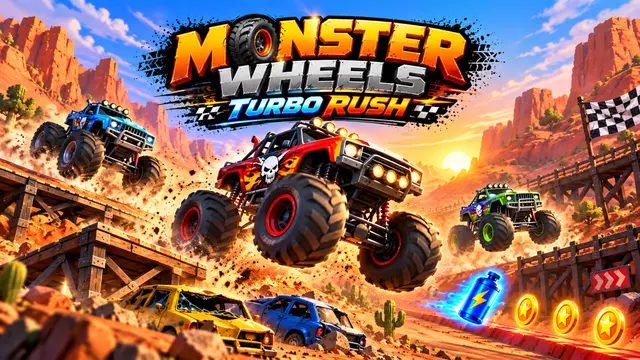 Monster Wheels Turbo Rush
 Smash and Steal an Egg!
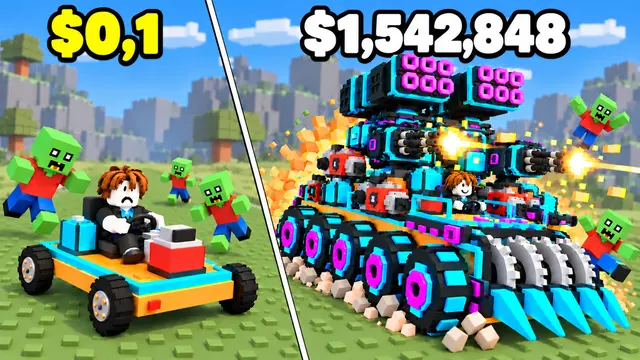 Build Car for Kill Zombies
 Log Flyer: Grandpa Takes Off
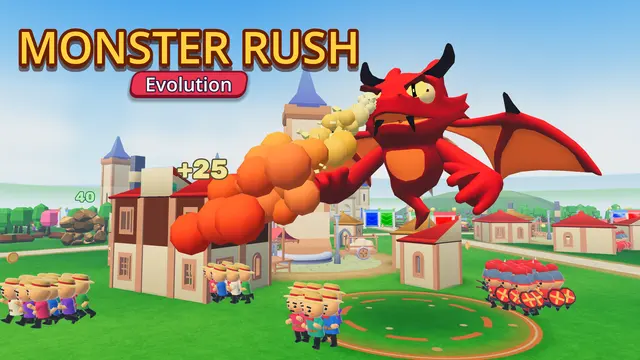 Monster Rush: Evolution
 Build a Skyscraper!
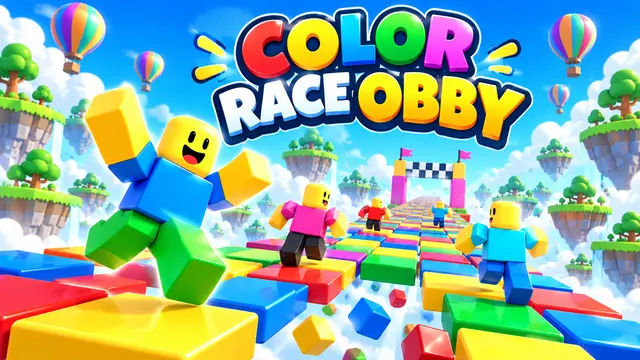 Color Race Obby
 Steal an Egg 3D
 Zone Breaker
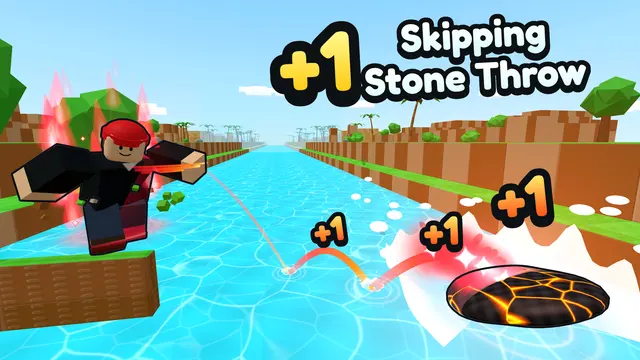 +1 Skipping Stone Throw
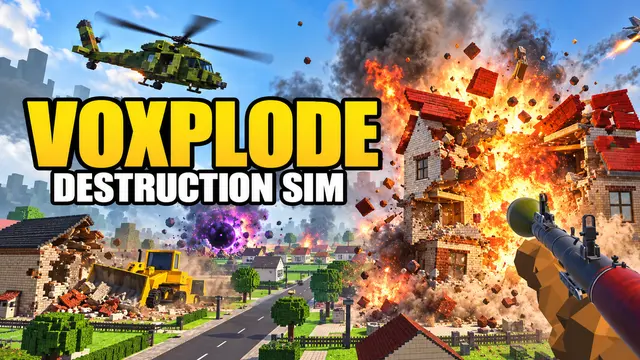 Voxplode: Destruction Sim
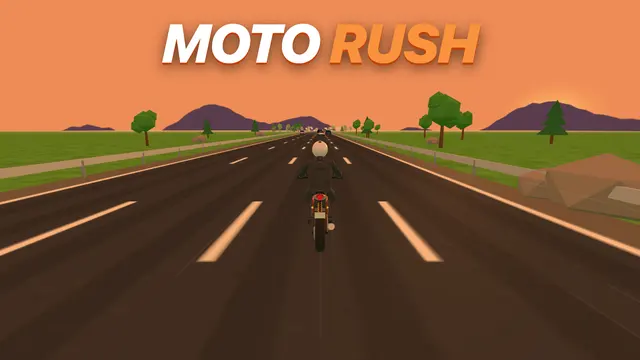 Moto Rush
 Goo Turf
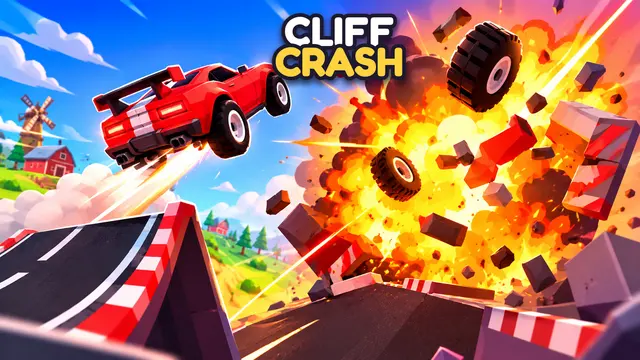 Cliff Crash
 Shadow Ninja
 Crush City
 Sky Stunt Races
 Downhill Frenzy
 Monster City
 Trash Surfer
 GoSplash
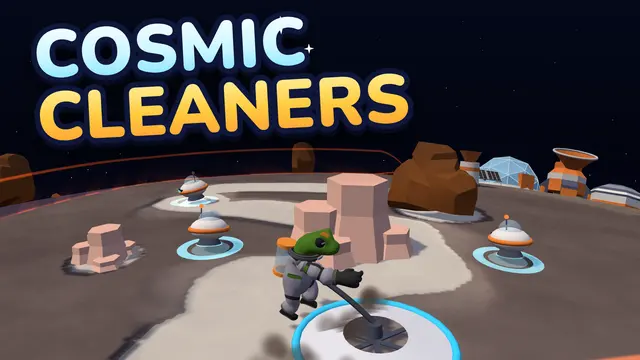 Cosmic Cleaners
 Escape Chase
 Bridge Builder
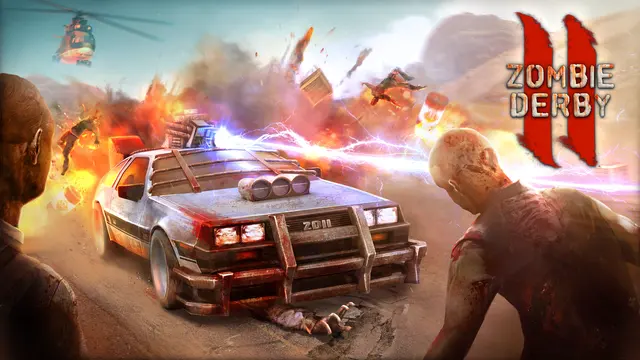 Zombie Derby 2
 Only Jump RPG
 Motorcycle Racer: Road Mayhem
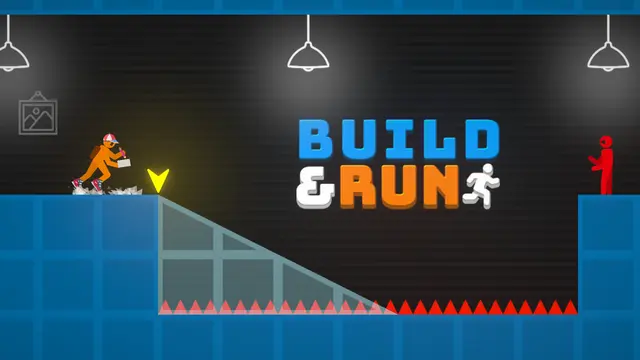 Build And Run
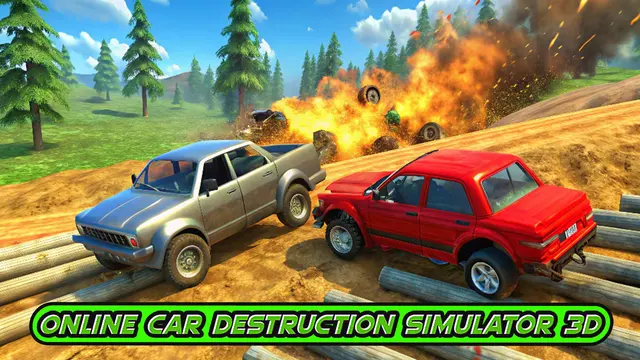 Online Car Destruction Simulator 3D
 Parking Master: Urban Challenges
 Stack Ball 3D
 Dronner 3D
 Turbo Stunt Racing
 Carvivor Ops
 Mr Shooter
 Car Smash Simulator: Crash & Tune
 Drift King Racing Multiplayer
Play Rocket Rush online
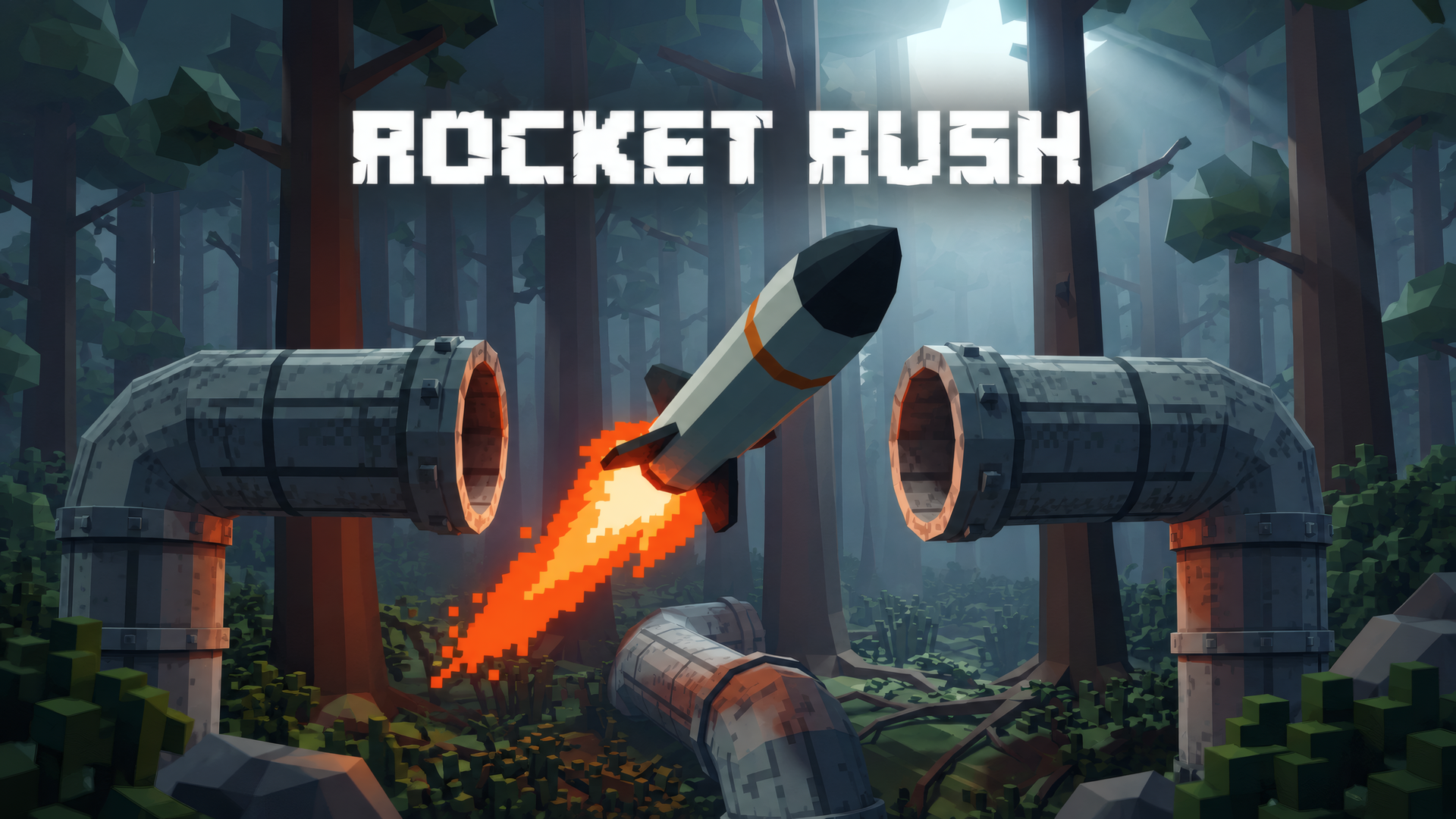
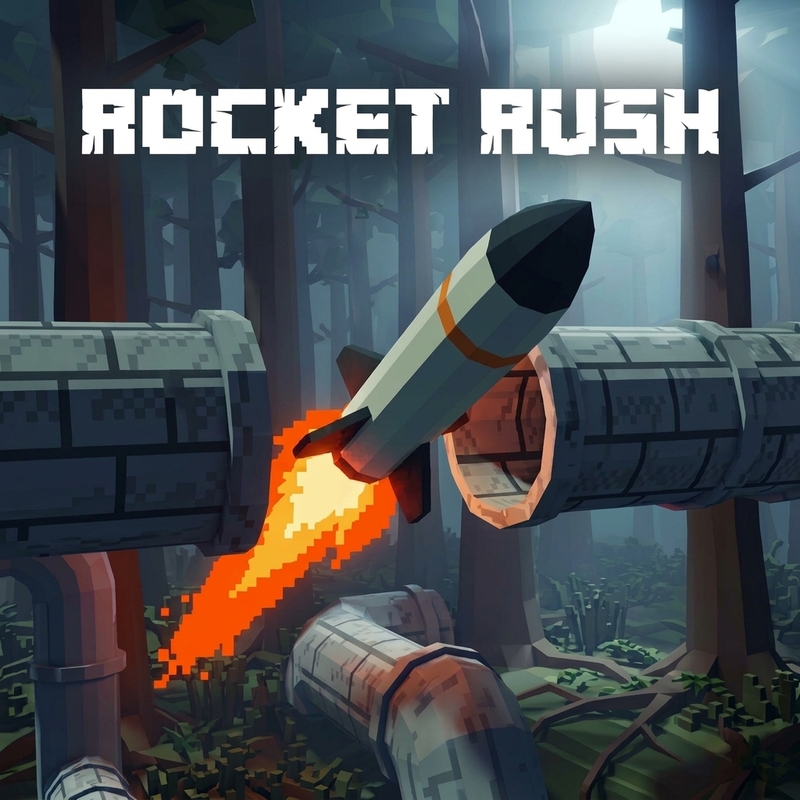
Take control of a rocket in a 3D arcade flying challenge! Navigate 20 handcrafted levels, dodge obstacles, manage your fuel, and hit your target. Fly through forests, buildings, and industrial tunnels, earn stars, and unlock different rockets and equipment to tackle increasingly demanding routes.
Get familiar with the vehicle and the route ahead. Read the movement controls and the game’s objective before setting off. The instructions describe joystick input. The listed controls include WASD input.
How to play Rocket Rush
Controls and instructions
Guide your rocket to the target before running out of fuel. Avoid obstacles, collect fuel cans, and improve your completion time to earn more stars. Spend earned credits on rockets and equipment.
Keyboard & mouse: Press Enter to launch. Steer with WASD or ZQSD, move the mouse to look around, hold Space to boost, and hold E to use an equipped parachute.
Controller: Steer with the left stick, look around with the right stick, hold RT/R2 to boost, and hold B/Circle to use an equipped parachute. Use A/Cross to confirm menu selections.
Touch: Tap to launch, steer with the on-screen joystick, drag to look around, and hold the boost or parachute buttons.
Getting started with Rocket Rush
- Check whether steering, acceleration and braking use separate controls.
- Start with a short joystick movement to judge how the character responds.
- Check the action mappings as well as movement; extra actions may use different keys.
About this game
- Platform
- Web browser
- Supported devices
- Android, iOS, Desktop
- Screen orientation
- Landscape and Portrait
- Languages
- American English
- Genres
- Action, Arcade, Simulation, Skill, 3d, Driving, Flying
- In-game purchases
- None listed by the provider
- Provider
- Playgama
- Provider audience
- Male, Female
Game features and tags
- Dodge
- Avoid
- Obstacles
- Rocket
- Webgl
- Challenge
- 1 Player
Rocket Rush images
Questions about Rocket Rush
How do I start playing?
Choose Play now in the game window above to load Rocket Rush through Playgama. Read the controls and instructions above before you start.
Which devices can I play on?
The provider lists support for Android, iOS, Desktop. Play in your web browser using the controls described above.
Which languages does the game support?
American English.
Does the game have in-game purchases?
The provider lists no in-game purchases for this game. Games may display advertisements.
Related game categories
Game facts and artwork supplied by Playgama. Descriptions adapted and getting-started guidance added by LookBear. Game content, ads and purchases are provided by Playgama and the game provider.