 Ragdoll Robots: Sandbox
Toybox: Pixel World Sandbox
Provided by Playgama
Toybox: Pixel World Sandboxvia Playgama


 Car Destruction King
 Catoom! - Bomb Barrel
 Island Expander
 Yenemy
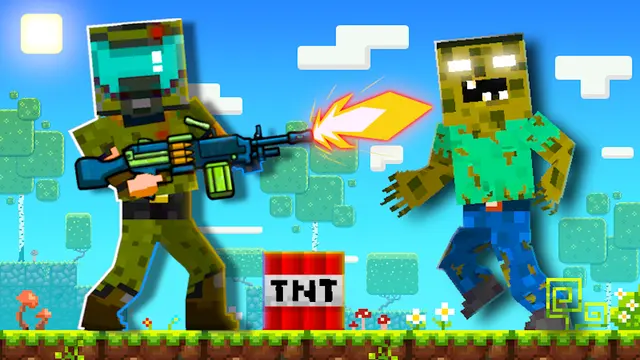 Noob Legends Dungeon Adventures
 Winged Wheels 2
 99 Nights In The Forest - Survival Simulator
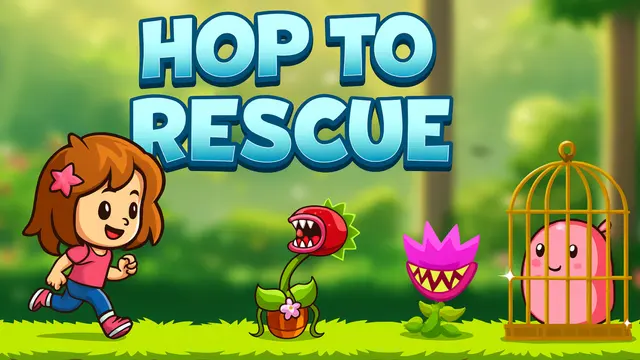 Hop To Rescue
 Gravity Shift Sky Racers GT
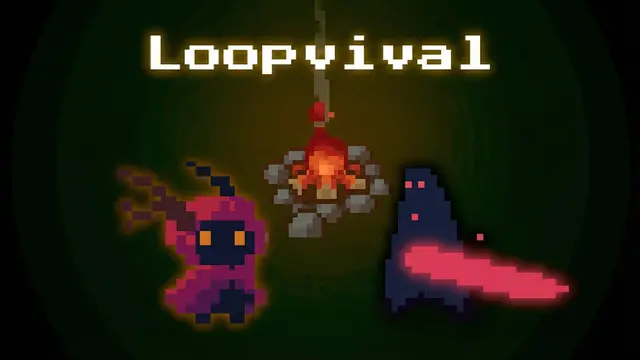 Loopvival
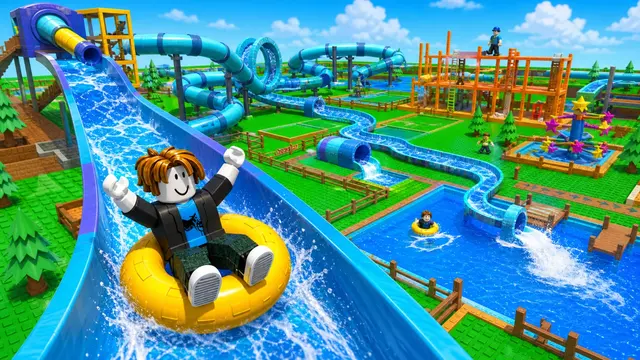 Build an Aquapark
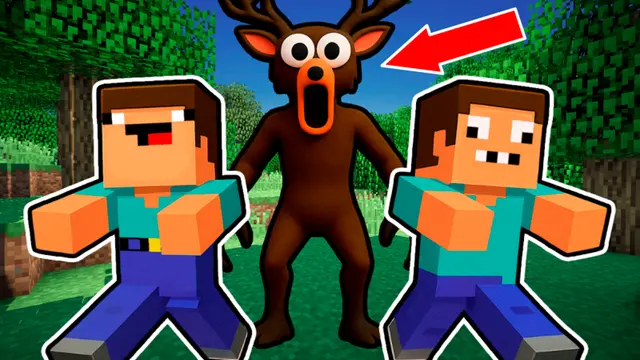 99 Nights in the Forest with Noob and Pro!
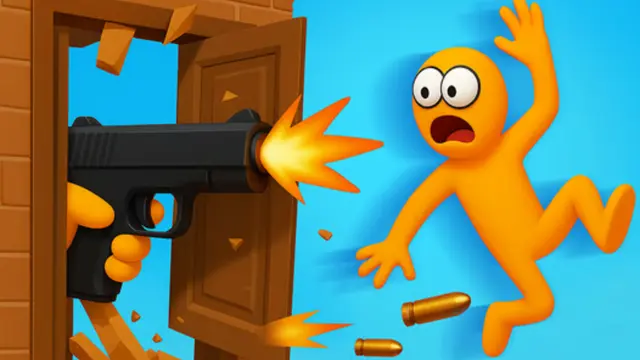 Ragdoll Gun Shooter! Cannon Spinner Playground
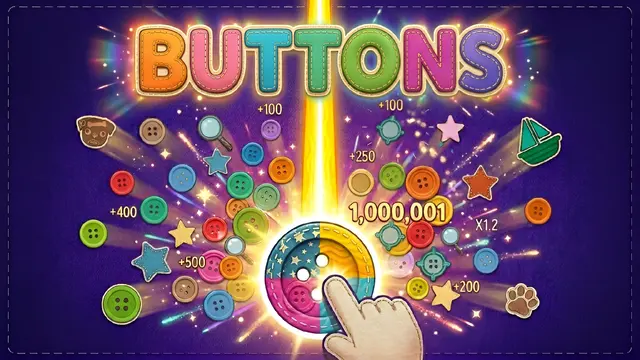 Buttons
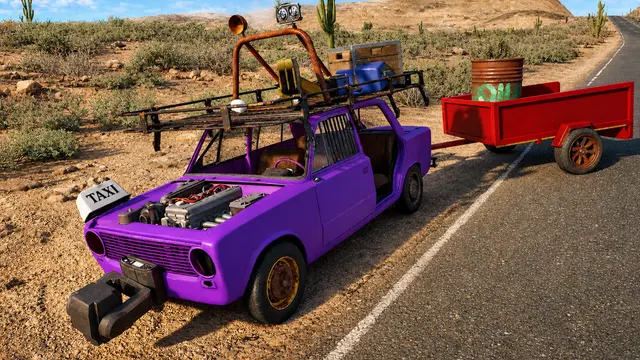 Long Drive to Horizons Sim
 Soda Sandbox
 Crazy Bob
 Survival Island
 Hook King Runner
 Smash and Break
 Exploring the Galaxy 1: Andora
 CrashDown Voxel Destruction
 DUNJUN
 Ragdoll Rescue: Physics Puzzle
 Desert Gunship
 +1 Grass Cutting: Become Stronger
 Not Your Seafood Salad
 Cheat and Don't Get Caught!
 Cut it : Voxel Crusher
 Obby Up: Parkour Run
 Sky Kingdoms: Castle Siege
 BOMB BANANA
 Police Mom Simulator
 Rocket Rush
 The Last Company
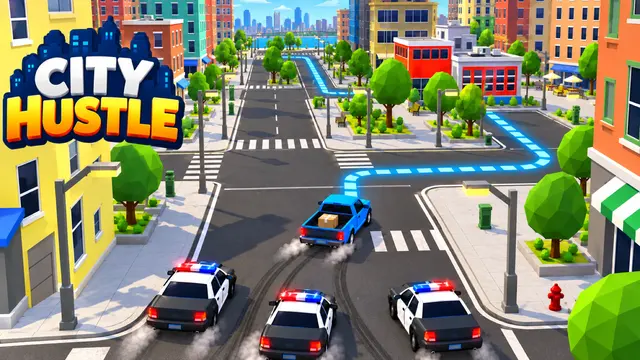 City Husle
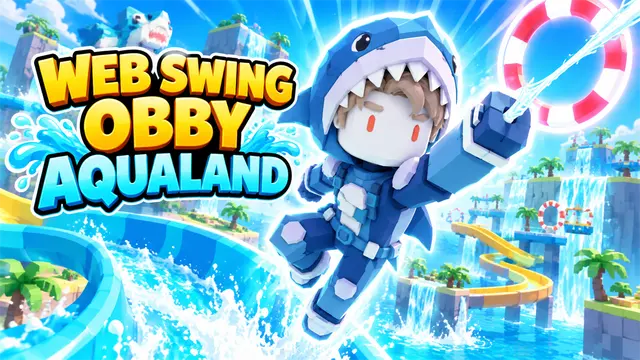 Web Swing Obby: Aqualand
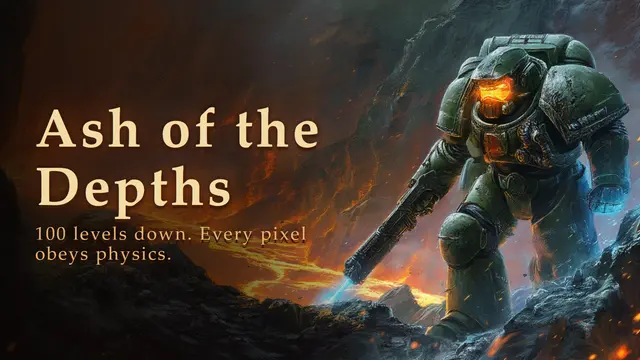 Ash of the Depths
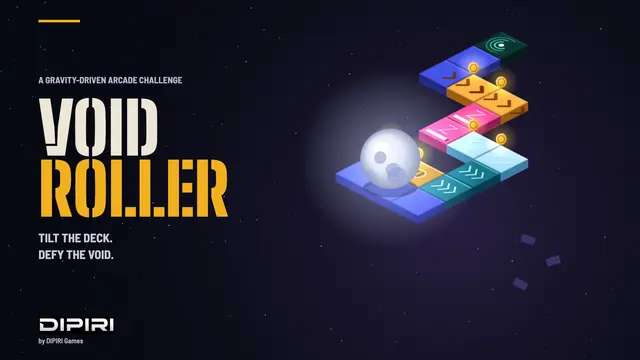 VOID ROLLER
 Relic Rush 3D
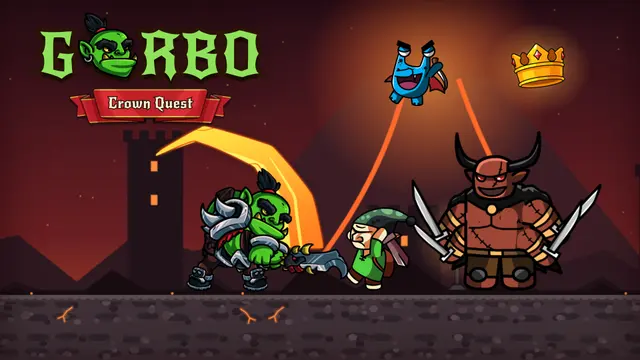 Gorbo the Orc: Crown Quest
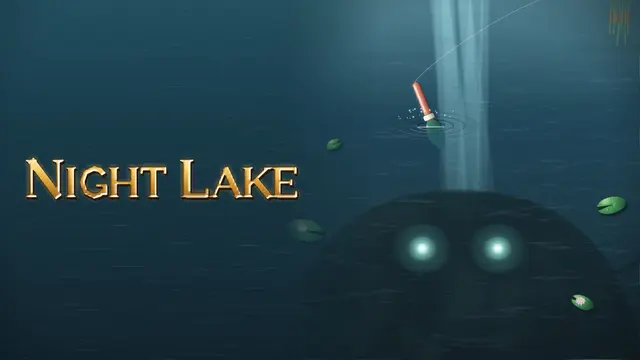 Night Lake: Monster Fishing
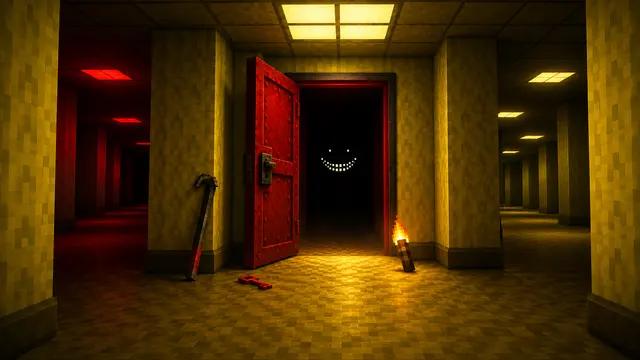 Backrooms Craft
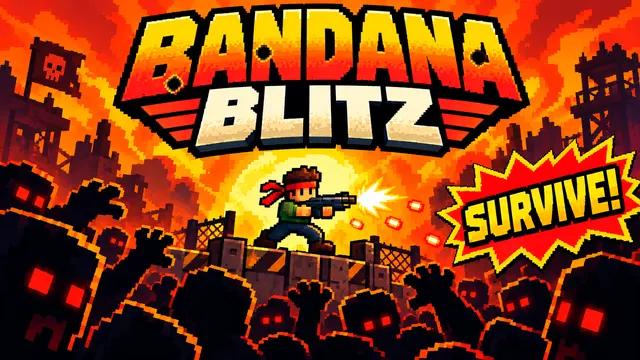 Bandana Blitz
 Steal a Pet!
 Crust Crusher
 Obby: +1 Click Wall Breaker
 Jade Toss: Arrow Challenge
 Soak & Squeeze
 Bonk Islands
 Wingy Wheels
 Log Splash
 Happy Unicorn: Magic Leaps
 Pocket Mart
 Crown Guard
 Monster Truck Jump
 WildBlocks — A Tiny Living World
 Deep Drill Run
 VoxelBomb
 Bonecrypt
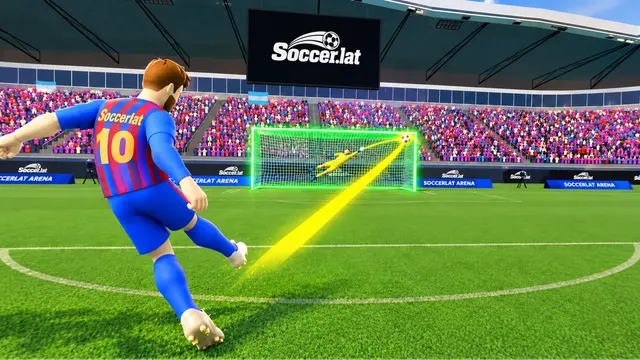 SoccerLat: 3D Football Online
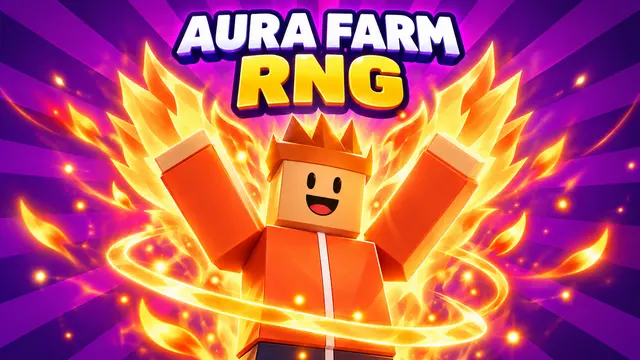 Aura Farm: RNG
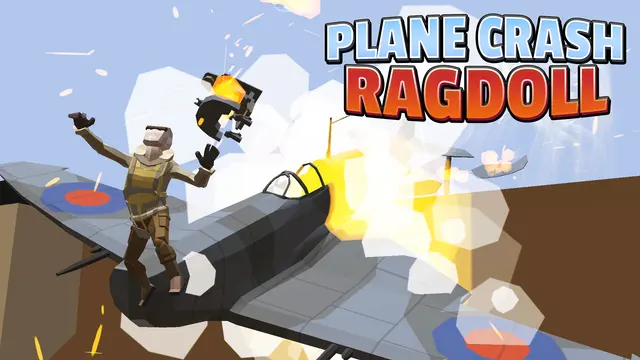 Plane Crash Ragdoll Simulator
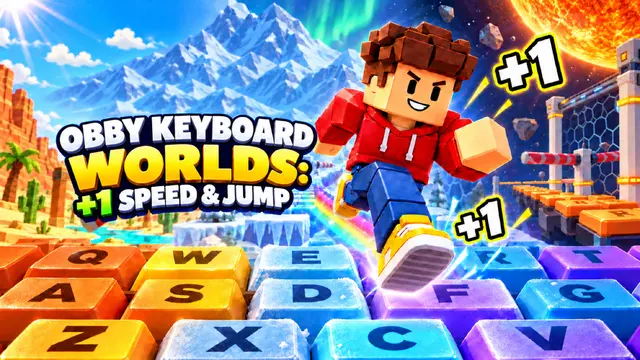 Obby Keyboard Worlds: +1 Speed & Jump
Play Toybox: Pixel World Sandbox online
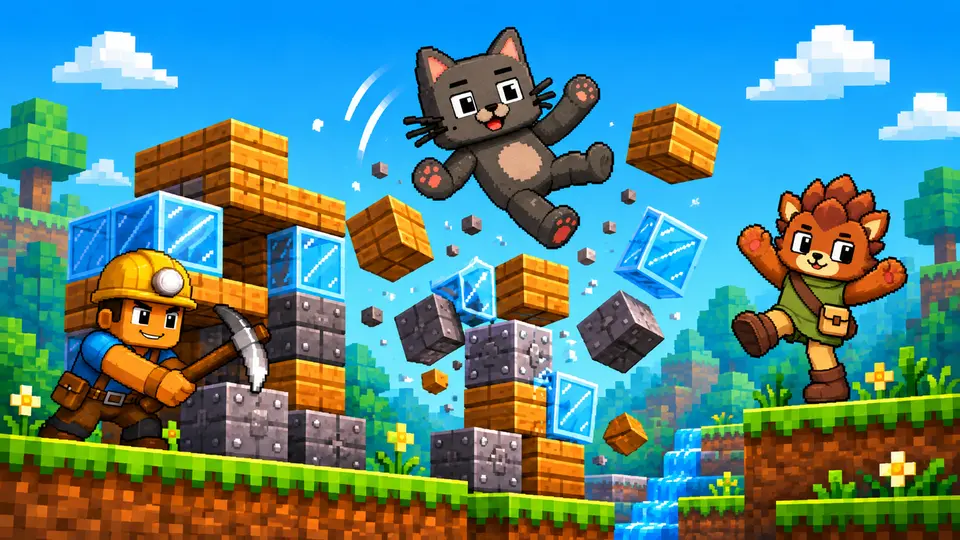
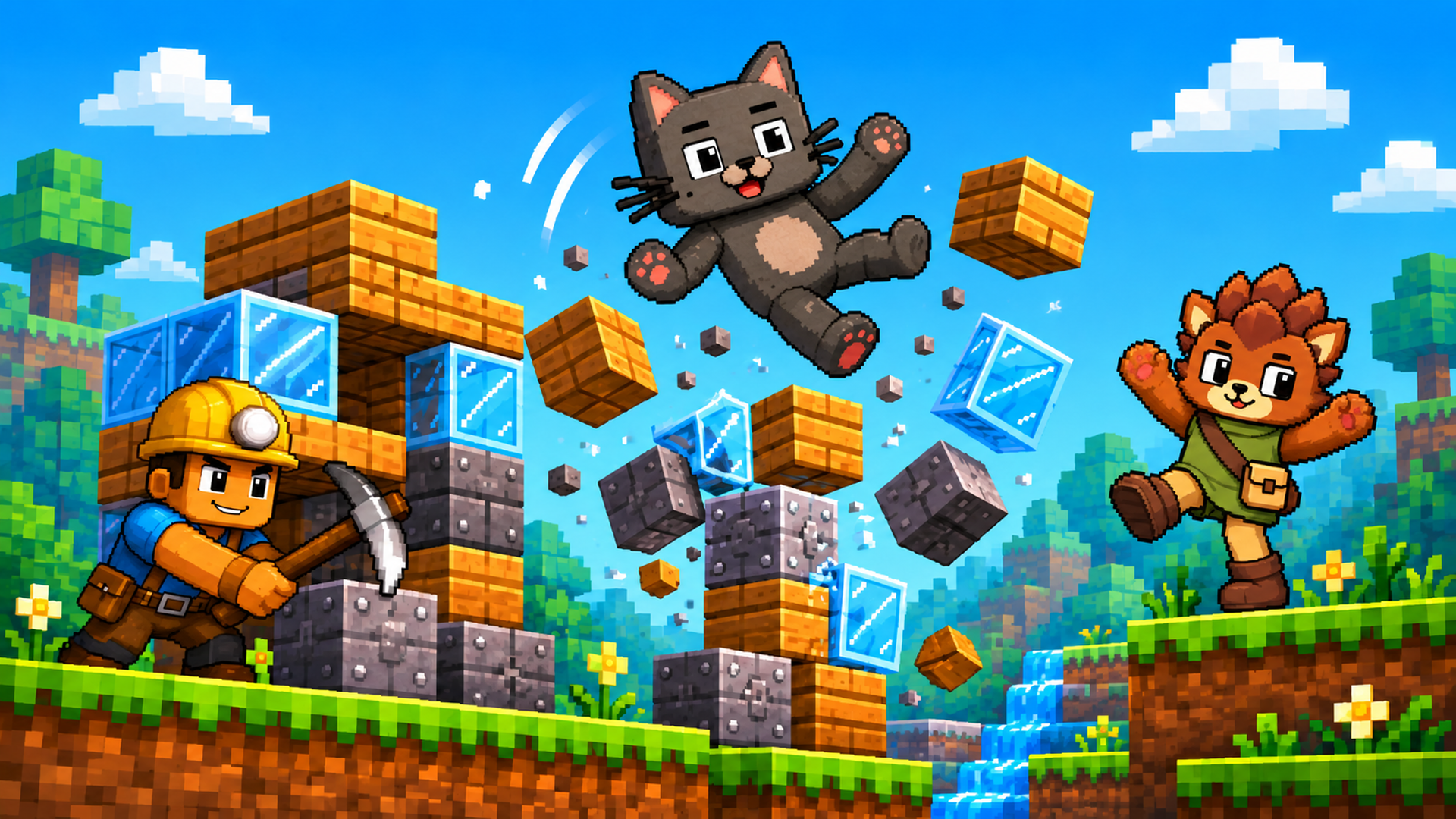
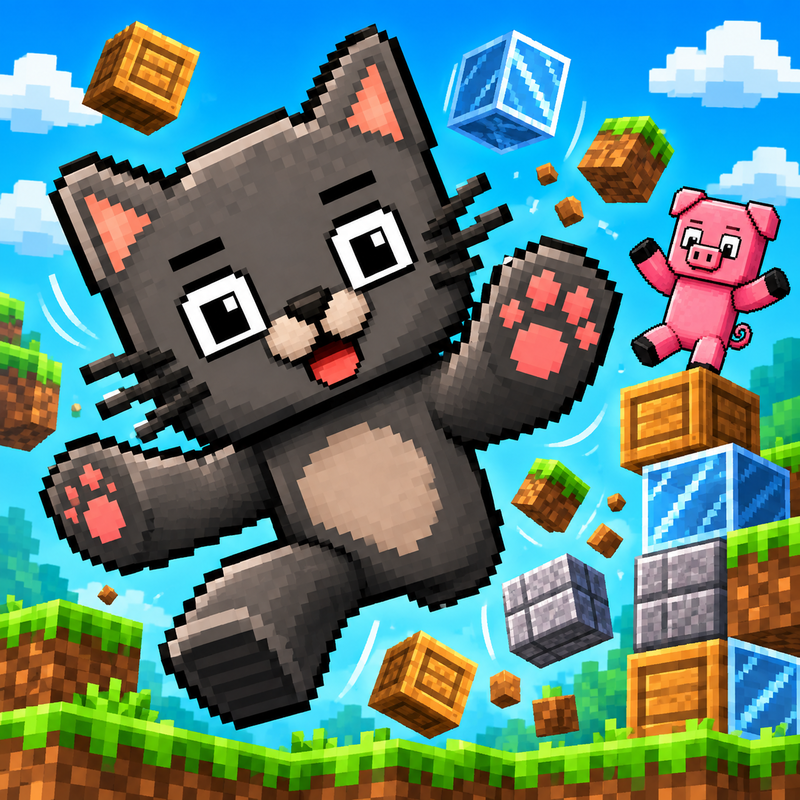
Build a pixel world, fill it with ragdoll characters, and see what happens! In Toybox: Pixel World Sandbox, create your own fun. Place blocks, spawn cats, rabbits, pigs and other characters, experiment with weapons and objects, and set up red-versus-green team battles.
Experiment with character movement and physical interactions. Change one part of the scene at a time to see how it affects the result.
How to play Toybox: Pixel World Sandbox
Controls and instructions
Open the character-and-blocks button, choose a category and an item, then click or tap an empty spot in the world to place it. Build structures, add characters and equipment, and use the crossed-swords button to switch bot battles on or off. Open the hammer menu to craft equipment when you have the required resources.
Desktop: use the mouse to place and drag objects. Drag empty space to move the camera; use the mouse wheel or + / - to zoom. Press the character-control button and select a character: A / D or Left / Right to move, W to jump, Space or right mouse button to attack, and G to drop the held item.
Mobile: tap the menus and world to place items, drag to interact, and use the on-screen movement, jump and action controls when controlling a character. Use + / - to zoom.
This is an open-ended sandbox: build, experiment and create your own challenges. The current in-game text is Russian.
Getting started with Toybox: Pixel World Sandbox
- Begin with a small scene so the effect of each interaction is easier to follow.
About this game
- Platform
- Web browser
- Supported devices
- Android, iOS, Desktop
- Screen orientation
- Landscape and Portrait
- Languages
- American English, Russian (Russia)
- Genres
- Action, Arcade, Adventure, Simulation, Ragdoll, Physics, Crafting
- In-game purchases
- Available
- Provider
- Playgama
- Provider audience
- Male, Female
Game features and tags
- 2d
- Casual
- Characters
- 1 Player
- Sandbox
- Building
- Pixel
- 2d Shooter
- Action Adventure
Toybox: Pixel World Sandbox images
Questions about Toybox: Pixel World Sandbox
How do I start playing?
Choose Play now in the game window above to load Toybox: Pixel World Sandbox through Playgama. Read the controls and instructions above before you start.
Which devices can I play on?
The provider lists support for Android, iOS, Desktop. Play in your web browser using the controls described above.
Which languages does the game support?
American English, Russian (Russia).
Does the game have in-game purchases?
The provider lists optional in-game purchases. Any available purchases are handled inside the game. Games may display advertisements.
Related game categories
Game facts and artwork supplied by Playgama. Descriptions adapted and getting-started guidance added by LookBear. Game content, ads and purchases are provided by Playgama and the game provider.