 Kickoff Academy: Football Tycoon
Fantasy Soccer Manager
Provided by Playgama

Fantasy Soccer Managervia Playgama






 Footchinko
 Ragdoll Football
 Onigiri - Demons Wrath
 Boxing Stars
 Machine Eater
 Toy Soccer Cup
 My Army Base
 Football: Robots vs Zombies, World Cup!
 Rocketcar Cup
 Nitro Ball
 Ashfall Industries
 Soccer Jump
 My Little Kingdom
 Freekick Hero
 Kingdom Master
 Braveward
 Wildkin Isles
 Bee Rise
 The Last Company
 Football Free Kick
 Ragdoll Football Online
 3D Football Mania
 Deepglow
 SoccerLat: 3D Football Online
 Army Base
 Dungeon Shop Rush
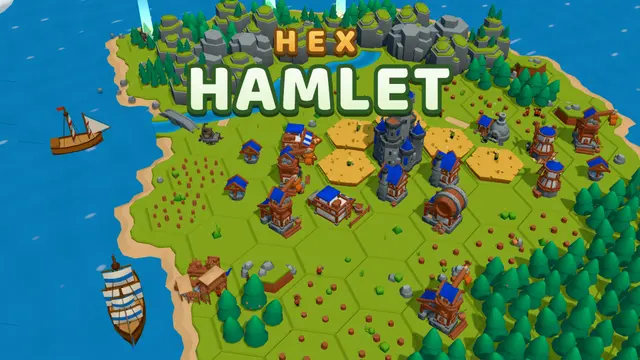 Hex Hamlet
 Wild Camp
 Colonora: Colony Survival
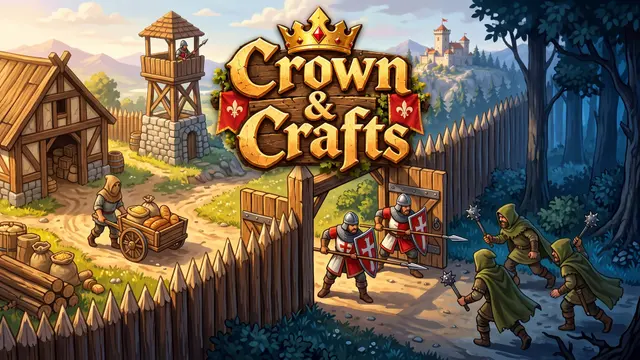 Crown & Crafts
 STRYKIO
 Bribes & Stamps
 Merch Rush
 City Rush 2000
 My Castle
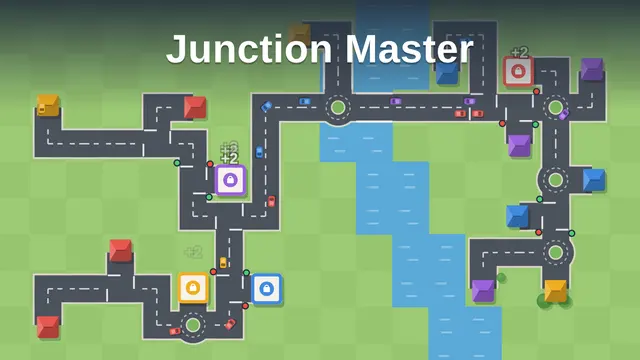 Junction Master
 Box buider
 Idle Train Empire Tycoon
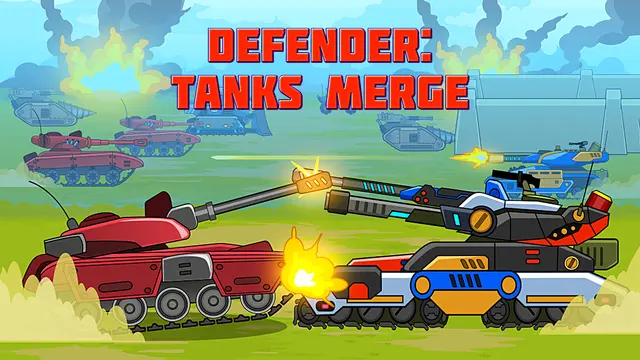 Defender: Tanks Merge
 SWAT and GREENS vs Zombies
 Zombie Horde: Build & Survive
 One Man Army: Battle Game
 AOD - Art Of Defense
 Age of Tanks Warriors: TD War
 Magic Kingdom: Hex Match
 Hedgies
 Trap Craft
 Pocket ZONE
 Idle Game Dev Simulator
 King Simulator
 Basketball Stars
 Pirates Merge: War Path
 Mafia Wars
 Idle Airport Tycoon
 Chicken Merge
 Grow a Garden 3D
 Far Orion: New worlds
 Plants vs Zombies Fusion Mode
 Chef Tycoon
 Scary Rooms: Idle Horror
 My Arcade Center
 Epic Empire: Tower Defense
 Cooking City
 Game of Warrior
Play Fantasy Soccer Manager online
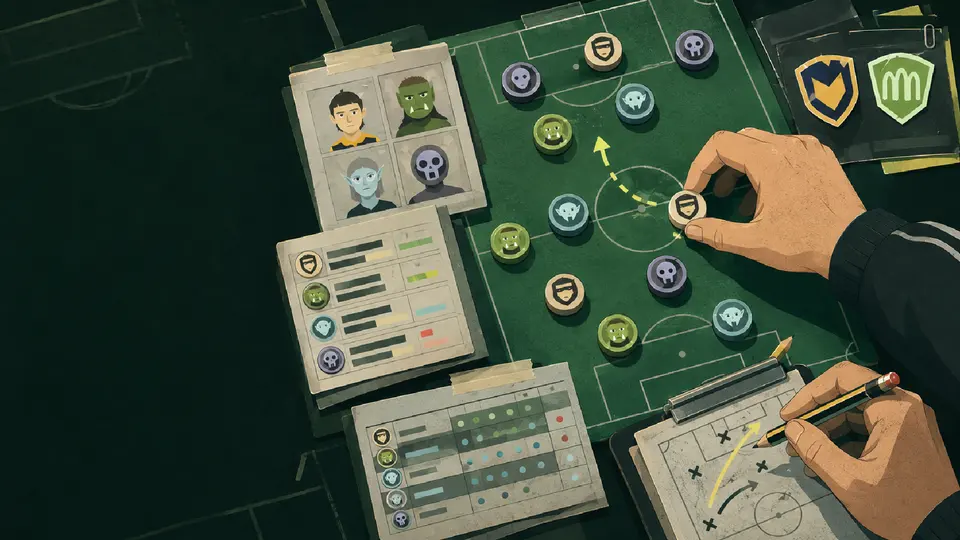
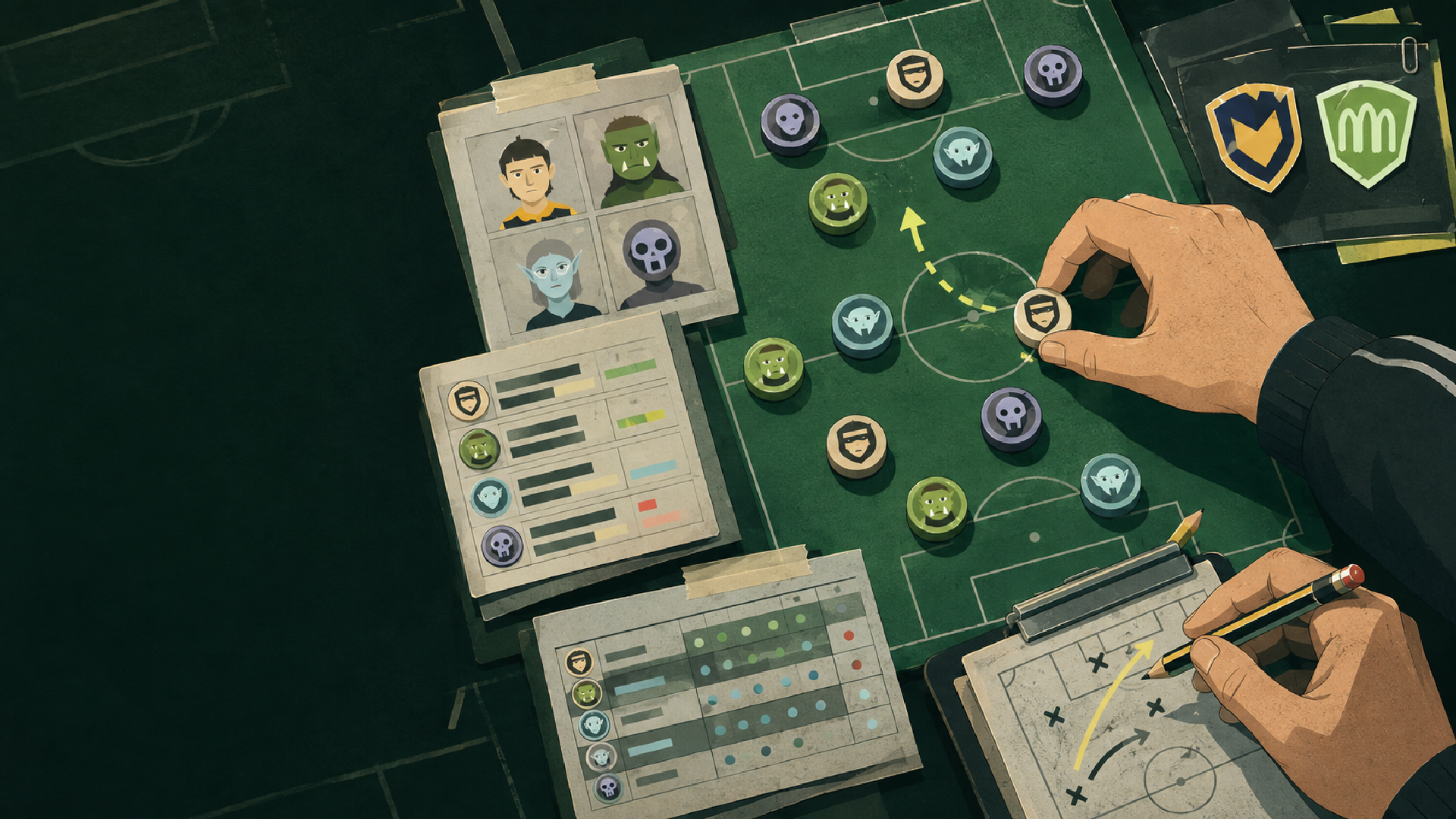
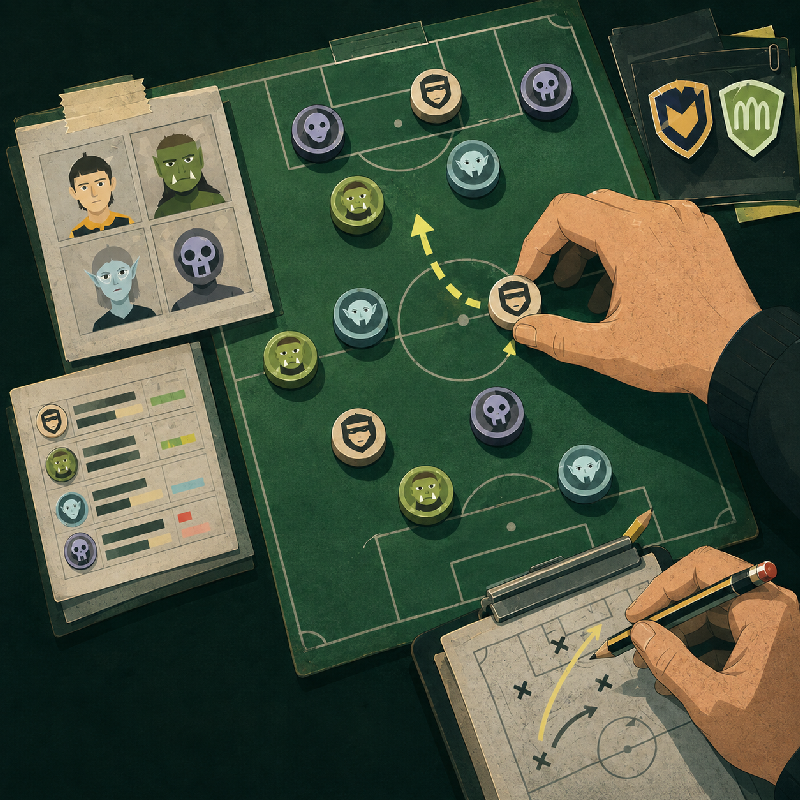
Fantasy Soccer Manager is a lightweight 7-a-side football management game set in a night league where four peoples — Humans, Orcs, Elves and the Undead — settled an ancient war with a fixture list instead of a battlefield. Pick a club from four divisions, build a squad of 13–20 players, and climb from the bottom to the top over a 3-, 5- or 10-season career. You never control the players directly.
Make decisions about the resources and activities under your control. The instructions explain how purchases, tasks and improvements fit together. The provider describes a ranking or leaderboard feature.
How to play Fantasy Soccer Manager
Controls and instructions
GOAL — Finish the campaign you chose (3, 5 or 10 seasons) with the best record you can: promotions, league titles and cup wins. Your career points go to the global leaderboard after every league match.
START — Skip or read the arrival diary, choose a campaign length, then pick a club from Division 1–4. Lower divisions are harder but climb higher.
BEFORE A MATCH — Check the opponent report, set your starting seven and up to two player orders (Finisher, Playmaker, Run in Behind, Focus Play), then kick off.
DURING A MATCH — Watch the highlights. When play stops, a touchline card appears:
Pick a side (LEFT / CENTER / RIGHT) — the whole team shifts that way. Attack where the defence is thin or tired.
Pick a build-up (Wide, Central, Direct, Balanced) — the top option fits the current situation.
Use Subs (3 per match), Formation and Squads from the top row when needed.
Speed buttons (1× / 2× / 3×) and Highlights / Full view are on the match screen.
BETWEEN MATCHES — Rest tired players, manage injuries and yellow cards, spend prize and gate money on facilities, and sign or release players in the transfer window (to bring one in, send one out first). Save from the league screen; progress also syncs to the cloud.
CONTROLS — Mouse or touch only. Tap or click every button; no keyboard required. Drag to scroll lists.
Getting started with Fantasy Soccer Manager
- Find the current goal and resource requirements before making a purchase.
- Read what contributes to the ranking rather than assuming it is based on time.
About this game
- Platform
- Web browser
- Supported devices
- Android, iOS, Desktop
- Screen orientation
- Portrait
- Languages
- American English, Korean (South Korea)
- Genres
- Sports, Strategy, Management, Soccer
- In-game purchases
- None listed by the provider
- Provider
- Playgama
- Provider audience
- Male, Female
Game features and tags
- 2d
- Fantasy
- Business
- Time Management
- 1 Player
- Resource Management
Fantasy Soccer Manager images
Questions about Fantasy Soccer Manager
How do I start playing?
Choose Play now in the game window above to load Fantasy Soccer Manager through Playgama. Read the controls and instructions above before you start.
Which devices can I play on?
The provider lists support for Android, iOS, Desktop. Play in your web browser using the controls described above.
Which languages does the game support?
American English, Korean (South Korea).
Does the game have in-game purchases?
The provider lists no in-game purchases for this game. Games may display advertisements.
Related game categories
Game facts and artwork supplied by Playgama. Descriptions adapted and getting-started guidance added by LookBear. Game content, ads and purchases are provided by Playgama and the game provider.