 Army Base
Braveward
Provided by Playgama

Bravewardvia Playgama







 Big Bob's Burger Truck
 Rusty Park
 Vet Tycoon: Pet Hospital
 Merch Rush
 City Rush 2000
 My Castle
 Market Hero
 Box buider
 Idle Train Empire Tycoon
 Idle Game Dev Simulator
 Idle Airport Tycoon
 Dead Land: Survival
 Hotel Manager Simulator
 Sweet Supermarket Simulator
 Mars Colony
 Burger Restaurant Simulator 3D
 Animal Care Tycoon
 Gas Station - Stick Simulator
 Gas Station Simulator
 Survival Tycoon: City of Zombie
 Supermarket Manager
 Supermarket Empire
 Idle Supermarket Tycoon
 Idle Crafting Empire Tycoon
 Idle Cinema Tycoon
 Vikings
 Idle Cookie Tycoon
 My Phone Store
 Idle Zoo Tycoon
 ObbyTycoon: Money Tycoon
 Garage Boss
 My resale. Cases and sales
 The Hustler
 Agrarian Magnate
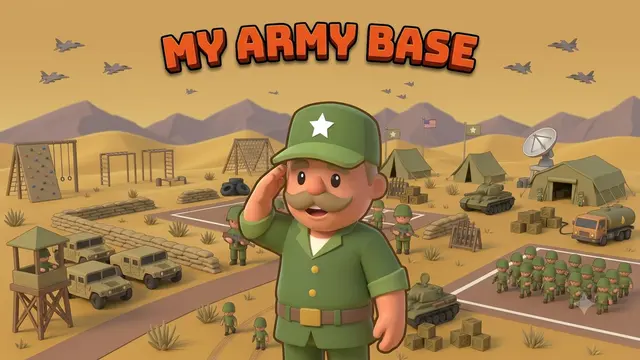 My Army Base
 Chop Up!
 Sell Lemons Idle
 Gas Station 24: Simulator
 Capitalist Hunter
 Rich Mom Family Simulator Luxury Life
 Clean The Garden
 Hotbath Simulator
 Mowmentum
 Drift Tycoon
 Bee Rise
 Busy Bites Tycoon
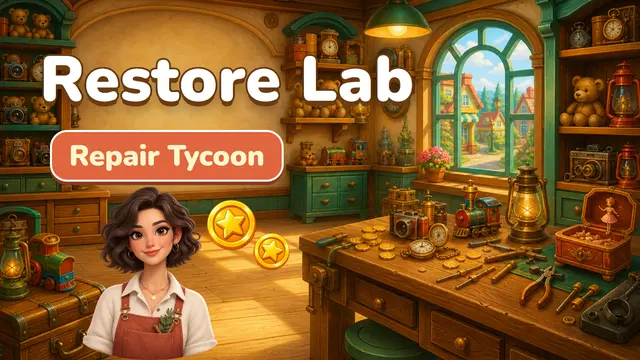 Restore Lab
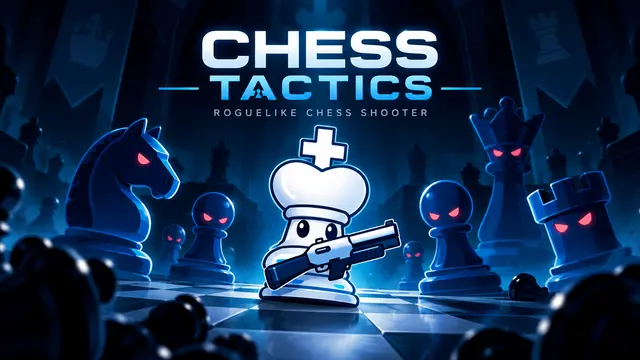 Chess Tactics
 FAKE HUNTER
 Tiny Cinema
 Farm Care Tycoon
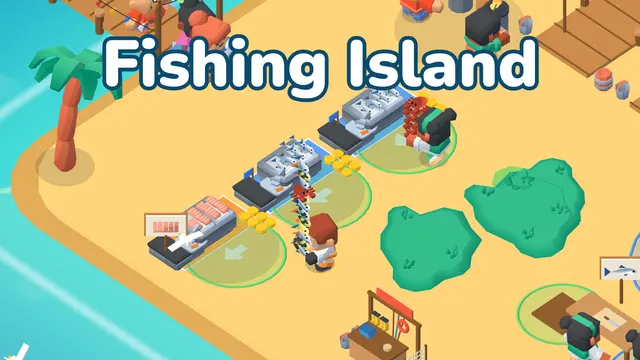 Fishing Island
 Leaf Blower: Autumn Yard
 Leaf Blower Tycoon
 Washing Toilets
 Hot Diggity Dogs
 Hex Hamlet
 Tavern Cardsharp
 Reaper’s Graveyard Shift
 Homeowner 3D
 Pearl Paws
 Peel the Potato
 Hlbina
 French Fries Tycoon: Farm to Fryer
Play Braveward online
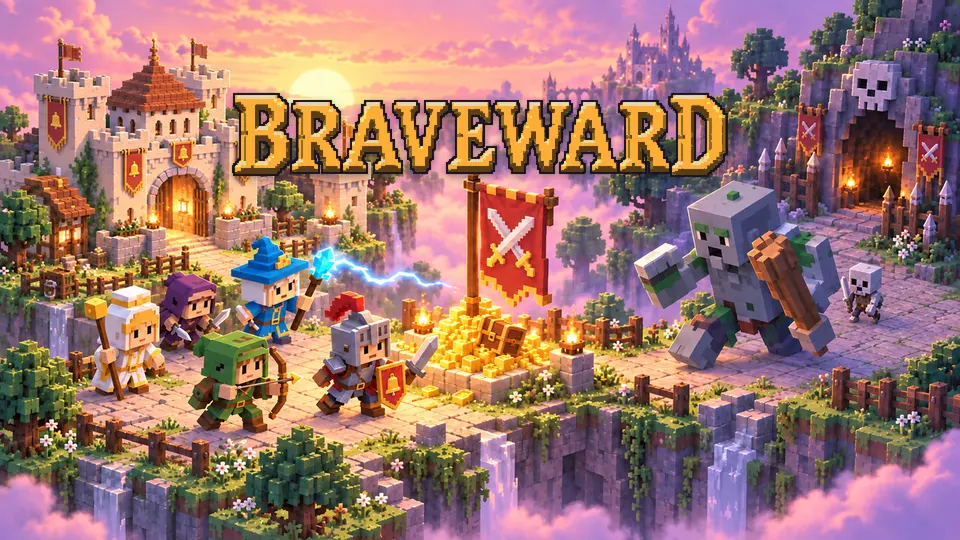
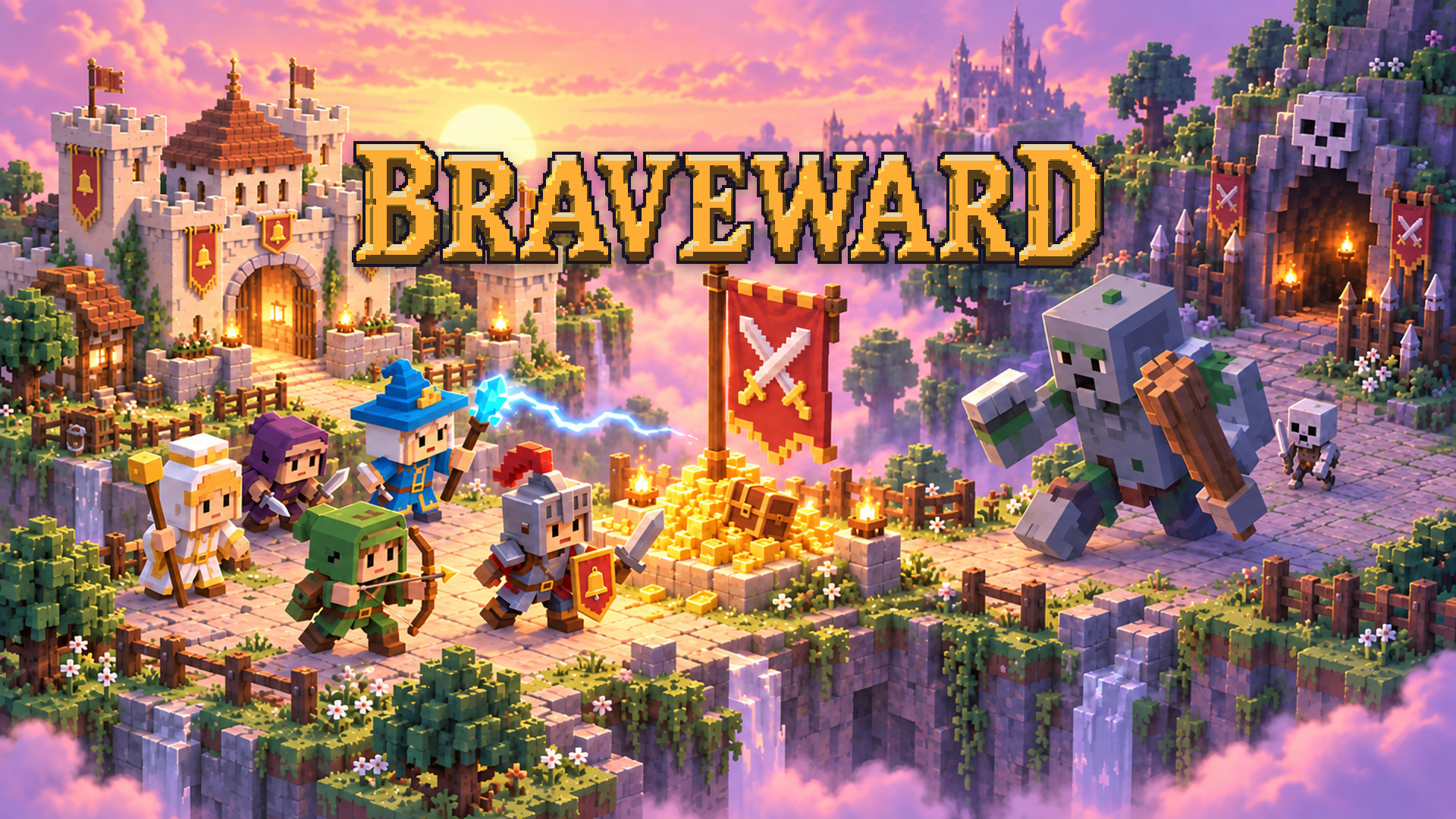
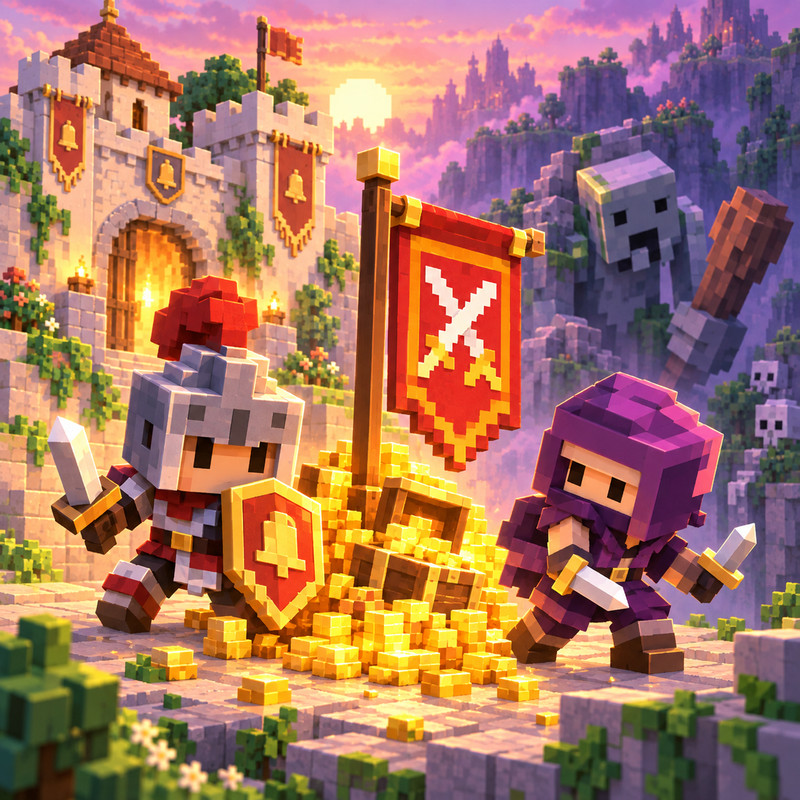
You're the king, but your heroes do whatever they want. Build guilds, put bounties on monsters and bribe the brave (and the greedy) into doing the job. Then hold out through a night of horde attacks until dawn.
Manage the activity at the center of the game and decide where to put your resources next. Read how income, purchases and improvements are connected. The listed controls include WASD input.
How to play Braveward
Controls and instructions
Rule from the throne, not the battlefield! You never command your heroes directly. You give them reasons to act, and they decide whether the gold is worth the danger.
How to win:
Build guilds next to your castle and hire warriors, rangers, rogues, healers and mages. Tap a monster or a den and post a bounty: attack it, scout the area or guard a spot. Heroes who like the reward will go for it. Build a Market and a Tavern so the gold your heroes spend comes back to you as taxes.
Each day has five phases, from dawn to night. Explore the ruins for loot, and when the messenger warns you about a siege, raise watchtowers on that side. At night every den wakes up and the Troll Warlord marches on your castle. Keep the castle standing until sunrise to win the day. Then a new, harder day begins. If the castle falls, the game is over.
Cast spells when things get tough: Heal, Royal Shield and Rally from the castle, plus Lightning and Gold Rain once you build a Mage Tower.
Desktop Controls:
Left Click: Select a hero, building or monster; place a building; cast a spell.
Click and Drag on empty ground: Move the camera.
W A S D / Arrow Keys: Scroll the map.
Mouse Wheel: Zoom in and out.
Right Click / Esc: Cancel building or spell targeting.
Esc: Open the pause menu.
Spacebar: Pause the game.
M: Mute sound.
Minimap: Click or drag to jump to any part of the realm.
Mobile Controls:
Tap: Select a hero, building or monster; place a building; cast a spell.
Drag on empty ground: Move the camera.
Pinch: Zoom in and out.
Cancel Button: Cancel building or spell targeting.
Minimap: Tap or drag to jump to any part of the realm.
Getting started with Braveward
- Identify the next purchase requirement before committing your resources.
- Check the action mappings as well as movement; extra actions may use different keys.
About this game
- Platform
- Web browser
- Supported devices
- Android, iOS, Desktop
- Screen orientation
- Landscape and Portrait
- Languages
- American English, German (Germany), European Spanish, Russian (Russia)
- Genres
- Arcade, Strategy, Simulation, Tycoon, Management, Rpg
- In-game purchases
- None listed by the provider
- Provider
- Playgama
- Provider audience
- Male, Female
Game features and tags
- Voxel
- Brain Training
- Heroes
- Defense
- 1 Player
- Building
- Horde Survival
- Resource Management
- Ai
Braveward images
Questions about Braveward
How do I start playing?
Choose Play now in the game window above to load Braveward through Playgama. Read the controls and instructions above before you start.
Which devices can I play on?
The provider lists support for Android, iOS, Desktop. Play in your web browser using the controls described above.
Which languages does the game support?
American English, German (Germany), European Spanish, Russian (Russia).
Does the game have in-game purchases?
The provider lists no in-game purchases for this game. Games may display advertisements.
Related game categories
Game facts and artwork supplied by Playgama. Descriptions adapted and getting-started guidance added by LookBear. Game content, ads and purchases are provided by Playgama and the game provider.