 Dungeon Master - Cult & Craft

Grow a Garden 3D
Provided by Playgama

Grow a Garden 3Dvia Playgama








 Millionaire Factory
 Idle Cookie Tycoon
 My Phone Store
 Capi bar
 My Bakery
 Idle Zoo Tycoon
 Cooking Shawarma Idle Game
 Dream Supermarket: 3D Shop
 Shop Cashier Simulator 3D
 Garage Boss
 JUICE TYCOON
 The Hustler
 Mine Obby 3D: Car Wash Tycoon
 Idle Chicken Farm
 Mine Blogger Simulator 3D
 Chop Up!
 Ashfall Industries
 Sell Lemons Idle
 My Little Park 3D
 Capitalist Hunter
 Wild Manager
 Railroad Magnate
 My Little Kingdom
 Heist Idle
 Kingdom Master
 Rich Mom Family Simulator Luxury Life
 Clean The Garden
 Glossy Garage - Car ASMR
 Mowmentum
 Obby: +1 Jump with Brainrot
 Busy Bites Tycoon
 Restore Lab
 Find the Needle
 FAKE HUNTER
 Tiny Cinema
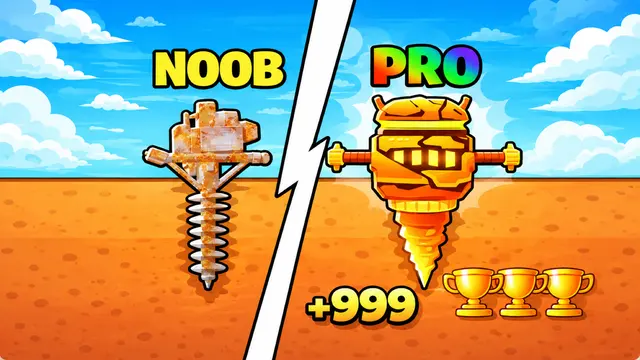 Obby: Dig to the center of the Earth
 Bee Swarm
 Farm Care Tycoon
 Pocket Mart
 Scoop Empire
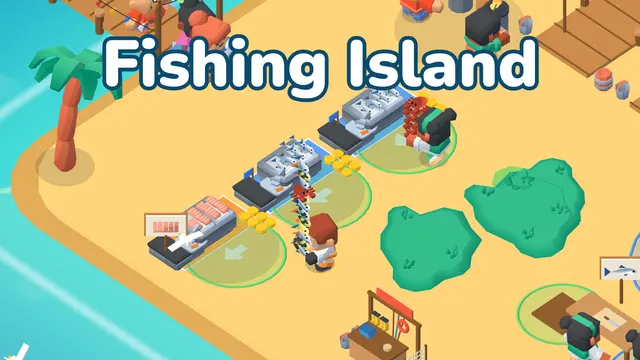 Fishing Island
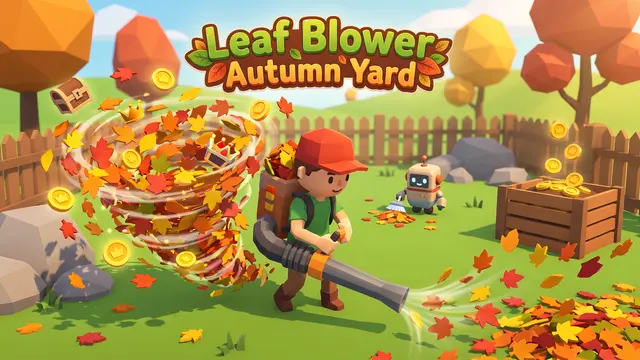 Leaf Blower: Autumn Yard
 Burger Bay
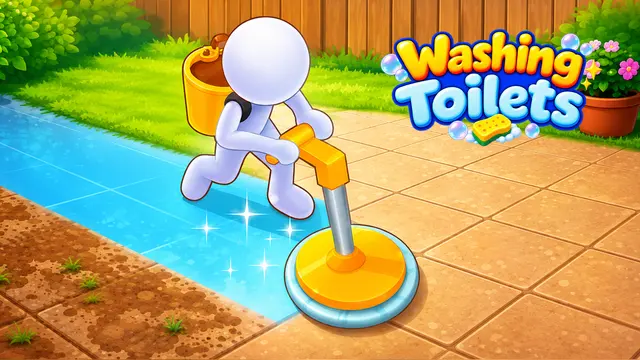 Washing Toilets
 Witch's Shop: Potion Brewing
 Grave: Necromancer Mortician
 Kickoff Academy: Football Tycoon
 Hex Hamlet
 Smash and Steal an Egg!
 Pizza Delivery: Drive and Deliver Hot
 Needle Rush
 Chicken Farm
 Cloudburg: Sky Farm
 Capy Market
 Homeowner 3D
 Pearl Paws
 Bun Boss
 Peel the Potato
 Park Tycoon
 French Fries Tycoon: Farm to Fryer
 Pet Riders
 Sir Shiba: Monster Island
 Farm Around
 Snack Stack
Play Grow a Garden 3D online
Explore different seasons, customize your character, and watch your garden grow bigger every day. Every seed is special and every garden is unique!
Follow the game’s progression systems and review the available upgrades. Check which actions need your input and which processes continue on their own. The controls include access to an inventory. The instructions describe joystick input.
How to play Grow a Garden 3D
Controls and instructions
Desktop Controls:
[ WASD ] - Move
Hold Right/Left Mouse Button and Rotate the Mouse to look Arround
[ LMB (Left Mouse Button) ] - Plant Seed
[ Space ] - Jump
[ E ] - Intreact [Buy/Sell/Collect]
[ Tab ] - Inventory
Mobile Controls:
JoyStick to Move around and Drag On the Right side to look arround
Buttons for Picking up item and Planting also for Other such as Jumping
Thre game has an In-game Tutorial which Guide the player.
Getting started with Grow a Garden 3D
- Read the upgrade descriptions instead of assuming every improvement has the same effect.
- Check the listed inventory input when you need to review what you are carrying.
- Start with a short joystick movement to judge how the character responds.
About this game
- Platform
- Web browser
- Supported devices
- Android, iOS, Desktop
- Screen orientation
- Landscape
- Languages
- American English
- Genres
- Simulation, 3d, Management, Idle
- In-game purchases
- Available
- Provider
- Playgama
- Provider audience
- Male, Female
Game features and tags
- Games For Pc
- Relaxing
- Plant
- 1 Player
- Grow
- Android
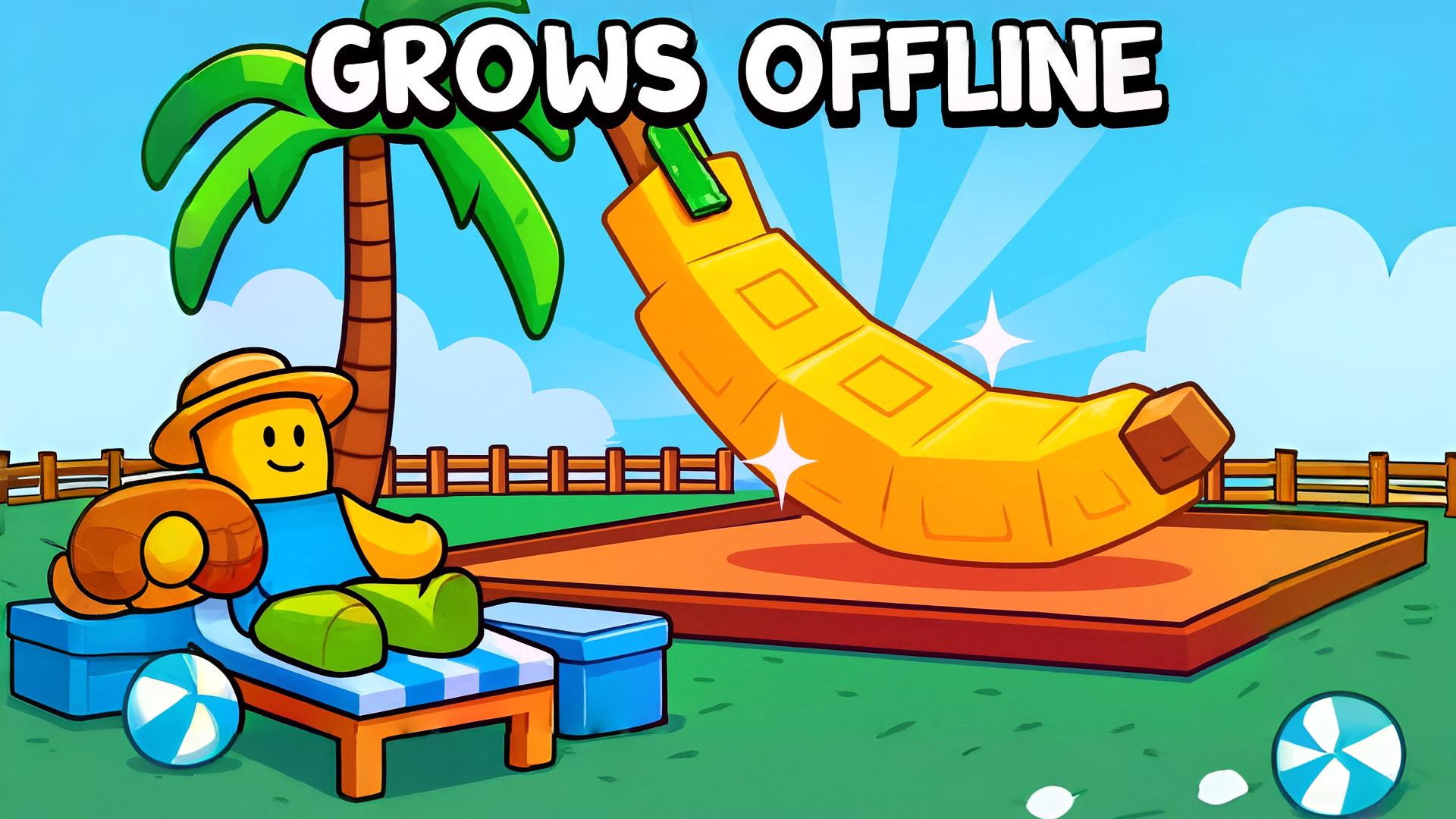
Grow a Garden 3D images

Questions about Grow a Garden 3D
How do I start playing?
Choose Play now in the game window above to load Grow a Garden 3D through Playgama. Read the controls and instructions above before you start.
Which devices can I play on?
The provider lists support for Android, iOS, Desktop. Play in your web browser using the controls described above.
Which languages does the game support?
American English.
Does the game have in-game purchases?
The provider lists optional in-game purchases. Any available purchases are handled inside the game. Games may display advertisements.
Related game categories
Game facts and artwork supplied by Playgama. Descriptions adapted and getting-started guidance added by LookBear. Game content, ads and purchases are provided by Playgama and the game provider.