 Mowmentum
Parcel Sort Rush
Provided by Playgama
Parcel Sort Rushvia Playgama



 Geometry Arrow 2
 Rooftop Run
 Magic Kingdom: Hex Match
 Soccer Dash
 Only Jump RPG
 Yoga Master - Flex Running
 Shape Transforming: Shifting Run
 My Arcade Center
 Build And Run
 Climb Up!
 Stack Ball 3D
 Slow Time Ninja
 Geometry Maze Maps V2
 Stand on the Right Color, Robby!
 Mr Shooter
 Knife vs Fruits
 Slice & Soar
 Resize Stickman
 Catoom! - Bomb Barrel
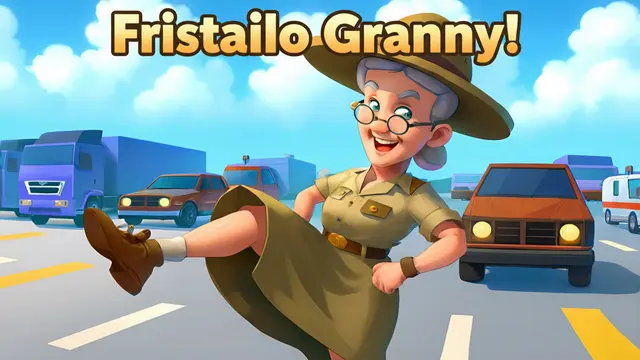 Fristailo Granny!
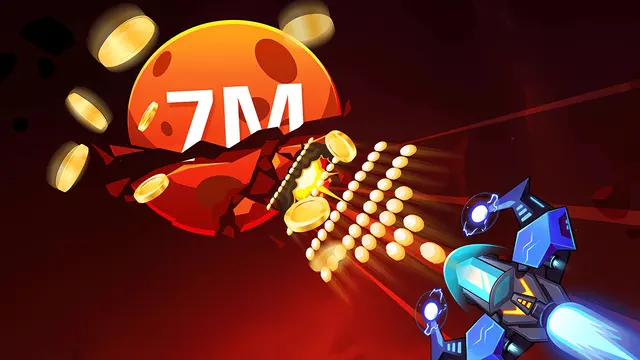 Space Blast
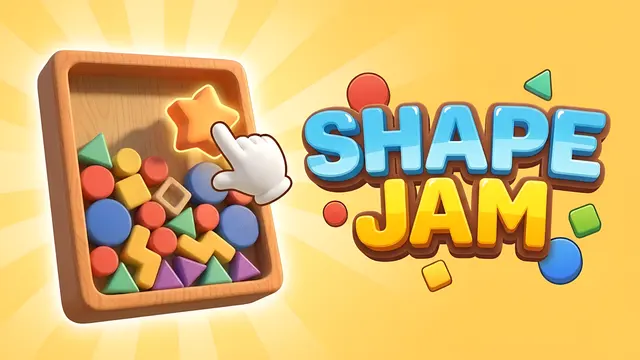 Shape Jam
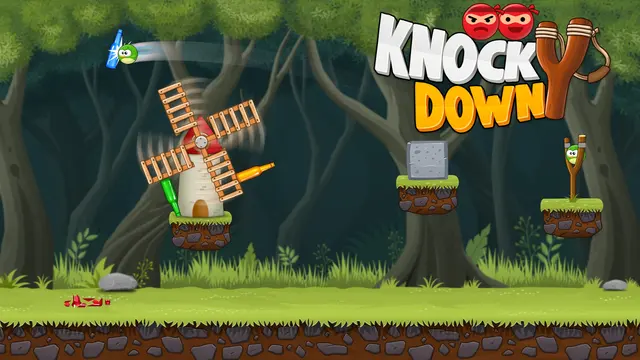 Knock Down
 On Fire Basketball Shots
 Street Racer 2D
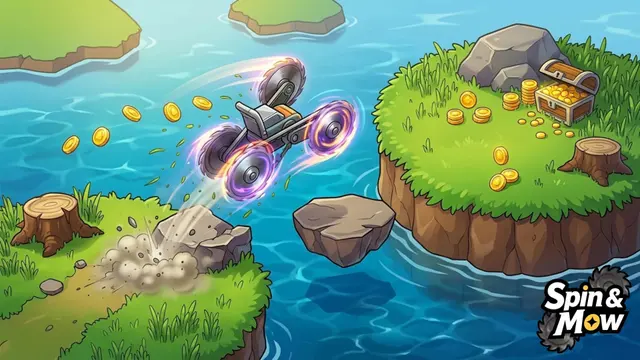 Spin&Mow
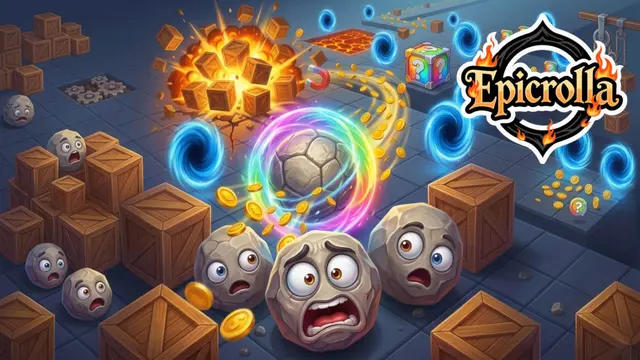 Epicrolla
 Canyon Drifter
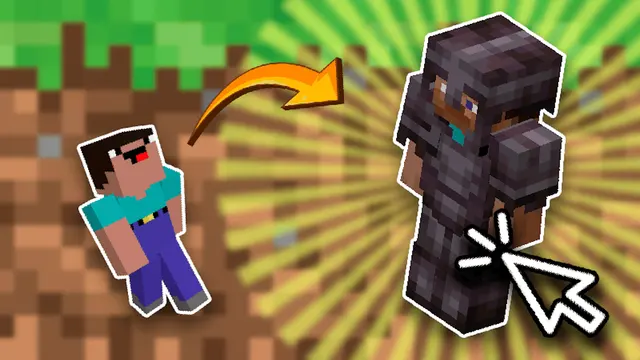 Steve Evolution Mega Clicker
 Stunsteval Siderollers
 Darts Pro
 Robbie: TikTak Slot Machines
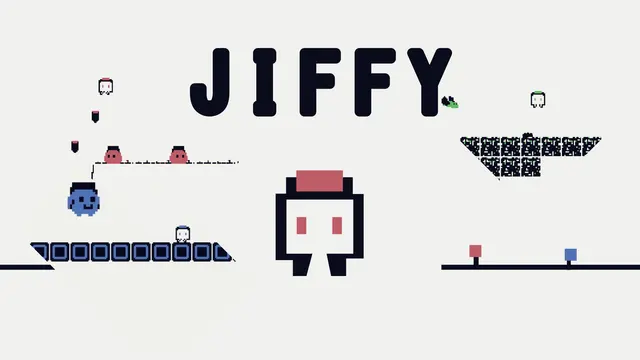 Jiffy
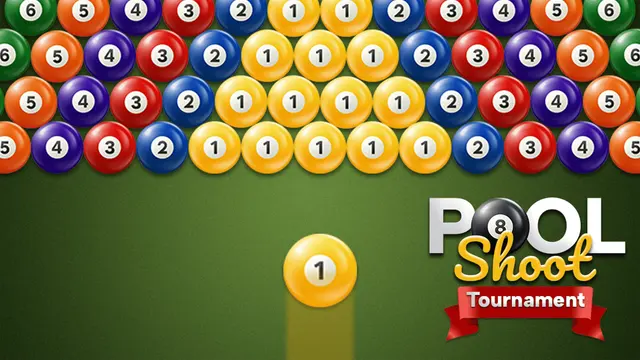 Pool Shoot Tournament
 Turbo Racer Extreme
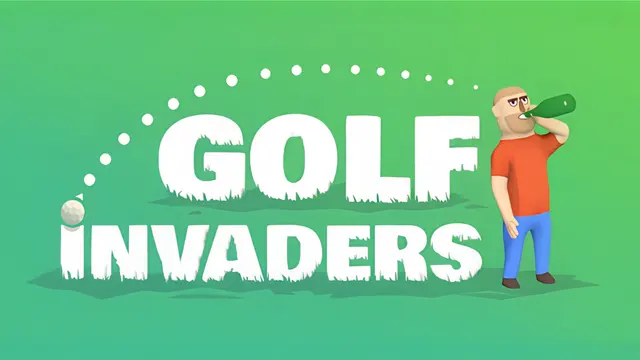 Golf Invaders
 Zigzag Snow Adventure
 Gravity Speed Run
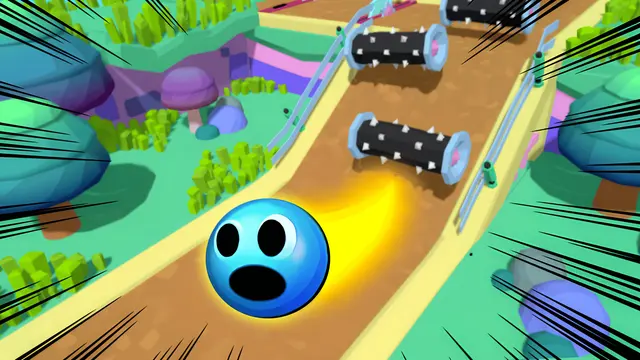 Ball: Path Through Obstacles
 Snowball Dash
 Raised Knight
 Snake of Balls
 StickerBall
 Drone Dash - Time Challenges!
 Head Jump
 CLUTTER MASTER
 Winged Wheels 2
 Stickman Clicker
 Chroma Trek
 Cut It 3D
 Steve parkour in mine
 Super Fruit Runner - Hyper Casual
 Mega Sweet Fruits - Popper
 Cosmic Dash
 Tilt & Tumble
 Bricks Balls Breaker
 Ball Attack
 Bricks Buster
 Fishing Frenzy
 Geometry Vibes
 Ocean Pop
 Pop Tap
 Balls: Ricochet!
 Screw Puzzle
Play Parcel Sort Rush online
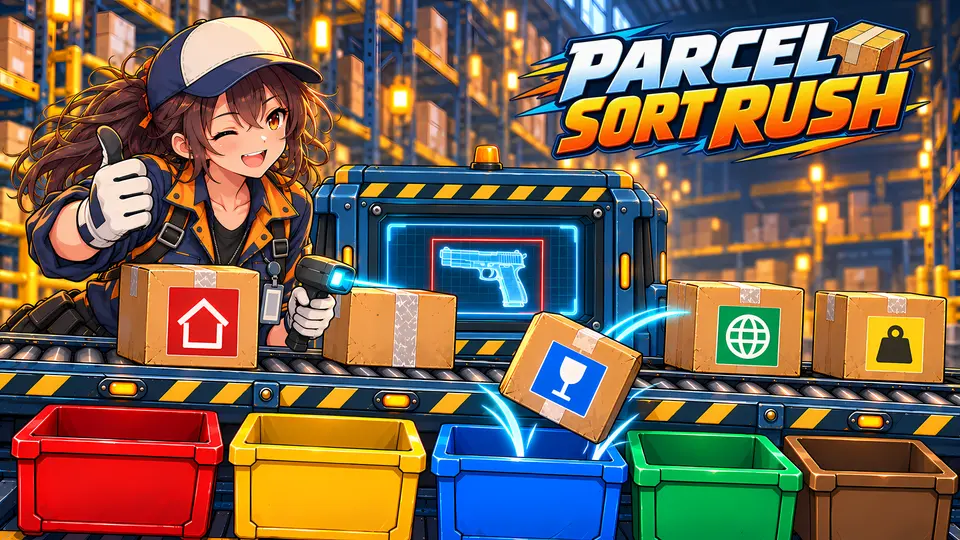
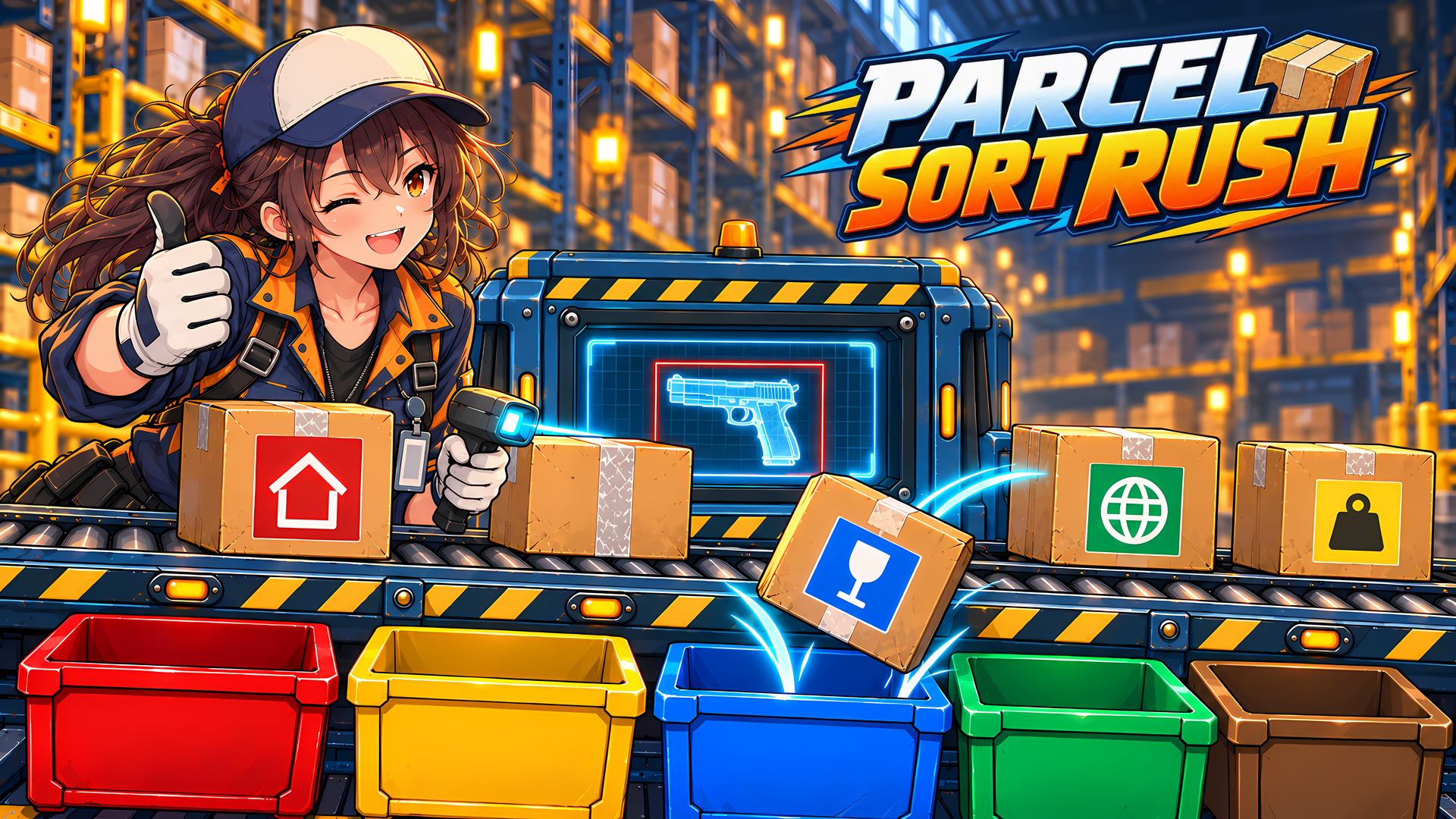
Parcels roll out of the X-ray scanner one after another — send each one to the right bin before it falls off the end. The rule is simple: the sticker colour matches the bin colour. But the X-ray shows what is inside every box, and weapons, explosives and other forbidden goods are contraband — they go to bin 0.
Look for matching pieces and work toward the board’s stated objective. The most useful match is the one that helps the current task. Upgrades are part of the progression described by the provider.
How to play Parcel Sort Rush
Controls and instructions
Sort every parcel into the bin that matches its sticker colour before it rolls off the end of the belt. Get through the shift to pass it; high accuracy and the target score earn up to three stars.
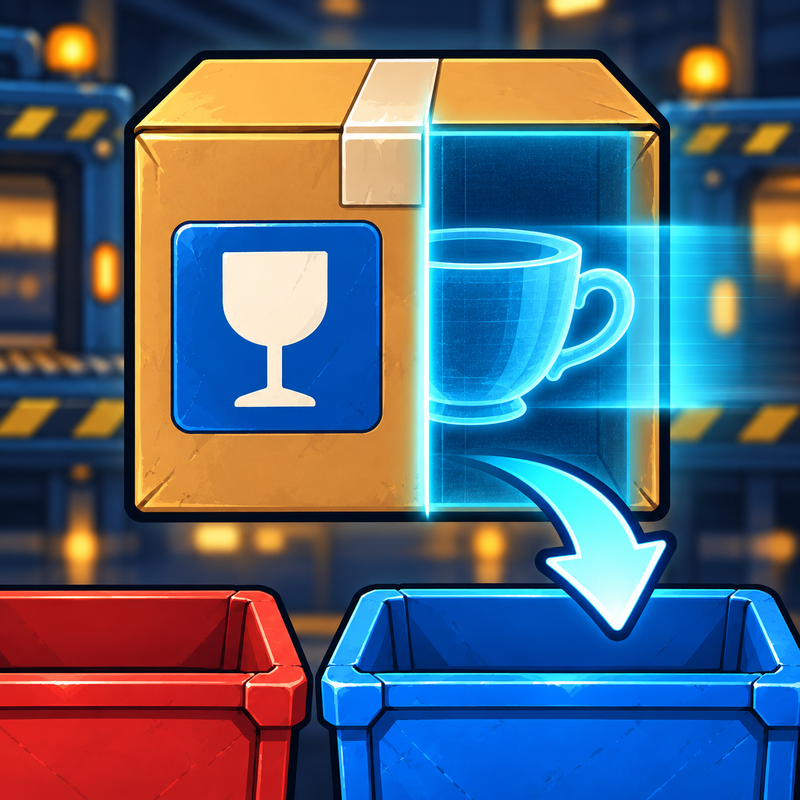
After the scanner, a tag above each parcel shows what is inside. A red tag with "!" means contraband (weapons and explosives, later batteries and toxic or radioactive goods) — send it to bin 0.
Fix parcels on the way: tape torn boxes, flip the ones with arrows pointing down, cut bundles apart. Golden express parcels score ×3 if you sort them before their timer ends; blue cryo cases must be sorted before they thaw.
"?" check: the belt stops — sweep the lens over the box and tap the forbidden item, or press "All clear". Weight check: boxes over 10 kg need the yellow sticker.
Computer:
1–4 — bins, 0 — contraband bin (for the front parcel in the frame)
Mouse — drag any parcel to a bin, or click a bin
Space or click a parcel — tape, flip or cut it
B — emergency brake (after buying the upgrade)
P — pause
"?" check: arrows pick an item, Enter seizes it, C — all clear
Weight check: 1 — keep the sticker, 2 — relabel
Phone or tablet: tap the bins and drag parcels with your finger. Play in landscape.
A dropped parcel, missed contraband or thawed cryo cargo costs a heart; lose them all and the shift is over. When the timer runs out, clear the parcels left on the belt.
Getting started with Parcel Sort Rush
- Read the current objective before choosing a match.
- Compare the upgrade description with your next objective before choosing it.
About this game
- Platform
- Web browser
- Supported devices
- Android, iOS, Desktop
- Screen orientation
- Landscape
- Languages
- American English, Russian (Russia)
- Genres
- Arcade, Skill, Mouse, Anime, Management, Matching
- In-game purchases
- Available
- Provider
- Playgama
- Provider audience
- Male, Female
Game features and tags
- Reaction
- Fast Paced
- Casual
- Choice
- Hyper Casual
- Addictive
- Endless
- Sorting
- Challenge
- Agility
- 1 Player
Parcel Sort Rush images
Questions about Parcel Sort Rush
How do I start playing?
Choose Play now in the game window above to load Parcel Sort Rush through Playgama. Read the controls and instructions above before you start.
Which devices can I play on?
The provider lists support for Android, iOS, Desktop. Play in your web browser using the controls described above.
Which languages does the game support?
American English, Russian (Russia).
Does the game have in-game purchases?
The provider lists optional in-game purchases. Any available purchases are handled inside the game. Games may display advertisements.
Related game categories
Game facts and artwork supplied by Playgama. Descriptions adapted and getting-started guidance added by LookBear. Game content, ads and purchases are provided by Playgama and the game provider.