 Mowmentum
Open to Offers!
Provided by Playgama

Open to Offers!via Playgama







 Sea Restore
 +1 Skipping Stone Throw
 Deepstone: Idle Miner Clicker
 Big Bob's Burger Truck
 Rusty Park
 Vet Tycoon: Pet Hospital
 Sticky Memo - Ripping Game
 Market Hero
 Dungeon Master - Cult & Craft
 Idle Airport Tycoon
 Hotel Manager Simulator
 Sweet Supermarket Simulator
 Burger Restaurant Simulator 3D
 Animal Care Tycoon
 Gas Station - Stick Simulator
 Gas Station Simulator
 Grow Slime
 Supermarket Manager
 Supermarket Empire
 Idle Vlogger Simulator
 Idle Supermarket Tycoon
 Idle Crafting Empire Tycoon
 Idle Cinema Tycoon
 Money Empire
 Winged Wheels 2
 Farm Business Saga
 Tiny Delivery
 Precision Parking Pro
 My Phone Store
 Idle Zoo Tycoon
 Money Factory: Tycoon Idle Game
 Money cutter idle
 Trash Baron
 ObbyTycoon: Money Tycoon
 Survival for 100 dollars
 Garage Boss
 The Hustler
 Agrarian Magnate
 Idle Chicken Farm
 Chop Up!
 Sell Lemons Idle
 Gas Station 24: Simulator
 Capitalist Hunter
 +1 Grass Cutting: Become Stronger
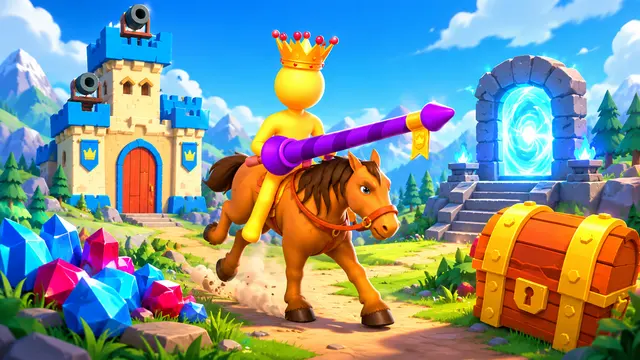 My Little Kingdom
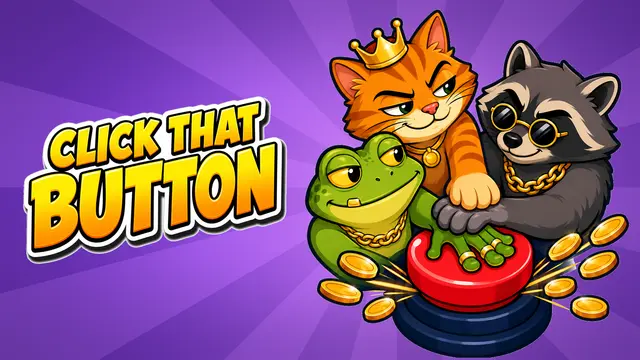 Click That Button
 Cheat and Don't Get Caught!
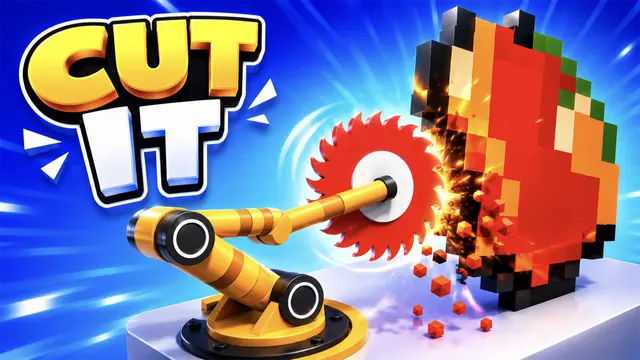 Cut it : Voxel Crusher
 Rich Mom Family Simulator Luxury Life
 Clean The Garden
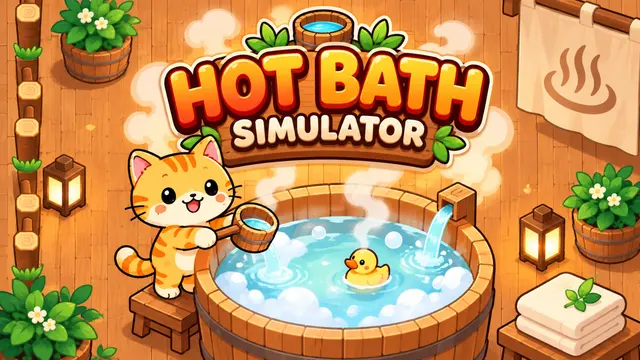 Hotbath Simulator
 Drift Tycoon
 Wildkin Isles
 Veggie Harvest
 Rocket Rush
 Obby: +1 Jump with Brainrot
 Tap the Crop
 Busy Bites Tycoon
 Night Lake: Monster Fishing
 Find the Needle
 Hatch That Egg: Tap & Crack
 Steal a Pet!
 Cuddle Crane
 Mine Tycoon
Play Open to Offers! online
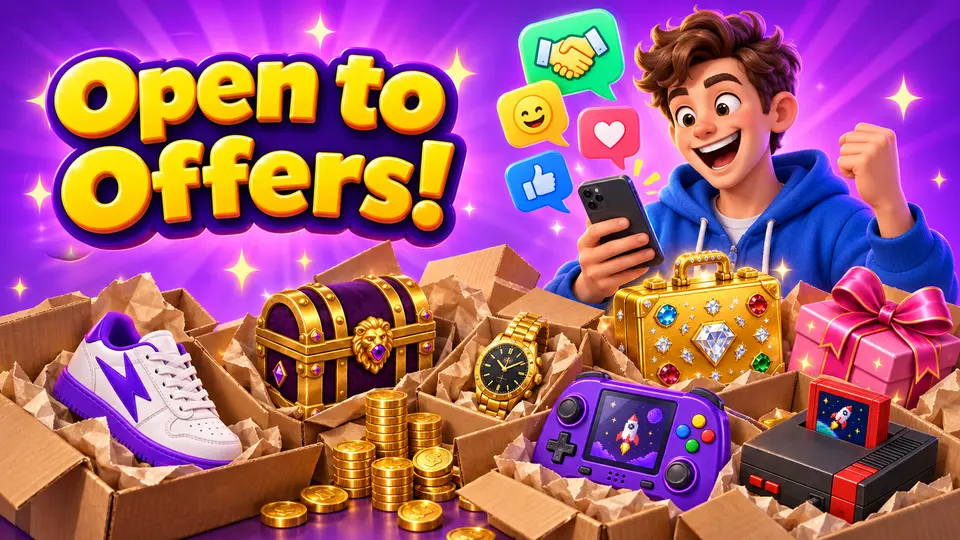
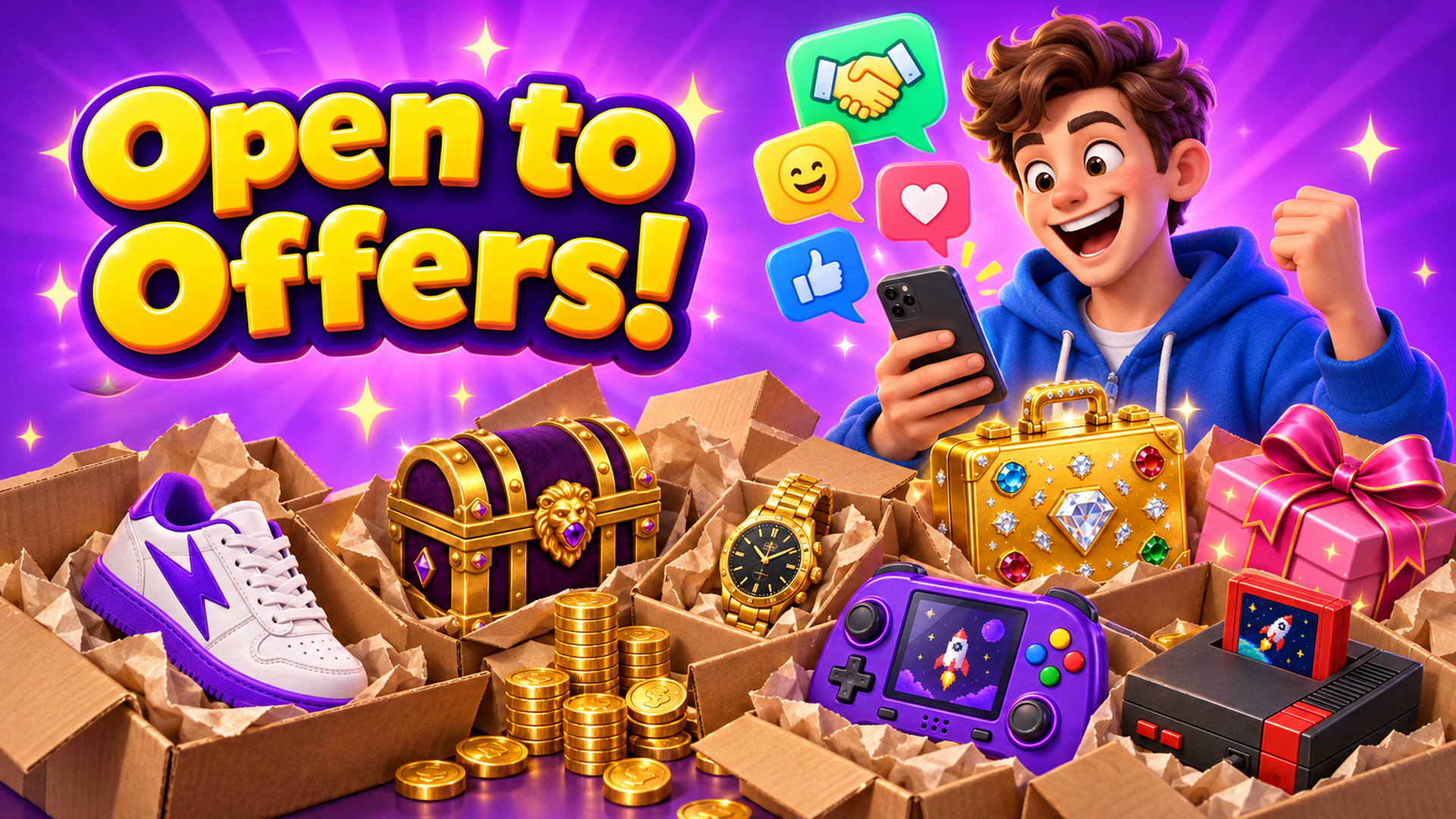
Buy attic boxes, lost parcels and port containers — anything can be inside, from an unpaired sock to an imperial egg. Put your finds up for sale and haggle with buyers in chats. Everyone has their own character: a granny on a pension, a kid with a piggy bank, an IT guy, a tourist, a fashionista, a gardener — 20 types in total.
Use repeated interactions to make progress and review the available improvements. Check what an upgrade changes before spending resources on it. The provider describes a ranking or leaderboard feature. Upgrades are part of the progression described by the provider.
How to play Open to Offers!
Controls and instructions
1. Open a box in the “Cases” tab — the roulette shows what's inside.
2. Put your find up for sale: “Storage” → item → price → “List”. A price near the market sells faster, above the market pays more, but buyers will haggle.
3. Answer buyers in “Chats” with the buttons below: accept, name your price or decline. Sometimes saying no makes a buyer raise the offer!
4. Never follow links from “buyers” — they are scammers. Block them and get a vigilance bonus.
5. Invest your revenue in the “Upgrades” tab and complete collections for price bonuses.
Short on money? Tap the laptop on the home screen. Controls: mouse or touch.
Getting started with Open to Offers!
- Compare an upgrade’s cost with the benefit described in the game.
- Read what contributes to the ranking rather than assuming it is based on time.
- Compare the upgrade description with your next objective before choosing it.
About this game
- Platform
- Web browser
- Supported devices
- Android, iOS, Desktop
- Screen orientation
- Portrait
- Languages
- American English, Russian (Russia)
- Genres
- Arcade, Simulation, Skill, Tycoon, Clicker, Management
- In-game purchases
- Available
- Provider
- Playgama
- Provider audience
- Male, Female
Game features and tags
- Casual
- Business
- Brain Training
- Addictive
- Decision
- Collecting
- 1 Player
- Ai
Open to Offers! images

Questions about Open to Offers!
How do I start playing?
Choose Play now in the game window above to load Open to Offers! through Playgama. Read the controls and instructions above before you start.
Which devices can I play on?
The provider lists support for Android, iOS, Desktop. Play in your web browser using the controls described above.
Which languages does the game support?
American English, Russian (Russia).
Does the game have in-game purchases?
The provider lists optional in-game purchases. Any available purchases are handled inside the game. Games may display advertisements.
Related game categories
Game facts and artwork supplied by Playgama. Descriptions adapted and getting-started guidance added by LookBear. Game content, ads and purchases are provided by Playgama and the game provider.