 +1 Grass Cutting: Become Stronger
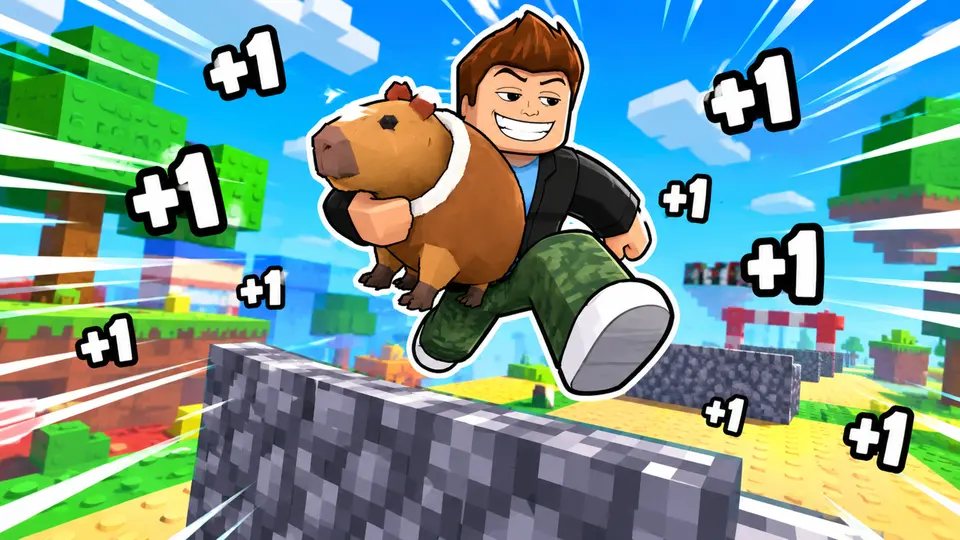
Obby: +1 Jump with Brainrot
Provided by Playgama
Obby: +1 Jump with Brainrotvia Playgama




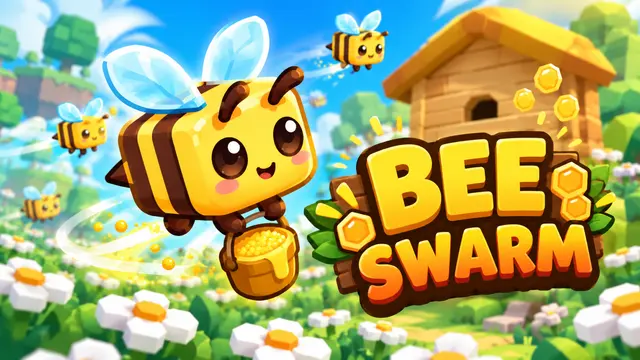 Bee Swarm
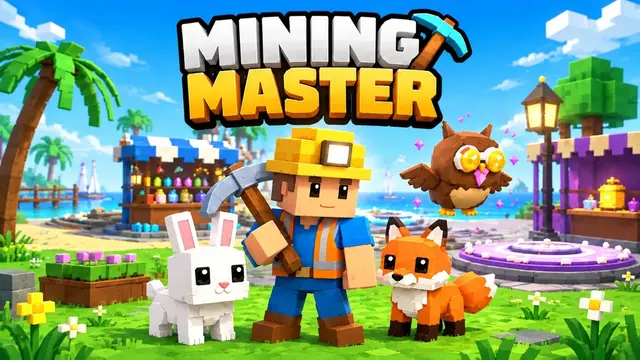 Mining Master
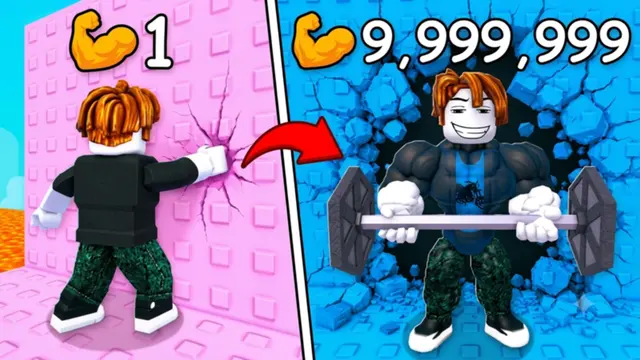 +1 Strength for escape
 Army Base
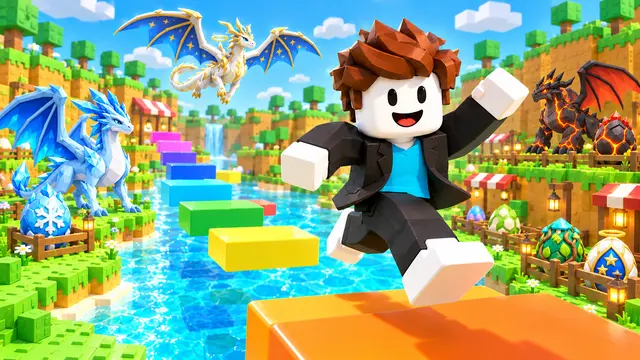 Obby Ultimate Parkour
 Obby: Steal an Egg - The Great Escape
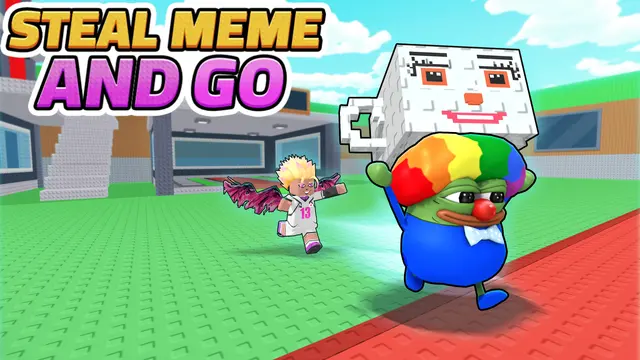 Steal Meme And Go
 Bank Tycoon Simulator Money Empire
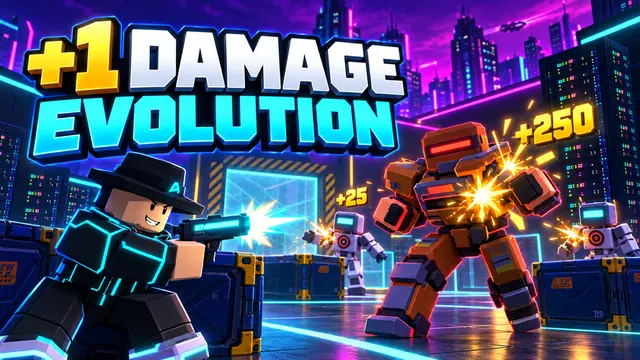 +1 Damage Evolution
 Obby Weapon Rush
 Grow the Baby
 Monster Card Shop
 Deep Mine: +1 Strength
 Don't Look Down, Kitty!
 Build a Skyscraper!
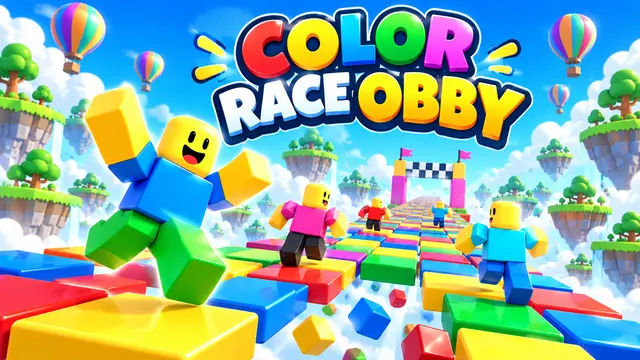 Color Race Obby
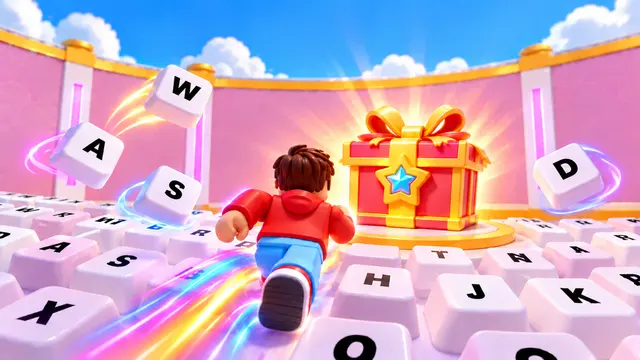 Keyboard Rush
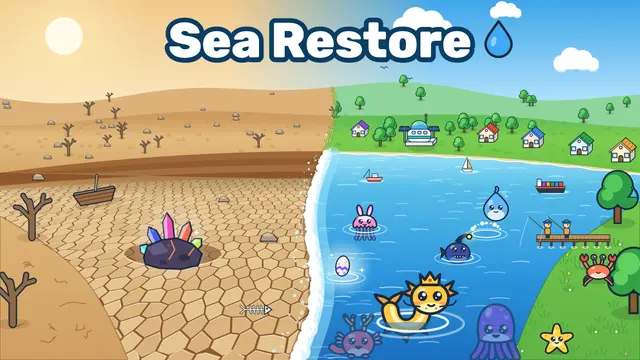 Sea Restore
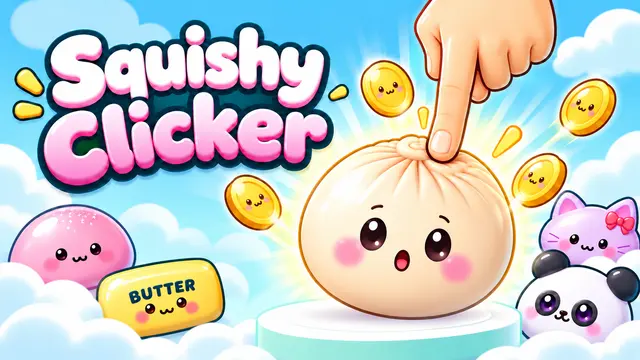 Squishy Clicker
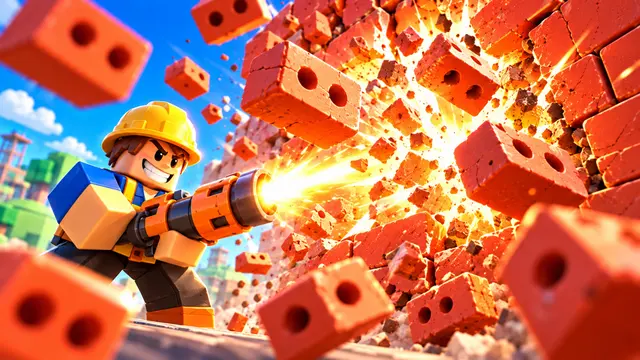 Zone Breaker
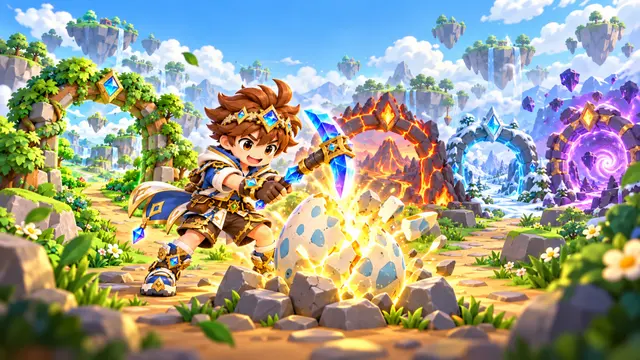 Obby Break an Egg
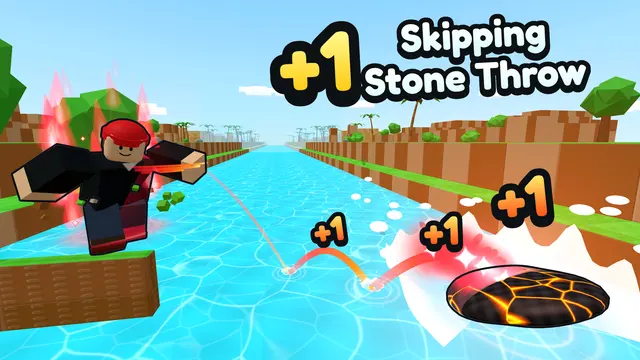 +1 Skipping Stone Throw
 Harvest Rush
 Collect Million Coins
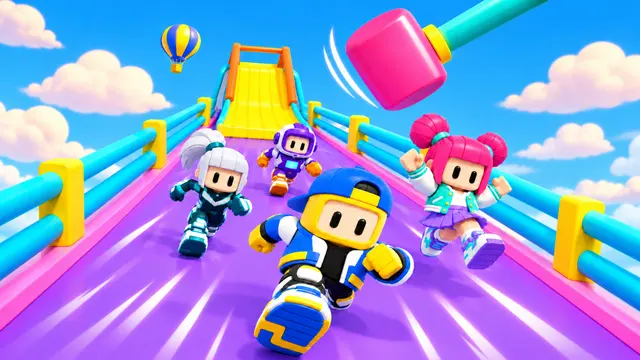 Bonk Royale
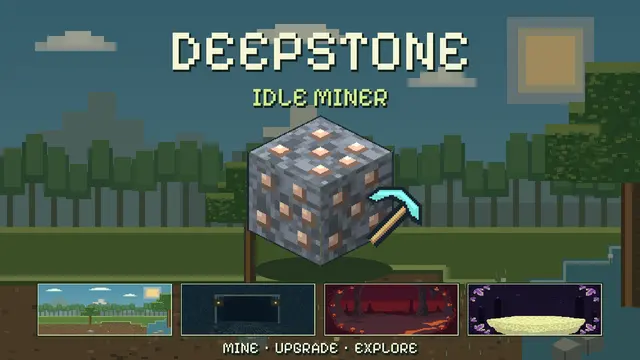 Deepstone: Idle Miner Clicker
 Nest Heist
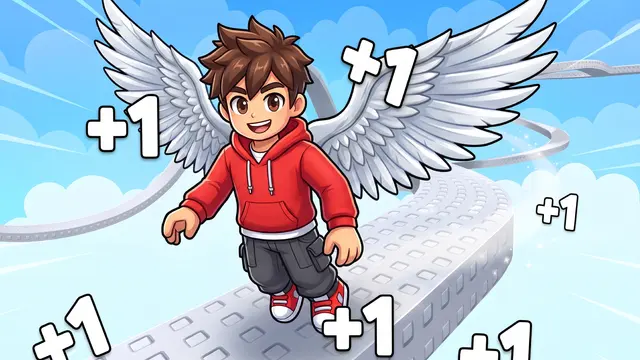 +1 Wings Escape
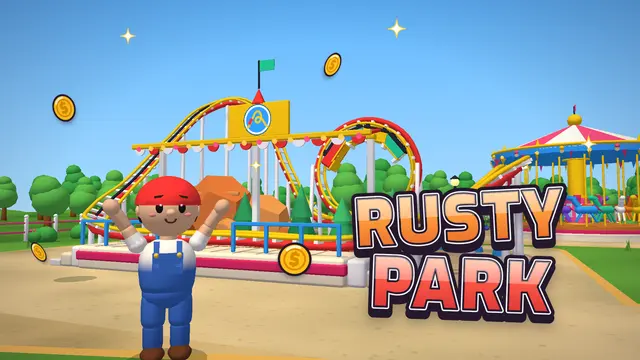 Rusty Park
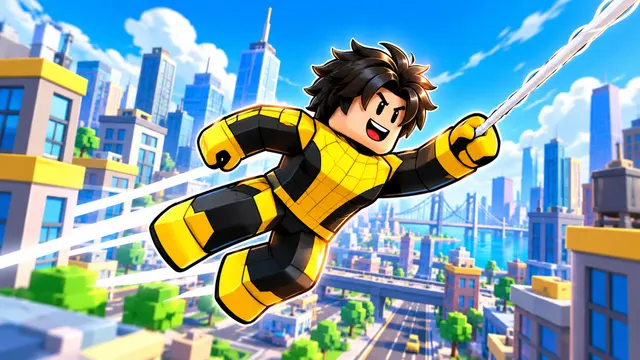 Web Shoot +1
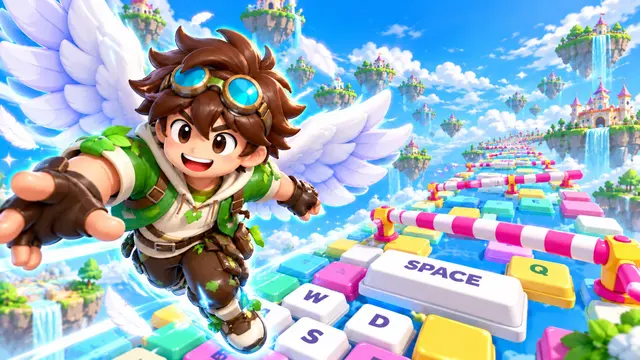 +1 Wings Keyboard Speed
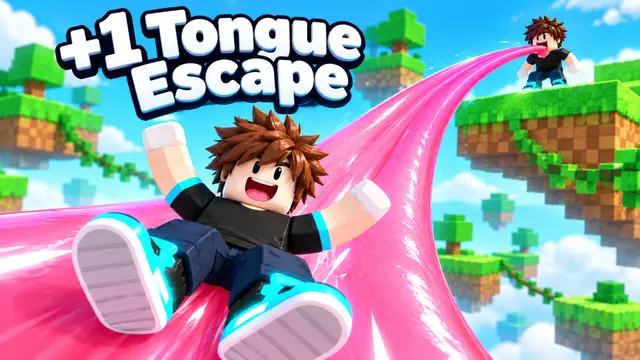 +1 Tongue Escape
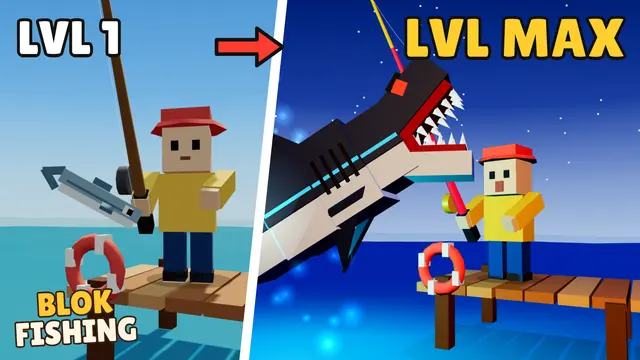 Blok Fishing
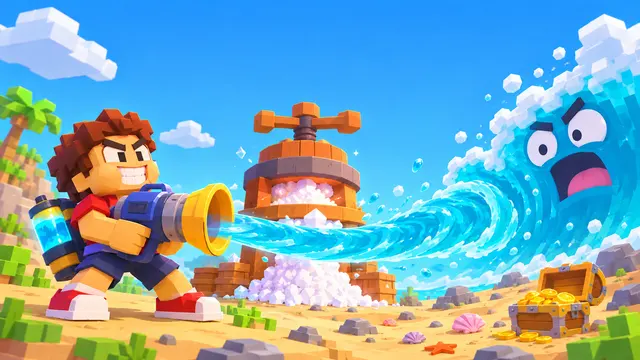 Drink the Ocean
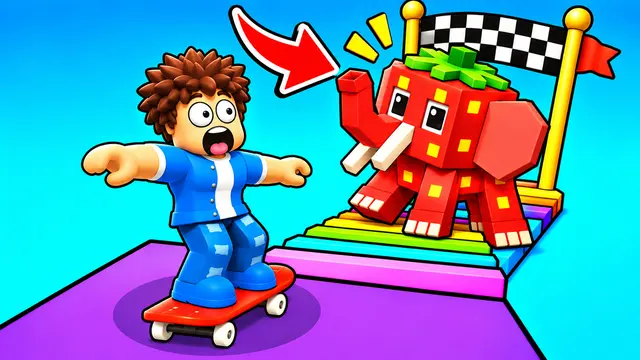 Obby: Skateboard Race
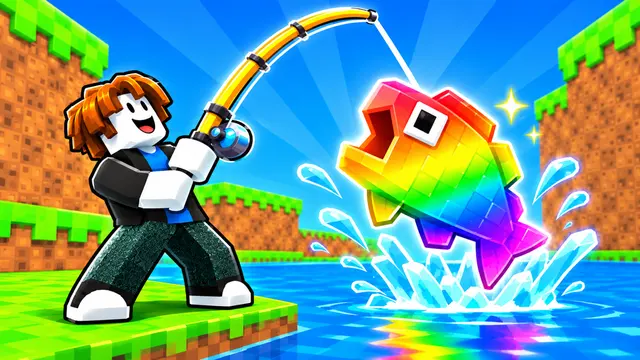 Fish Eggs for Animals
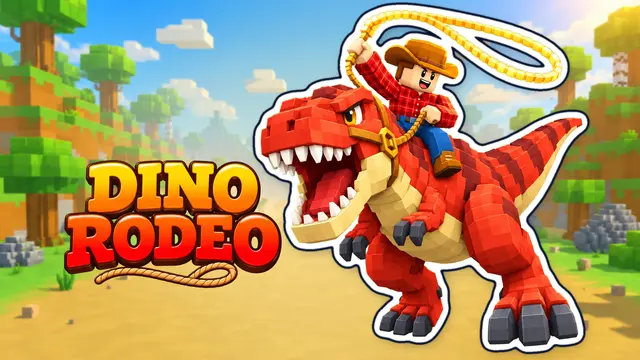 Dino Rodeo 3D
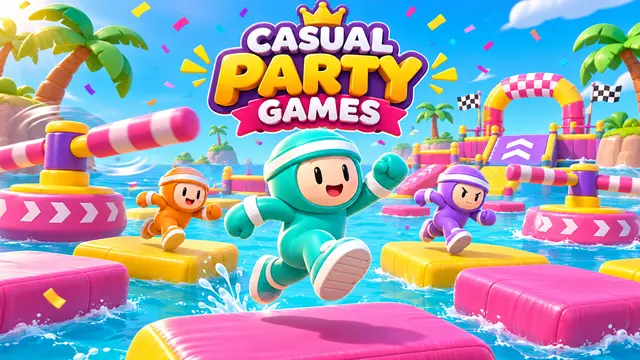 Casual Party Games
 Market Hero
 Break The Walls
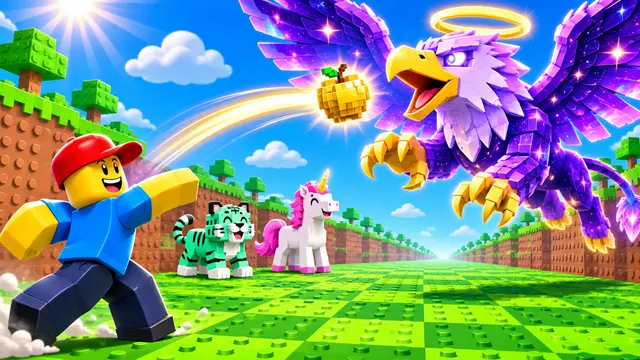 Toss Treats, Catch Pets
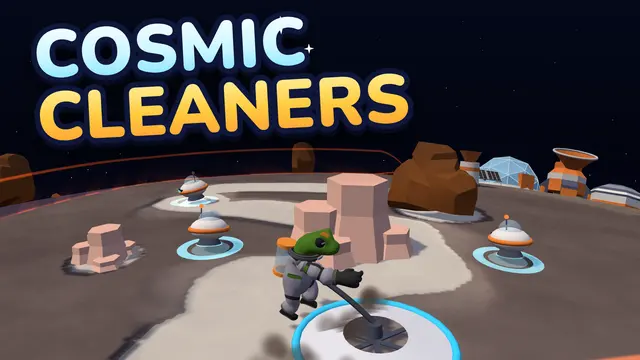 Cosmic Cleaners
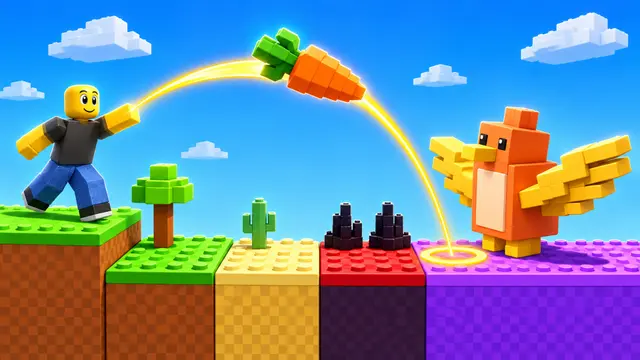 Throw Food - Catch Animals
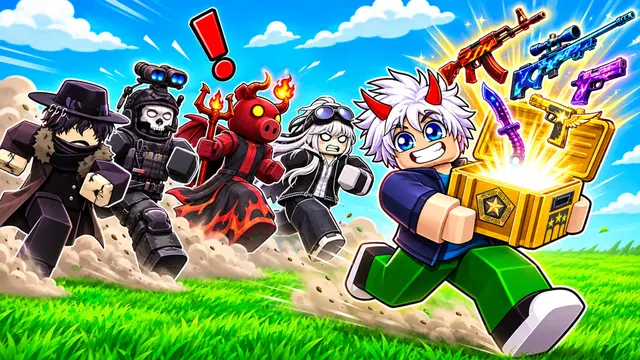 Steal a Weapon!
 Idle Train Empire Tycoon
 Dungeon Master - Cult & Craft
 Speed per Click: Obby
 Idle Game Dev Simulator
 Obby: Click and Grow
 Obby: +1 Jump per Click
 Grow a Garden 3D
 MR RACER Stunt Mania
 My Arcade Center
 Your Obby Parkour
 Parkour Runner 3D
 Blocks Shooter 3D! Run, Shoot, Merge Weapons!
 Impossible Parkour 3D
 Grow Slime
 Idle Vlogger Simulator
 Obby Royal races in flight
 Steve Evolution Mega Clicker
 Winged Wheels 2
 Idle Pong
 Millionaire Factory
Play Obby: +1 Jump with Brainrot online
You run around the arena, and every jump earns agility: the higher your level, the higher you jump — from a meter to the skies. Ahead stand five tall walls like a staircase. Reach the top — a coin plate waits there: step on it, collect your coins and return to start for the next one.
Use repeated interactions to make progress and review the available improvements. Check what an upgrade changes before spending resources on it. Coins appear in the game’s progression or objectives. The controls include access to an inventory.
How to play Obby: +1 Jump with Brainrot
Controls and instructions
Desktop controls:
Move: WASD or arrows
Camera: mouse
Jump: Space
Interact: hold E (stands, portals)
Camera zoom: mouse wheel
Touch controls:
Move: left joystick
Camera: swipe on the right side
Jump: jump button
Interact: hold the action button
Inventory, shop and rewards: on-screen buttons
How to play:
1. Jump around the arena — every jump gives agility and new levels.
2. Reach the top of a wall, step on the coin plate and collect coins.
3. Spend them on your first brainrot at a stand, a skin at the shop or a pet from an egg.
4. Repeat: higher level — taller walls and richer plates.
5. Rebirth for a new level cap and unlock the frost, then the fire world.
Getting started with Obby: +1 Jump with Brainrot
- Compare an upgrade’s cost with the benefit described in the game.
- Check what the game lets you do with coins before spending them.
- Check the listed inventory input when you need to review what you are carrying.
About this game
- Platform
- Web browser
- Supported devices
- Android, iOS, Desktop
- Screen orientation
- Landscape
- Languages
- American English, Russian (Russia), Turkish (Türkiye)
- Genres
- Arcade, Simulation, 3d, Platform, Clicker, Obby, Idle
- In-game purchases
- Available
- Provider
- Playgama
- Provider audience
- Male, Female
Game features and tags
- Casual
- Meme
- Addictive
- Roblox
- Pet
- Obstacles
- Jumping
- Collecting
- Agility
- 1 Player
- Incremental
- Parkour Minecraft
- 67 Obby
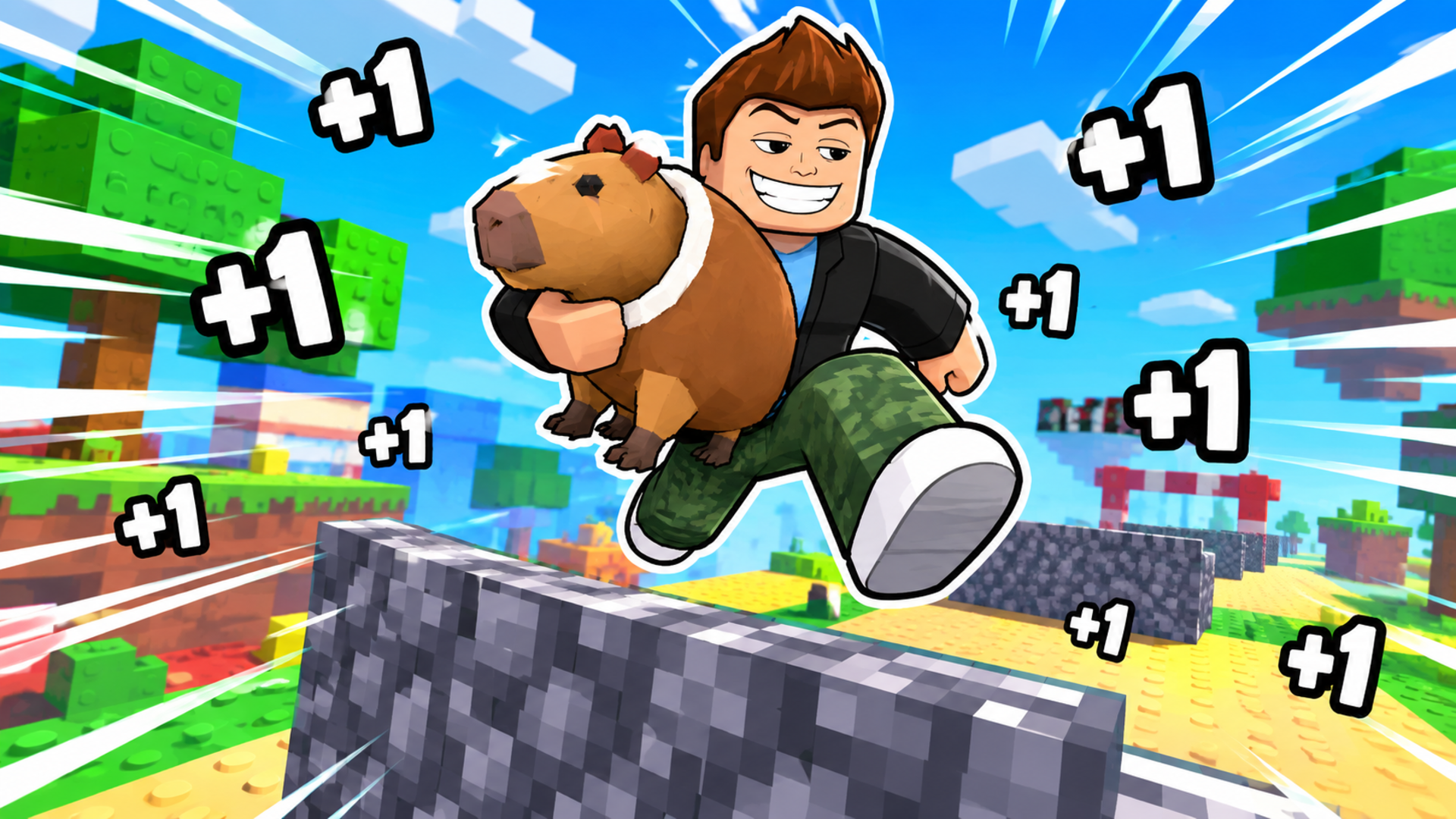
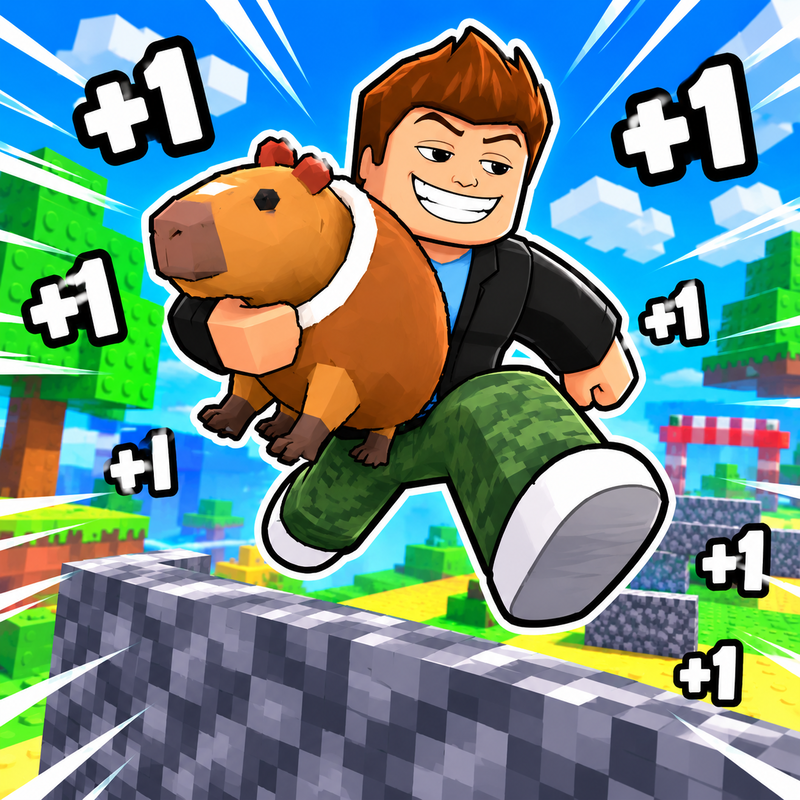
Obby: +1 Jump with Brainrot images
Questions about Obby: +1 Jump with Brainrot
How do I start playing?
Choose Play now in the game window above to load Obby: +1 Jump with Brainrot through Playgama. Read the controls and instructions above before you start.
Which devices can I play on?
The provider lists support for Android, iOS, Desktop. Play in your web browser using the controls described above.
Which languages does the game support?
American English, Russian (Russia), Turkish (Türkiye).
Does the game have in-game purchases?
The provider lists optional in-game purchases. Any available purchases are handled inside the game. Games may display advertisements.
Related game categories
Game facts and artwork supplied by Playgama. Descriptions adapted and getting-started guidance added by LookBear. Game content, ads and purchases are provided by Playgama and the game provider.