 Capy Market
Pearl Paws
Provided by Playgama

Pearl Pawsvia Playgama







 Bee Swarm
 Farm Care Tycoon
 Pocket Mart
 Crumb Bandit
 Scoop Empire
 Fishing Island
 Stampede Evolution
 Wash Master
 Army Base
 Washing Toilets
 Witch's Shop: Potion Brewing
 Grave: Necromancer Mortician
 Hot Diggity Dogs
 Sunny Bay Heroes
 Obby: Steal an Egg - The Great Escape
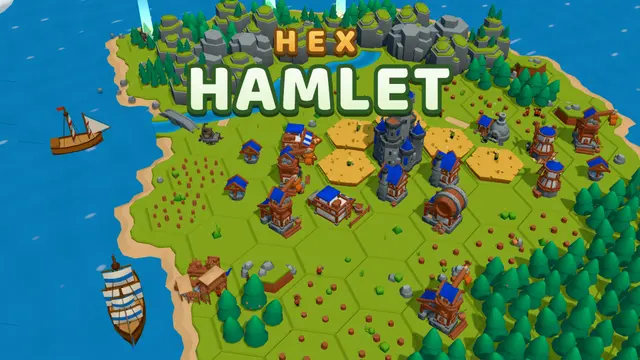 Hex Hamlet
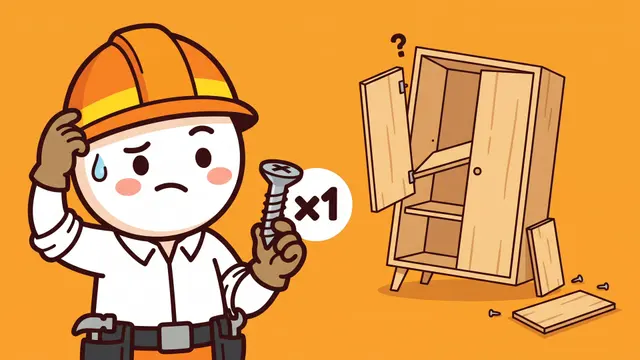 Leftover Screw: Furniture
 Bank Tycoon Simulator Money Empire
 Reaper’s Graveyard Shift
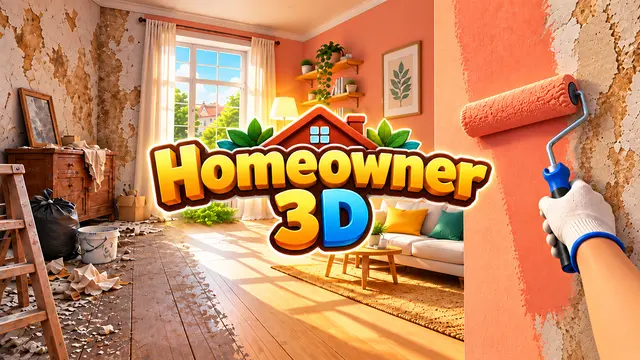 Homeowner 3D
 Cat Hotel 24/7
 Monster Card Shop
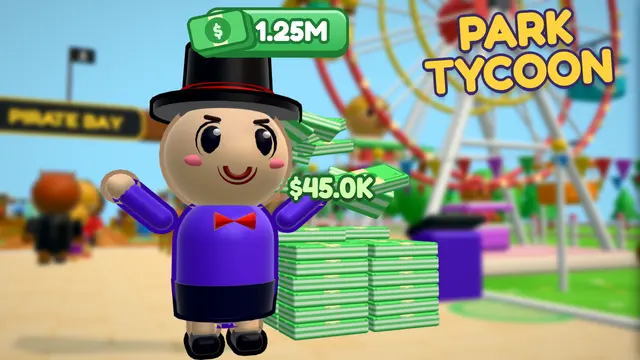 Park Tycoon
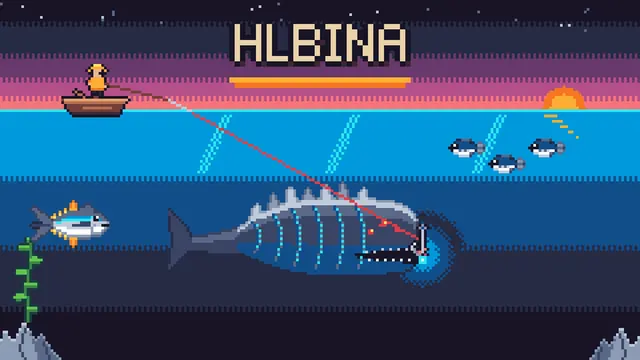 Hlbina
 Pet Riders
 Steal an Egg 3D
 Snack Stack
 Squishy Clicker
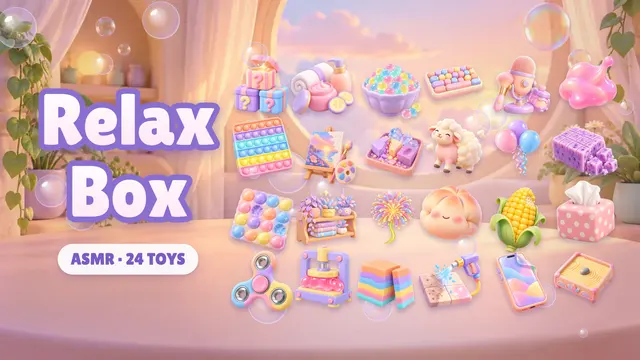 Relax Box: ASMR Mini Games
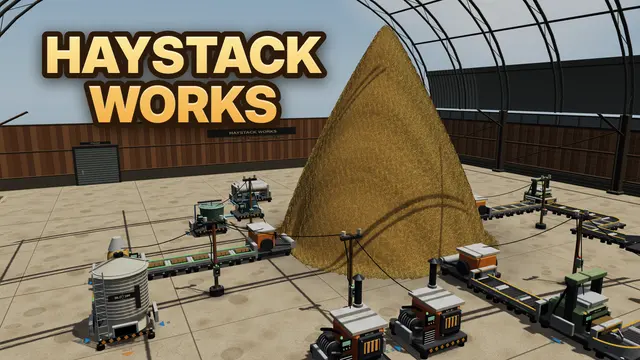 Haystack Works
 The Ink Shop - Tattoo Art ASMR
 Bee Simulator: Mine
 Harvest Rush
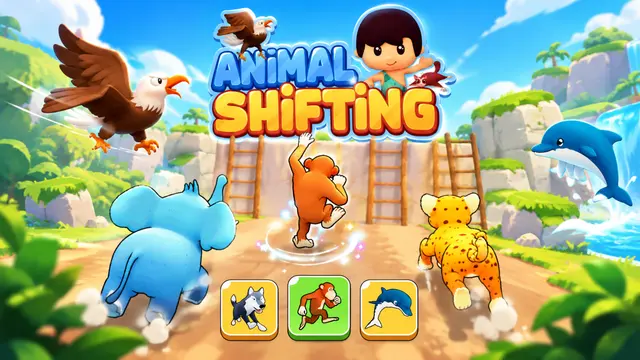 Animal Shifting: Transform Run
 Cat on a Vacuum: Home Cleaning Simulator
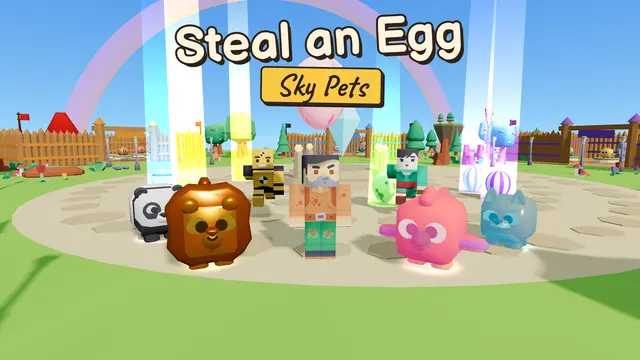 Steal an Egg: Sky Pets
 Rusty Park
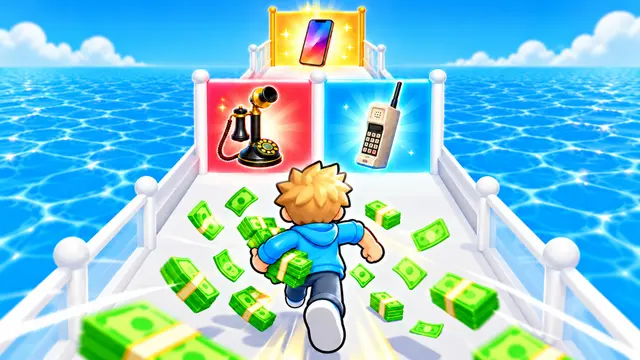 Smartphone Legends
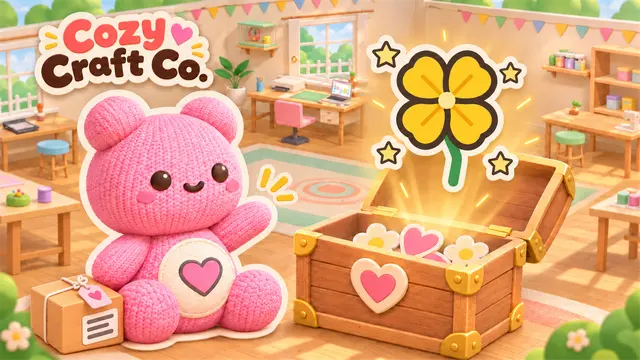 Cozy Craft Co.
 Alchemy Store
 I am Monkey
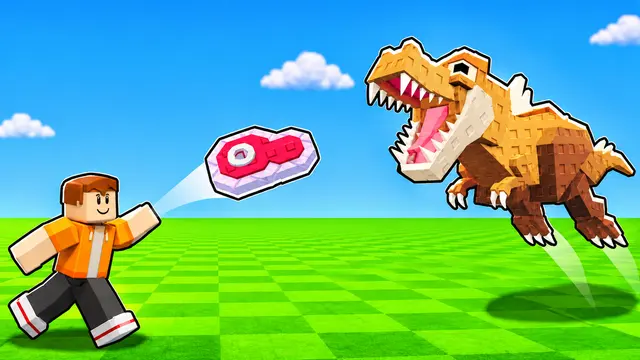 Master Food Throw for Animals
 Throw Foods For Pets
 Fridge: Perfect Sorting
 City Rush 2000
 Fill and Swim
 Virtual Pet
 Fix It Garage
 Pump It Up
 Sticky Memo - Ripping Game
 Dino Rodeo 3D
 Hair Salon Master
 Clean the Moon
 Market Hero
 Ok! I Pull Up Capybay!
 My Pet Hotel
 Cosmic Cleaners
 Throw Food - Catch Animals
 Little Monsters Toy 3D
 Ballpit Clean Master
 Dungeon Master - Cult & Craft
 Grow a Garden 3D
 MR RACER Stunt Mania
 My Arcade Center
Play Pearl Paws online
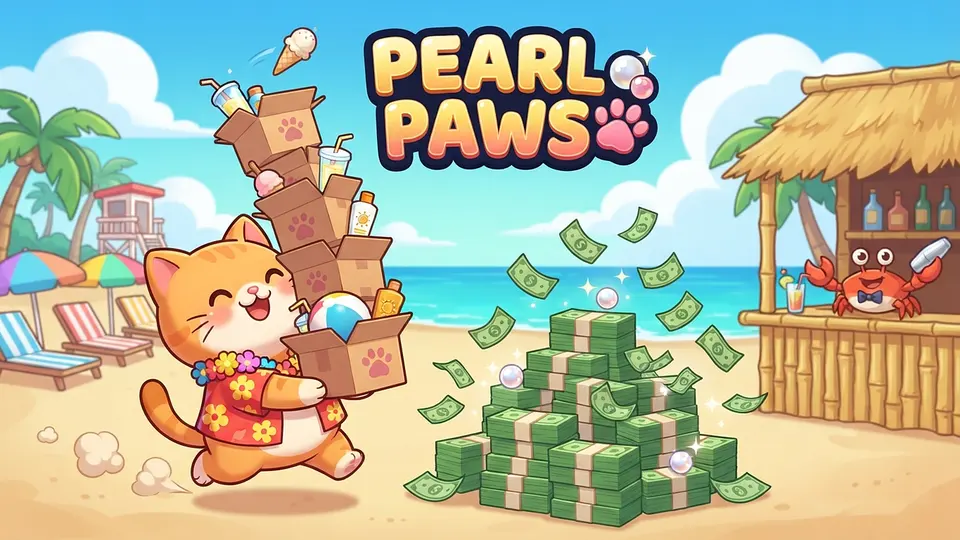
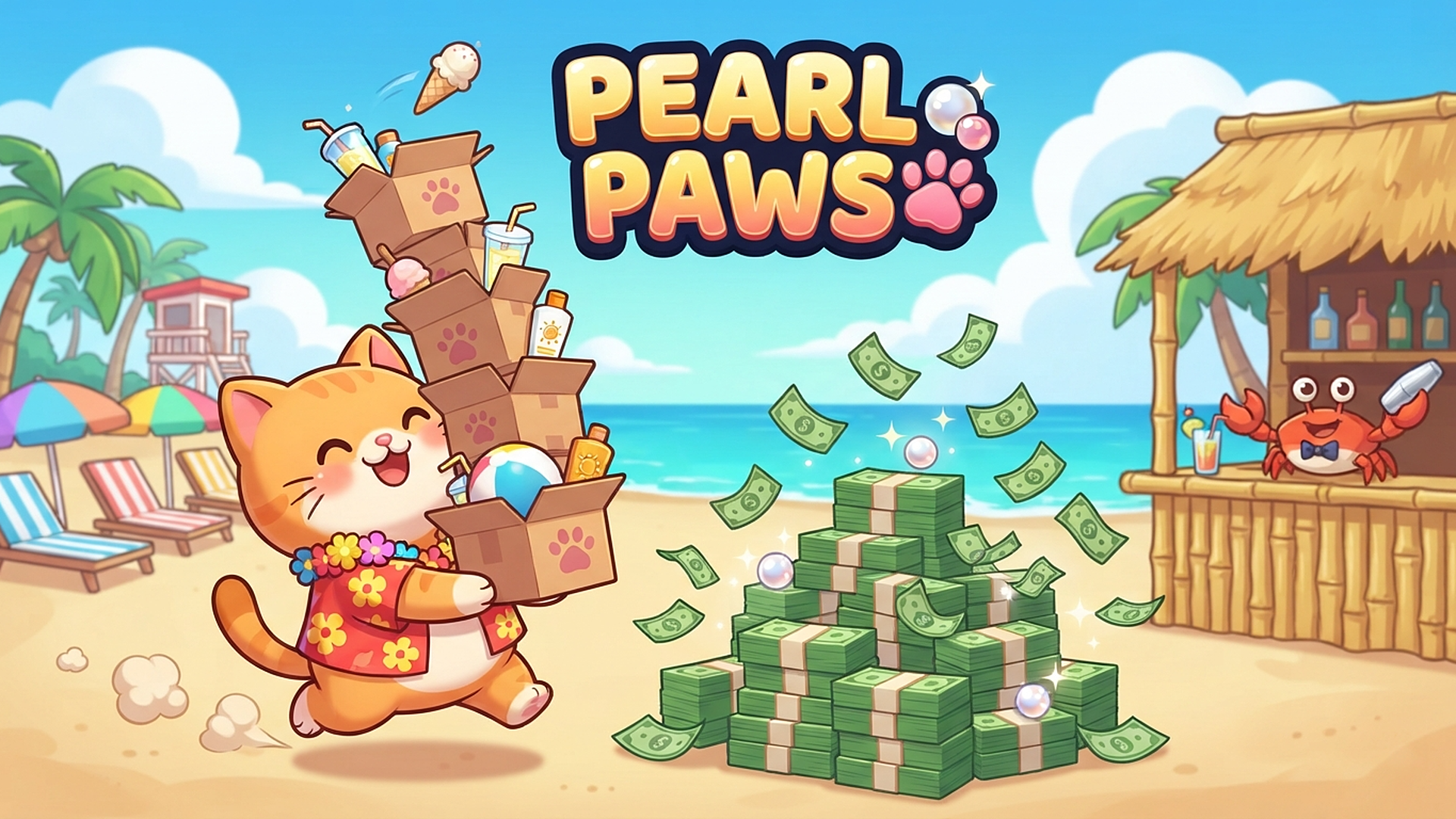
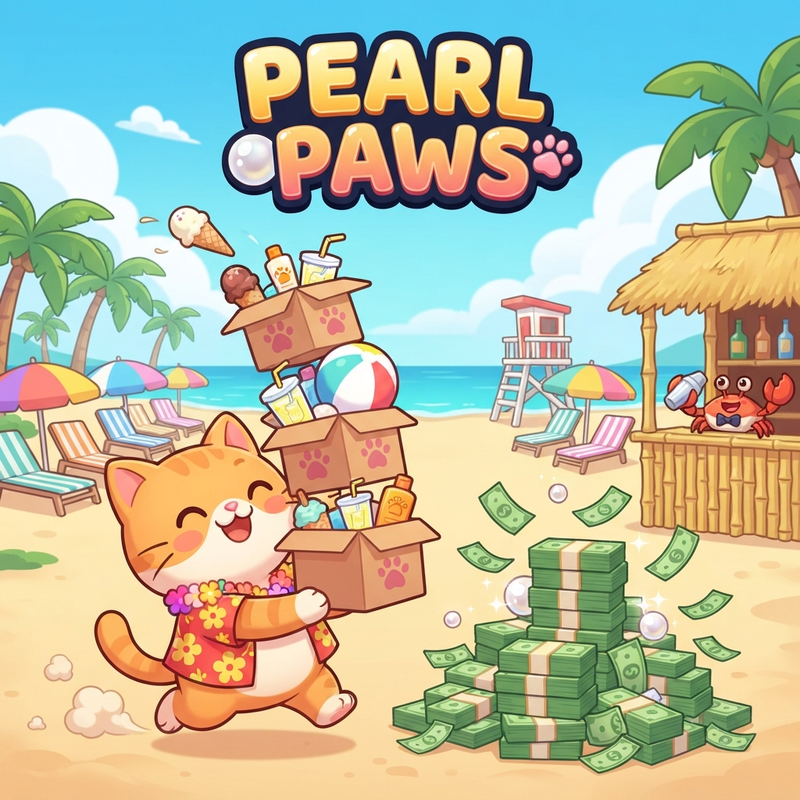
Run a cozy beach shop with cute animal friends! Stock the shelves, serve customers at the register and grow your little shop into a whole beach resort: snack stalls, a beach club, a pier with jet skis and boats, a surf school and more. Catch sneaky raccoon thieves, complete daily quests, collect pearls and dress up your hero in dozens of outfits.
Make decisions about the resources and activities under your control. The instructions explain how purchases, tasks and improvements fit together. Character tasks or quests provide goals to work toward as you explore. The listed controls include WASD input.
How to play Pearl Paws
Controls and instructions
Move with WASD or the arrow keys, or drag with the mouse. On phones, drag anywhere on the screen. Walk onto a dashed pad to build or buy. Pick up goods from the crates and carry them to the shelves. Customers pay at the register: collect the cash piles. Spend money on new shelves, stalls and upgrades, hire helpers and catch thieves by running into them. Ride the waves at the surf school.
Getting started with Pearl Paws
- Find the current goal and resource requirements before making a purchase.
- Check the current task before deciding where to go next.
- Check the action mappings as well as movement; extra actions may use different keys.
About this game
- Platform
- Web browser
- Supported devices
- Android, iOS, Desktop
- Screen orientation
- Landscape and Portrait
- Languages
- American English, German (Germany), Dutch (Netherlands), European Spanish, French (France), Indonesian (Indonesia), Italian (Italy), Japanese (Japan), Korean (South Korea), Polish (Poland), European Portuguese, Russian (Russia), Thai (Thailand), Turkish (Türkiye), Vietnamese (Vietnam)
- Genres
- Arcade, Simulation, 3d, Running, Animals, Management, Cozy
- In-game purchases
- None listed by the provider
- Provider
- Playgama
- Provider audience
- Male, Female
Game features and tags
- Mission
- Customization
- Casual
- Business
- Quests
- Addictive
- Cute
- Shop
- Time Management
- Collecting
- 1 Player
- Building
- Resource Management
Pearl Paws images
Questions about Pearl Paws
How do I start playing?
Choose Play now in the game window above to load Pearl Paws through Playgama. Read the controls and instructions above before you start.
Which devices can I play on?
The provider lists support for Android, iOS, Desktop. Play in your web browser using the controls described above.
Which languages does the game support?
American English, German (Germany), Dutch (Netherlands), European Spanish, French (France), Indonesian (Indonesia), Italian (Italy), Japanese (Japan), Korean (South Korea), Polish (Poland), European Portuguese, Russian (Russia), Thai (Thailand), Turkish (Türkiye), Vietnamese (Vietnam).
Does the game have in-game purchases?
The provider lists no in-game purchases for this game. Games may display advertisements.
Related game categories
Game facts and artwork supplied by Playgama. Descriptions adapted and getting-started guidance added by LookBear. Game content, ads and purchases are provided by Playgama and the game provider.