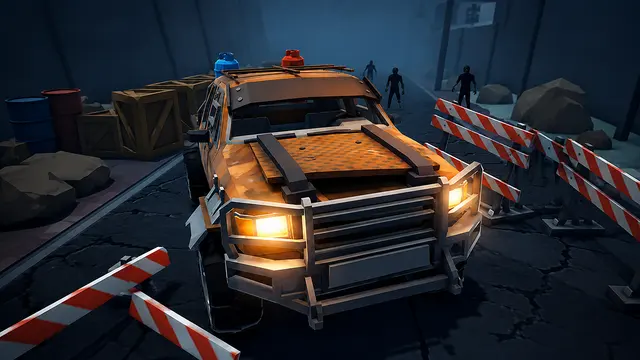
 Cars vs Zombies
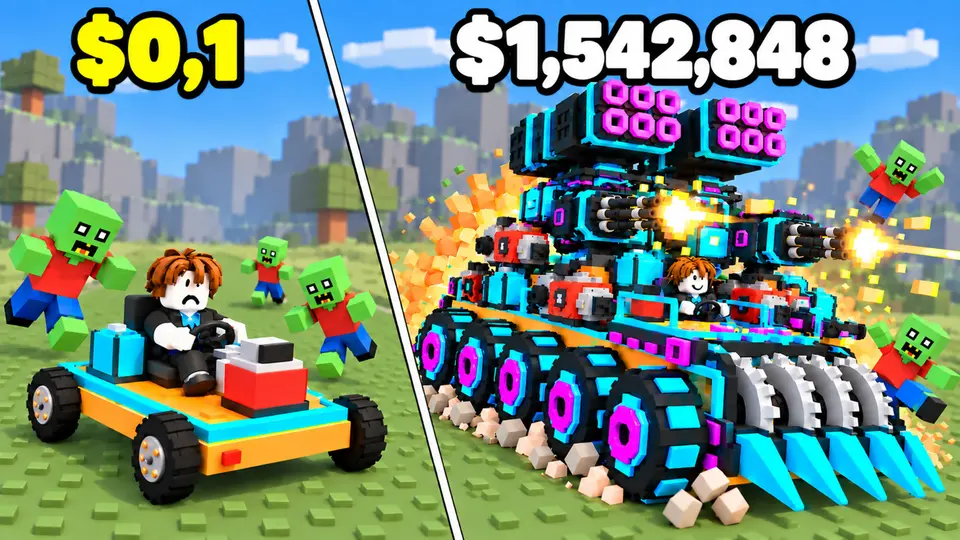
Build Car for Kill Zombies
Provided by Playgama
Build Car for Kill Zombiesvia Playgama

 Racing: Destruction and Chase
 Highway Car Shooting 3D Action Game 2025
 Gravity Shift Sky Racers GT
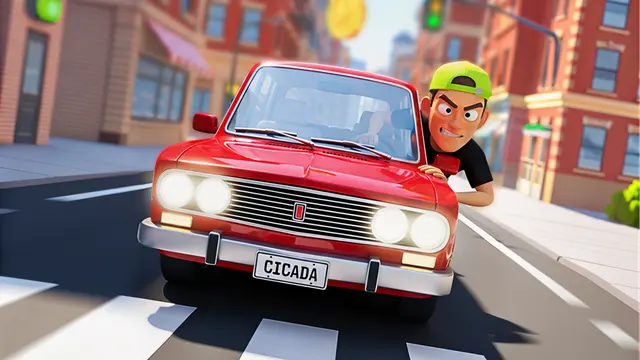 Mini Car Racing Master 3D
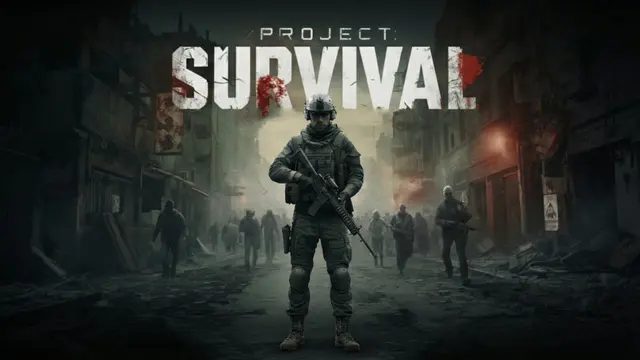 Project: Survival
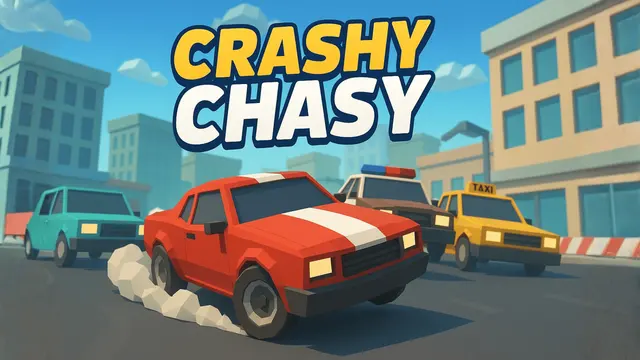 Crashy Chasy
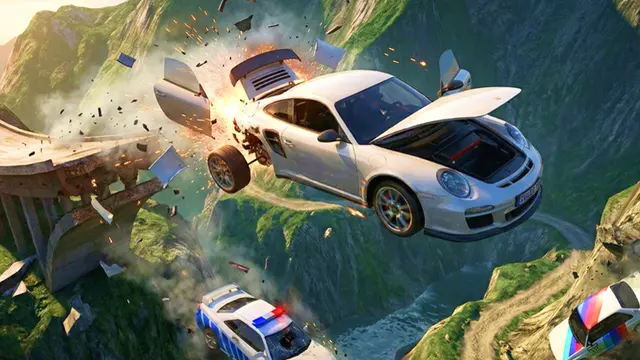 A deadly car crash
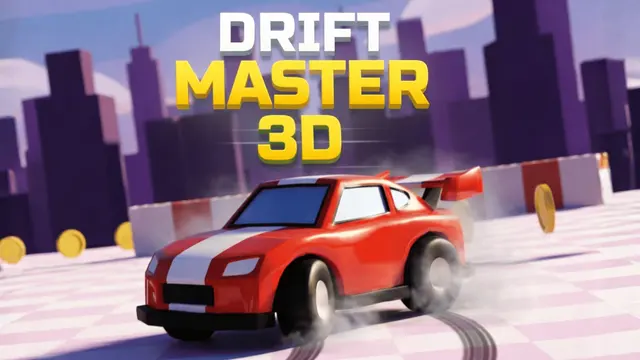 Drift Master 3D
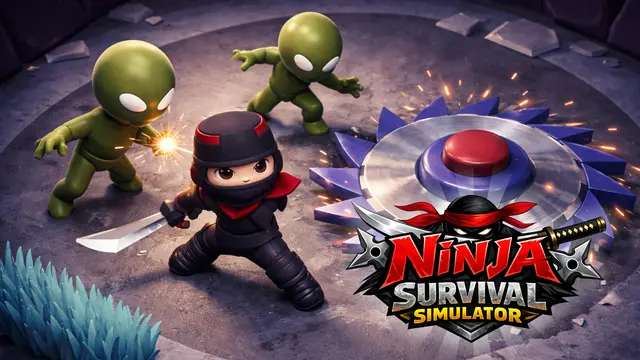 Ninja Survival Simulator
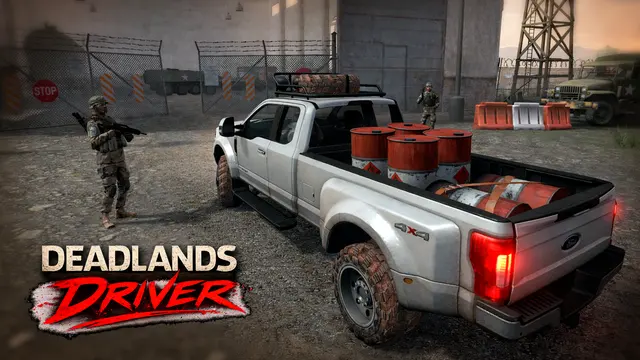 Dead Lands Driver Open World
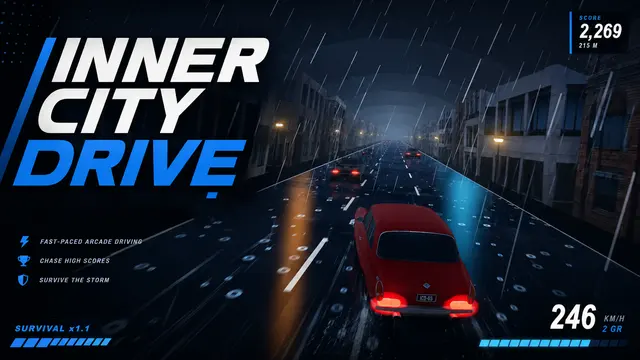 Inner City Drive
 Police Drift Escape
 Zombie defence
 Supercar Battle Arena
 Crush Hour
 Cartoon Traffic Racing Paper Derby
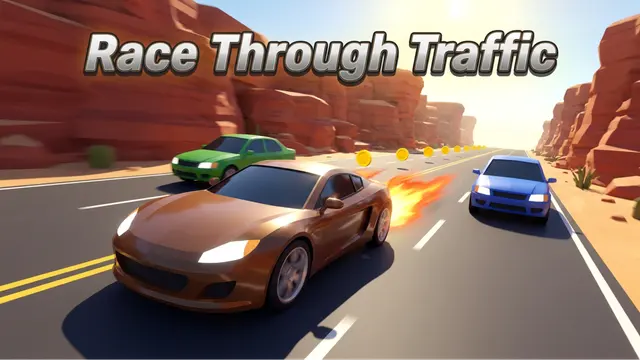 Race Through Traffic
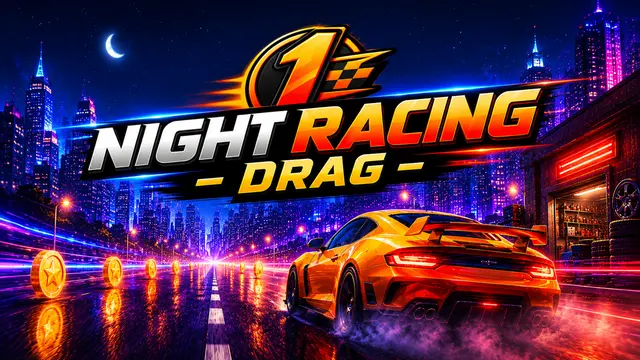 Night Racing - Drag
 Speed chaos: Crazy race
 Wild Wolf Simulator Animal Games
 Rocket Rush
 Horizon Racer
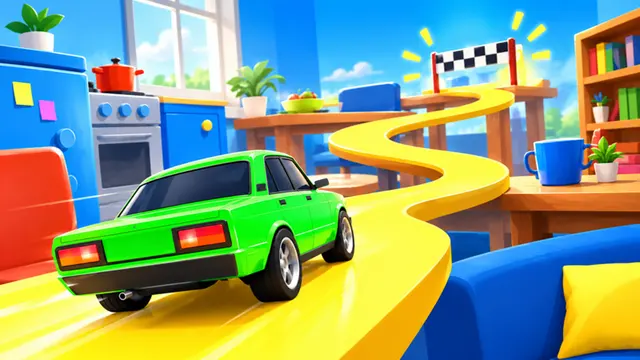 Mini Car: Room Parkour
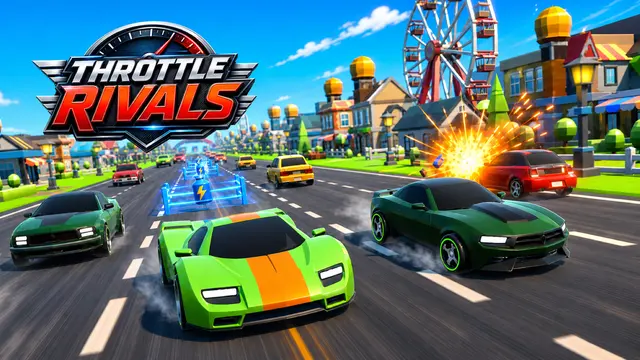 Throttle Rivals
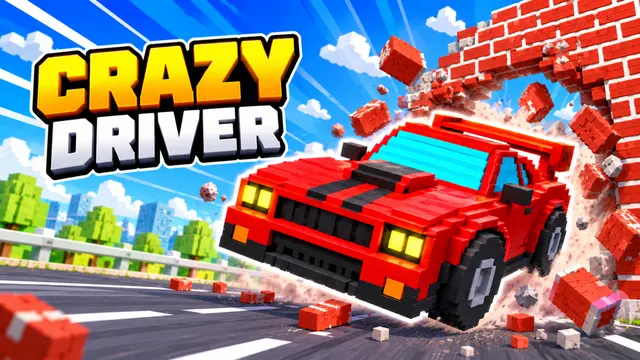 Crazy Driver
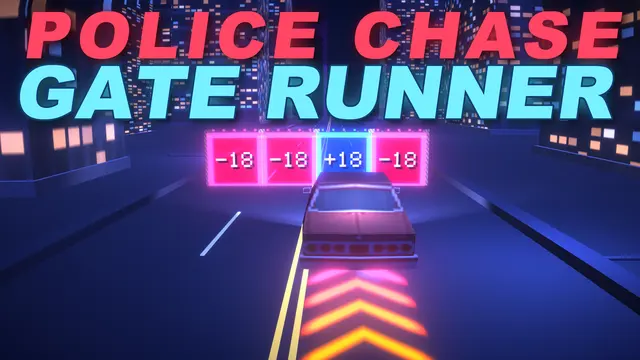 Police Chase Gate Runner
 Relic Rush 3D
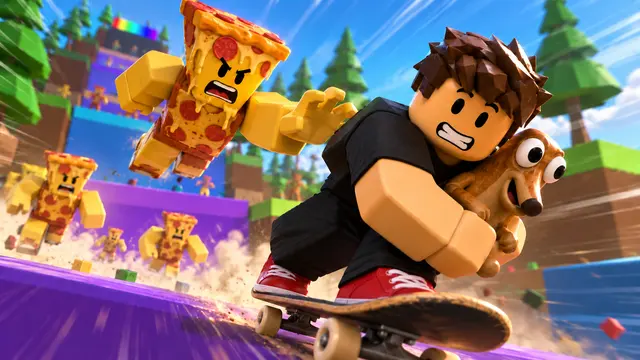 Collect Brainrots on a Skateboard Online
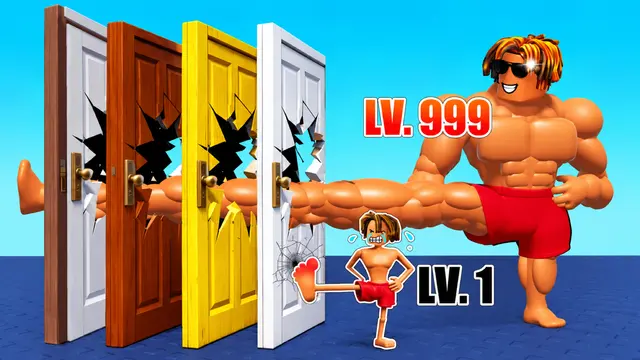 Obby: +1 Click Wall Breaker
 Pocket Mart
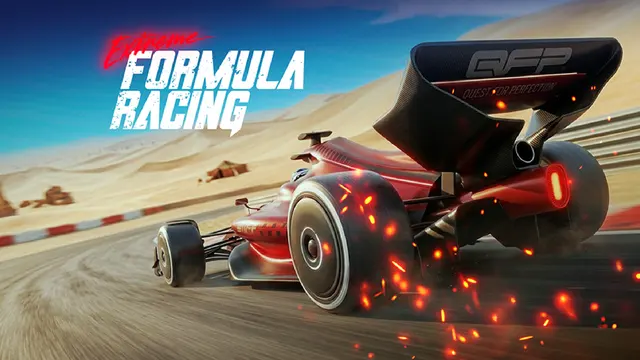 Extreme Formula Racing
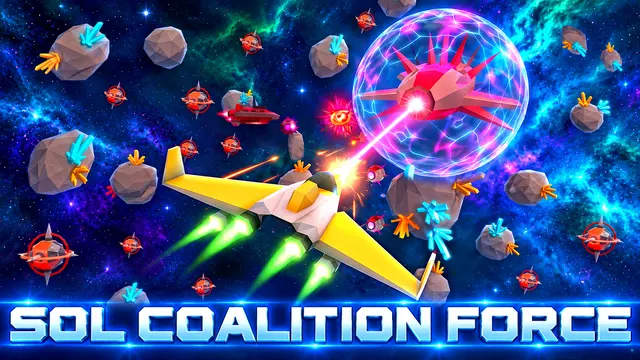 Sol Coalition Force
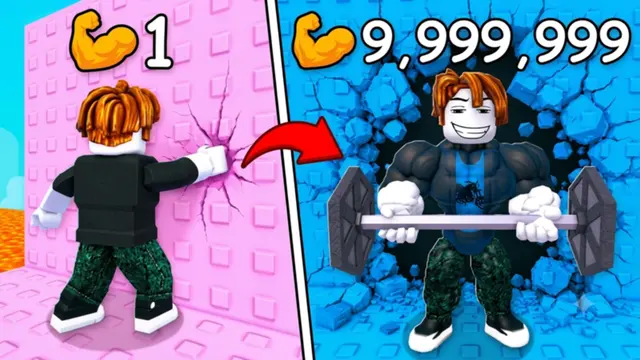 +1 Strength for escape
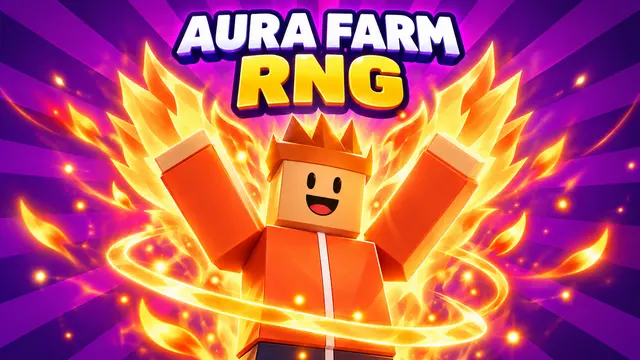 Aura Farm: RNG
 Feed Them All!
 Monster Wheels Turbo Rush
 Robot Scrapyard Arena
 Obby: Steal an Egg - The Great Escape
 Smash and Steal an Egg!
 ASMR Obby Slicer
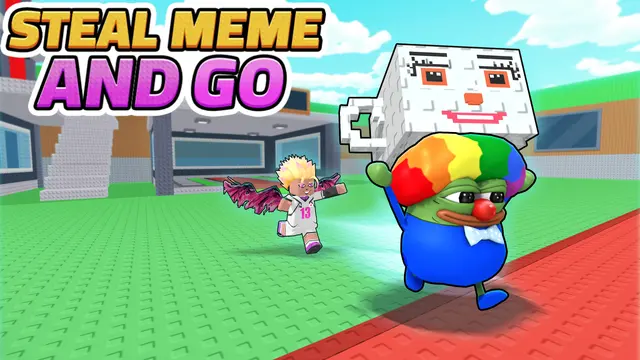 Steal Meme And Go
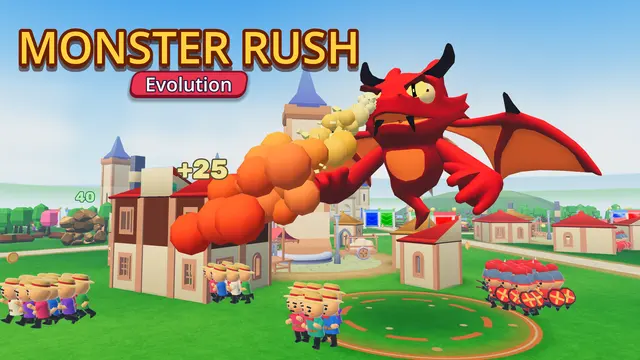 Monster Rush: Evolution
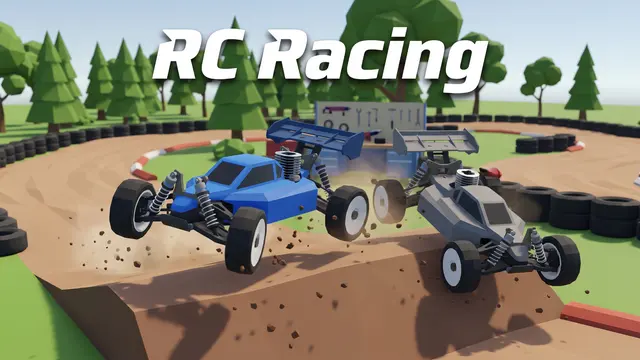 RC Racing
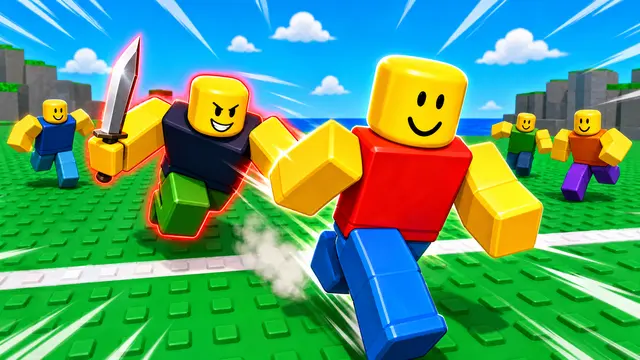 Tag Valley
 Color Race Obby
 Keyboard Rush
 +1 Monkey Escape Speed: Obby Mode
 Crash Rampage
 +1 Guns vs Zombies
 +1 Zombie Survival
 Meow Squad: Zombie Defense
 Mega Block Survivors
 Police Chase: Car Crash 3D
 Moto Rush
 Interceptor: Police Pursuit
 Steal n Hide a Brainrot
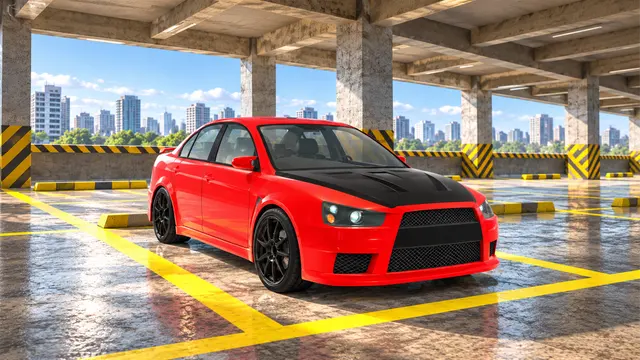 Parking Shift: Car Simulator
 Monster Truck Sky Obby
 SYNTHLINE RUSH
 Lap Money: Merge Cars
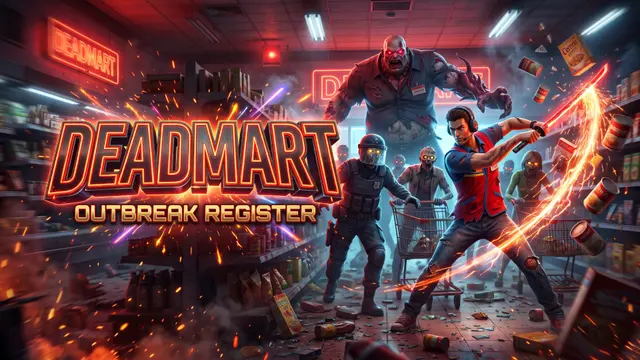 DeadMart: Outbreak Register
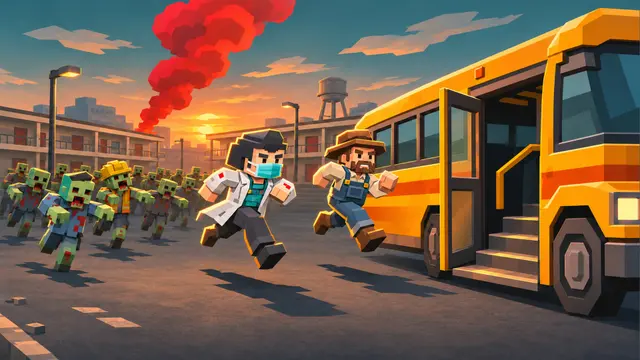 Last Bus
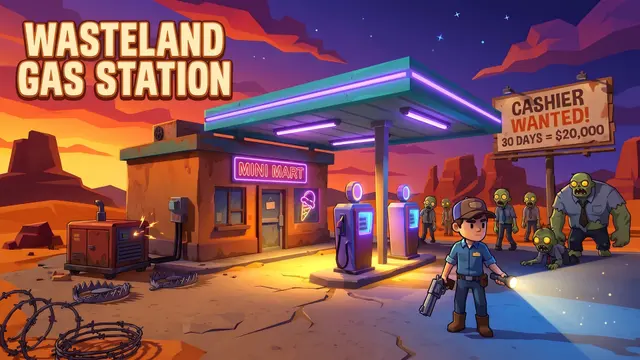 Wasteland Gas Station
 Sky Stunt Races
Play Build Car for Kill Zombies online
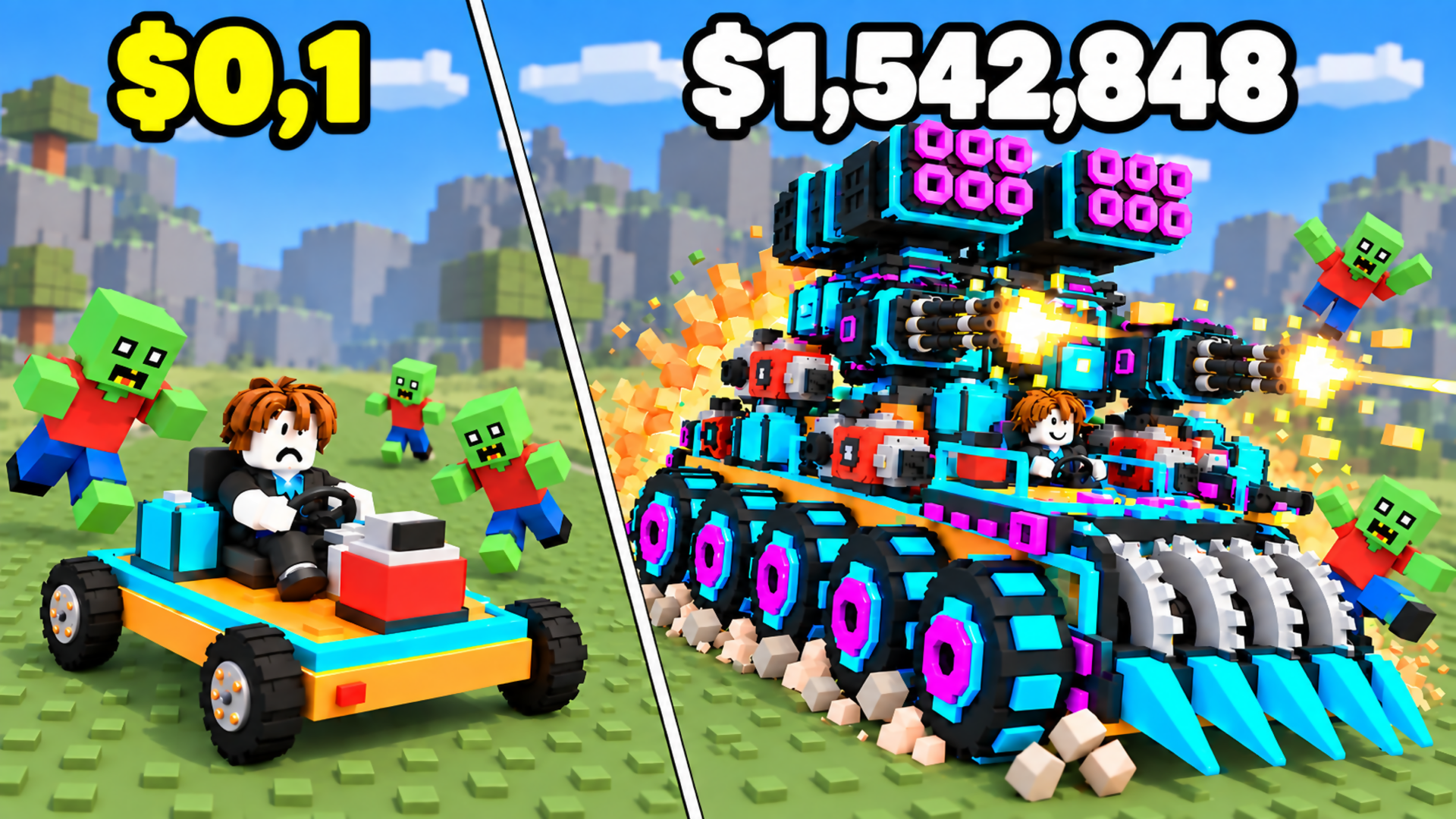
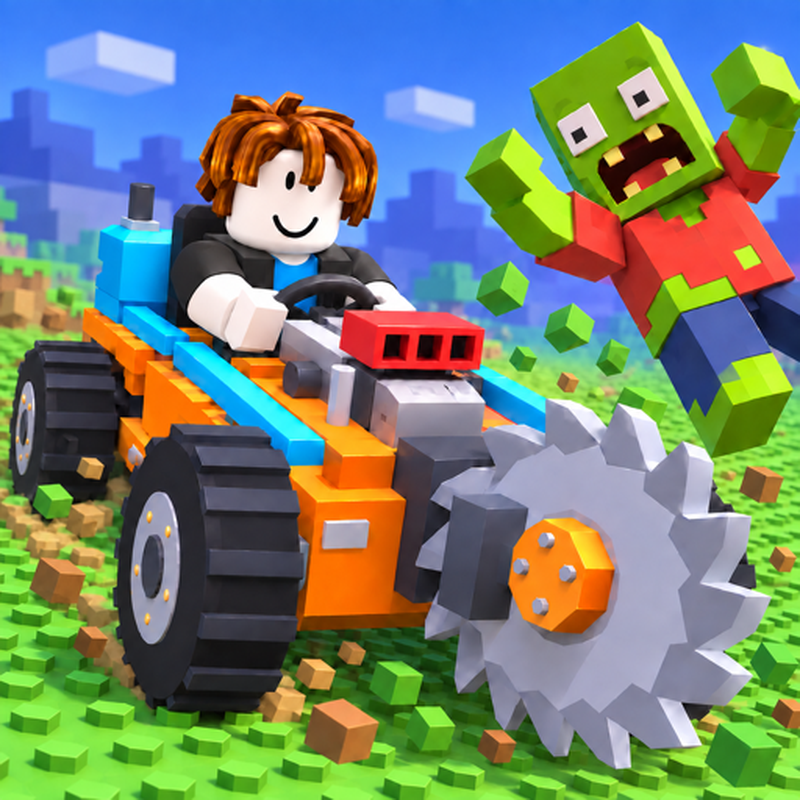
Zombies have taken over the world, and only your car can break through. Build it yourself in the workshop from engines, wheels, fuel tanks, armour and weapons: saws, spikes, machine guns, crossbows, shotguns and rockets. Weapons fire on their own while you drive down a road full of zombies, dodge wreckage and watch your fuel.
Bring matching pieces together and consider how each combination changes your available space or resources. The instructions explain which items can be combined. Coins appear in the game’s progression or objectives. The listed controls include WASD input.
How to play Build Car for Kill Zombies
Controls and instructions
Walk to the CAR PARTS stand and buy an engine, then open the WORKSHOP, pick a part and press PLACE. Add wheels, a fuel tank and a weapon, then press DRIVE. Desktop: WASD to walk, A/D or arrow keys to steer, W to speed up and S to brake. Mobile: the on-screen stick walks, the big pads steer, brake and speed up. Weapons fire automatically. Dodge wreckage, save durability and fuel, then spend the coins on new parts and drive farther.
Getting started with Build Car for Kill Zombies
- Check the matching requirements before combining pieces.
- Check what the game lets you do with coins before spending them.
- Check the action mappings as well as movement; extra actions may use different keys.
About this game
- Platform
- Web browser
- Supported devices
- Android, iOS, Desktop
- Screen orientation
- Landscape
- Languages
- American English, Russian (Russia)
- Genres
- Action, Arcade, 3d, Car, Obby, Zombie, Survival, Merge, Driving
- In-game purchases
- Available
- Provider
- Playgama
- Provider audience
- Male, Female
Game features and tags
- Mission
- Customization
- Endless
- Car Tuning
- Apocalypse
- 1 Player
- Demolition
- Building
- Arcade Car
- Action Adventure
- Fast Paced Action
- 67 Obby
Build Car for Kill Zombies images
Questions about Build Car for Kill Zombies
How do I start playing?
Choose Play now in the game window above to load Build Car for Kill Zombies through Playgama. Read the controls and instructions above before you start.
Which devices can I play on?
The provider lists support for Android, iOS, Desktop. Play in your web browser using the controls described above.
Which languages does the game support?
American English, Russian (Russia).
Does the game have in-game purchases?
The provider lists optional in-game purchases. Any available purchases are handled inside the game. Games may display advertisements.
Related game categories
Game facts and artwork supplied by Playgama. Descriptions adapted and getting-started guidance added by LookBear. Game content, ads and purchases are provided by Playgama and the game provider.