 Only Jump RPG
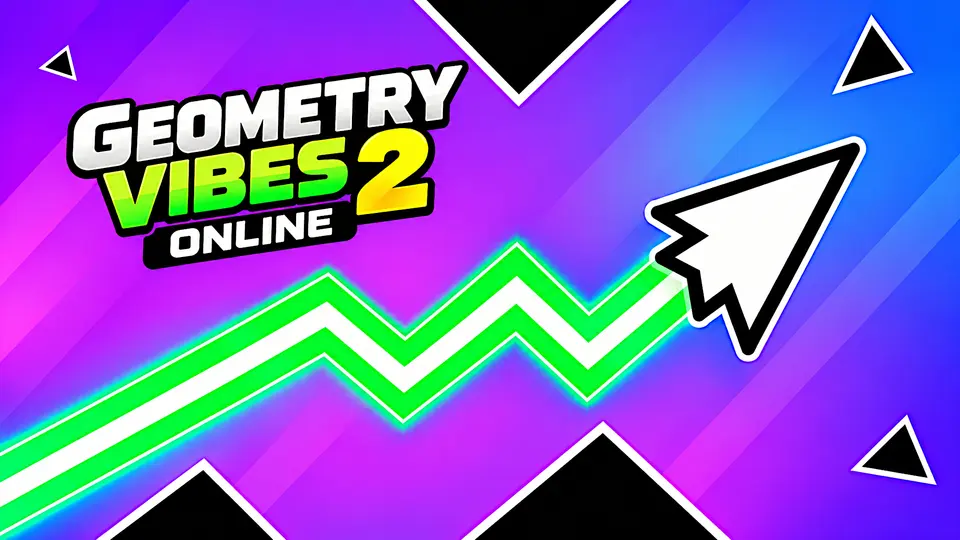
Geometry Vibes 2 Online
Provided by Playgama
Geometry Vibes 2 Onlinevia Playgama

 Chroma Trek
 Ball Attack
 CrowdGate
 The Mad Cow
 Hit & Knock Down
 Slap Master
 Fluffy Jump
 Froggy Hop
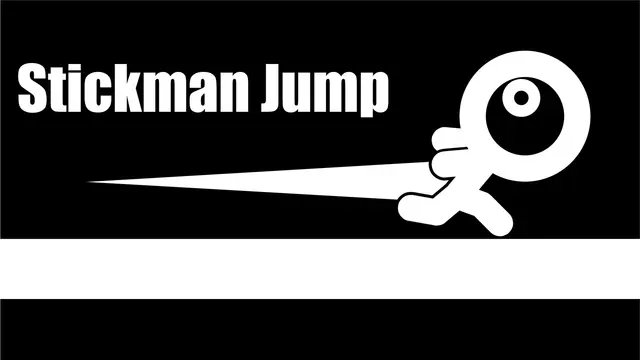 Stickman Jump
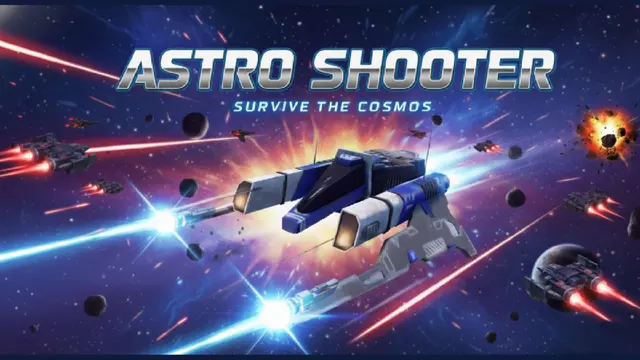 Astro Shooter
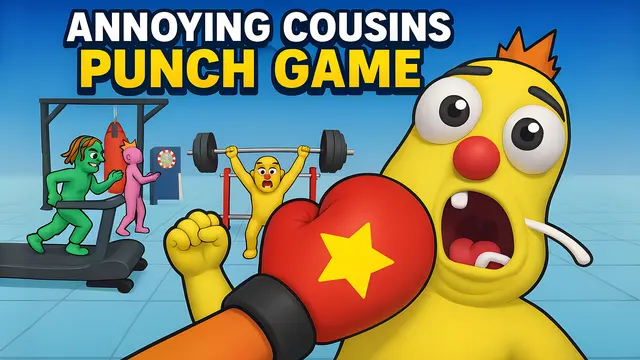 Annoying Cousins Punch Game
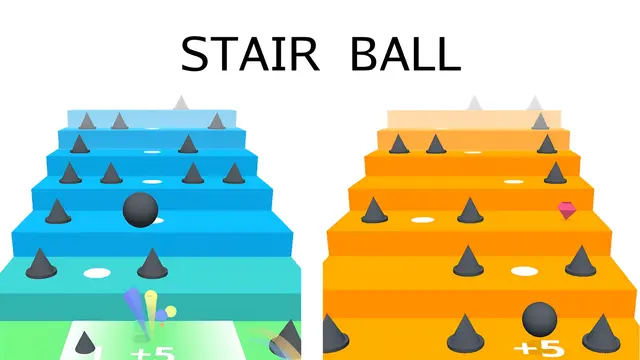 STAIR BALL
 RECOIL
 The cow of the apocalypse
 Crashy Chasy
 Cats Go!
 Quick Draw Cowboys
 Gorbo the Orc: Crown Quest
 Bandana Blitz
 Slime Heroes
 Log Splash
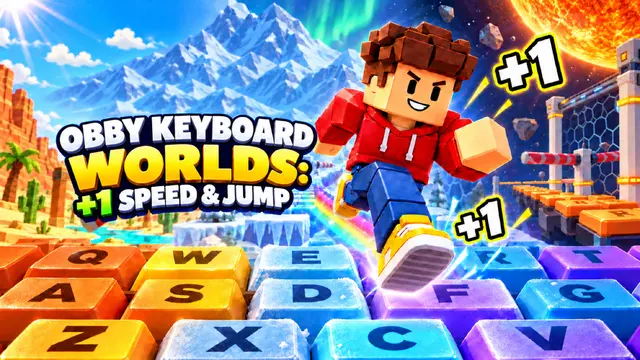 Obby Keyboard Worlds: +1 Speed & Jump
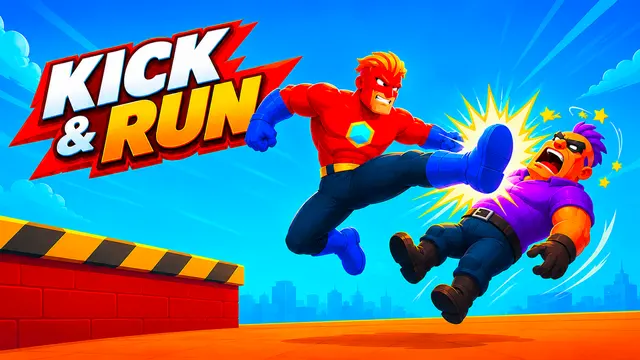 Kick & Run
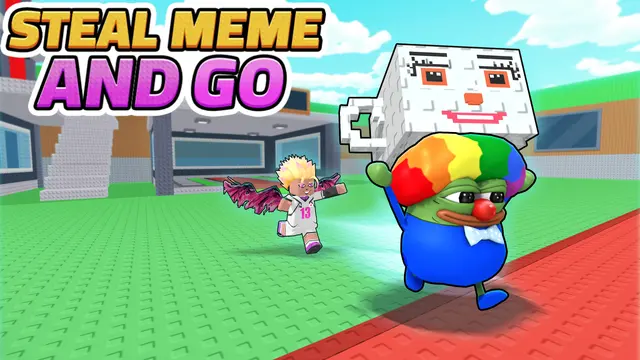 Steal Meme And Go
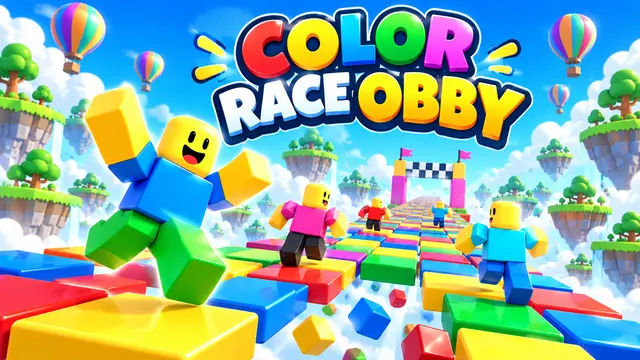 Color Race Obby
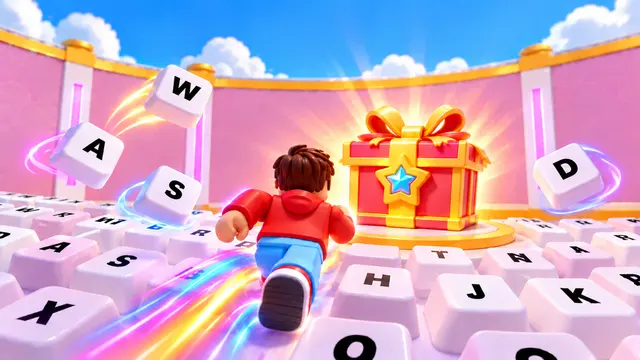 Keyboard Rush
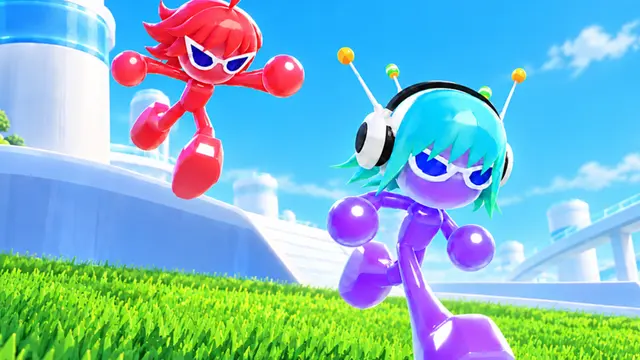 Frutiger Friends IO
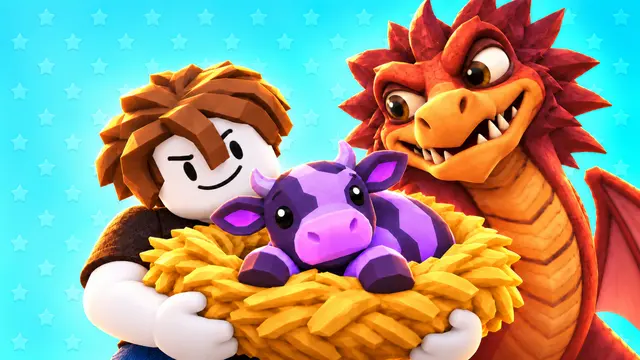 Hatch or Steal: Online
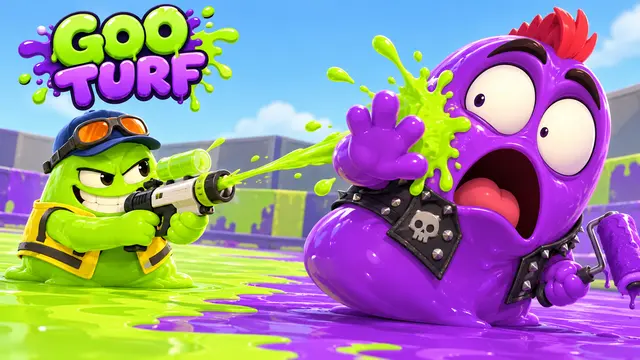 Goo Turf
 Heroes Shop Battlers
 +1 Wings Keyboard Speed
 RIFT OPS: Fractured Frontier
 Island Arena: Steel and Honor
 Veggie Battle
 Casual Party Games
 Ragdoll Rumble: Online
 Sprunki: Collect All Characters!
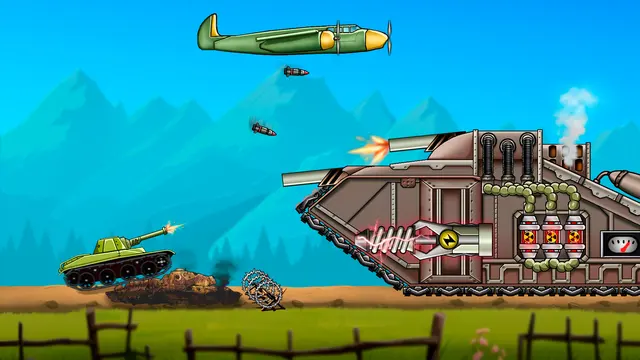 Tank Fury: Boss Battle 2D
 Rolling In Gears
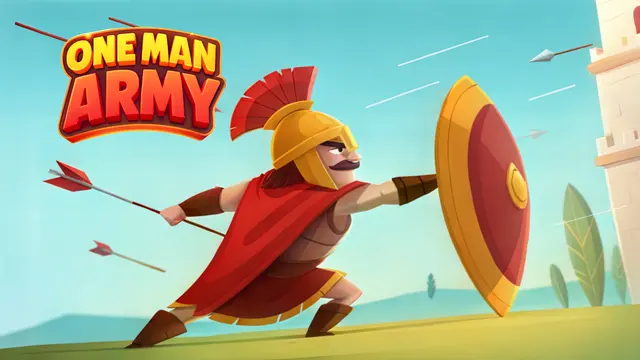 One Man Army: Battle Game
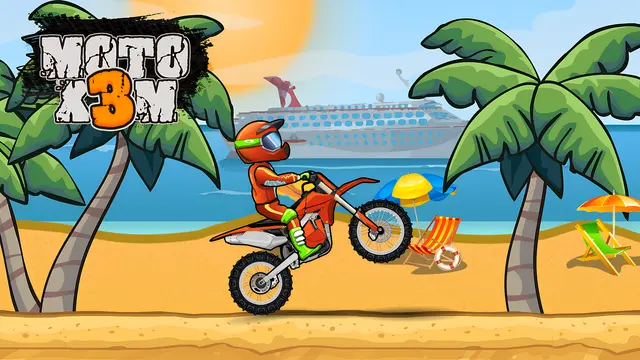 Moto X3M
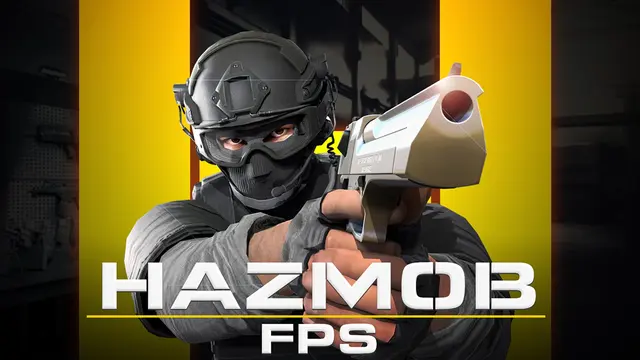 Hazmob FPS: Online Shooter
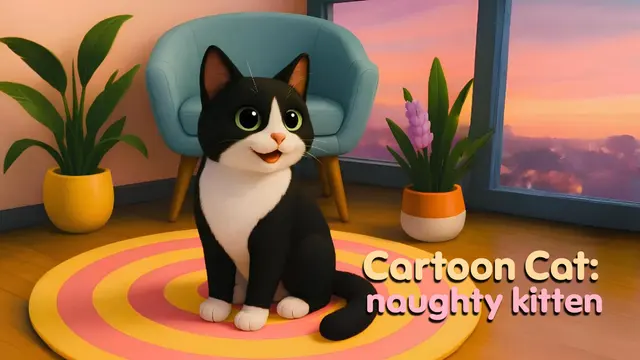 Cartoon cat: naughty kitten
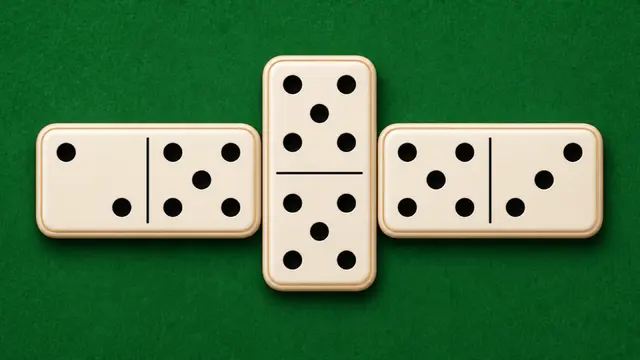 Domino Online Multiplayer
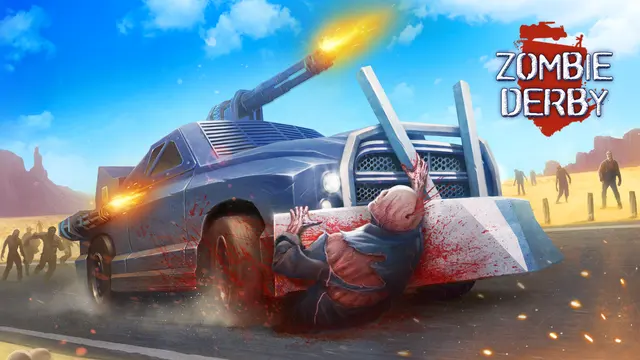 Zombie Derby
 OrbaDrone - Robot Escape
 Heroes of Arena
 Obby: +1 Jump per Click
 Epic Sword Battle! Fight in the Ragdoll Arena!
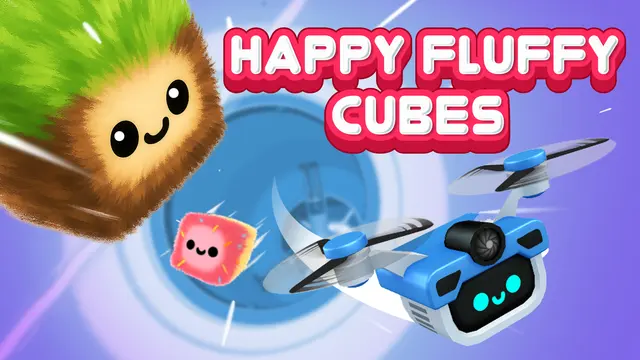 Happy Fluffy Cubes
 MR RACER Stunt Mania
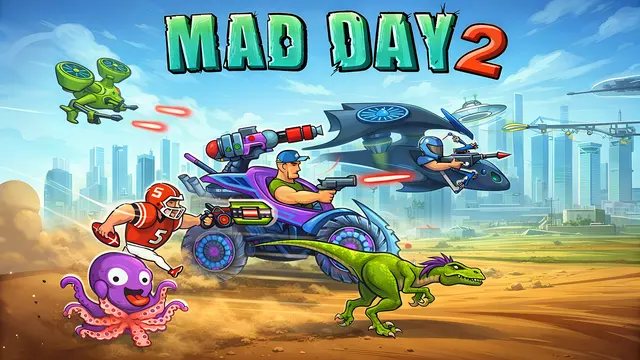 Mad Day 2 Special
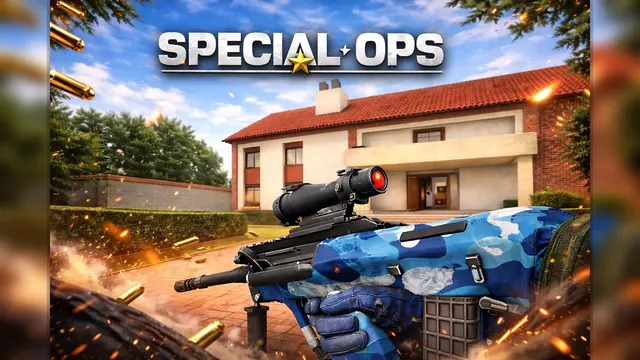 Special Ops: GO
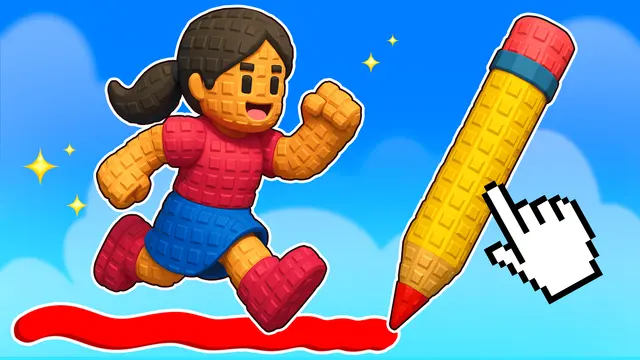 Obby online with friends: Draw and Jump!
 Dead Land: Survival
 Basket Random
 FPS Gun Shooting Game 3D
 Left 4 Die
 Brick Breaker Chipi Chipi Chapa Chapa Cat
 Melon Maker : Fruit Game
 Happy Swing
 Barry Prison: Parkour Escape!
 Leap and Avoid 2
 Break Stick Completely
Play Geometry Vibes 2 Online online
Geometry Vibes 2 Online takes the fast, precise and gameplay of the original Geometry Vibes and expands it into a much bigger competitive experience. The familiar arrow mechanics and geometric visual style are still here, but this time there are more levels, deeper customization, a completely renewed Infinity Mode and, most importantly, online multiplayer. What is the difference between Geometry Vibes and Geometry Vibes 2 Online?
Navigate the platforms and obstacles using the movement controls provided. Learn how movement and jumping work together before attempting a difficult gap. Coins appear in the game’s progression or objectives.
How to play Geometry Vibes 2 Online
Controls and instructions
Geometry Vibes 2 Online is easy to learn, but mastering the movement and timing takes practice.
Your goal is to reach the end of the level without touching any spikes, walls or other obstacles.
Press and hold LEFT MOUSE BUTTON or SPACE to make your arrow fly upward.
Release the button or key to make the arrow move downward.
Climb higher using short taps for small movements and longer holds when you need.
Multiplayer Controls
Player 1: LEFT MOUSE BUTTON or SPACE
Player 2: UP ARROW
Player 3: H
Player 4: L
The controls are simple, but the real challenge is finding the right rhythm and reacting quickly enough to pass through narrow gaps without crashing.
Getting started with Geometry Vibes 2 Online
- Test a short movement or jump first, then judge the next obstacle.
- Check what the game lets you do with coins before spending them.
About this game
- Platform
- Web browser
- Supported devices
- Android, iOS, Desktop
- Screen orientation
- Landscape
- Languages
- American English, Arabic (Egypt), German (Germany), European Spanish, European Portuguese, Russian (Russia), Turkish (Türkiye)
- Genres
- Action, Arcade, Multiplayer, Platform, Mobile
- In-game purchases
- None listed by the provider
- Provider
- Playgama
- Provider audience
- Male, Female
Game features and tags
- 2d
- Reaction
- Fast Paced
- Casual
- Hyper Casual
- Addictive
- Dash
- Endless
- Obstacles
- Challenging
- Competitive
- Speed
- Webgl
- Touchscreen
- Challenge
- Agility
- 1 Player
- Timing
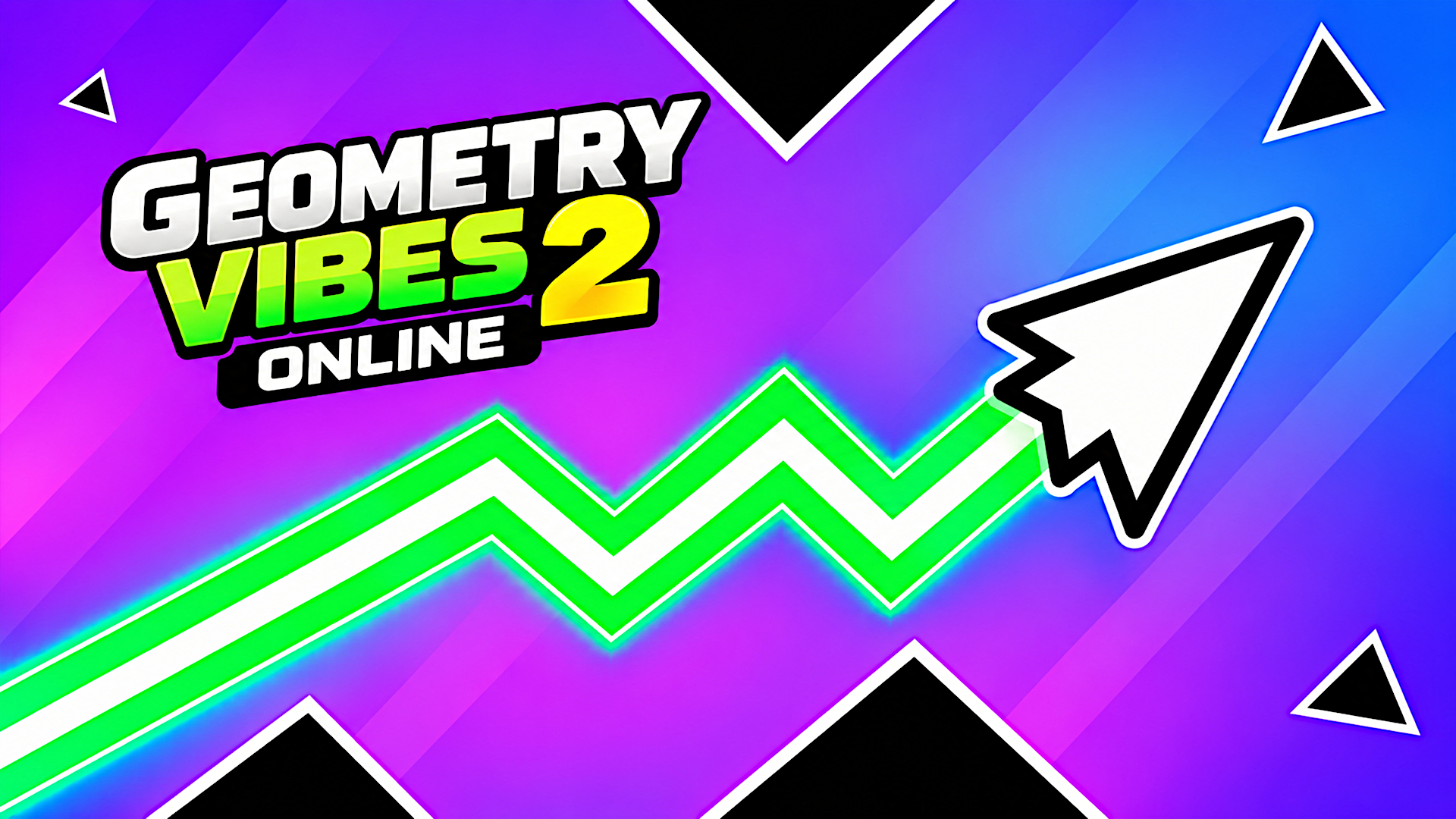
Geometry Vibes 2 Online images
Questions about Geometry Vibes 2 Online
How do I start playing?
Choose Play now in the game window above to load Geometry Vibes 2 Online through Playgama. Read the controls and instructions above before you start.
Which devices can I play on?
The provider lists support for Android, iOS, Desktop. Play in your web browser using the controls described above.
Which languages does the game support?
American English, Arabic (Egypt), German (Germany), European Spanish, European Portuguese, Russian (Russia), Turkish (Türkiye).
Does the game have in-game purchases?
The provider lists no in-game purchases for this game. Games may display advertisements.
Related game categories
Game facts and artwork supplied by Playgama. Descriptions adapted and getting-started guidance added by LookBear. Game content, ads and purchases are provided by Playgama and the game provider.