 99 Nights in the Forest. Horror Multiplayer
LifeCode
Provided by Playgama
LifeCodevia Playgama
99 Nights in the Forest. Horror Multiplayer Underwater Survival: Deep Dive
 Abandoned Mansion
 A Long Way Home
 The Tall Man
 Patagonians
 Pulse Of Fear
 Survival Sandbox for 99 Nights
 99 Nights In The Forest
 Creepy playtime
 Same Room Same Day
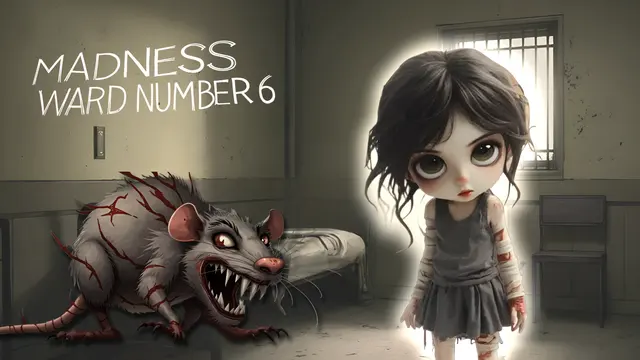 Madness: Ward number 6
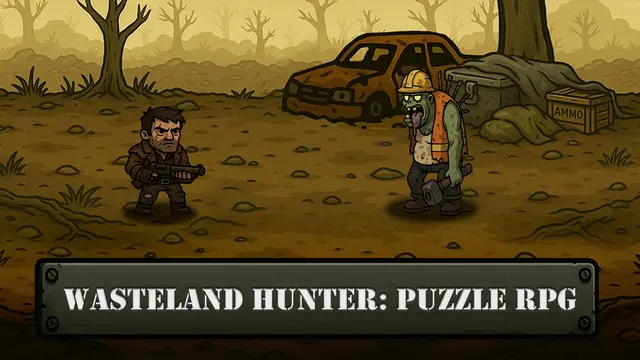 Wasteland Hunter: puzzle RPG
 Schoolboy Runaway: room escape
 Schoolboy Escape: Runaway
 99 Nights In The Forest - Survival Simulator
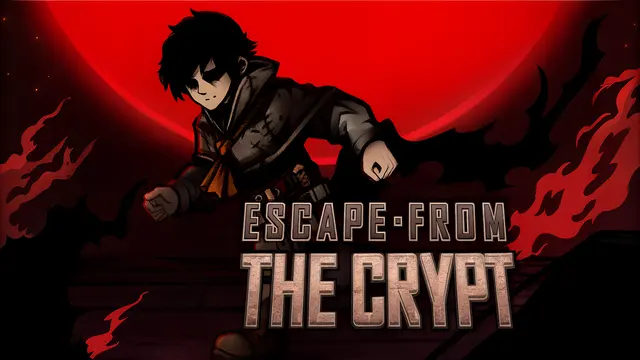 Escape From The Crypt
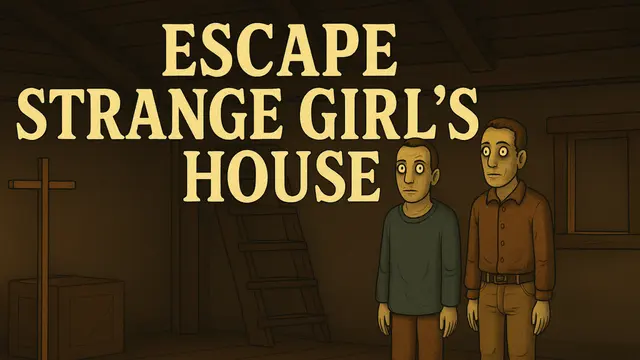 Escape Strange Girl’s House
 Locked in Grandma’s Basement 2: Revenge - Horror Escape
 Escape Strange Girl’s House 2
 Loopvival
 The Upside Down
 Groomy Island
 LAST NIGHT!
 Five Nights at Christmas
 Obby: Survival Island
 Rainbow Friends. Survival
 Survival Island
 Unfamiliar Object
 Dungeon Descent
 Exploring the Galaxy 1: Andora
 A Mother's Grief
 The Secret of the Toy Factory
 Run from 67
 Cruel Fable
 IT LURKS
 Not Your Seafood Salad
 Wild Wolf Simulator Animal Games
 Ash of the Depths
 Abyss Muncher
 Deepglow
 Ultimate Horse Simulator
 Noob in Mine - Sandbox & Craft
 Outpost 9
 Wild Camp
 Echo Rift
 Lanternborne
 TerraBlox
 Escape From Whisker Street
 Don't Splash
 Victory over the Monster
 Real Survival: Not Fake
 Undead & Unemployed
 ECHO-9: Pressure Chamber
 What Sleeps Above
 Emberwing: Skies of the Undead
 Night Shift Rules
 Night Shift: Blackwood Lab
 Sanych: Pop Slayer
 DeepMine
 Drill to Earth's Core: Zombie
 Sprunki Adventure 3
 Zombie Space Episode II
 Emerland Solitaire
 Solitaire Crime Stories
 Solitaire Emperor - Secrets of Fate
 Gangsta Island: Crime City
 Zombie Horde: Build & Survive
 Hidden Object: Clues and Mysteries
 Dark City. Multiplayer
 Detective Max Mystery: The Disappearance of Mr. Winters
 Mystery of the Old House: Hidden Objects
 Find the Vampire
Play LifeCode online
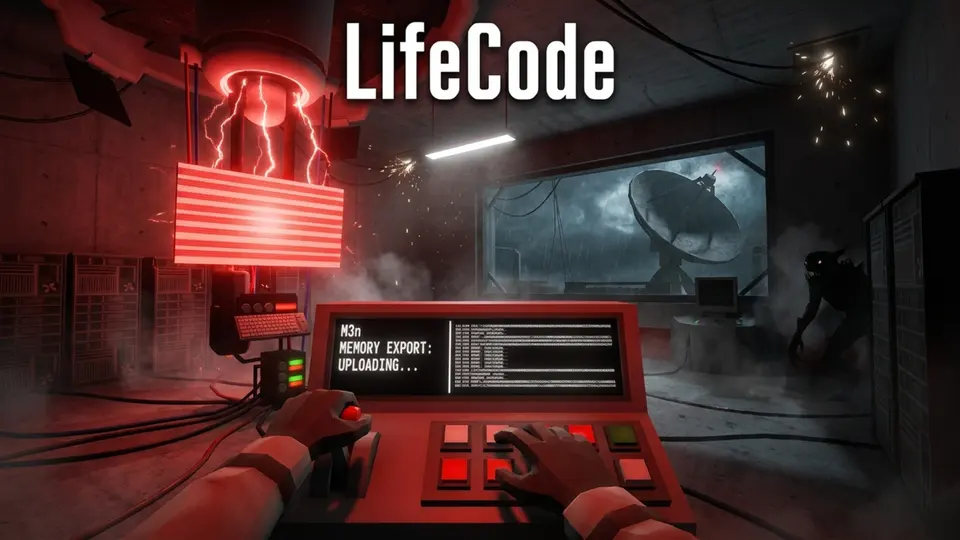
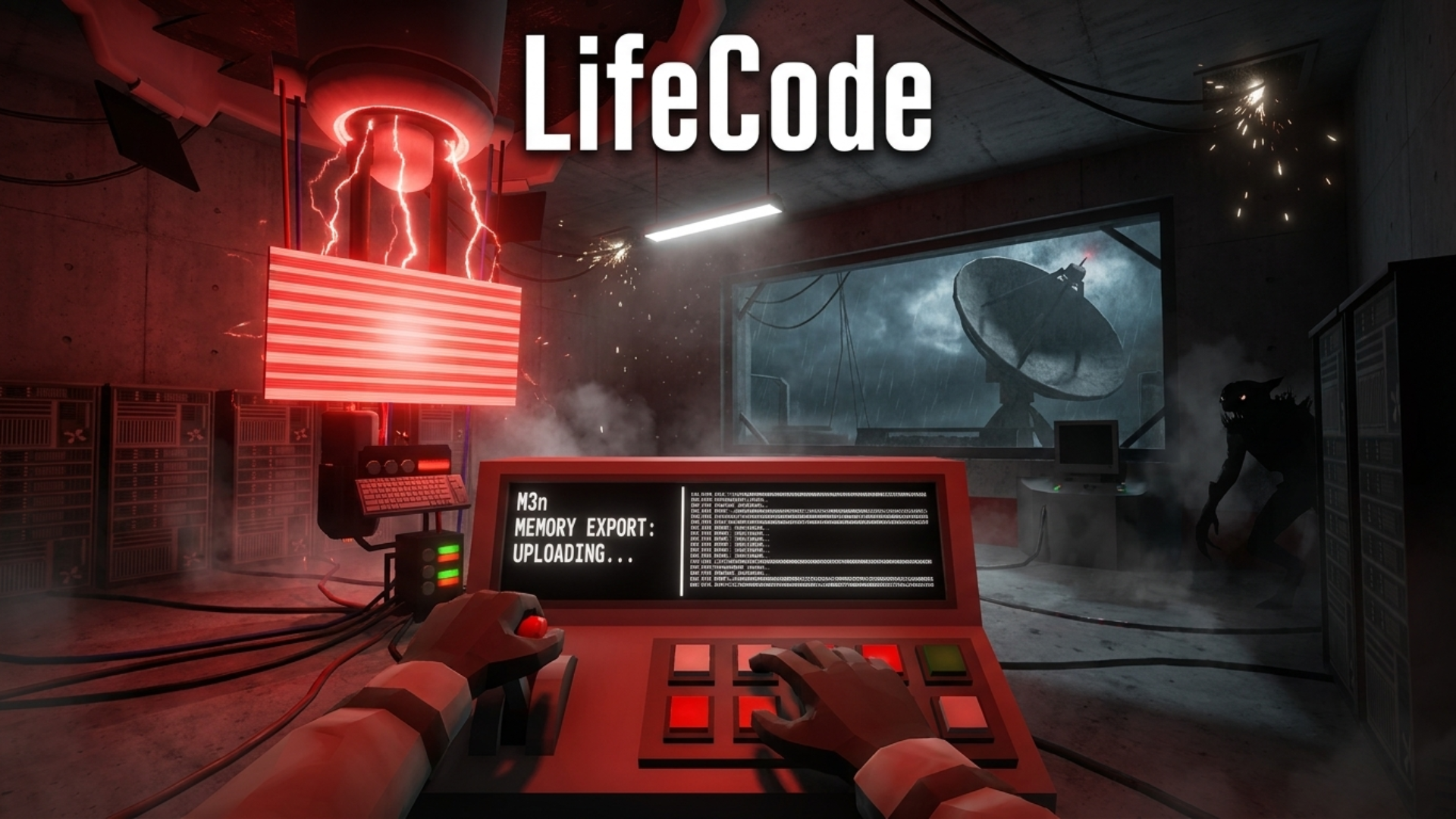
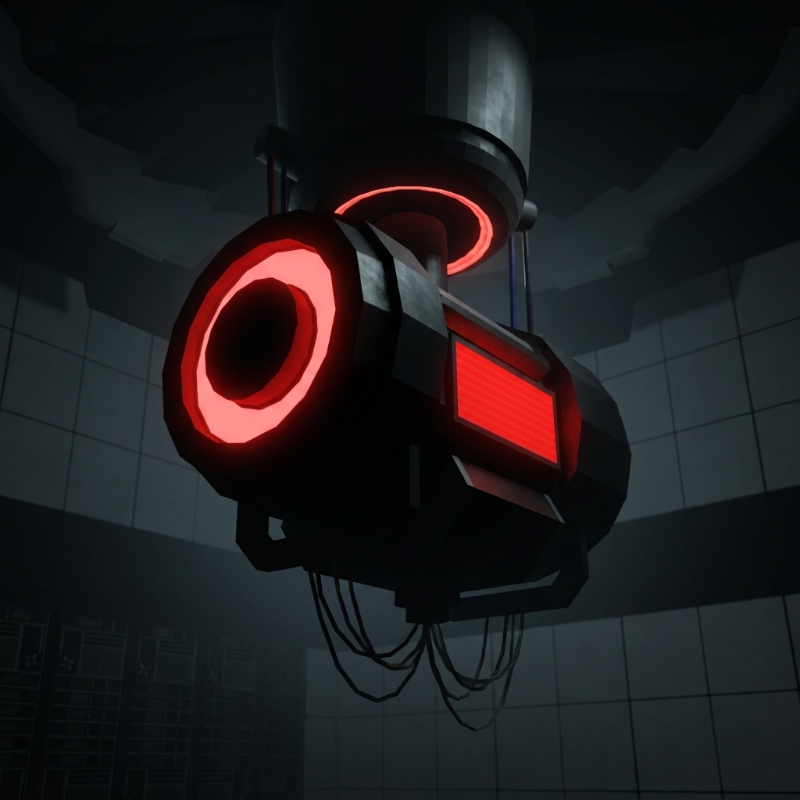
GAME STORY After the incident in the Zone, all personnel were evacuated. To ensure that no one would uncover the secrets of the facility, the staff deliberately damaged the data storage system. As a result, the A.R.C.H core lost access to critical information, placing an immense strain on the entire system.
Work toward the survival objective while keeping track of the threats described in the game. Learn the movement and interaction controls before taking a risk.
How to play LifeCode
Controls and instructions
HOW TO PLAY
Each day begins at 10:00 AM at your base.
Your first task is to adjust the antenna angle. The more accurate the alignment, the more memory you will receive during the export process.
After that, enter the laboratory and locate an M3N (Memory Export Node). Activate the first export phase. A single M3N operates for 2 to 5 minutes depending on conditions.
While the M3N is running, explore the laboratory, gather resources, and avoid hostile monsters.
Once the memory bar is filled, return to the base and activate a Control Core function. Afterward, you will need to fill the memory bar again, this time to a higher requirement.
When the M3N finishes operating, you can activate Phase Two. This phase provides additional memory and helps complete your objectives more quickly.
However, always keep an eye on the clock.
leave the laboratory before midnight. If you remain inside after 12:00 AM, your character will die and all collected items and stored memory will be lost.
If you forget to check the time, don't worry. At 11:00 PM, a warning siren will sound throughout the laboratory, alerting you that midnight is approaching. At the same time, emergency lights will illuminate the facility, helping you find the exit and return to base before it is too late.
CONTROLS
Pause / Menu - [P]
Move Forward - [W]
Move Left - [A]
Move Backward - [S]
Move Right - [D]
Jump - [SPACE]
Run - [LSHIFT]
Interact - [E]
Slot 1 - [NUM1]
Slot 2 - [NUM2]
Slot 3 - [NUM3]
Slot 4 - [NUM4]
Slot 5 - [NUM5]
Left Hand Punch - [Z / LMB]
Right Hand Punch - [X / RMB]
Turn On / Use - [F]
Turn Off - [C]
Drop Item - [Q]
Getting started with LifeCode
- Check the current threat and available actions before moving into an unfamiliar area.
About this game
- Platform
- Web browser
- Supported devices
- Android, iOS, Desktop
- Screen orientation
- Landscape
- Languages
- American English, Russian (Russia)
- Genres
- Adventure, Horror, Survival
- In-game purchases
- None listed by the provider
- Provider
- Playgama
- Provider audience
- Male, Female
Game features and tags
- 1 Player
- Survival Horror
- Fps Horror
- Horror Escape
- 3d Horror
LifeCode images
Questions about LifeCode
How do I start playing?
Choose Play now in the game window above to load LifeCode through Playgama. Read the controls and instructions above before you start.
Which devices can I play on?
The provider lists support for Android, iOS, Desktop. Play in your web browser using the controls described above.
Which languages does the game support?
American English, Russian (Russia).
Does the game have in-game purchases?
The provider lists no in-game purchases for this game. Games may display advertisements.
Related game categories
Game facts and artwork supplied by Playgama. Descriptions adapted and getting-started guidance added by LookBear. Game content, ads and purchases are provided by Playgama and the game provider.