 Backrooms Craft
DeepMine
Provided by Playgama

DeepMinevia Playgama




 Toybox: Pixel World Sandbox
 Wild Wolf Simulator Animal Games
 Wildkin Isles
 99 Night Survivor
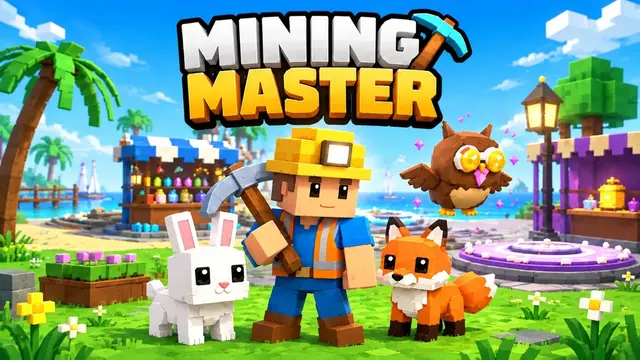 Mining Master
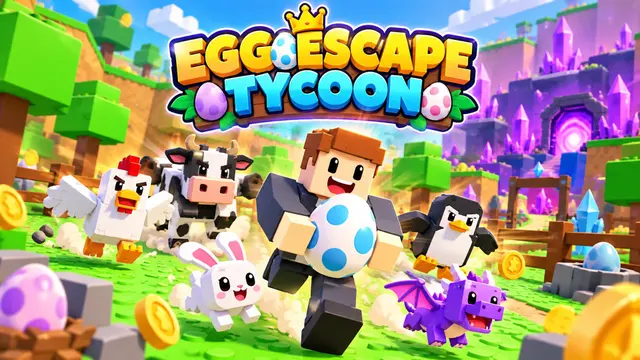 Egg Escape Tycoon
 Ultimate Horse Simulator
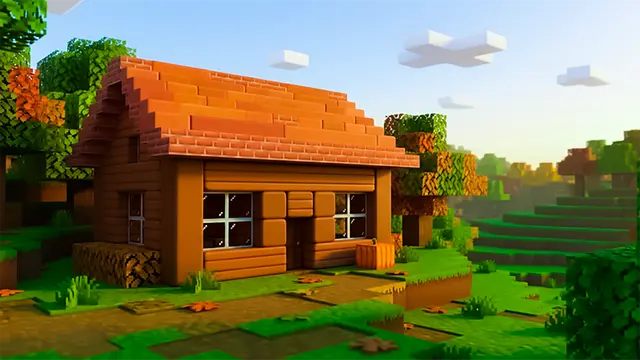 Noob in Mine - Sandbox & Craft
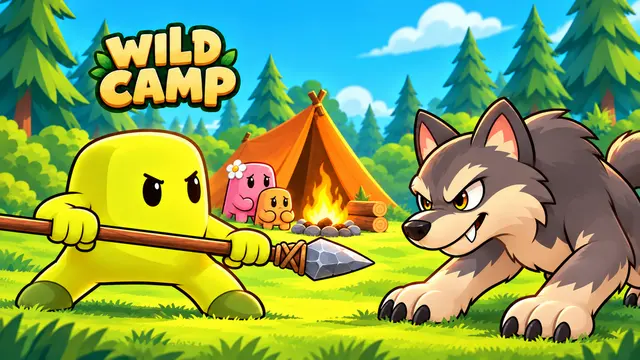 Wild Camp
 Colonora: Colony Survival
 Obby Sail for Egg
 Obby Break an Egg
 TerraBlox
 Bee Simulator: Mine
 Nest Heist
 Grow an Egg: Brainrot Pets Online
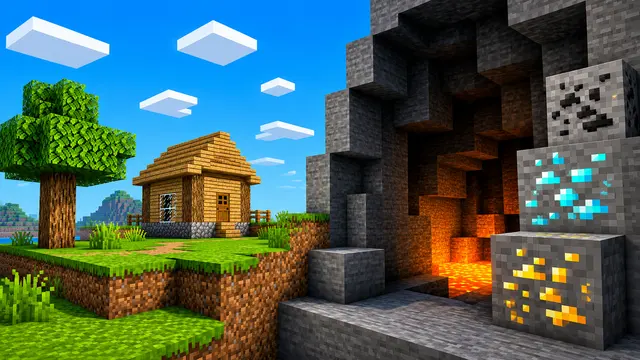 Mine - Survival & Creative
 Real Survival: Not Fake
 Heist Crew: Crime, Robbery and Escape
 Zomboblox 2: Real Online
 Sprunki Craft - Sandbox 3D
 Gangsta Island: Crime City
 Hedgies
 Pocket ZONE
 King Simulator
 Woods of Nevia: Forest Survival
 Fishing: Catch the Secret Brainrot
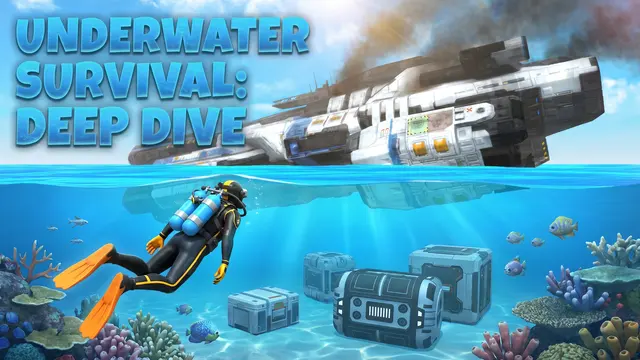 Underwater Survival: Deep Dive
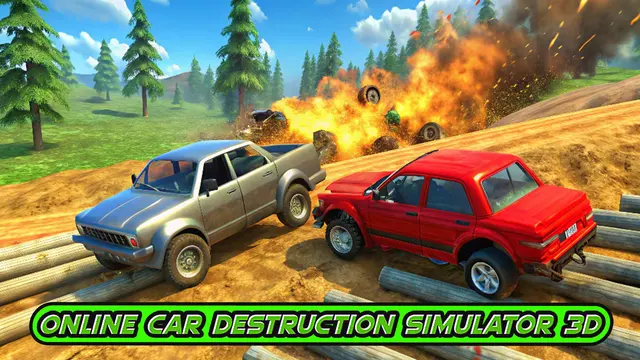 Online Car Destruction Simulator 3D
 Left 4 Die
 Abandoned Mansion
 Your Obby Labyrinth
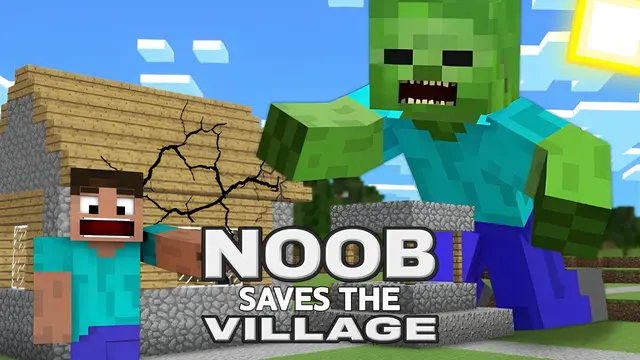 Noob saves the village
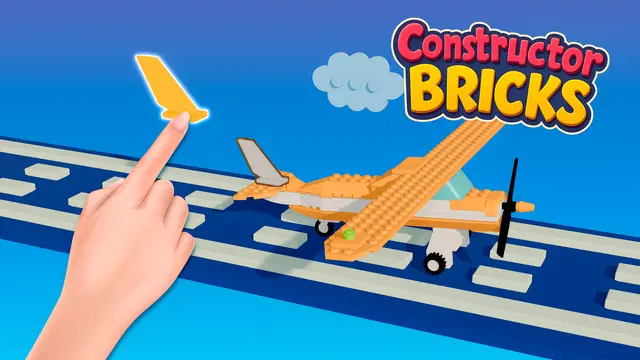 Constructor Bricks
 Craftsman Land
 God Of Entropy
 Millionaire Life
 A Long Way Home
 DreamBlox
 Hard Working Man
 War Groups
 Animal Evolution Simulator
 I am Crazy Bird
 Breinrot Bog
 Block Battle - Noob vs Pro
 Red & Blue: Online. Build! Destroy! Fight!
 The Tall Man
 Block Mine Fuse TNT
 Idle Crafting Empire Tycoon
 Patagonians
 Steve parkour in mine
 Pulse Of Fear
 Your Obby Escape
 Parkour World 2
 The Upside Down
 Crime and Vice City Police
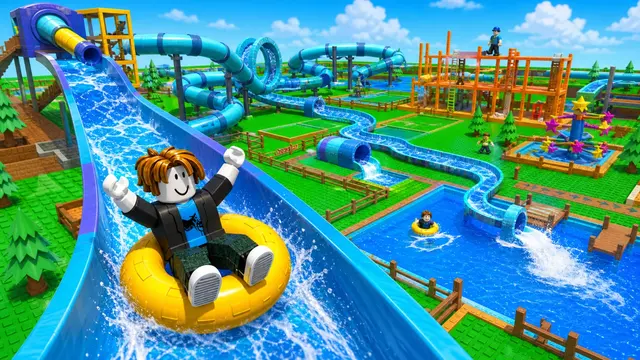 Build an Aquapark
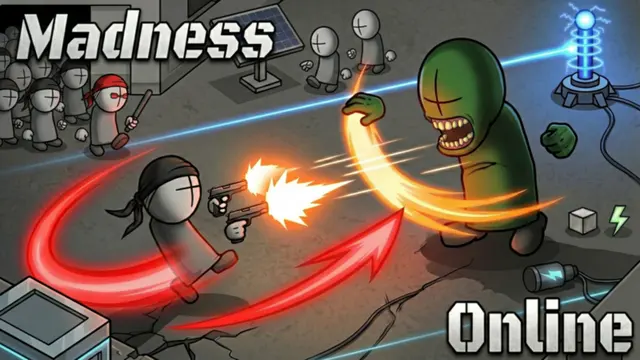 Madness Online
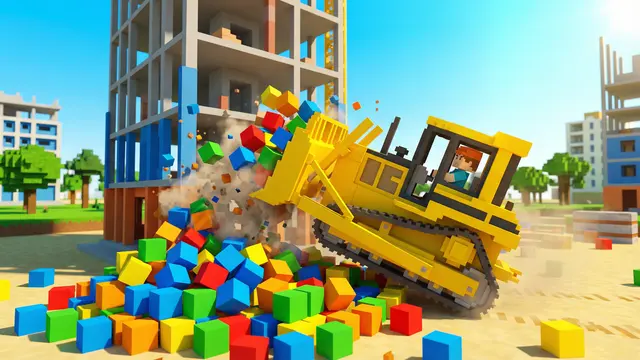 Miner Builder
 The Warlock's Prisoner
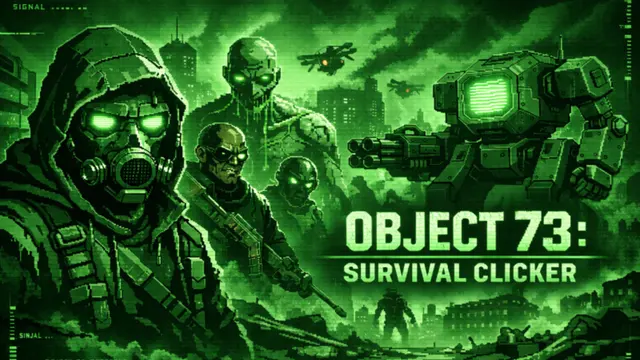 Object 73: Survival Clicker
 Tank Craft 2
 Escape from the Portal
 Gun Craft and Fight
Play DeepMine online
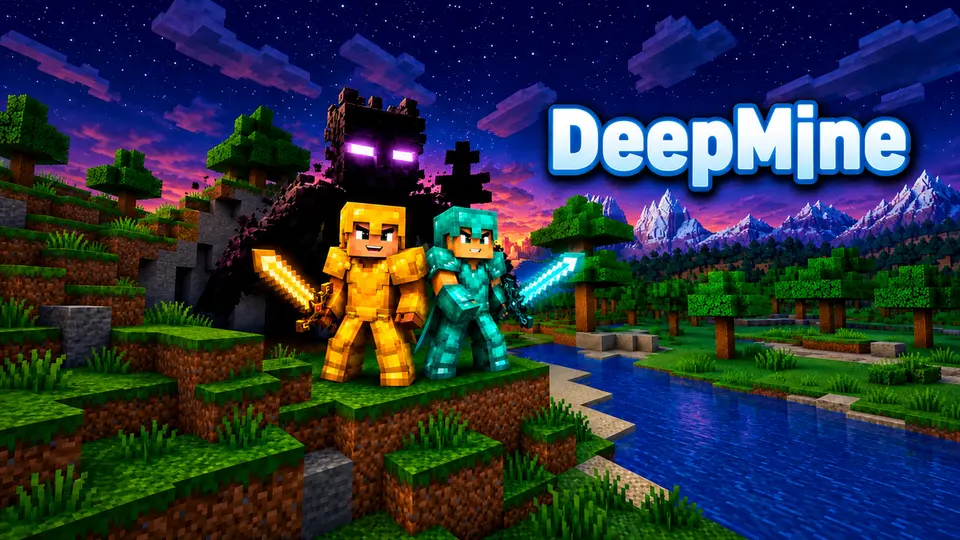
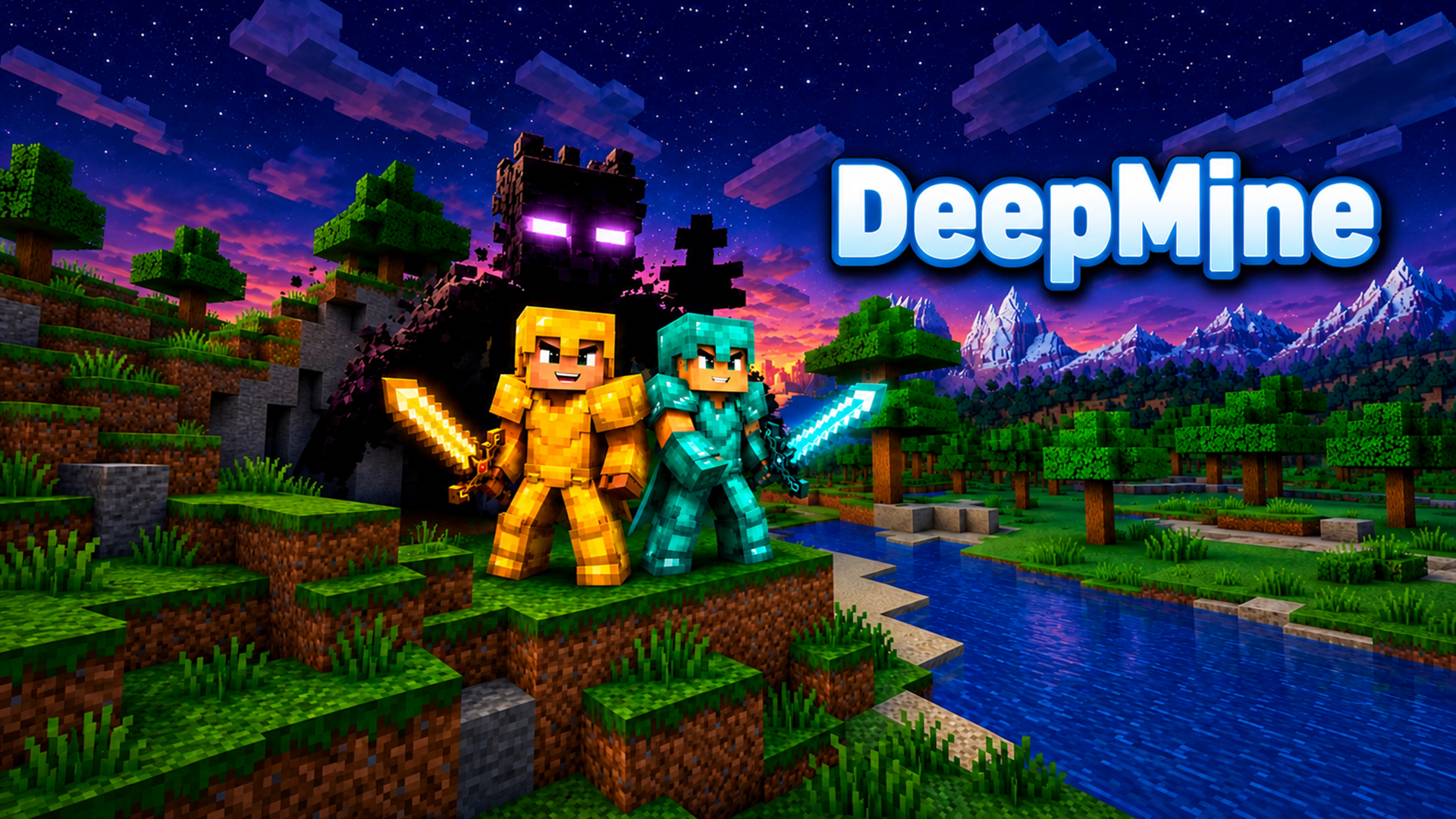
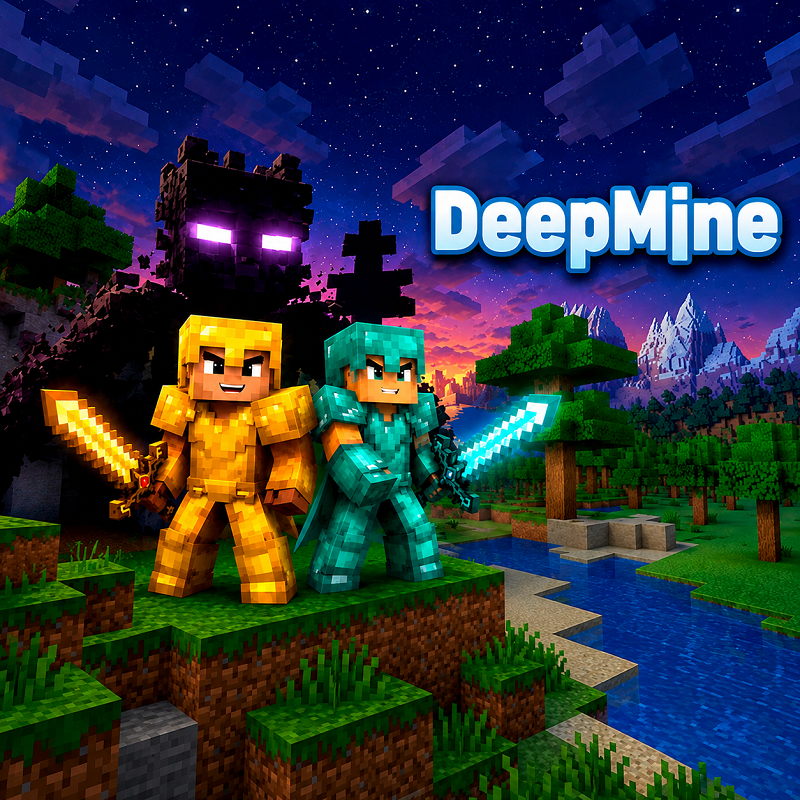
DeepMine is a large-scale 3D sandbox where players explore a living block-based world and choose their own playstyle. The game blends the familiar freedom of Minecraft with the energy of Roblox, while adding its own mechanics, quests, and discoveries that make every session feel like a new adventure. Explore different biomes, discover new places, and interact with the environment.
Gather and use the materials described in the game to work toward your next task. Check the recipe or requirement before spending a resource. Character tasks or quests provide goals to work toward as you explore. The controls include access to an inventory.
How to play DeepMine
Controls and instructions
W A S D — move
Space — jump
Shift — sneak
Caps Lock — sprint
Mouse — control the camera
Left mouse button — break blocks / attack
Right mouse button — place blocks / use items
E — open inventory
1-9 — select a hotbar item
Q — drop the selected item
F — move an item to the off-hand
T — open chat
Tab — view the player list
R — change camera view
Esc — open the pause menu / release the cursor
Click on the screen — start controlling your character
Mobile:
Left joystick / movement area — move
Swipe on the right side of the screen — turn the camera
Tap the screen — interact with blocks
Hold on the screen — break blocks / attack
Action button — jump or use an item depending on the situation
Double-tap the movement area — sneak
Inventory button — open inventory
Tap hotbar slots — switch item
Menu button — open the pause menu
Getting started with DeepMine
- Read the next item’s requirements before deciding what to collect.
- Check the current task before deciding where to go next.
- Check the listed inventory input when you need to review what you are carrying.
About this game
- Platform
- Web browser
- Supported devices
- Android, iOS, Desktop
- Screen orientation
- Landscape
- Languages
- American English, Arabic (Egypt), Azerbaijani (Azerbaijan), Chinese (China), German (Germany), Dutch (Netherlands), European Spanish, French (France), Hindi (India), Indonesian (Indonesia), Italian (Italy), Japanese (Japan), Korean (South Korea), Kazakh (Kazakhstan), Polish (Poland), European Portuguese, Russian (Russia), Thai (Thailand), Turkish (Türkiye), Ukrainian (Ukraine), Uzbek (Uzbekistan), Vietnamese (Vietnam)
- Genres
- Adventure, Simulation, Multiplayer, Minecraft, Survival, Crafting, Blocks
- In-game purchases
- None listed by the provider
- Provider
- Playgama
- Provider audience
- Male, Female
Game features and tags
- Voxel
- Webgl
- Collecting
- Mine
- Sandbox
- Building
- Open World
- Minecraft Adventure
DeepMine images
Questions about DeepMine
How do I start playing?
Choose Play now in the game window above to load DeepMine through Playgama. Read the controls and instructions above before you start.
Which devices can I play on?
The provider lists support for Android, iOS, Desktop. Play in your web browser using the controls described above.
Which languages does the game support?
American English, Arabic (Egypt), Azerbaijani (Azerbaijan), Chinese (China), German (Germany), Dutch (Netherlands), European Spanish, French (France), Hindi (India), Indonesian (Indonesia), Italian (Italy), Japanese (Japan), Korean (South Korea), Kazakh (Kazakhstan), Polish (Poland), European Portuguese, Russian (Russia), Thai (Thailand), Turkish (Türkiye), Ukrainian (Ukraine), Uzbek (Uzbekistan), Vietnamese (Vietnam).
Does the game have in-game purchases?
The provider lists no in-game purchases for this game. Games may display advertisements.
Related game categories
Game facts and artwork supplied by Playgama. Descriptions adapted and getting-started guidance added by LookBear. Game content, ads and purchases are provided by Playgama and the game provider.