 Survival Sandbox for 99 Nights
99 Night Survivor
Provided by Playgama
99 Night Survivorvia Playgama



 Exploring the Galaxy 1: Andora
 A Mother's Grief
 Run from 67
 IT LURKS
 Wild Wolf Simulator Animal Games
 Wildkin Isles
 Backrooms: Exit Protocol 0
 Crumb Bandit
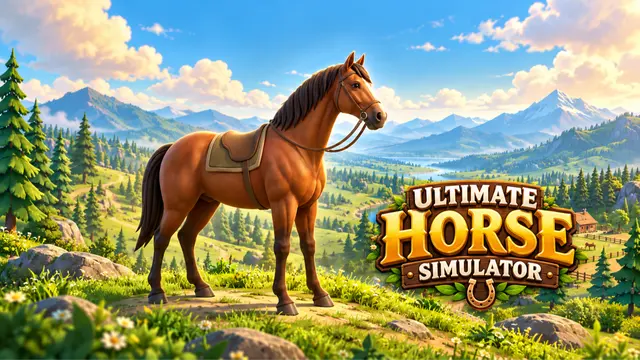 Ultimate Horse Simulator
 Noob in Mine - Sandbox & Craft
 Capy Market
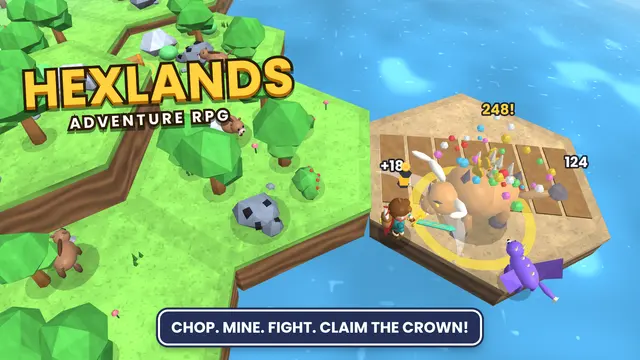 Hexlands
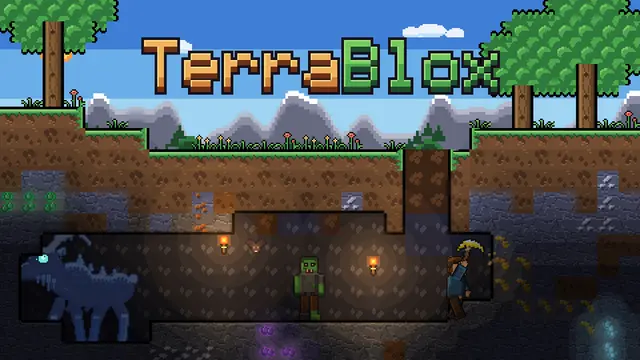 TerraBlox
 Bee Simulator: Mine
 Steal an Egg: Sky Pets
 Gold Rush Builder
 Nest Heist
 Don't Splash
 Real Survival: Not Fake
 ECHO-9: Pressure Chamber
 Clean the Moon
 Emberwing: Skies of the Undead
 Ok! I Pull Up Capybay!
 Gingerbread Town
 Night Shift Rules
 Matchbox Girl
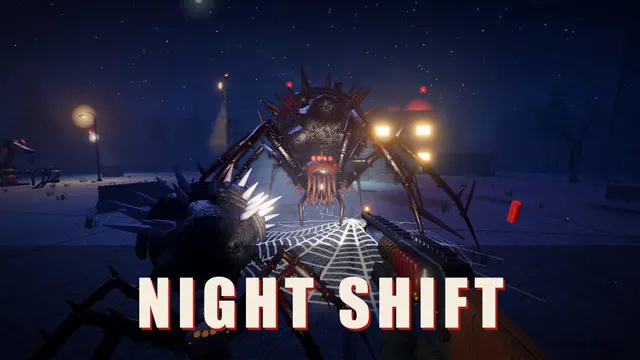 Night Shift: Blackwood Lab
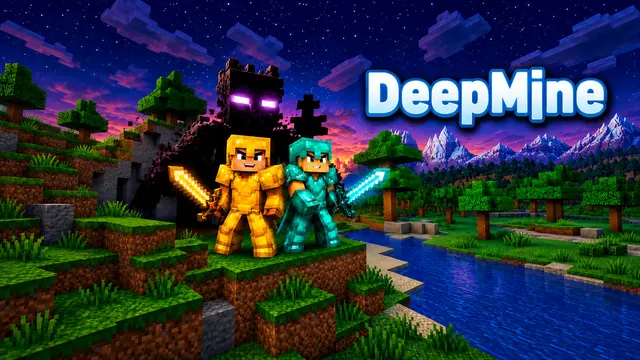 DeepMine
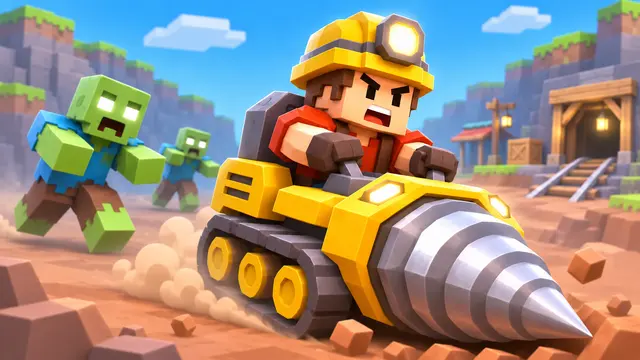 Drill to Earth's Core: Zombie
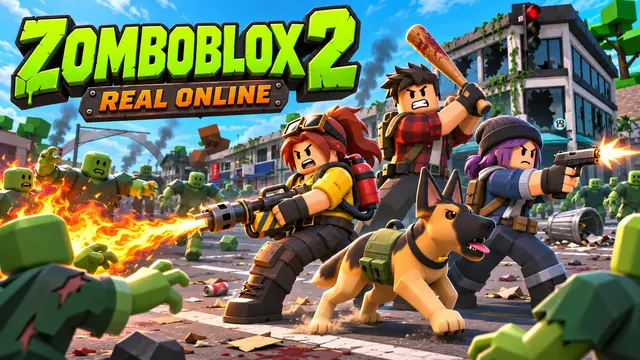 Zomboblox 2: Real Online
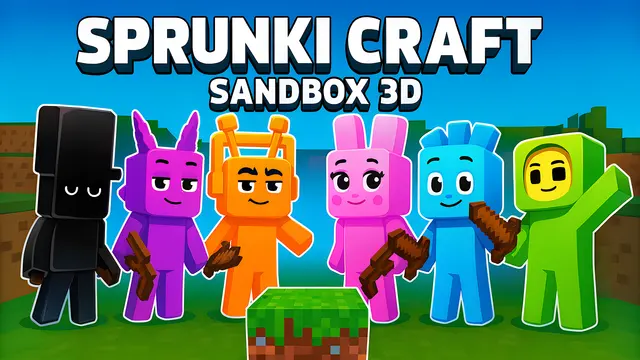 Sprunki Craft - Sandbox 3D
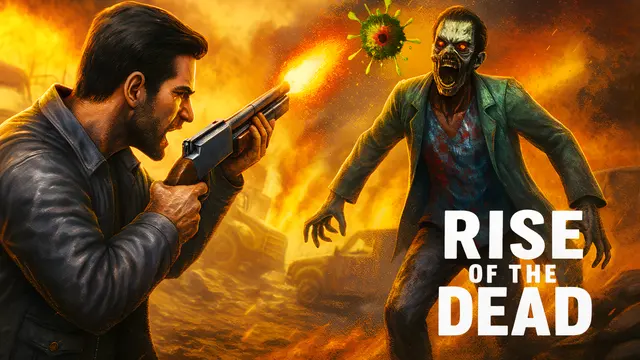 Rise of the Dead
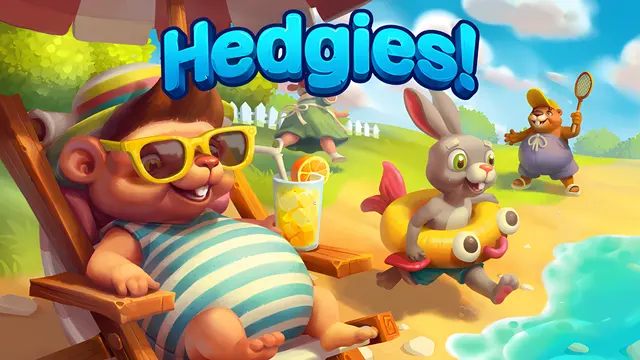 Hedgies
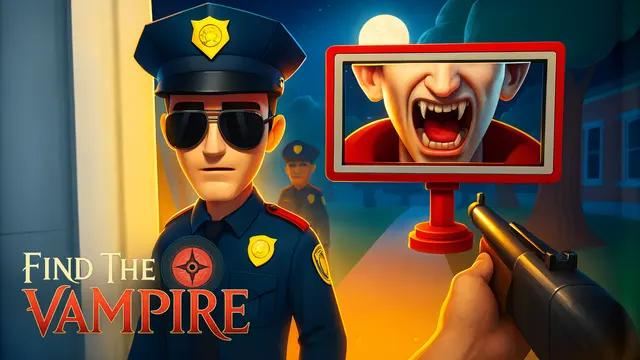 Find the Vampire
 Trap Craft
 Pocket ZONE
 Woods of Nevia: Forest Survival
 Imposter 3D online horror
 Dead Land: Survival
 Left 4 Die
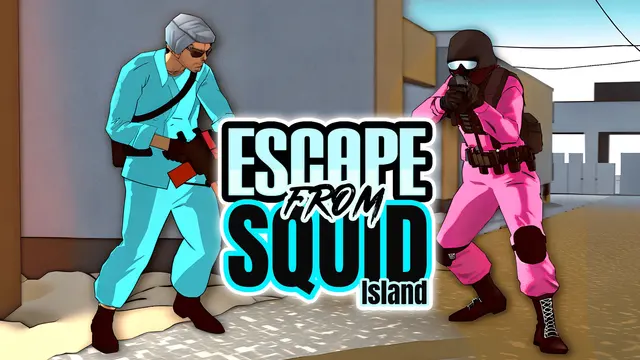 Escape From Squid Island
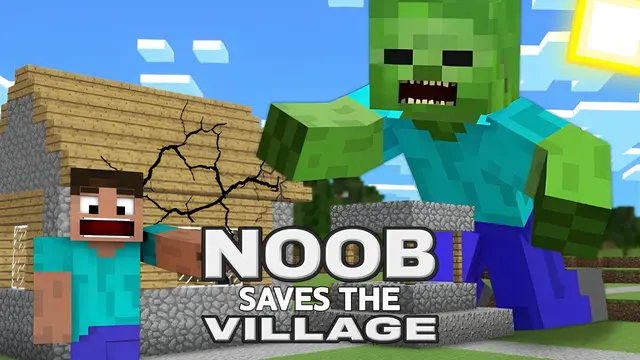 Noob saves the village
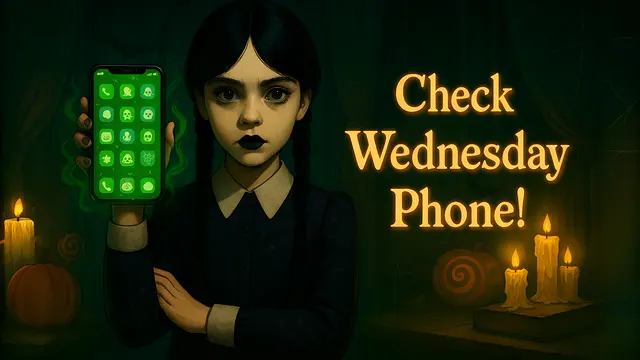 Check Wednesday Phone!
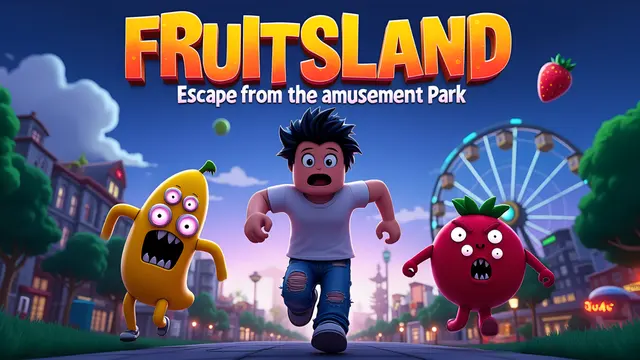 Fruitsland: Escape from the Amusement Park
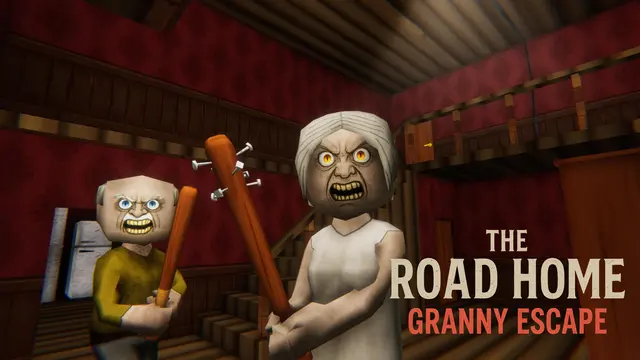 The Road Home: Granny Escape
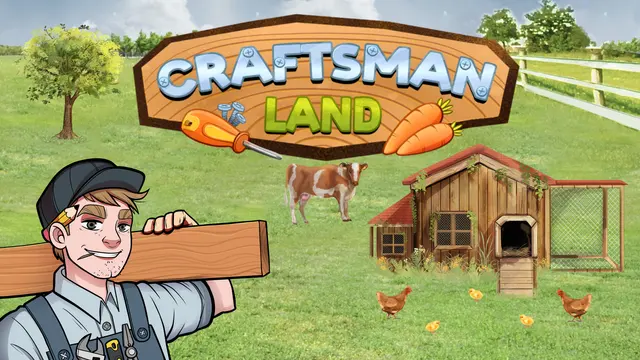 Craftsman Land
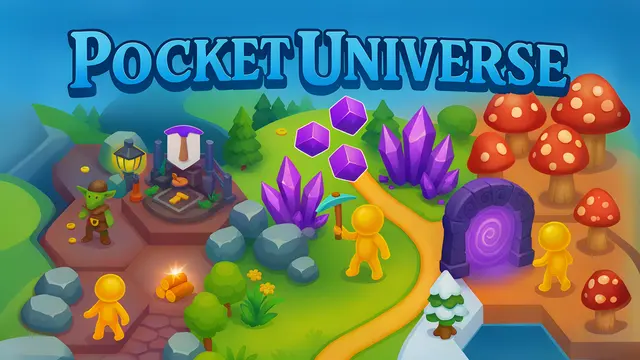 Pocket Universe
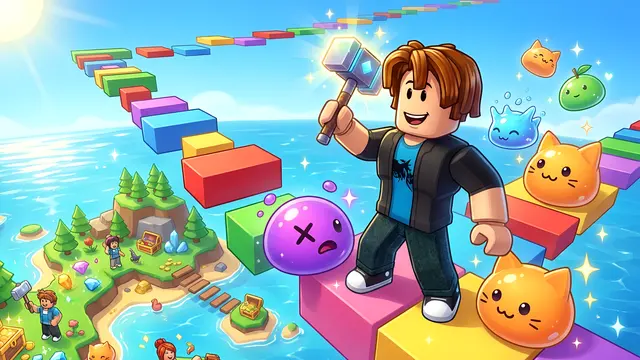 Build Obby World
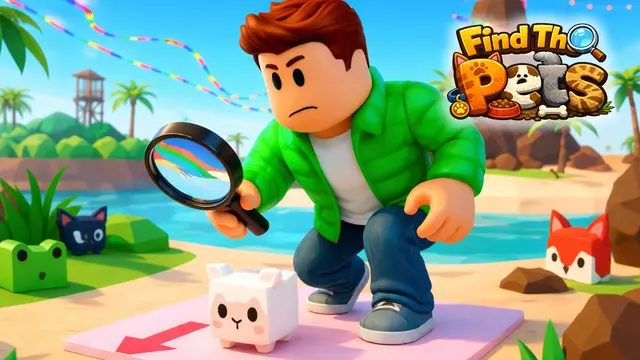 Find The Pets
 Breinrot Bog
 Mine Mining Islands: Skyblock Village!
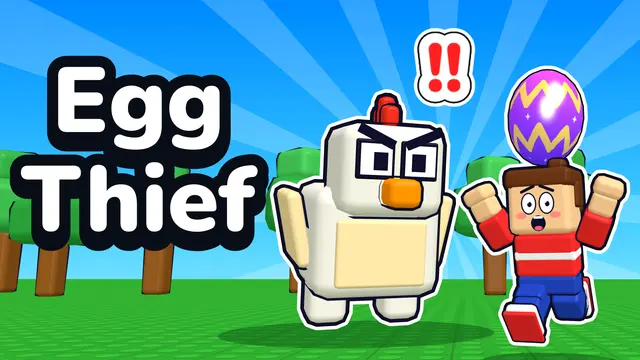 Egg Thief
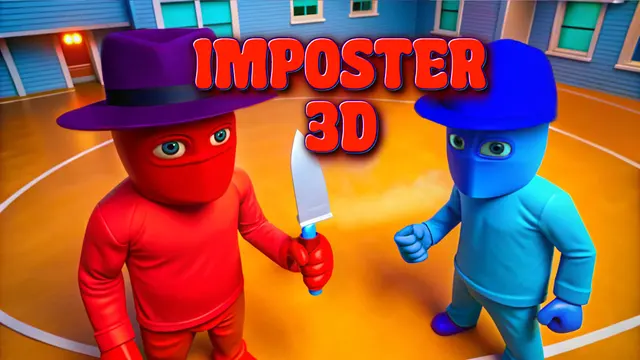 Imposter 3D
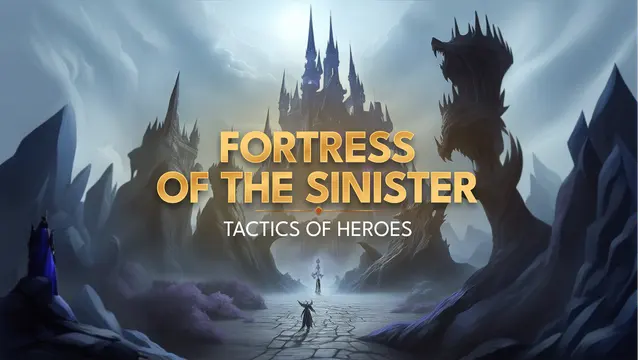 Fortress of the Sinister
 Creepy playtime
 Same Room Same Day
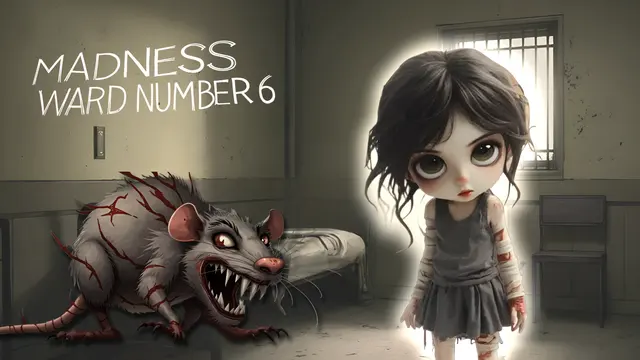 Madness: Ward number 6
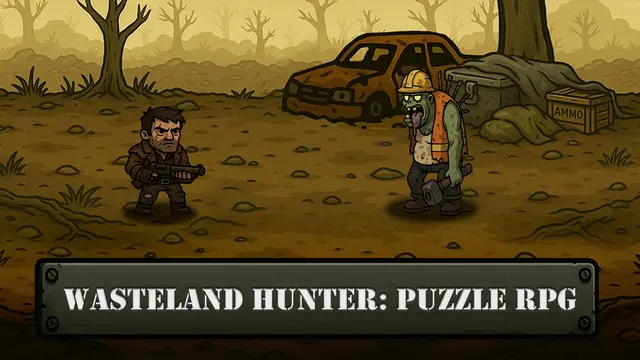 Wasteland Hunter: puzzle RPG
 Schoolboy Runaway: room escape
 Schoolboy Escape: Runaway
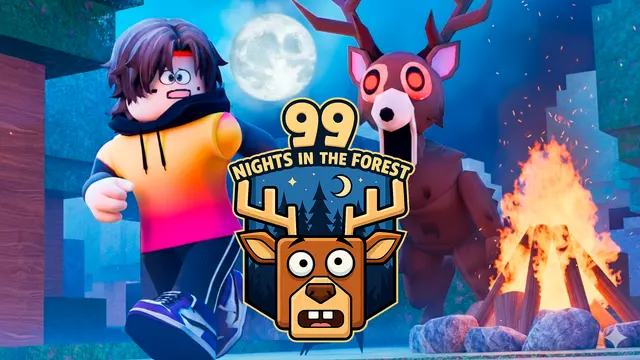
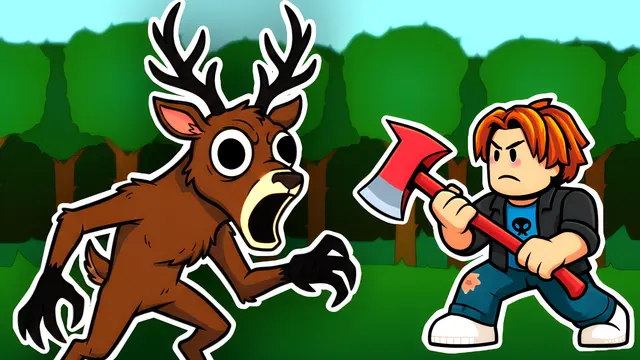 99 Nights In The Forest - Survival Simulator
 Escape From The Crypt
 Escape Strange Girl’s House
 Locked in Grandma’s Basement 2: Revenge - Horror Escape
Play 99 Night Survivor online
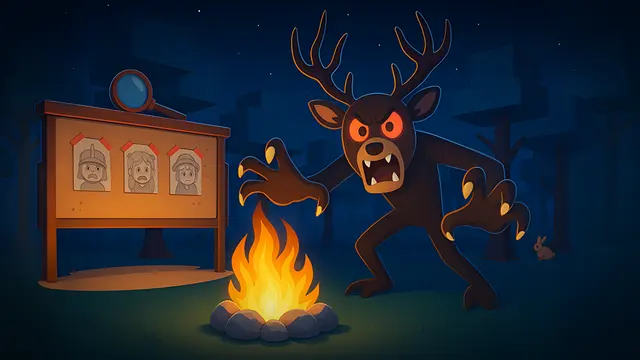
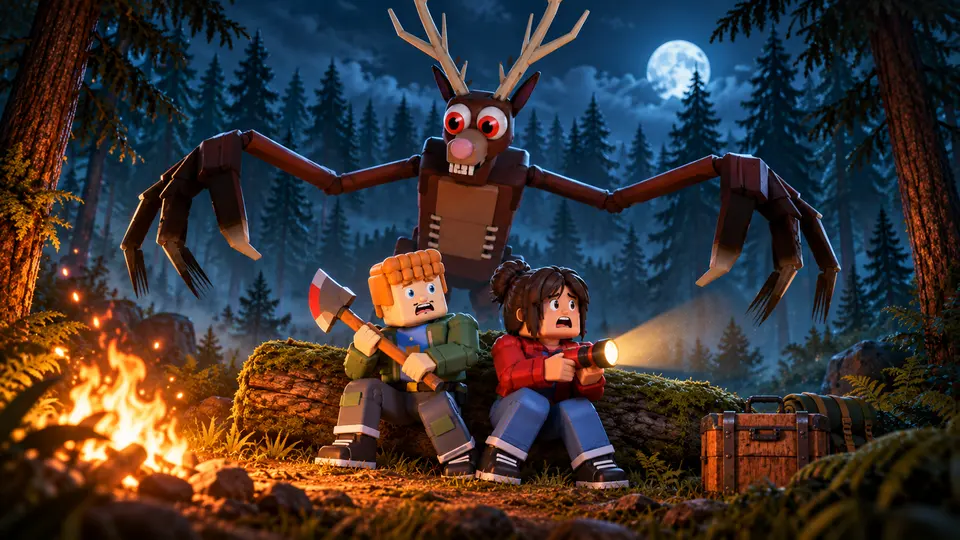
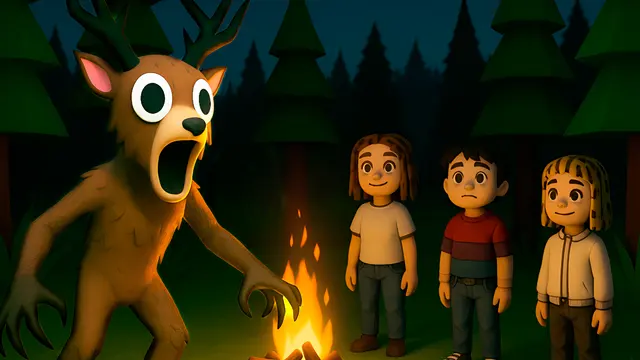
Survive 99 nights in a foggy forest. By day you chop trees, gather food and craft gear at your camp; by night monsters come for your campfire. Feed and upgrade the fire to push back the fog, explore new zones, find the four lost kids and bring them home, read the forest notes and face the boss in the final nights.
Gather and use the materials described in the game to work toward your next task. Check the recipe or requirement before spending a resource. Character tasks or quests provide goals to work toward as you explore. Coins appear in the game’s progression or objectives.
How to play 99 Night Survivor
Controls and instructions
Goal: survive 99 nights and rescue the four lost kids. Keep the campfire burning, upgrade it to clear the fog, and defend the camp at night.
PC: WASD - move, mouse - look, left click - attack / use item, Space - jump, Shift - sprint, E - interact, F - upgrade the fire (near it), 1-6 - hotbar, Tab - inventory, Q - drop, R - reload, M - map, J - quests, N - notes, K - shop, Esc - pause. Keys can be rebound in Settings.
Mobile: joystick on the left to move, swipe on the right to look, on-screen buttons to attack, jump, sprint and interact. Gamepads are supported.
Getting started with 99 Night Survivor
- Read the next item’s requirements before deciding what to collect.
- Check the current task before deciding where to go next.
- Check what the game lets you do with coins before spending them.
About this game
- Platform
- Web browser
- Supported devices
- Android, iOS, Desktop
- Screen orientation
- Landscape and Portrait
- Languages
- American English, Russian (Russia)
- Genres
- Adventure, Horror, 3d, Survival, Cozy, Crafting
- In-game purchases
- None listed by the provider
- Provider
- Playgama
- Provider audience
- Male, Female
Game features and tags
- Mission
- Defense
- 1 Player
- Building
- Horde Survival
- Resource Management
- Dungeon
- Open World
- Action Adventure
99 Night Survivor images
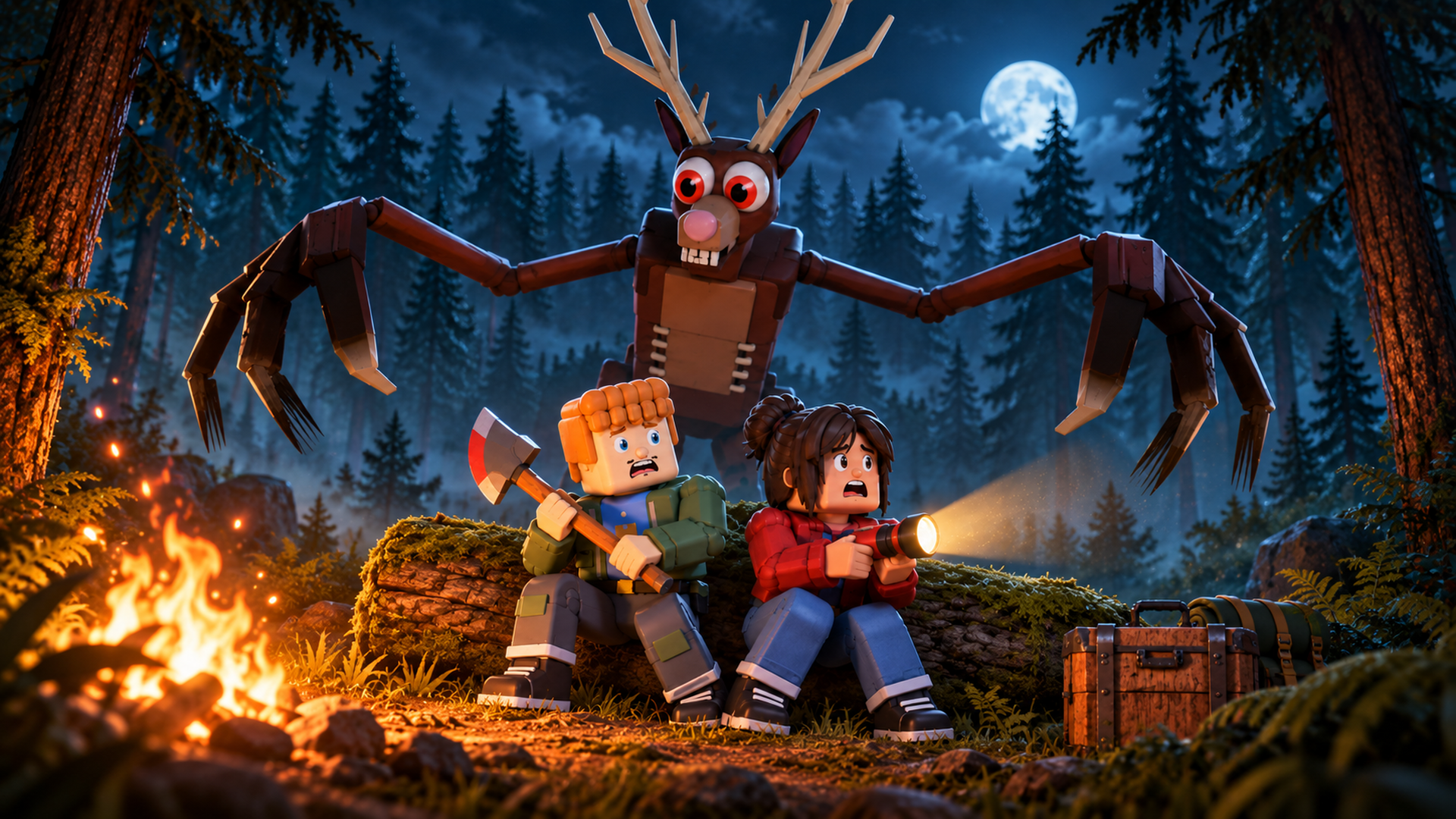
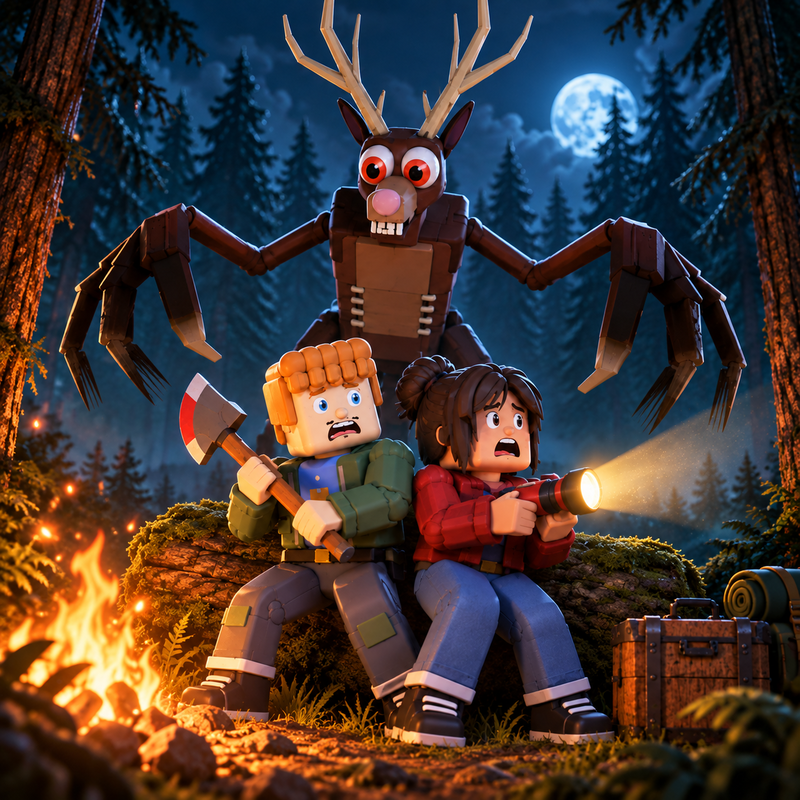
Questions about 99 Night Survivor
How do I start playing?
Choose Play now in the game window above to load 99 Night Survivor through Playgama. Read the controls and instructions above before you start.
Which devices can I play on?
The provider lists support for Android, iOS, Desktop. Play in your web browser using the controls described above.
Which languages does the game support?
American English, Russian (Russia).
Does the game have in-game purchases?
The provider lists no in-game purchases for this game. Games may display advertisements.
Related game categories
Game facts and artwork supplied by Playgama. Descriptions adapted and getting-started guidance added by LookBear. Game content, ads and purchases are provided by Playgama and the game provider.