 Skyblock 3D: Survival
Backrooms Craft
Provided by Playgama
Backrooms Craftvia Playgama




 Stalker 2033: The Path of the Survivor
 A Long Way Home
 Sorcerers Refuge
 King Dungeon
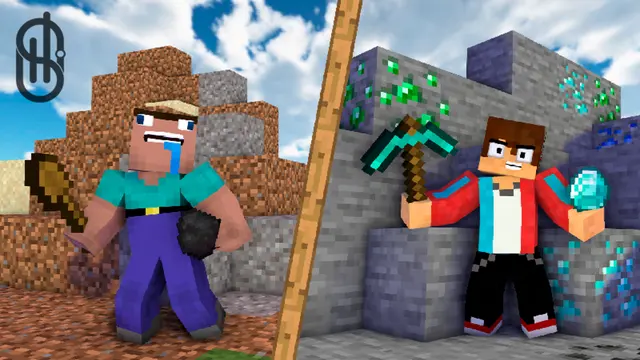 Mine Mining Islands: Skyblock Village!
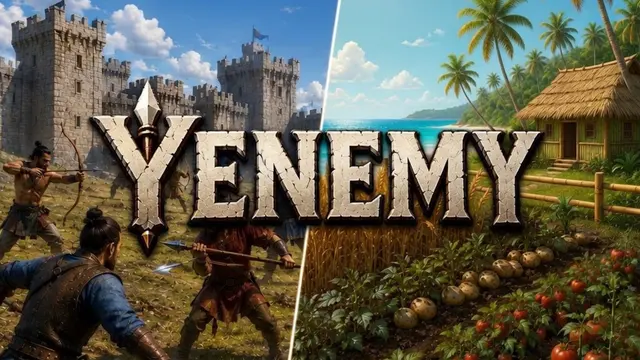 Yenemy
 Rift of Hell - Demons War
 Patagonians
 99 Nights In The Forest - Survival Simulator
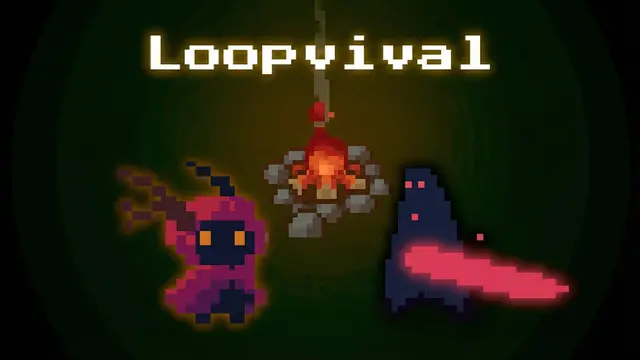 Loopvival
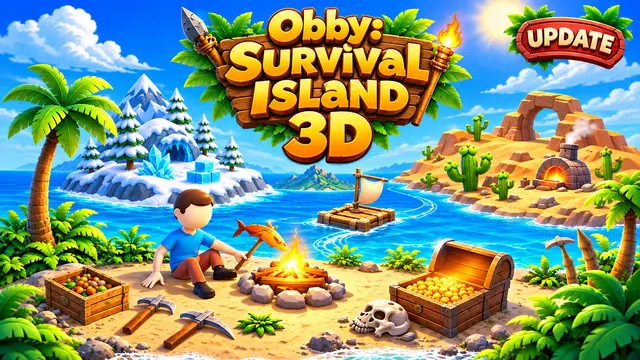 Obby: Survival Island
 The Warlock's Prisoner
 Escape from the Portal
 Mine Mining Islands 2: Skyblock City!
 Long Drive to Horizons Sim
 LifeCode
 Unfamiliar Object
 A Mother's Grief
 Run from 67
 +1 Grass Cutting: Become Stronger
 IT LURKS
 Heist Idle
 Cheat and Don't Get Caught!
 Toybox: Pixel World Sandbox
 Steal An Egg - Grow Animals
 Wildkin Isles
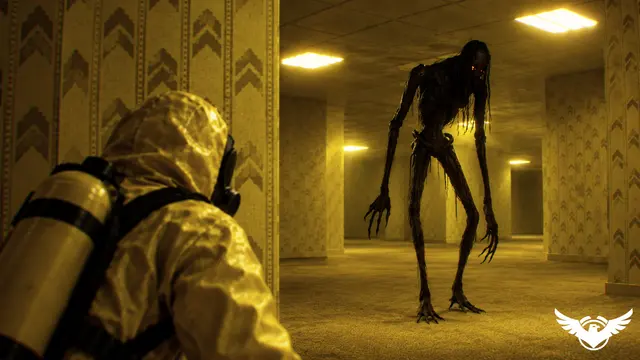 Backrooms: Exit Protocol 0
 Relic Rush 3D
 Steal a Pet!
 Obby: Dig to the center of the Earth
 Pocket Mart
 Steals Eggs From Animals
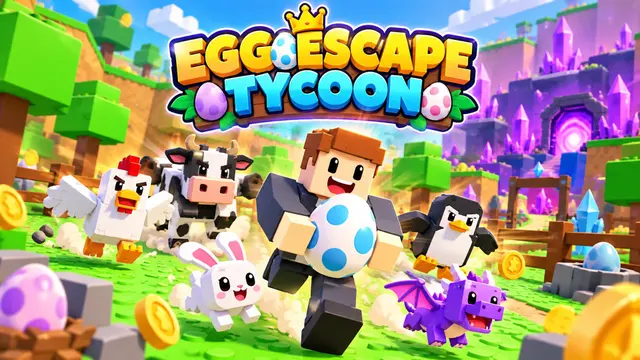 Egg Escape Tycoon
 Sunny Bay Heroes
 Obby: Steal an Egg - The Great Escape
 Master of Riding a Pet
 Smash and Steal an Egg!
 Capy Market
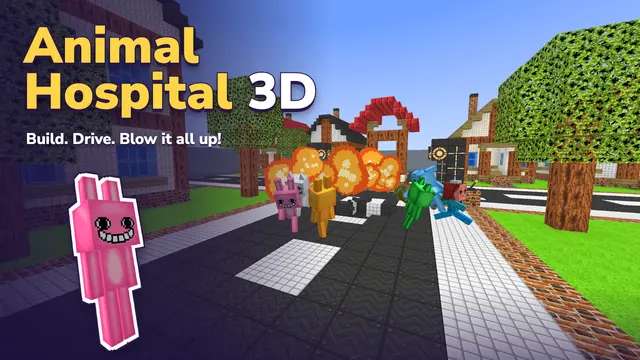 Animal Hospital 3D
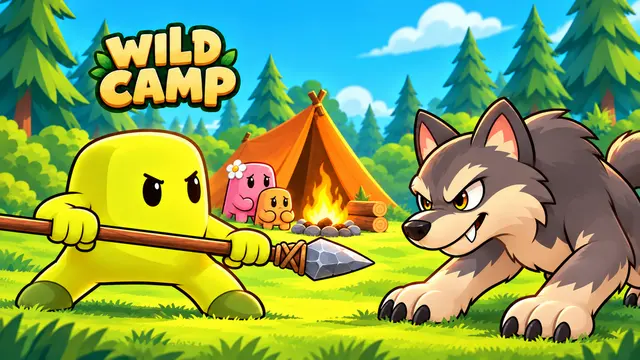 Wild Camp
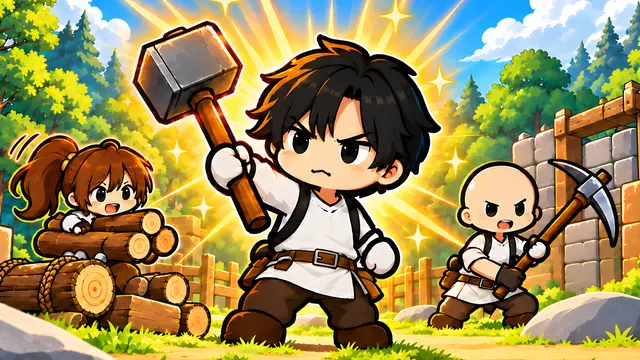 Colonora: Colony Survival
 Obby Sail for Egg
 Steal an Egg 3D
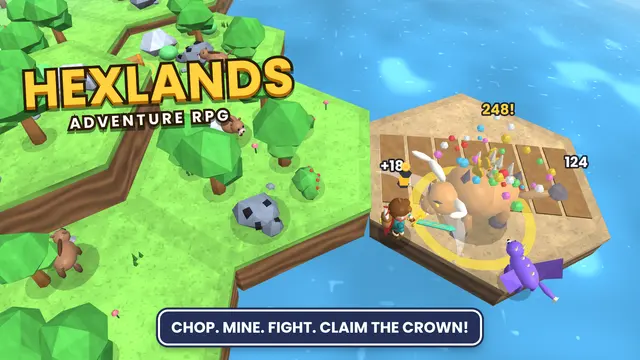 Hexlands
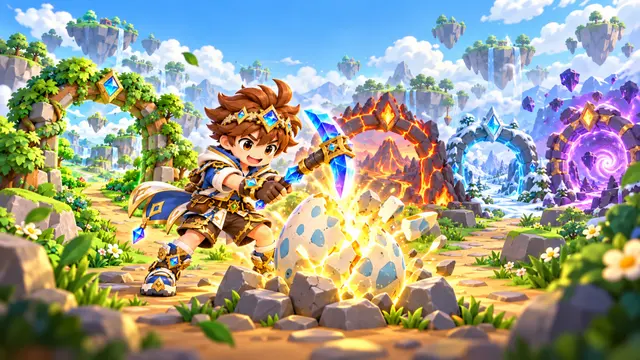 Obby Break an Egg
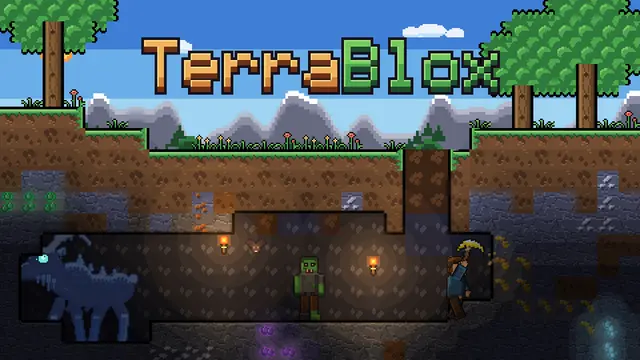 TerraBlox
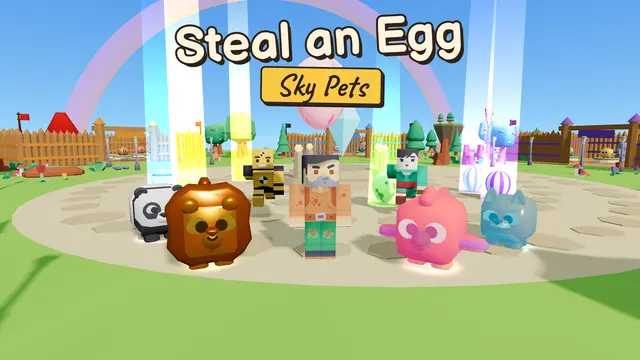 Steal an Egg: Sky Pets
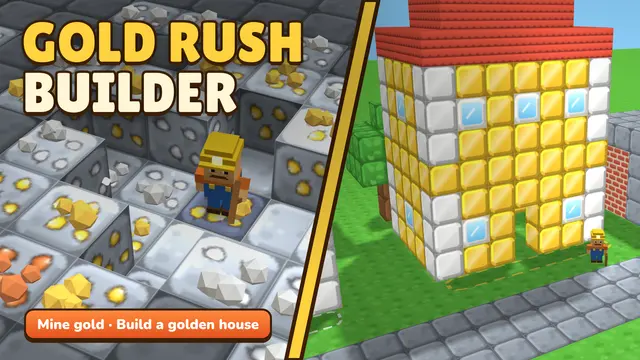 Gold Rush Builder
 Nest Heist
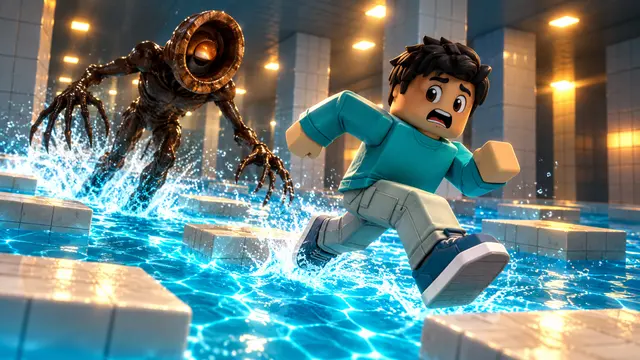 Don't Splash
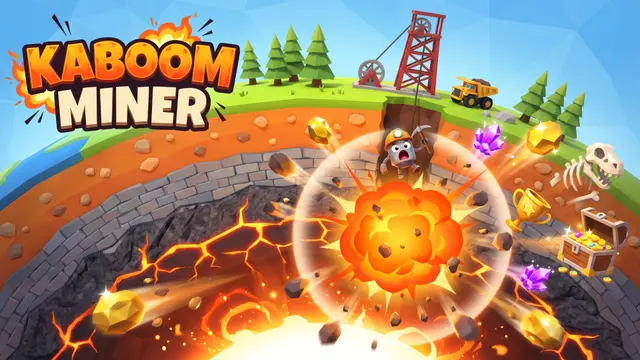 Kaboom Miner
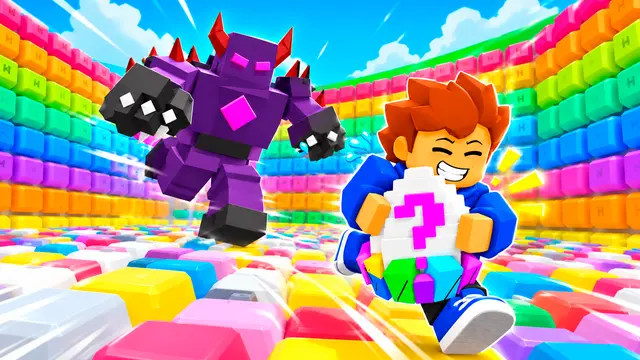 Grow an Egg: Brainrot Pets Online
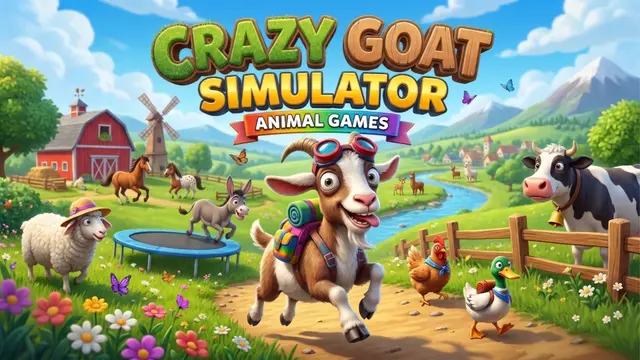 Crazy Goat Simulator Animal Games
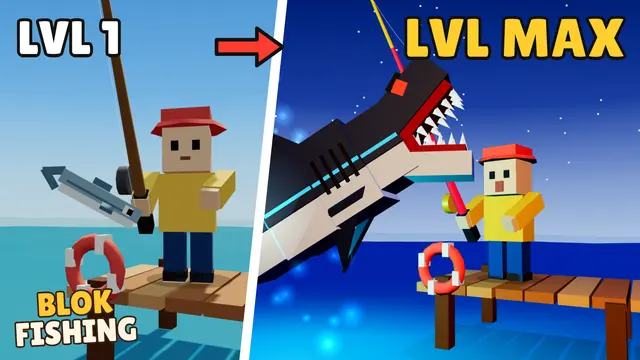 Blok Fishing
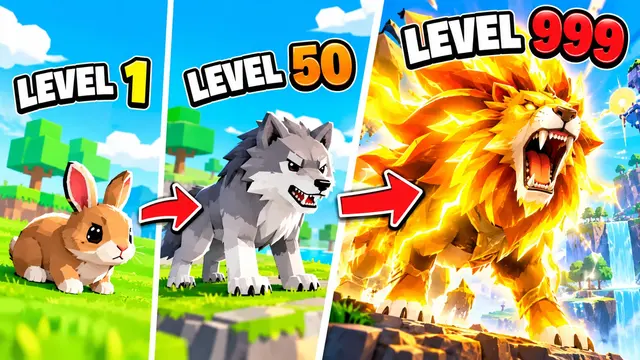 Evolution Simulator
 Catch a Fish
 Break the Egg and Run away!
 ECHO-9: Pressure Chamber
 Dino Rodeo 3D
 Clean the Moon
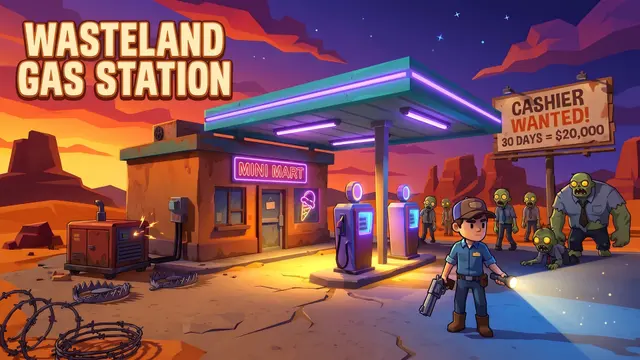 Wasteland Gas Station
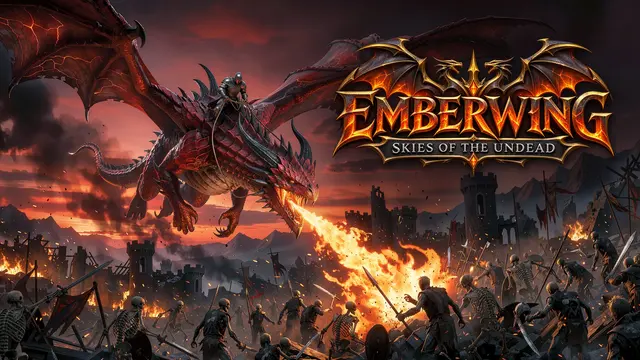 Emberwing: Skies of the Undead
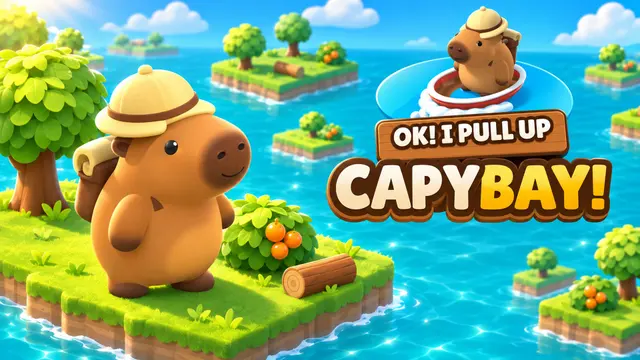 Ok! I Pull Up Capybay!
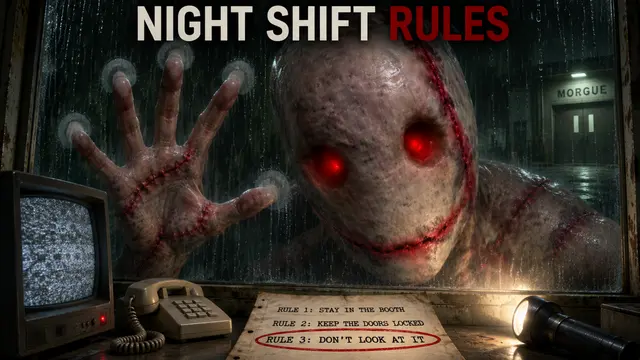 Night Shift Rules
Play Backrooms Craft online
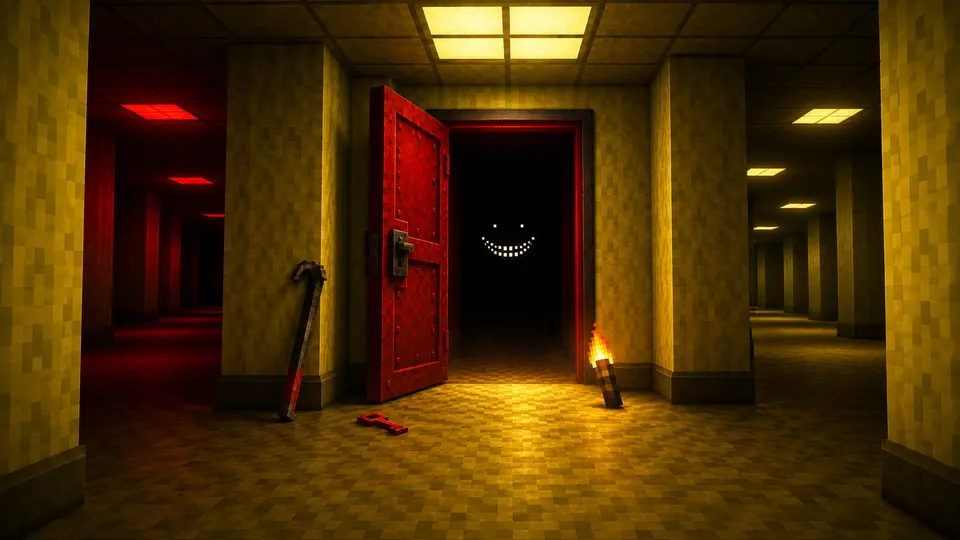
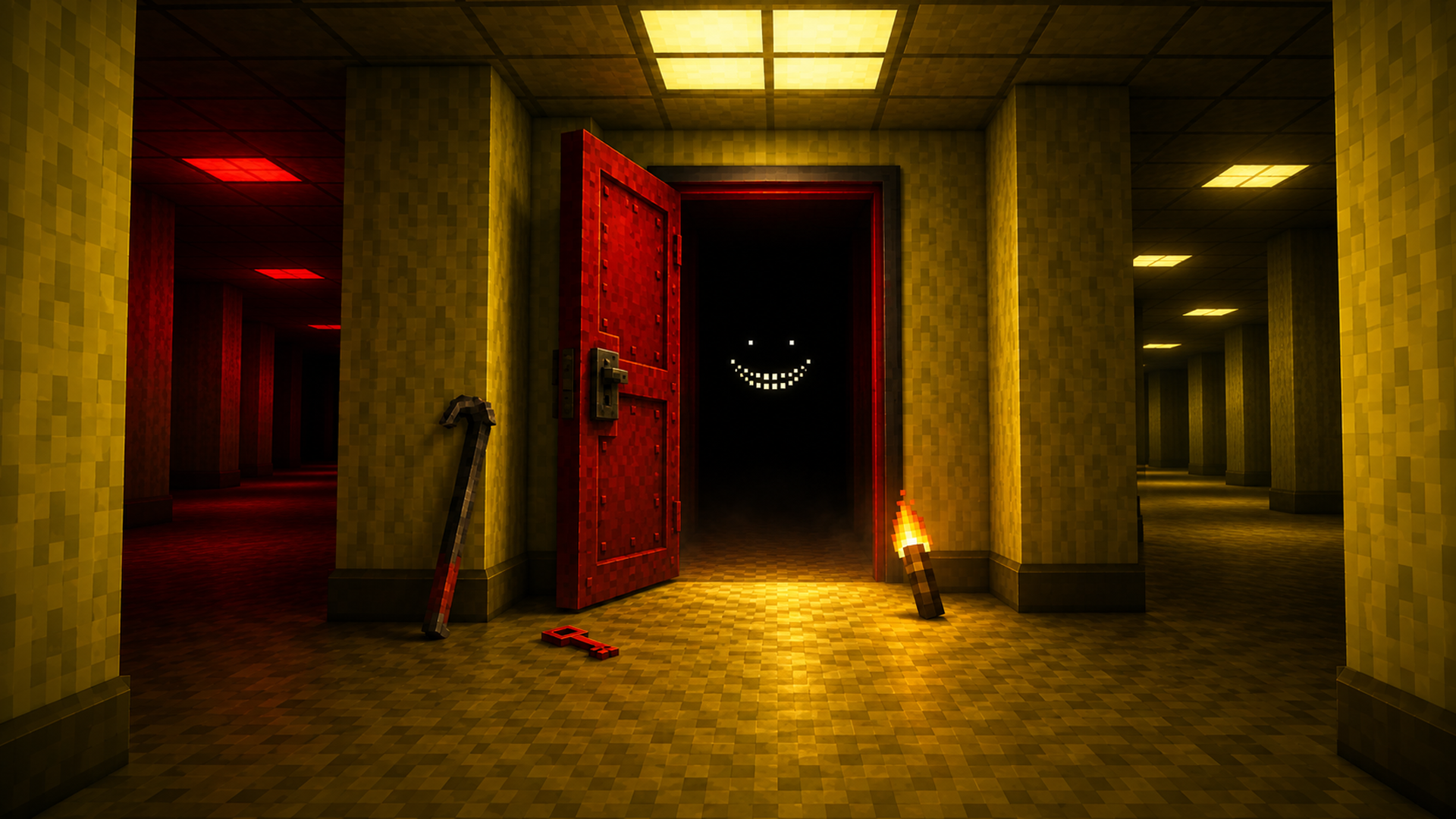
Behind it: damp carpet, humming lights, yellow wallpaper that runs further than it has any right to. Just a workbench, a furnace, and whatever the last expedition left behind. A chair comes apart into sticks, sticks become a torch, boards a workbench.
Gather and use the materials described in the game to work toward your next task. Check the recipe or requirement before spending a resource. The controls include access to an inventory. The listed controls include WASD input.
How to play Backrooms Craft
Controls and instructions
On a computer: WASD or the arrow keys to walk, Shift to run, Space to jump, C to crouch. The mouse looks around. Hold the left button to mine a block or pull furniture apart — on a creature it is a blow. The right button places a block, eats, drinks, or opens a workbench or furnace. Keys 1-9 and the mouse wheel pick an item from the belt. E is inventory and crafting, J is the journal, Esc is pause.
On a phone: the stick appears on the left wherever you touch the screen; hold it against the edge and you break into a run. Drag a finger across the world to look around. Hold a finger on a block and mining starts, and you can keep sliding without lifting. A short tap places, uses or hits. Round jump and crouch pads sit on the right; a weapon pad appears when you are holding one. The bag at the end of the belt opens inventory and crafting, the journal is in the top corner.
Getting started with Backrooms Craft
- Read the next item’s requirements before deciding what to collect.
- Check the listed inventory input when you need to review what you are carrying.
- Check the action mappings as well as movement; extra actions may use different keys.
About this game
- Platform
- Web browser
- Supported devices
- Android, iOS, Desktop
- Screen orientation
- Landscape
- Languages
- American English, Russian (Russia)
- Genres
- Adventure, Simulation, Horror, 3d, Minecraft, Survival, Crafting
- In-game purchases
- None listed by the provider
- Provider
- Playgama
- Provider audience
- Male, Female
Game features and tags
- 1 Player
- Mine
- Sandbox
- Building
- Open World
- Minecraft Survival
- Minecraft Adventure
- Action Adventure
- Action Rpg
- Survival Horror
- Backrooms
- Ai
Backrooms Craft images

Questions about Backrooms Craft
How do I start playing?
Choose Play now in the game window above to load Backrooms Craft through Playgama. Read the controls and instructions above before you start.
Which devices can I play on?
The provider lists support for Android, iOS, Desktop. Play in your web browser using the controls described above.
Which languages does the game support?
American English, Russian (Russia).
Does the game have in-game purchases?
The provider lists no in-game purchases for this game. Games may display advertisements.
Related game categories
Game facts and artwork supplied by Playgama. Descriptions adapted and getting-started guidance added by LookBear. Game content, ads and purchases are provided by Playgama and the game provider.